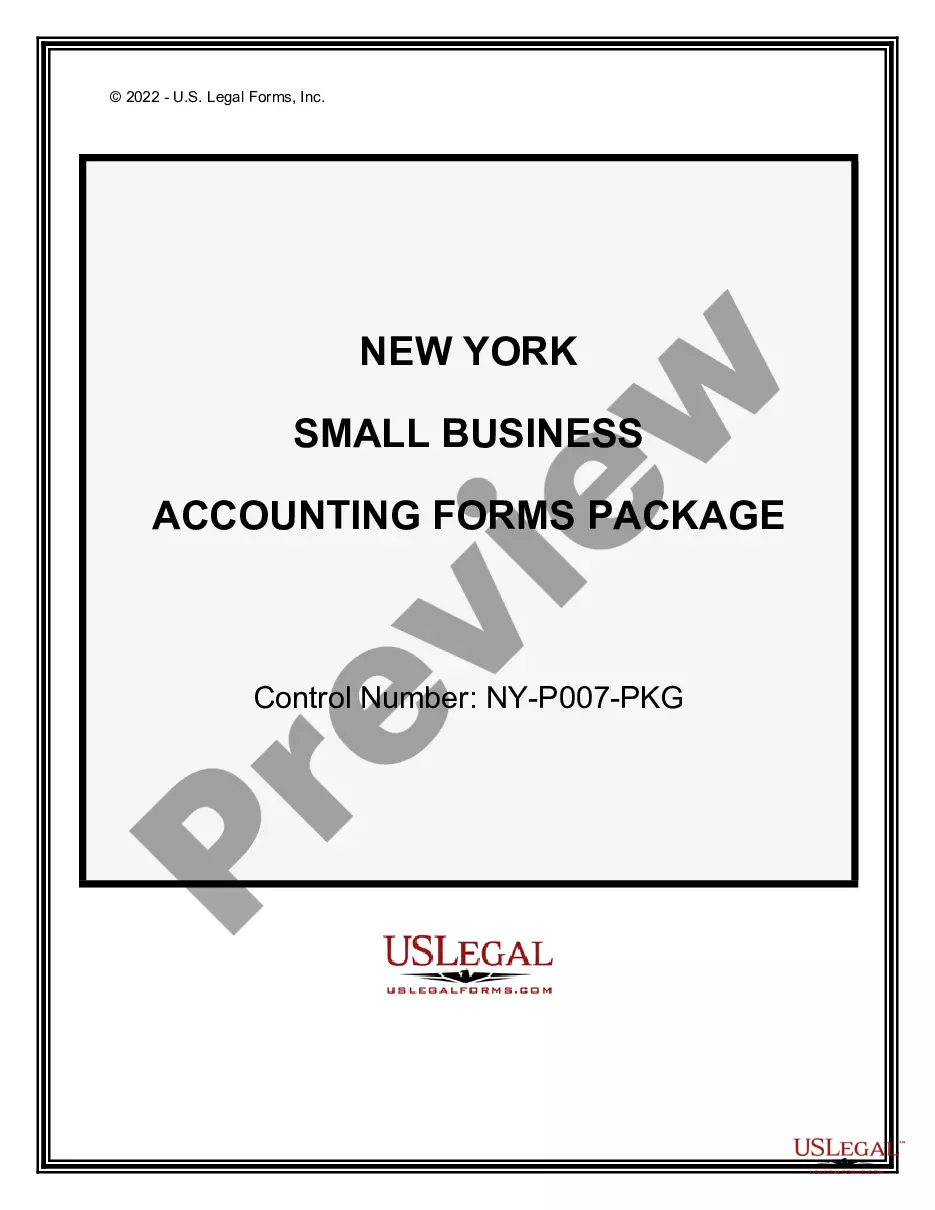
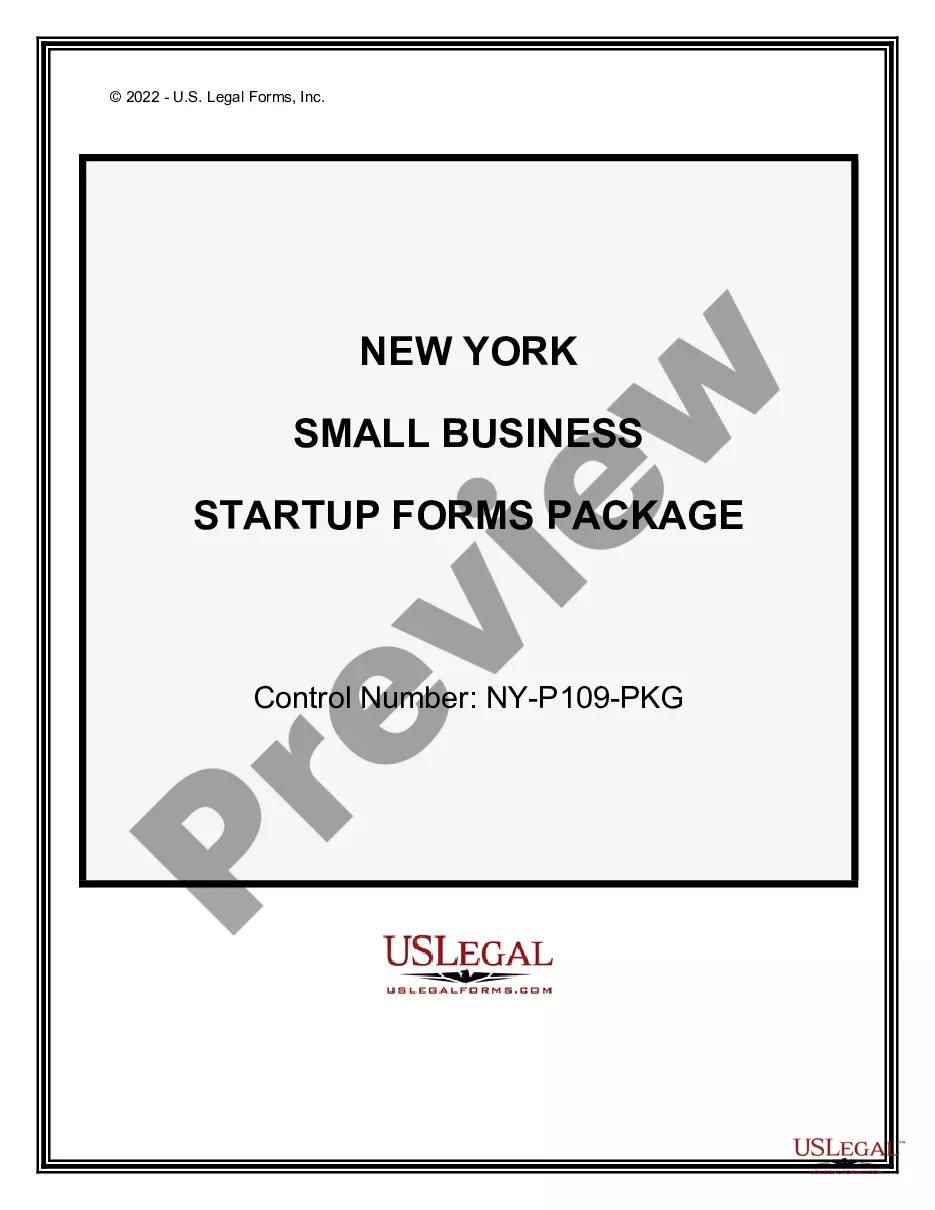
New York Small Business Accounting Package
Understanding this form package
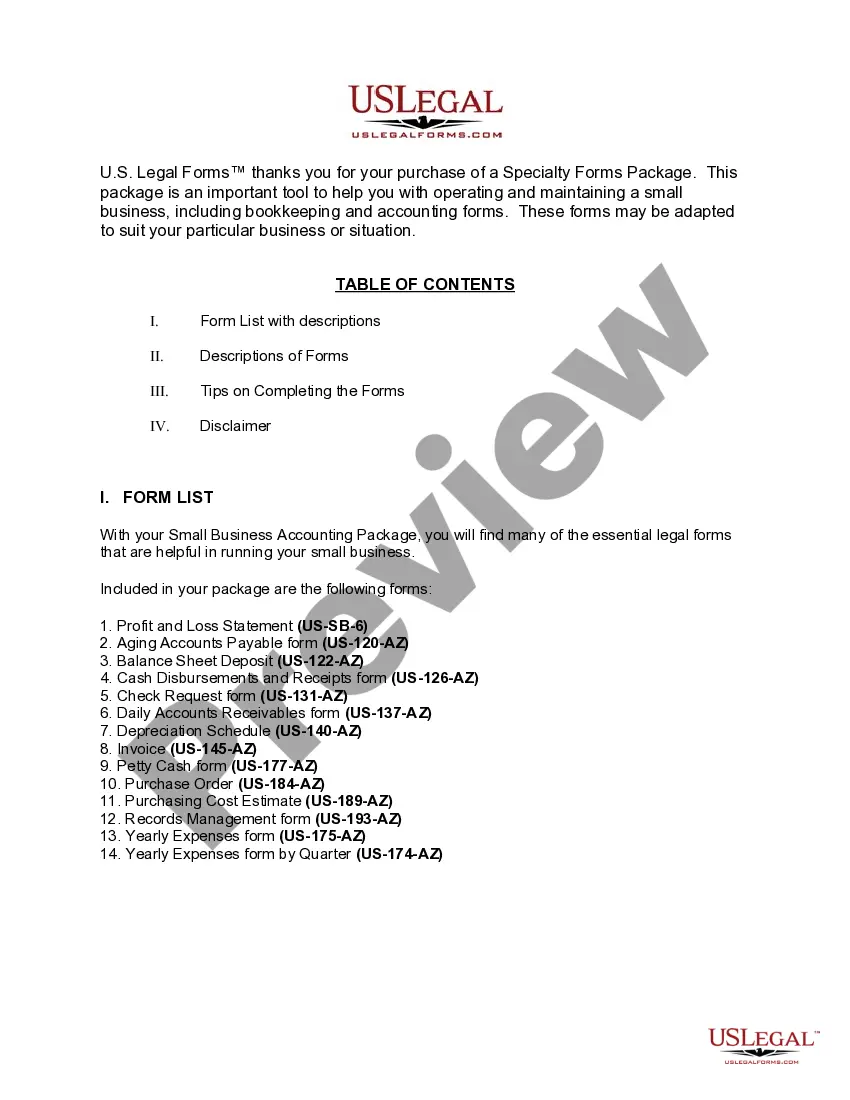
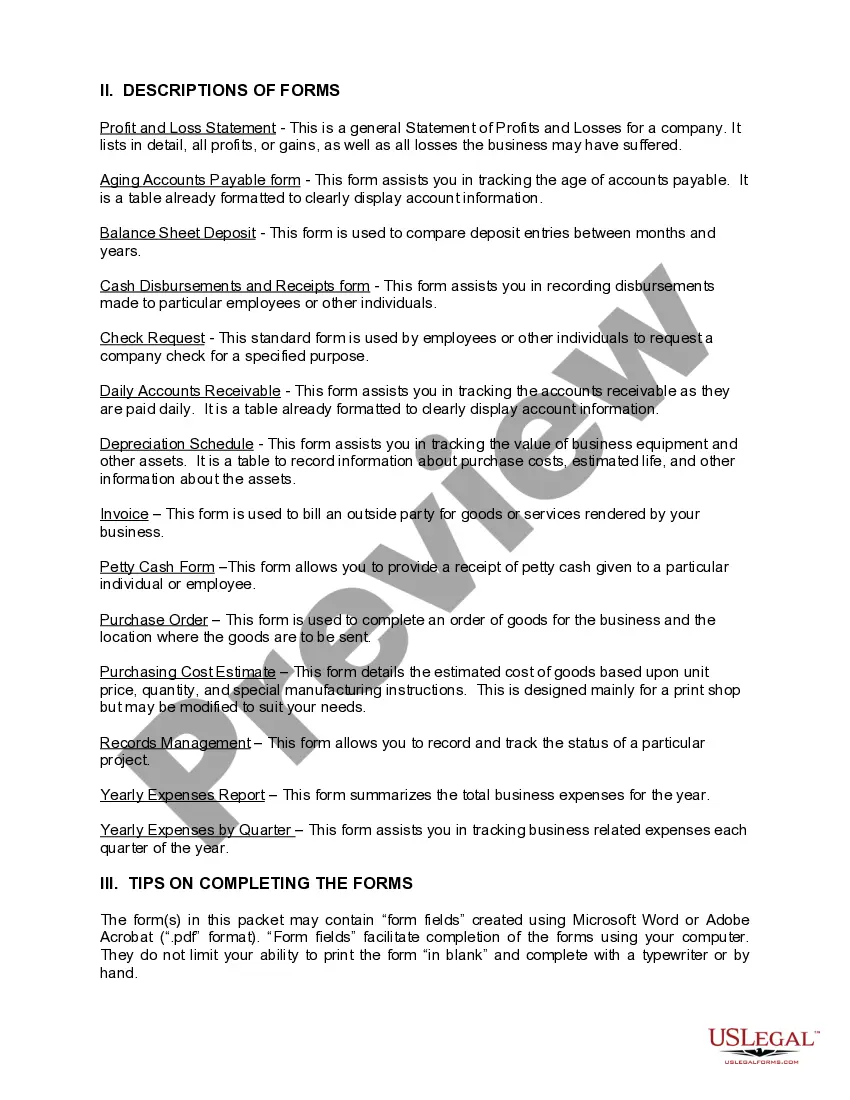
The New York Small Business Accounting Package is a comprehensive collection of essential accounting forms designed to help small businesses effectively manage their finances. This package stands out by providing not only the necessary tools for daily financial tracking but also specialized forms tailored for various accounting needs. It addresses the common challenges small businesses face by offering forms that can be easily adapted to unique situations.
Forms provided in this package
- Aging Accounts Payable
- Balance Sheet Deposits
- Cash Disbursements and Receipts
- Check Request
- Daily Accounts Receivable
- Depreciation Schedule
- Job Invoice - Short
- Yearly Expenses by Quarter
- Yearly Expenses
- Petty Cash Form
- Purchasing Cost Estimate
- Records Management
- Profit and Loss Statement
- Purchase Order for Invoice



When to use this document
This package is ideal for small business owners who need to maintain accurate financial records. It can be used when:
- Setting up a new business and establishing accounting practices.
- Tracking income and expenses to ensure profitability.
- Preparing for tax season with organized financial documentation.
- Evaluating cash flow and making informed financial decisions.
- Managing accounts payable and receivable effectively.
Who this form package is for
- Small business owners and entrepreneurs
- Accountants and financial managers in small firms
- Individuals handling bookkeeping responsibilities
- New business startups looking for structured accounting support
Completing these forms step by step
- Review all included forms to familiarize yourself with their purpose.
- Identify the relevant forms for your business operations.
- Enter necessary data, such as income and expenses, in the designated fields.
- Ensure all forms are signed where required.
- Keep a digital copy for your records and a printed version for your filing.
Notarization guidance for this package
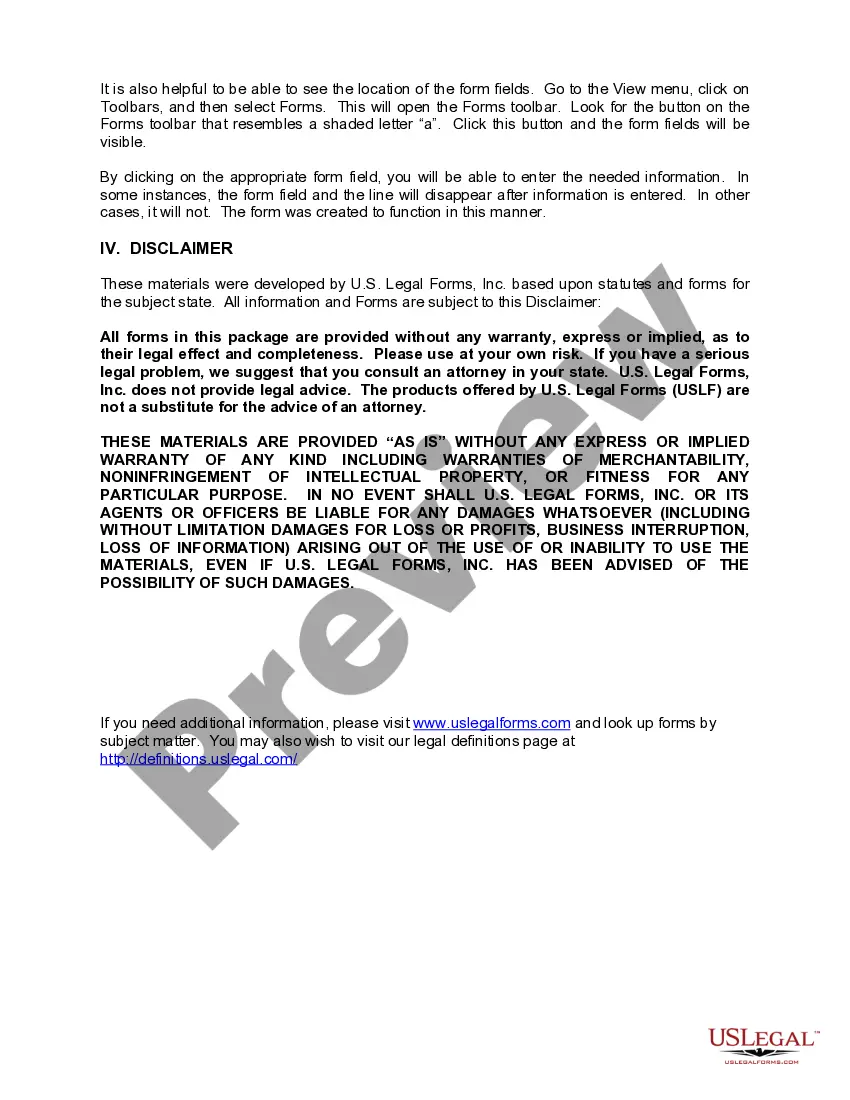
Forms in this package typically do not require notarization unless required by local law. However, it is important to verify the specific requirements for ongoing legal compliance in your business operations.
Get your form ready online
Our built-in tools help you complete, sign, share, and store your documents in one place.
Make edits, fill in missing information, and update formatting in US Legal Forms—just like you would in MS Word.
Download a copy, print it, send it by email, or mail it via USPS—whatever works best for your next step.
Sign and collect signatures with our SignNow integration. Send to multiple recipients, set reminders, and more. Go Premium to unlock E-Sign.
If this form requires notarization, complete it online through a secure video call—no need to meet a notary in person or wait for an appointment.
We protect your documents and personal data by following strict security and privacy standards.

Make edits, fill in missing information, and update formatting in US Legal Forms—just like you would in MS Word.

Download a copy, print it, send it by email, or mail it via USPS—whatever works best for your next step.

Sign and collect signatures with our SignNow integration. Send to multiple recipients, set reminders, and more. Go Premium to unlock E-Sign.

If this form requires notarization, complete it online through a secure video call—no need to meet a notary in person or wait for an appointment.

We protect your documents and personal data by following strict security and privacy standards.
Avoid these common issues
- Failing to update financial data regularly.
- Not retaining copies of completed forms for future reference.
- Overlooking specific legal requirements unique to New York.
- Using incorrect figures or misclassifying expenses.
Benefits of completing this package online
- Convenience of downloading forms at any time.
- Editability of forms to suit your business needs.
- Reliability of resources drafted by licensed attorneys.
- All forms are formatted for easy digital entry and printing.
Looking for another form?





Form popularity
FAQ
1Pay Close Attention to Receivables.2Keep a Pulse on Your Cash Flow.3Log Expense Receipts.4Record Cash Expenses.5Know the Difference Between Invoices and Receipts.6Keep Personal vs.7Hire a Professional to Handle Your Taxes.13 Accounting Tips for Small Businesses to Keep the- ScaleFactor\nscalefactor.com > scaleblog > 13-accounting-tips-help-keep-books-balanced
Choose Cash or Accrual Accounting. Set Up a Business Bank Account. Pick a Bookkeeping Software Package for Small Businesses. Create a Chart of Accounts. Set Up an Expense Tracking System. Prepare Your Bank Reconciliation Process. Set Up Your Reporting System. Getting help.
1Hire somebody a little different:2Deploy Marketing That Actually Helps Them.3Let them Hunt at Your Events.4Trade Shows:5Calls:6Boots on the Ground:7Solicit Honest, Objective Feedback:8Partnerships:
1Update your website. Take an objective look at your firm's website to determine what updates needed.2Get to the top of local search results.3Start (and maintain) a regular blog.4Use social media effectively.5Maximize email marketing efforts.
Create a New Business Account. Set Budget Aside for Tax Purposes. Always Keep Your Records Organised. Track Your Expenses. Maintain Daily Records. Leave an Audit Trail. Stay on Top of Your Accounts Receivable. Keep Tax Deadlines in Mind.
Generally, a small business is not required to have a CPA or certified public accountant.Although most small businesses are not required to have a CPA involved, a small business may engage a CPA to review its internal controls, evaluate accounting software, obtain tax advice, and so on.
Understand the purpose. One thing that has helped a lot of our clients is understanding why they're doing their books in the first place. Review the reports. Take small bites. Utilize software. Hire someone else. Digitize everything. Perform regular audits. Take a course.
Business Bank Reconciliations. Credit Card Management. Accounts Receivable. Accounts Payable. Sales Tax. Payroll.
Go the Extra Mile. Even if they do their research, small business owners don't have a financial advisor's level of expertise when it comes to small business finances. Referrals & Reviews. Word of mouth is everything these days. Don't Be Afraid of Social Media. Generate and Share Engaging Content. Bottom Line.