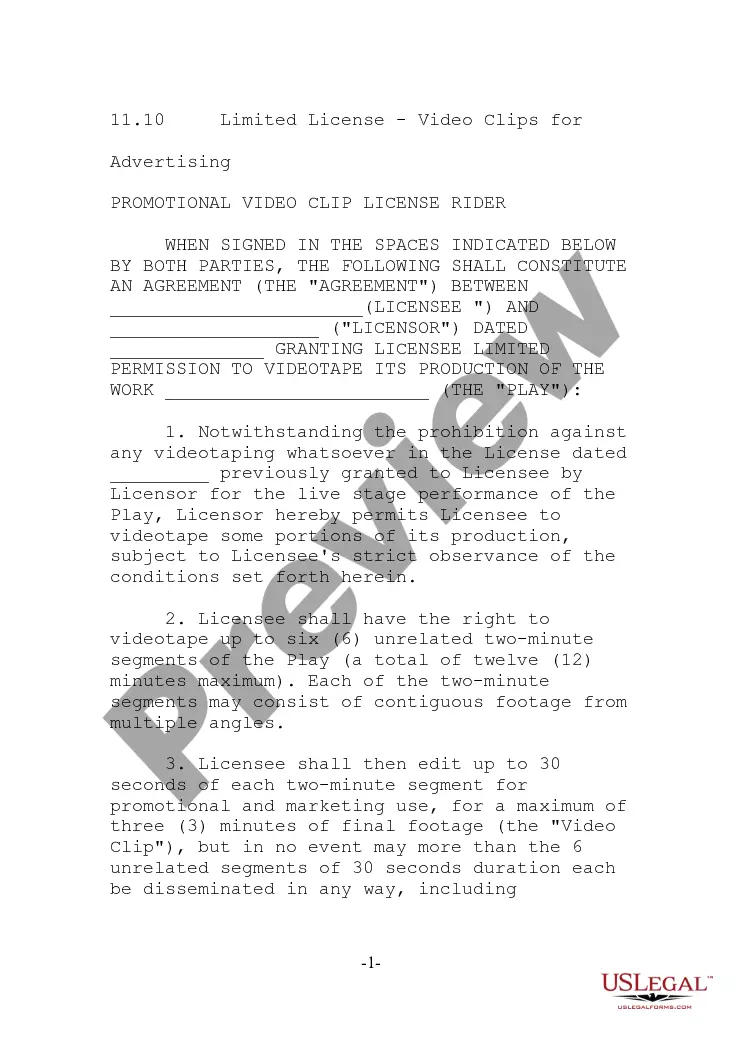
Employment or Work Application - General
Understanding this form
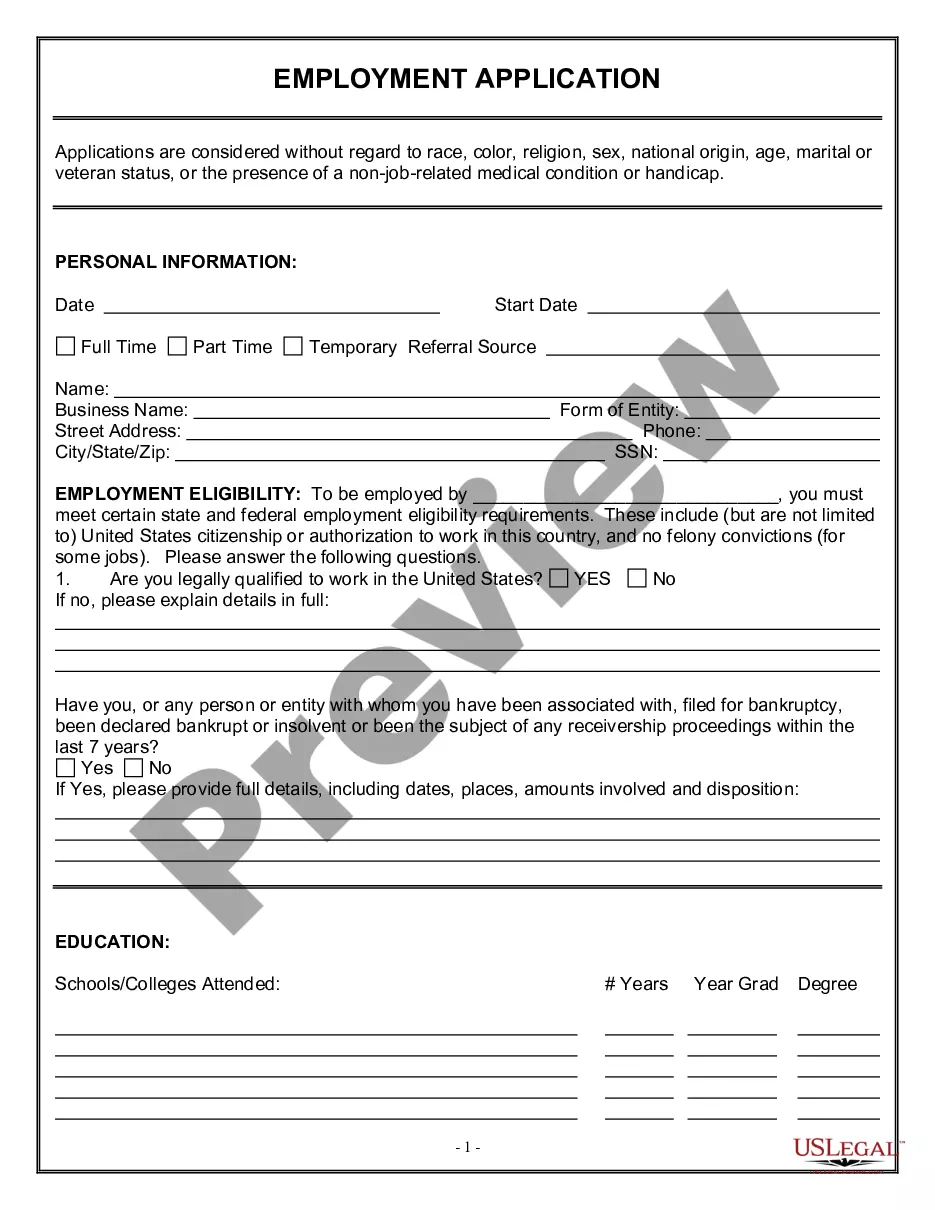
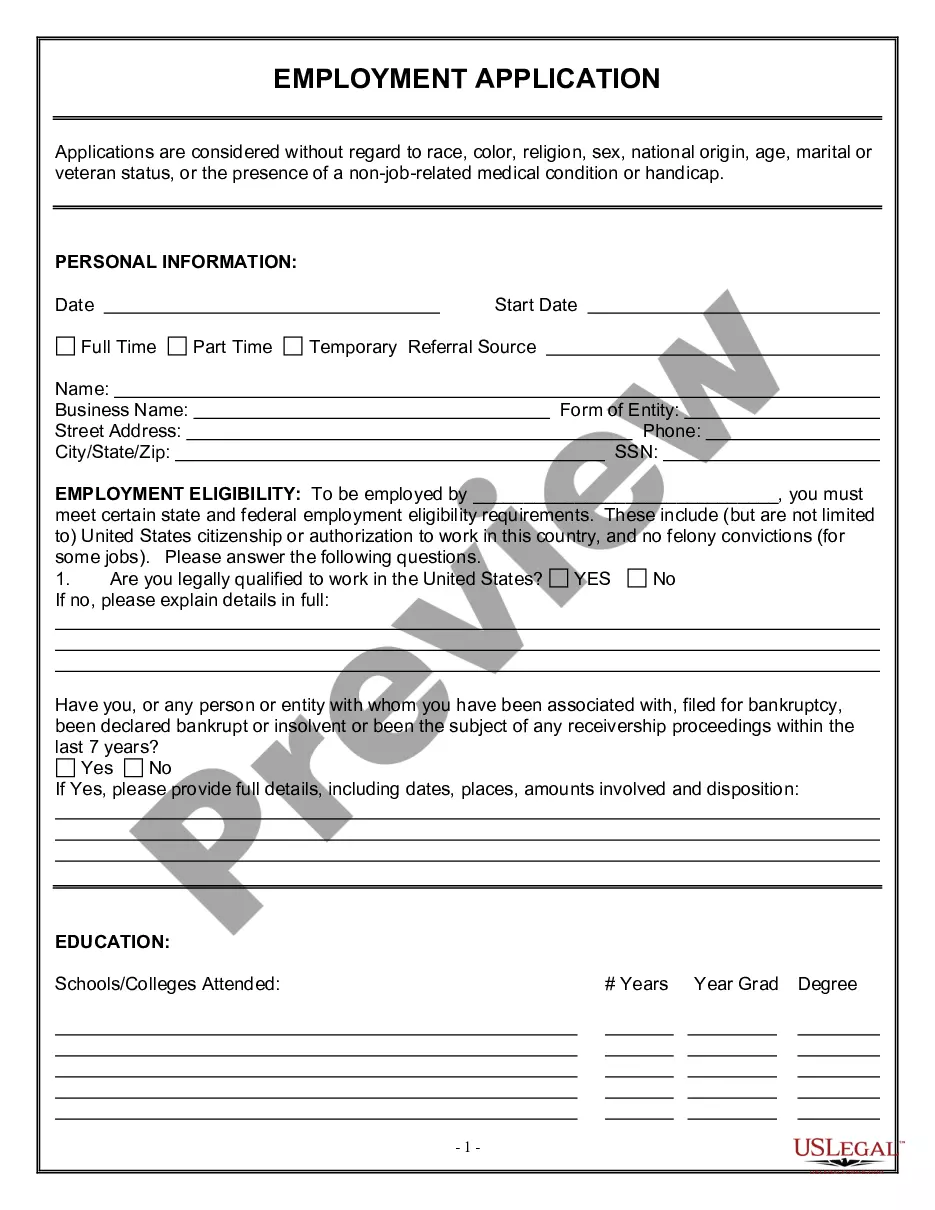
The Employment Application - General form is a standardized document used by employers to collect essential information from job applicants. This form helps employers evaluate candidates fairly without discrimination based on race, color, religion, or veteran status. Unlike other specific employment applications that may focus on particular job roles or industries, this general form can be utilized across various job openings, ensuring a comprehensive assessment of all applicants.
Key parts of this document
- Personal information section to capture the candidate's basic details and contact information.
- Legal eligibility verification, confirming the applicant's right to work in the United States.
- Service details for veterans, including questions about veteran status and dates of service.
- A space for additional comments to clarify certain responses or provide relevant background information.






When to use this document
This form should be used whenever an organization is hiring and requires candidates to formally apply for a position. It is applicable across various industries and positions, making it ideal for any employer looking to streamline the hiring process. Use this form to ensure that all applicants offer their information in a consistent manner, which can aid in decision-making during the candidate selection process.
Who this form is for
The following individuals and entities should consider using this form:
- Employers seeking to hire new staff across different positions.
- Hiring managers who need to collect standardized applicant information.
- Human resources professionals interested in ensuring equal opportunity during hiring.
- Organizations that employ veterans and wish to assess their eligibility for specific benefits.
Completing this form step by step
Follow these steps to accurately complete the Employment Application - General:
- Provide your personal information, including your name, address, and contact details.
- Answer the legal eligibility question to confirm your ability to work in the U.S. by selecting "Yes" or "No."
- If applicable, complete the veteran status section, including dates of service.
- Add any additional comments that might provide more context about your qualifications or background.
- Review your application for completeness and accuracy before submission.
Is notarization required?
Notarization is not commonly needed for this form. However, certain documents or local rules may make it necessary. Our notarization service, powered by Notarize, allows you to finalize it securely online anytime, day or night.
Get your form ready online
Our built-in tools help you complete, sign, share, and store your documents in one place.
Make edits, fill in missing information, and update formatting in US Legal Forms—just like you would in MS Word.
Download a copy, print it, send it by email, or mail it via USPS—whatever works best for your next step.
Sign and collect signatures with our SignNow integration. Send to multiple recipients, set reminders, and more. Go Premium to unlock E-Sign.
If this form requires notarization, complete it online through a secure video call—no need to meet a notary in person or wait for an appointment.
We protect your documents and personal data by following strict security and privacy standards.

Make edits, fill in missing information, and update formatting in US Legal Forms—just like you would in MS Word.

Download a copy, print it, send it by email, or mail it via USPS—whatever works best for your next step.

Sign and collect signatures with our SignNow integration. Send to multiple recipients, set reminders, and more. Go Premium to unlock E-Sign.

If this form requires notarization, complete it online through a secure video call—no need to meet a notary in person or wait for an appointment.

We protect your documents and personal data by following strict security and privacy standards.
Typical mistakes to avoid
- Leaving sections incomplete, which can delay the application process.
- Not providing clarification in the comments area when necessary.
- Failing to accurately answer eligibility questions, which can disqualify you immediately.
- Neglecting to double-check contact information for accuracy.
Why use this form online
- Convenience of filling out the application at any time and from anywhere.
- Editable format allows for easy updates or corrections before submission.
- Reliable resources provided by licensed attorneys ensure the form is legally compliant.
- Quick access to completed documents for immediate submission to potential employers.
Legal use & context
- This form is legally recognized for collecting employment applications and must comply with federal anti-discrimination laws.
- Employers are encouraged to maintain confidentiality and handle the information per data protection laws.
- The use of this form can help defend against claims of unfair hiring practices by demonstrating a consistent application process.
Summary of main points
- The Employment Application - General form is essential for standardized job applications that promote fairness.
- It captures critical personal and eligibility information necessary for employment decision-making.
- Using this form online provides added convenience and ensures compliance with legal standards.
Looking for another form?


Form popularity
FAQ
Read the job advertisement details. Review professional letter formats. Write a clear heading. Address the letter to the right person. Begin by expressing interest in the job. Describe your eligibility for the job. Highlight your attributes. End the letter with a thank you.
Type "Employment Application" in the "Templates on Office Online" box and click the "Search" button. Select "Employment Application 2-pp Online Form" in the "Search Results" list. Click the "Download" button, and an application will open as a new Word document.
Make Scanned and Photocopies of Documents Ready. Read Government Job Advertisement Carefully. Registration on the Recruitment Website. Valid E-mail ID/Mobile Number. Fill Application Form by Yourself. Choose correct category. Personal details. Fill correct and complete details.
Keep it short. You don't want your application form to be multiple pages this will make many applicants lose interest halfway through. Go through the application yourself. Provide options. Ask original questions. Guide applicants through the process.