Application for Employment or Work
What this document covers
The Application for Employment is a standardized form used by employers to collect essential information from job applicants. This form is designed to facilitate the hiring process by ensuring that all applicants provide their qualifications and work history consistently. Unlike other forms that may focus on specific jobs or industries, this application is applicable across various sectors and promotes fairness in the hiring process.
Main sections of this form
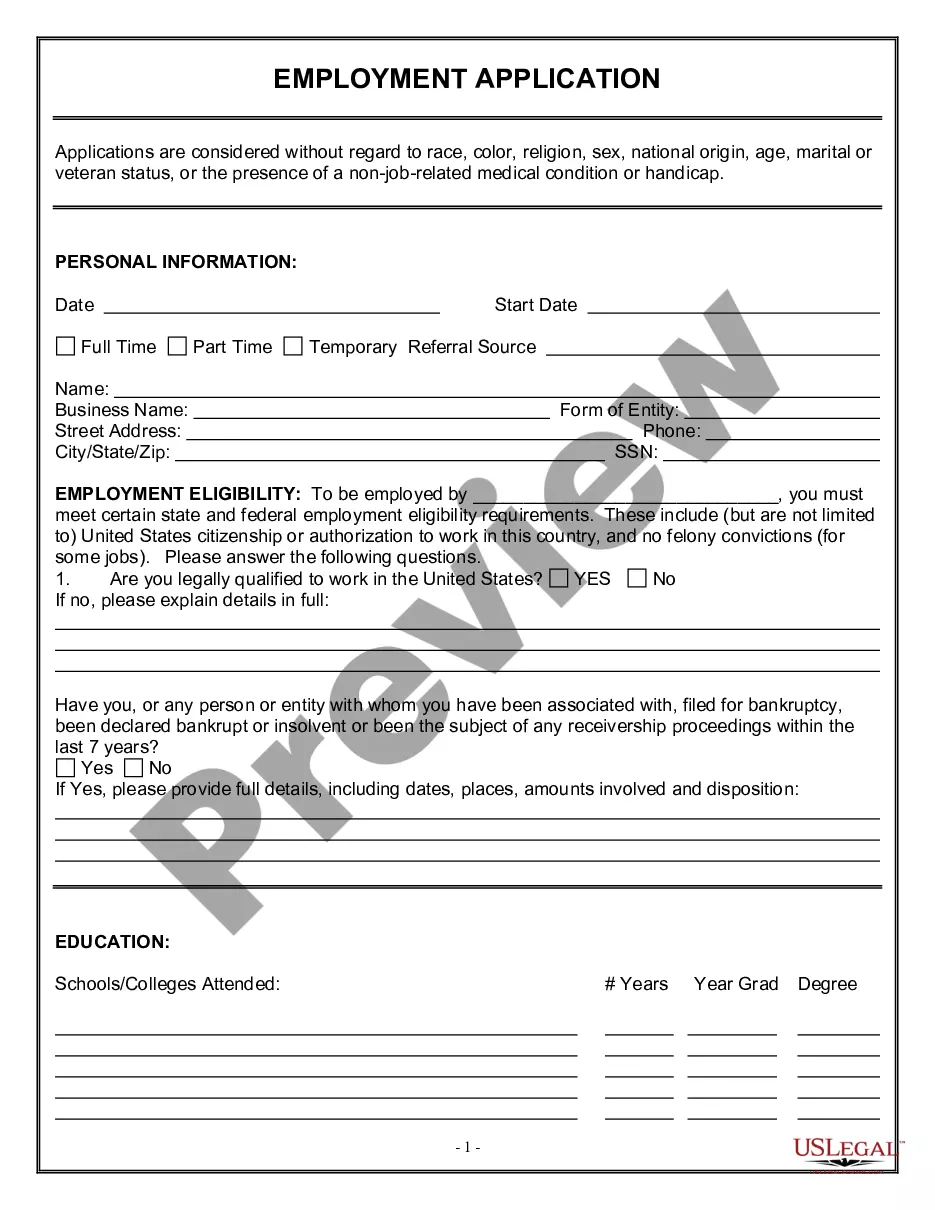
- Employer name and equal opportunity declaration
- Position applying for
- Job number reference
- Personal information fields
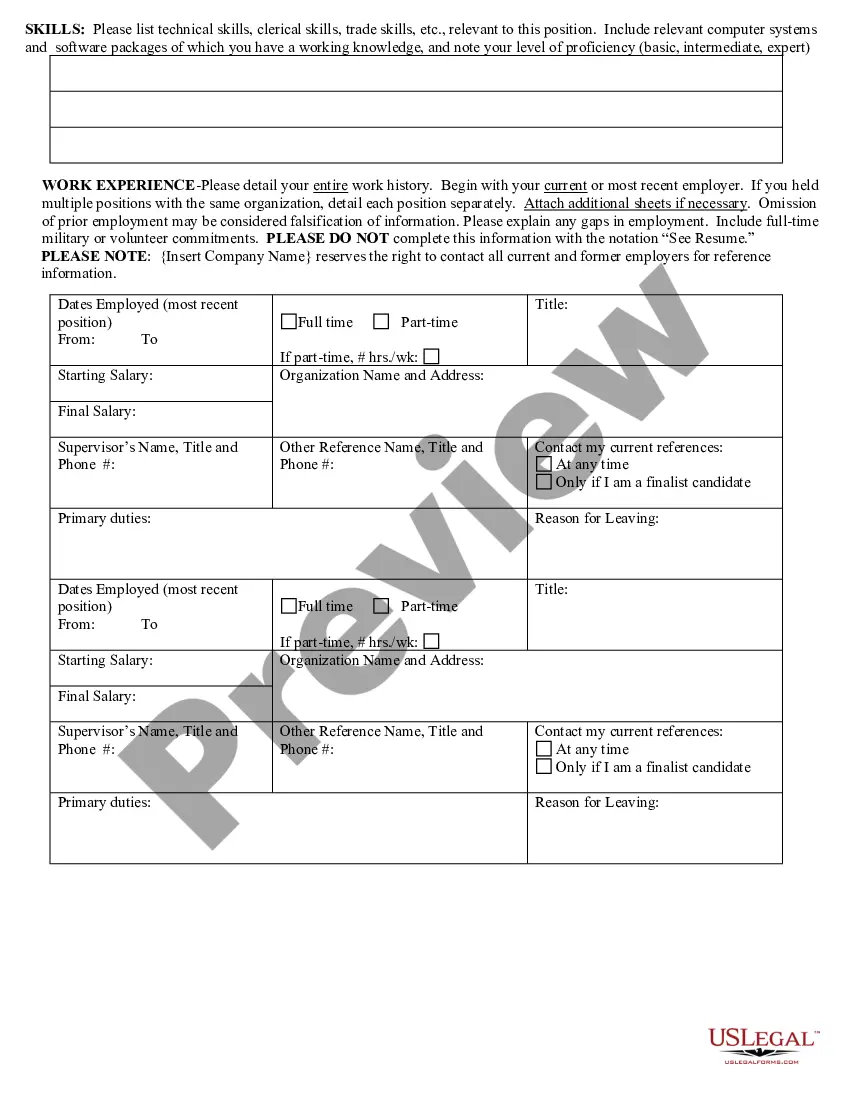
- Work history and education details
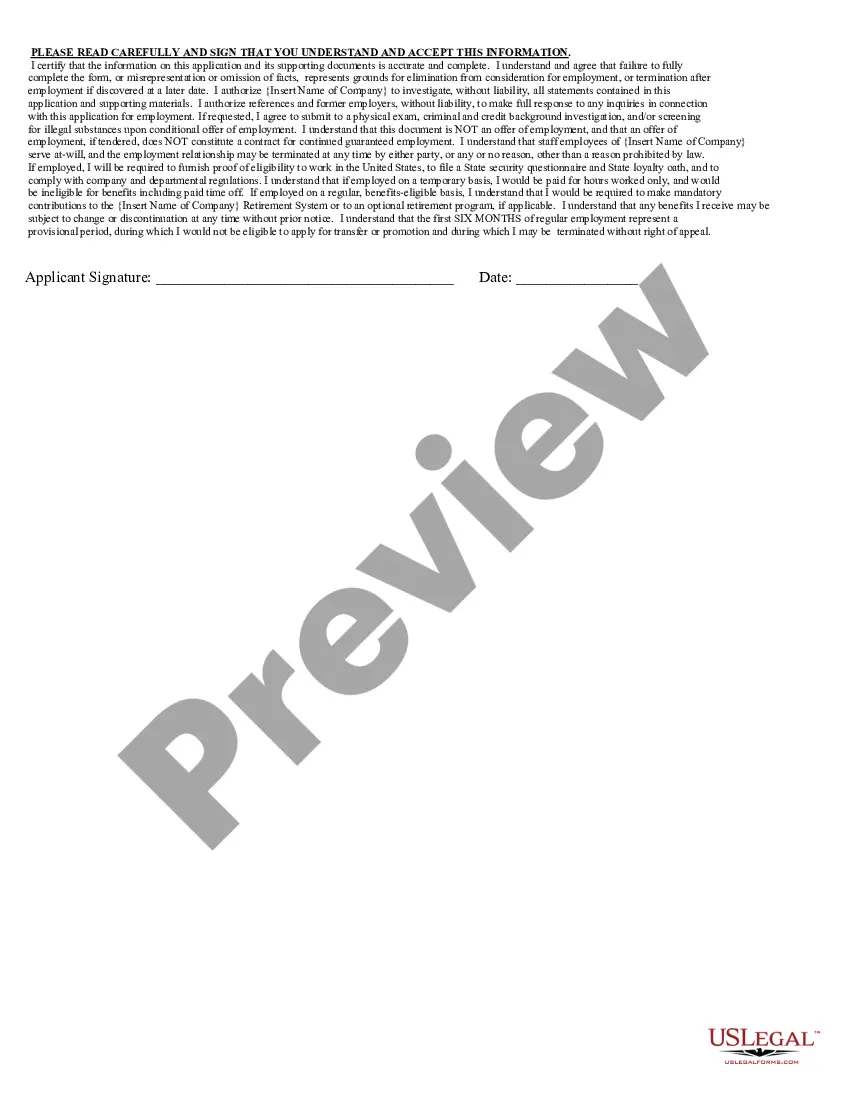
- Signature line for applicant confirmation



When to use this form
This form should be utilized by job seekers when applying for employment opportunities at a specific company. It is particularly useful when an individual is looking to present their qualifications and background in a structured manner. Additionally, it helps companies ensure that they are gathering the same information from all candidates, which is essential for fair hiring practices.
Who needs this form
This application form is intended for:
- Job seekers of any age looking for employment.
- Individuals re-entering the workforce after a break.
- Career changers applying to new fields.
- Recent graduates seeking their first job.
Completing this form step by step
- Fill in the name of the company where you are applying.
- Specify the position you are applying for and include the job number.
- Provide all required personal details, ensuring there are no missing fields.
- Detail your work history and educational background accurately.
- Sign the application to confirm that the information provided is correct and complete.
Notarization guidance
This form usually doesn’t need to be notarized. However, local laws or specific transactions may require it. Our online notarization service, powered by Notarize, lets you complete it remotely through a secure video session, available 24/7.
Get your form ready online
Our built-in tools help you complete, sign, share, and store your documents in one place.
Make edits, fill in missing information, and update formatting in US Legal Forms—just like you would in MS Word.
Download a copy, print it, send it by email, or mail it via USPS—whatever works best for your next step.
Sign and collect signatures with our SignNow integration. Send to multiple recipients, set reminders, and more. Go Premium to unlock E-Sign.
If this form requires notarization, complete it online through a secure video call—no need to meet a notary in person or wait for an appointment.
We protect your documents and personal data by following strict security and privacy standards.

Make edits, fill in missing information, and update formatting in US Legal Forms—just like you would in MS Word.

Download a copy, print it, send it by email, or mail it via USPS—whatever works best for your next step.

Sign and collect signatures with our SignNow integration. Send to multiple recipients, set reminders, and more. Go Premium to unlock E-Sign.

If this form requires notarization, complete it online through a secure video call—no need to meet a notary in person or wait for an appointment.

We protect your documents and personal data by following strict security and privacy standards.
Common mistakes
- Failing to complete all sections of the application.
- Using "See Resume" instead of filling out all fields.
- Omitting the job number when applying for a specific position.
- Not proofreading for typos or unclear information.
Benefits of completing this form online
- Convenience of completing the application from any location.
- Ability to easily edit and update information as needed.
- Access to reliable templates drafted by licensed attorneys.
- Instant downloading for immediate use.
Looking for another form?
Form popularity
FAQ
Both state and federal employment laws require employers to retain employment applications or resumes for at least one year and possibly longer.
Prepare yourself. Get all your basic information together: personal details, education etc. Find out what the employer wants. Check closing dates; if possible, apply before the deadline. Write your application. Give yourself enough time: writing a good job application is likely to take longer than you expect. Final checks.
Make Scanned and Photocopies of Documents Ready. Read Government Job Advertisement Carefully. Registration on the Recruitment Website. Valid E-mail ID/Mobile Number. Fill Application Form by Yourself. Choose correct category. Personal details. Fill correct and complete details.
A job application is a form that employers ask job applicants to fill out to learn about their work history. You may fill out the application through a third-party job listing site or by visiting the website of the potential employer.