Job Invoice - Short
What is this form?
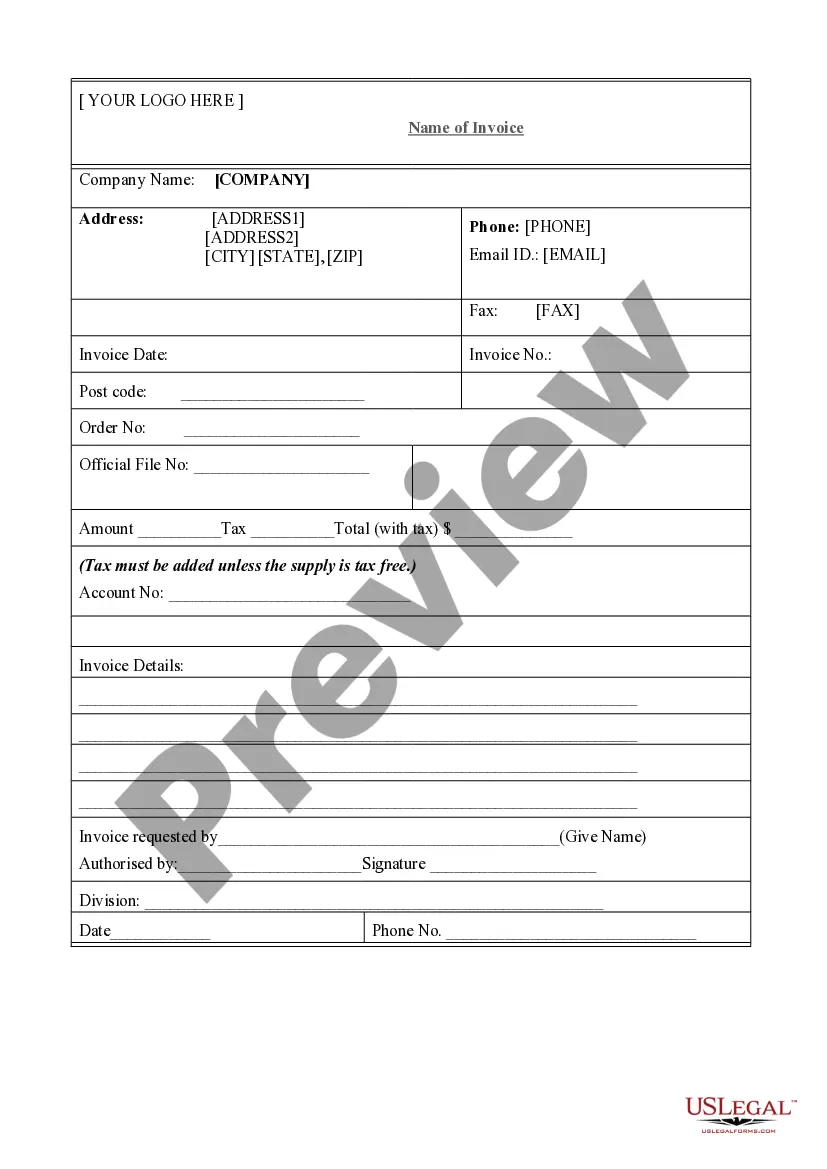
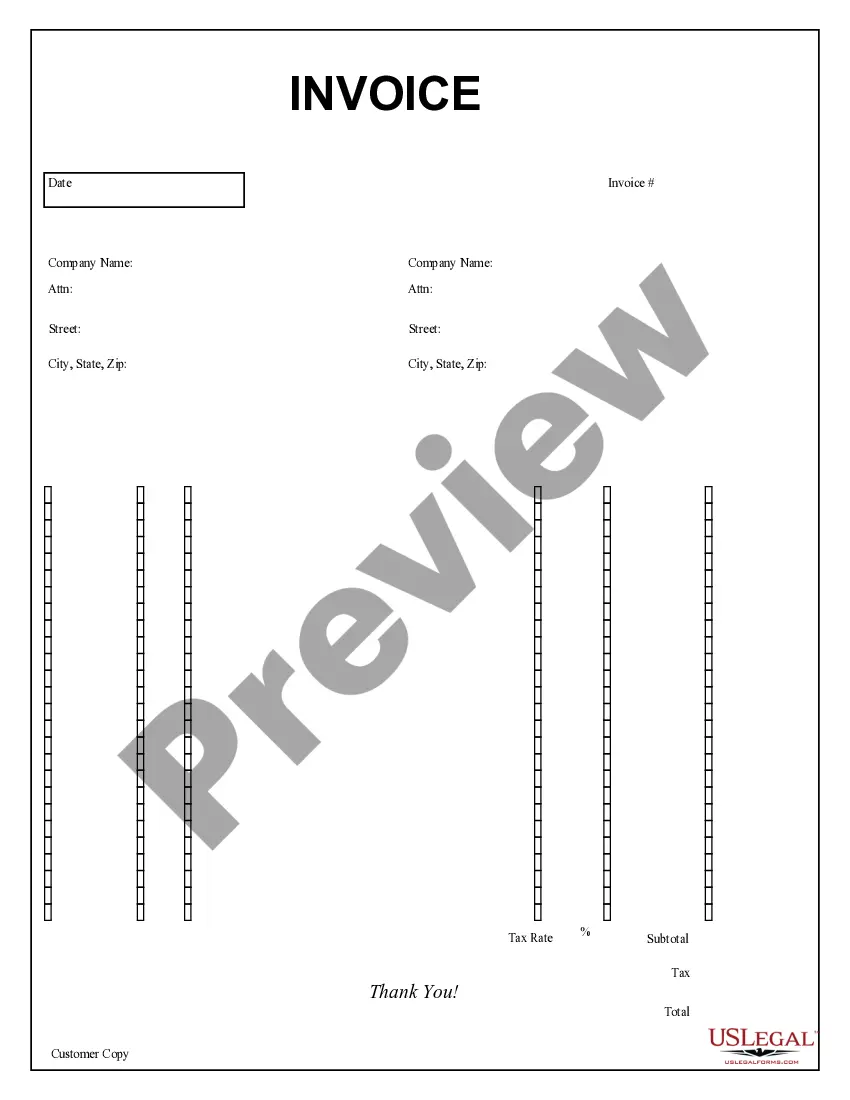
The Job Invoice - Short is a business document that allows professionals to request payment for services rendered. Unlike more complex invoices or billing statements, this streamlined form provides a straightforward way to list labor, materials, and totals. It is particularly useful for freelancers or small businesses needing to bill clients quickly and effectively.
What’s included in this form
- Ordered by starting time: Track the sequence of work done.
- Description: Provide a clear overview of services performed.
- Labor summary: Detail hours worked, rates, and total amounts.
- Materials recap: Summarize any materials used in the job.
- Invoice terms: Outline payment conditions and deadlines.
- Signature: Space for both parties to confirm agreement.



Situations where this form applies
This form is ideal for small business owners, freelancers, or contractors who need to bill clients for completed tasks. You might use this invoice after finishing a project or a service, whether it's home repairs, consulting work, or freelance projects. It's particularly useful when you want to clarify labor and materials costs in a concise and organized manner.
Who can use this document
- Freelancers providing services to clients.
- Contractors executing home or office repairs.
- Small businesses needing to bill customers efficiently.
- Service providers looking for a simple invoicing solution.
Steps to complete this form
- Identify the client: Fill in the client's name and contact information at the top of the invoice.
- Enter job details: Write a detailed description of the services performed.
- List labor: Specify the starting time, hours worked, and rate for each labor category.
- Summarize materials: Include any materials used, along with their costs.
- Calculate totals: Add up the amounts for labor and materials to determine the total due.
- Have both parties sign: Ensure the invoice is signed to indicate agreement on the terms.
Notarization requirements for this form
This form does not typically require notarization unless specified by local law. It is advisable to check any state regulations regarding invoice requirements to ensure compliance.
Get your form ready online
Our built-in tools help you complete, sign, share, and store your documents in one place.
Make edits, fill in missing information, and update formatting in US Legal Forms—just like you would in MS Word.
Download a copy, print it, send it by email, or mail it via USPS—whatever works best for your next step.
Sign and collect signatures with our SignNow integration. Send to multiple recipients, set reminders, and more. Go Premium to unlock E-Sign.
If this form requires notarization, complete it online through a secure video call—no need to meet a notary in person or wait for an appointment.
We protect your documents and personal data by following strict security and privacy standards.

Make edits, fill in missing information, and update formatting in US Legal Forms—just like you would in MS Word.

Download a copy, print it, send it by email, or mail it via USPS—whatever works best for your next step.

Sign and collect signatures with our SignNow integration. Send to multiple recipients, set reminders, and more. Go Premium to unlock E-Sign.

If this form requires notarization, complete it online through a secure video call—no need to meet a notary in person or wait for an appointment.

We protect your documents and personal data by following strict security and privacy standards.
Common mistakes to avoid
- Forgetting to include all relevant details, such as job description and materials used.
- Not clearly specifying payment terms and due dates.
- Neglecting to double-check calculations before sending.
- Failing to get a signature from the client, which can complicate payment.
Why complete this form online
- Convenient: Easily fill out the form from your computer or device.
- Editability: Make quick changes without having to rewrite the entire invoice.
- Reliability: Purchase high-quality legal forms created by licensed attorneys.
- Accessibility: Download and use it whenever you need without delays.
Summary of main points
- The Job Invoice - Short form is ideal for billing clients succinctly.
- It includes essential fields for labor and material costs.
- User-friendly format ensures ease of use for all businesses.
- Complete clarity on payment terms is crucial for prompt payment.
- Ensure that all necessary details are filled in accurately to avoid delays.
Looking for another form?
Form popularity
FAQ
In basic terms, an invoice is a bill sent to your customers after you complete a job or visit. The invoice establishes what services you or your company provided, how much is due and when, and how your customer can pay.
Sub: Short of Payment Letter for Recovery Respected Sir, I am writing this to remind you that your payment date for the consignment, which we sent you on (Date), has elapsed. We have not received your payment yet. This is to further inform you that we provide a time of one month to our valued customers for payment.
A short pay is a partial payment of an invoice which can occur for any reason. Short pays can happen when a buyer feels the contracted work or services has not been fulfilled, or they can be used as a stalling tactic to avoid paying the entire amount due.
Make your invoice look professional. The first step is to put your invoice together. Clearly mark your invoice. Add company name and information. Write a description of the goods or services you're charging for. Don't forget the dates. Add up the money owed. Mention payment terms.