Aging Accounts Payable
About this form
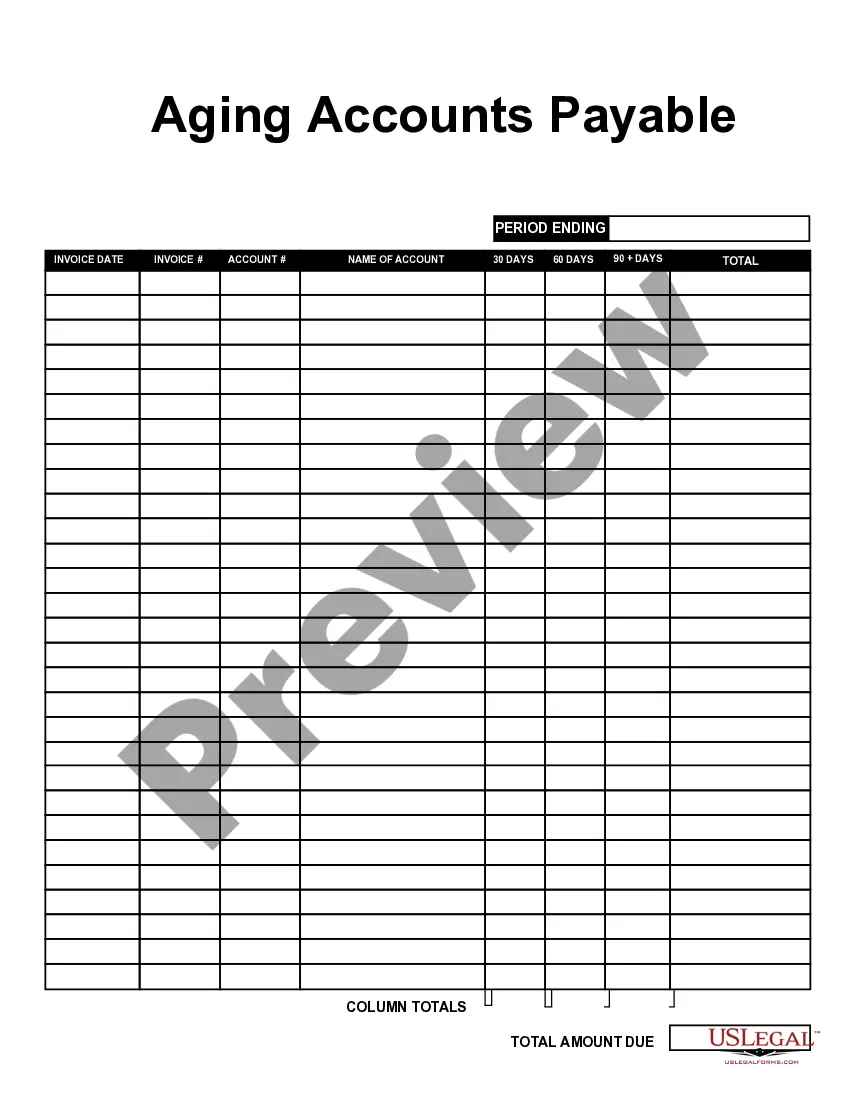
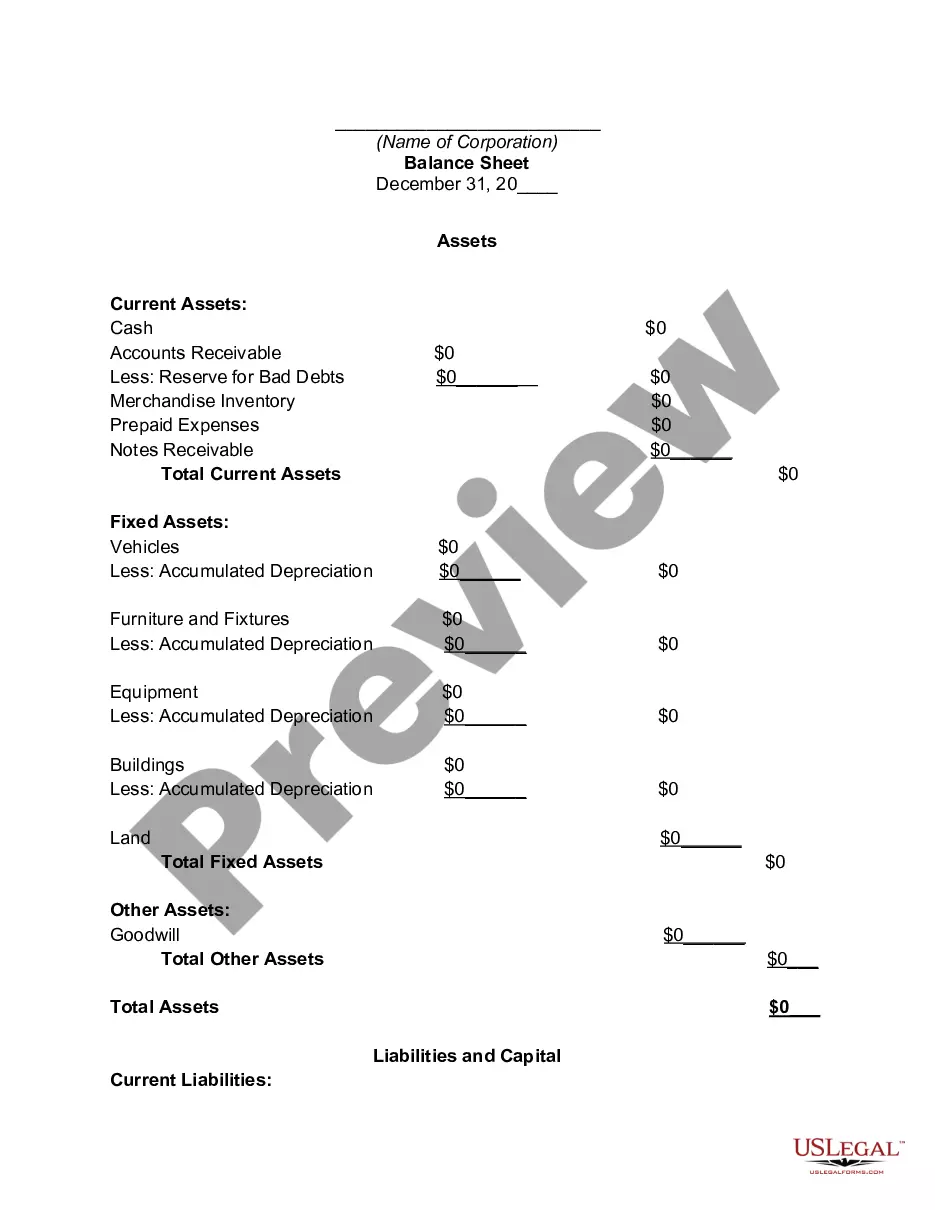
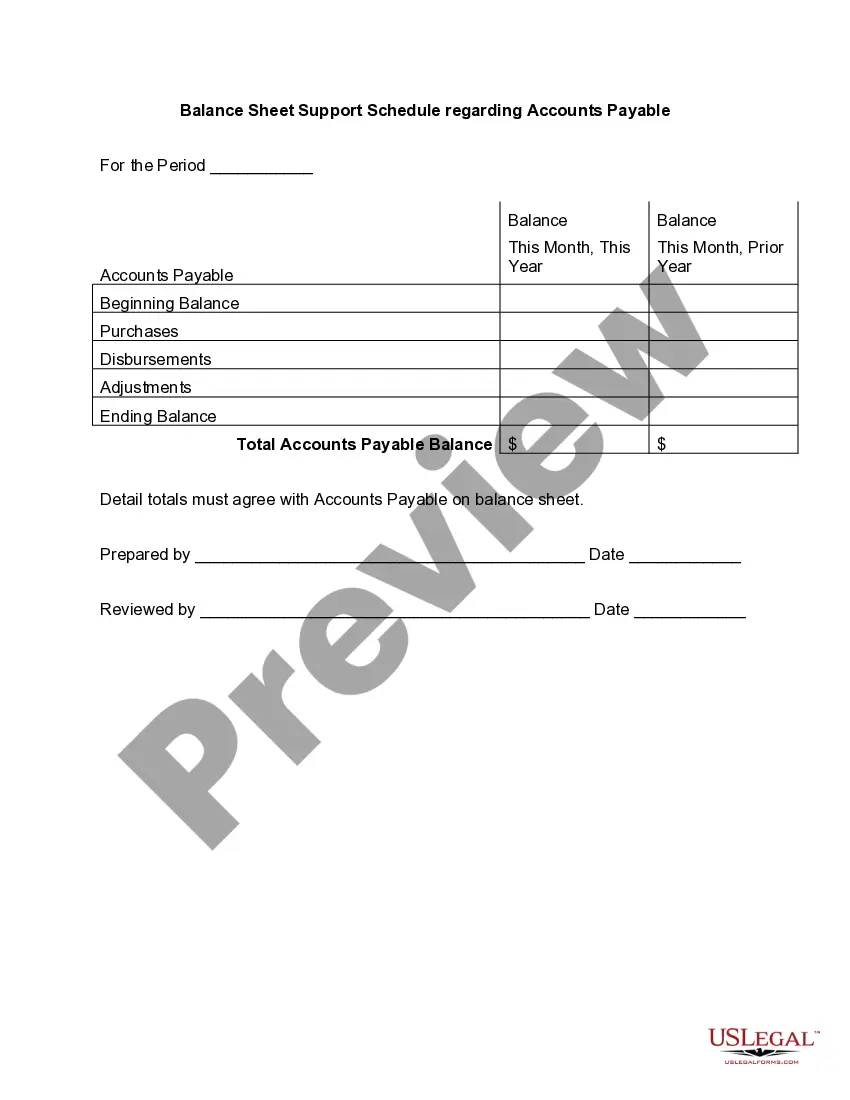
The Aging Accounts Payable form is a crucial business document designed to help businesses manage their outstanding invoices efficiently. This form assists in tracking bills that remain unpaid for specified time periods, allowing businesses to monitor their cash flow and identify overdue payments. Unlike other financial forms, the Aging Accounts Payable form specifically focuses on the age of debts, categorizing them into time frames for better financial analysis.
Key components of this form
- Period ending: Indicates the date for which the information is reported.
- Invoice date: Records the date each invoice was issued.
- Account name: Identifies the creditor or vendor associated with each invoice.
- Categories: Divides outstanding amounts into 30, 60, and 90 days overdue.
- Total column: Sums up all outstanding invoices for easy review.
- Total amount due: Displays the overall balance that needs to be settled.
When to use this document
This form is essential for businesses that need to keep track of unpaid invoices and manage their accounts payable process. Use this form when you need to analyze the aging of your outstanding debts and prioritize payments accordingly. It is particularly useful during financial reviews, budget planning, or when negotiating payment terms with vendors.
Intended users of this form
This form is intended for:
- Small business owners who manage their own finances.
- Accountants or financial professionals responsible for tracking liabilities.
- Office managers overseeing the accounts payable department.
- Anyone involved in financial decision-making needing to monitor cash flow.
Steps to complete this form
- Enter the period ending date in the designated field.
- Fill in each invoice date next to the corresponding account.
- List the names of the accounts or vendors next to their respective invoices.
- Enter the amounts due for each time category (30, 60, and 90 days).
- Sum up the total column to get an overview of outstanding payments.
- Review all entries for accuracy before finalizing the document.
Notarization guidance
Notarization is not commonly needed for this form. However, certain documents or local rules may make it necessary. Our notarization service, powered by Notarize, allows you to finalize it securely online anytime, day or night.
Get your form ready online
Our built-in tools help you complete, sign, share, and store your documents in one place.
Make edits, fill in missing information, and update formatting in US Legal Forms—just like you would in MS Word.
Download a copy, print it, send it by email, or mail it via USPS—whatever works best for your next step.
Sign and collect signatures with our SignNow integration. Send to multiple recipients, set reminders, and more. Go Premium to unlock E-Sign.
If this form requires notarization, complete it online through a secure video call—no need to meet a notary in person or wait for an appointment.
We protect your documents and personal data by following strict security and privacy standards.

Make edits, fill in missing information, and update formatting in US Legal Forms—just like you would in MS Word.

Download a copy, print it, send it by email, or mail it via USPS—whatever works best for your next step.

Sign and collect signatures with our SignNow integration. Send to multiple recipients, set reminders, and more. Go Premium to unlock E-Sign.

If this form requires notarization, complete it online through a secure video call—no need to meet a notary in person or wait for an appointment.

We protect your documents and personal data by following strict security and privacy standards.
Common mistakes to avoid
- Failing to enter the correct invoice date can lead to inaccurate aging analysis.
- Neglecting to double-check total amounts can result in mismanagement of cash flow.
- Omitting accounts can give a false impression of outstanding debts.
Benefits of completing this form online
- Easy access to download and complete the form on any device.
- Editable formats allow customization to meet specific business needs.
- Guidance from licensed attorneys ensures that the form meets legal standards.
Legal use & context
- This form is legally recognized as a valid document for tracking accounts payable.
- It serves as a record that can support financial decisions and negotiations with creditors.
- Properly maintained aging accounts payable records can help in audits and financial planning.
Key takeaways
- The Aging Accounts Payable form is essential for tracking unpaid invoices and managing cash flow.
- Completing this form accurately aids in financial audits and vendor relationships.
- Utilizing this form online offers convenience and ensures data reliability.
Looking for another form?
Form popularity
FAQ
The Vendor aging report displays the balances that are due to vendors, sorted by date interval or by aging period definition.
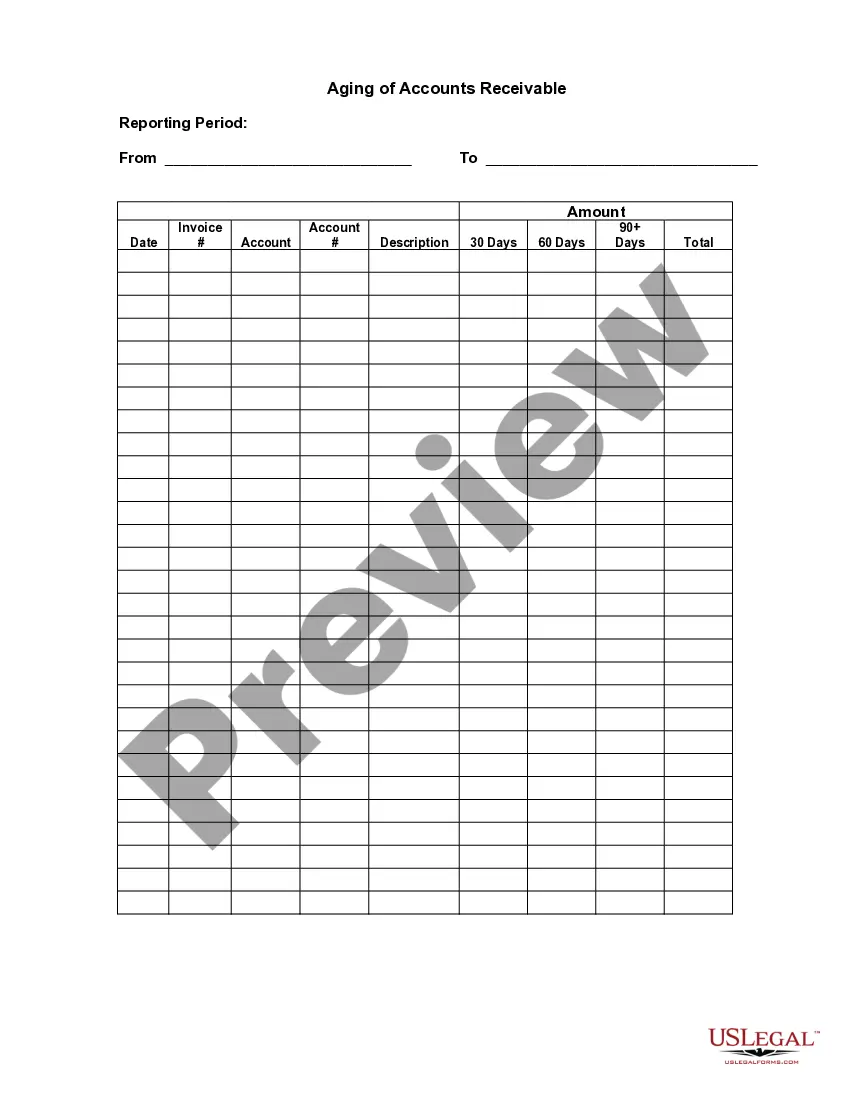
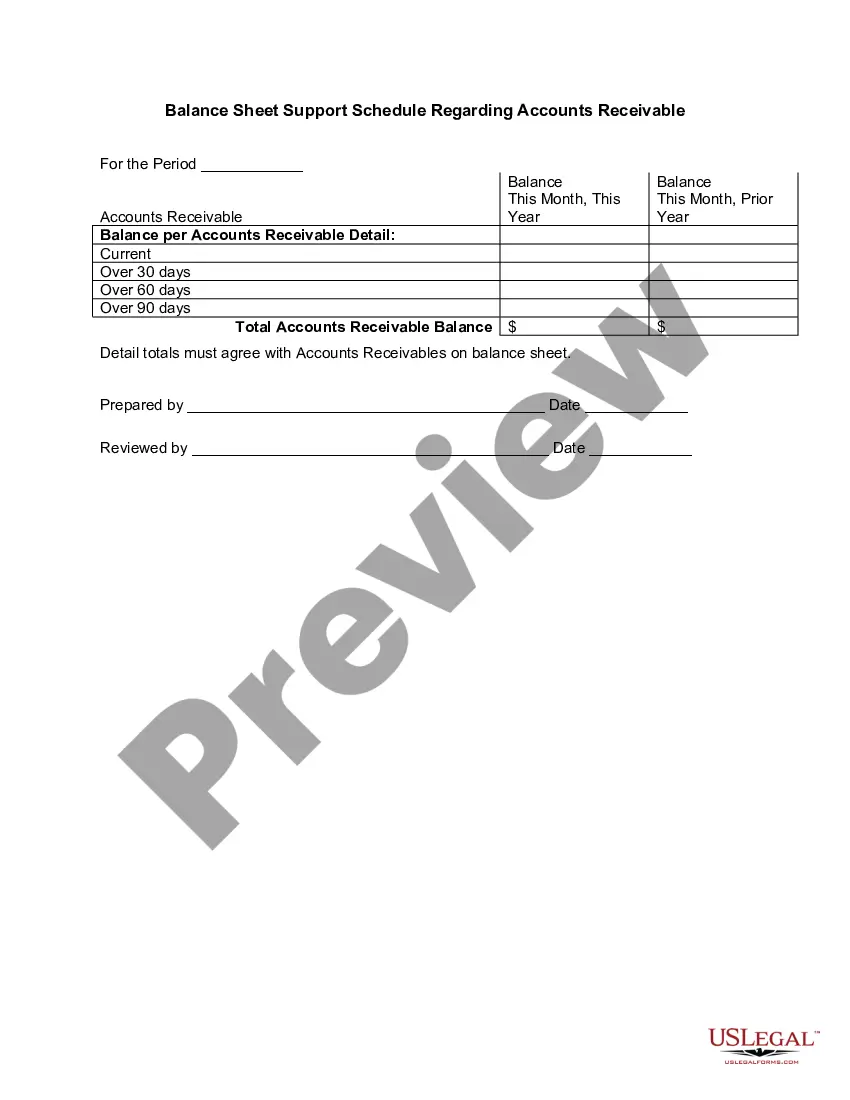
An accounts receivable aging report is a record that shows the unpaid invoice balances along with the duration for which they've been outstanding. This report helps businesses identify invoices that are open and allows them to keep on top of slow paying clients.
Label the following cells: A1: Customer. B1: Order # C1: Date. D1: Amount Due. Enter in the corresponding information for your customers and their orders underneath the headlines. Add additional headers for each column as: E1: Days Outstanding. F1: Not Due. G1: 0-30 Days. H1: 31-60 days. I1: 61-90 days. J1: >90 days.
To prepare accounts receivable aging report, sort the unpaid invoices of a business with the number of days outstanding. This report displays the amount of money owed to you by your customers for good and services purchased.
Use Cloud Accounting Software. Review the Accounts Receivable Report & Take Action. Offer an Early Payment Discount. Send Payment Reminders. Email Invoices to Customers. Deliver Clear & Accurate Invoices.
Aging is a method used by accountants and investors to evaluate and identify any irregularities within a company's accounts receivables (ARs). Outstanding customer invoices and credit memos are categorized by date ranges, typically of 30 days, to determine how long a bill has gone unpaid.
Accounts receivable aging (tabulated via an aged receivables report) is a periodic report that categorizes a company's accounts receivable according to the length of time an invoice has been outstanding. It is used as a gauge to determine the financial health of a company's customers.
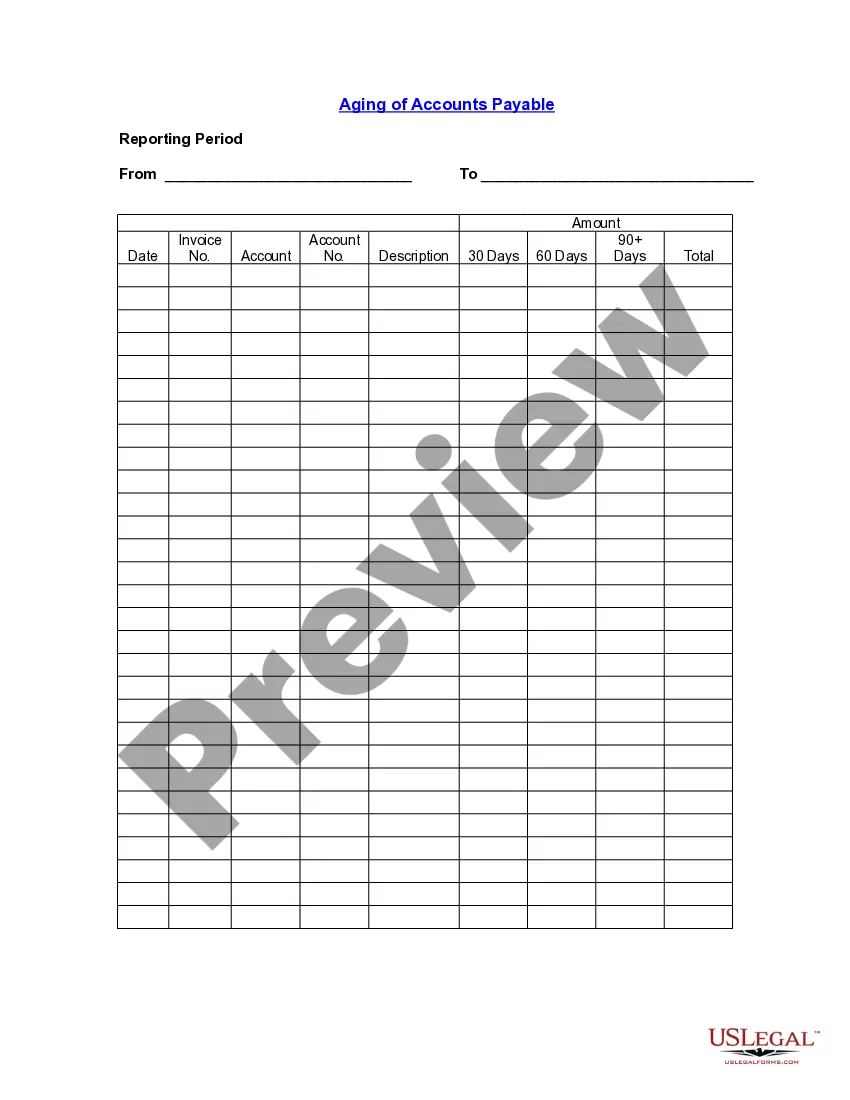
An accounts payable aging report shows the balances you owe to others.The aging of accounts payable tracks who your creditors are, how much you owe, and how long you've owed debts. An AP aging report is a tool that organizes your business's accounts payable (AP) balances.