Aging of Accounts Payable
What this document covers
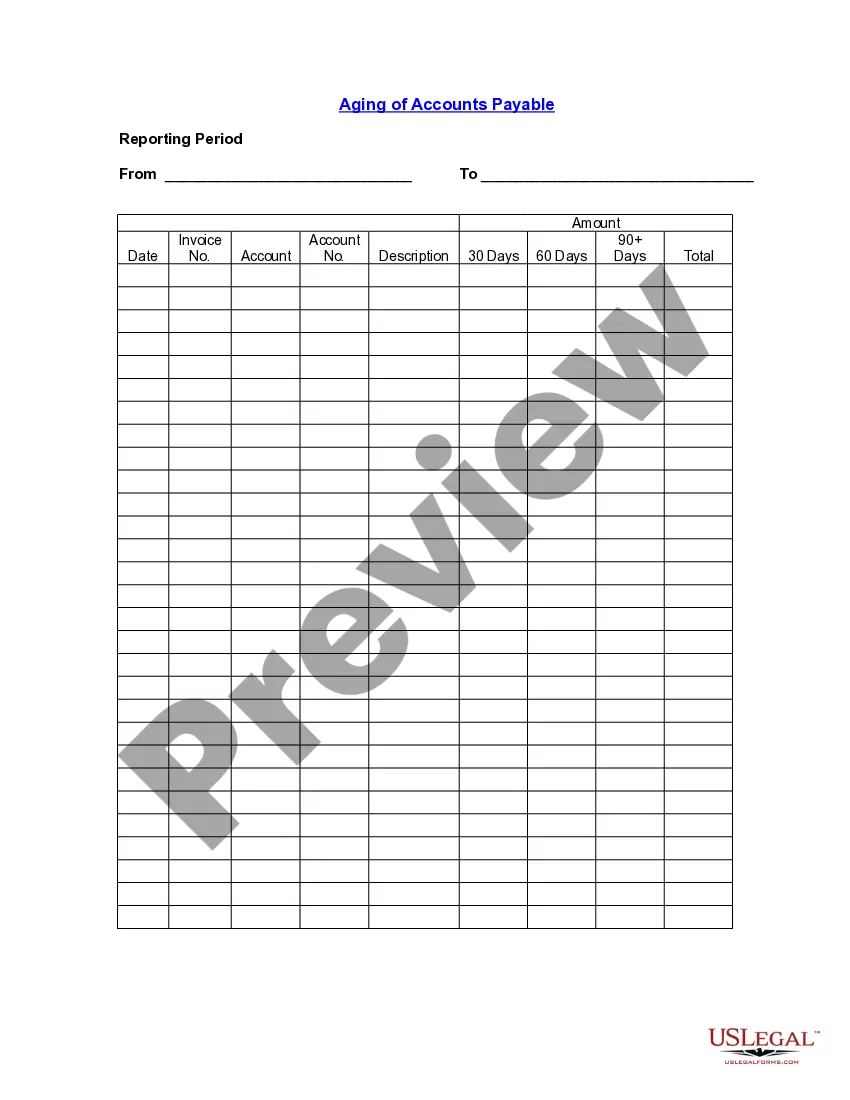
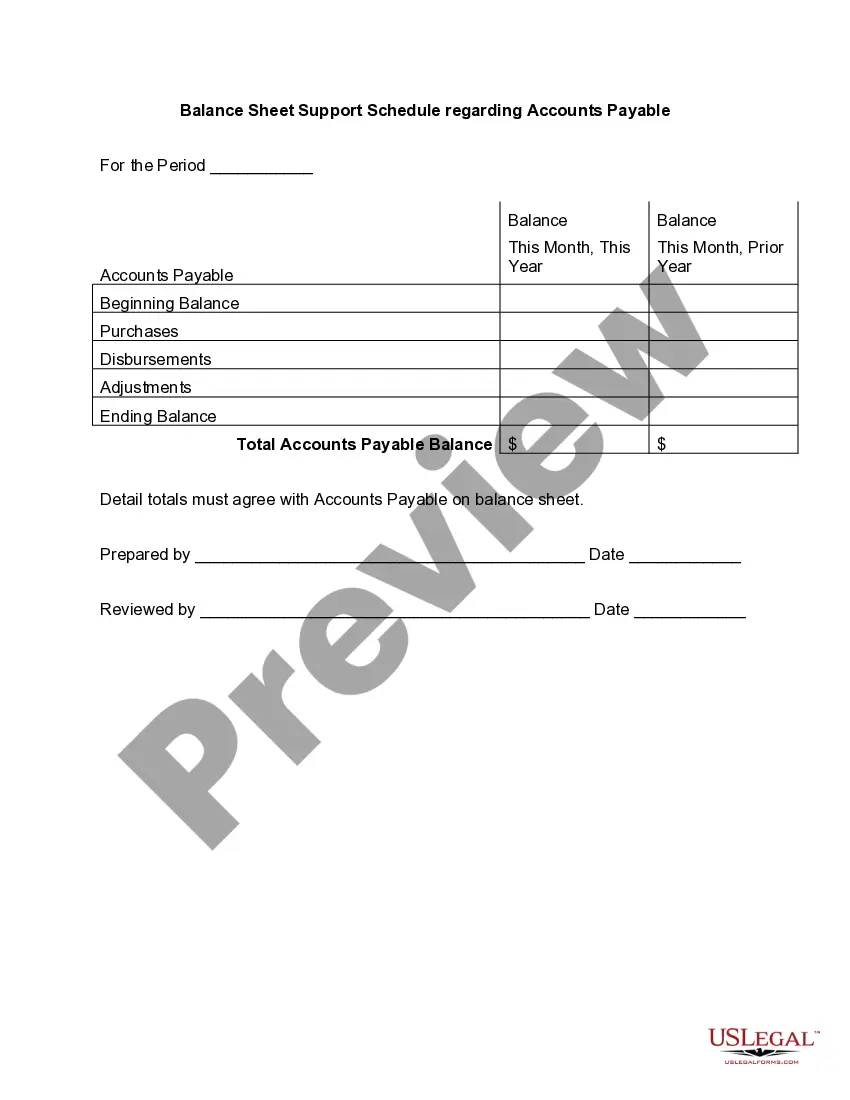
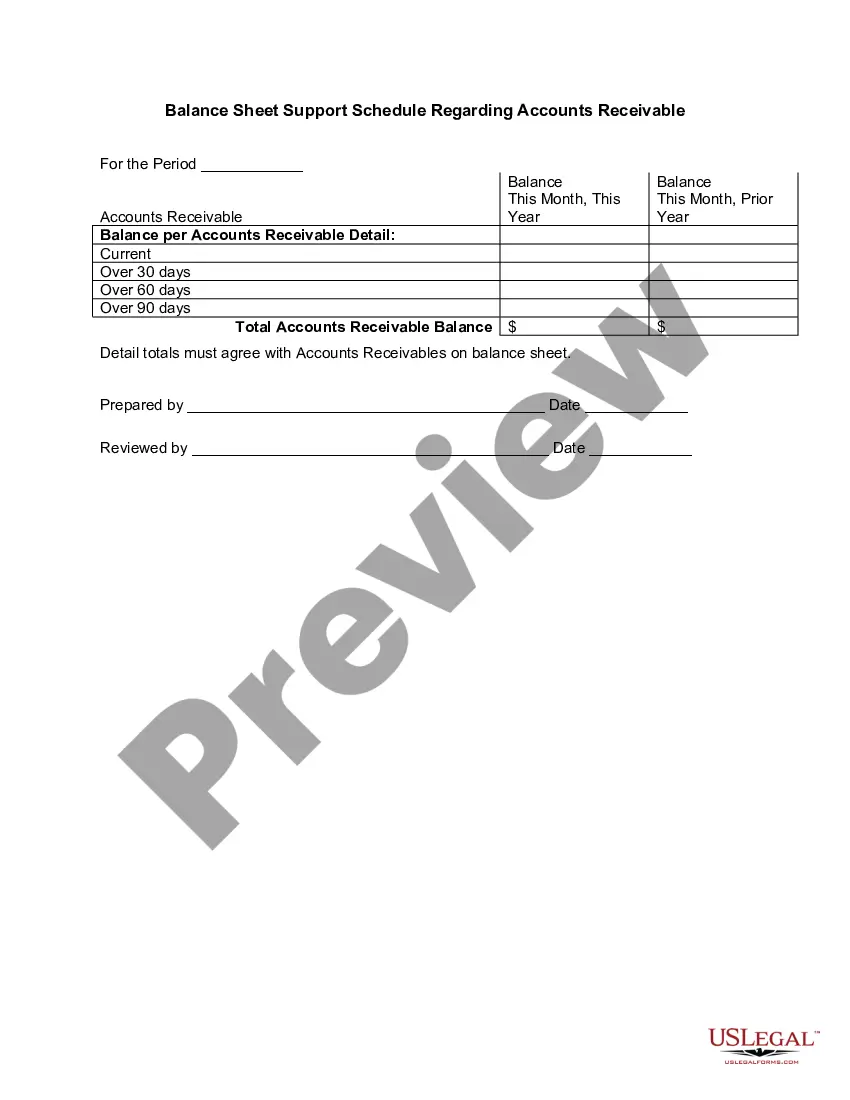
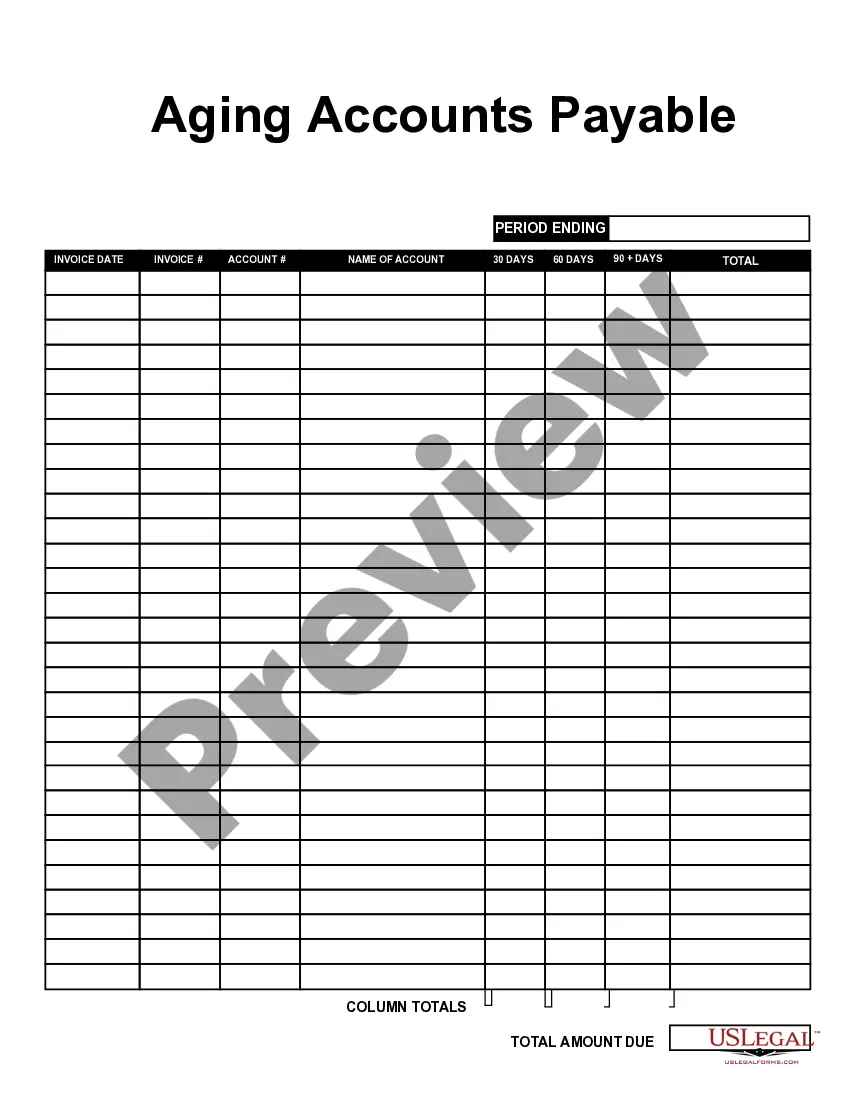
The Aging of Accounts Payable form is a valuable tool for businesses to track and manage outstanding invoices. It helps organizations categorize their accounts payable based on how long an invoice has been due. This effective tracking differs from other accounting reports as it focuses specifically on the overdue payments and aging process, making it easier to manage cash flow and maintain good vendor relationships.
Form components explained
- Reporting period: Identifies the time frame for which the report is applicable.
- Invoice details: Includes fields for the invoice date, invoice number, and description.
- Account information: Provides spaces for entering account names and account numbers.
- Aging categories: Organizes outstanding invoices into 30 days, 60 days, and 90 days sections, along with a total amount due.
When this form is needed
This form is beneficial when your business needs to monitor overdue payments to vendors or suppliers. You can use it to analyze unpaid invoices at various stages and improve your accounts payable management. It is particularly useful during financial reviews, audits, or when negotiating with vendors about payment terms.
Intended users of this form
- Small to medium-sized business owners managing accounts payable.
- Accountants or financial managers responsible for tracking company expenses.
- Individuals or teams responsible for vendor relationship management.
Instructions for completing this form
- Identify the reporting period by entering the start and end dates.
- List each invoice by filling in the date, number, account name, and account number.
- Provide a brief description of the goods or services associated with each invoice.
- Allocate unpaid amounts into the appropriate aging category of 30, 60, or 90 days.
- Add up the total amount due to provide an overall figure at the end of the form.
Notarization requirements for this form
This form does not typically require notarization unless specified by local law. This flexibility allows you to manage accounts payable efficiently without the additional step of notarization.
Get your form ready online
Our built-in tools help you complete, sign, share, and store your documents in one place.
Make edits, fill in missing information, and update formatting in US Legal Forms—just like you would in MS Word.
Download a copy, print it, send it by email, or mail it via USPS—whatever works best for your next step.
Sign and collect signatures with our SignNow integration. Send to multiple recipients, set reminders, and more. Go Premium to unlock E-Sign.
If this form requires notarization, complete it online through a secure video call—no need to meet a notary in person or wait for an appointment.
We protect your documents and personal data by following strict security and privacy standards.

Make edits, fill in missing information, and update formatting in US Legal Forms—just like you would in MS Word.

Download a copy, print it, send it by email, or mail it via USPS—whatever works best for your next step.

Sign and collect signatures with our SignNow integration. Send to multiple recipients, set reminders, and more. Go Premium to unlock E-Sign.

If this form requires notarization, complete it online through a secure video call—no need to meet a notary in person or wait for an appointment.

We protect your documents and personal data by following strict security and privacy standards.
Mistakes to watch out for
- Failing to enter all applicable invoices, leading to incomplete data.
- Not categorizing invoices properly within the aging periods.
- Neglecting to update the form regularly with new invoice data.
- Making errors in the total calculations, which can misrepresent financial standing.
Why use this form online
- Convenience of accessing and downloading the form from anywhere.
- Editability allows for customization to fit specific business needs.
- Reliability of having attorney-drafted forms ensures legality and accuracy.
What to keep in mind
- The Aging of Accounts Payable form is essential for tracking unpaid invoices effectively.
- Regular use can improve cash flow management and vendor relations.
- Complete and update the form accurately to avoid common mistakes.
Looking for another form?
Form popularity
FAQ
The aging method is used to estimate the amount of uncollectible accounts receivable. The technique is to sort receivables into time buckets (usually of 30 days each) and assign a progressively higher percentage of expected defaults to each time bucket.
Go to Reports and then select the Standard tab. Under the What you owe section, then pick Accounts payable aging detail. Click the Customize button. Select the Filter drop-down. Check the Due Date box and then choose Custom from the drop-down list. Enter the range of the specific date. Click Run report.
To prepare accounts receivable aging report, sort the unpaid invoices of a business with the number of days outstanding. This report displays the amount of money owed to you by your customers for good and services purchased.
To prepare an accounts receivable aging report, you need to have the customer's name, outstanding balance amount, and aging schedules. An AR aging report can be broken down into the following categories: Customer name. Total balance for each customer.
Step 1: Create your chart of accounts. Step 2: Setting up vendor details. Step 3: Examining and entering bill details. Step 4: Review and process payment for any invoices due. Step 5: Repeat the process weekly.
Label the following cells: A1: Customer. B1: Order # C1: Date. D1: Amount Due. Enter in the corresponding information for your customers and their orders underneath the headlines. Add additional headers for each column as: E1: Days Outstanding. F1: Not Due. G1: 0-30 Days. H1: 31-60 days. I1: 61-90 days. J1: >90 days.
An accounts payable aging report shows the balances you owe to others.The aging of accounts payable tracks who your creditors are, how much you owe, and how long you've owed debts. An AP aging report is a tool that organizes your business's accounts payable (AP) balances.
What is accounts payable aging report? An accounts payable aging report shows the balances you owe to others. The debts consist of inventory, supplies, and services you buy to operate your business. The aging of accounts payable tracks who your creditors are, how much you owe, and how long you've owed debts.