Seniority Roster Correction Request
What this document covers
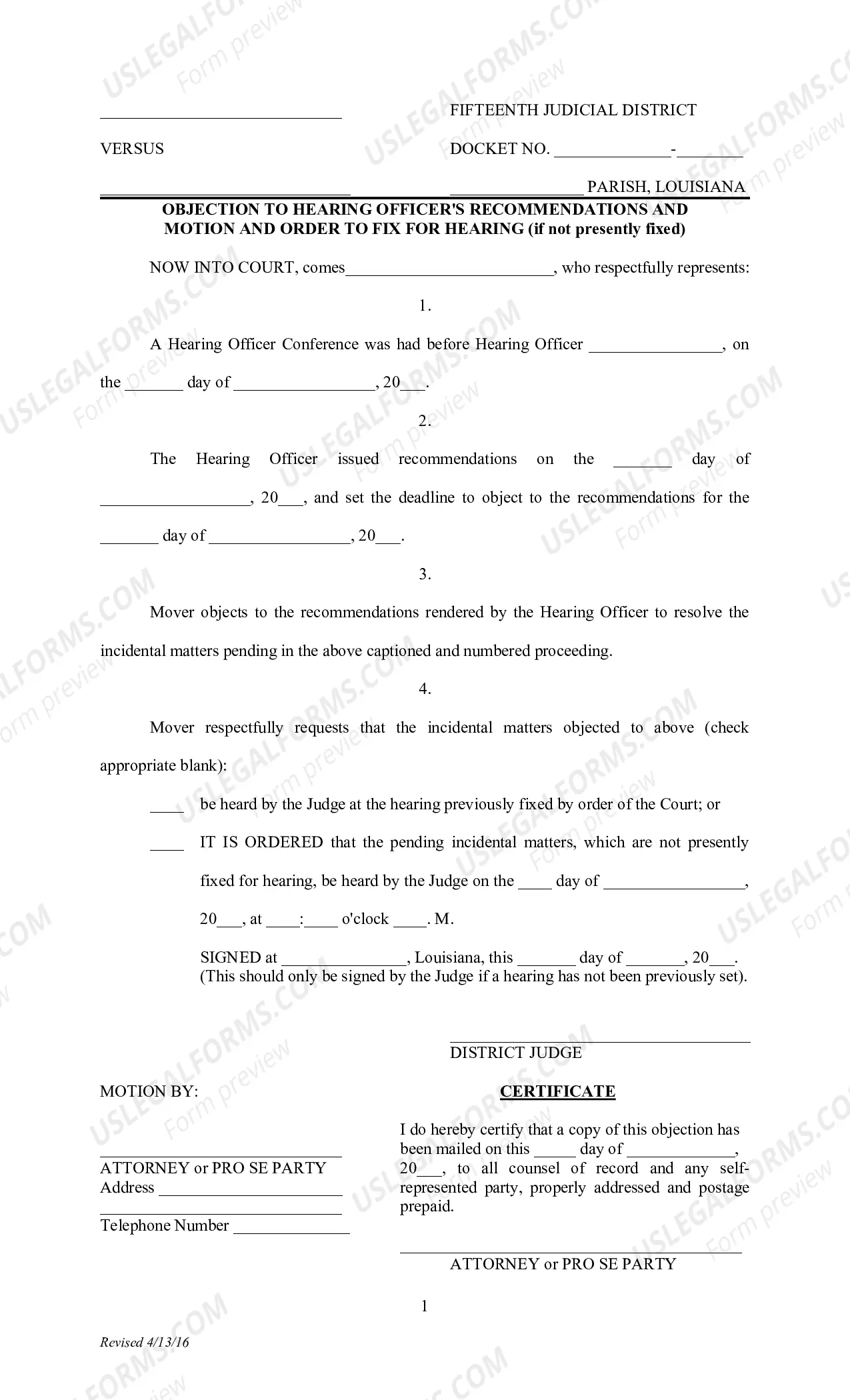
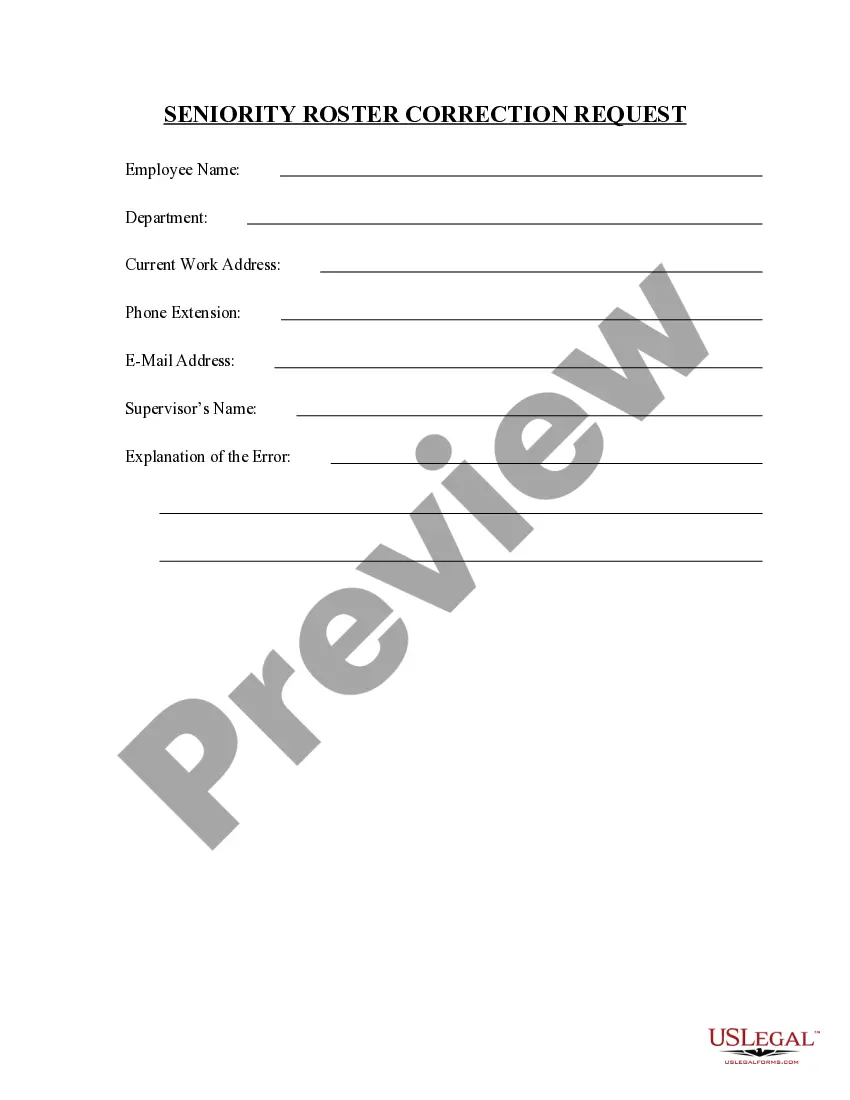
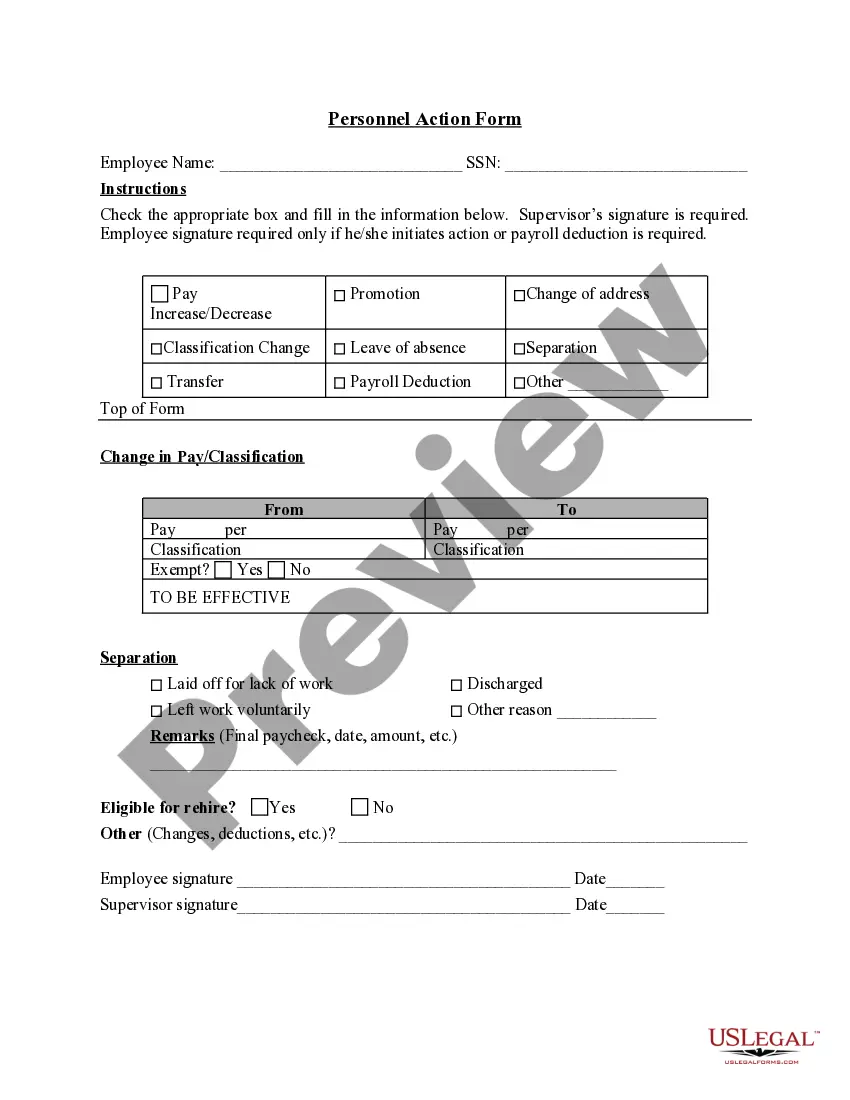
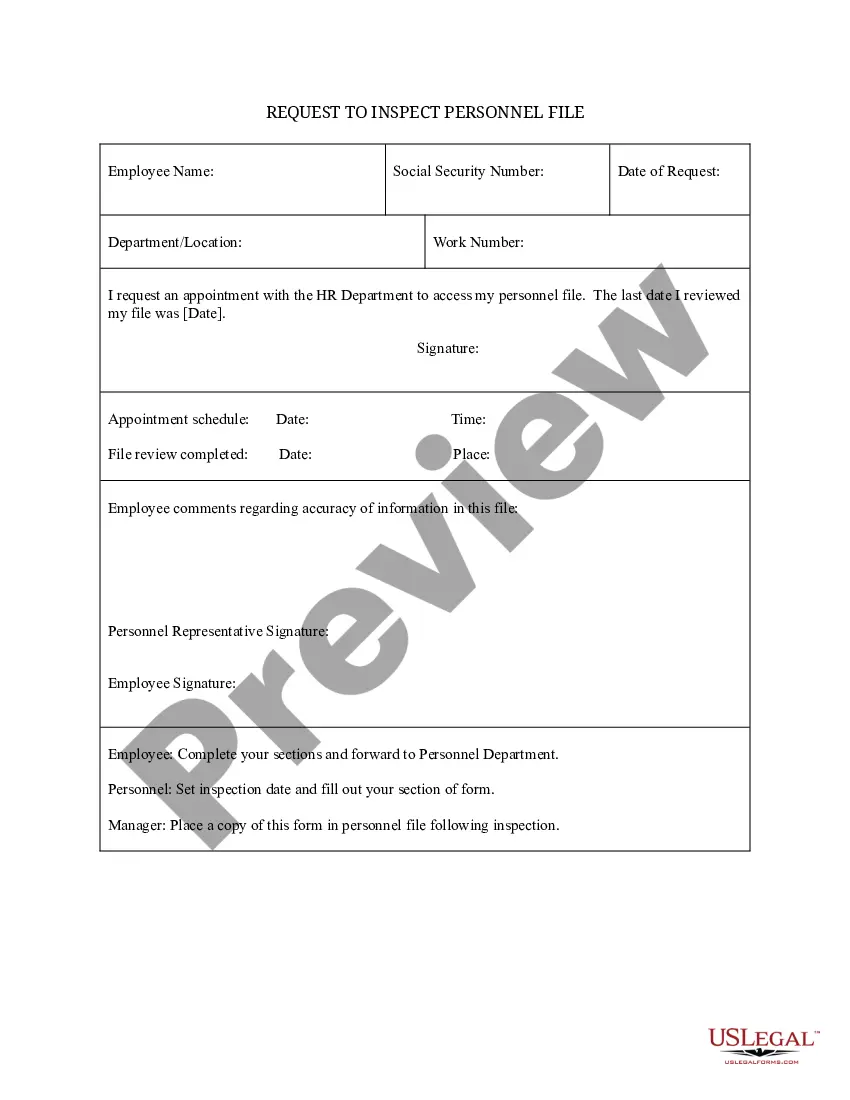
The Seniority Roster Correction Request form is designed to help individuals or organizations initiate a correction on the seniority roster. This form is specifically important when errors occur in a roster that determines employee benefits or seniority-based rights. Unlike other forms related to employee records, this form focuses explicitly on correcting inaccuracies and ensuring that the roster reflects the correct information.
Key parts of this document
- Personal information of the individual requesting the correction
- Identification of the specific errors in the seniority roster
- Supporting documentation or evidence for the correction
- Signatures from relevant parties involved in the correction
When to use this document
This form should be used when you discover an inaccuracy on the seniority roster that could impact your employee rights or benefits. For instance, if you notice that your seniority date is incorrect or your position is misclassified, filing this correction request is the appropriate action to ensure your records are accurate.
Who can use this document
- Employees who identify errors in their seniority records
- Human resources professionals who need to correct roster inaccuracies
- Labor union representatives assisting members with roster corrections
Completing this form step by step
- Provide your personal information, including your name and employee ID.
- Clearly identify the inaccuracies that require correction in the seniority roster.
- Attach any relevant supporting documentation that justifies the correction.
- Obtain signatures from any required parties to validate the request.
- Submit the completed form to the appropriate department or authority for review.
Does this form need to be notarized?
This form does not typically require notarization unless specified by local law. Ensure that you check any specific state regulations that may apply to your situation before submitting.
Get your form ready online
Our built-in tools help you complete, sign, share, and store your documents in one place.
Make edits, fill in missing information, and update formatting in US Legal Forms—just like you would in MS Word.
Download a copy, print it, send it by email, or mail it via USPS—whatever works best for your next step.
Sign and collect signatures with our SignNow integration. Send to multiple recipients, set reminders, and more. Go Premium to unlock E-Sign.
If this form requires notarization, complete it online through a secure video call—no need to meet a notary in person or wait for an appointment.
We protect your documents and personal data by following strict security and privacy standards.

Make edits, fill in missing information, and update formatting in US Legal Forms—just like you would in MS Word.

Download a copy, print it, send it by email, or mail it via USPS—whatever works best for your next step.

Sign and collect signatures with our SignNow integration. Send to multiple recipients, set reminders, and more. Go Premium to unlock E-Sign.

If this form requires notarization, complete it online through a secure video call—no need to meet a notary in person or wait for an appointment.

We protect your documents and personal data by following strict security and privacy standards.
Common mistakes to avoid
- Failing to include supporting documentation
- Leaving required fields blank
- Not obtaining necessary signatures before submission
Why use this form online
- Instant access to the form, eliminating wait times
- Easy to complete and edit before final submission
- Reliable templates drafted by licensed attorneys
Main things to remember
- The Seniority Roster Correction Request form is essential for correcting inaccuracies on employee seniority records.
- Be thorough and accurate in completing the form to avoid common mistakes.
- Consider using online resources for convenience and reliability in form submission.