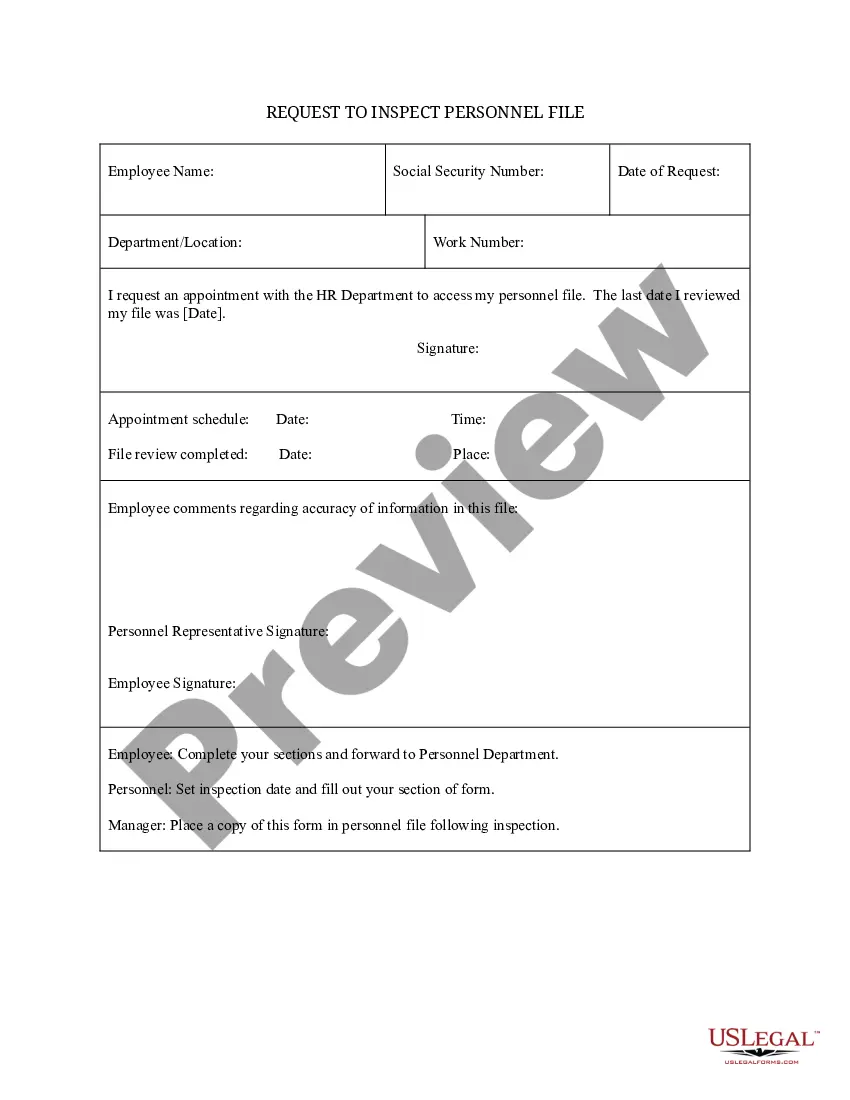
Request to Inspect Personnel File
What this document covers
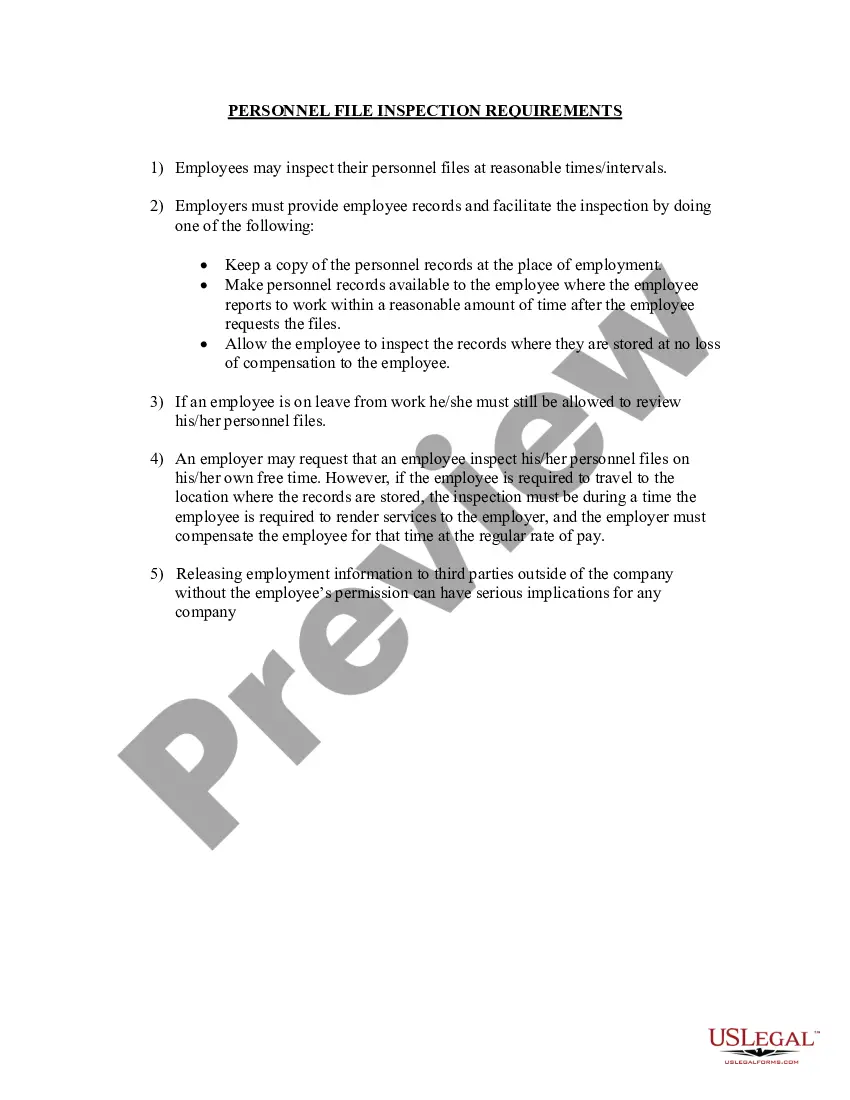
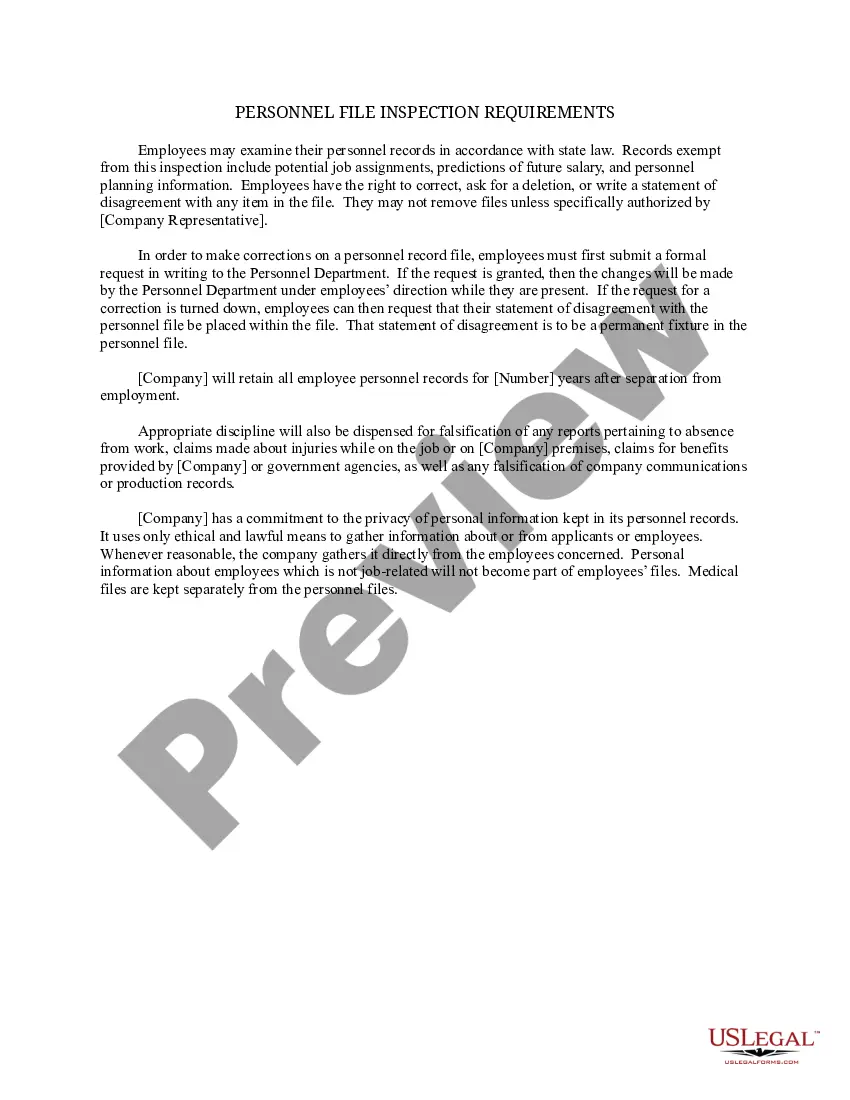
The "Request to Inspect Personnel File" form allows employees to formally request access to their personnel files held by their employer. This document seeks to establish an appointment for the review of these files, ensuring that employees can verify the accuracy of their employment information. This form is distinct because it not only requests access but specifies a date and time for the review, unlike informal requests that may lack structure or legal backing.
Key parts of this document
- Employee name and Social Security number
- Date of request and department/location
- Request for appointment to access the personnel file
- Signature fields for both the employee and personnel representative
- Date and place of the scheduled appointment
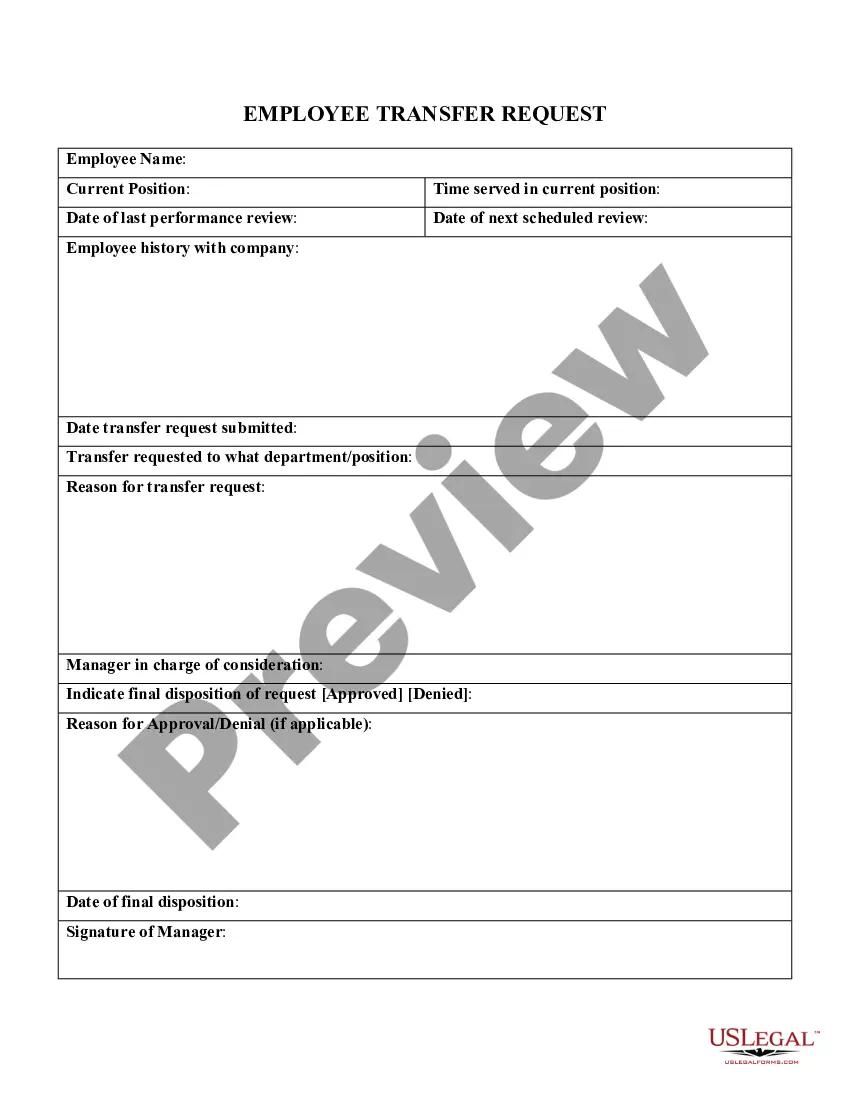
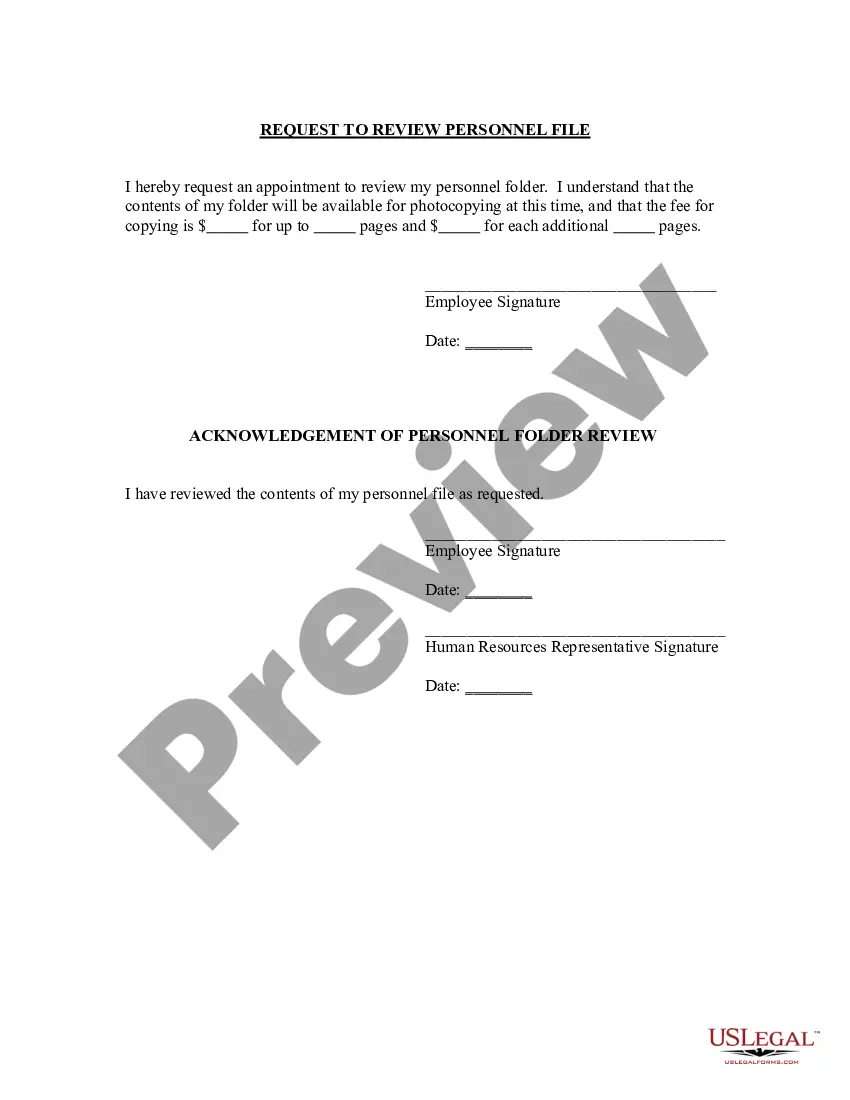
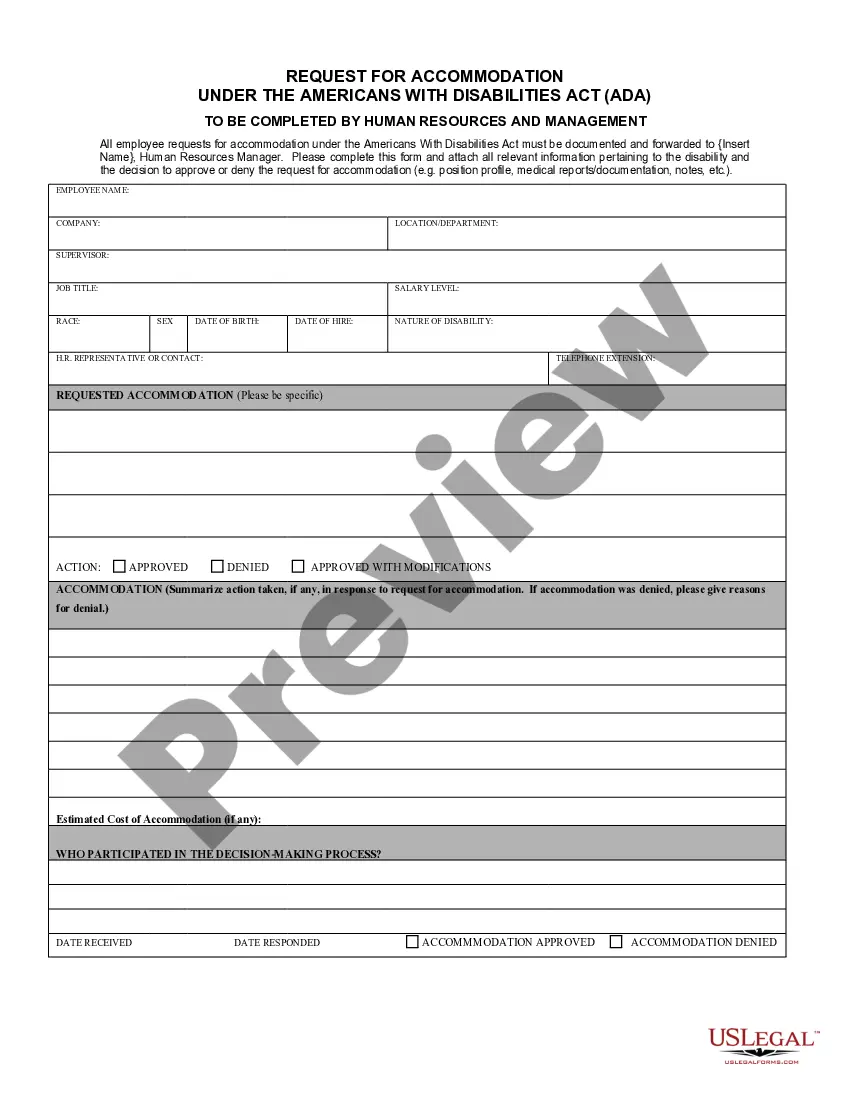
When to use this document
This form should be used when an employee wants to inspect their personnel file, typically for reasons such as verifying the accuracy of the information, addressing discrepancies, or reviewing performance evaluations. It is especially useful in situations where an employee suspects inaccuracies or wishes to prepare for a potential discussion regarding their employment status.
Intended users of this form
- Employees interested in reviewing their personnel records
- Former employees wanting to access their past records
- Human resources personnel managing request procedures
Instructions for completing this form
- Provide your personal information, including your name and Social Security number.
- Fill in the date of your request and your department or location.
- Specify the desired date and time for the inspection appointment with HR.
- Sign the form to acknowledge your request and forward it to the personnel department.
- Ensure to complete the comments section if you have any remarks regarding the file's accuracy.
Notarization guidance
This form does not typically require notarization to be legally valid. However, some jurisdictions or document types may still require it. US Legal Forms provides secure online notarization powered by Notarize, available 24/7 for added convenience.
Get your form ready online
Our built-in tools help you complete, sign, share, and store your documents in one place.
Make edits, fill in missing information, and update formatting in US Legal Forms—just like you would in MS Word.
Download a copy, print it, send it by email, or mail it via USPS—whatever works best for your next step.
Sign and collect signatures with our SignNow integration. Send to multiple recipients, set reminders, and more. Go Premium to unlock E-Sign.
If this form requires notarization, complete it online through a secure video call—no need to meet a notary in person or wait for an appointment.
We protect your documents and personal data by following strict security and privacy standards.

Make edits, fill in missing information, and update formatting in US Legal Forms—just like you would in MS Word.

Download a copy, print it, send it by email, or mail it via USPS—whatever works best for your next step.

Sign and collect signatures with our SignNow integration. Send to multiple recipients, set reminders, and more. Go Premium to unlock E-Sign.

If this form requires notarization, complete it online through a secure video call—no need to meet a notary in person or wait for an appointment.

We protect your documents and personal data by following strict security and privacy standards.
Mistakes to watch out for
- Failing to include required personal information, such as the Social Security number.
- Not specifying a clear date and time for the appointment.
- Neglecting to sign the form, which can delay processing.
Advantages of online completion
- Convenience: Easily fill out the form from any location without the need for physical paperwork.
- Editability: Make necessary changes before submission to ensure accuracy.
- Reliability: Ensure compliance with legal standards by using professionally drafted templates.
Legal use & context
- Using this form ensures adherence to the rights of employees to access their personnel records.
- It aids in maintaining transparency within the employer-employee relationship.
What to keep in mind
- The Request to Inspect Personnel File is important for employees to review their records.
- Accurate completion and submission ensure a smooth review process.
- Being aware of state-specific regulations can enhance compliance and effectiveness.
Looking for another form?
Form popularity
FAQ
The personnel file is the employees and the employers complete record of their relationship together. It contains a history from job application right the way through to the exit interview, termination of employment or even retirement. Needless to say, the personnel file is highly confidential.
Job description for the position. job application and/or resume. offer of employment. IRS Form W-4 (the Employee's Withholding Allowance Certificate) receipt or signed acknowledgment of employee handbook. performance evaluations.
Job description for the position. job application and/or resume. offer of employment. IRS Form W-4 (the Employee's Withholding Allowance Certificate) receipt or signed acknowledgment of employee handbook. performance evaluations. forms relating to employee benefits.
Use a chronological organization system. To organize your personnel files chronologically, you'll create a separate file for each employee. Within that employee file, you will include all of the pertinent documents in chronological order.
A personnel file is a paper or electronic folder for storing HR and payroll documents related to new, existing, or past employees. It should include basic employee and compensation information in compliance with federal and state labor laws.
Examples of items that should not be included in the personnel file are: Pre-employment records (with the exception of the application and resume) Monthly attendance transaction documents. Whistleblower complaints, notes generated from informal discrimination complaint investigations, Ombuds, or Campus Climate.
Keep it simple. In requesting employee records, it's usually a good idea to keep it simple. Be clear about your request. Keep the tone respectful. Give a Deadline for a Response. Optional: Reference the laws that give you the right to access these records.
Yes. If you are a current or former employee you may request to inspect your employee record or ask that your employer make a copy of those records. The best way to do this is in writing so that you have a clear record of the date you made the request and the specific nature of your request.
No federal law grants employees the right to inspect their personnel files. However, many states do give employees such rights and spell out the terms under which employees are allowed to inspect those files.