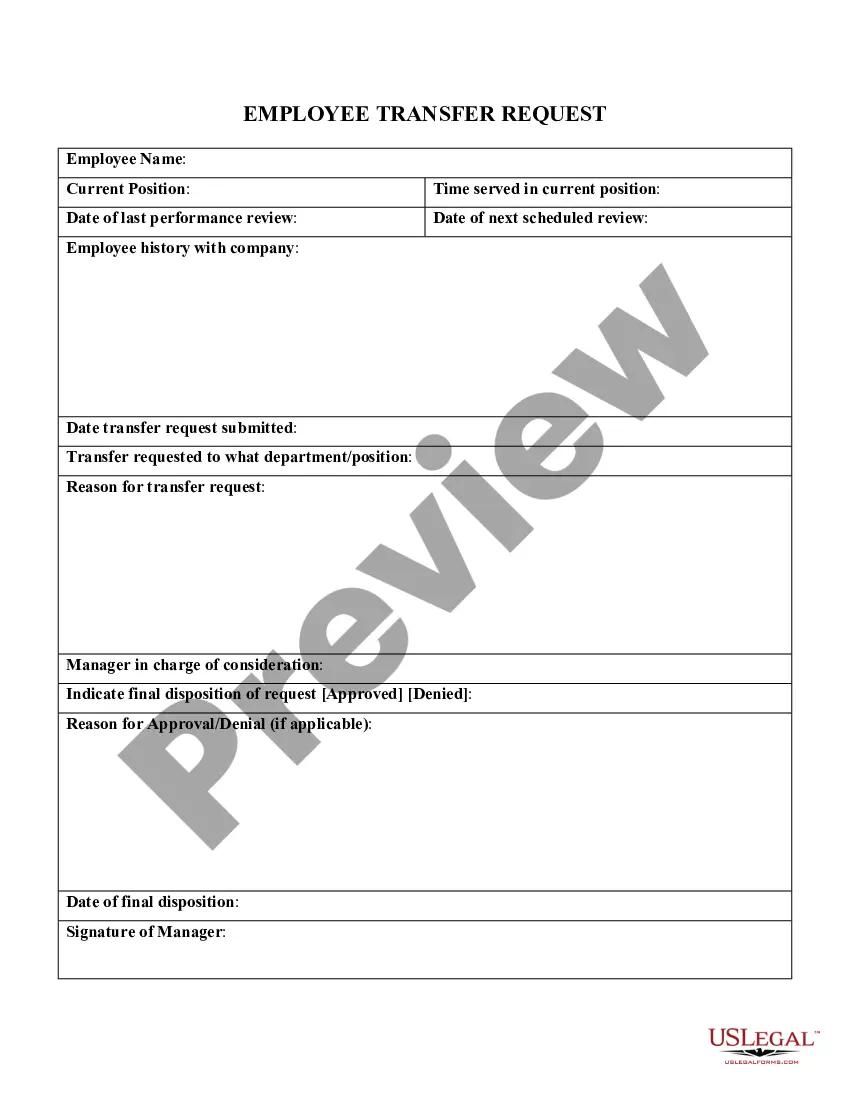
Employee Transfer Request
What this document covers
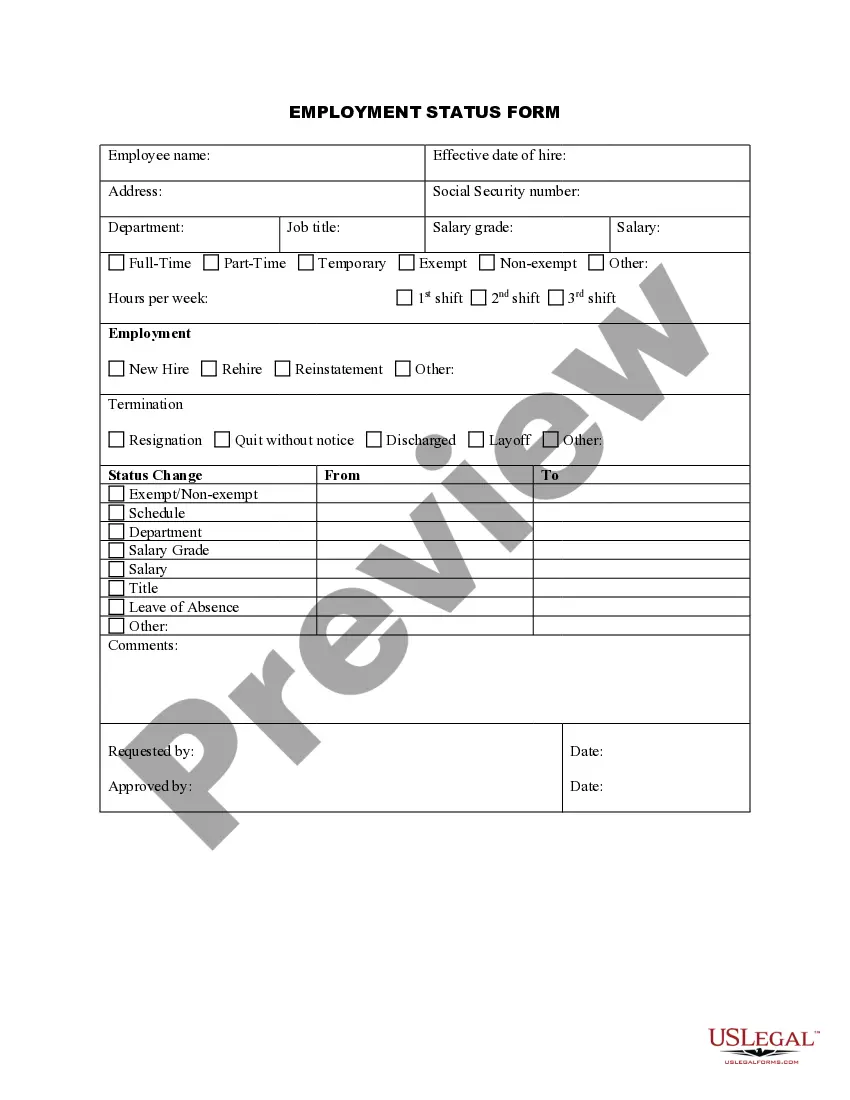
The Employee Transfer Request form is a legal document used by employers to formally request the transfer of an employee from one position, department, or location to another within the organization. Unlike other employment forms, this one specifically facilitates internal mobility and ensures that both the employer and employee acknowledge and agree to the transfer terms. This form helps streamline communication and maintain accurate records of personnel changes.
Key components of this form
- Employee information: Includes the employee's name, current position, and department.
- Transfer details: Specifies the new position, department, and location.
- Reason for transfer: Outlines the rationale behind the employee's requested transfer.
- Signatures: Requires acknowledgment and consent from the employee and the employer's representative.
- Date of transfer: Indicates when the transfer is intended to take effect.



Common use cases
This form is necessary when an employee wishes to relocate to a different position within the same company. Scenarios for its use include a promotion, a departmental shift for better alignment with skills, or a relocation due to personal circumstances. By utilizing this form, employers can manage internal transfers efficiently and effectively while ensuring compliance with company policies.
Who this form is for
- Human Resources professionals overseeing employee transfers.
- Managers initiating a transfer for an employee within their team.
- Employees seeking a position change within their organization.
Instructions for completing this form
- Identify the employee: Enter the employee's name, current position, and department.
- Specify the transfer details: Fill in the new position, department, and location for the requested transfer.
- State the reason: Provide a brief explanation for the transfer request.
- Obtain required signatures: Ensure the employee and relevant employer representatives sign the form.
- Enter the effective date: Clearly indicate when the transfer is expected to commence.
Does this form need to be notarized?
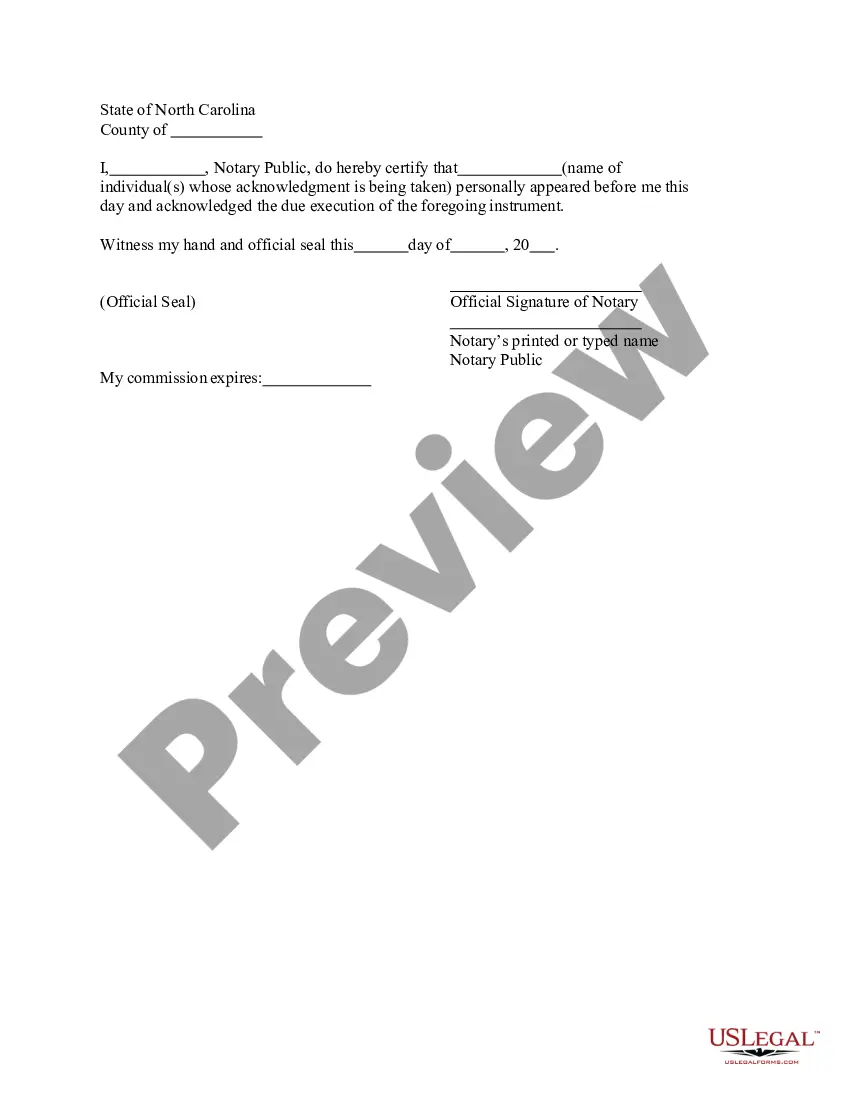
This form does not typically require notarization unless specified by local law. However, it is crucial to verify any state-specific requirements regarding notarization to ensure compliance.
Get your form ready online
Our built-in tools help you complete, sign, share, and store your documents in one place.
Make edits, fill in missing information, and update formatting in US Legal Forms—just like you would in MS Word.
Download a copy, print it, send it by email, or mail it via USPS—whatever works best for your next step.
Sign and collect signatures with our SignNow integration. Send to multiple recipients, set reminders, and more. Go Premium to unlock E-Sign.
If this form requires notarization, complete it online through a secure video call—no need to meet a notary in person or wait for an appointment.
We protect your documents and personal data by following strict security and privacy standards.

Make edits, fill in missing information, and update formatting in US Legal Forms—just like you would in MS Word.

Download a copy, print it, send it by email, or mail it via USPS—whatever works best for your next step.

Sign and collect signatures with our SignNow integration. Send to multiple recipients, set reminders, and more. Go Premium to unlock E-Sign.

If this form requires notarization, complete it online through a secure video call—no need to meet a notary in person or wait for an appointment.

We protect your documents and personal data by following strict security and privacy standards.
Mistakes to watch out for
- Not specifying a reason for the transfer, which can lead to confusion.
- Failing to collect necessary signatures before processing the transfer.
- Leaving out crucial details about the new position or department.
Benefits of using this form online
- Convenient access to the form anytime, enabling quick completion.
- Easily editable, allowing employers to customize the document as needed.
- Ensures reliability, providing a legally sound template drafted by licensed attorneys.
Quick recap
- The Employee Transfer Request form documentates the details and agreement necessary for internal employee transfers.
- It is essential for both employees and HR to keep standardized records of internal changes.
- Ensuring all required information and signatures are included is critical to prevent delays in the transfer process.
Looking for another form?

Form popularity
FAQ
Include contact information. At the top of your letter, include your contact information. Start with a formal salutation. Begin with a formal salutation such as "Dear Ms. Write the body of the letter. Write a conclusion. Review your transfer letter. Include your resume.
Be Professional. Your letter should be written in standard business-letter format, just like any professional correspondence. Say Thank You. Include Your Resume. Use Sample Letters to Guide Your Writing. Edit and Proofread Before Sending.
Begin with your specific purpose for writing: your transfer request. Highlight your abilities, accomplishments, and experience with this employer. Compliment your employer and your boss as being top-notch. State specifically why you want to transfer and/or advance in the company.
Actually, yes an employer can do this. The fact is that an at will employer can deny a transfer to an employee for a bad reason or no reason at all. Further, it can set the terms and conditions of employment as it sees fit or deems necessary.
State the purpose of the letter clearly in the title. Mention the position of the employee with the employee code or number. If the employer is transferring the employee, the employer must list the perks and benefits for the employee. Mention the date that the employee is supposed to report.
Be Professional. Your letter should be written in standard business-letter format, just like any professional correspondence. Say Thank You. Include Your Resume. Use Sample Letters to Guide Your Writing. Edit and Proofread Before Sending.