Help Desk Bulletin
What this document covers
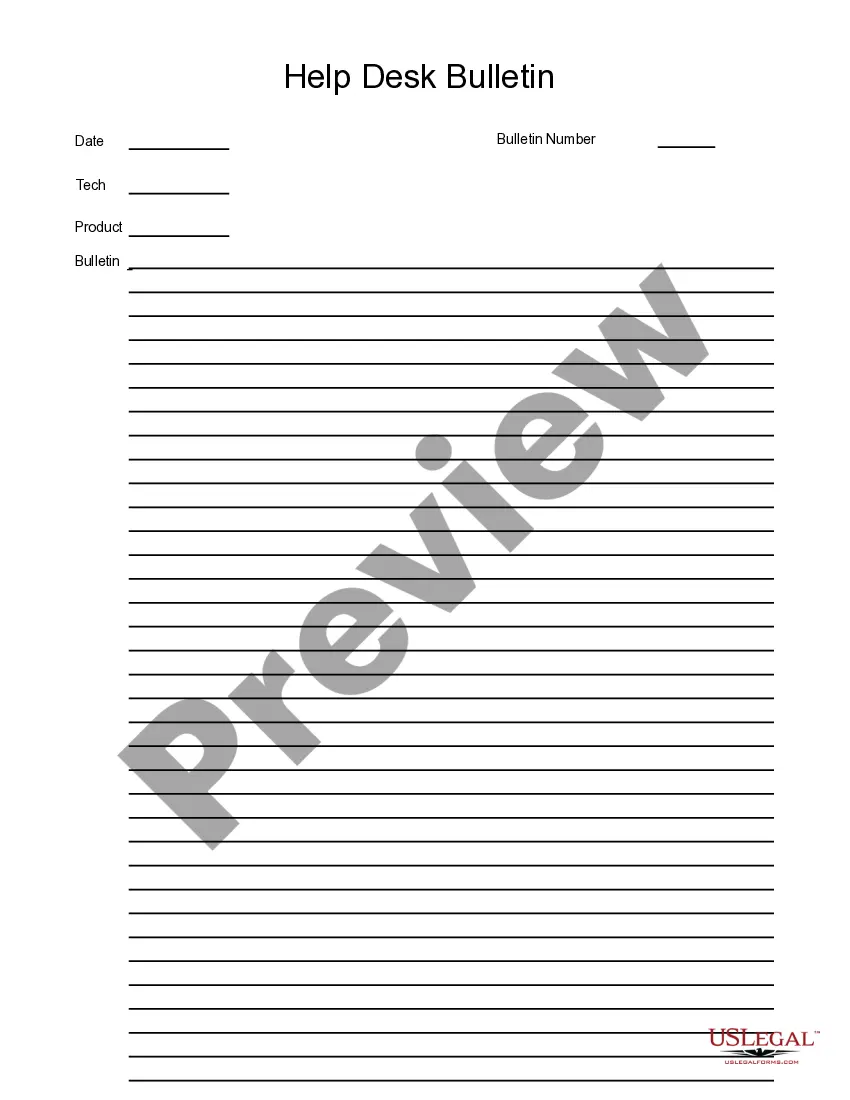
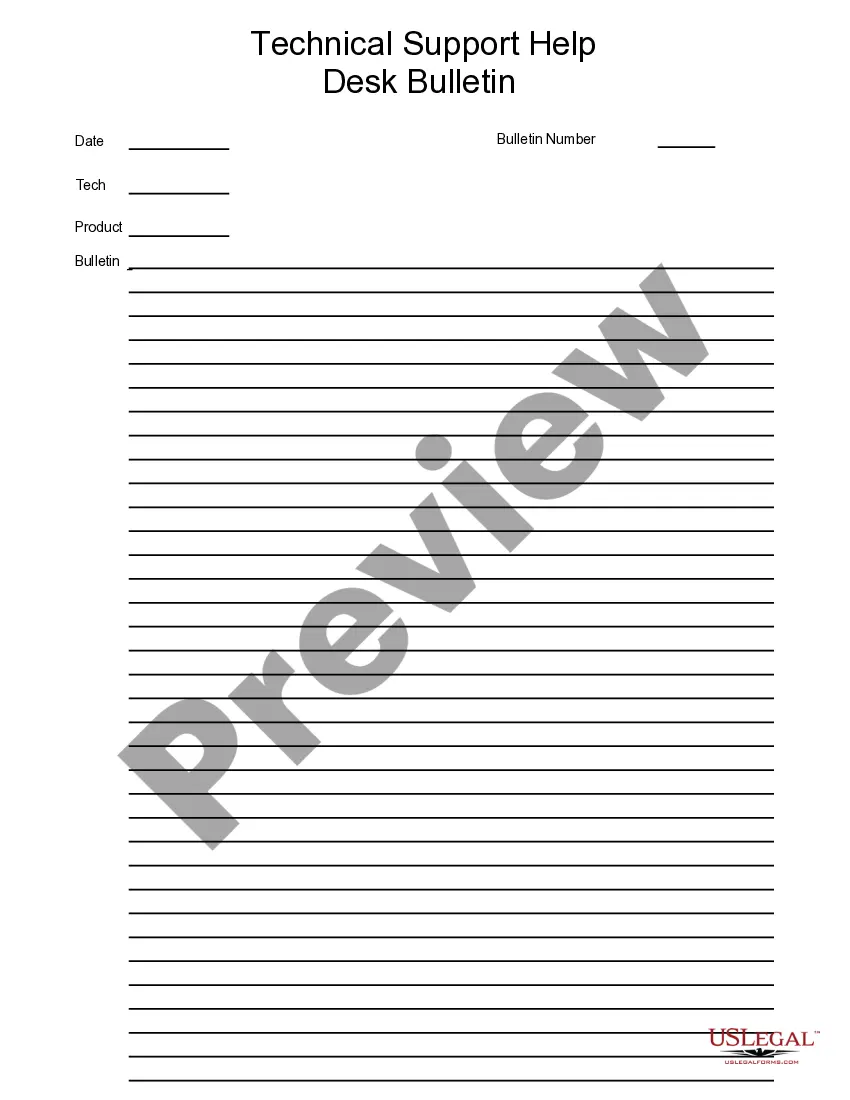
The Help Desk Bulletin is a specialized business form designed for creating informative alerts and updates within an organization. This template allows users to fill out the necessary fields using software like Adobe Acrobat or Word. Its user-friendly format caters to both simple and complex messages, distinguishing it from other forms by facilitating clear internal communication.
Key components of this form
- Title section to specify the purpose of the bulletin.
- Content area for detailed information, categorized for clarity.
- Date field to indicate when the bulletin is issued.
- Distribution list section to identify recipients.
- Signature line for authorization, ensuring accountability.

Situations where this form applies
Use the Help Desk Bulletin when you need to communicate important updates, changes, or alerts to employees or team members. This form is particularly useful in scenarios such as announcing policy changes, detailing upcoming events, or providing operational updates within your organization.
Who this form is for
- Managers looking to inform their team about changes or updates.
- Human resources personnel communicating important information to employees.
- Project leaders who need to share project-related announcements.
- Anyone in a position to distribute vital company information.
How to complete this form
- Identify the title of the bulletin that reflects its purpose.
- Enter the relevant date indicating when the bulletin is being issued.
- Fill in the content area with clear and concise information.
- Specify the distribution list to indicate who will receive the bulletin.
- Add signatures if necessary to authorize the content.
Notarization requirements for this form
This form does not typically require notarization unless specified by local law.
Get your form ready online
Our built-in tools help you complete, sign, share, and store your documents in one place.
Make edits, fill in missing information, and update formatting in US Legal Forms—just like you would in MS Word.
Download a copy, print it, send it by email, or mail it via USPS—whatever works best for your next step.
Sign and collect signatures with our SignNow integration. Send to multiple recipients, set reminders, and more. Go Premium to unlock E-Sign.
If this form requires notarization, complete it online through a secure video call—no need to meet a notary in person or wait for an appointment.
We protect your documents and personal data by following strict security and privacy standards.

Make edits, fill in missing information, and update formatting in US Legal Forms—just like you would in MS Word.

Download a copy, print it, send it by email, or mail it via USPS—whatever works best for your next step.

Sign and collect signatures with our SignNow integration. Send to multiple recipients, set reminders, and more. Go Premium to unlock E-Sign.

If this form requires notarization, complete it online through a secure video call—no need to meet a notary in person or wait for an appointment.

We protect your documents and personal data by following strict security and privacy standards.
Common mistakes to avoid
- Failing to update the date, which can lead to confusion.
- Including excessive jargon that may not be clear to all recipients.
- Neglecting to identify all intended recipients, which can result in missed communications.
Advantages of online completion
- Convenient downloadable format that allows for easy editing.
- Accessible from anywhere, making it easy to create and distribute on the go.
- Professional formatting that enhances clarity and readability.
Legal use & context
- The Help Desk Bulletin serves as an internal document aiding in issue resolution.
- It is important for maintaining a record of communications related to support requests.
- Properly completed forms can support organizational accountability and transparency.
What to keep in mind
- The Help Desk Bulletin is designed for organizing support requests effectively.
- Clear and complete entries can significantly improve response times.
- This form is beneficial for all employees, enhancing overall communication.
Looking for another form?
Form popularity
FAQ
Always provide help and assistance using tools, experience and knowledge. The mindset of the helpdesk should be focused on resolving tickets and avoiding user issues. Engaging the right support resources first time ensuring resolution as quickly as possible.
Incident management. Incidents are the everyday issues that business and technology users face when applications and services don't work exactly as they should. Problem management. Change management. Ticketing. Service Request Management.
Be Proactive. The nature of customer service is that the customer support team is always waiting for customers to contact them with issues. Take Ownership. Be Accessible. Document and Collaborate.
Customer Service, 8.4% Desk Support, 6.9% Technical Support, 6.4% Active Directory, 6.3% Hardware, 6.0% Other Skills, 66.0%
Process. A really good help desk has processes in place to handle the nature and style of requests they typically receive.An efficient service desk should be able to report how long on average it takes to start working on service request from when they've been submitted, and how long it takes to resolve.
Create a service catalogue. Offer a knowledge base or self-service portal. Develop a culture of helping within the help desk. Hire good employees to retain great employees. Build a workflow that tracks issues end-to-end.
Decide What Support Your Desk will Deliver. Determine Your Help Desk's Staffing Needs. Define Your Priorities. Create Canned Responses or Knowledge Base. Track & Improve on Key Metrics. Utilize Help Desk Software. Pay Attention to Features & Ticket Assignment Rules.
Don't panic. Before you write a support ticket, try to stay calm. Write a concise subject line. Use the correct category. Give a full description of your problem. Add a screenshot or screen recording.
Listen to customer needs. Put customer (end-user) needs first. Have clear, scalable human-centric processes. Provide useful self-service tools. Deploy fit-for-purpose technology. Keep learning, keep improving.