Worksheet for Making a Budget
About this form
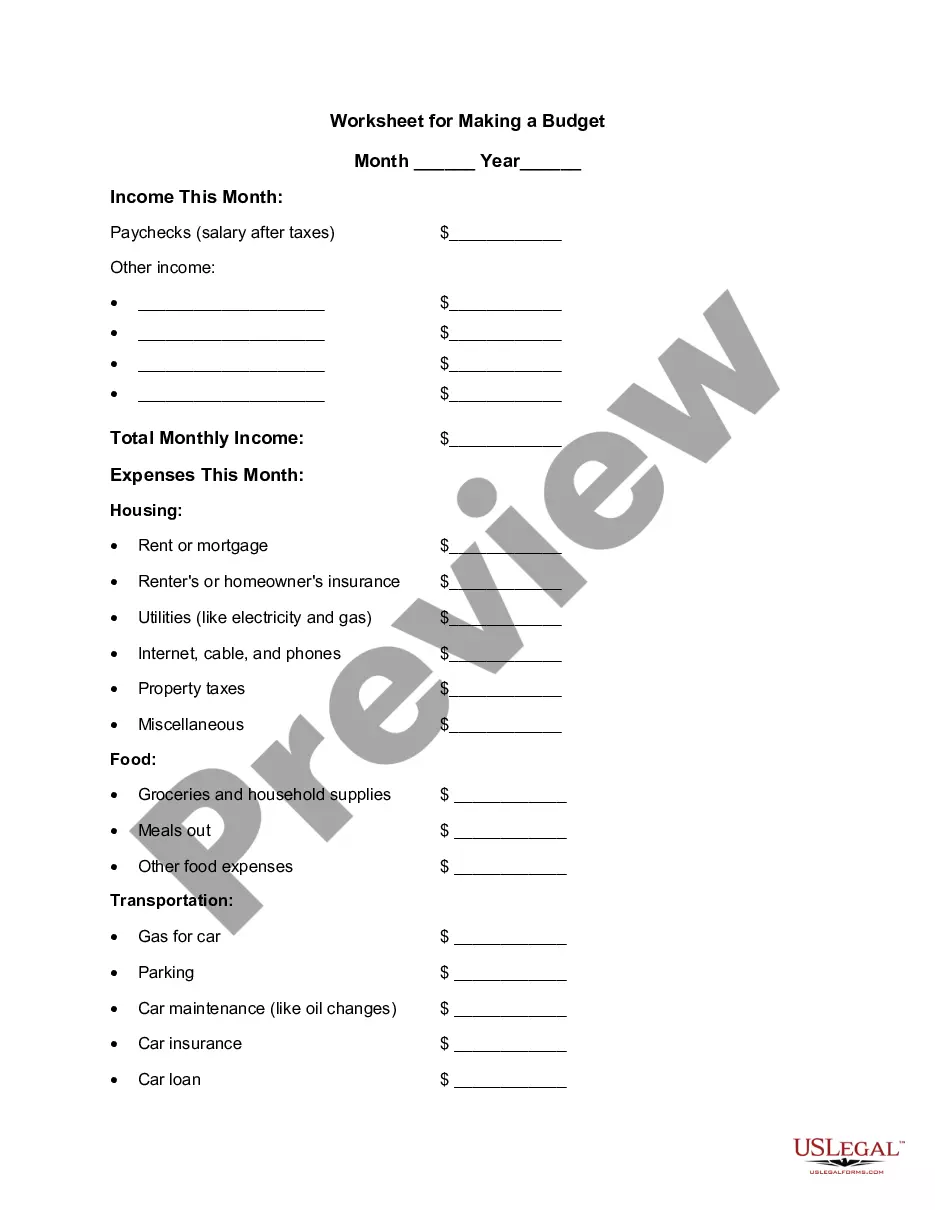
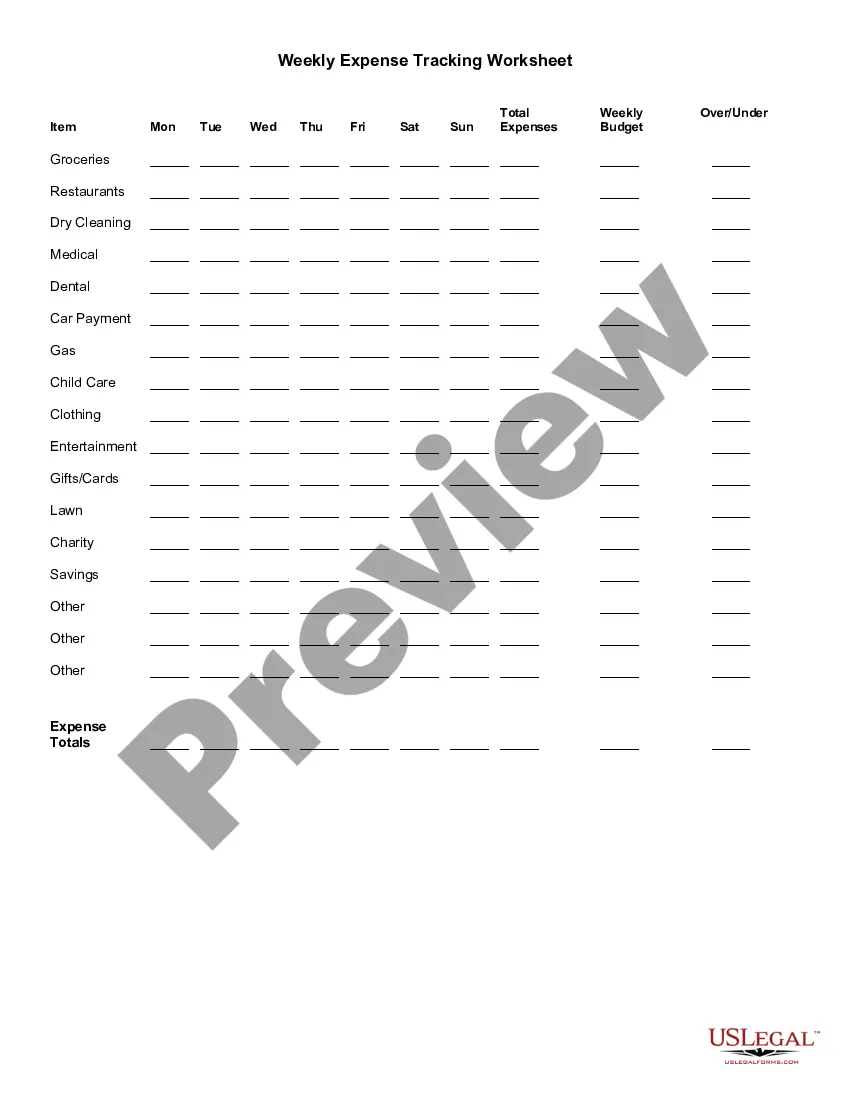
The Worksheet for Making a Budget is a helpful tool designed to assist individuals in planning their monthly income and expenses. This form allows users to break down their financial situation clearly, providing an overview of where money is coming from and where it is going. Unlike other financial documentation, this worksheet focuses purely on budgeting, making it user-friendly for anyone looking to gain financial control.
Main sections of this form
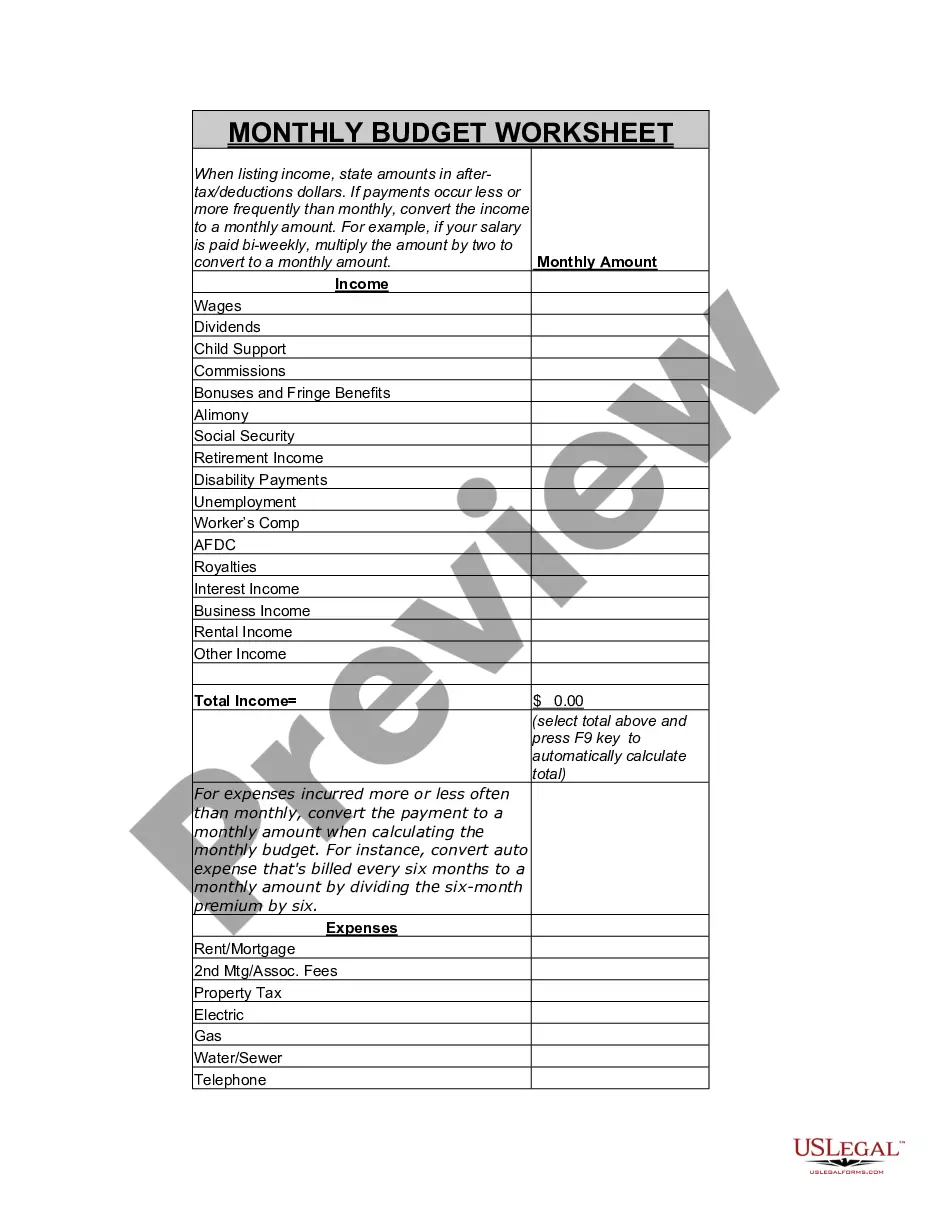
- Income section for detailing various sources of earnings.
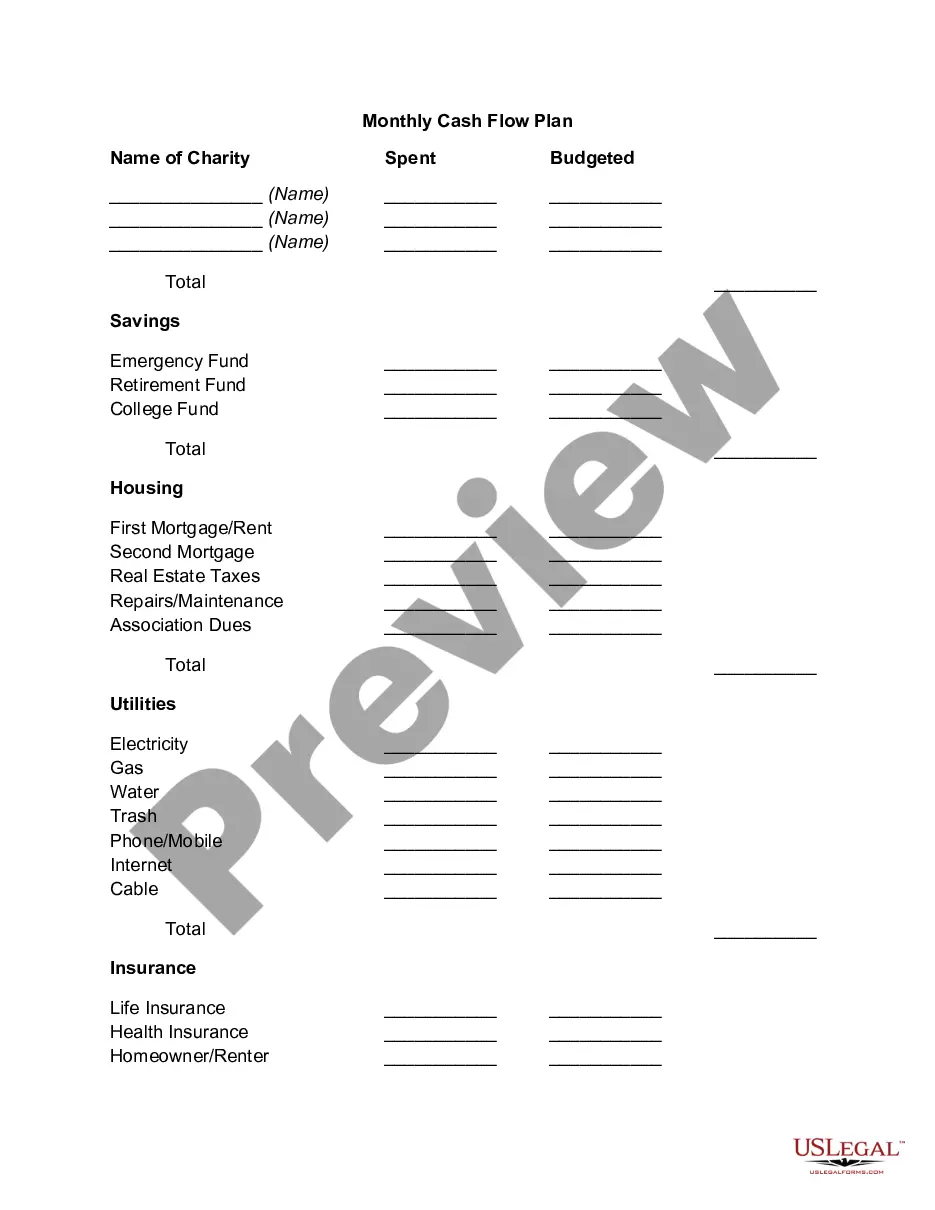
- Housing expenses including rent, insurance, and utilities.
- Food expenses including groceries, dining out, and other costs.
- Transportation costs related to vehicles, including gas and maintenance.
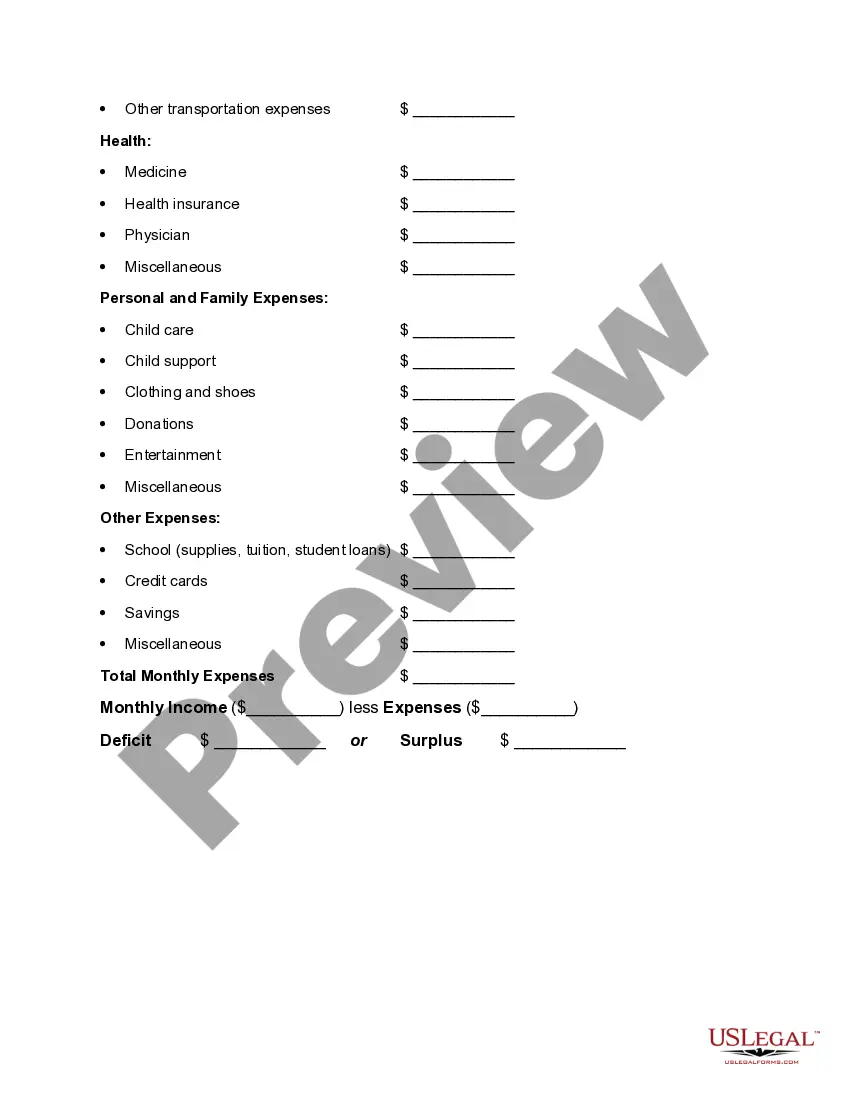
- Health-related expenses such as insurance and medication.
- Personal and family expenses, documenting childcare and entertainment costs.
- A section to calculate total monthly income and expenses for budgeting.
Situations where this form applies
This budget worksheet is ideal for anyone who wants to track their financial health. It can be particularly useful for individuals preparing for major life changes such as moving, starting a family, or managing debt. Additionally, this form is beneficial for those who want to set savings goals or gain insights into their spending habits.
Who this form is for
- Individuals or families looking to manage their monthly budget.
- Students planning their finances while in school.
- Anyone wanting to get a better handle on their income and expenses.
- People preparing for significant financial changes, like a job change or a move.
How to prepare this document
- Start by entering the month and year at the top of the worksheet.
- List all sources of income in the income section.
- Itemize your monthly expenses in each relevant category.
- Calculate the total monthly income and total expenses.
- Determine your financial standing by subtracting total expenses from total income to see if you have a deficit or surplus.
Does this document require notarization?
This form does not typically require notarization to be legally valid. However, some jurisdictions or document types may still require it. US Legal Forms provides secure online notarization powered by Notarize, available 24/7 for added convenience.
Get your form ready online
Our built-in tools help you complete, sign, share, and store your documents in one place.
Make edits, fill in missing information, and update formatting in US Legal Forms—just like you would in MS Word.
Download a copy, print it, send it by email, or mail it via USPS—whatever works best for your next step.
Sign and collect signatures with our SignNow integration. Send to multiple recipients, set reminders, and more. Go Premium to unlock E-Sign.
If this form requires notarization, complete it online through a secure video call—no need to meet a notary in person or wait for an appointment.
We protect your documents and personal data by following strict security and privacy standards.

Make edits, fill in missing information, and update formatting in US Legal Forms—just like you would in MS Word.

Download a copy, print it, send it by email, or mail it via USPS—whatever works best for your next step.

Sign and collect signatures with our SignNow integration. Send to multiple recipients, set reminders, and more. Go Premium to unlock E-Sign.

If this form requires notarization, complete it online through a secure video call—no need to meet a notary in person or wait for an appointment.

We protect your documents and personal data by following strict security and privacy standards.
Avoid these common issues
- Not including all sources of income, leading to an inaccurate budget.
- Forgetting to account for irregular expenses such as annual fees or periodic payments.
- Overestimating income and underestimating expenses, resulting in budget deficits.
- Not reviewing and adjusting the budget regularly as financial situations change.
Why use this form online
- Easy to access and download from any device.
- Editable format allows for personal customization.
- Reliable resource, drafted by licensed attorneys.
- Helps organize finances, providing clarity and support in decision-making.
Key takeaways
- The Worksheet for Making a Budget is essential for effective financial management.
- By accurately tracking income and expenses, users can achieve better financial clarity.
- This form can be tailored to personal needs and situations, making it highly versatile.
Looking for another form?
Form popularity
FAQ
Step 1: Open a Google Sheet. Step 2: Create Income and Expense Categories. Step 3: Decide What Budget Period to Use. Step 4: Use simple formulas to minimize your time commitment. Step 5: Input your budget numbers. Step 6: Update your budget.
Step 1: Note your net income. The first step in creating a budget is to identify the amount of money you have coming in. Step 2: Track your spending. Step 3: Set your goals. Step 4: Make a plan. Step 5: Adjust your habits if necessary. Step 6: Keep checking in.
Step 1: Open a Blank Workbook. Step 2: Set Up Your Income Tab. Step 3: Add Formulas to Automate. Step 4: Add Your Expenses. Step 5: Add More Sections. Step 6.0: The Final Balance.
Item #1- Housing Payment. You should make sure that your housing payment is included in any budget. Item #2- Costs Associated With Your Residence. Item #3- Emergency Fund. Item #4- General Savings Fund. Item #5- Gifts. Item #6- Debt Payments. Item #7- Entertainment Expenses. Item #8- Clothes and Accessories.
All basic budgets have the same elements: income, fixed expenses, variable expenses, discretionary expenses and personal financial goals. By combining these elements, a person can create a simple monthly budget.
Determine your income. Start with how much money you make after tax each month. Calculate Expenses. Let's break up your monthly spend into specific buckets. Calculate the difference. If your expenses are already greater than your savings, you have 2 options. Determine what to do with your savings. Make it a habit.
A family budgeting template can track monthly income, expenses, and cash flow and present the information visually. Alternatively, you can use a household budget template in Excel. This template for a budget indicates estimated versus actual costs for individual items and automatically calculates the difference.
Determine how much money you make every single month. Write this amount at the top of your paper. Calculate how much money you spend every single month. List out all the things you pay for each month. Examine your spending. Develop a plan. Record your spending and track your progress.
Step 1: Note your net income. The first step in creating a budget is to identify the amount of money you have coming in. Step 2: Track your spending. Step 3: Set your goals. Step 4: Make a plan. Step 5: Adjust your habits if necessary. Step 6: Keep checking in.