Weekly Expense Tracking Worksheet
Overview of this form
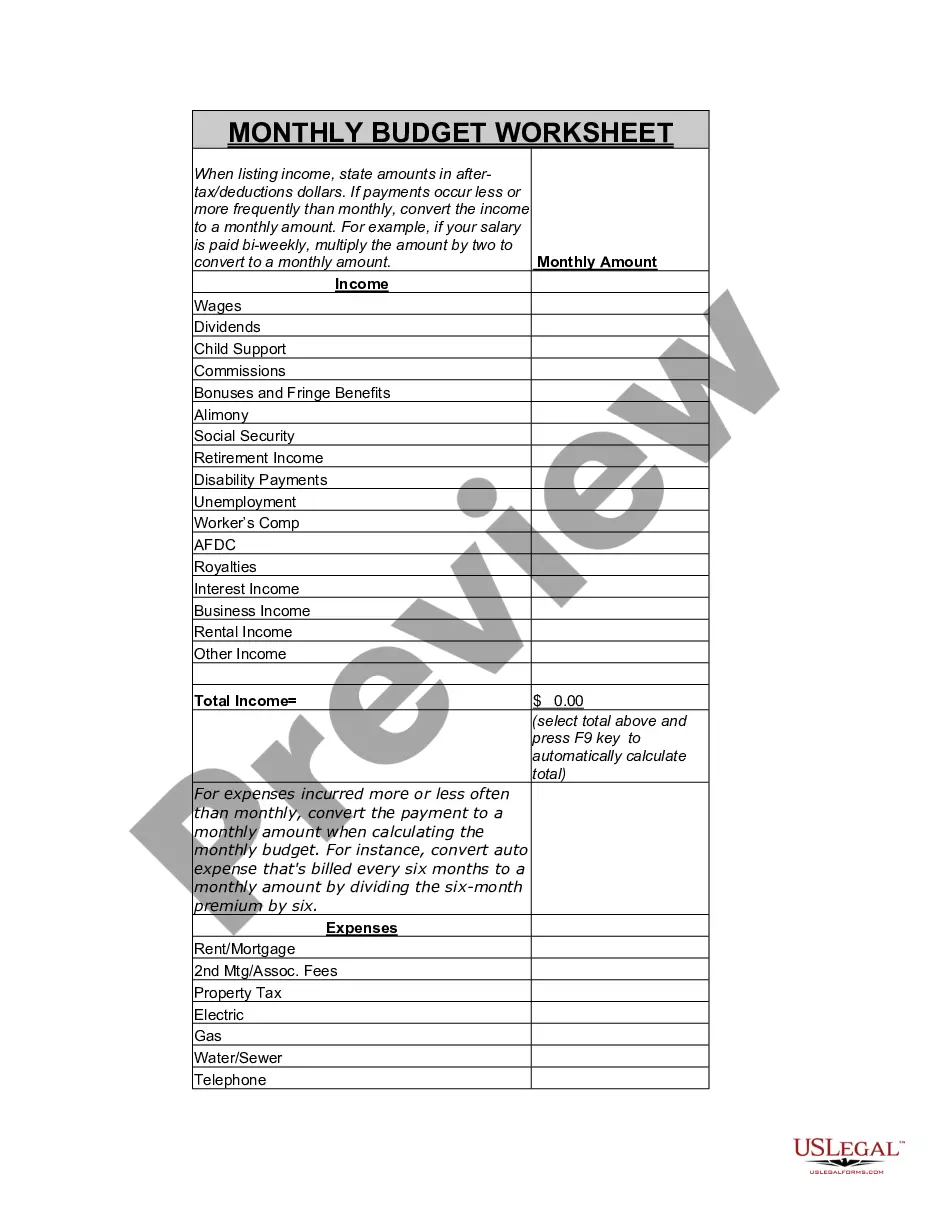
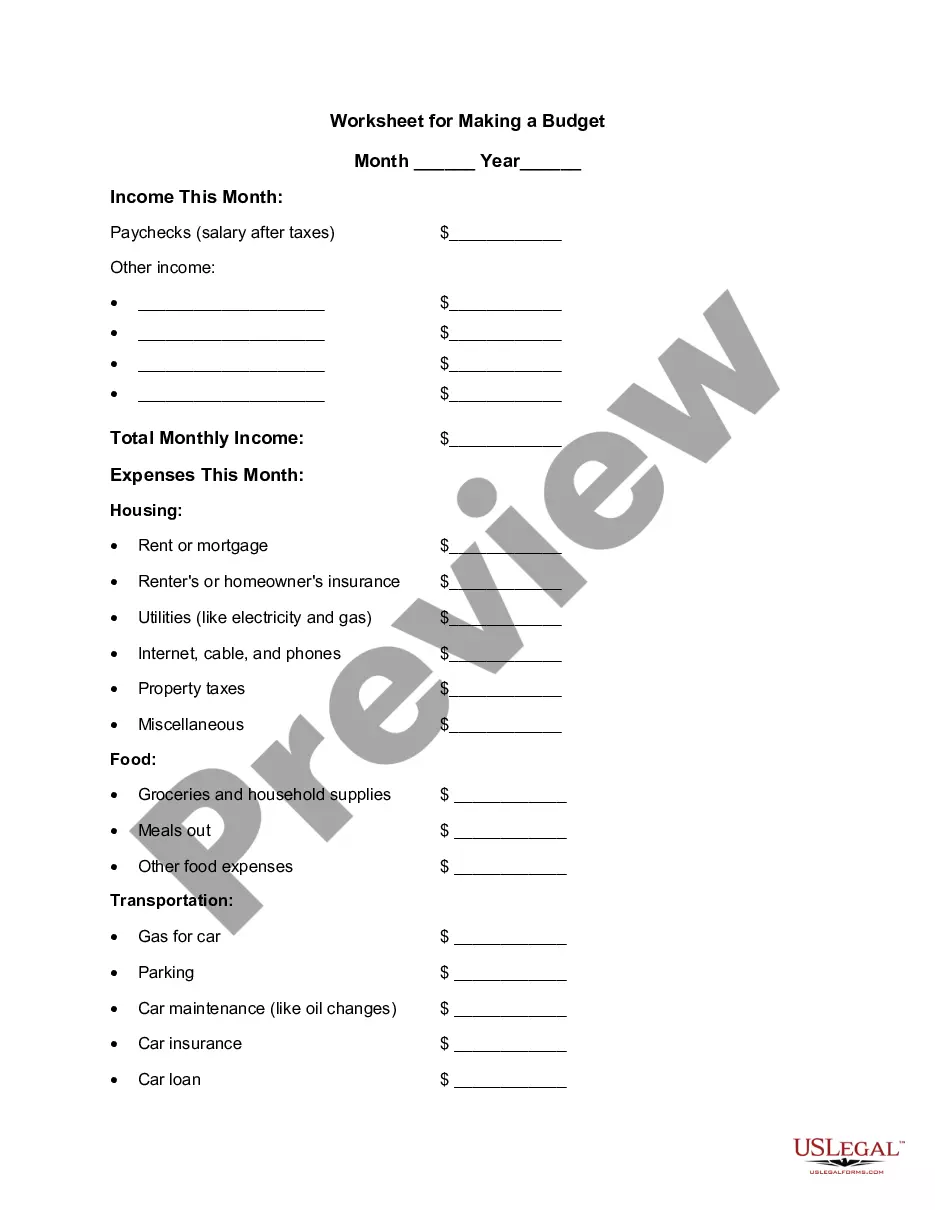
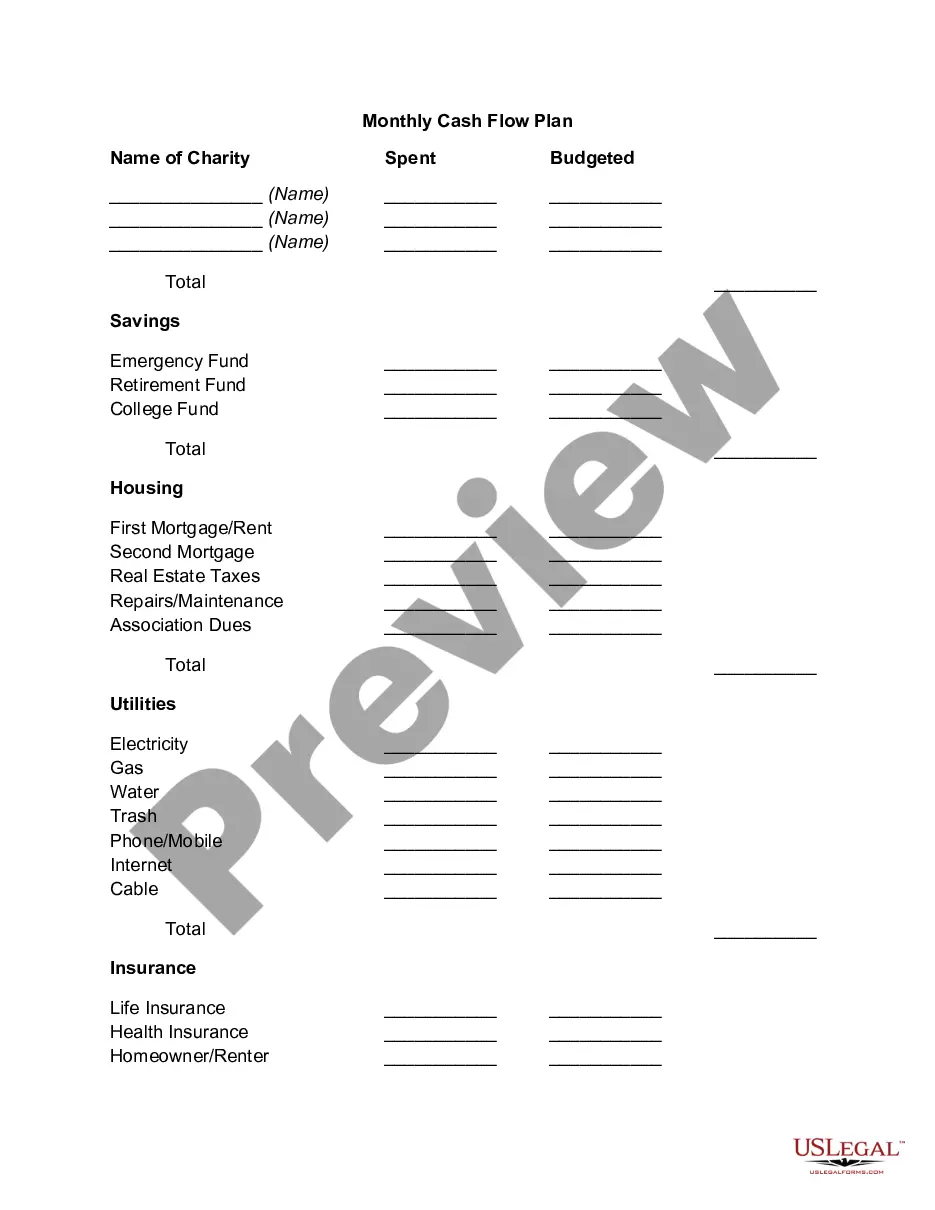
The Weekly Expense Tracking Worksheet is a tool designed to help individuals monitor their spending over a week. Unlike generic budgeting forms, this worksheet provides detailed categories for tracking daily expenses, enabling users to gain insight into their financial habits and make informed budgeting decisions.
Main sections of this form
- Daily expense tracking for each day of the week.
- Categories for various expenses including groceries, dining out, and entertainment.
- Sections for calculating total expenses versus budgeted amounts.
- Fields for entering additional categories based on individual needs.

Common use cases
This form is ideal for anyone looking to control their weekly spending. It is particularly useful for individuals who want to identify spending patterns, create budgets, or save money. Use this worksheet when planning a budget for a new month, during times of heightened spending, or whenever financial goals need to be reassessed.
Who should use this form
- Individuals managing personal finances.
- Families looking to track household expenses.
- Students aiming to budget their monthly allowances.
- Anyone interested in improving their financial literacy and budgeting skills.
Completing this form step by step
- Fill in the expense categories at the top of the worksheet.
- Record daily expenses for each category throughout the week.
- At the end of the week, calculate the total expenses in each category.
- Compare your total expenses to your budgeted amounts to assess financial health.
- Adjust spending habits based on insights gained from the worksheet.
Notarization requirements for this form
Notarization is generally not required for this form. However, certain states or situations might demand it. You can complete notarization online through US Legal Forms, powered by Notarize, using a verified video call available anytime.
Get your form ready online
Our built-in tools help you complete, sign, share, and store your documents in one place.
Make edits, fill in missing information, and update formatting in US Legal Forms—just like you would in MS Word.
Download a copy, print it, send it by email, or mail it via USPS—whatever works best for your next step.
Sign and collect signatures with our SignNow integration. Send to multiple recipients, set reminders, and more. Go Premium to unlock E-Sign.
If this form requires notarization, complete it online through a secure video call—no need to meet a notary in person or wait for an appointment.
We protect your documents and personal data by following strict security and privacy standards.

Make edits, fill in missing information, and update formatting in US Legal Forms—just like you would in MS Word.

Download a copy, print it, send it by email, or mail it via USPS—whatever works best for your next step.

Sign and collect signatures with our SignNow integration. Send to multiple recipients, set reminders, and more. Go Premium to unlock E-Sign.

If this form requires notarization, complete it online through a secure video call—no need to meet a notary in person or wait for an appointment.

We protect your documents and personal data by following strict security and privacy standards.
Avoid these common issues
- Failing to record every expense, which can lead to inaccurate tracking.
- Not updating the budgeted amounts regularly to reflect changing financial situations.
- Overlooking small expenses that can add up quickly over time.
Benefits of completing this form online
- Convenient access to the form from any device.
- Editable fields allow for easy updates and adjustments as needed.
- Reliable template drafted by licensed attorneys ensuring it meets legal standards.
Quick recap
- The Weekly Expense Tracking Worksheet is crucial for understanding spending habits.
- This form applies nationwide, making it accessible to all U.S. residents.
- Staying consistent with tracking can lead to better financial decisions.
Looking for another form?




Form popularity
FAQ
Step 1: Clear the sample data, but don't clear the formulas in the Balance column. Step 2: Enter beginning balances for the accounts you want to track. Step 3: Edit the Accounts and Categories lists in the Settings worksheet as needed.
Step 1: Read your monthly account statements. Step 2: Categorize your expenses. Step 3: Use an expense tracker app. Step 4: For greater control, use an expense tracker spreadsheet. Step 5: Find room for improvement.
How much do you earn? How much are you spending? Split your outgoings into mandatory and lifestyle. Remove your outgoings from your income, and look for ways to cut spending. Think about the future. Choose goals you can meet. Schedule monthly check-ins.
Customize a monthly budget template in Excel Step 2: Enter your budget data of income and expenses into the table, and calculate the total incomes of every month and every item: (1) Calculate total income per month: In Cell B7 enter =SUM(B4:B6), then drag the Fill Handle to apply this formula to Range C7:M7.
Qykly daily expense manager Qykly app sorts your finances and income graphically, which helps you examine your expense analytics at the end of the month. It furthers categories your expenses in 4 groups: purchases, bills, finances, and travel.
Open Excel, click on the "File" menu, and then select "New." A blank spreadsheet appears in your workspace. Click your cursor on column B, and then type the word "Monday." Repeat for the next six columns to add the other days of the week. Click on the "Font" tab, and then choose a font.
Step 1: Read your monthly account statements. Step 2: Categorize your expenses. Step 3: Use an expense tracker app. Step 4: For greater control, use an expense tracker spreadsheet. Step 5: Find room for improvement.
Step 1: Write down ALL expenses and income. Expenses. Step 2: Add it all up. At the end of the month, add up all your expenses. Step 3: Compare Income to Expenses. Next it's time to compare the money coming in versus the money going out.
Click the cell that you want to use to calculate your total in the income column, select the list arrow, and then choose the Sum calculation. There are now totals for the income and the expenses. When you have a new income or expense to add, click and drag the blue resize handle in the bottom-right corner of the table.