Personal Monthly Budget Worksheet
Understanding this form
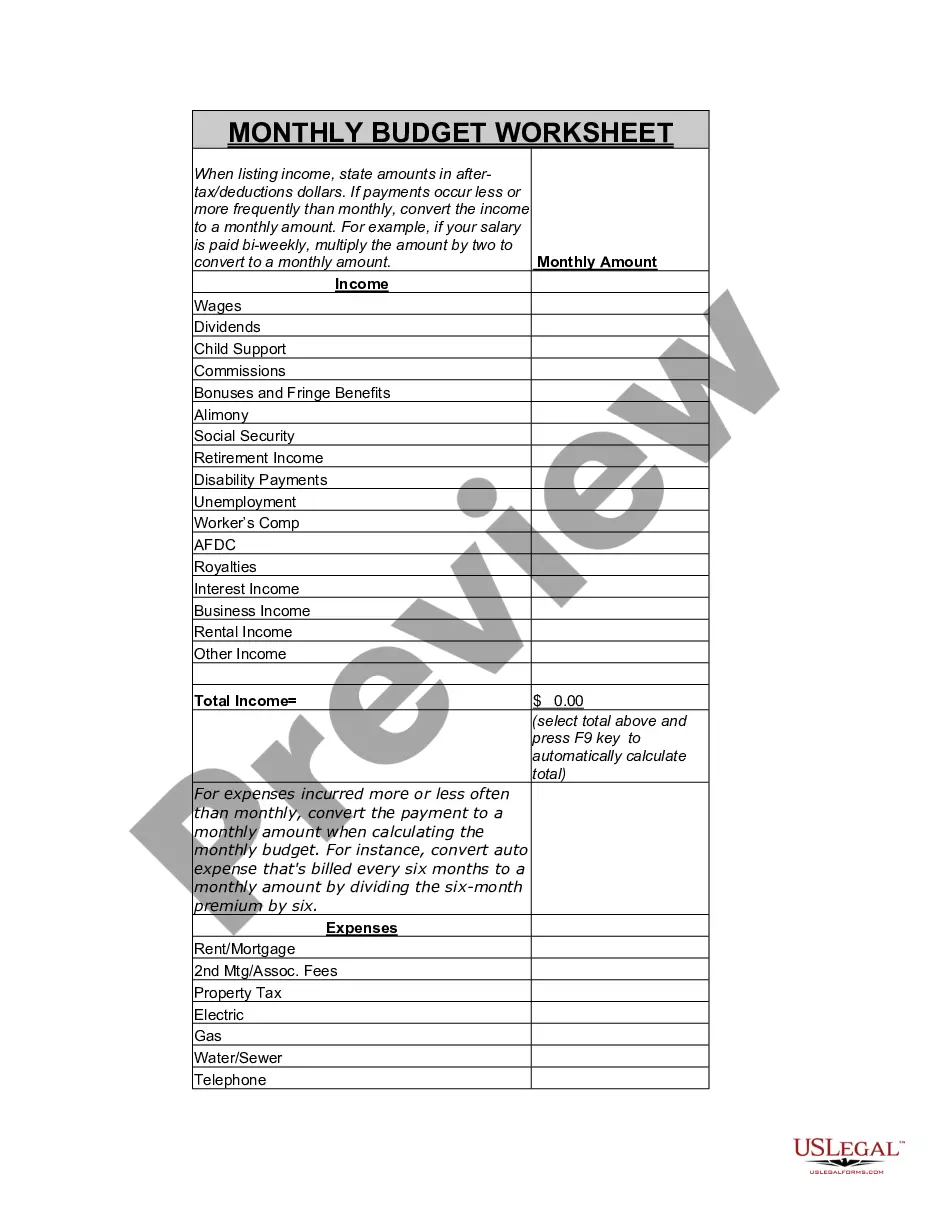
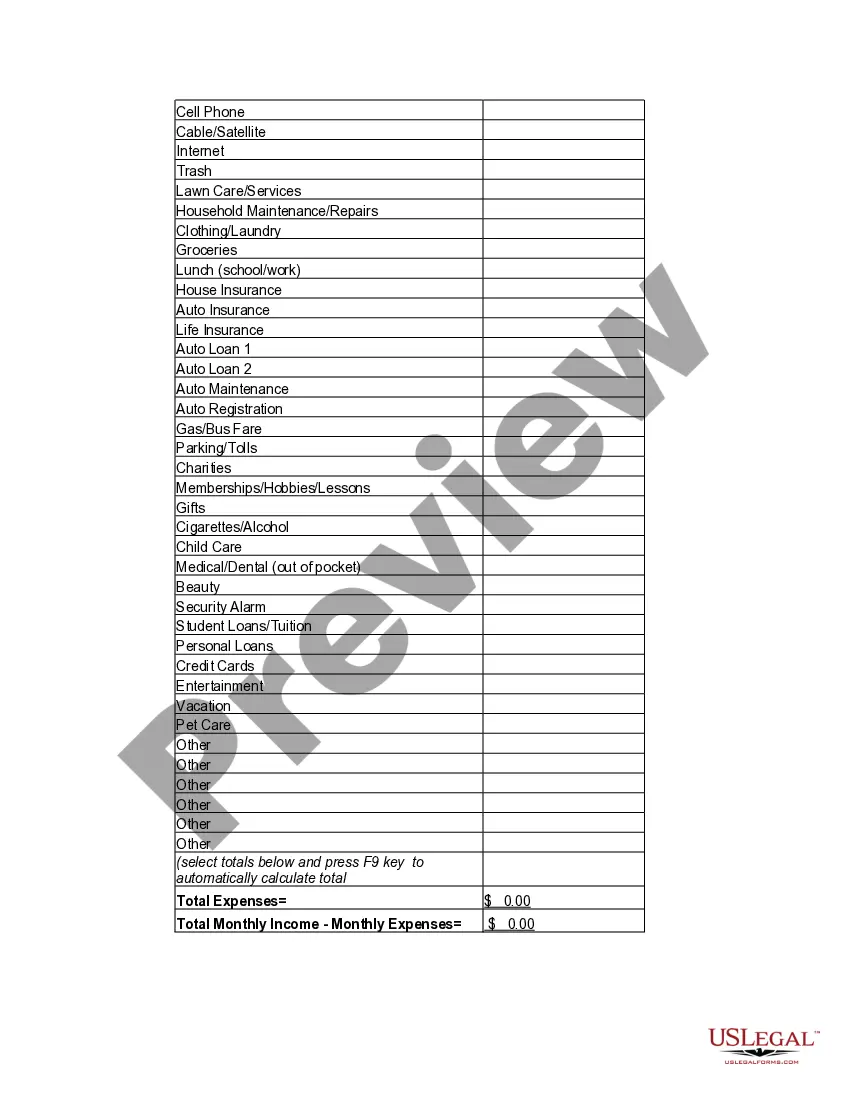
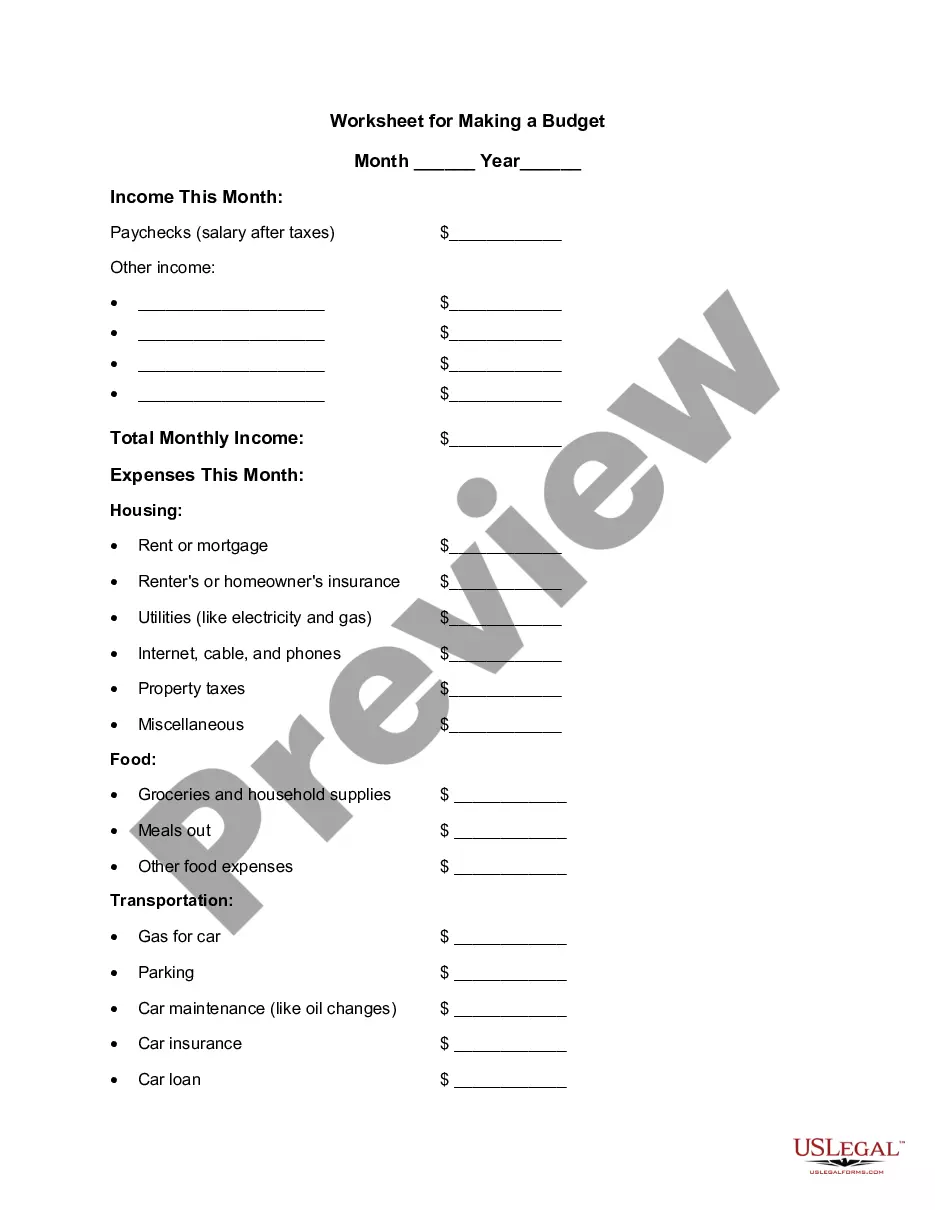
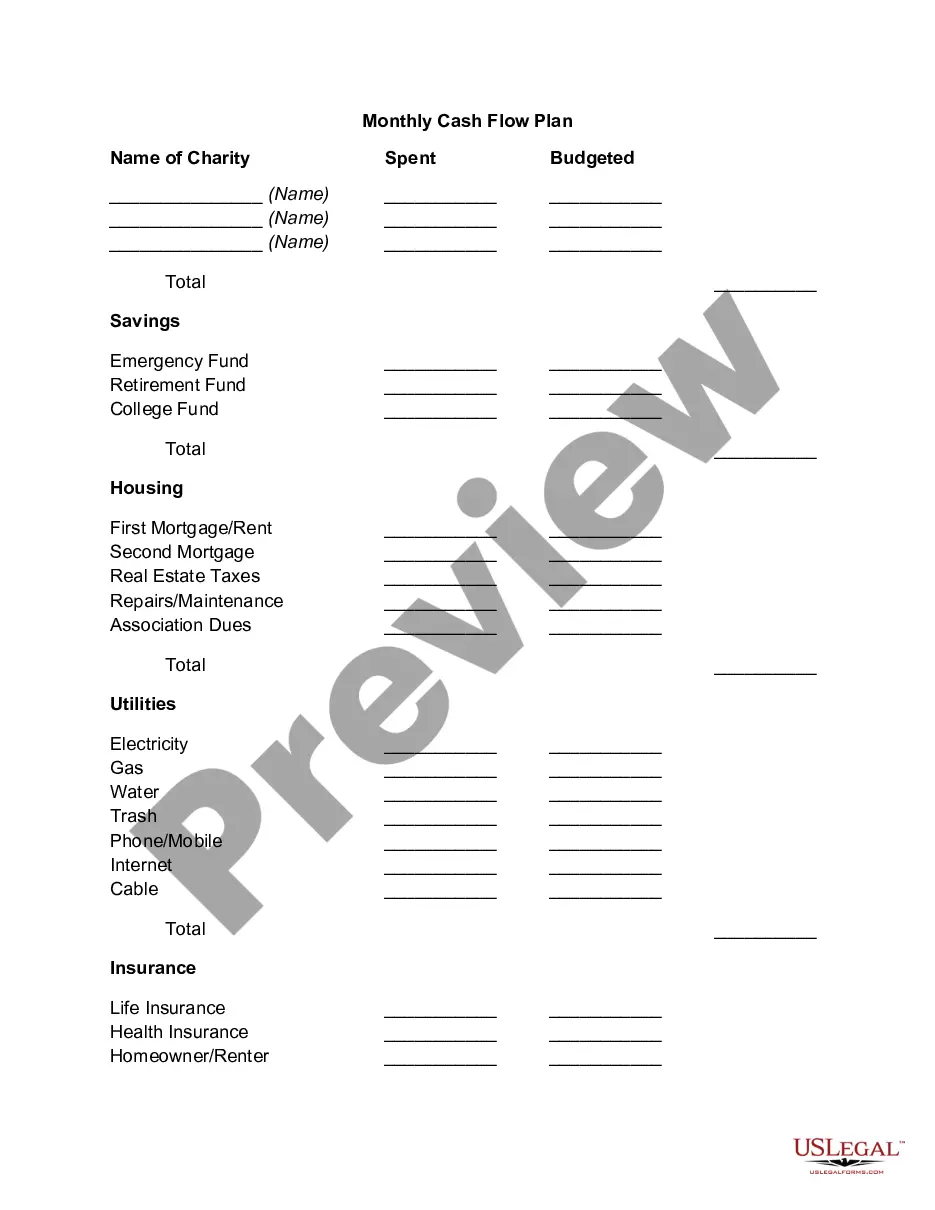
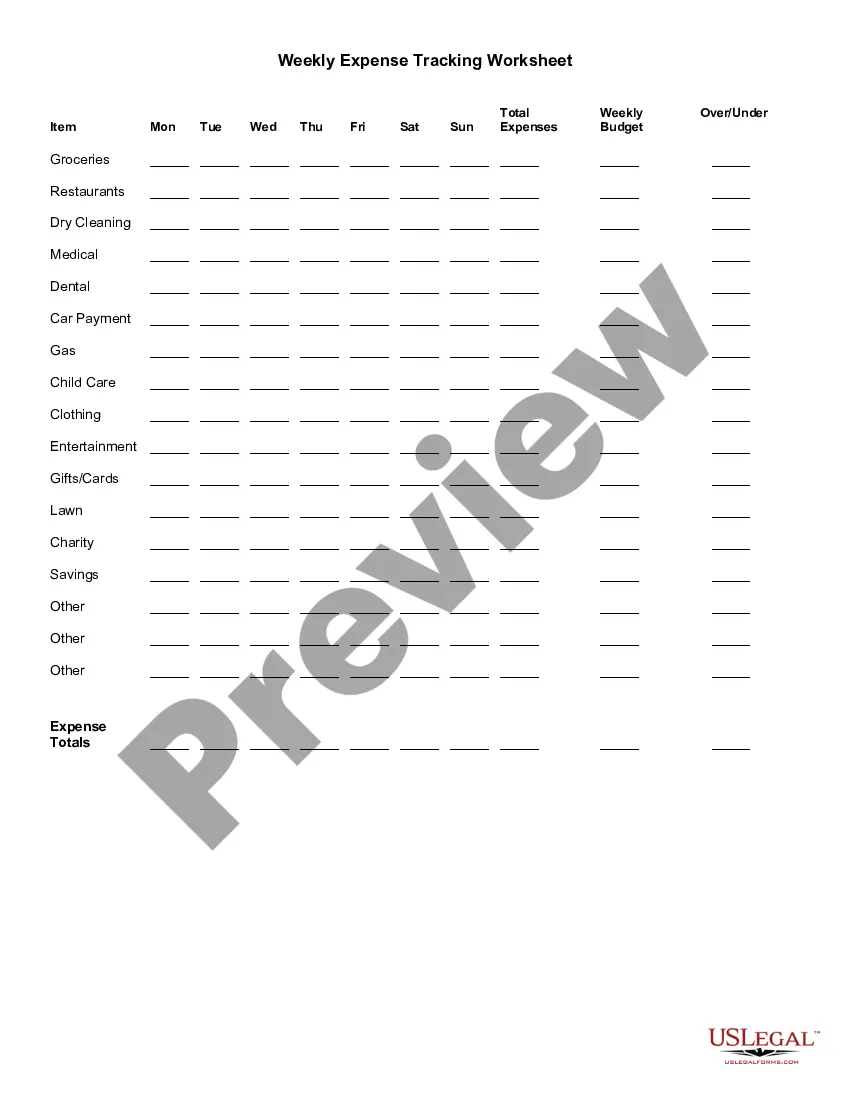
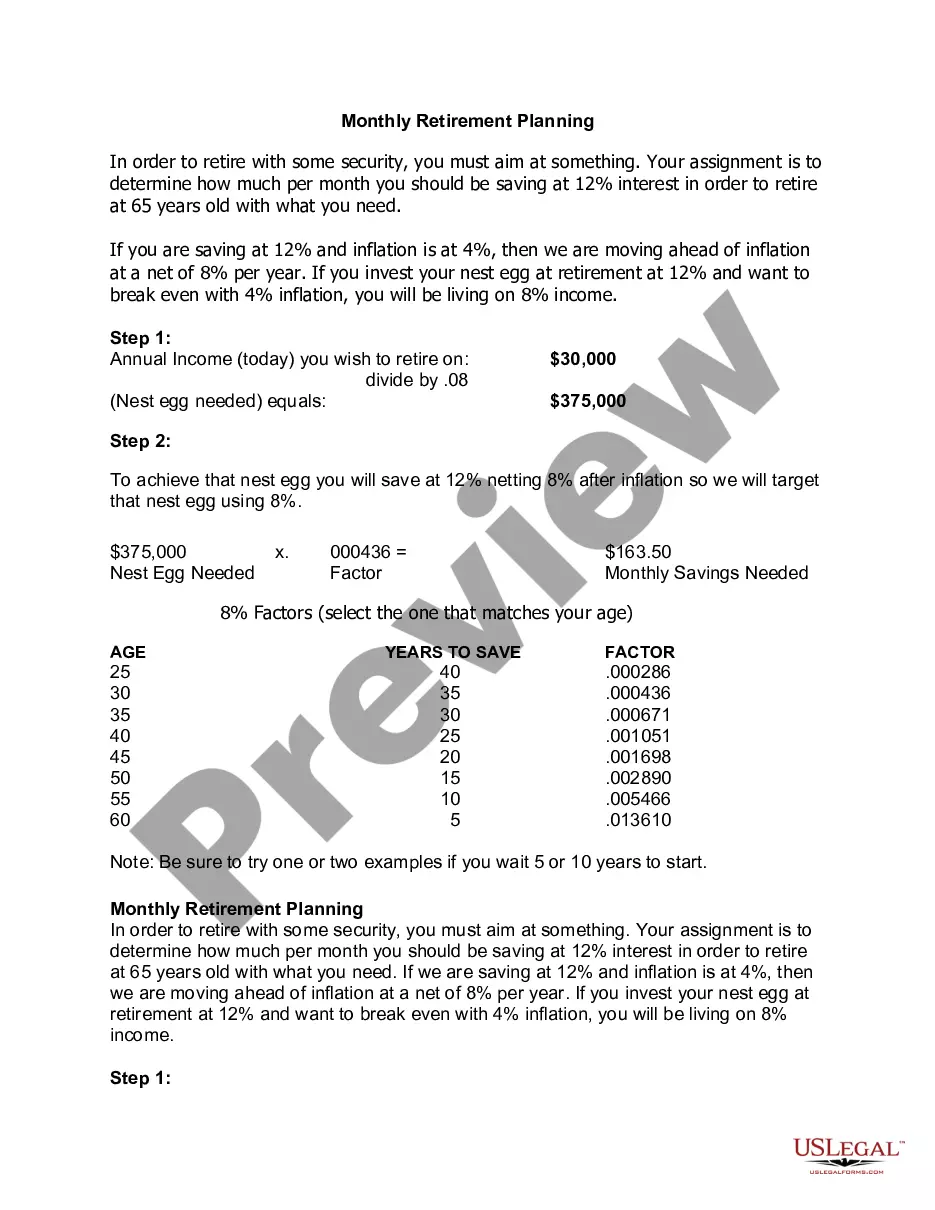
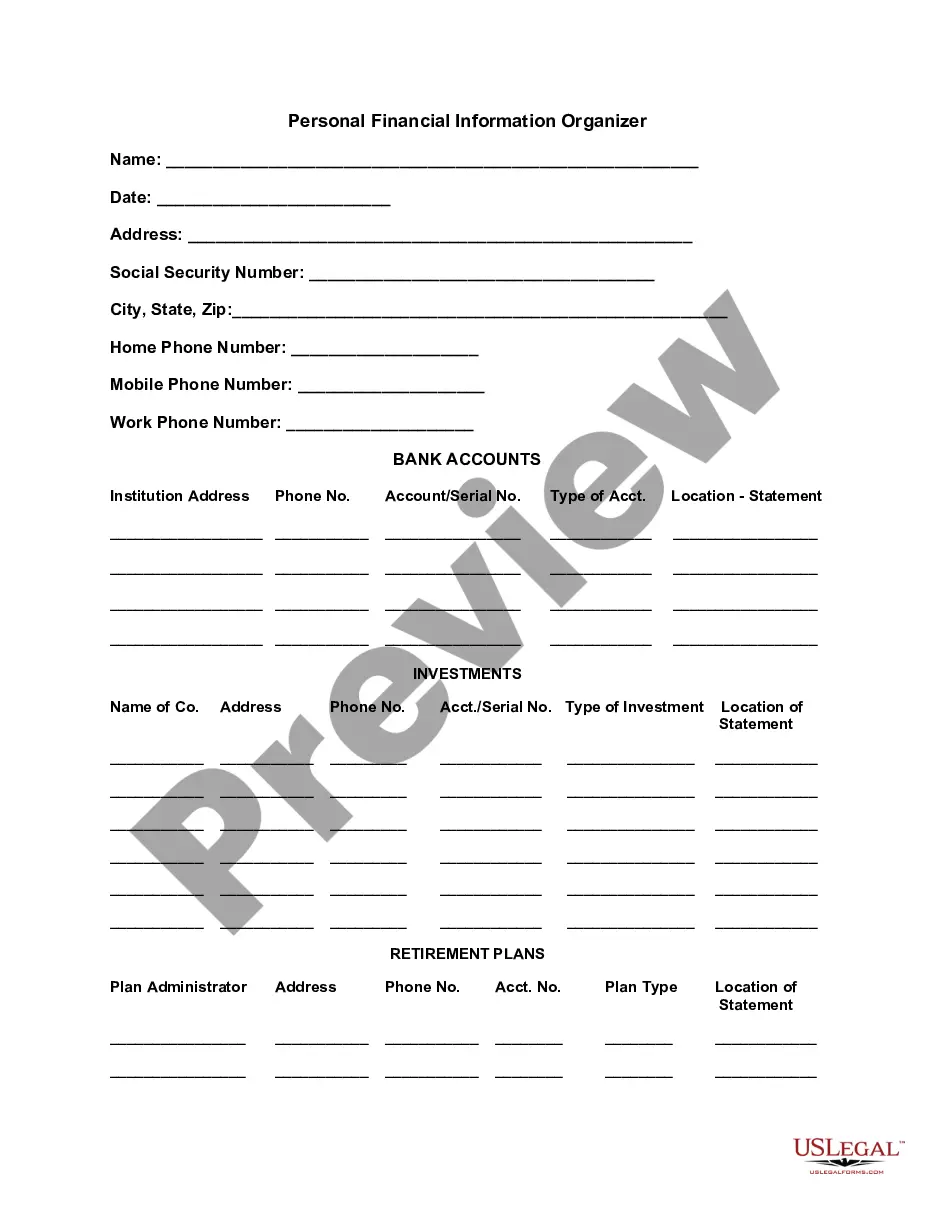
The Personal Monthly Budget Worksheet is an Excel spreadsheet designed to help you track your income and expenses effectively. It allows you to enter amounts into specific categories, automating the calculation of your monthly totals and any remaining funds after expenses. This user-friendly tool is essential for anyone looking to organize and plan their financial affairs, standing out from similar budget forms by its adaptability to personal needs.
Form components explained
- Income categories: predefined areas for listing various sources of income.
- Expense categories: sections to input all monthly expenses, organized for clarity.
- Total calculation: automatic summation of total income and expenses.
- Remaining balance calculation: shows funds left after all expenses are accounted for.
- Customizable sections: ability to adapt categories to fit individual financial situations.
Situations where this form applies
This worksheet is ideal when you need to create a detailed monthly budget. Use it if you want to monitor your spending habits, plan for future expenses, or set financial goals. It can also be invaluable during significant life changes, such as starting a new job, moving to a different location, or preparing for major purchases.
Who this form is for
Individuals and families looking to take control of their finances will benefit most from this worksheet. It is suitable for:
- People managing their personal finances.
- Families planning for upcoming expenses.
- Students aiming to budget their limited resources.
- Anyone wanting to analyze and adjust their spending patterns.
Completing this form step by step
- Open the Excel spreadsheet and review the available categories.
- Enter your income amounts in the designated income sections.
- Input your monthly expenses into the relevant expense categories.
- Check the total income and expense calculations at the bottom of the sheet.
- Review your remaining balance to ensure it meets your financial goals.
- Adjust categories or amounts as necessary to tailor the worksheet to your needs.
Notarization requirements for this form
This form does not typically require notarization to be legally valid. However, some jurisdictions or document types may still require it. US Legal Forms provides secure online notarization powered by Notarize, available 24/7 for added convenience.
Get your form ready online
Our built-in tools help you complete, sign, share, and store your documents in one place.
Make edits, fill in missing information, and update formatting in US Legal Forms—just like you would in MS Word.
Download a copy, print it, send it by email, or mail it via USPS—whatever works best for your next step.
Sign and collect signatures with our SignNow integration. Send to multiple recipients, set reminders, and more. Go Premium to unlock E-Sign.
If this form requires notarization, complete it online through a secure video call—no need to meet a notary in person or wait for an appointment.
We protect your documents and personal data by following strict security and privacy standards.

Make edits, fill in missing information, and update formatting in US Legal Forms—just like you would in MS Word.

Download a copy, print it, send it by email, or mail it via USPS—whatever works best for your next step.

Sign and collect signatures with our SignNow integration. Send to multiple recipients, set reminders, and more. Go Premium to unlock E-Sign.

If this form requires notarization, complete it online through a secure video call—no need to meet a notary in person or wait for an appointment.

We protect your documents and personal data by following strict security and privacy standards.
Common mistakes
- Failing to categorize expenses accurately, leading to misleading budget insights.
- Neglecting to update the worksheet regularly, which can cause budget discrepancies.
- Overlooking small expenses that can add up over time.
- Not adjusting the income and expense fields based on changing financial situations.
Why complete this form online
- Convenience: It provides a straightforward way to manage your budget from any device.
- Editability: You can easily modify amounts and categories to reflect your current financial situation.
- Reliability: The automated calculations reduce the risk of human error in budgeting.
Legal use & context
- This worksheet is a helpful planning tool but does not hold legal enforceability on its own.
- It is intended for personal use and should be accompanied by formal financial advice for legal matters.
Summary of main points
- The Personal Monthly Budget Worksheet helps you effectively manage your finances.
- The form is adaptable, making it suitable for various financial situations.
- Regularly updating the worksheet can help you gain better control over your spending.
Looking for another form?
Form popularity
FAQ
Step 1: Calculate Total Income. Step 2: List and Tally All Expenses. Step 3: Subtract Expenses from Income to Equal Zero. Step 4: Monitor and Track Expenses Each Month.
1Step 1: Pick Your Program. First, select an application that can create and edit spreadsheet files.2Step 2: Select a Template.3Step 3: Enter Your Own Numbers.4Step 4: Check Your Results.5Step 5: Keep Going or Move Up to a Specialized App.
Open Excel. Add headings for the columns in the top row your income worksheet. Format your columns. Select your expense worksheet and set it up for recording expense data. Format your expenses columns.
1Determine how much money you make every single month. Write this amount at the top of your paper.2Calculate how much money you spend every single month. List out all the things you pay for each month.3Examine your spending.4Develop a plan.5Record your spending and track your progress.
Step 1: Pick Your Program. First, select an application that can create and edit spreadsheet files. Step 2: Select a Template. Step 3: Enter Your Own Numbers. Step 4: Check Your Results. Step 5: Keep Going or Move Up to a Specialized App.
1Step 1: Calculate Total Income.2Step 2: List and Tally All Expenses.3Step 3: Subtract Expenses from Income to Equal Zero.4Step 4: Monitor and Track Expenses Each Month.
Open a New Spreadsheet. Decide Your Budget Planner Organization. Track Your Income Sources. Enter Your Expenses. Compare Your Income and Expenses.
1Item #1- Housing Payment. You should make sure that your housing payment is included in any budget.2Item #2- Costs Associated With Your Residence.3Item #3- Emergency Fund.4Item #4- General Savings Fund.5Item #5- Gifts.6Item #6- Debt Payments.7Item #7- Entertainment Expenses.8Item #8- Clothes and Accessories.10 Things to Include in Your Budget Spreadsheet That Bookkeeper\nwww.thatbookkeeper.com > blog > 10-things-to-include-in-your-budget-sp...
Using the spreadsheet is easy. First, gather your pay stubs and enter your monthly income. Next, collect a month's worth of bills and receipts. Enter the monthly amounts in the appropriate categories, estimating any value that fluctuates from month-to-month.