Virginia Employment Employee Personnel File Package
Overview of this form package
The Virginia Employment Employee Personnel File Package is a comprehensive set of forms designed to assist employers in maintaining accurate records of personnel matters. This package is essential for ensuring compliance with federal laws while safeguarding your organization against potential legal issues. Unlike other form packages, this specific collection includes forms tailored for employee management in Virginia, helping employers document everything from hiring to employee evaluations efficiently.
Documents contained in this package
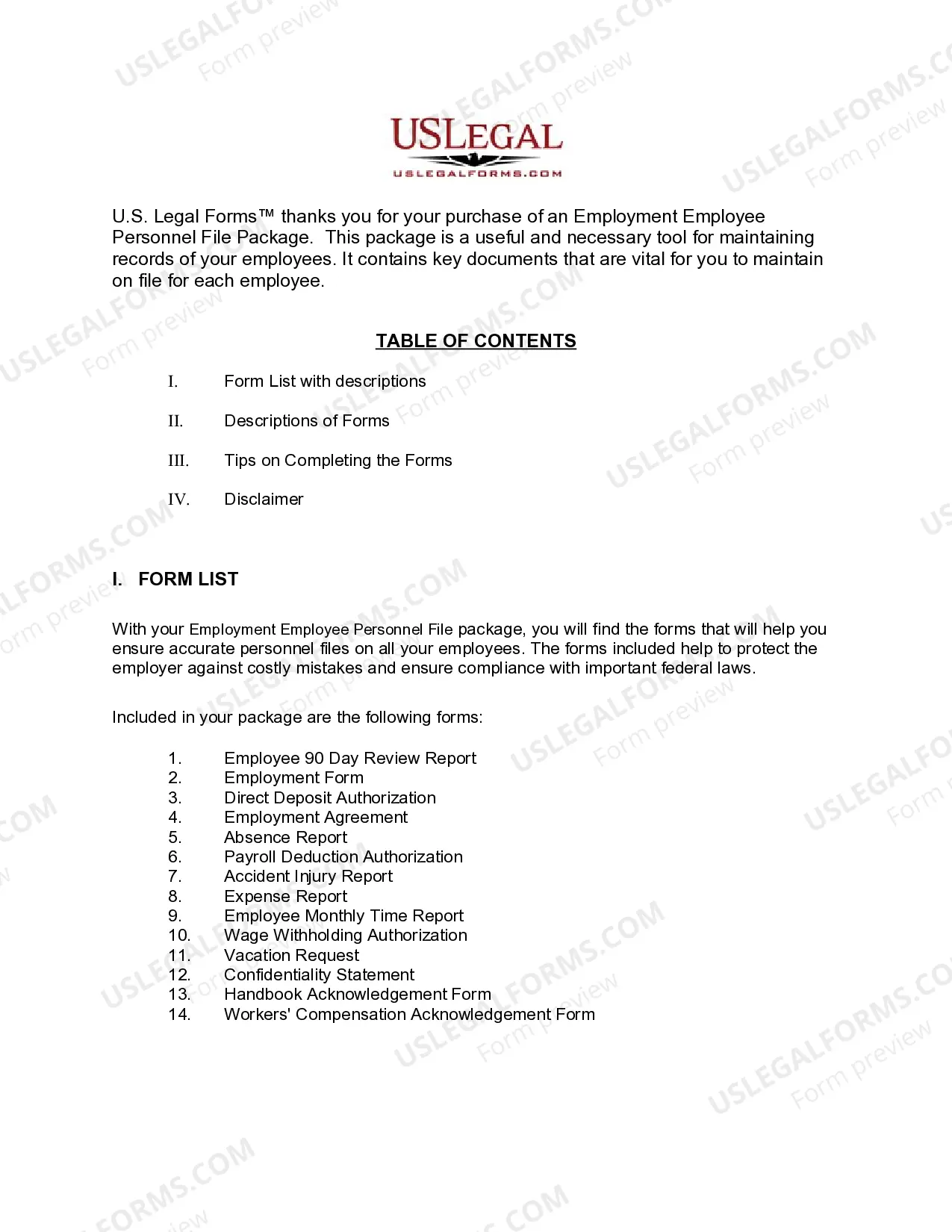
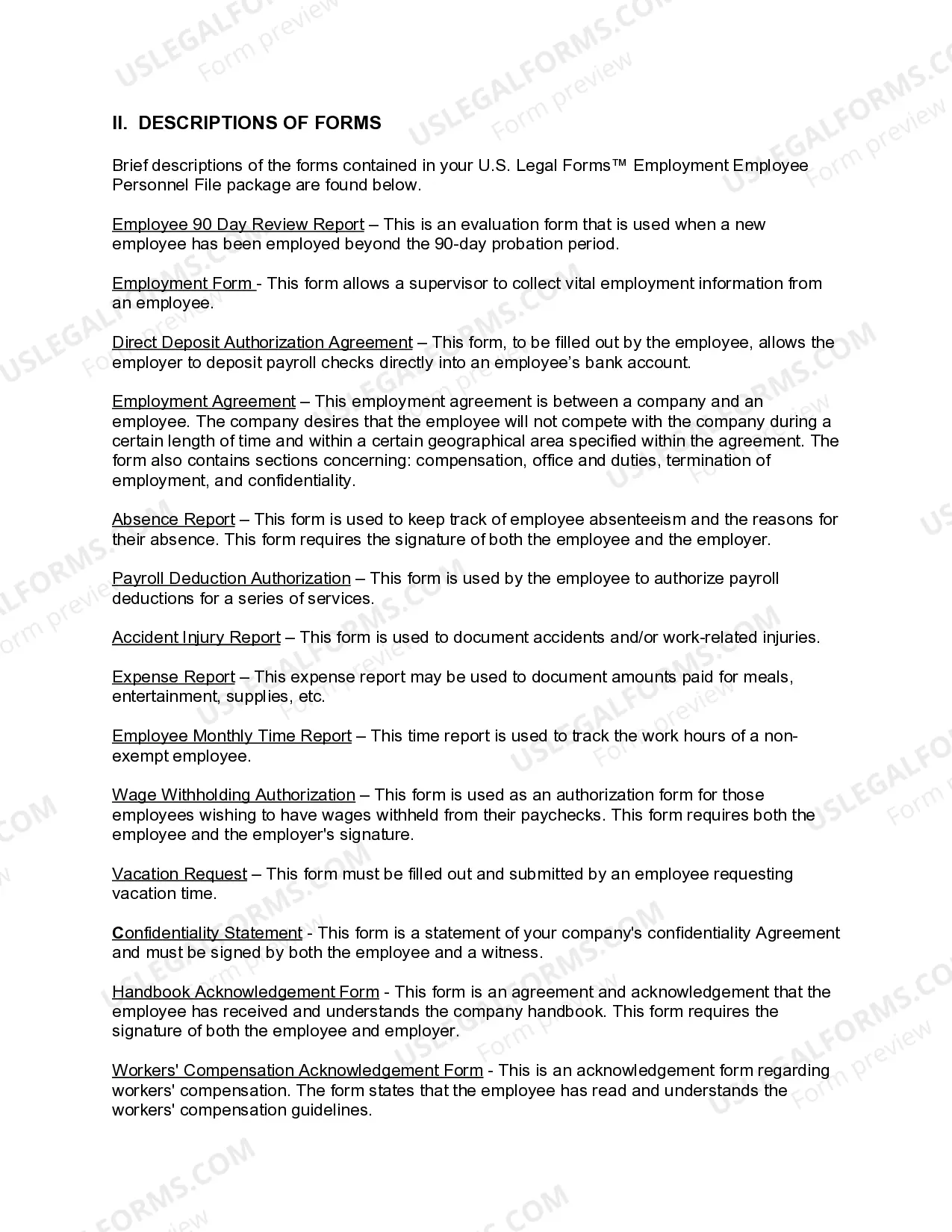
- Employment Agreement between a company and an employee
- Absence Report
- Payroll Deduction Authorization Form
- Accident - Injury Report
- Direct Deposit Authorization
- Nonexempt Employee Time Report
- Employee 90 day Review Report
- Wage Withholding Authorization
- Confidentiality Statement and Agreement for an Employee
- Employee Agreement and Handbook Acknowledgment Form
- Workers' Compensation Acknowledgment Form
- Employment Form
- Vacation Request Form



When to use this document
This form package is suitable for various situations in the employment cycle, including:
- When hiring new employees and requiring essential employment documentation.
- To monitor employee performance through regular evaluations.
- When managing payroll and direct deposit setups.
- To track absences and request vacation time formally.
- When documenting accidents or injuries that occur in the workplace.
Intended users of this form package
- Employers operating in Virginia seeking to establish a formal personnel file system.
- Human Resources professionals responsible for employee records and compliance.
- Business owners looking to streamline payroll and employee documentation processes.
- Managers who need structured forms to evaluate employee performance and manage absences.
How to complete these forms
- Review all included forms to understand their purposes and requirements.
- Collect necessary information from your employees and relevant stakeholders.
- Complete each form, ensuring accurate and up-to-date information is entered.
- Gather signatures from required parties, such as the employee and employer.
- Store completed forms securely as part of the employee's personnel file.
Do documents in this package require notarization?
Forms in this package usually don’t need notarization, but certain jurisdictions or signing circumstances may require it. US Legal Forms provides a secure online notarization option powered by Notarize, accessible 24/7 from anywhere.
Get your form ready online
Our built-in tools help you complete, sign, share, and store your documents in one place.
Make edits, fill in missing information, and update formatting in US Legal Forms—just like you would in MS Word.
Download a copy, print it, send it by email, or mail it via USPS—whatever works best for your next step.
Sign and collect signatures with our SignNow integration. Send to multiple recipients, set reminders, and more. Go Premium to unlock E-Sign.
If this form requires notarization, complete it online through a secure video call—no need to meet a notary in person or wait for an appointment.
We protect your documents and personal data by following strict security and privacy standards.

Make edits, fill in missing information, and update formatting in US Legal Forms—just like you would in MS Word.

Download a copy, print it, send it by email, or mail it via USPS—whatever works best for your next step.

Sign and collect signatures with our SignNow integration. Send to multiple recipients, set reminders, and more. Go Premium to unlock E-Sign.

If this form requires notarization, complete it online through a secure video call—no need to meet a notary in person or wait for an appointment.

We protect your documents and personal data by following strict security and privacy standards.
Mistakes to watch out for
- Failing to collect all necessary signatures, which can render forms invalid.
- Not updating employees' information leading to compliance issues.
- Using outdated forms that may not comply with current laws.
- Neglecting to securely store sensitive employee information.
Benefits of using this package online
- Convenience of downloading and accessing forms at any time.
- Editability allows you to customize forms easily for specific employee needs.
- Reliability of using attorney-drafted documents tailored for Virginia employment law.
Looking for another form?

Form popularity
FAQ
You may not claim more personal exemptions on form VA-4 than you are allowed to claim on your income tax return unless you have received written permission to do so from the Department of Taxation. Line 1. You may claim an exemption for yourself.
By placing a 0 on line 5, you are indicating that you want the most amount of tax taken out of your pay each pay period. If you wish to claim 1 for yourself instead, then less tax is taken out of your pay each pay period.You can choose to have no taxes taken out of your tax and claim Exemption (see Example 2).
W-4 form (or W-9 for contractors) I-9 Employment Eligibility Verification form. State Tax Withholding form. Direct Deposit form. E-Verify system: This is not a form, but a way to verify employee eligibility in the U.S.
Blank VA-4 Form. Enter your personal information in the spaces provided. Line 1 On Line 1(c), please write in the number 0 or 1 (NRAs can only select a maximum of 1 as their total number of allowances Line 2 skip. Line 3 skip (NRAs cannot check this box)
To know how much income tax to withhold from employees' wages, you should have a Form W-4, Employee's Withholding Certificate, on file for each employee. Ask all new employees to give you a signed Form W-4 when they start work. Make the form effective with the first wage payment.
This can be done by traditional UI claimants calling the interactive voice response line at 1-800-897-5630 or through your online account at www.vec.virginia.gov or www.vawc.virginia.gov. Weekly filing for PUA claimants can be done through your Gov2Go account.
Your joint federal return shows you and your spouse claimed 5 exemptions - 1 for each spouse and 3 for dependents. You must claim your own exemption. To determine whether you are entitled to claim any exemptions for your dependents, you must apply the federal rules for separate filing.
Employer Identification Number (EIN) State/Local Tax ID Number. State Unemployment ID Number. Employee Addresses and SSNs. I-9. W-4. State Withholding Allowance Certificate. Department of Labor (DOL) Records.
However, there isn't a special line for this on the new W-4 form like there was on the old form. Instead, if you qualify for an exemption, you can claim it by writing "Exempt" in the space below Line 4(c). You also have to provide your name, address, Social Security number and signature.