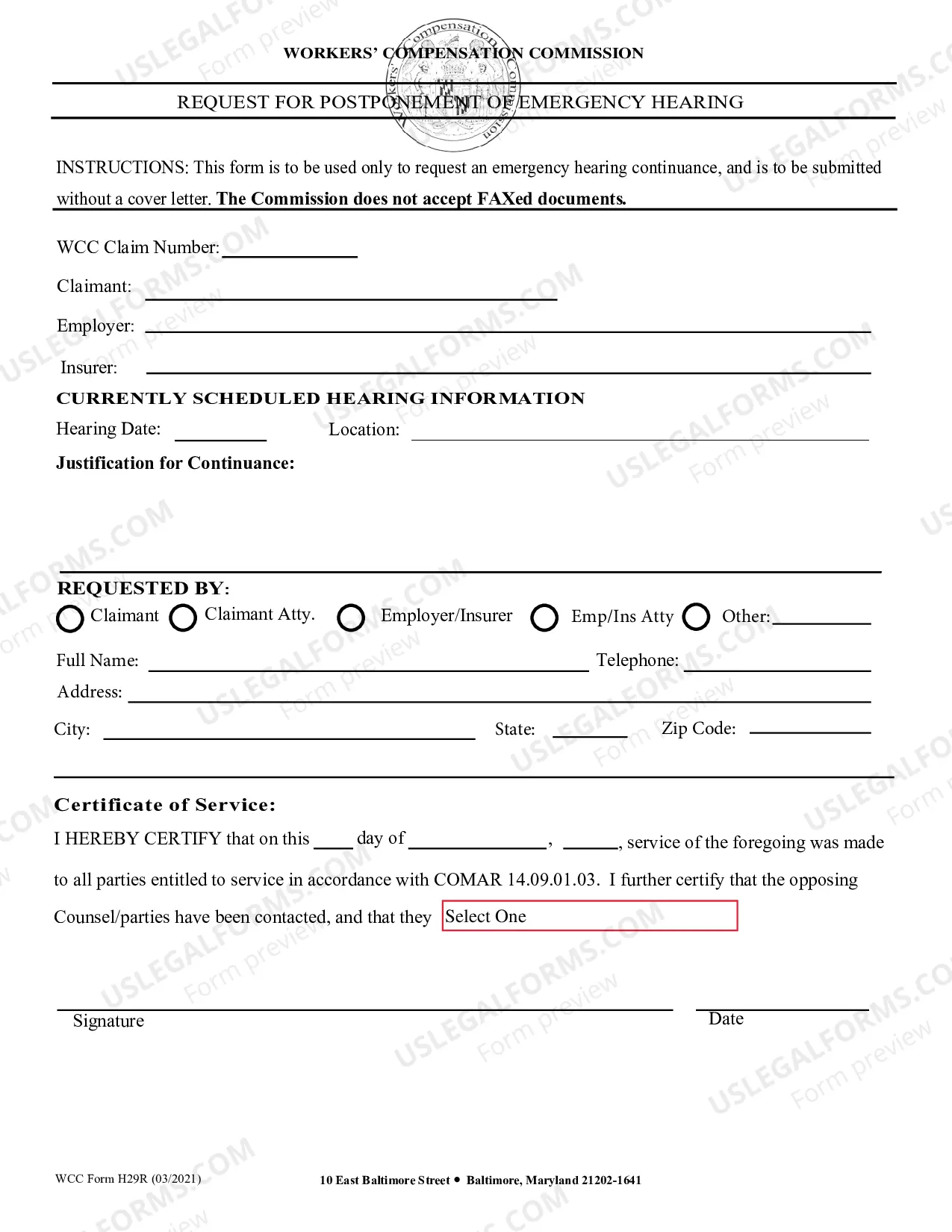
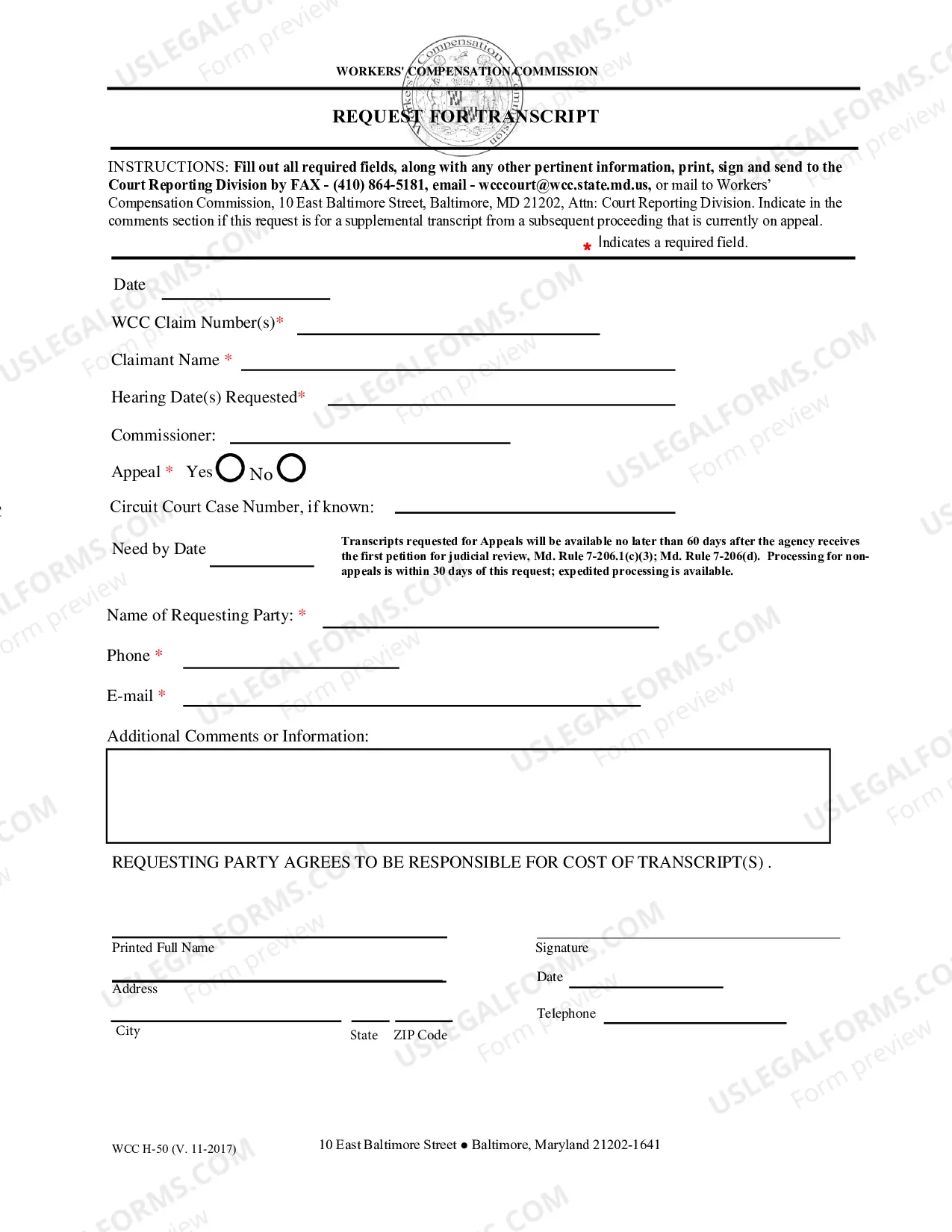
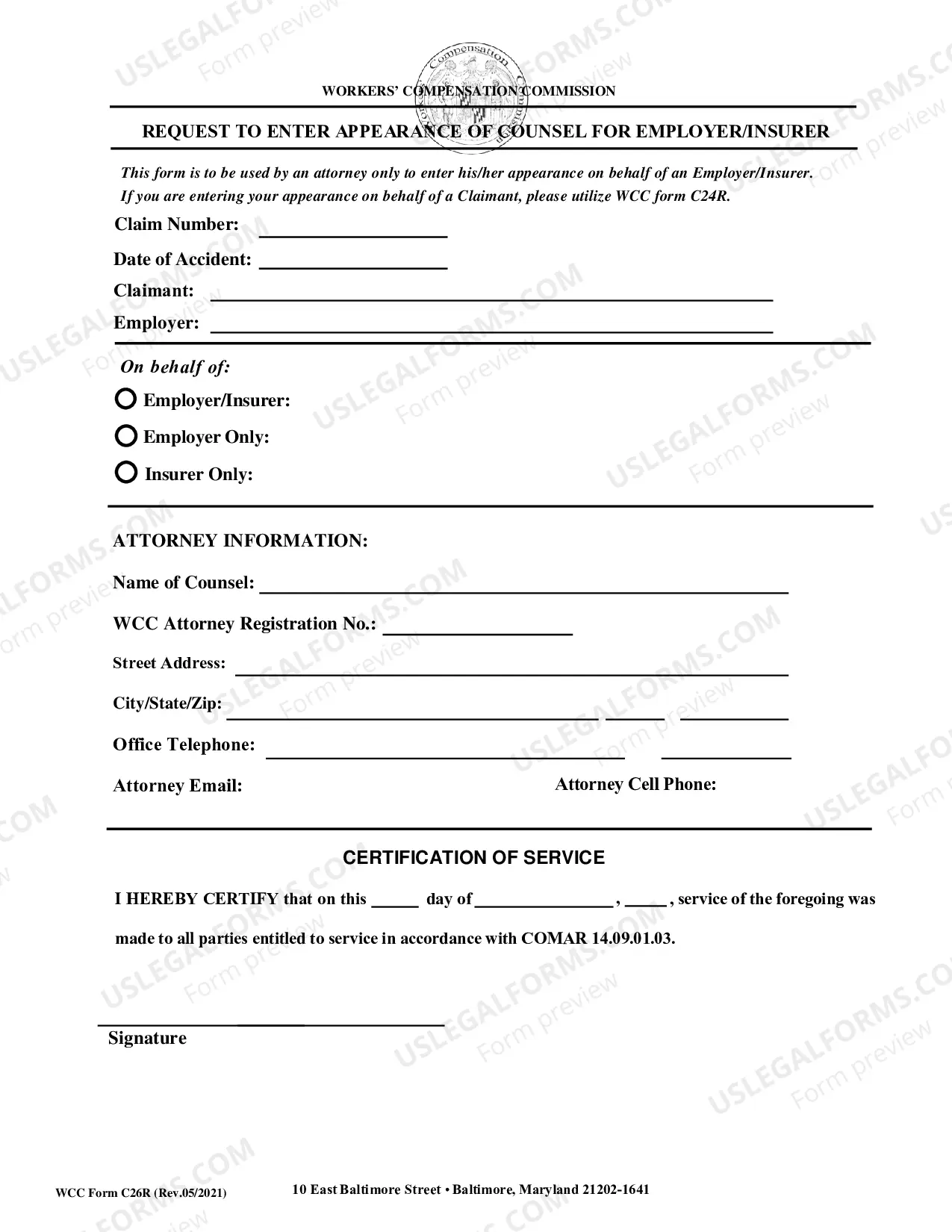
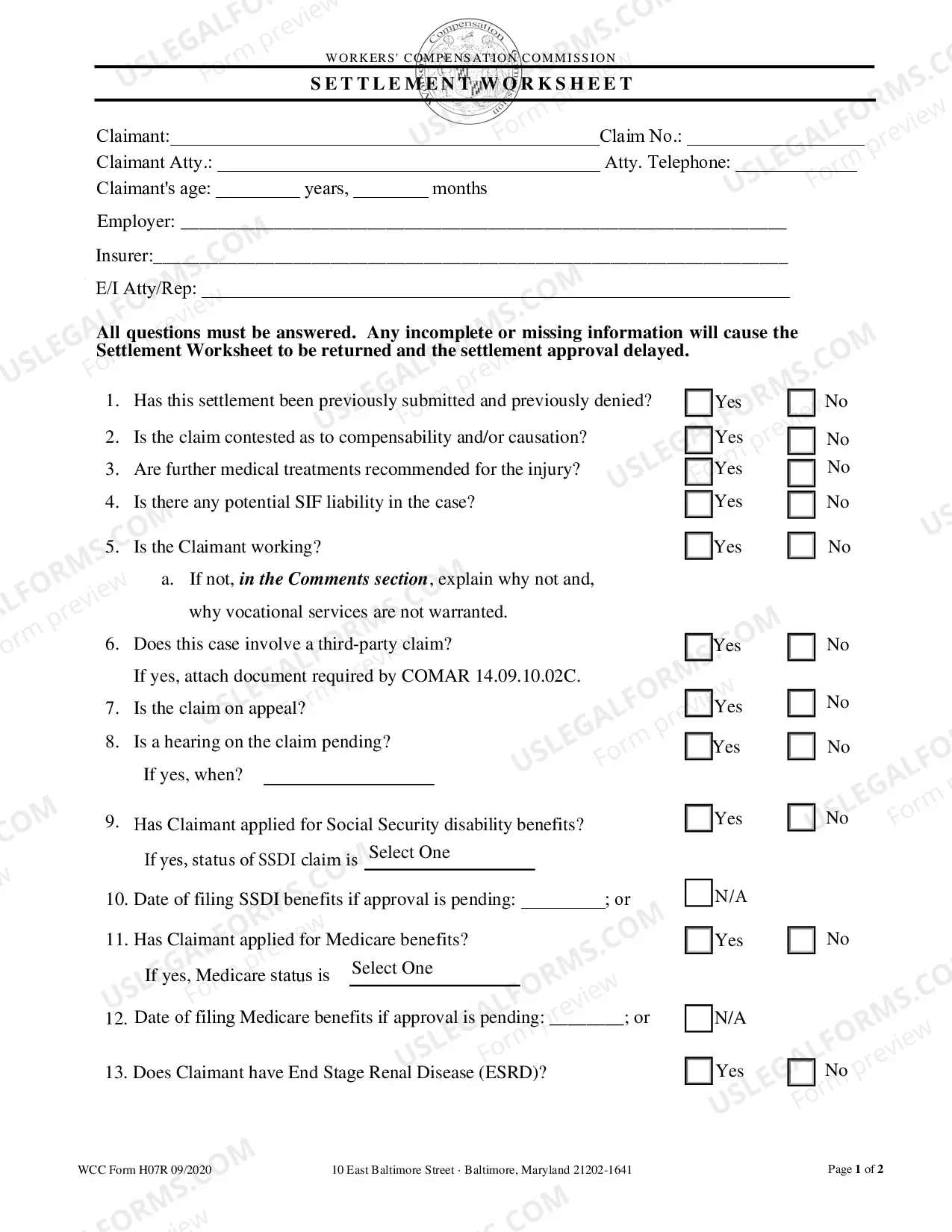
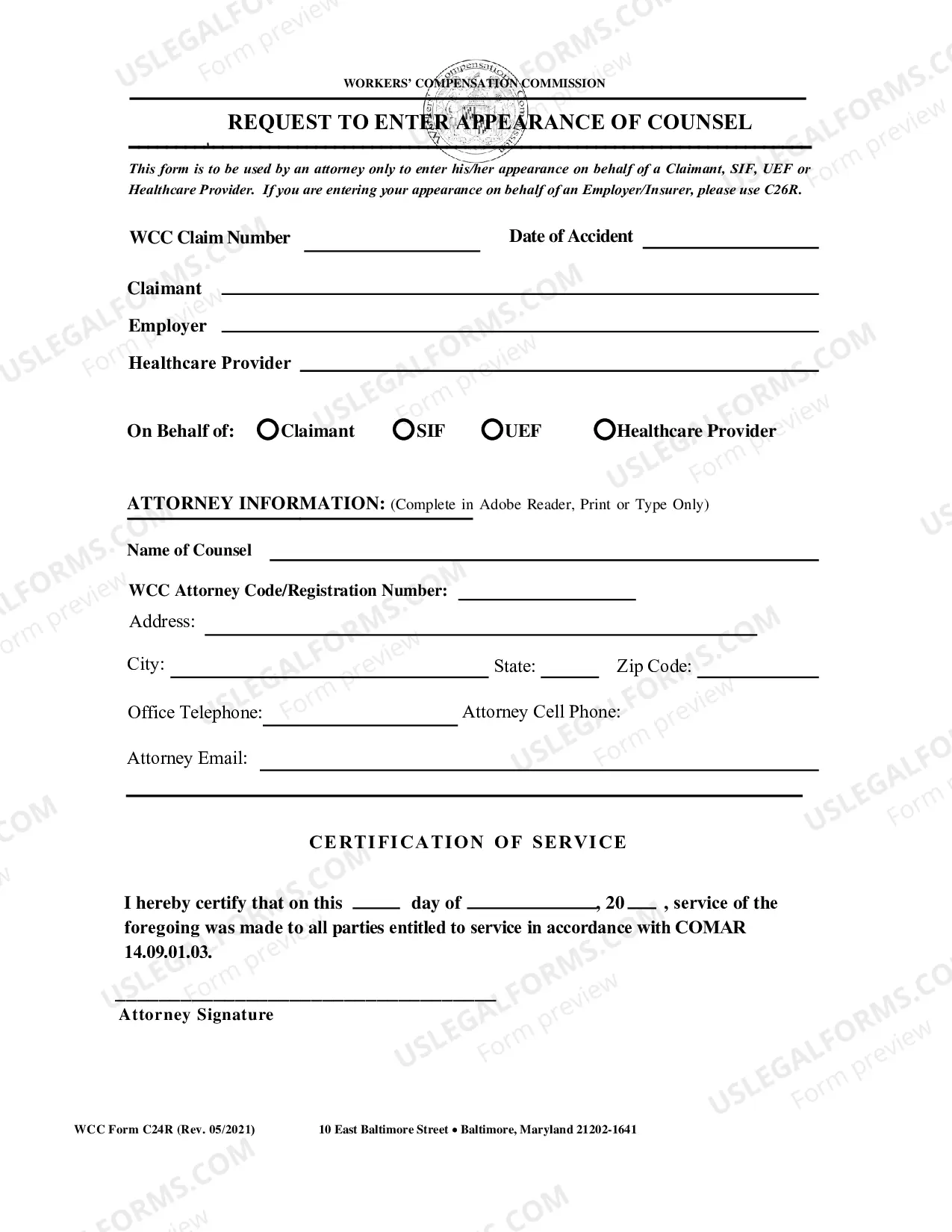
Employment Information Form
What is this form?
The Employment Information Form is a crucial document designed to gather vital employment details from candidates. It helps employers of all sizes, ensuring they collect consistent, relevant information to make informed hiring decisions. This form is particularly useful for keeping track of important candidate data, making it distinct from other HR documents that might cover different aspects of employment or benefits.
Key components of this form
- Contact information: Essential data about the employee, including phone number and email address.
- Employment history: A section for applicants to detail their previous jobs, including duties and duration.
- Education background: Fields where candidates can list their educational qualifications, including degrees and institutions.
- References: Spaces provided for applicants to include professional references, enhancing their credibility.
- Signature section: A place for the candidate to sign and date the form, indicating the accuracy of the provided information.

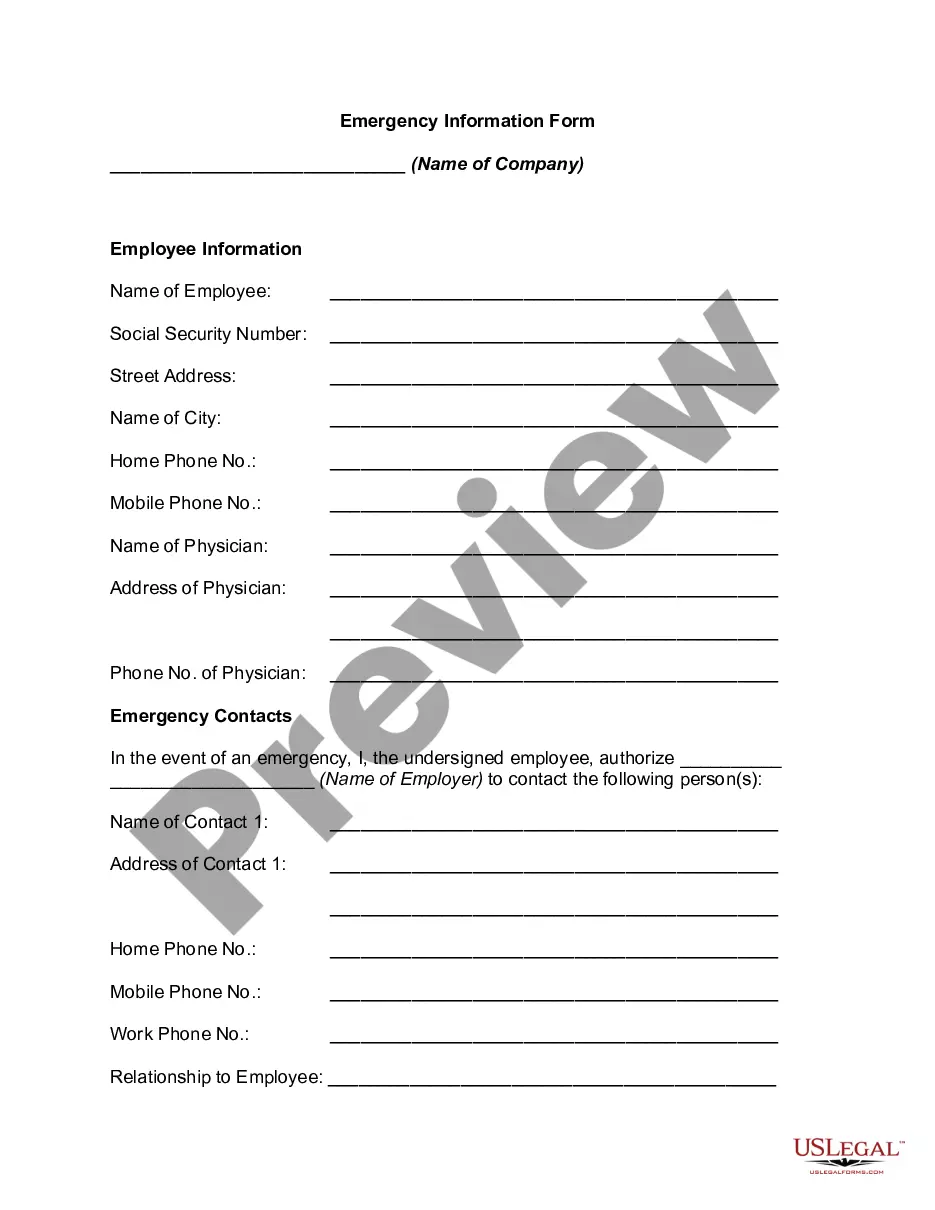


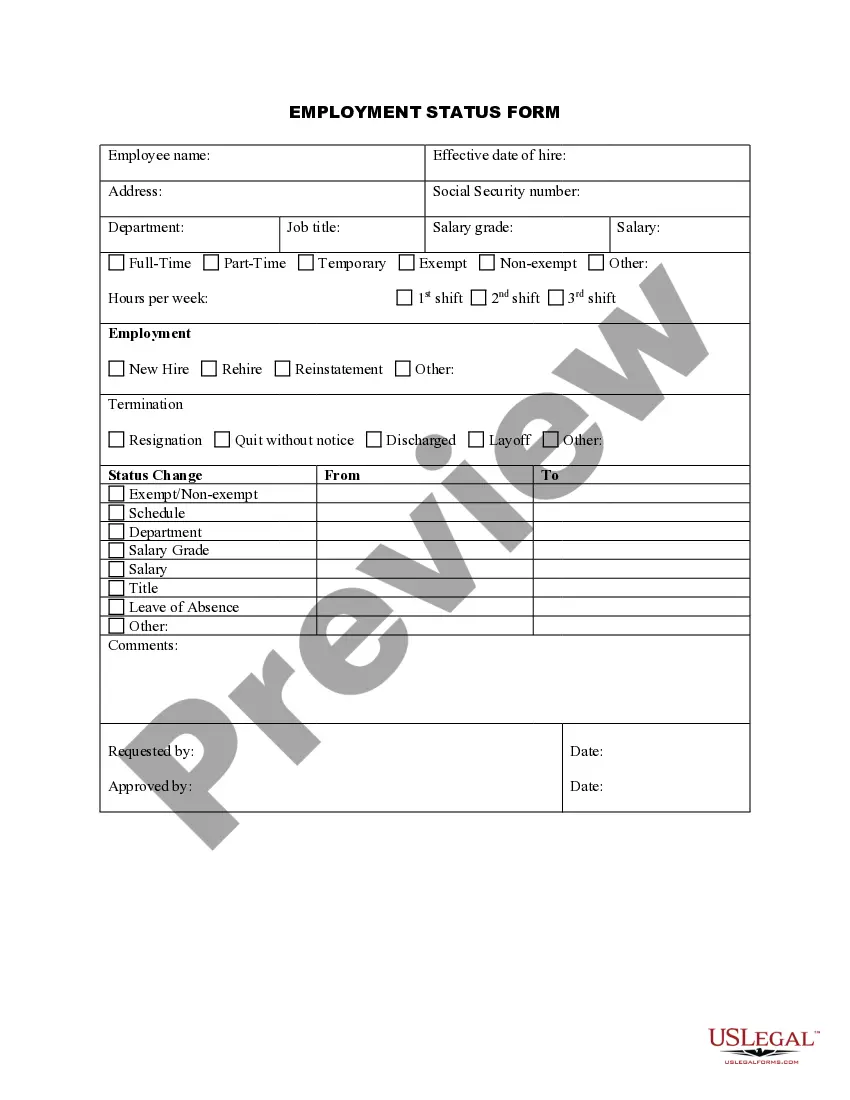
When to use this form
This form is necessary when an employer seeks to gather preliminary information about job candidates during the hiring process. It's particularly useful during the initial application phase, ensuring that all pertinent data is collected before moving forward with interviews and evaluations.
Who needs this form
- Employers looking to collect standardized information from job applicants.
- Human resources professionals managing recruitment processes.
- Small business owners needing a structured way to assess potential employees.
Steps to complete this form
- Open the form and review the sections outlined.
- Fill in the contact information with accurate details.
- Provide a comprehensive employment history, including previous job titles and responsibilities.
- List your educational background, detailing degrees obtained and institutions attended.
- Complete the references section with contact information for professional references.
- Sign and date the form at the bottom to confirm the truthfulness of your submission.
Notarization guidance
In most cases, this form does not require notarization. However, some jurisdictions or signing circumstances might. US Legal Forms offers online notarization powered by Notarize, accessible 24/7 for a quick, remote process.
Get your form ready online
Our built-in tools help you complete, sign, share, and store your documents in one place.
Make edits, fill in missing information, and update formatting in US Legal Forms—just like you would in MS Word.
Download a copy, print it, send it by email, or mail it via USPS—whatever works best for your next step.
Sign and collect signatures with our SignNow integration. Send to multiple recipients, set reminders, and more. Go Premium to unlock E-Sign.
If this form requires notarization, complete it online through a secure video call—no need to meet a notary in person or wait for an appointment.
We protect your documents and personal data by following strict security and privacy standards.

Make edits, fill in missing information, and update formatting in US Legal Forms—just like you would in MS Word.

Download a copy, print it, send it by email, or mail it via USPS—whatever works best for your next step.

Sign and collect signatures with our SignNow integration. Send to multiple recipients, set reminders, and more. Go Premium to unlock E-Sign.

If this form requires notarization, complete it online through a secure video call—no need to meet a notary in person or wait for an appointment.

We protect your documents and personal data by following strict security and privacy standards.
Common mistakes to avoid
- Leaving contact information incomplete or outdated.
- Omitting significant employment history or education details.
- Failing to provide references or including inactive contacts.
- Not signing and dating the form, which could invalidate the submission.
Benefits of using this form online
- Convenience: Easily fill out and download the form from anywhere.
- Editability: Make modifications as needed before submission to ensure accuracy.
- Reliability: Forms are drafted by licensed attorneys, ensuring legal validity.
Legal use & context
- Ensures compliance with employment regulations by collecting necessary applicant data.
- Facilitates a standardized approach to hiring, reducing discrimination risks.
- Provides documentation for future reference in employment verification processes.
Quick recap
- The Employment Information Form is essential for gathering candidate details.
- Employers of all sizes can benefit from standardized information collection.
- Completing this form accurately is crucial for a smooth hiring process.
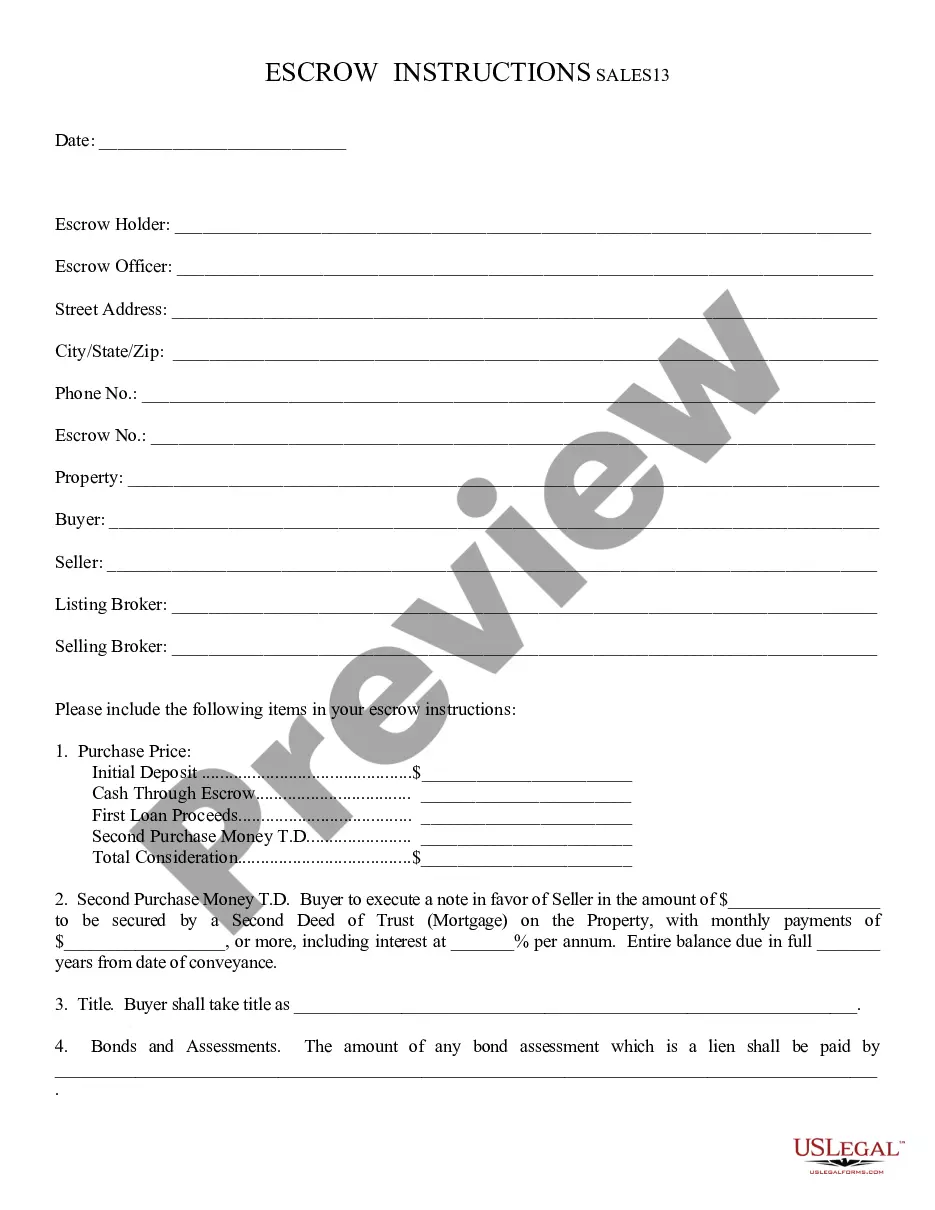
Looking for another form?
Form popularity
FAQ
Review Existing Documentation. Find Ways To Encourage Written Feedback. Have Your Data Collection Team Observe. Challenge Existing Assumptions When Deciding What Data To Collect. Be Prepared To Take Action On Survey Results. Establish Confidentiality. Find Ways To Make Data Collection Part Of On-Going Processes.
The statute defines "personal information" to include an individual's first name or first initial and last name in combination with that person's social security number, driver's license number, California identification card number, medical information, or credit card, account or debit card number (in combination with
You need to get the completed form from your employer and include it with your Application for Enrollment in Medicare (CMS-40B). Then you send both together to your local Social Security office. Find your local office here: www.ssa.gov.
An employee information form contains key information on employees that is used to keep a record of who worked for the company, their duration of employment, and in what role. It can also be used as an emergency contact information form in the event of any serious workplace injury.
Employer Information means Confidential Information and Trade Secrets.Employer Information means, collectively, Confidential Information and Trade Secrets.
Find a sponsor. Have a hypothesis. Default to anonymity and aggregation. If you can't let employees be anonymous, let them choose how you use their data. Screen for confidential information. Don't dig for personal information.
Employee Information Form The form, which contains several sections as personal and job-related information, emergency contact information, can be used to record and catalog employee information through collecting any detail you need for your database.
Form CMS-L564 is an employment information form from the Social Security Administration (SSA). It's used in conjunction with Form CMS-40B when you apply for Medicare part B during a special enrollment period (SEP). One portion is completed by you and the other is completed by your employer or your spouse's employer.