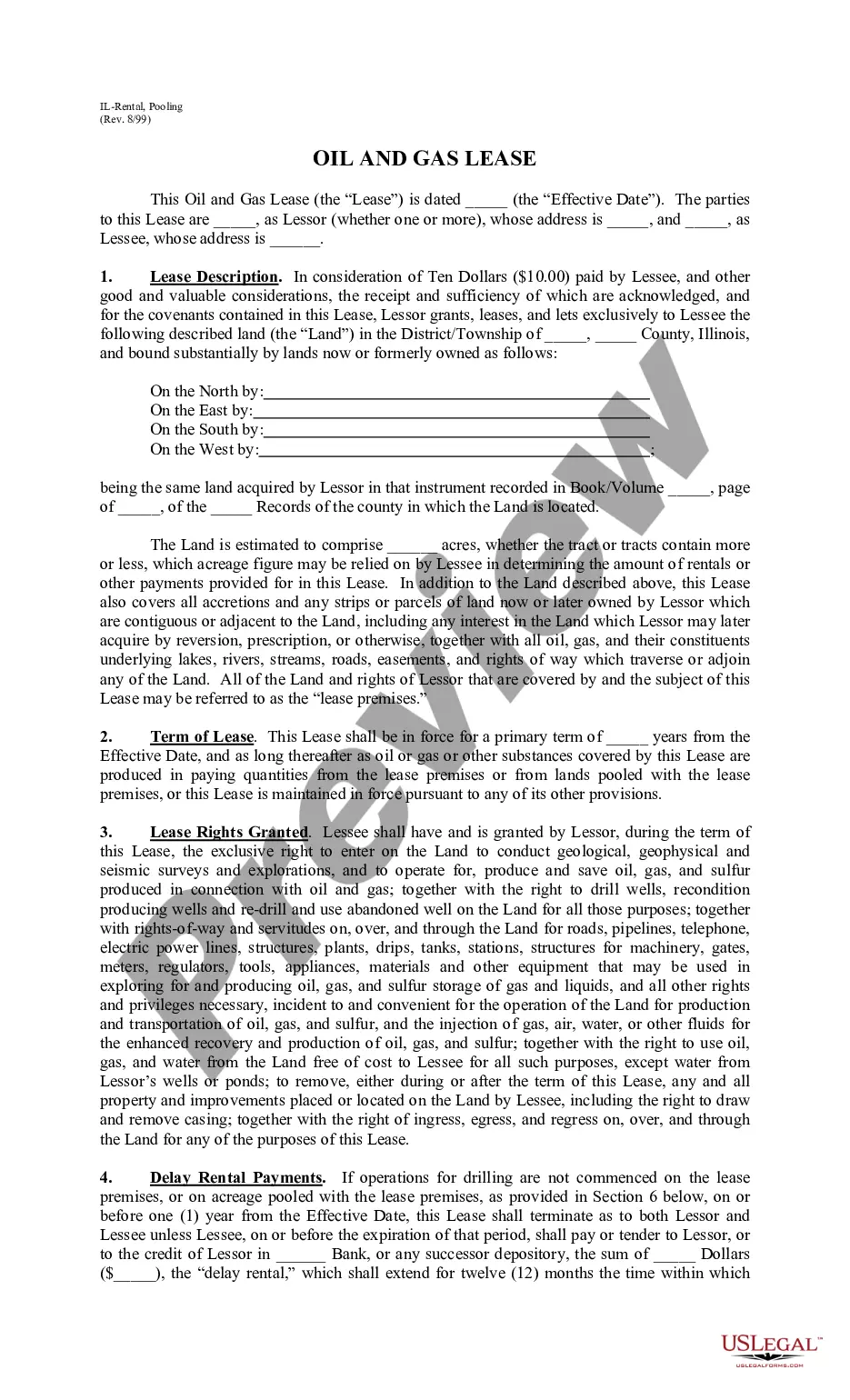
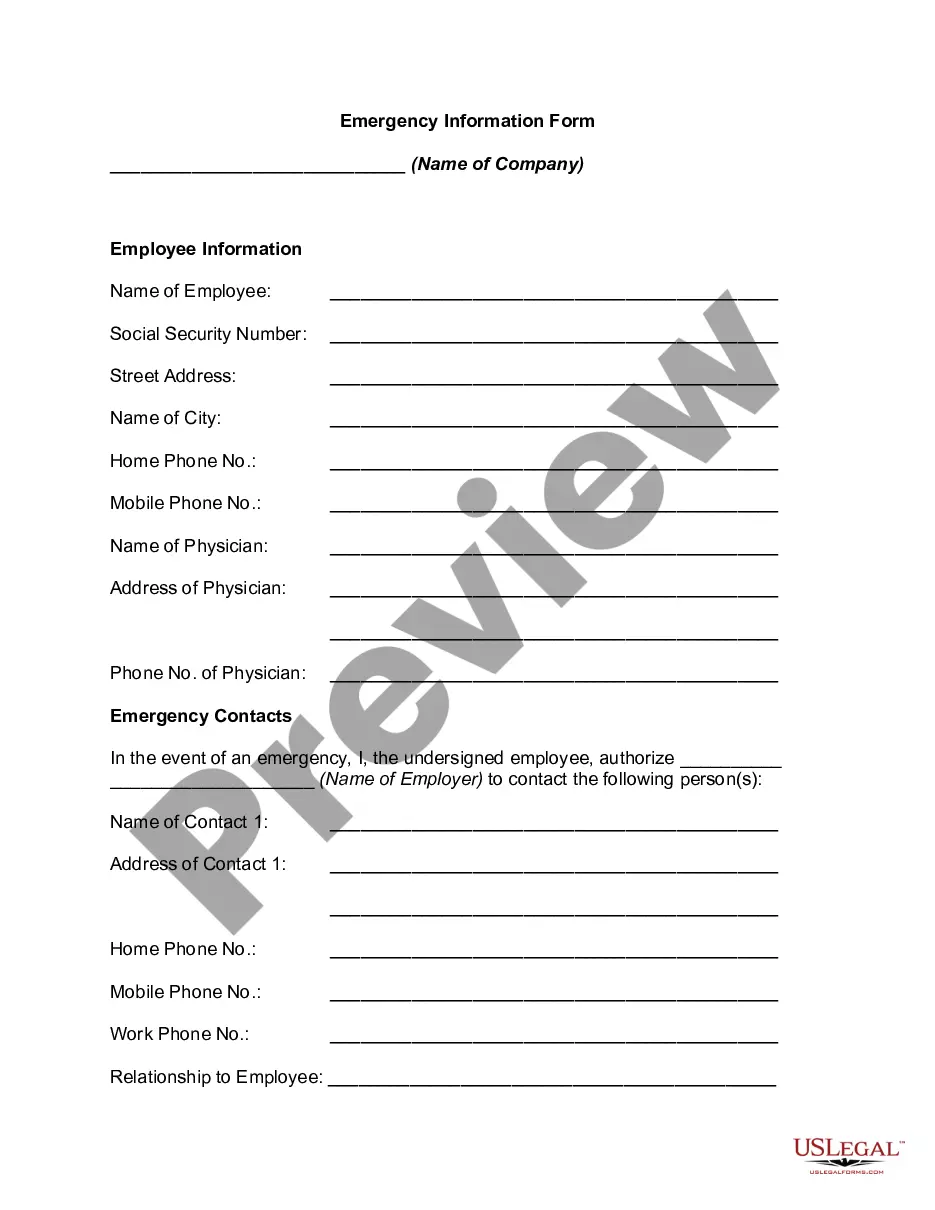
Emergency Information Form
Overview of this form
The Emergency Information Form is a document designed to collect essential contact and medical information about an employee. This form is crucial to ensure that specified individuals are notified about critical health events such as serious illness or injury in an emergency situation. Distinct from standard medical or emergency contact forms, the Emergency Information Form prioritizes the confidentiality of the information provided while enabling prompt communication with designated contacts and healthcare professionals.
Main sections of this form
- Name and contact details of the employee.
- Social Security number and physical address of the employee.
- Name and contact information of the employee's physician.
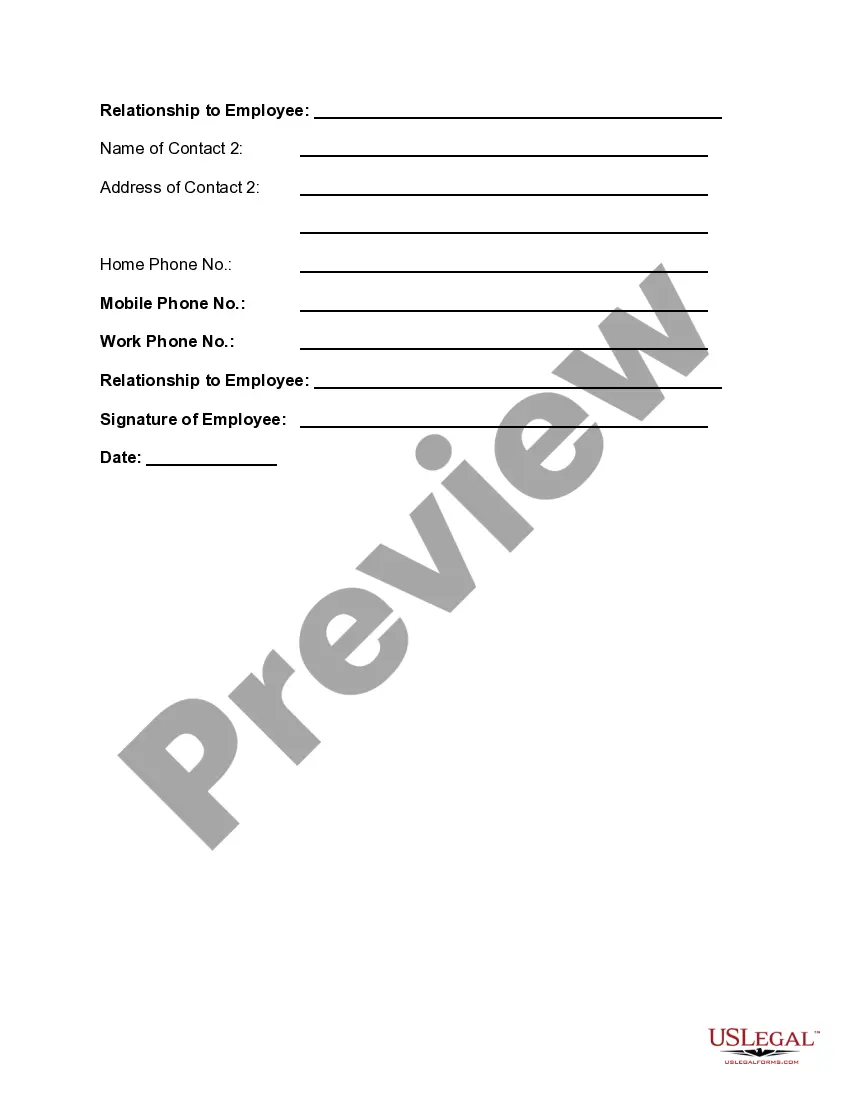
- Designation of emergency contacts with their details and relationship to the employee.
- Employee's signature and date to validate the information provided.




When to use this document
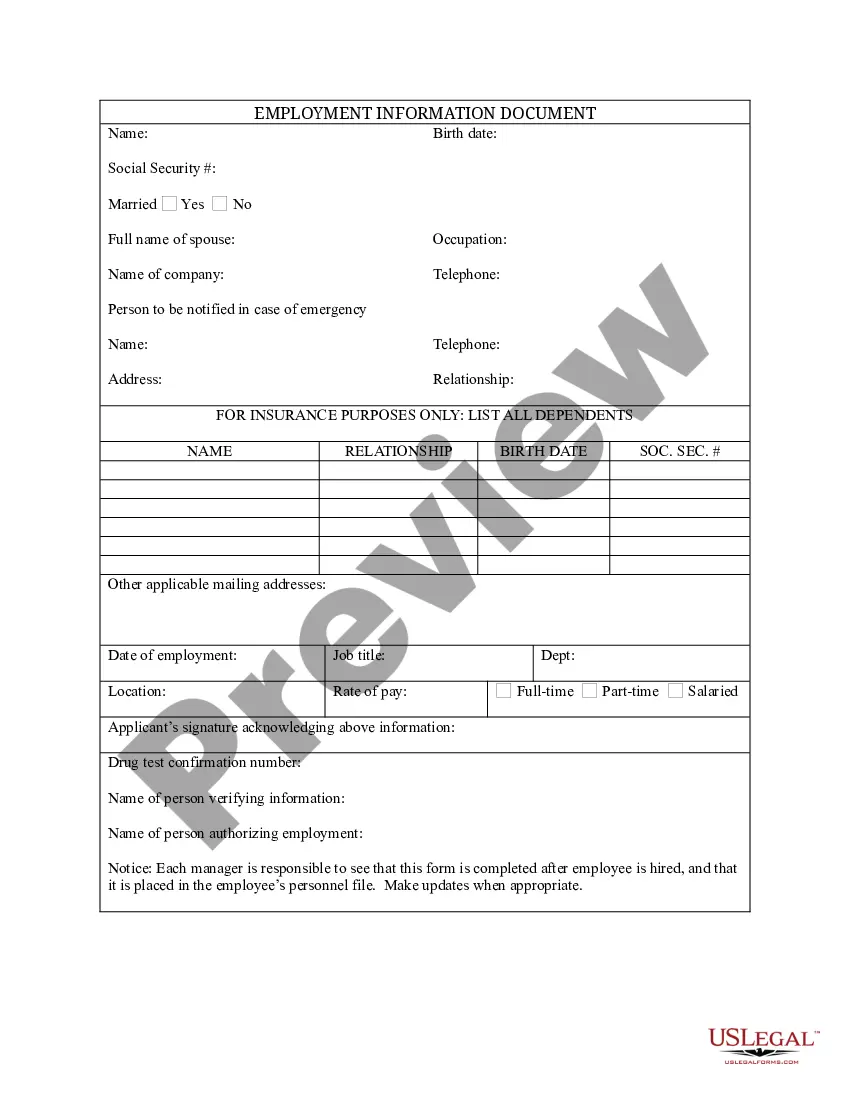
This form should be used by employees to ensure their medical and emergency contact information is readily available in case of accidents, serious health issues, or unforeseen incidents at the workplace or during work-related activities. It is particularly important for staff who work in high-risk environments or who may have pre-existing medical conditions.
Who can use this document
- Employees of any organization who want to ensure their emergency information is documented.
- Employers seeking to maintain updated, accessible emergency contacts for their staff.
- Individuals who may have specific medical conditions needing immediate communication during emergencies.
Completing this form step by step
- Begin by entering the name of the company and your personal information, including your name, Social Security number, and address.
- Provide your contact numbers, including home and mobile phone numbers.
- List the name and contact information of your physician for medical emergencies.
- Designate two emergency contacts, providing their names, addresses, phone numbers, and relationship to you.
- Sign and date the form at the bottom to confirm that the information is accurate and to authorize your employer to access it in emergencies.
Does this document require notarization?
This form does not typically require notarization unless specified by local law. However, it is advisable to check if specific workplace policies necessitate notarization for added validity.
Get your form ready online
Our built-in tools help you complete, sign, share, and store your documents in one place.
Make edits, fill in missing information, and update formatting in US Legal Forms—just like you would in MS Word.
Download a copy, print it, send it by email, or mail it via USPS—whatever works best for your next step.
Sign and collect signatures with our SignNow integration. Send to multiple recipients, set reminders, and more. Go Premium to unlock E-Sign.
If this form requires notarization, complete it online through a secure video call—no need to meet a notary in person or wait for an appointment.
We protect your documents and personal data by following strict security and privacy standards.

Make edits, fill in missing information, and update formatting in US Legal Forms—just like you would in MS Word.

Download a copy, print it, send it by email, or mail it via USPS—whatever works best for your next step.

Sign and collect signatures with our SignNow integration. Send to multiple recipients, set reminders, and more. Go Premium to unlock E-Sign.

If this form requires notarization, complete it online through a secure video call—no need to meet a notary in person or wait for an appointment.

We protect your documents and personal data by following strict security and privacy standards.
Typical mistakes to avoid
- Forgetting to include essential contact information for the physician.
- Not updating emergency contacts regularly, leading to outdated information.
- Neglecting to sign or date the form, which may render it invalid.
Benefits of completing this form online
- Quick access and ease of download for immediate use.
- Edit and personalize the form to suit individual needs conveniently.
- Reliability of receiving legally accurate templates created by licensed attorneys.
Summary of main points
- The Emergency Information Form is vital for collecting crucial health and contact information to use during emergencies.
- Designed for employees, it ensures that emergency contacts are readily available and can be contacted efficiently.
- Regularly updating the form and keeping it accessible is essential for effective emergency planning.
Looking for another form?

Form popularity
FAQ
Just scroll to the letter I in your phone contact list, and list your emergency ICE contact with the word ICE before their name. For example, ICE-John Smith. Then, be sure to enter every phone number (home, mobile phone and work) you have for that individual, as well as their email and physical address.
In most cases, emergency contacts are a loved one such as a parent, spouse, adult child, or trusted friend. If possible, it's best to have at least TWO emergency contacts. This way, they will be able to work together or, if one is unavailable, the other can take charge.
Names, ages and birth dates of each family member: Full names listed with date of birth and current age. Home address and telephone number: include the address of the where the list resides, include full street address, and your phone number with area code.
Name. Street Address. City, State, Zip. Phone (Home, Work) Fax No. Birth date. Blood Type. Social Security No.
In case of emergency, use iPhone to quickly call for help. With Emergency SOS, you can quickly and easily call for help and alert your emergency contacts. If you share your Medical ID, iPhone can send your medical information to emergency services when you call or text 911 or use Emergency SOS (U.S. only).
Name and address of the person. Contact details such as phone number(s) and email(s) of the person. Relationship of the employee(s) with the person. Other relevant detail(s) of the person.
If you are an adult, you put whoever you want as emergency contact. But whoever you put, make sure that they have a durable power of attorney for your health, so if you are incapacitated they can make decisions for your health treatment.
At the bottom is the Emergency Contacts section; tap add emergency contact to create a new contact. Note that you need to have this person's name and number saved in your phone's contacts list in order for the app to pull it in. Once you've selected a contact, indicate their relationship to you.
An emergency contact is the first person medical personnel will get in touch with in an emergency, but your emergency contact may not have the legal authority to act on your behalf unless you explicitly provide that power.Ideally, you will name the same person to be your agent and your emergency contact.