Employee Information Form
About this form
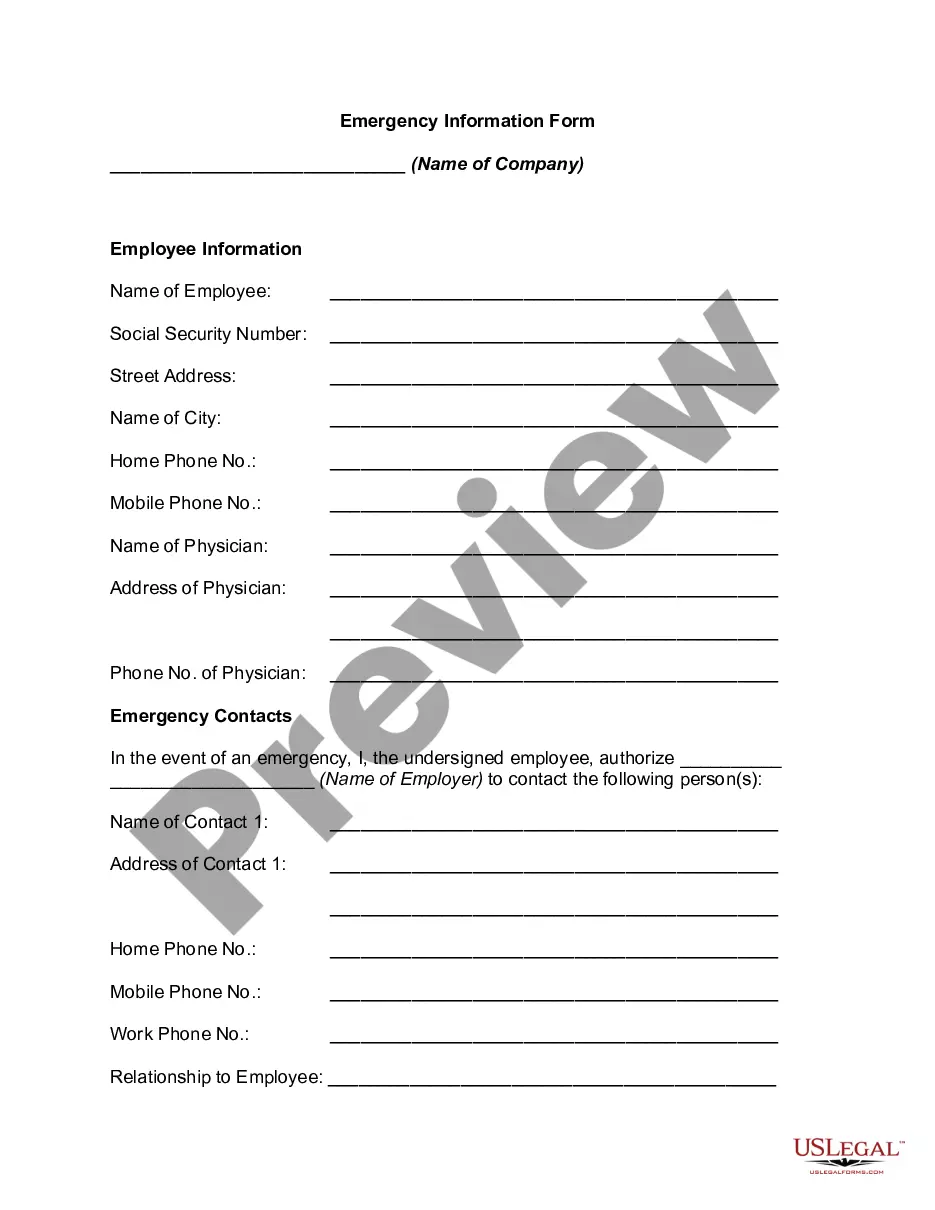
The Employee Information Form is a crucial document that captures essential details about employees within an organization. This form helps streamline the onboarding process by collecting necessary information such as personal details, contact information, and employment history. Unlike general employment applications, this form is specifically designed for internal use to maintain accurate employee records.
Key parts of this document
- Employee's personal information (name, address, phone number).
- Emergency contact details.
- Employment history (previous positions, duration, and duties).
- Education background and qualifications.
- Tax withholding information.




Common use cases
This form should be used during the hiring process when welcoming new employees to your organization. It is important to gather this information before the employee's start date to ensure compliance with tax regulations and to prepare for payroll processing. Additionally, it can be used to update existing employee records when there are changes in personal information.
Who can use this document
This form is intended for:
- Human resources personnel responsible for employee onboarding.
- Employers seeking to maintain accurate employee records.
- Payroll departments in need of consistent employee information for tax purposes.
- Managers who wish to have up-to-date data on their team members.
Steps to complete this form
- Provide the employee's full name along with their current address and contact information.
- List emergency contact details to ensure safety and communication.
- Detail employment history, including the names of previous employers and job responsibilities.
- Enter educational qualifications by including degrees and institutions attended.
- Complete the tax withholding section according to IRS guidelines and personal preferences.
Notarization guidance
This form usually doesn’t need to be notarized. However, local laws or specific transactions may require it. Our online notarization service, powered by Notarize, lets you complete it remotely through a secure video session, available 24/7.
Get your form ready online
Our built-in tools help you complete, sign, share, and store your documents in one place.
Make edits, fill in missing information, and update formatting in US Legal Forms—just like you would in MS Word.
Download a copy, print it, send it by email, or mail it via USPS—whatever works best for your next step.
Sign and collect signatures with our SignNow integration. Send to multiple recipients, set reminders, and more. Go Premium to unlock E-Sign.
If this form requires notarization, complete it online through a secure video call—no need to meet a notary in person or wait for an appointment.
We protect your documents and personal data by following strict security and privacy standards.

Make edits, fill in missing information, and update formatting in US Legal Forms—just like you would in MS Word.

Download a copy, print it, send it by email, or mail it via USPS—whatever works best for your next step.

Sign and collect signatures with our SignNow integration. Send to multiple recipients, set reminders, and more. Go Premium to unlock E-Sign.

If this form requires notarization, complete it online through a secure video call—no need to meet a notary in person or wait for an appointment.

We protect your documents and personal data by following strict security and privacy standards.
Mistakes to watch out for
- Leaving out critical personal information, such as social security numbers.
- Providing outdated contact information.
- Not including emergency contacts.
- Failing to sign and date the form.
Why complete this form online
- Convenience of completing the form from anywhere with internet access.
- Easy editability to correct any errors before submission.
- Secure storage of sensitive employee information with proper encryption.
- Availability of updates to ensure the form reflects current regulations and practices.
Main things to remember
- The Employee Information Form is essential for collecting vital employee data.
- It is used primarily during hiring and updates to employee records.
- The form is applicable across multiple states with attention to specific local laws.
- Common mistakes can jeopardize the effectiveness of the form; double-check entries.
Looking for another form?

Form popularity
FAQ
Personal information is information or an opinion, including information or an opinion forming part of a database, whether true or not, and whether recorded in a material form or not, about an individual whose identity is apparent, or can reasonably be ascertained, from the information or opinion.
I-9 Employment Eligibility Verification form. State Tax Withholding form. Direct Deposit form. E-Verify system: This is not a form, but a way to verify employee eligibility in the U.S.
Personnel information is confidential, and information in an employee's file, such as social security number, salary, health records, disciplinary actions and termination reason can't be discussed with other employees. Most of this information can't be discussed with potential employers who call for a reference.
Review Existing Documentation. Find Ways To Encourage Written Feedback. Have Your Data Collection Team Observe. Challenge Existing Assumptions When Deciding What Data To Collect. Be Prepared To Take Action On Survey Results. Establish Confidentiality. Find Ways To Make Data Collection Part Of On-Going Processes.
An employee information form contains key information on employees that is used to keep a record of who worked for the company, their duration of employment, and in what role. It can also be used as an emergency contact information form in the event of any serious workplace injury.
Find a sponsor. Have a hypothesis. Default to anonymity and aggregation. If you can't let employees be anonymous, let them choose how you use their data. Screen for confidential information. Don't dig for personal information.
It is made mandatory that when you apply for some program or event, you are to provide significant details with regards to yourself. These details pertained here are your personal information. The main reason why these information are necessary is because these serve as an integral part of the application form process.
The statute defines "personal information" to include an individual's first name or first initial and last name in combination with that person's social security number, driver's license number, California identification card number, medical information, or credit card, account or debit card number (in combination with
As an employee, do I have a right to see my personnel files? The short answer is 'yes'. You have a right to make a SAR to your employer, asking to see your personnel files, at any time. Your employer has the right to ask why you want to see your files, but must then provide all your records to you.