Interview Evaluation Form
What is this form?
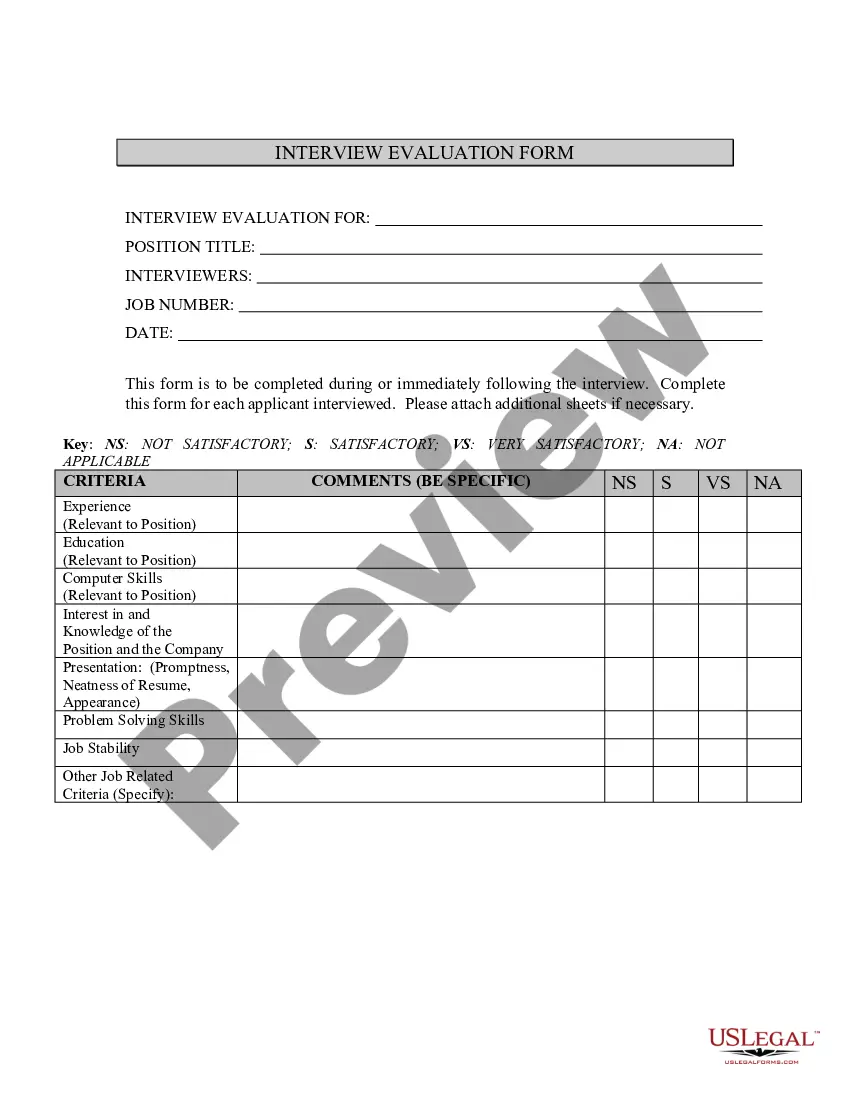
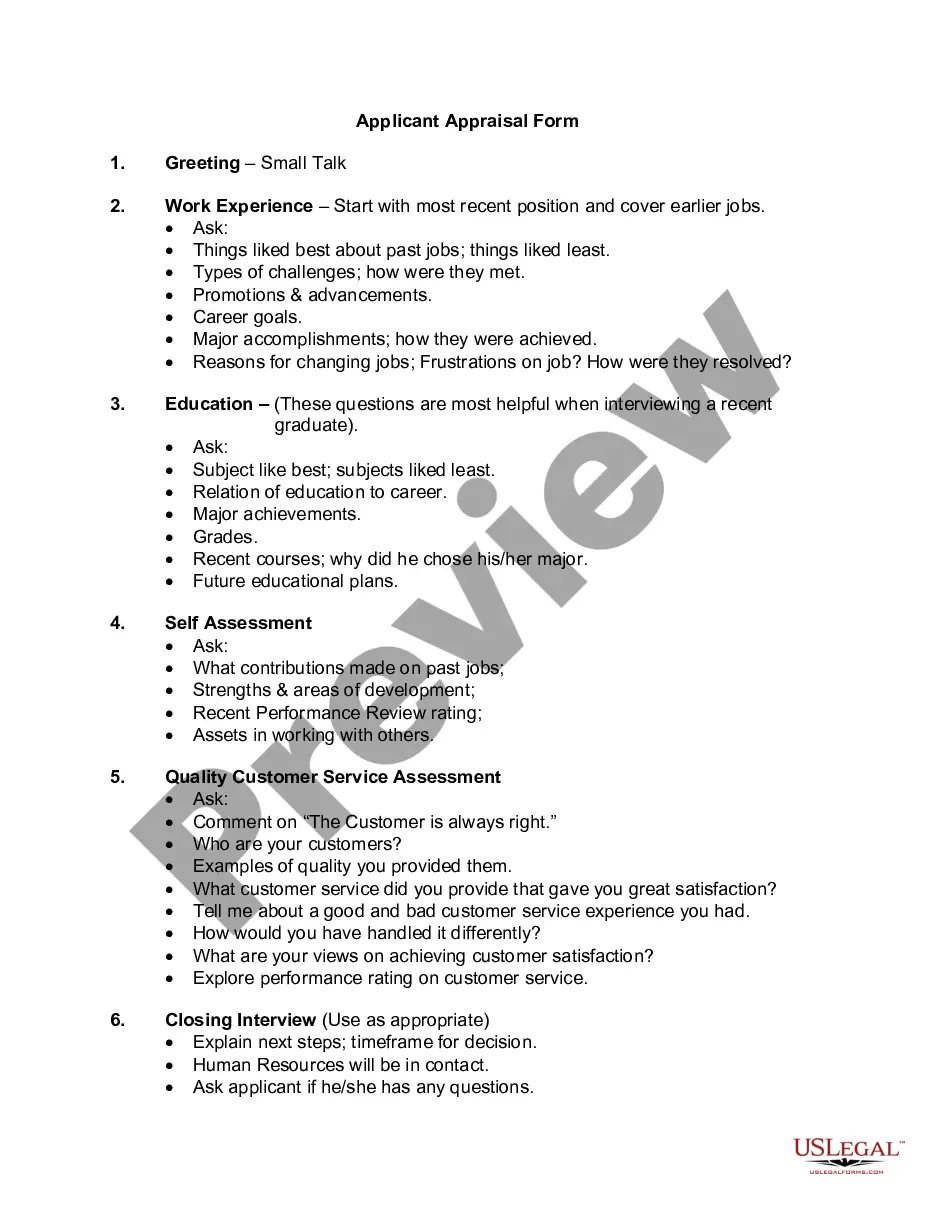
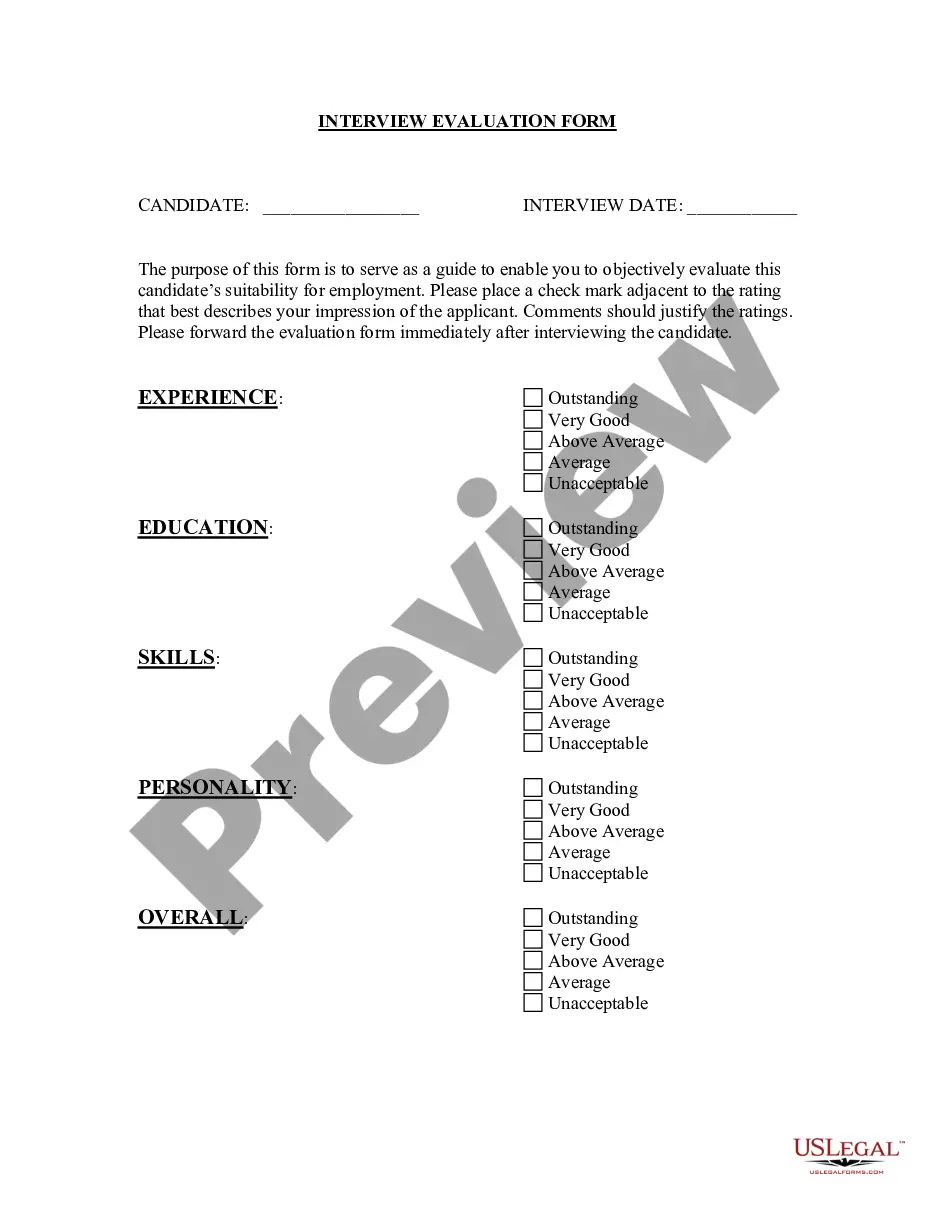
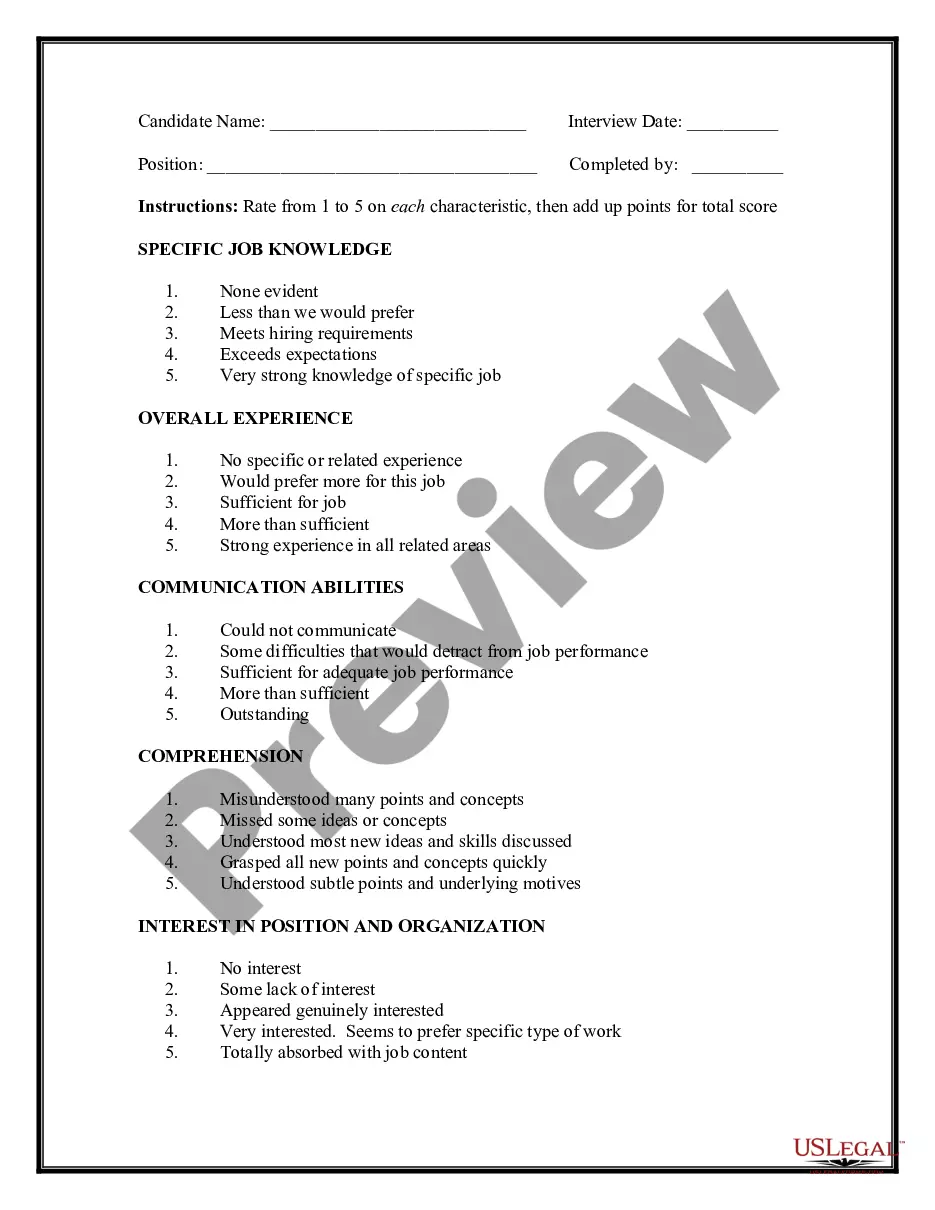
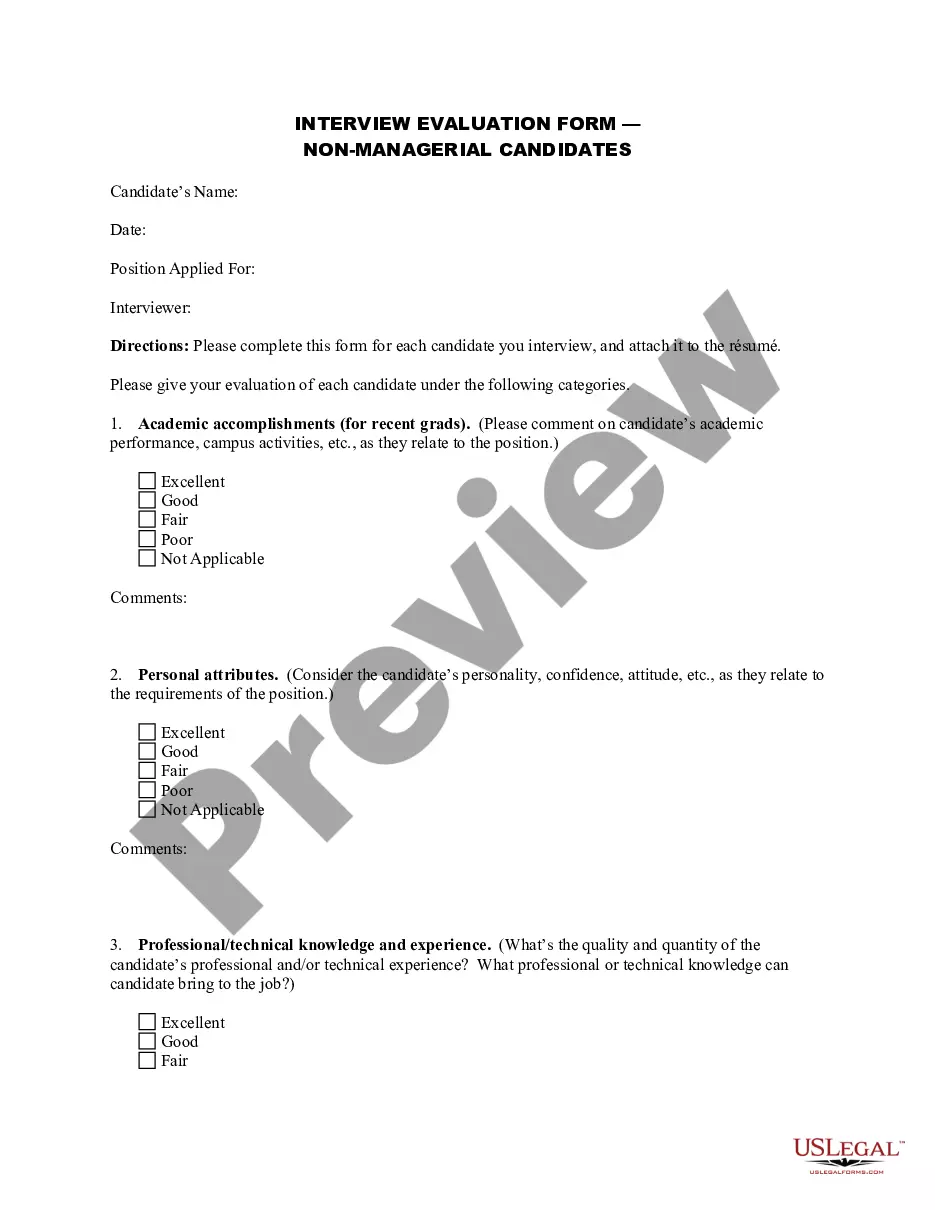
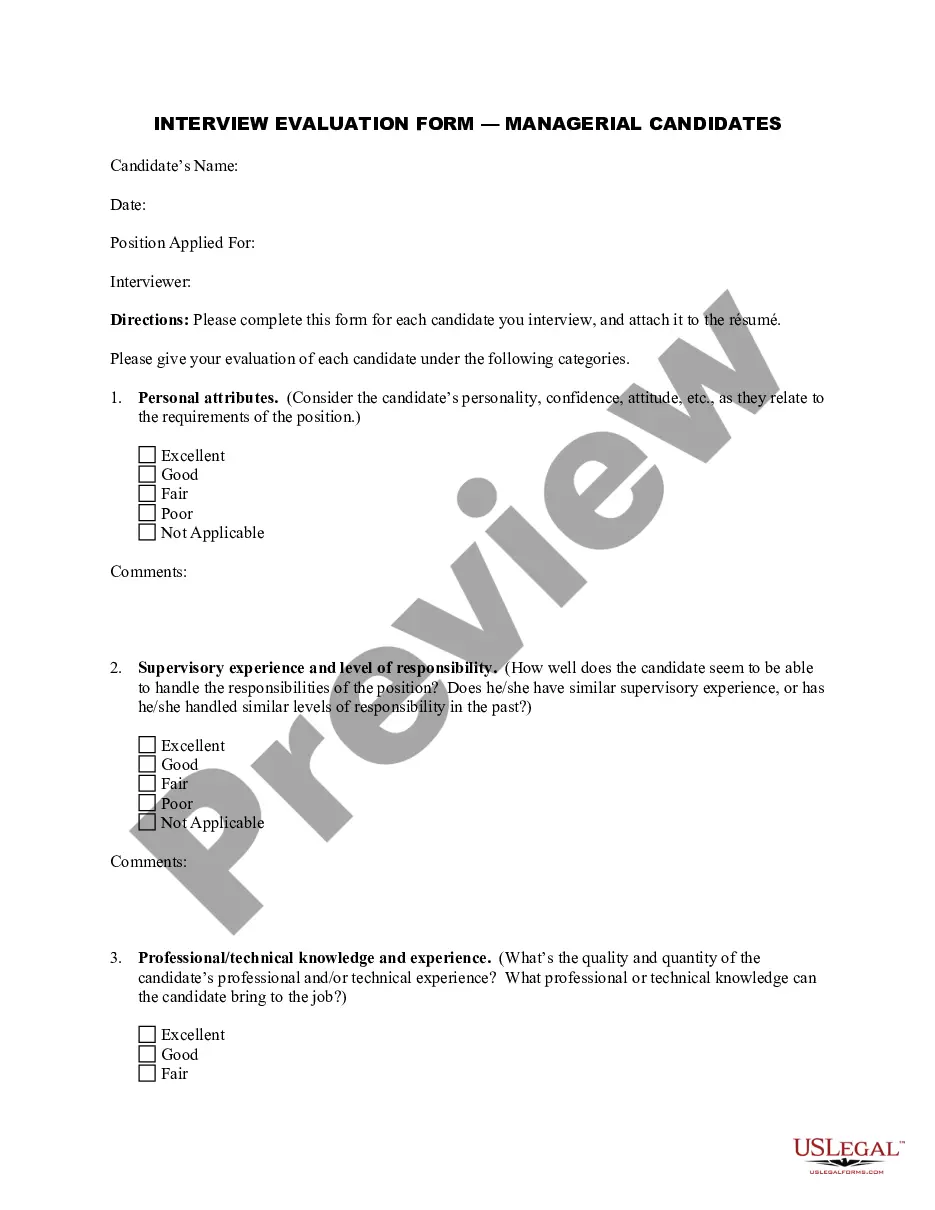
The interview evaluation form is a tool used by interviewers to assess candidates during the hiring process. It allows interviewers to evaluate various aspects of an applicant's qualifications and fit for the position and company. Unlike other evaluation forms, this specific template provides a structured format for recording observations and scoring different criteria, making it easier to compare candidates objectively.
Main sections of this form
- Experience relevant to the position
- Education relevant to the position
- Computer skills assessment
- Interest in and knowledge of the position and the company
- Presentation factors, including promptness and the neatness of the resume
- Comments section for specific feedback
When to use this document
This form is typically used during job interviews to gather feedback and evaluations from interviewers. It is particularly useful in structured interview settings where multiple candidates are being assessed for the same role. Employers can use it to ensure all relevant criteria are considered and documented for each candidate, facilitating a fair and consistent hiring process.
Who this form is for
This form is intended for:
- Hiring managers conducting job interviews
- HR professionals involved in the recruitment process
- Interviewers from various departments assessing applicants
- Organizations looking to maintain a standardized evaluation process
Steps to complete this form
- Fill in the applicant's name and the position they are applying for at the top of the form.
- Evaluate the candidate on each criterion by selecting the appropriate rating (Not Satisfactory, Satisfactory, or Very Satisfactory).
- Add specific comments explaining the ratings given to provide context and detailed feedback.
- Ensure all interviewers involved in the evaluation complete their sections and provide their insights.
- Compile the completed evaluation forms to assist in the final hiring decision.
Notarization guidance
Notarization is not commonly needed for this form. However, certain documents or local rules may make it necessary. Our notarization service, powered by Notarize, allows you to finalize it securely online anytime, day or night.
Get your form ready online
Our built-in tools help you complete, sign, share, and store your documents in one place.
Make edits, fill in missing information, and update formatting in US Legal Forms—just like you would in MS Word.
Download a copy, print it, send it by email, or mail it via USPS—whatever works best for your next step.
Sign and collect signatures with our SignNow integration. Send to multiple recipients, set reminders, and more. Go Premium to unlock E-Sign.
If this form requires notarization, complete it online through a secure video call—no need to meet a notary in person or wait for an appointment.
We protect your documents and personal data by following strict security and privacy standards.

Make edits, fill in missing information, and update formatting in US Legal Forms—just like you would in MS Word.

Download a copy, print it, send it by email, or mail it via USPS—whatever works best for your next step.

Sign and collect signatures with our SignNow integration. Send to multiple recipients, set reminders, and more. Go Premium to unlock E-Sign.

If this form requires notarization, complete it online through a secure video call—no need to meet a notary in person or wait for an appointment.

We protect your documents and personal data by following strict security and privacy standards.
Typical mistakes to avoid
- Failing to complete all sections of the form, which can lead to incomplete assessments.
- Allowing personal biases to influence the evaluations instead of focusing on objective criteria.
- Not providing specific comments, which are essential for understanding the ratings given.
Why use this form online
- Convenient access to current and legally compliant templates.
- Editability, allowing interviewers to customize criteria as necessary.
- Reliable storage and retrieval of evaluation records for future reference.
Legal use & context
- The completed evaluations can serve as documentation in case of disputes related to hiring decisions.
- It helps to show that an employer is conducting thorough and fair evaluations of applicants.
- Consistent use of this form can assist organizations in staying compliant with equal employment opportunity regulations.
Summary of main points
- This interview evaluation form is essential for structured candidate assessments.
- It helps ensure fairness and consistency in the hiring process.
- Proper and thorough completion is necessary to gain maximum benefit from the form.
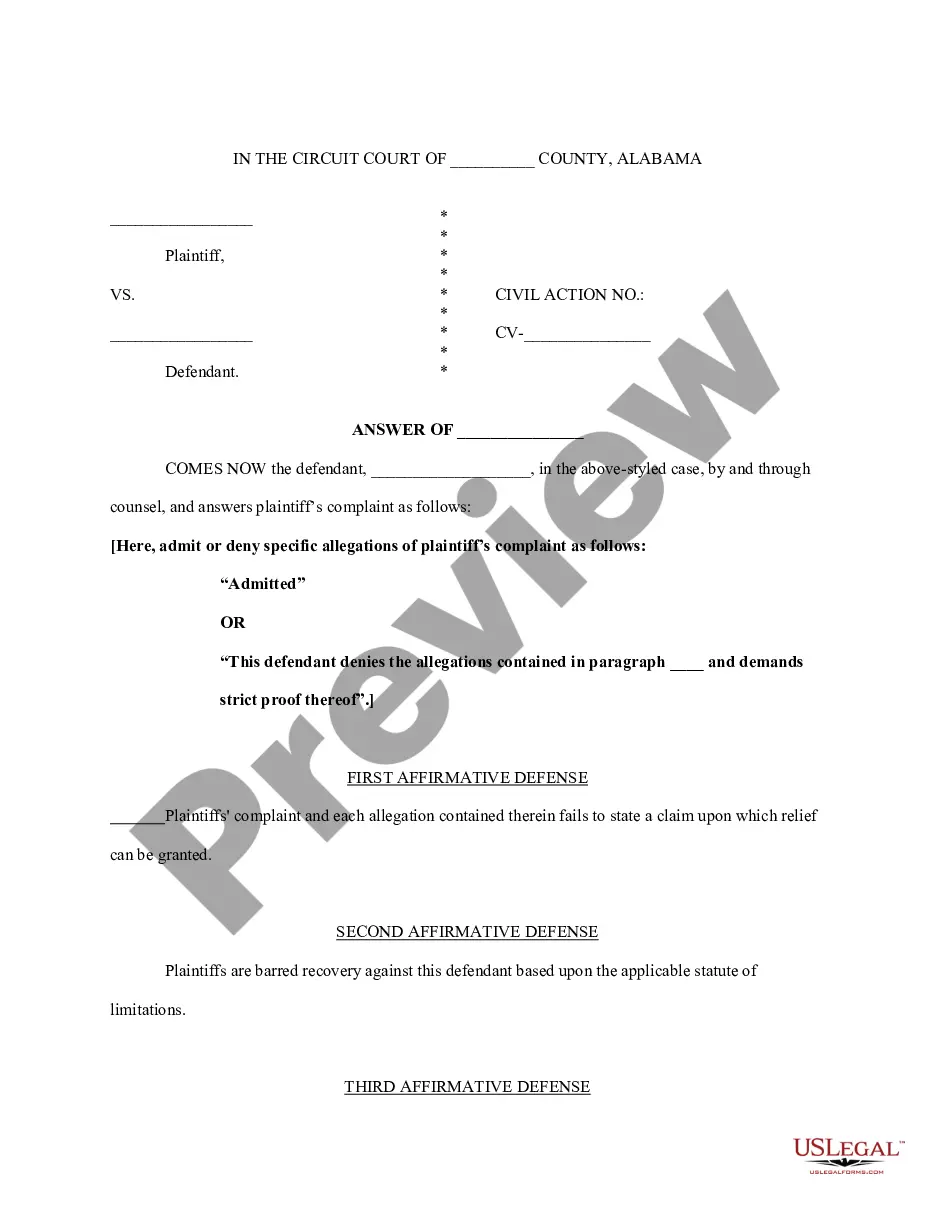
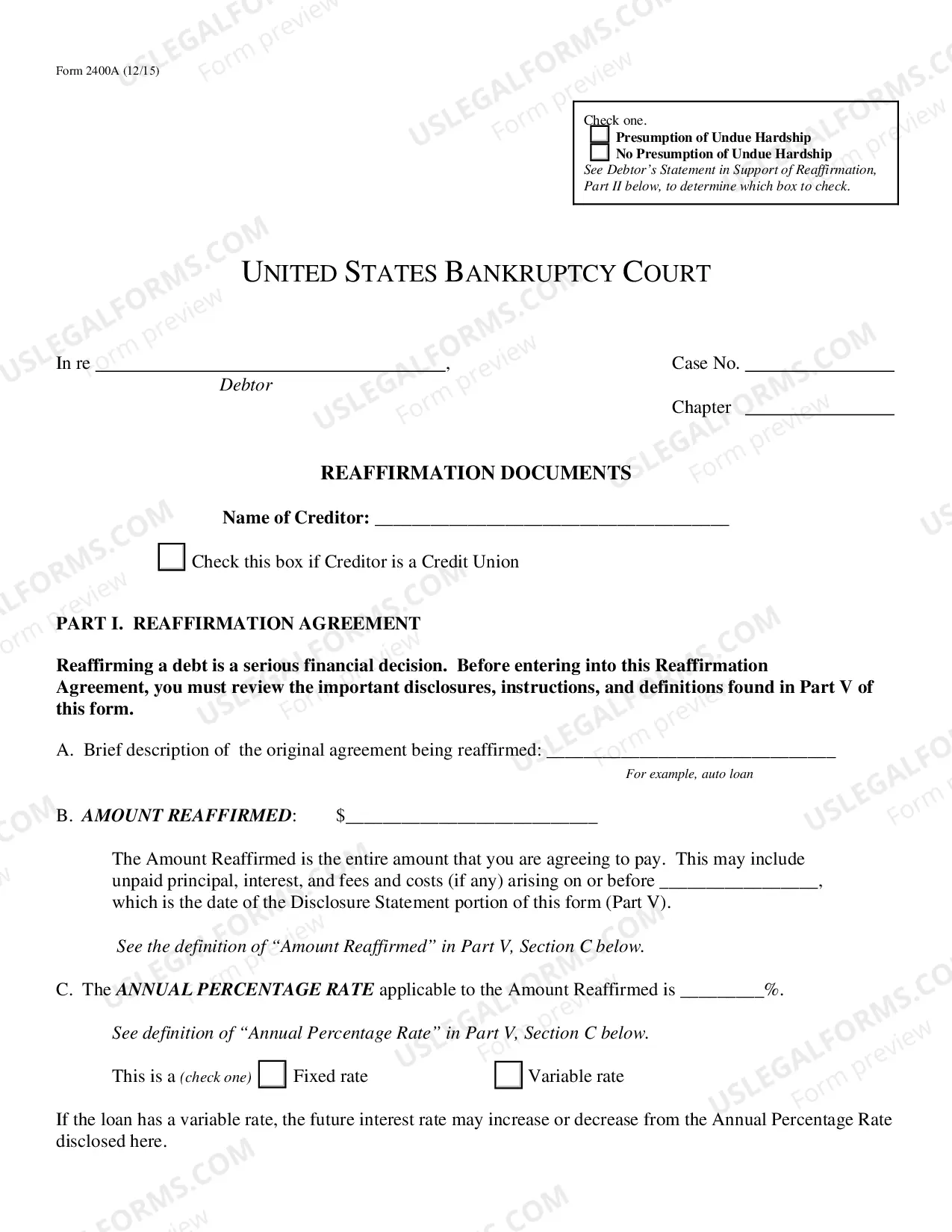
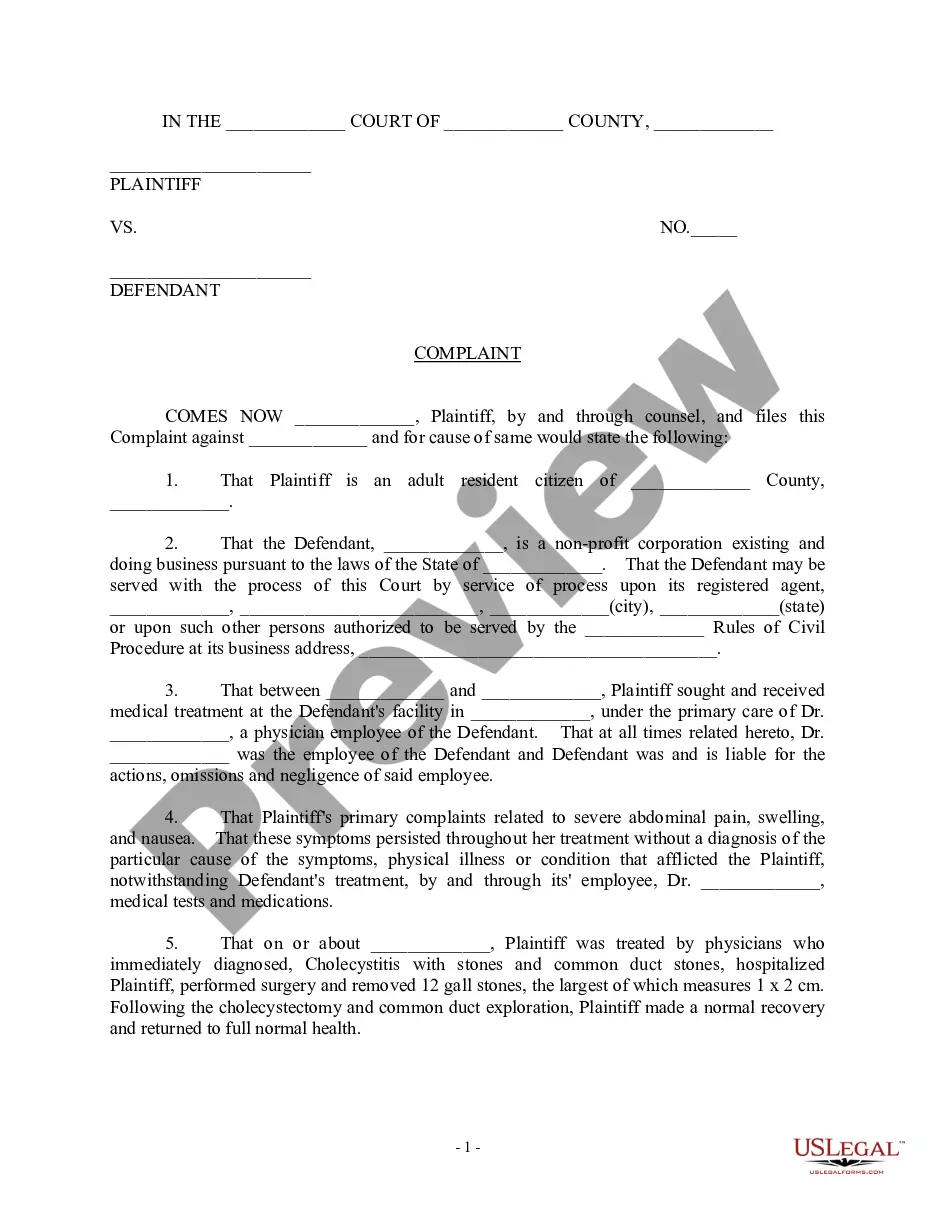
Looking for another form?
Form popularity
FAQ
Candidate evaluation forms are to be completed by the interviewer to rank the candidates overall qualifications for the position to which they have applied. Under each heading the interviewer should give the candidate a numerical rating and write specific job related comments in the space provided.
Push yourself to a clear point of view and decision and write your decision clearly on the first line of the interview feedback for each session Hire or No hire. Summary of decision: Provide a concise summary of your decision rationale directly after the decision at the top of the interview scorecard.
Educational background. Relevant work experience. Specific skills or technical skills Ability to work in a team environment. Leadership qualities. Critical thinking and problem solving. Communication skills. Attitude and motivation.
Interview evaluation forms are to be completed by the interviewer to rank the candidate's overall qualifications for the position for which they have applied. Under each heading, the interviewer should give the candidate a numerical rating and write specific job-related comments in the space provided.