Home Use
Understanding this form
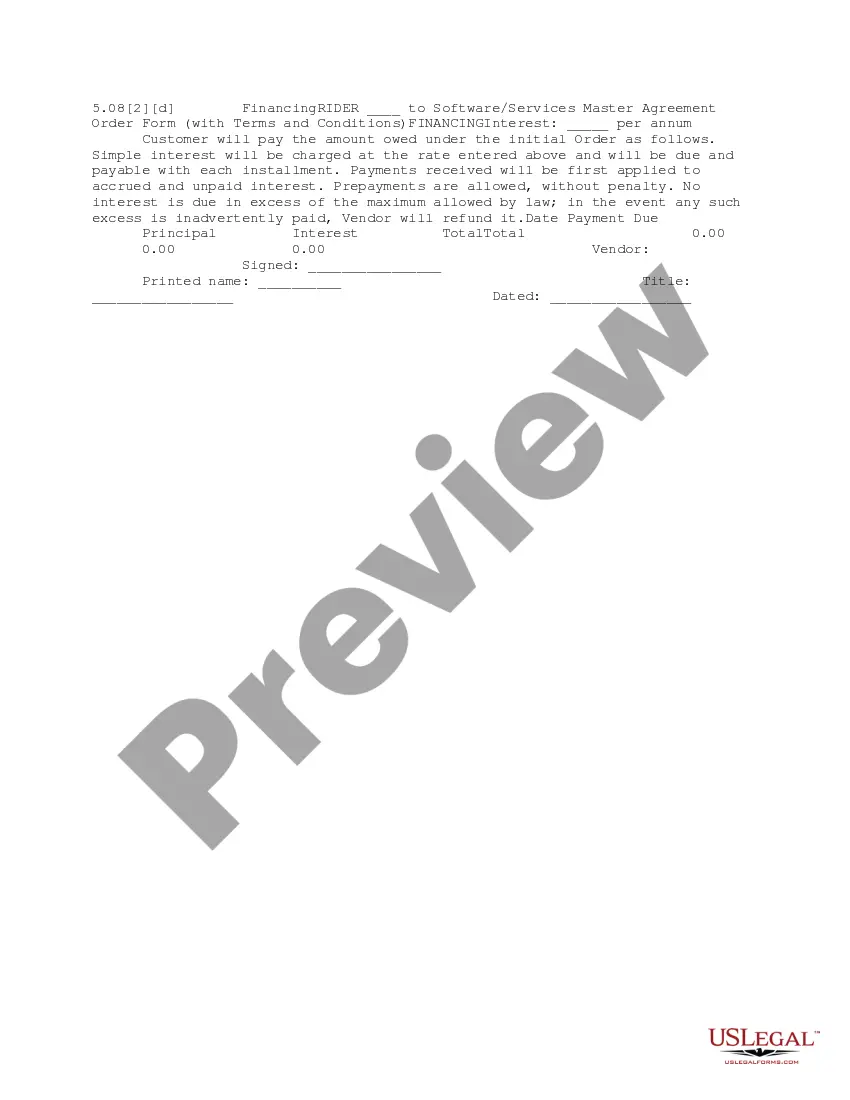
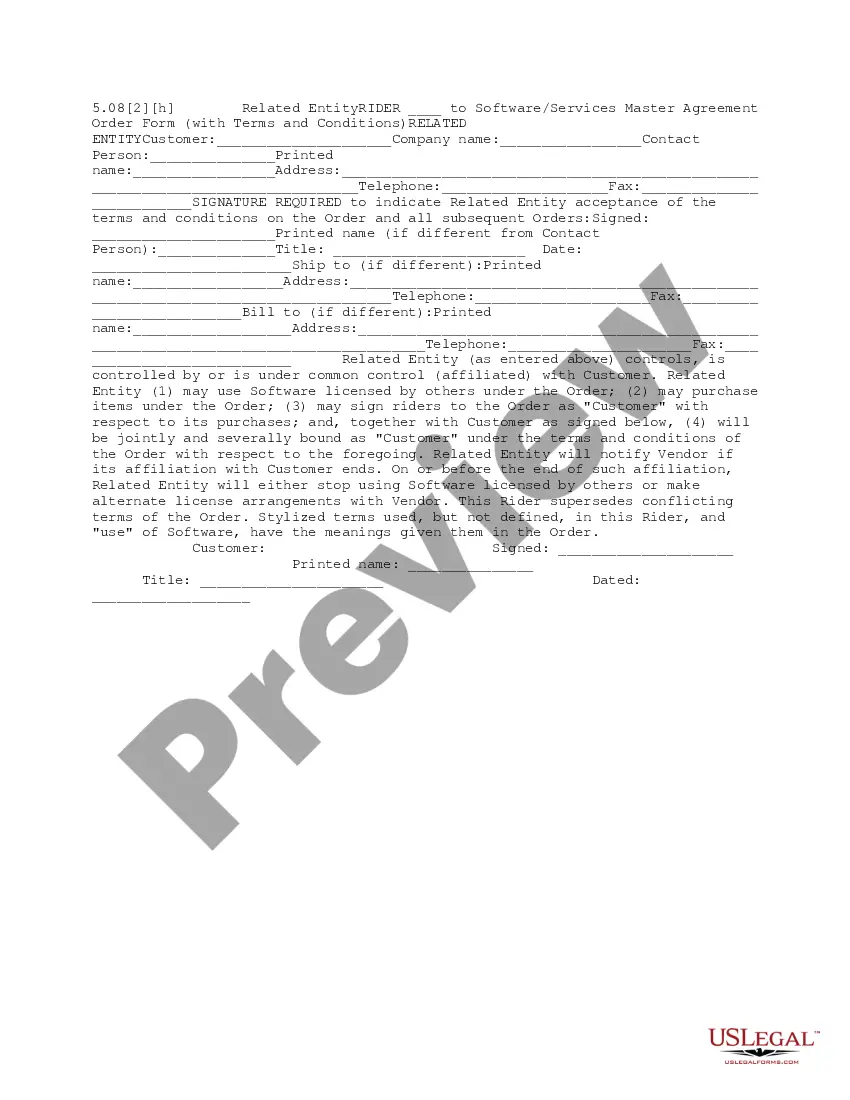
The Home Use rider is an important legal document that supplements a software/services master agreement order form. It specifically allows an employee to install and use a licensed copy of the specified software on one home or portable computer. This form is distinct from usual licensing agreements because it outlines the limitations and responsibilities associated with using software outside of a corporate environment.
Form components explained
- Identification of the software licensed under the order.
- Choice between using all non-networked computer software or only software on a specified list.
- Conditions for usage on one home or portable computer controlled by the employee.
- Declaration that the software cannot be loaded or stored on multiple computers simultaneously.
- Customer liability for unauthorized software use by employees.
- Signatures of both the vendor and customer, along with printed names and titles.

When to use this document
This form should be used when a customerâs employee needs to install software at home for work purposes. It is particularly relevant for remote work scenarios, where employees require access to specific software on their personal devices. Utilizing this form ensures compliance with the licensing agreement, clarifying usage rights and restrictions associated with the software.
Who needs this form
- Employees working remotely who need software access at home.
- Companies that wish to establish clear guidelines for software usage outside the office.
- Organizations concerned about compliance with software licensing agreements.
- HR departments responsible for managing employee software requests.
How to complete this form
- Identify the software options available under the master agreement.
- Check the applicable choice: either all non-networked computer software or only software from an attached list.
- Ensure the employee's home or portable computer is correctly specified.
- Have authorized representatives from both the vendor and customer sign and print their names in the designated areas.
- Include the date of signing at the bottom of the form for records.
Notarization requirements for this form
This form does not typically require notarization unless specified by local law. However, if there are any concerns about the enforceability of signatures or records, consulting legal advice is recommended.
Get your form ready online
Our built-in tools help you complete, sign, share, and store your documents in one place.
Make edits, fill in missing information, and update formatting in US Legal Forms—just like you would in MS Word.
Download a copy, print it, send it by email, or mail it via USPS—whatever works best for your next step.
Sign and collect signatures with our SignNow integration. Send to multiple recipients, set reminders, and more. Go Premium to unlock E-Sign.
If this form requires notarization, complete it online through a secure video call—no need to meet a notary in person or wait for an appointment.
We protect your documents and personal data by following strict security and privacy standards.

Make edits, fill in missing information, and update formatting in US Legal Forms—just like you would in MS Word.

Download a copy, print it, send it by email, or mail it via USPS—whatever works best for your next step.

Sign and collect signatures with our SignNow integration. Send to multiple recipients, set reminders, and more. Go Premium to unlock E-Sign.

If this form requires notarization, complete it online through a secure video call—no need to meet a notary in person or wait for an appointment.

We protect your documents and personal data by following strict security and privacy standards.
Common mistakes to avoid
- Failing to check whether the entire software or only a specific list is covered.
- Not verifying that the software will not be used on multiple computers simultaneously.
- Omitting signatures or titles, which can invalidate the agreement.
- Not retaining a copy of the signed agreement for future reference.
Advantages of online completion
- Easy access to a legally vetted template written by licensed attorneys.
- Quickly adaptable to your specific needs without cumbersome physical paperwork.
- Time-efficient processing and instant download options.
- Reduces the likelihood of errors with organized fields and guidance throughout the form.
Key takeaways
- The Home Use rider specifies conditions for using software outside the workplace.
- It protects both the employee and the employer by clarifying usage rights and obligations.
- Proper completion and signature are essential for legality.
- Clear understanding of this form can prevent unauthorized software use and associated penalties.
Looking for another form?



Form popularity
FAQ
Instead of keeping records of all of your expenses, you can deduct $5 per square foot of your home office, up to 300 square feet, for a maximum deduction of $1,500. As long as your home office qualifies, you can take this tax break without having to keep records of the specific expenses.
Microsoft's suite of productivity software -- including Word, Excel, PowerPoint, Outlook, Microsoft Teams, OneDrive and SharePoint -- typically costs $150 for a one-time installation (as Office 365), or between $70 and $100 every year for subscription service access across devices and family members (as Microsoft 365).
Go to www.microsoft.com/home-use-program/order-history and enter your work email address. If you receive an email sent to your work address that contains a product key, follow the instructions in Get help installing Office through Microsoft HUP .
Go to www.microsoft.com/home-use-program/order-history and enter your work email address. If you receive an email sent to your work address that contains a product key, follow the instructions in Get help installing Office through Microsoft HUP .
The Microsoft Home Use Program allows employees at eligible companies to buy an annual subscription of Microsoft 365 Family or Microsoft 365 Personal at a discount for use on personal devices.Microsoft 365 provides powerful productivity apps that make life more creative, organized, and secure.
You must have spent the money. the expense must be directly related to earning your income. you must have a record to prove it.
Customers who have Microsoft 365/Microsoft 365 E3/E5 From Software Assurance. Commercial and government customers who have purchased 2265 2,000 licenses of one or a mix of Microsoft 365 E3/E5. Education and non-profit customers.
You may deduct regular business expenses not related to the home. Real estate taxes, mortgage interest, and casualty and theft losses that are not allocable to the business-use portion of your home may be deducted on Schedule A as itemized deductions.
A portion of your home may qualify as your principal place of business if you use it for the administrative or management activities of your trade or business and have no other fixed location where you conduct substantial administrative or management activities for that trade or business.