West Virginia Small Business Accounting Package
About this form package
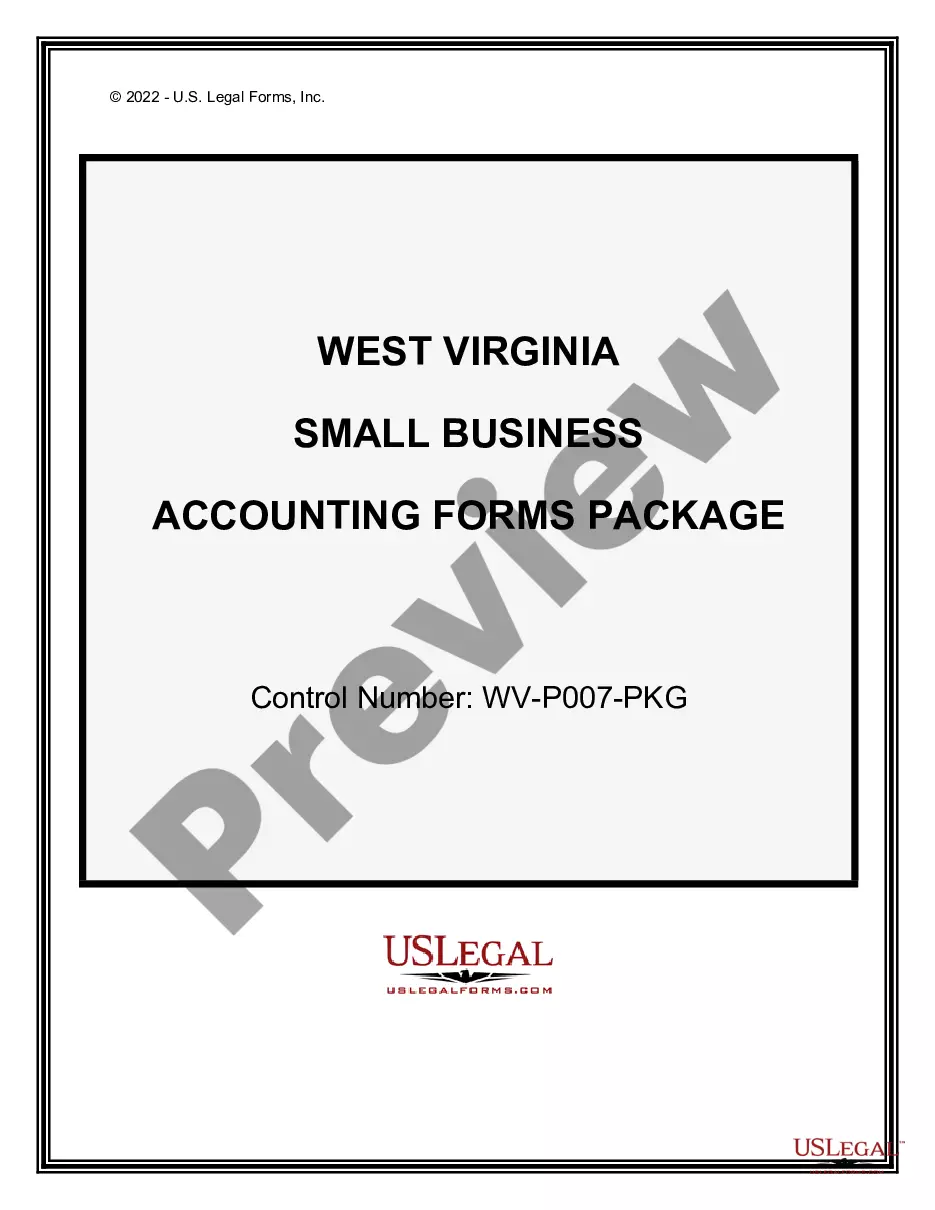
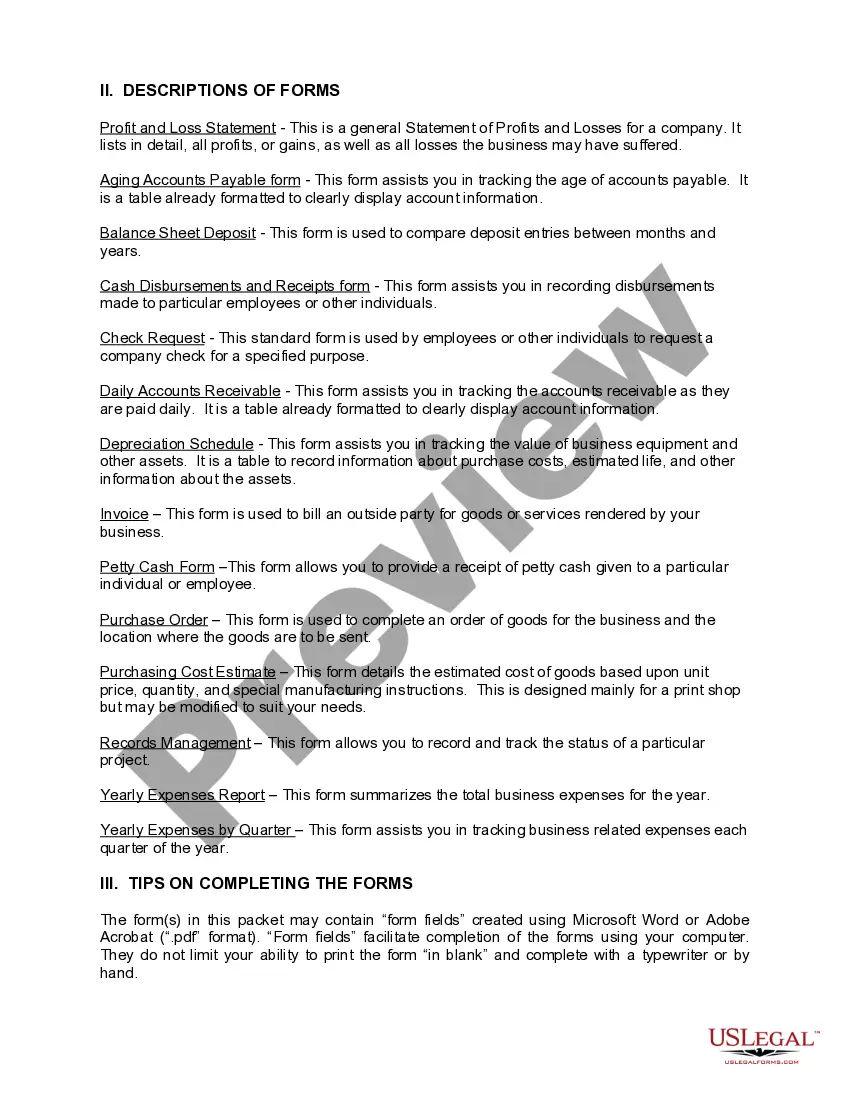
The West Virginia Small Business Accounting Package is a collection of essential accounting forms specifically designed to help small businesses manage their finances effectively. This package includes professionally drafted forms that can be tailored to your unique business needs, making it a comprehensive solution compared to other basic form packages available. Whether you are tracking profits, managing accounts payable, or organizing invoices, this package ensures your accounting processes are streamlined and compliant with state requirements.
Documents contained in this package
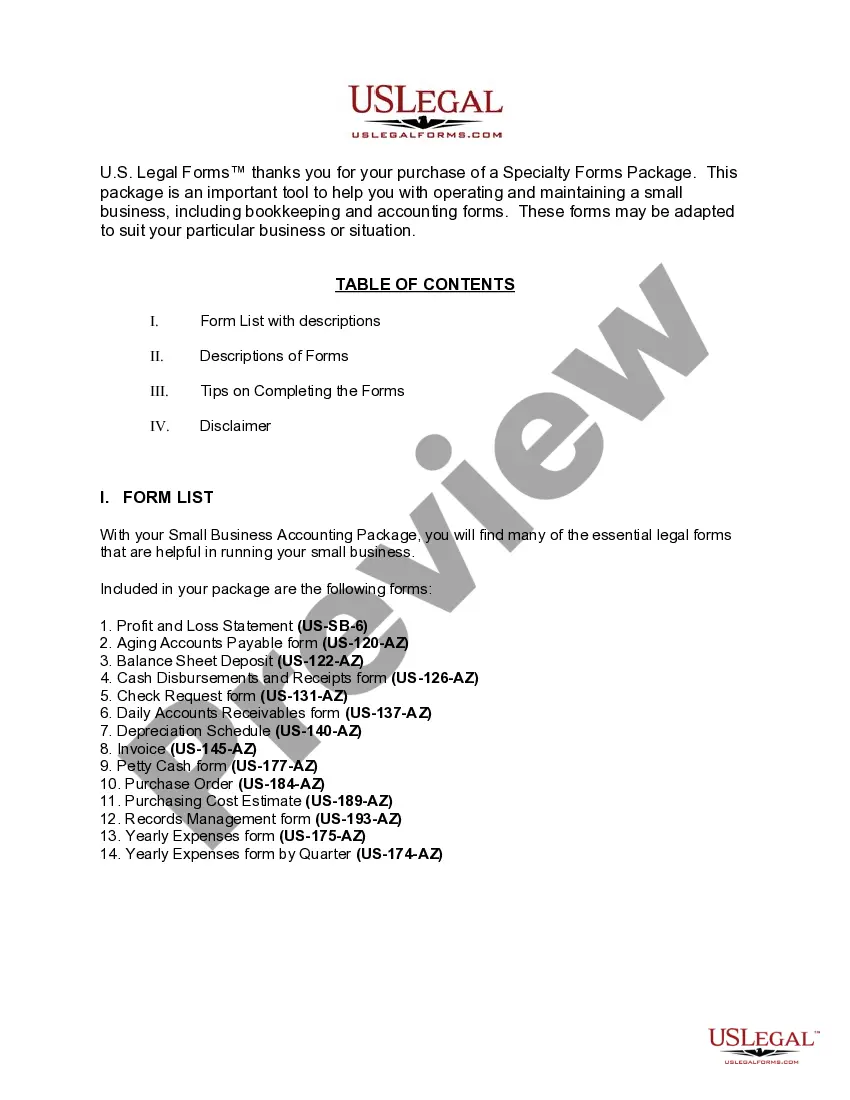
- Aging Accounts Payable
- Balance Sheet Deposits
- Cash Disbursements and Receipts
- Check Request
- Daily Accounts Receivable
- Depreciation Schedule
- Job Invoice - Short
- Yearly Expenses by Quarter
- Yearly Expenses
- Petty Cash Form
- Purchasing Cost Estimate
- Records Management
- Profit and Loss Statement
- Purchase Order for Invoice
Situations where these forms applies
This Small Business Accounting Package is useful in several scenarios, including:
- When starting a new small business and needing to establish accounting practices.
- If your existing business needs to improve its financial record-keeping.
- During tax preparation to ensure all necessary documentation is in order.
- When managing ongoing expenses and invoices to maintain a clear financial overview.
Who can use this document
- Small business owners looking to efficiently manage their accounting needs.
- Entrepreneurs starting a new venture who require structured financial documentation.
- Finance professionals or accountants responsible for maintaining business records.
- Anyone needing straightforward accounting forms to comply with West Virginia regulations.
How to complete these forms
- Review the included forms to familiarize yourself with each document's purpose.
- Identify the specific forms needed based on your business activities.
- Enter the required information accurately in each form.
- Save completed forms on your computer for easy access and future reference.
- Print the forms as needed for official use or record keeping.
Notarization guidance for this package
Forms in this package typically do not require notarization. However, certain states or document types may still need it. US Legal Forms provides online notarization powered by Notarize, available 24/7 for your convenience.
Get your form ready online
Our built-in tools help you complete, sign, share, and store your documents in one place.
Make edits, fill in missing information, and update formatting in US Legal Forms—just like you would in MS Word.
Download a copy, print it, send it by email, or mail it via USPS—whatever works best for your next step.
Sign and collect signatures with our SignNow integration. Send to multiple recipients, set reminders, and more. Go Premium to unlock E-Sign.
If this form requires notarization, complete it online through a secure video call—no need to meet a notary in person or wait for an appointment.
We protect your documents and personal data by following strict security and privacy standards.

Make edits, fill in missing information, and update formatting in US Legal Forms—just like you would in MS Word.

Download a copy, print it, send it by email, or mail it via USPS—whatever works best for your next step.

Sign and collect signatures with our SignNow integration. Send to multiple recipients, set reminders, and more. Go Premium to unlock E-Sign.

If this form requires notarization, complete it online through a secure video call—no need to meet a notary in person or wait for an appointment.

We protect your documents and personal data by following strict security and privacy standards.
Avoid these common issues
- Failing to update forms regularly to reflect current business activities.
- Not keeping accurate records of all transactions related to the forms.
- Overlooking details or fields that require specific information.
- Using outdated or incorrect version of the forms.
Advantages of online completion
- Convenience of downloading forms anytime and from anywhere.
- Forms are easily editable to fit your business requirements.
- Access to professionally drafted documents by licensed attorneys.
- Time-saving as multiple forms are bundled into one package.
Looking for another form?


Form popularity
FAQ
Become a Certified Bookkeeper. Create a Business Plan. Incorporate Your Bookkeeping Business. Set Up Business Operations for Your Bookkeeping Business. Get the Right Accounting Software. Fund Your Bookkeeping Business. Set Up a Home Office for Your Bookkeeping Business. Market Your Bookkeeping Business.
Step 1: Start with a bookkeeping Excel sheet template. 3 Necessary Parts of an Excel Bookkeeping System. Step 2: Customize the chart of accounts within your template. Step 3: Customize the income statement sheet. Add a sheet for tracking invoices. Add a sheet for projecting cash flow.
Choose Cash or Accrual Accounting. Set Up a Business Bank Account. Pick a Bookkeeping Software Package for Small Businesses. Create a Chart of Accounts. Set Up an Expense Tracking System. Prepare Your Bank Reconciliation Process. Set Up Your Reporting System. Getting help.
Understand the purpose. One thing that has helped a lot of our clients is understanding why they're doing their books in the first place. Review the reports. Take small bites. Utilize software. Hire someone else. Digitize everything. Perform regular audits. Take a course.
Create a New Business Account. Set Budget Aside for Tax Purposes. Always Keep Your Records Organised. Track Your Expenses. Maintain Daily Records. Leave an Audit Trail. Stay on Top of Your Accounts Receivable. Keep Tax Deadlines in Mind.
Generally, a small business is not required to have a CPA or certified public accountant.Although most small businesses are not required to have a CPA involved, a small business may engage a CPA to review its internal controls, evaluate accounting software, obtain tax advice, and so on.
Business Bank Reconciliations. Credit Card Management. Accounts Receivable. Accounts Payable. Sales Tax. Payroll.
Open a bank account. Track your expenses. Develop a bookkeeping system. Set up a payroll systems. Investigate import tax. Determine how you'll get paid. Establish sales tax procedures. Determine your tax obligations.
Because LLCs both make your accounting easier and provide you with some wonderful tax planning opportunities.If you've elected to have an LLC treated as an S corporation or as a C corporation, you probably should have a knowledgeable tax practitioner (a CPA, an enrolled agent or an attorney) prepare your tax return.