Purchase Order for Invoice
What is this form?
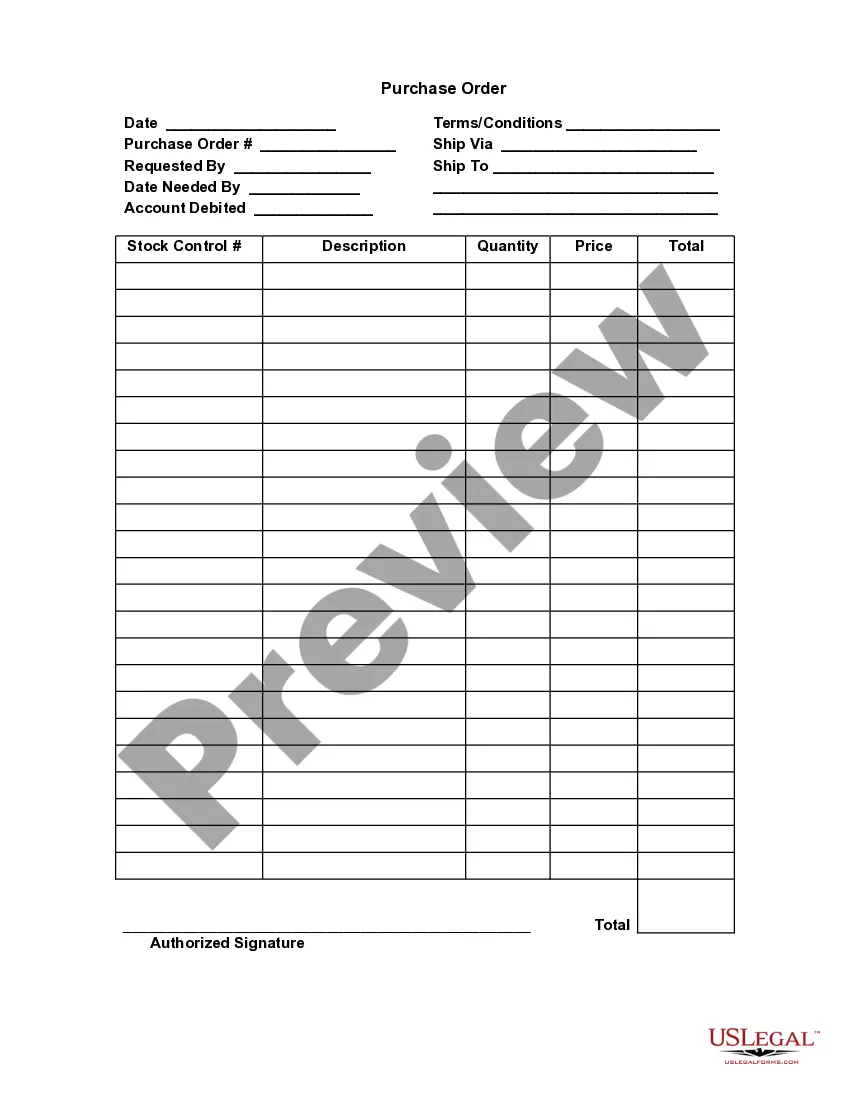
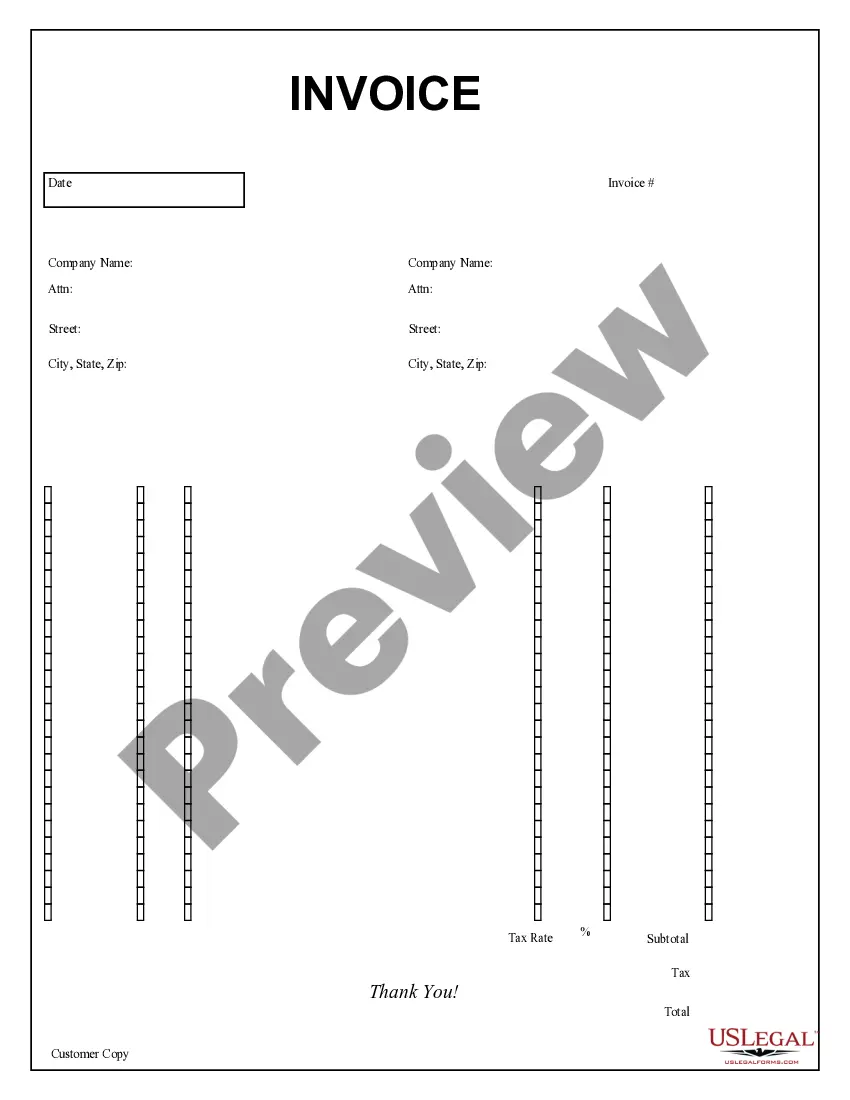
The Purchase Order for Invoice is a business document used to formalize a request for goods or services from a supplier. This form serves as a written confirmation of the order, specifying details such as quantities, pricing, and delivery instructions. Unlike similar forms, it functions as both a contract and an invoice for business transactions, ensuring clarity and accountability in the purchasing process.
Form components explained
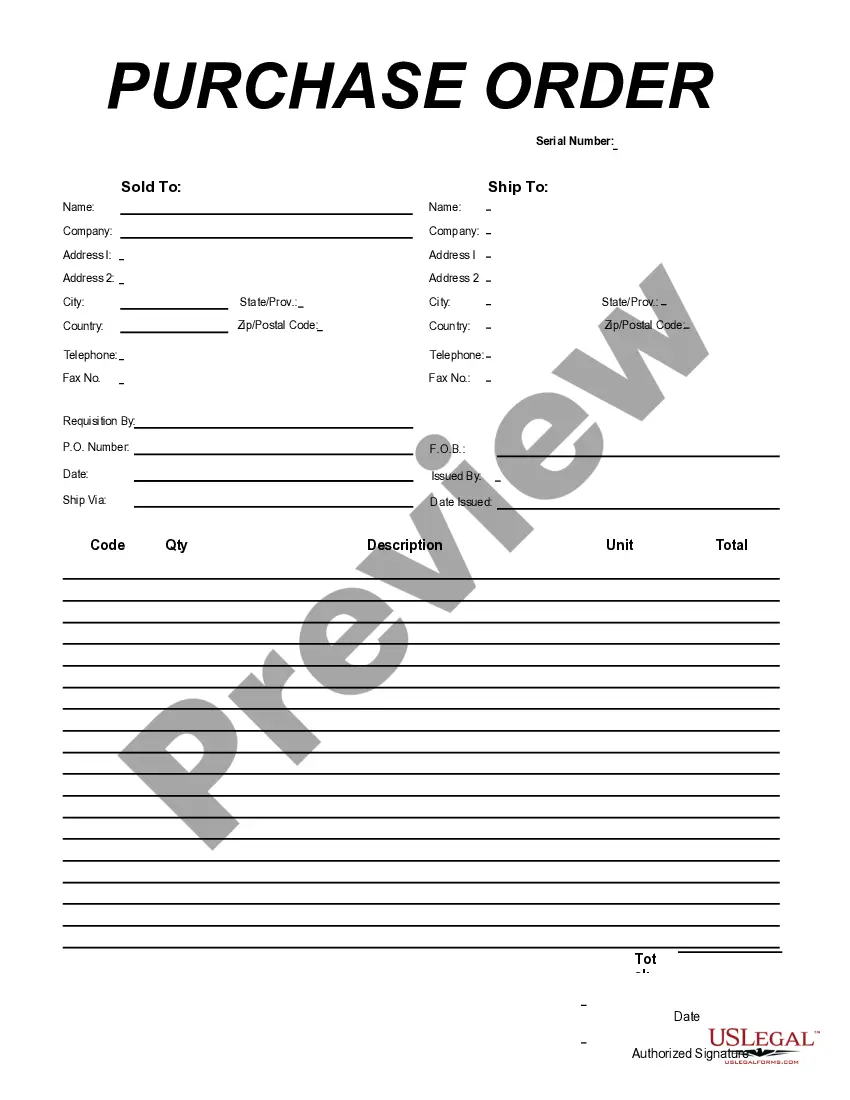
- Ship To Name and Address: Includes the name and address where the order should be delivered.
- P.O. Number: A unique identifier for tracking and referencing the purchase order.
- Requisition By: The individual or department initiating the order.
- Item Description: Details about the goods or services being ordered.
- Unit Cost and Total: Breakdown of costs for each item and total amounts owed.
- Authorized Signature: Signature field for official approval of the order.


When to use this form
This form is typically used in a variety of business scenarios, such as when a company needs to purchase supplies or equipment, place bulk orders, or hire services from vendors. It streamlines the procurement process by providing a clear, documented agreement that both parties can reference.
Intended users of this form
- Businesses seeking to formalize purchase agreements with suppliers.
- Departments within organizations responsible for procurement.
- Individuals handling orders on behalf of their companies.
Completing this form step by step
- Identify the recipientâs name and shipping address in the appropriate fields.
- Fill in the P.O. number for tracking purposes.
- List the items being ordered, including quantity and description.
- Enter the unit cost for each item and calculate the total amount.
- Sign the document to authorize the purchase formally.
Notarization guidance
This form does not typically require notarization unless specified by local law. Ensure to check with local regulations to confirm specific requirements.
Get your form ready online
Our built-in tools help you complete, sign, share, and store your documents in one place.
Make edits, fill in missing information, and update formatting in US Legal Forms—just like you would in MS Word.
Download a copy, print it, send it by email, or mail it via USPS—whatever works best for your next step.
Sign and collect signatures with our SignNow integration. Send to multiple recipients, set reminders, and more. Go Premium to unlock E-Sign.
If this form requires notarization, complete it online through a secure video call—no need to meet a notary in person or wait for an appointment.
We protect your documents and personal data by following strict security and privacy standards.

Make edits, fill in missing information, and update formatting in US Legal Forms—just like you would in MS Word.

Download a copy, print it, send it by email, or mail it via USPS—whatever works best for your next step.

Sign and collect signatures with our SignNow integration. Send to multiple recipients, set reminders, and more. Go Premium to unlock E-Sign.

If this form requires notarization, complete it online through a secure video call—no need to meet a notary in person or wait for an appointment.

We protect your documents and personal data by following strict security and privacy standards.
Avoid these common issues
- Failing to include a P.O. number, making the order difficult to track.
- Leaving out the recipient's shipping address, which can delay delivery.
- Not specifying item descriptions clearly, leading to misunderstandings.
- Omitting a signature, which can render the order unenforceable.
Benefits of using this form online
- Convenience of completing the form digitally, saving time and resources.
- Editability enables users to correct mistakes easily before finalizing.
- Reliability through established legal standards for digital documents.
Looking for another form?
Form popularity
FAQ
Most modern-day businesses use an online invoicing tool (like ZipBooks) to send invoices and receive payment from customers. Invoices are created in response to a purchase order (whether formally processed or informally settled). In other words, purchase orders typically come before invoices.
The PO is sent to the seller, while the invoice is sent to the buyer. The PO lists the order details and the delivery date of the order, while an invoice includes the price of the order, terms and conditions of payment, and the payment due date.A PO details the contract of the sale, while an invoice confirms the sale.
Once the purchase requisition is approved, a purchase order is generated and sent to the vendor.Since approval of the cost is gained at the purchase requisition phase, the invoice does not need another round for approval as long as the invoice details match the purchase order and goods receipt.
A Purchase Invoice is a bill you receive from your Suppliers against which you need to make the payment. Purchase Invoice is the exact opposite of your Sales Invoice.Making a Purchase Invoice is very similar to making a Purchase Order.
The purchase order process is the journey of a purchase order (PO) from creation through purchase order approval, dispatch, delivery, invoicing, and closure.A purchase order outlines the required items, the agreed-upon price, delivery expectations, and payment terms.
The key difference between a purchase order and an invoice is that a purchase order is sent from a purchaser to a vendor to place an order while an invoice is sent from a vendor to a purchaser to request payment for an order.
If you define PO numbers for your jobs, they will appear below the name and the service of each job in the invoice. If all jobs in the invoice have the same PO number, this number will appear only once on top of the invoice.
What happens after a purchase order is issued?If the purchase order is accepted, the seller has agreed to sell the listed products and quantities at the prices set forth by the buyer. The seller then issues an invoice to the buyer based on the purchase order.