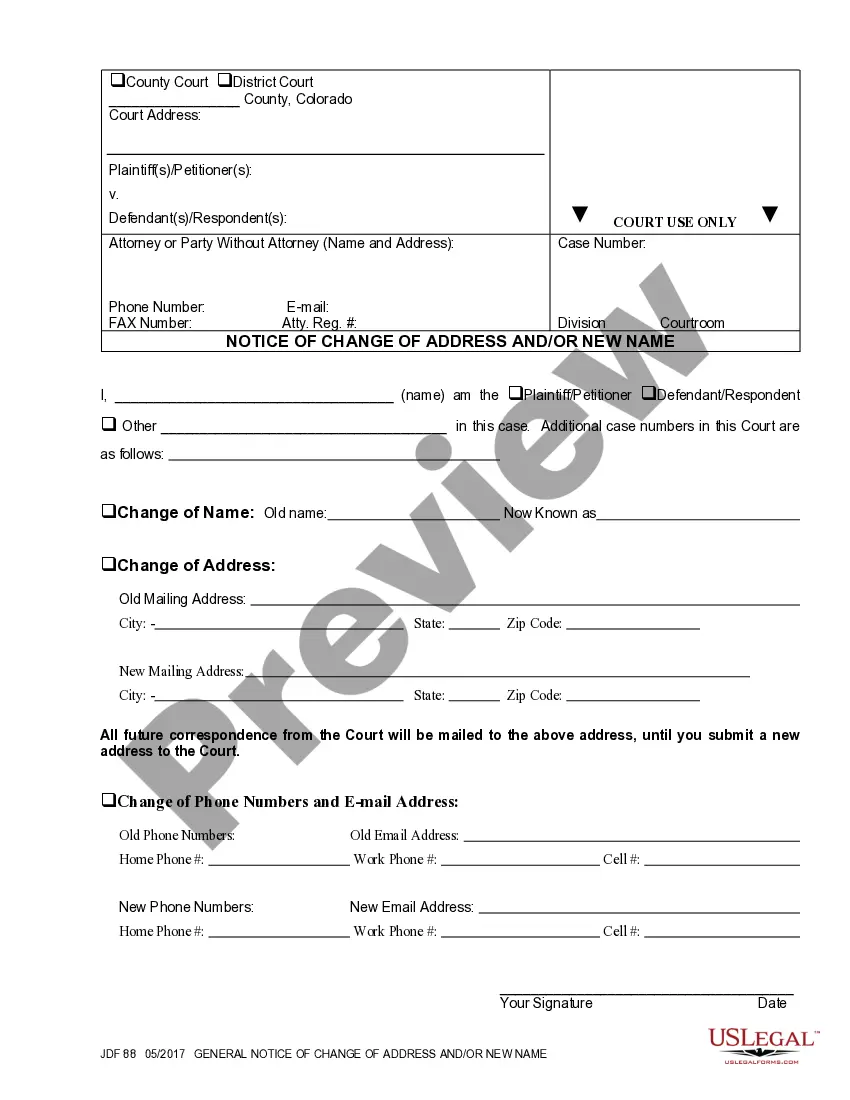
Purchase Order
What this document covers
A purchase order is a formal document that represents the final agreement between a buyer and a vendor for goods or services. This form outlines the details of the transaction, establishing a clear record of the purchase. It is distinct from other agreements like contracts, as it specifically focuses on the ordering process rather than broader terms of service or delivery. By using a purchase order, businesses can streamline their procurement process and ensure that all necessary information is captured for record-keeping and financial purposes.
Main sections of this form
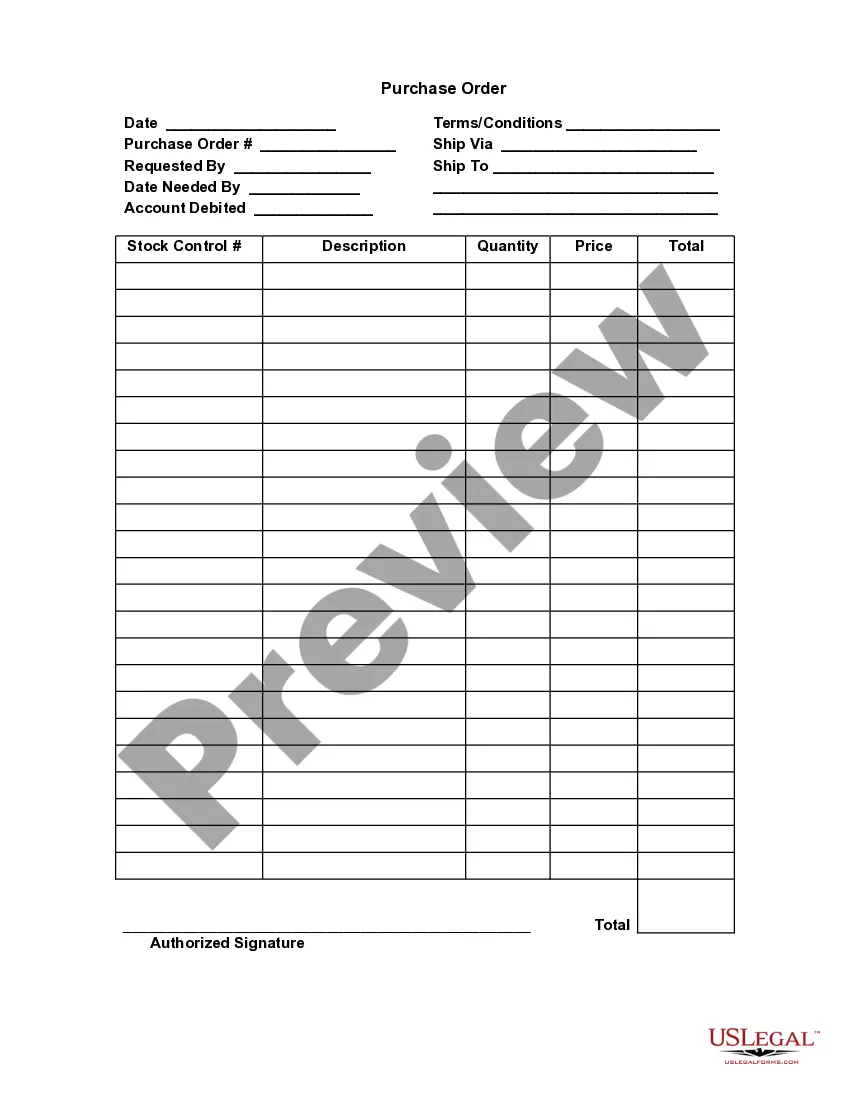
- Date: The date the purchase order is created.
- Terms/Conditions: Specific terms related to the order, like payment terms.
- Purchase Order Number: A unique identifier for the order.
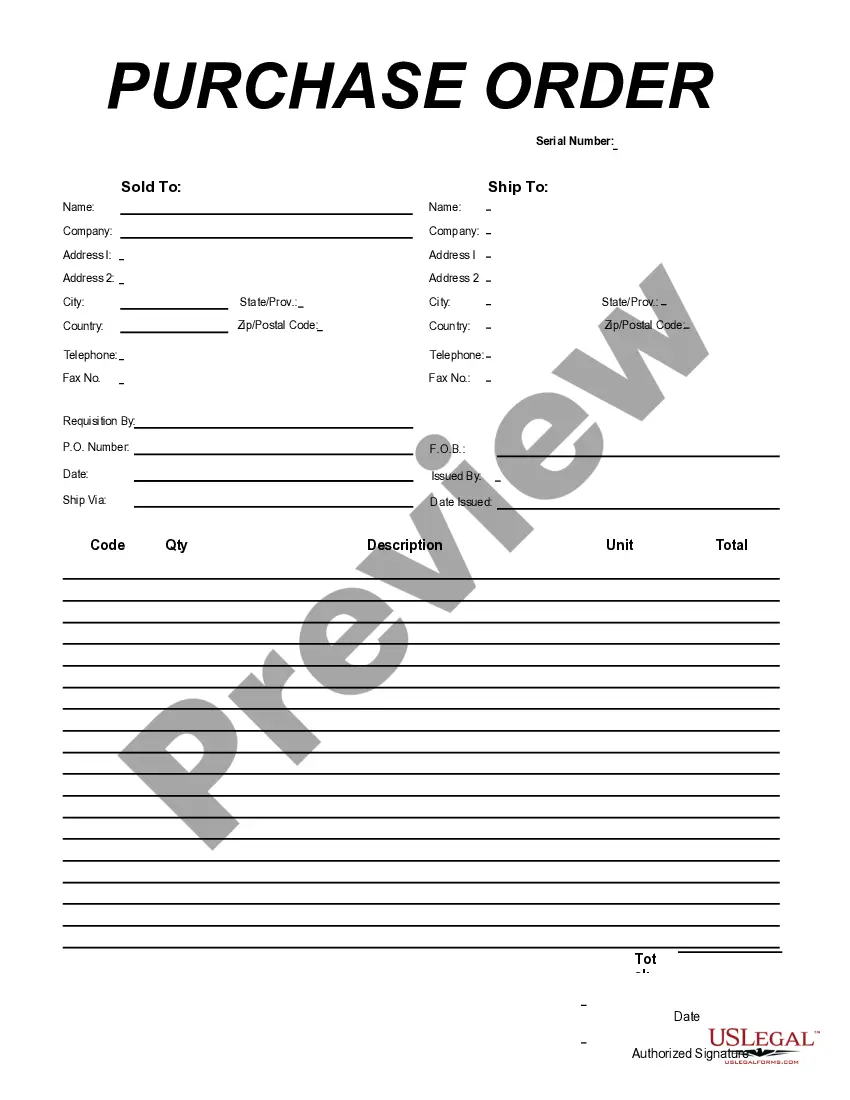
- Shipping Information: Details on how and where the goods will be shipped.
- Requested By: The individual or department that made the request for the purchase.
- Account Debited: The financial account that will be charged.
- Stock Control Description, Quantity, Price, and Total: A breakdown of the items being purchased.
- Authorized Signature: Signature of the person approving the purchase.
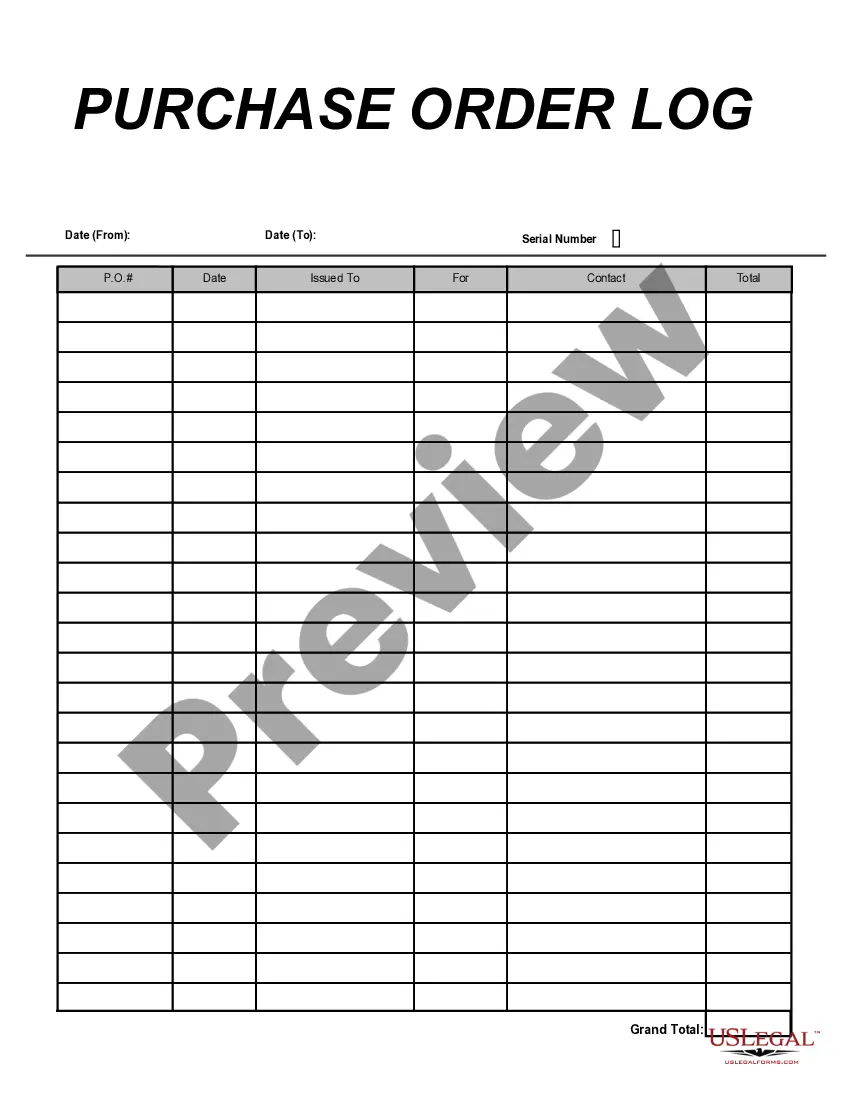



Situations where this form applies
You should use this purchase order form when you need to formally request goods or services from a vendor. It is essential in scenarios such as: - Ordering inventory for your business - Requesting necessary supplies for a project - Establishing a clear agreement on pricing and delivery terms with a supplier to avoid misunderstandings
Who this form is for
- Businesses making regular purchases from vendors.
- Procurement officers in charge of purchasing decisions.
- Project managers needing to order supplies or equipment.
- Accountants or finance departments managing financial transactions.
How to complete this form
- Enter the date of the order at the top of the form.
- Specify the terms and conditions of the purchase.
- Fill in the purchase order number for tracking.
- Provide shipping information, including address and preferred delivery method.
- List the items being ordered with descriptions, quantities, and prices in the designated section.
- Obtain the authorized signature to finalize the order.
Does this document require notarization?
This form does not typically require notarization unless specified by local law. Please ensure that all required signatures are collected for the order to be valid.
Get your form ready online
Our built-in tools help you complete, sign, share, and store your documents in one place.
Make edits, fill in missing information, and update formatting in US Legal Forms—just like you would in MS Word.
Download a copy, print it, send it by email, or mail it via USPS—whatever works best for your next step.
Sign and collect signatures with our SignNow integration. Send to multiple recipients, set reminders, and more. Go Premium to unlock E-Sign.
If this form requires notarization, complete it online through a secure video call—no need to meet a notary in person or wait for an appointment.
We protect your documents and personal data by following strict security and privacy standards.

Make edits, fill in missing information, and update formatting in US Legal Forms—just like you would in MS Word.

Download a copy, print it, send it by email, or mail it via USPS—whatever works best for your next step.

Sign and collect signatures with our SignNow integration. Send to multiple recipients, set reminders, and more. Go Premium to unlock E-Sign.

If this form requires notarization, complete it online through a secure video call—no need to meet a notary in person or wait for an appointment.

We protect your documents and personal data by following strict security and privacy standards.
Common mistakes
- Forgetting to include the purchase order number.
- Neglecting to specify clear terms and conditions.
- Failing to validate vendor details, leading to shipping errors.
- Not having the authorized signature before sending the order.
Why use this form online
- Convenient access to templates that can be customized quickly.
- Easy editing allows for adjustments based on specific orders.
- Reliable legal language drafted by licensed attorneys ensures compliance.
- Fast download allows you to start using the form immediately.
Legal use & context
- A purchase order serves as a legally binding document upon acceptance by the vendor.
- Ensures clarity and accountability in commercial transactions.
- By providing detailed terms, it may help prevent disputes over what was agreed upon.
Summary of main points
- A purchase order is essential for formalizing the agreement between buyer and vendor.
- It is important to carefully fill out all details to avoid misunderstandings.
- Utilizing this form can streamline the purchasing process and protect your business interests.
Looking for another form?
Form popularity
FAQ
If the purchase order is accepted, the seller has agreed to sell the listed products and quantities at the prices set forth by the buyer. The seller then issues an invoice to the buyer based on the purchase order. For example: Maria's company needs to purchase new materials from a supplier to create their products.
The purchase order process is the journey of a purchase order (PO) from creation through purchase order approval, dispatch, delivery, invoicing, and closure.A purchase order outlines the required items, the agreed-upon price, delivery expectations, and payment terms.
Related. A purchase order is a legally binding document between a supplier and a buyer. It details the items the buyer agrees to purchase at a certain price point. It also outlines the delivery date and terms of payment for the buyer.
Purchase Orders are documents issued from a Buyer (your organization) to a Seller (the vendor). They are an important tool for Buyers because they formalize requirements and pricing, and serve as legally binding documentation of the goods/services that were ordered.
A purchase order is a commercial source document. Whether checks are written to be that is issued by a business' purchasing department when placing an order with its vendors or suppliers. The document indicates the details on the items that are to be purchased, such as the types of goods, quantity, and price.
What happens after a purchase order is issued?If the purchase order is accepted, the seller has agreed to sell the listed products and quantities at the prices set forth by the buyer. The seller then issues an invoice to the buyer based on the purchase order.
The purchase order is marked as processed or requiring payment. The buyer completes its responsibility for the purchase when it remits payment. To ensure accurate credit for payment, the payment should indicate the PO number or company account number.
The purchase order is then sent to the vendor, who decides whether they can and want to fulfil the order. Once they approve the purchase order, it becomes legally binding. The purchaser sends payment for the agreed price (or does so at an agreed-upon later date, which is specified on the purchase order.)
A purchase order is used by a buyer to place an order and is issued before delivery. An invoice is issued by a seller using invoicing software after an order is delivered. It defines the amount the buyer owes for the purchased goods and the date by which the buyer needs to pay.
A purchase order is used by a buyer to place an order and is issued before delivery. An invoice is issued by a seller using invoicing software after an order is delivered. It defines the amount the buyer owes for the purchased goods and the date by which the buyer needs to pay.