Direct Deposit Form for Stimulus Check
About this form
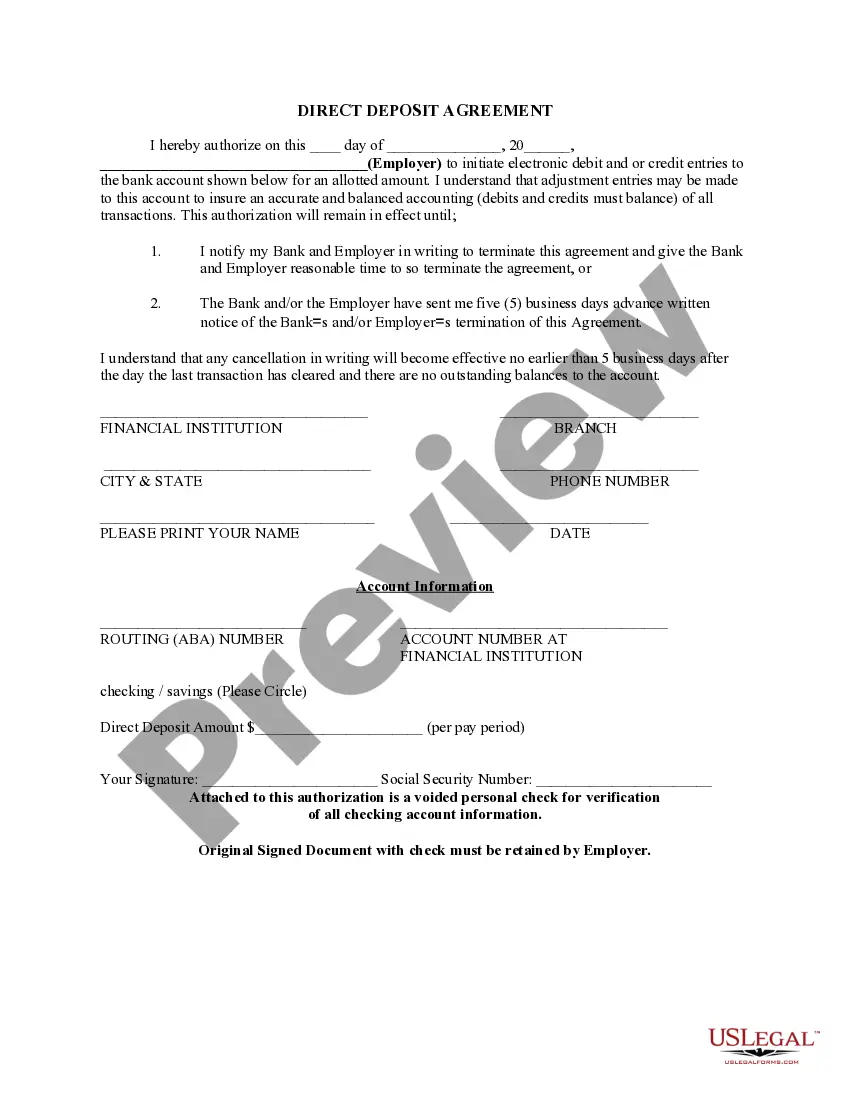
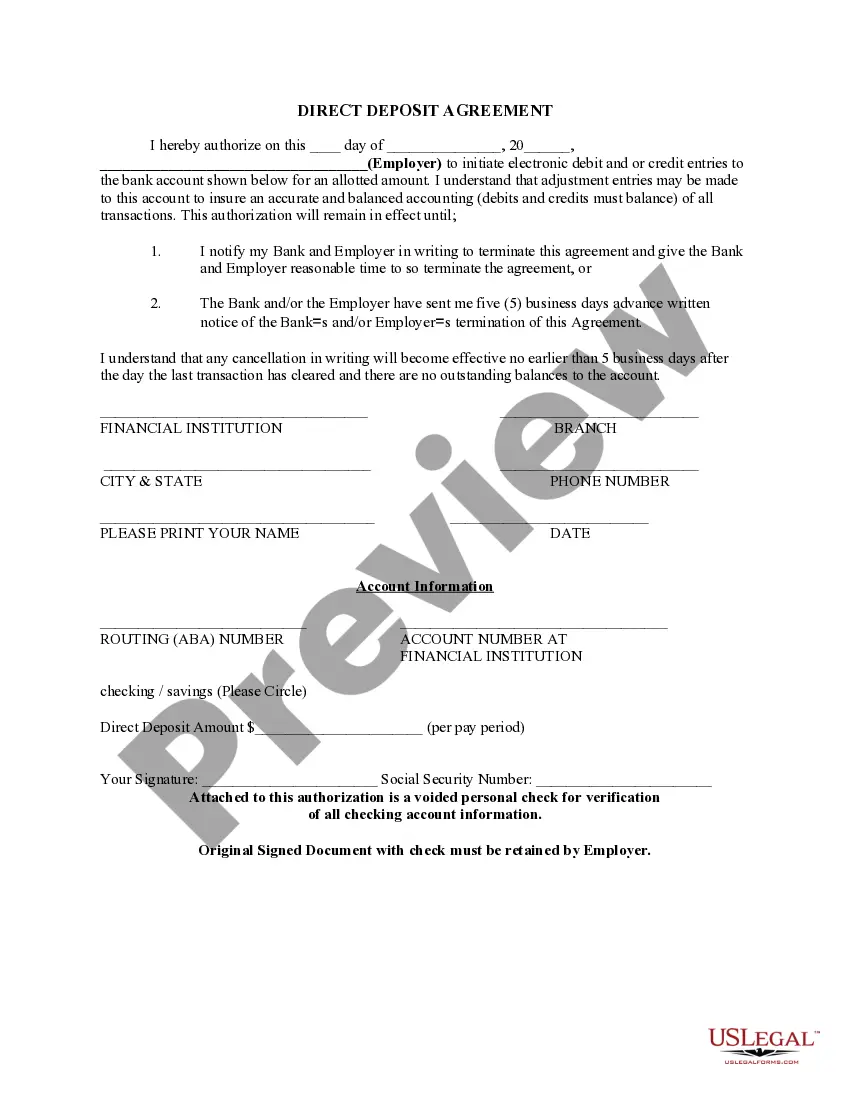
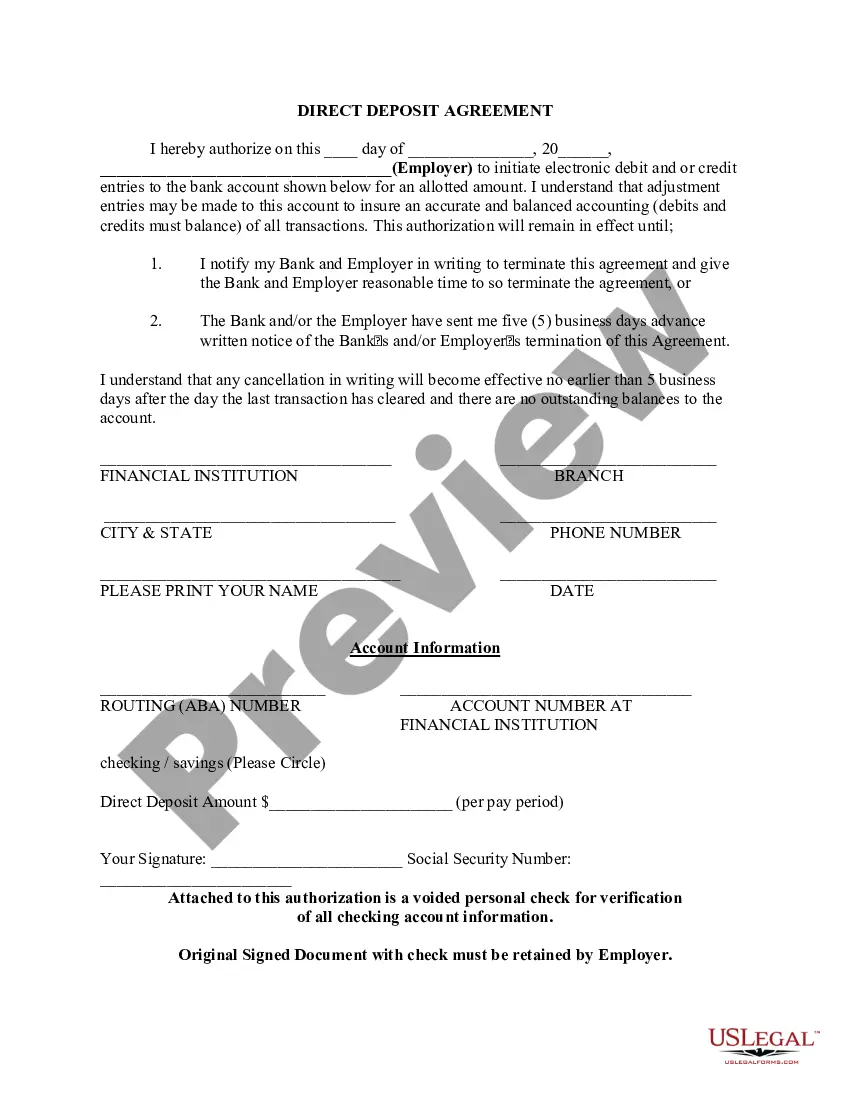
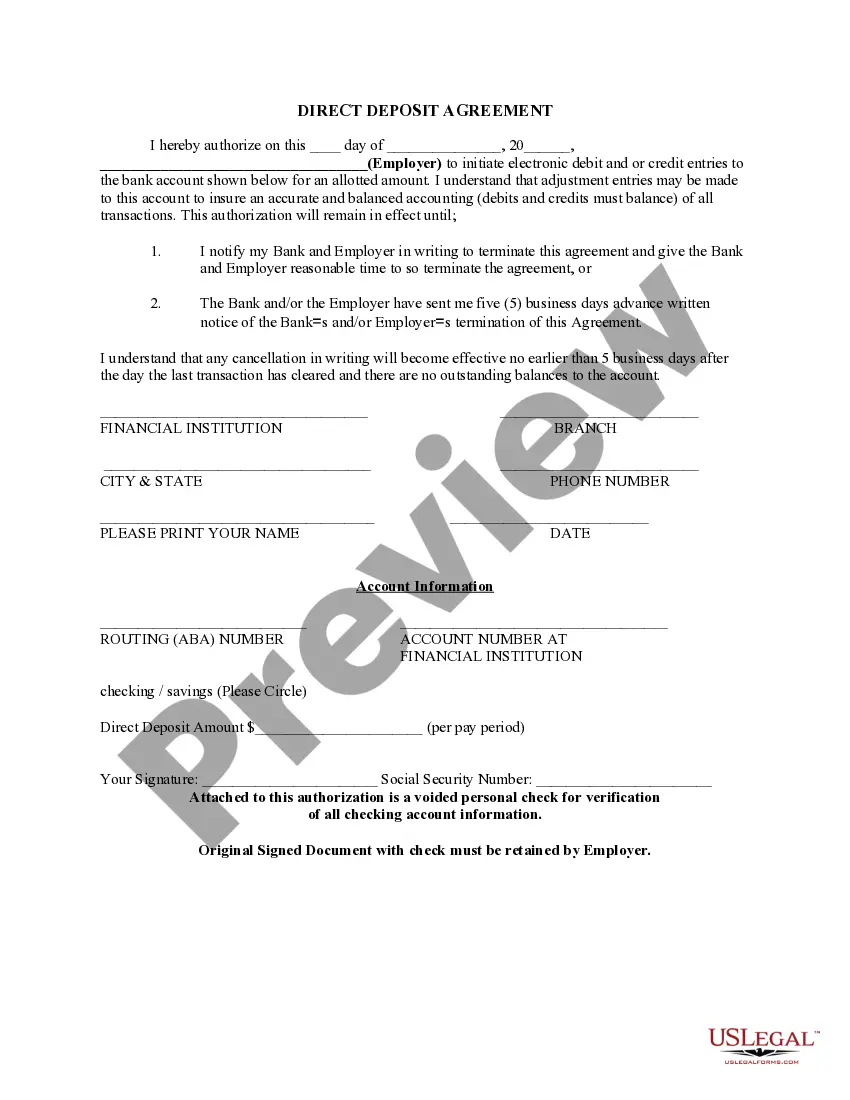
The Direct Deposit Form for Stimulus Check is a legal document that authorizes the electronic deposit of stimulus payments directly into your bank account. It simplifies the payment process for recipients by ensuring that funds are transferred securely and conveniently, rather than by check. This form is generally used for government stimulus payments, making it different from other employment-related direct deposit forms, which may relate to payroll or benefits from an employer.
Key components of this form
- Date of authorization
- Employer or agency name
- Bank account information (routing and account numbers)
- Type of account (checking or savings)
- Amount to be directly deposited
- Signature and date of the account owner
- Social Security number


Common use cases
This form should be used when you want to receive your government-issued stimulus check via direct deposit into your bank account. It is particularly relevant for individuals who prefer direct electronic payment methods for a faster and more efficient way of receiving their funds instead of waiting for physical checks to arrive by mail.
Who this form is for
- Individuals expecting a stimulus check from the government
- Anyone wishing to receive payments directly into a bank account
- Participants in government benefit programs like Social Security
- Employees receiving payroll deposits from their employer
How to complete this form
- Enter the date you are signing the form.
- Provide the name of your employer or the government agency responsible for your payment.
- Fill in your bank account details, including the routing number and account number.
- Select whether you are using a checking or savings account.
- Specify the amount to be deposited each pay period.
- Sign the form and provide your Social Security number, then attach a voided check for verification.
Notarization guidance
This form does not typically require notarization unless specified by local law. Ensure you check any local regulations that may apply.
Get your form ready online
Our built-in tools help you complete, sign, share, and store your documents in one place.
Make edits, fill in missing information, and update formatting in US Legal Forms—just like you would in MS Word.
Download a copy, print it, send it by email, or mail it via USPS—whatever works best for your next step.
Sign and collect signatures with our SignNow integration. Send to multiple recipients, set reminders, and more. Go Premium to unlock E-Sign.
If this form requires notarization, complete it online through a secure video call—no need to meet a notary in person or wait for an appointment.
We protect your documents and personal data by following strict security and privacy standards.

Make edits, fill in missing information, and update formatting in US Legal Forms—just like you would in MS Word.

Download a copy, print it, send it by email, or mail it via USPS—whatever works best for your next step.

Sign and collect signatures with our SignNow integration. Send to multiple recipients, set reminders, and more. Go Premium to unlock E-Sign.

If this form requires notarization, complete it online through a secure video call—no need to meet a notary in person or wait for an appointment.

We protect your documents and personal data by following strict security and privacy standards.
Common mistakes
- Forgetting to include your signature and date.
- Providing incorrect bank account or routing numbers.
- Neglecting to indicate the type of account (checking or savings).
- Not including a voided check for verification.
Benefits of completing this form online
- Immediate access to a legally compliant form.
- Easy to fill out and print or submit electronically.
- Confidence in the accuracy of the document, drafted by licensed attorneys.
- Convenient use at your own pace, without needing to visit a lawyerâs office.
Legal use & context
- Provides clear authorization for electronic payments, ensuring legality in transactions.
- Helps to prevent fraud by securely routing payments to the correct bank account.
- Can be used in various financial contexts, including payroll and government payments.
Summary of main points
- Use this form to facilitate direct deposit of your stimulus check.
- Ensure all required information is accurately filled out to avoid payment delays.
- A voided check is necessary for verification of your account information.
- Keep a copy of the signed document for your records.
Looking for another form?
Form popularity
FAQ
You should receive a form, 1099-G, detailing your unemployment income and any taxes that were withheld, which you enter on your tax return.
As with the nonfilers, if you missed that deadline, the IRS says you can claim the payment on your 2020 federal tax return this year, by filing a 2020 Form 1040 or 1040-SR. Use our stimulus check calculator to get an idea of how much you may be owed.
There is nothing you need to do to get a stimulus payment. The IRS has begun issuing stimulus payments using the most recent information they have on file, from your 2019 or 2020 tax return, either by direct deposit or by check. Taxpayers with direct deposit information on file will receive the payment that way.
To claim your stimulus checks, you will need to file a Tax Year 2020 tax return (filed in 2021).Fill out the IRS Non-filer tool if you are not planning to file a 2018 or 2019 federal tax return and have not received your stimulus payment.
Social Security number. Date of birth, and. Mailing address used on their tax return.
On April 15, 2020, the IRS set up this online tool that allows you to track the status of your stimulus payment, and it allows you to provide your direct deposit information. Add the bank account number of your account.