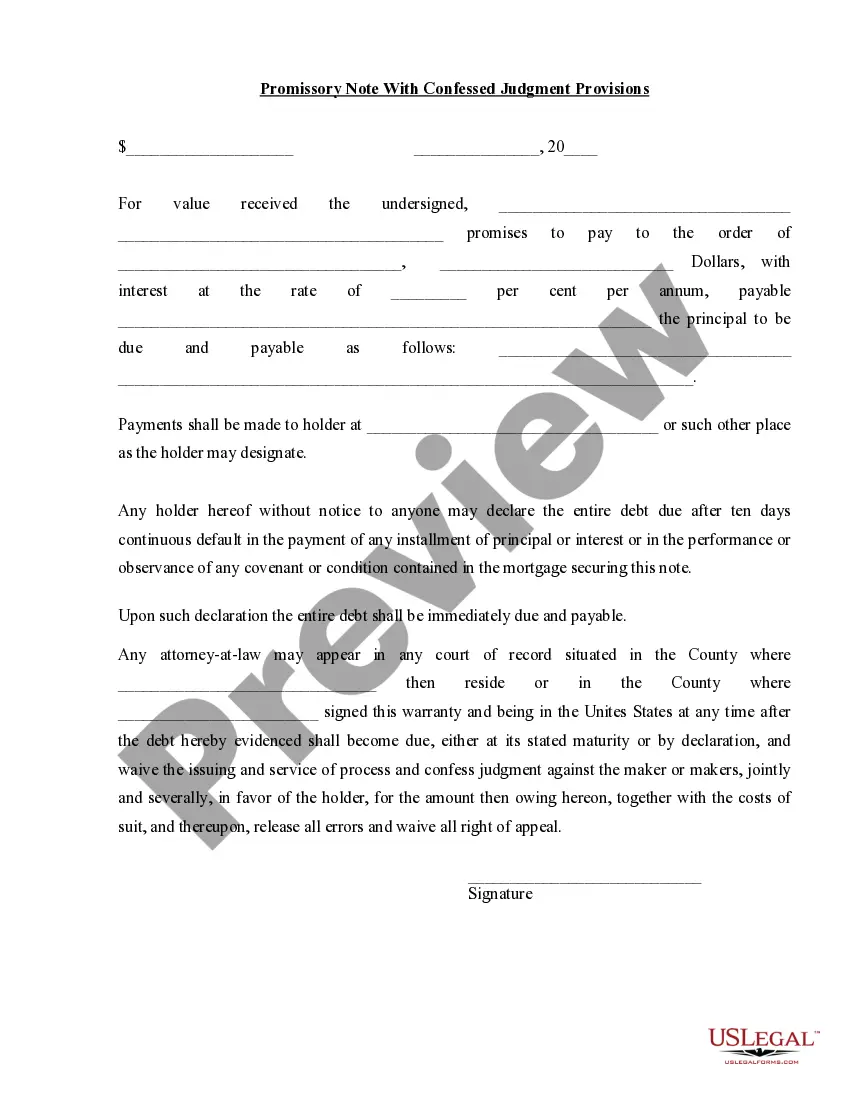
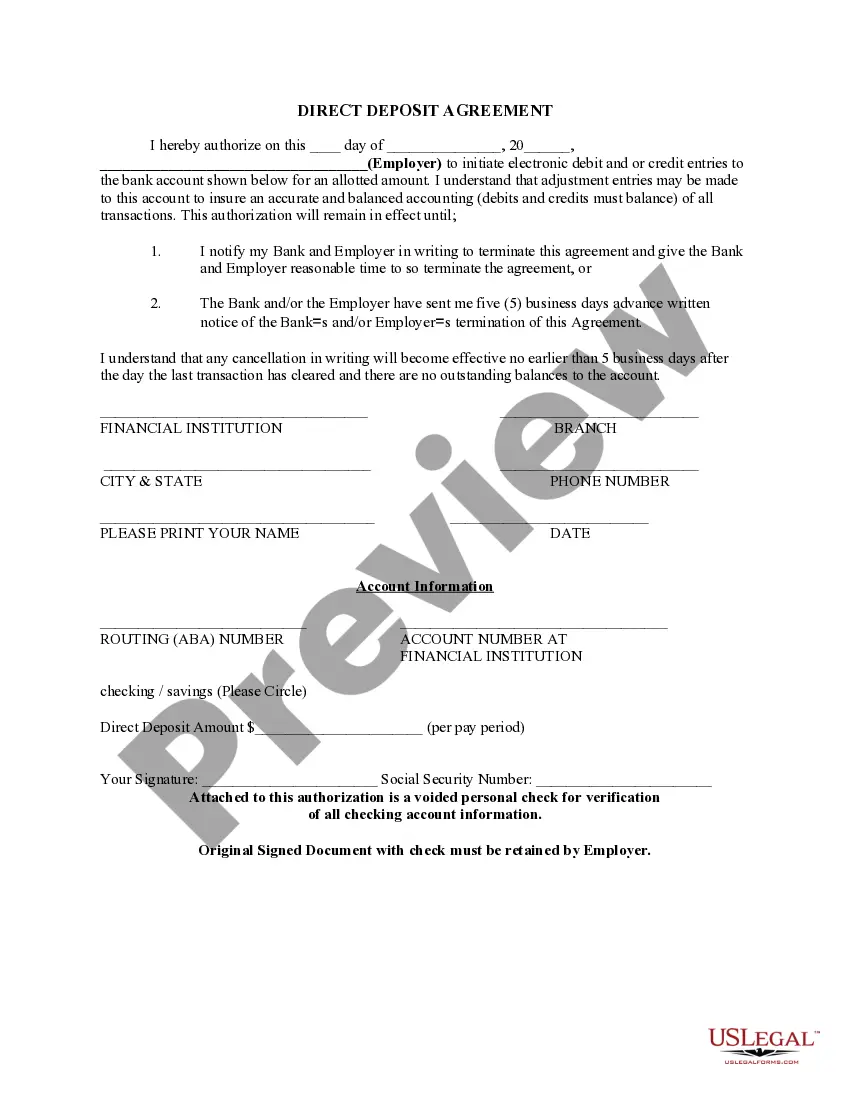
Direct Deposit Form for Stimulus Check
Understanding this form
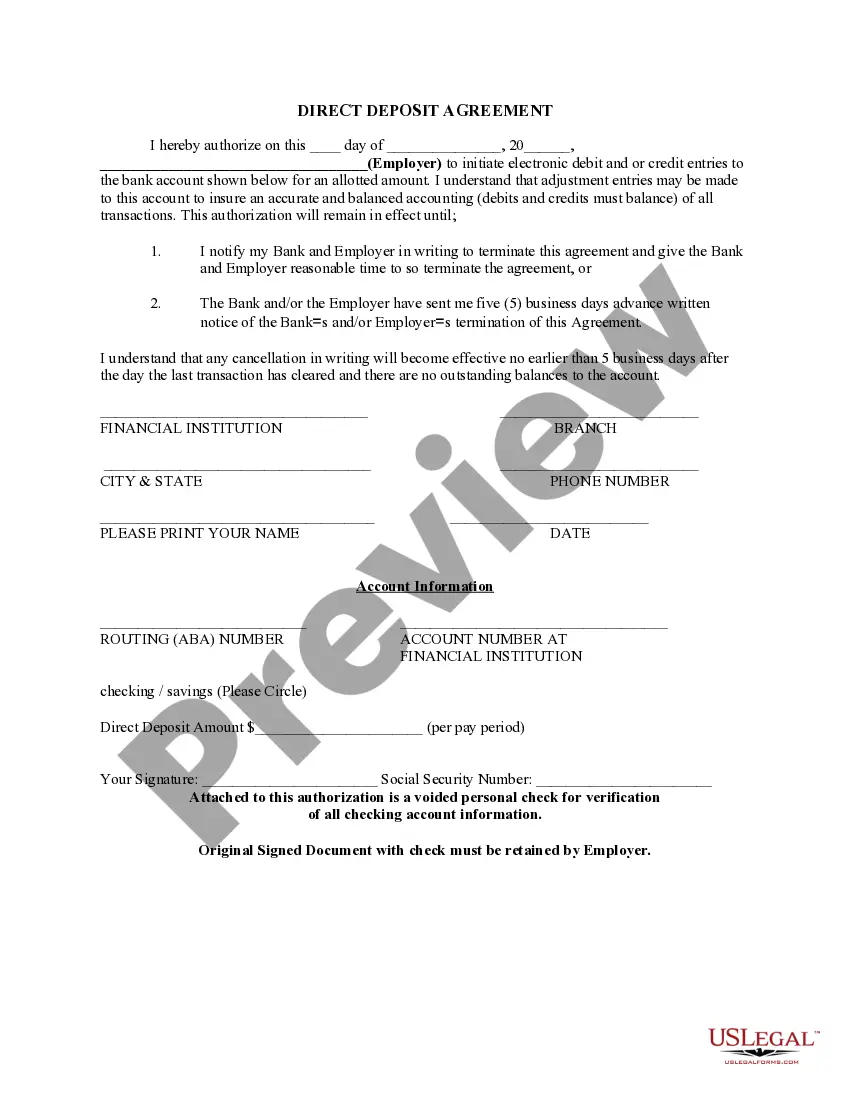
The Direct Deposit Form for Stimulus Check is an essential document that authorizes the direct deposit of stimulus payments into your designated bank account. This form is specifically used to ensure that government funds, like stimulus checks, are deposited electronically into your account instead of receiving a paper check. By using this form, recipients can streamline the payment process and avoid potential mailing delays, ensuring faster access to funds compared to similar forms associated with regular employment paychecks or other benefits.
What’s included in this form
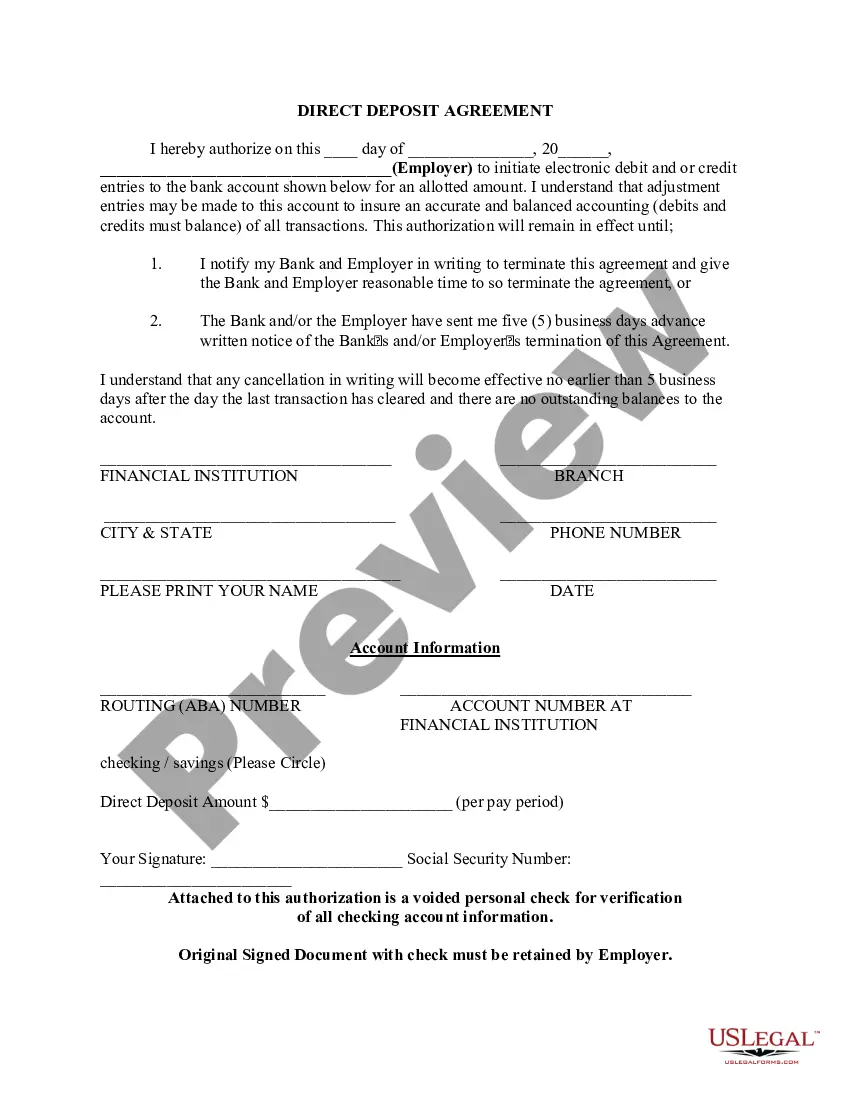
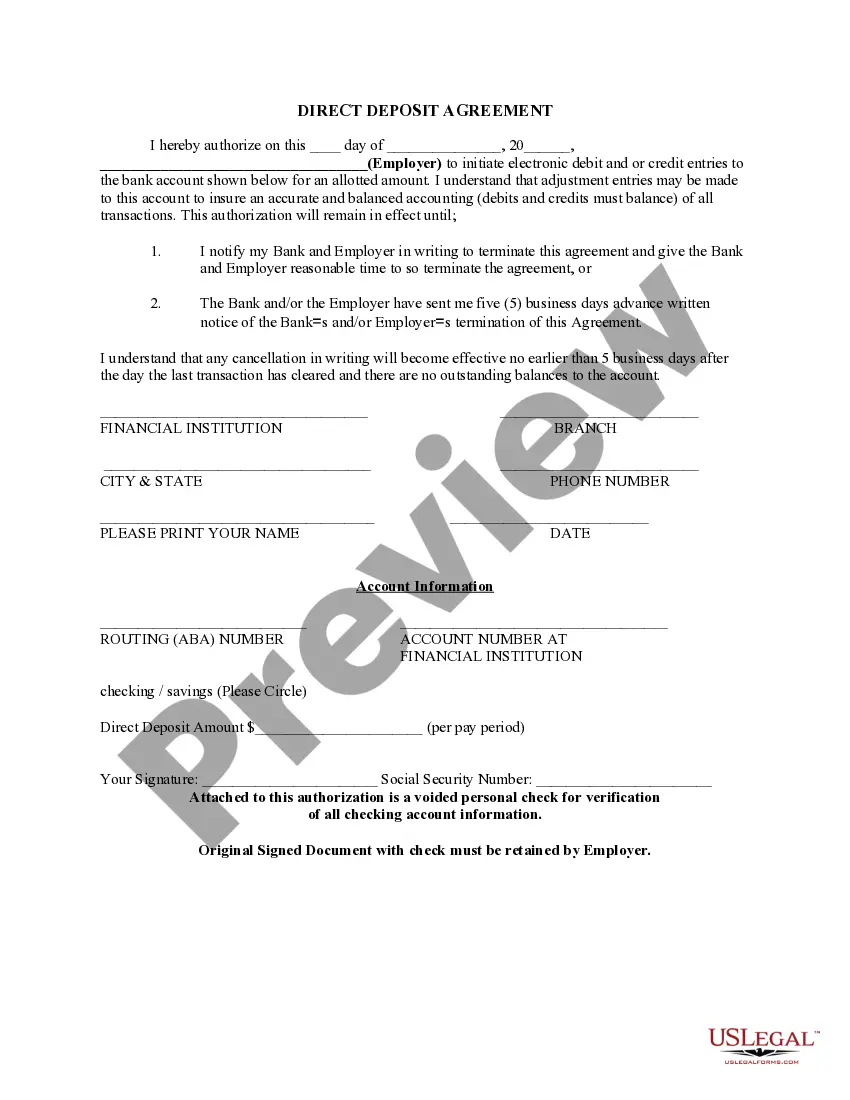
- Date of authorization
- Authorization statement allowing electronic debit and credit entries
- Employer name and contact information
- Financial institution details including routing number and account number
- Direct deposit amount per pay period
- Signature of the user
- Attachment of a voided check for verification


When to use this form
This form should be used when you want to receive your stimulus check via direct deposit into your bank account. It is particularly useful for individuals who prefer a faster, safer, and more efficient way to access government funds rather than waiting for a physical check to arrive by mail. If you are eligible for stimulus payments and wish to ensure your payment reaches you promptly, this form is necessary.
Who this form is for
- Individuals eligible to receive a stimulus check from the government
- People who prefer direct deposit over receiving a physical check
- Anyone needing to update their banking information for stimulus payments
Completing this form step by step
- Enter the date on the designated line at the top of the form.
- Provide your employer's name and contact information.
- Fill in the financial institution details, including routing and account numbers.
- Specify the amount to be deposited each pay period.
- Sign the form and include your Social Security number.
- Attach a voided check to verify your banking information.
Does this document require notarization?
This form does not typically require notarization unless specified by local law. It is important to retain the original signed document along with any attached verification for your records.
Get your form ready online
Our built-in tools help you complete, sign, share, and store your documents in one place.
Make edits, fill in missing information, and update formatting in US Legal Forms—just like you would in MS Word.
Download a copy, print it, send it by email, or mail it via USPS—whatever works best for your next step.
Sign and collect signatures with our SignNow integration. Send to multiple recipients, set reminders, and more. Go Premium to unlock E-Sign.
If this form requires notarization, complete it online through a secure video call—no need to meet a notary in person or wait for an appointment.
We protect your documents and personal data by following strict security and privacy standards.

Make edits, fill in missing information, and update formatting in US Legal Forms—just like you would in MS Word.

Download a copy, print it, send it by email, or mail it via USPS—whatever works best for your next step.

Sign and collect signatures with our SignNow integration. Send to multiple recipients, set reminders, and more. Go Premium to unlock E-Sign.

If this form requires notarization, complete it online through a secure video call—no need to meet a notary in person or wait for an appointment.

We protect your documents and personal data by following strict security and privacy standards.
Typical mistakes to avoid
- Not including the voided check for account verification
- Failing to review the entered bank account details for accuracy
- Signatures not matching the name on the bank account
- Leaving required fields blank
Why use this form online
- Convenient access and easy completion from any device
- Editable fields to ensure accurate information input
- Reliable format drafted by licensed attorneys to meet legal standards
Looking for another form?
Form popularity
FAQ
You should receive a form, 1099-G, detailing your unemployment income and any taxes that were withheld, which you enter on your tax return.
As with the nonfilers, if you missed that deadline, the IRS says you can claim the payment on your 2020 federal tax return this year, by filing a 2020 Form 1040 or 1040-SR. Use our stimulus check calculator to get an idea of how much you may be owed.
There is nothing you need to do to get a stimulus payment. The IRS has begun issuing stimulus payments using the most recent information they have on file, from your 2019 or 2020 tax return, either by direct deposit or by check. Taxpayers with direct deposit information on file will receive the payment that way.
To claim your stimulus checks, you will need to file a Tax Year 2020 tax return (filed in 2021).Fill out the IRS Non-filer tool if you are not planning to file a 2018 or 2019 federal tax return and have not received your stimulus payment.
Social Security number. Date of birth, and. Mailing address used on their tax return.
On April 15, 2020, the IRS set up this online tool that allows you to track the status of your stimulus payment, and it allows you to provide your direct deposit information. Add the bank account number of your account.