Direct Deposit Form for Social Security
About this form
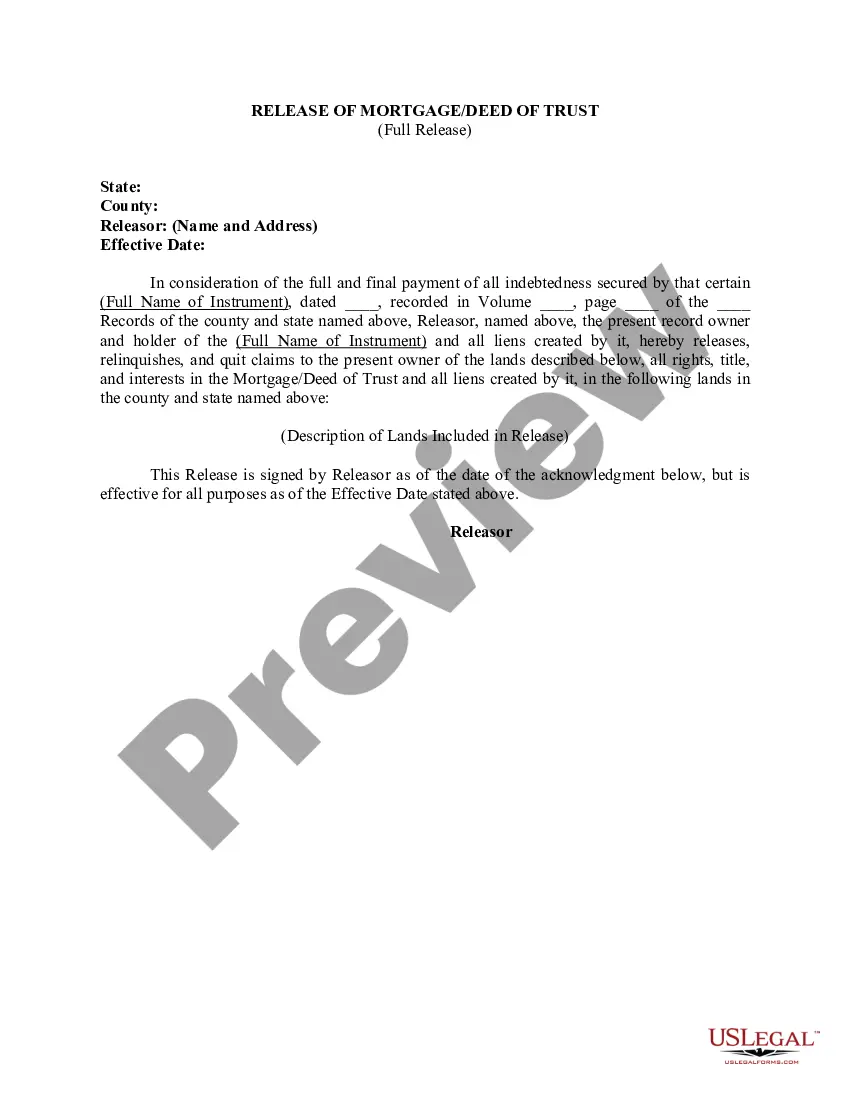
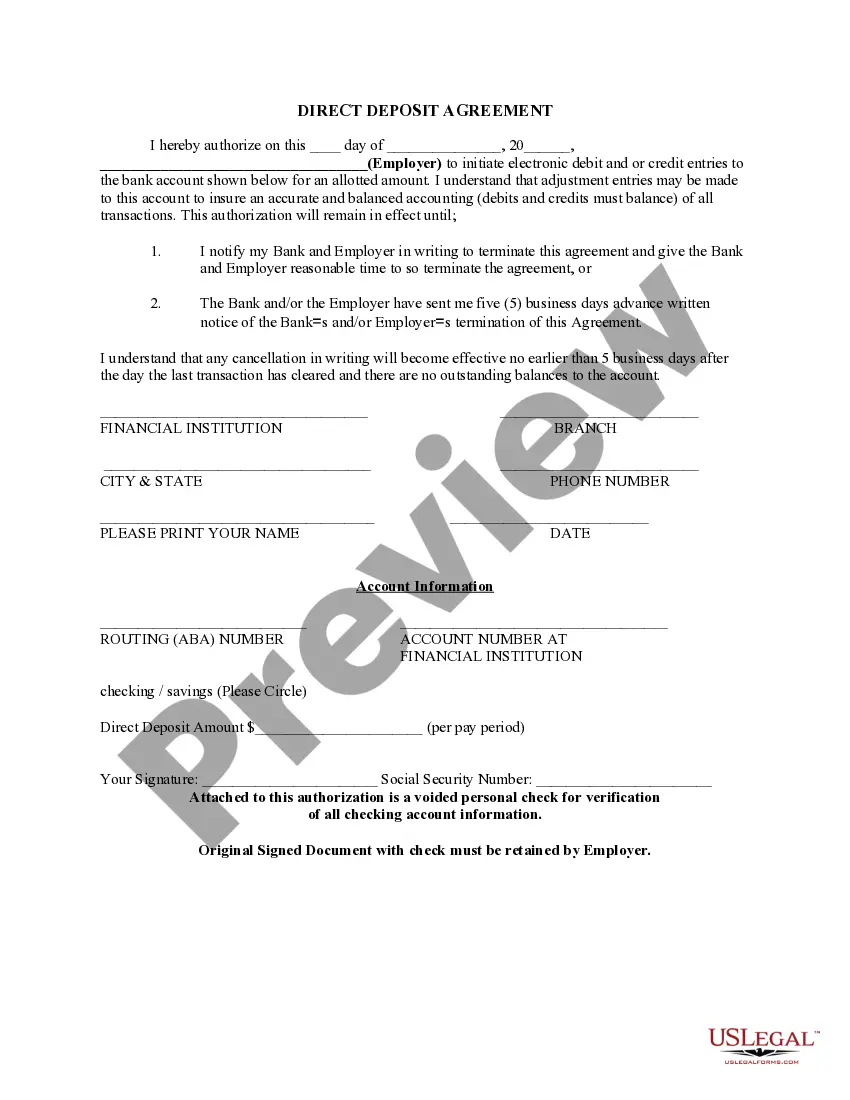
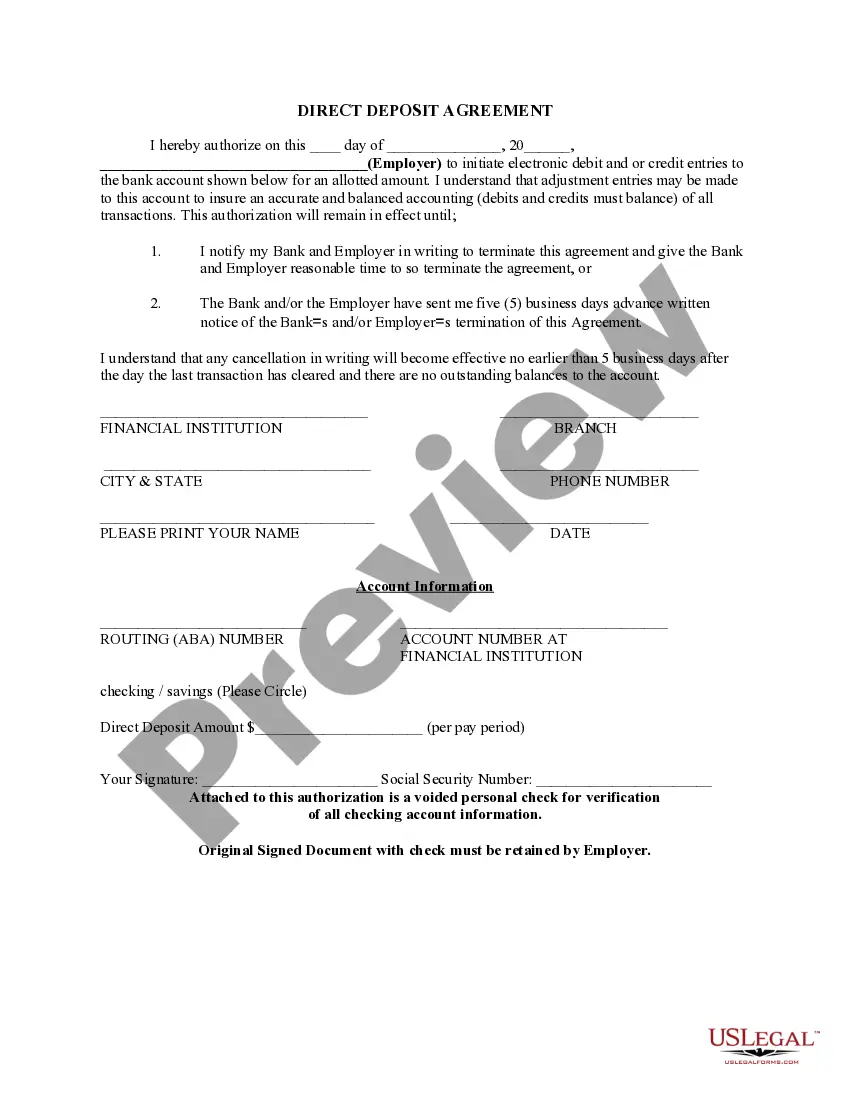
The Direct Deposit Form for Social Security is a legal document that authorizes the electronic transfer of Social Security payments directly into your bank account. This form is essential for individuals who wish to receive their benefits efficiently and conveniently, bypassing the need for physical checks. By opting for direct deposit, recipients can ensure timely payments while reducing the risk of lost or stolen checks.
Key parts of this document
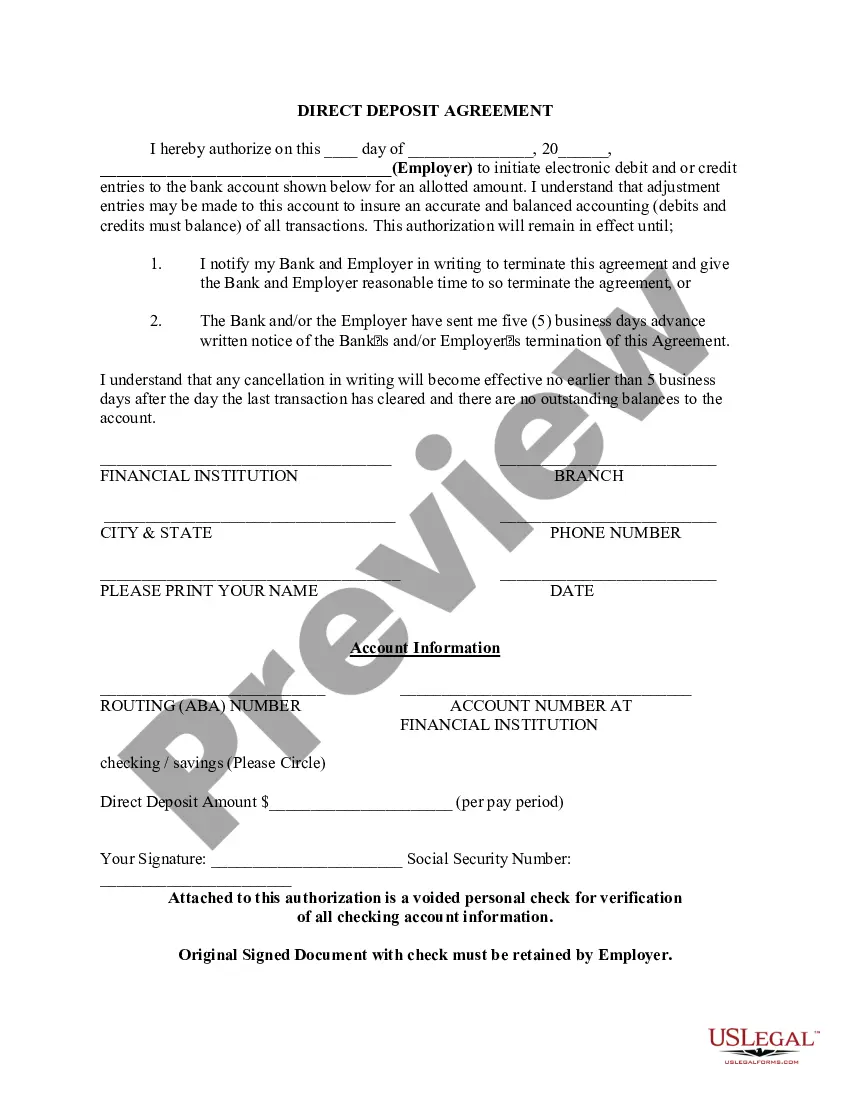
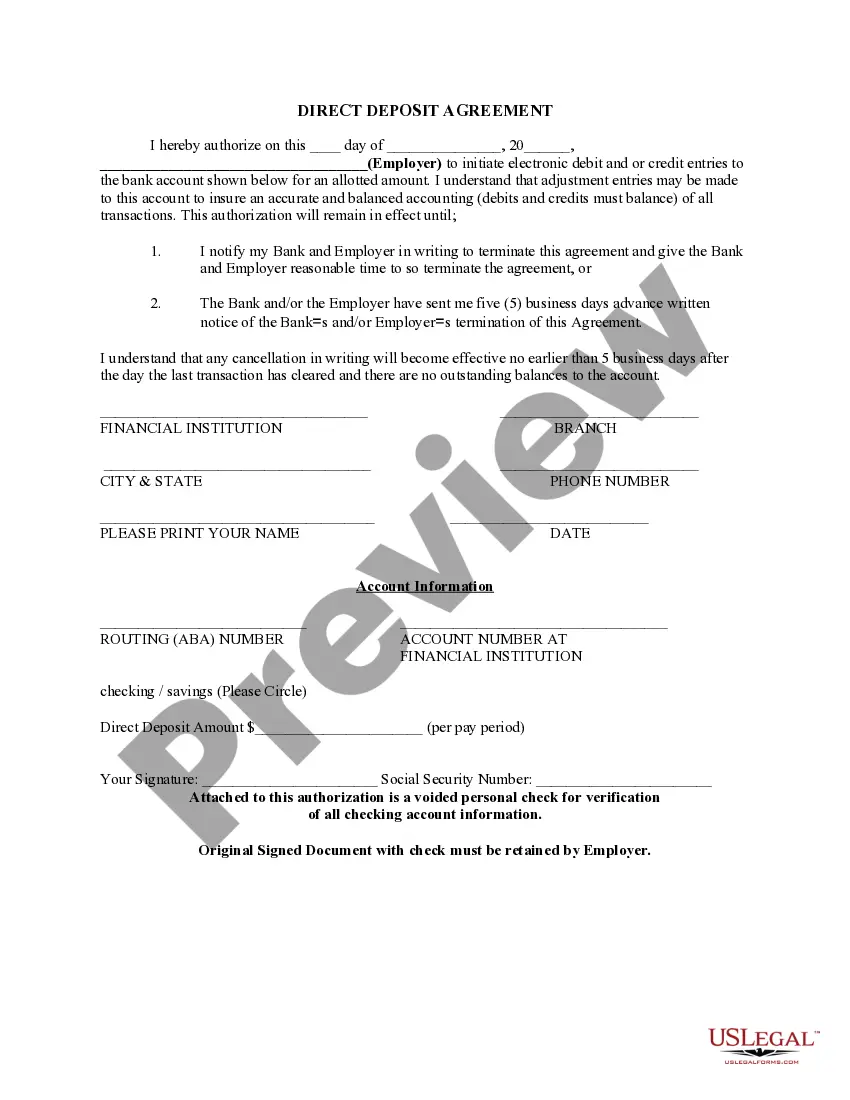
- Date of authorization: Specifies when the authorization takes effect.
- Employer information: Name and details of the employer initiating the deposit.
- Bank account details: Requires routing and account numbers for direct deposit.
- Direct deposit amount: Indicates how much will be deposited each pay period.
- Signature: The recipientâs signature is necessary to validate the authorization.
- Voided check attachment: Used for verifying checking account information.


Common use cases
This form should be used when you want your Social Security payments to be directly deposited into your bank account. It is typically required when you first enroll in Social Security benefits or if you change your bank accounts. Utilizing this form can help prevent delays in receiving your payments and provide peace of mind regarding the security of your benefits.
Who can use this document
Individuals eligible for Social Security benefits, including:
- Retirees receiving Social Security retirement benefits.
- Disabled individuals receiving Social Security Disability Insurance (SSDI).
- Beneficiaries of Social Security Survivors Benefits.
- Anyone seeking to switch their payment method to direct deposit.
How to prepare this document
- Enter the date of authorization at the top of the form.
- Fill in the name of the employer or agency initiating the deposits.
- Provide your bank account information, including the routing and account numbers.
- Specify the amount you wish to receive for each pay period.
- Sign the form to authorize the bank and employer to initiate the deposit.
- Attach a voided check for verification of account details.
Is notarization required?
This form does not typically require notarization unless specified by local law. Ensure that you follow any additional requirements based on your specific circumstances.
Get your form ready online
Our built-in tools help you complete, sign, share, and store your documents in one place.
Make edits, fill in missing information, and update formatting in US Legal Forms—just like you would in MS Word.
Download a copy, print it, send it by email, or mail it via USPS—whatever works best for your next step.
Sign and collect signatures with our SignNow integration. Send to multiple recipients, set reminders, and more. Go Premium to unlock E-Sign.
If this form requires notarization, complete it online through a secure video call—no need to meet a notary in person or wait for an appointment.
We protect your documents and personal data by following strict security and privacy standards.

Make edits, fill in missing information, and update formatting in US Legal Forms—just like you would in MS Word.

Download a copy, print it, send it by email, or mail it via USPS—whatever works best for your next step.

Sign and collect signatures with our SignNow integration. Send to multiple recipients, set reminders, and more. Go Premium to unlock E-Sign.

If this form requires notarization, complete it online through a secure video call—no need to meet a notary in person or wait for an appointment.

We protect your documents and personal data by following strict security and privacy standards.
Common mistakes
- Failing to provide accurate bank account or routing numbers.
- Omitting the required signature, which invalidates the authorization.
- Not attaching a voided check for verification, which can delay processing.
- Incorrectly entering the deposit amount.
Why complete this form online
- Convenient access: Download and complete the form instantly from home.
- Editability: Make necessary changes easily before finalizing.
- Secure processing: Ensure your information is protected throughout the submission.
Looking for another form?

Form popularity
FAQ
It can take 30 to 60 days for direct deposit changes to take effect, regardless of the method you use to make those changes. If you've opened a new bank account, don't close your old one until you're certain your Social Security benefits are being deposited into your new account.
Log in to your account. Sign in and Select the blue Benefits & Payment Details link on the right side of the screen. Scroll down and select the Update Direct Deposit button, and choose if you are the owner or co-owner of the bank account. Enter your bank account information and select Next.
There is a form online they can use to change the direct deposit account to which their Social Security benefits go. (SSI payments cannot be handled online.) They can download and print the form to sign up or change the bank where Social Security checks are deposited. Look for http://www.ssa.gov/deposit/1199a.pdf .
Quick It's easy to receive your benefit by Direct Deposit. You can sign up online at Go Direct®, by calling 1-800-333-1795, in person at your bank, savings and loan or credit union, or calling Social Security. Then, just relax. Your benefit will go automatically into your account every month.
Social Security recipients and other Americans who do not normally file a tax return can expect their stimulus payments to be processed this weekend, the Treasury Department announced Tuesday. Many of the payments will be sent electronically and will be in bank accounts by April 7.