Tennessee Essential Legal Life Documents for Baby Boomers
What this form package covers
The Tennessee Essential Legal Life Documents for Baby Boomers form package contains crucial legal documents tailored for Baby Boomers at a later stage in life. This package is designed to help individuals prepare for health care decisions, estate planning, and asset management. It includes state-specific forms drafted by licensed attorneys, ensuring that you have the necessary tools to protect your interests and the interests of your loved ones.
Forms you’ll find in this package
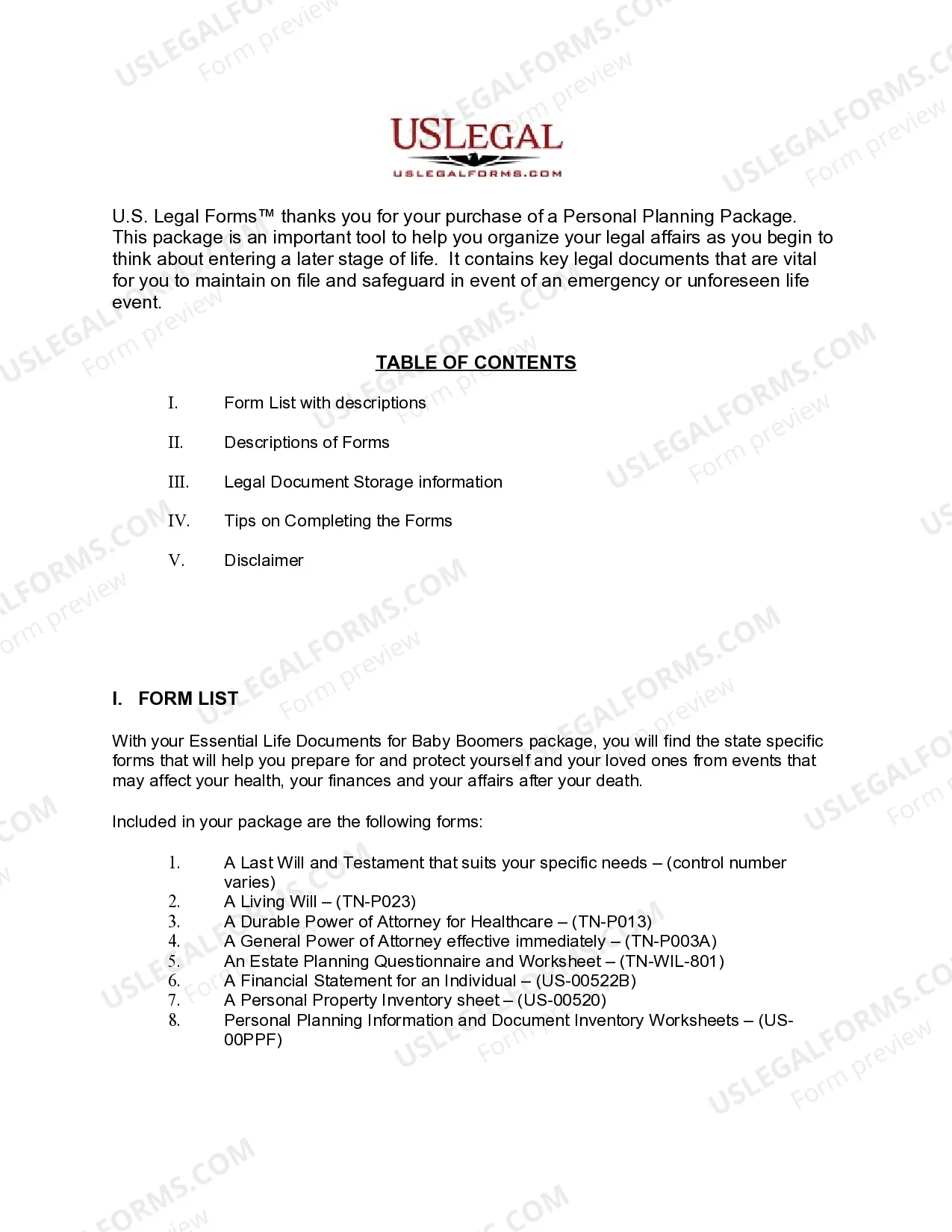
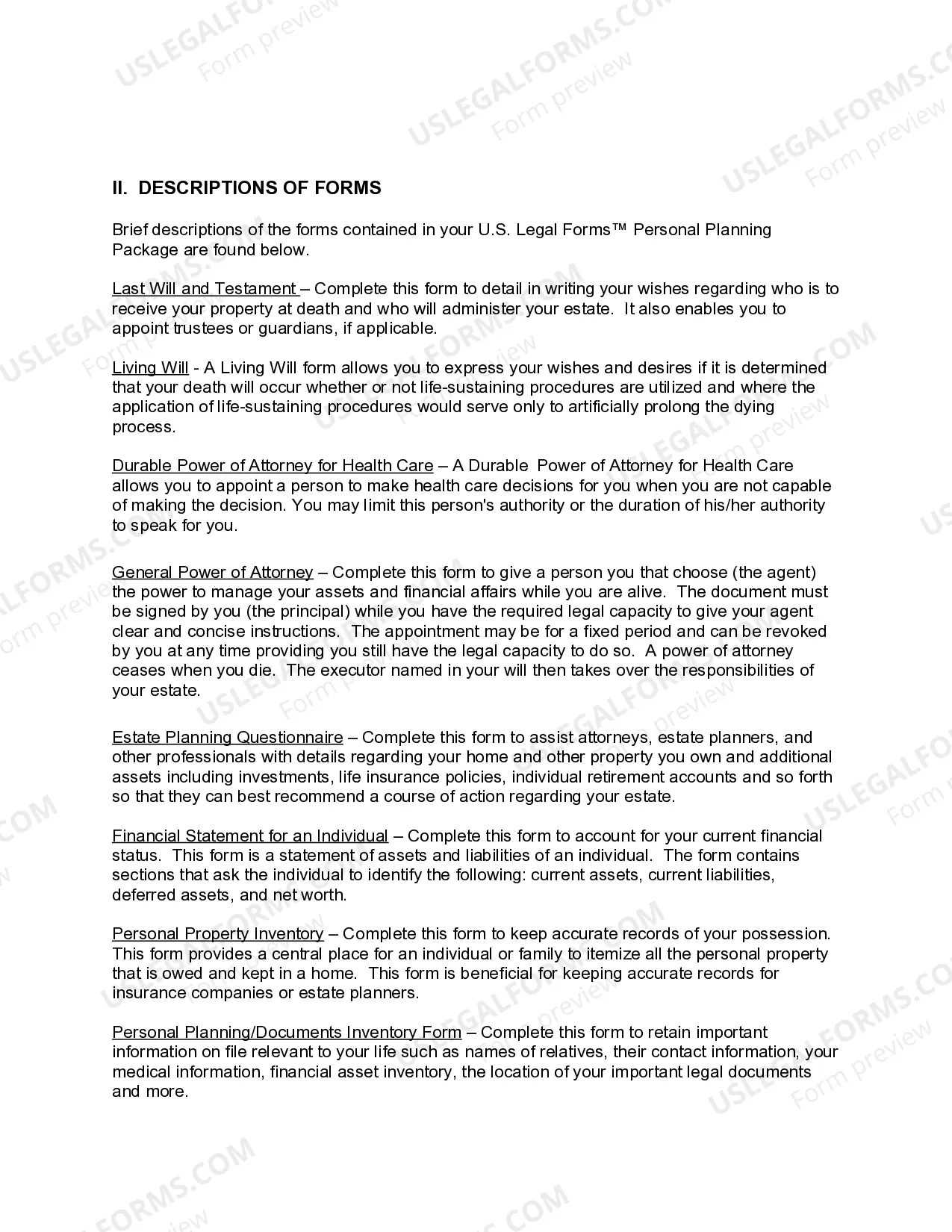
- General Durable Power of Attorney for Property and Finances or Financial Effective Immediately
- Power of Attorney for Health Care - Durable Power of Attorney for Health Care
- Statutory Living Will
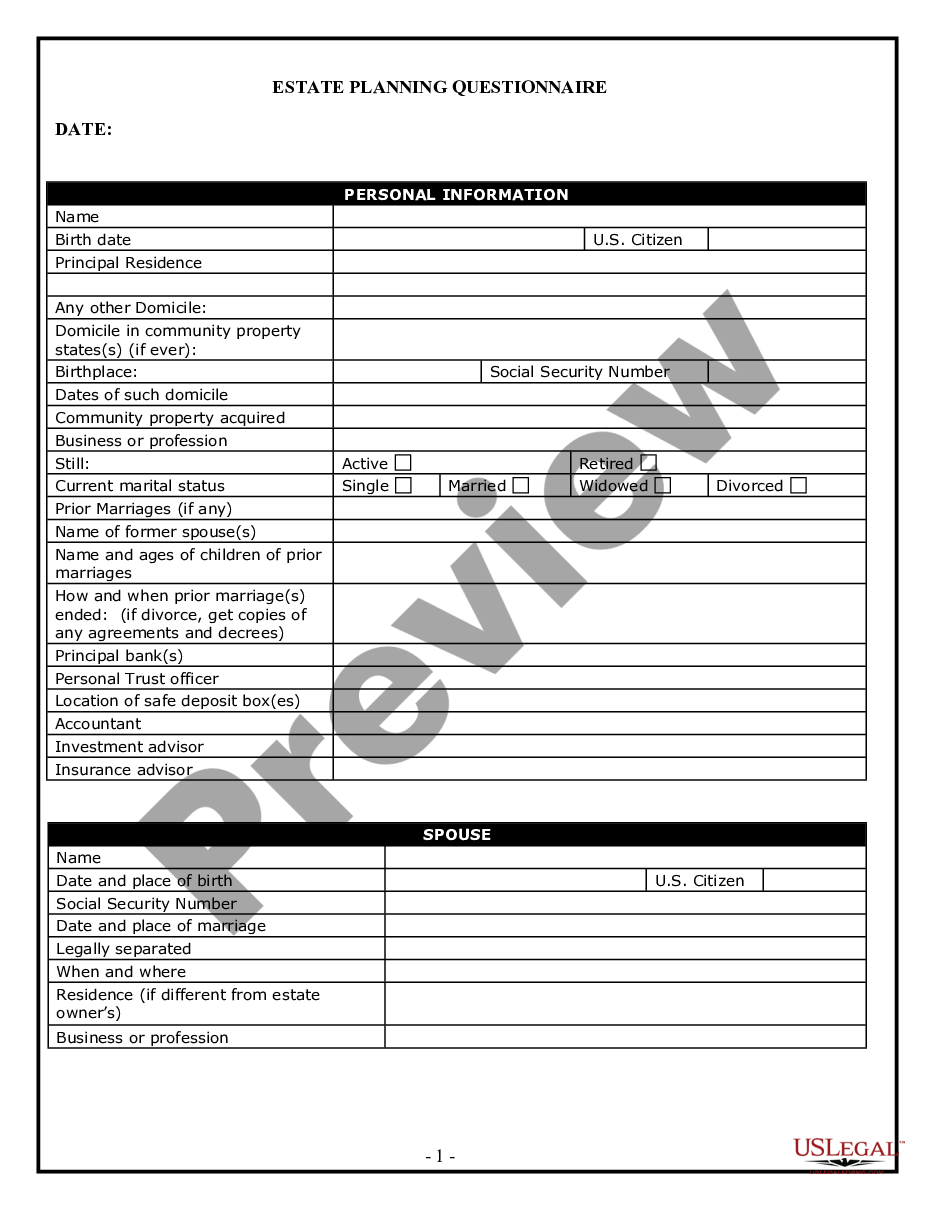
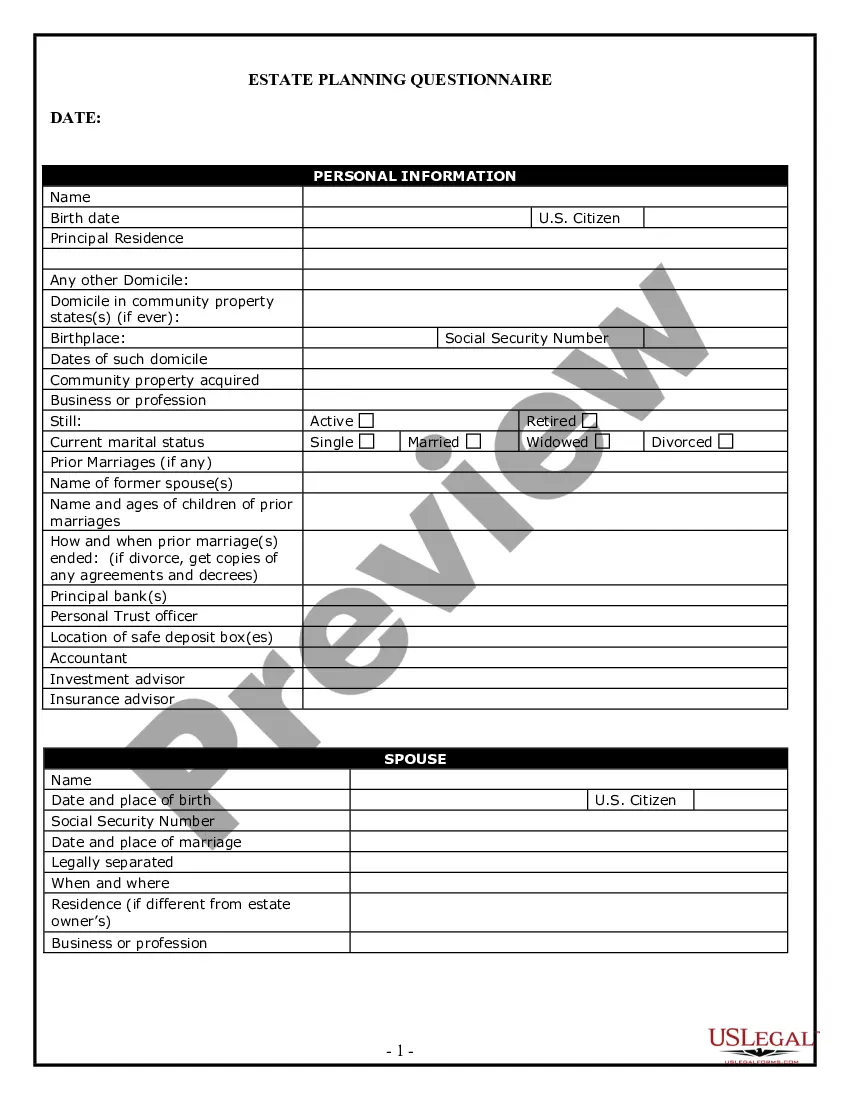
- Estate Planning Questionnaire and Worksheets
- Personal Property Inventory
- Financial Statement Form - Individual
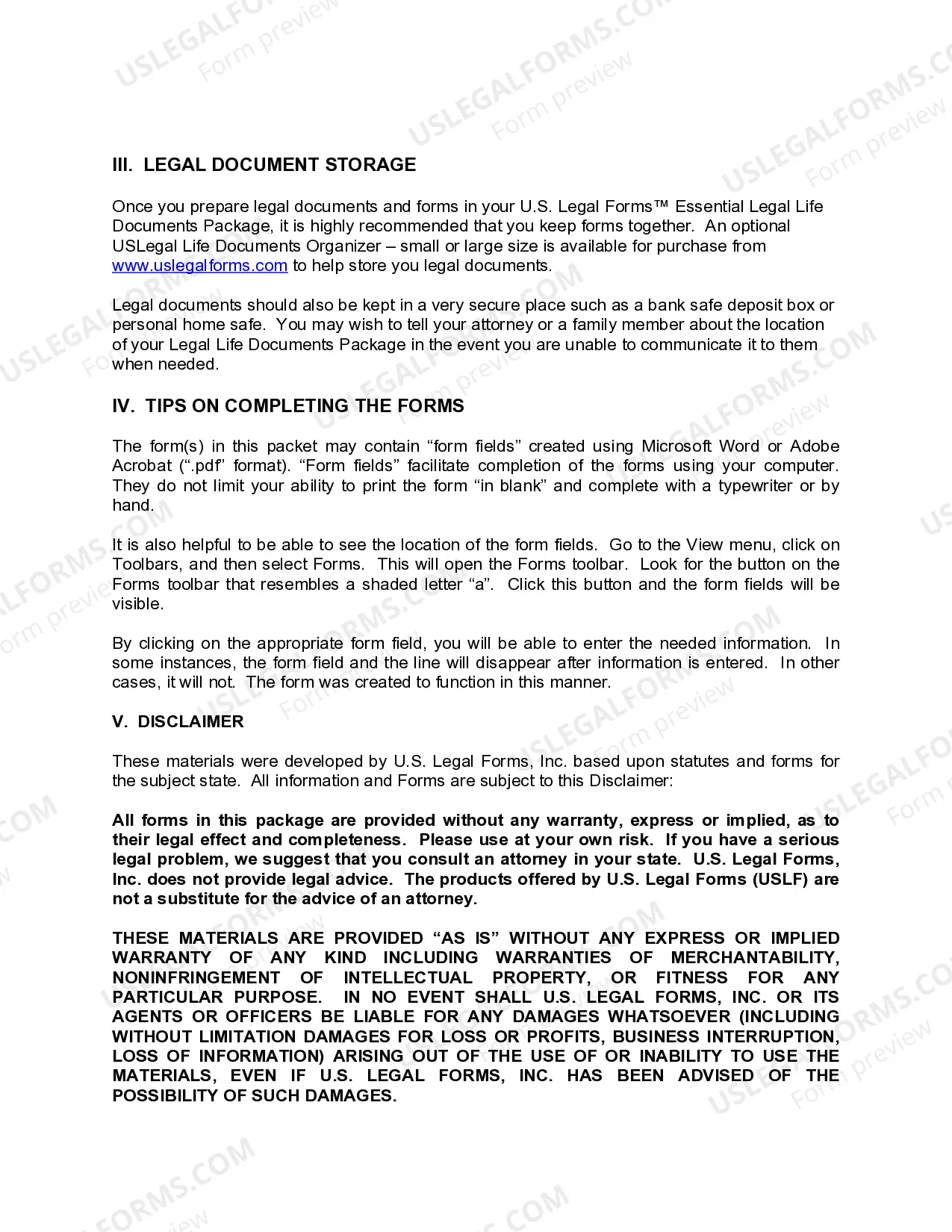
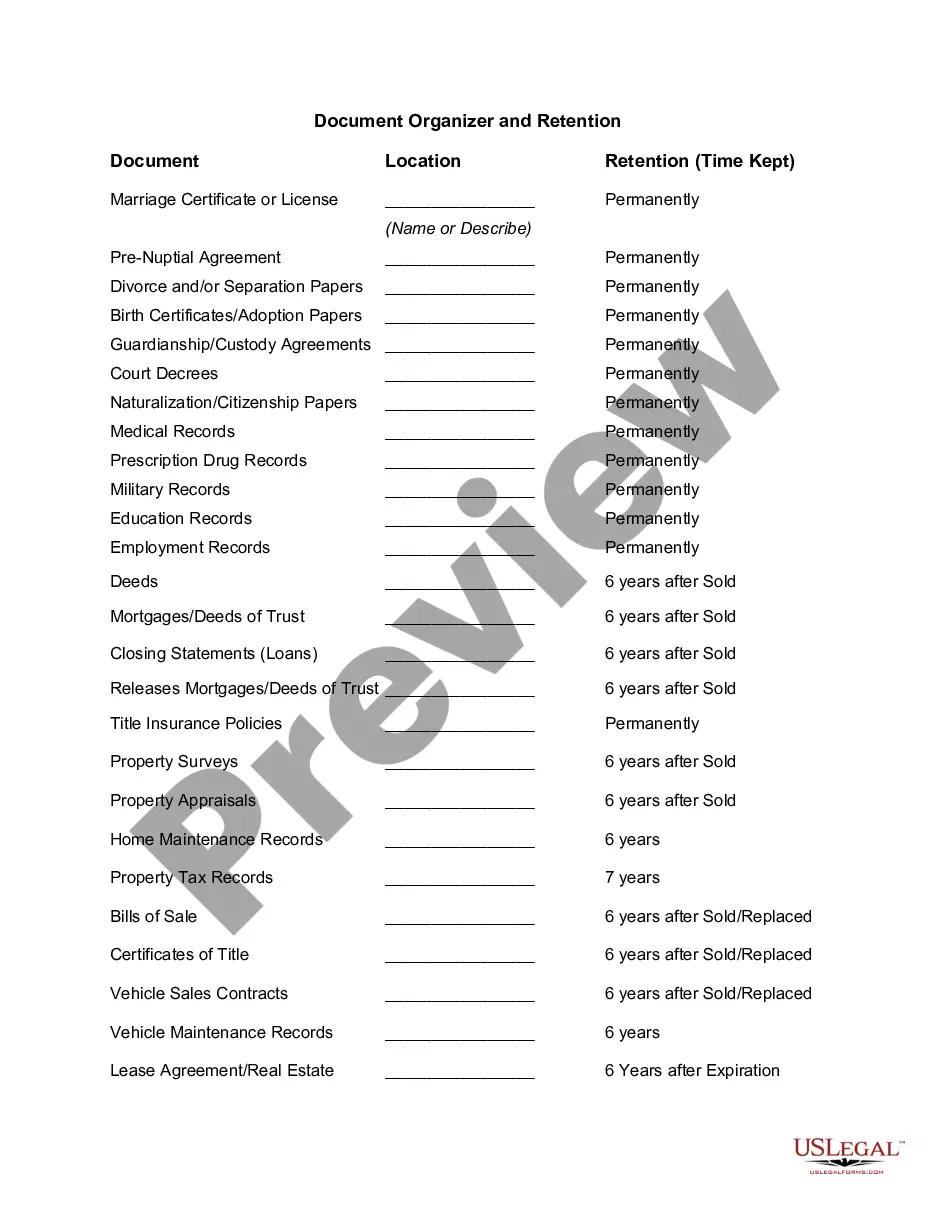
- Personal Planning Information and Document Inventory Worksheets - A Legal Life Document

Common use cases
This form package should be used in various scenarios, including:
- When preparing for end-of-life decisions and ensuring your wishes are known and respected.
- To establish clear financial and medical decision-making authority if you become incapacitated.
- When organizing your estate to facilitate a smooth transition of your assets after your passing.
- To create an inventory of your personal property for insurance purposes or estate planning.
Who this form package is for
- Baby Boomers who are planning for their later years and want to ensure their legal affairs are in order.
- Individuals who wish to make informed decisions about health care and financial matters.
- Those who need structured guidance for estate planning and asset management.
- Families seeking to preserve their legacy and streamline the inheritance process.
Steps to complete these forms
- Review all included forms to understand what each document entails.
- Gather necessary information, such as names, addresses, and financial details.
- Complete each form carefully, following the instructions provided.
- Have the forms reviewed by a trusted family member or attorney if needed.
- Store the completed documents in a secure location and inform necessary parties of their whereabouts.
Notarization details for included forms
Some forms in this package need notarization to be legally binding. Our online notarization service, powered by Notarize, lets you verify and sign documents remotely through an encrypted video session, available 24/7.
Get your form ready online
Our built-in tools help you complete, sign, share, and store your documents in one place.
Make edits, fill in missing information, and update formatting in US Legal Forms—just like you would in MS Word.
Download a copy, print it, send it by email, or mail it via USPS—whatever works best for your next step.
Sign and collect signatures with our SignNow integration. Send to multiple recipients, set reminders, and more. Go Premium to unlock E-Sign.
If this form requires notarization, complete it online through a secure video call—no need to meet a notary in person or wait for an appointment.
We protect your documents and personal data by following strict security and privacy standards.

Make edits, fill in missing information, and update formatting in US Legal Forms—just like you would in MS Word.

Download a copy, print it, send it by email, or mail it via USPS—whatever works best for your next step.

Sign and collect signatures with our SignNow integration. Send to multiple recipients, set reminders, and more. Go Premium to unlock E-Sign.

If this form requires notarization, complete it online through a secure video call—no need to meet a notary in person or wait for an appointment.

We protect your documents and personal data by following strict security and privacy standards.
Avoid these common issues
- Failing to update documents after significant life changes (e.g., marriage, divorce, birth of a child).
- Not signing or dating the documents correctly, which can lead to disputes.
- Overlooking the need for witnesses or notarization when required.
- Neglecting to keep copies of the completed documents in a secure yet accessible location.
Advantages of online completion
- Convenient access to critical legal documents from the comfort of your home.
- Edit and customize forms as needed to fit your specific circumstances.
- Save time and money by accessing all essential forms in one complete package.
Looking for another form?
Form popularity
FAQ
Open the Google Docs app on your iPhone or Android device. You can tap the magnifying glass at the top-right to search through your documents. On the homescreen, you can sort your documents by their name, the last time you opened them, and more.
1 : a writing (as a deed or lease) conveying information see also instrument. 2a : something (as a writing, photograph, or recording) that may be used as evidence. b : an official paper (as a license) relied on as the basis, proof, or support of something (as a right or privilege) document. transitive verb.
Documentation can be provided on paper, online, or on digital or analog media, such as audio tape or CDs. Examples are user guides, white papers, online help, and quick-reference guides. Paper or hard-copy documentation has become less common.
Learning-oriented tutorials. goal-oriented how-to guides. understanding-oriented discussions. information-oriented reference material.
A computer document is a file created by a software application. While the term "document" originally referred specifically to word processor documents, it is now used to refer to all types of saved files. Therefore, documents may contain text, images, audio, video, and other types of data.
A document is a piece of paper that contains official information.Document comes from the Latin verb meaning "to teach," so a document instructs you with the information it contains. Legal documents such as contracts contain instructions on how the people signing it will act.
Go to drive.google.com. Log into your Google account with your username and password. Double-click a file. If you open a Google Doc, Sheet, Slides presentation, Form, or Drawing, it will open using that application. If you open a video, PDF, Microsoft Office file, audio file, or photo, it will open in Google Drive.
Emails. Business Letters. Business Reports. Transactional Documents. Financial Reports and Documents.