Ohio Employment Employee Personnel File Package
Overview of this form package
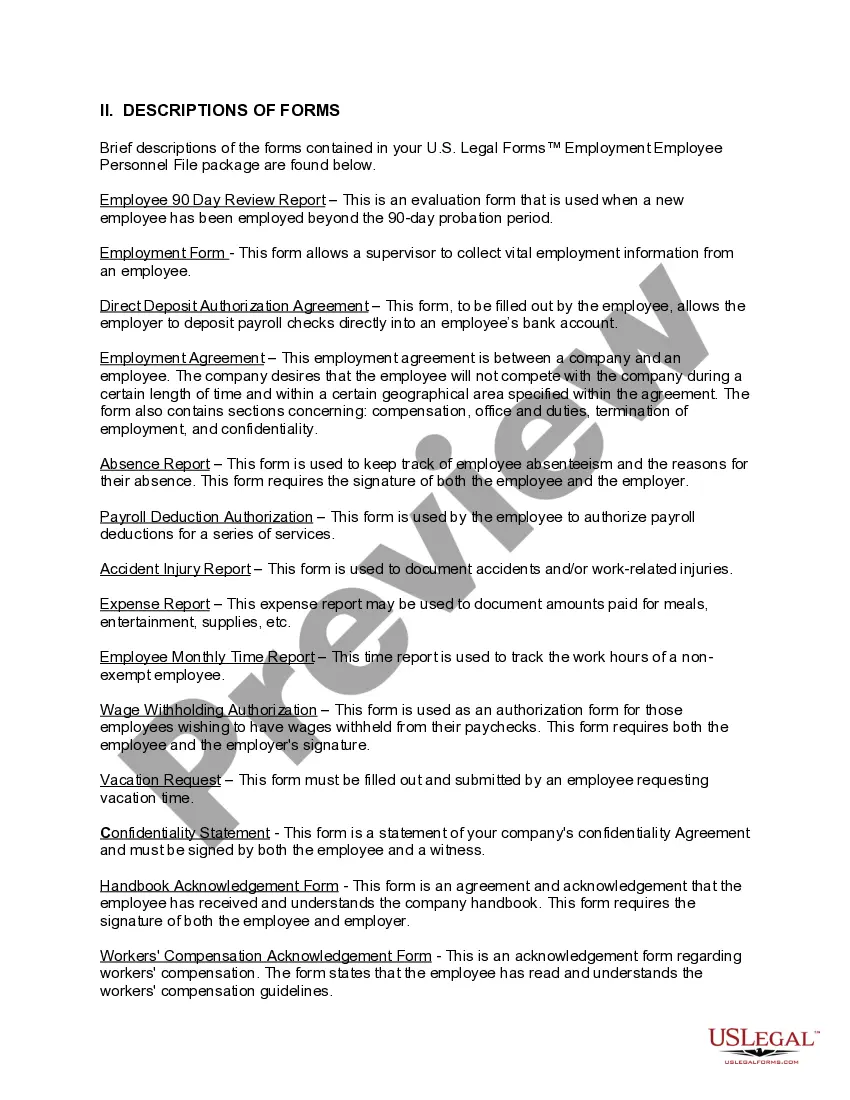
The Ohio Employment Employee Personnel File Package provides a comprehensive set of legal forms designed to help employers maintain accurate personnel records. Unlike other packages, this one is specifically tailored to address various employment-related issues while ensuring compliance with local and federal laws. It contains essential forms that facilitate proper record keeping surrounding employment agreements, payroll, and workplace incidents, ultimately protecting employers from potential liabilities.
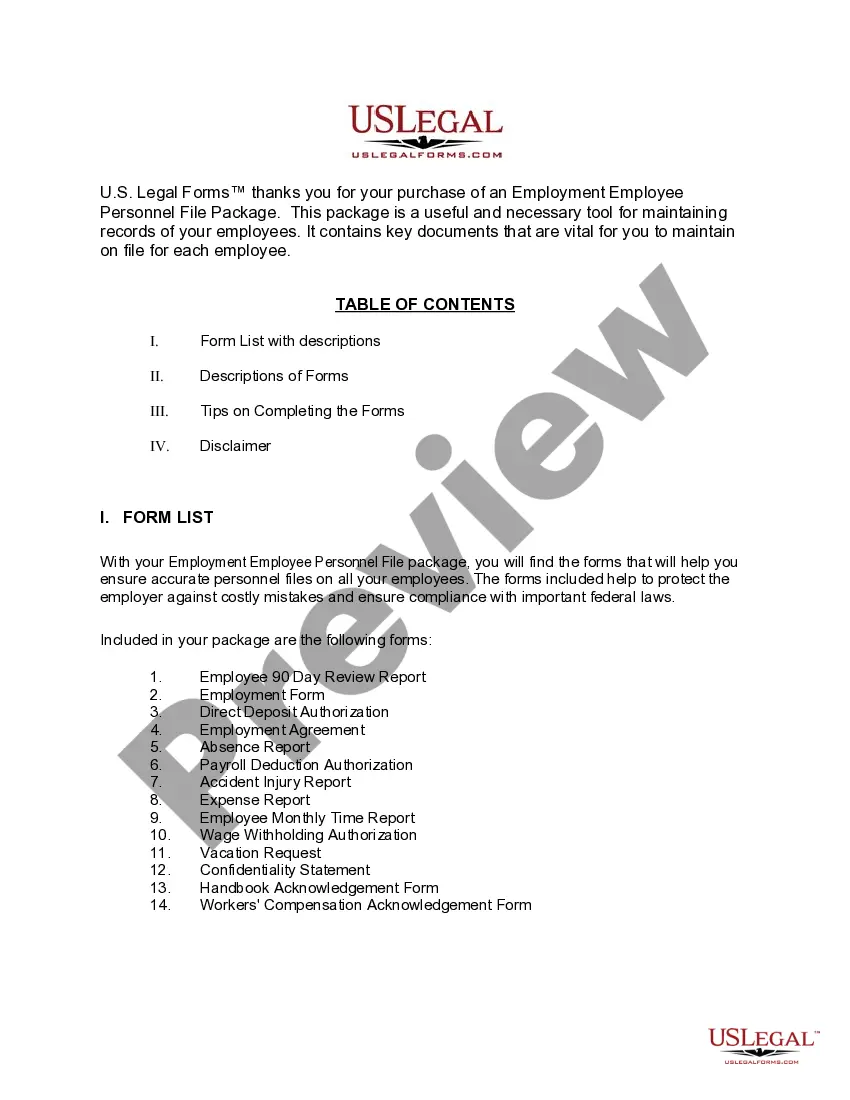
Forms provided in this package
- Employment Agreement between a company and an employee
- Absence Report
- Payroll Deduction Authorization Form
- Accident - Injury Report
- Direct Deposit Authorization
- Nonexempt Employee Time Report
- Employee 90 day Review Report
- Wage Withholding Authorization
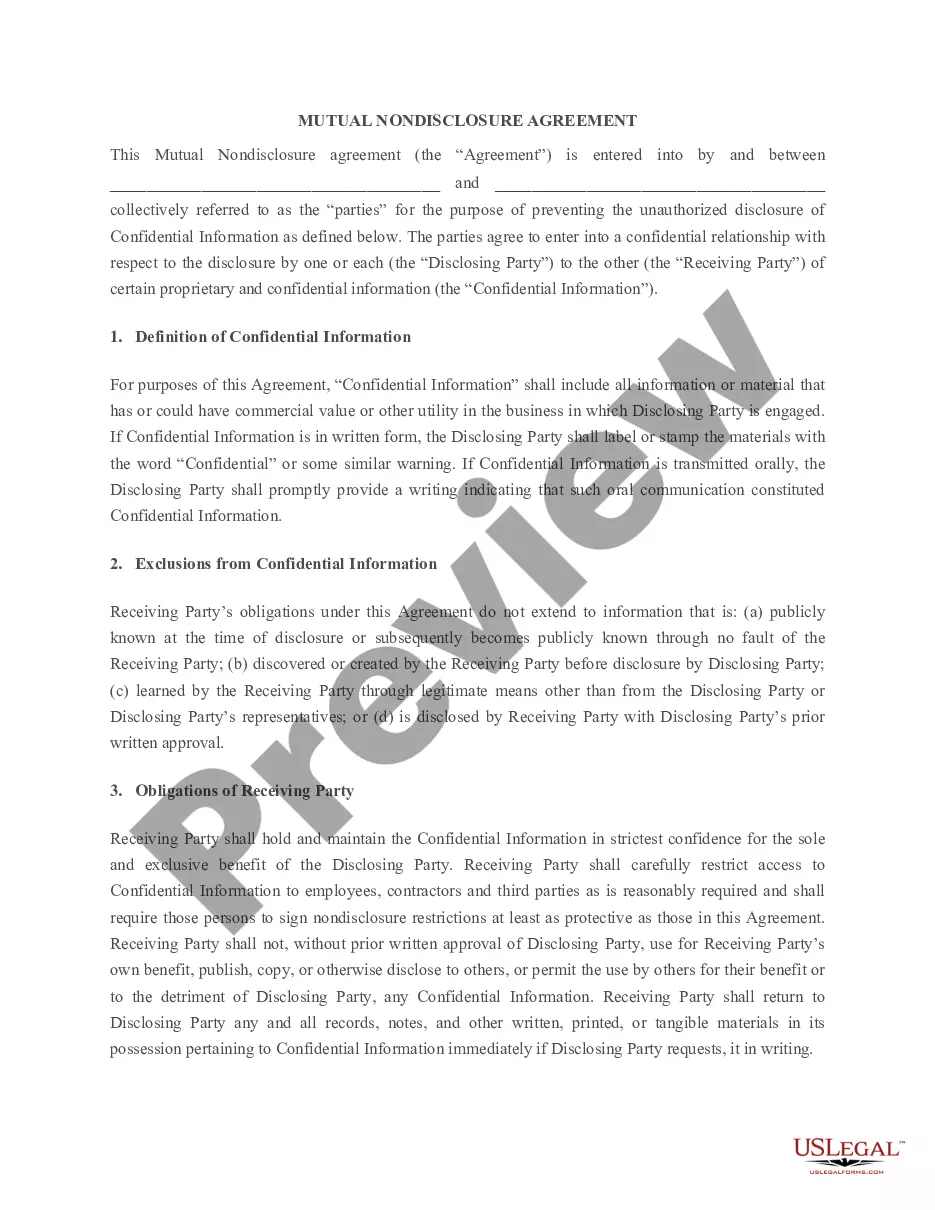
- Confidentiality Statement and Agreement for an Employee
- Employee Agreement and Handbook Acknowledgment Form
- Workers' Compensation Acknowledgment Form
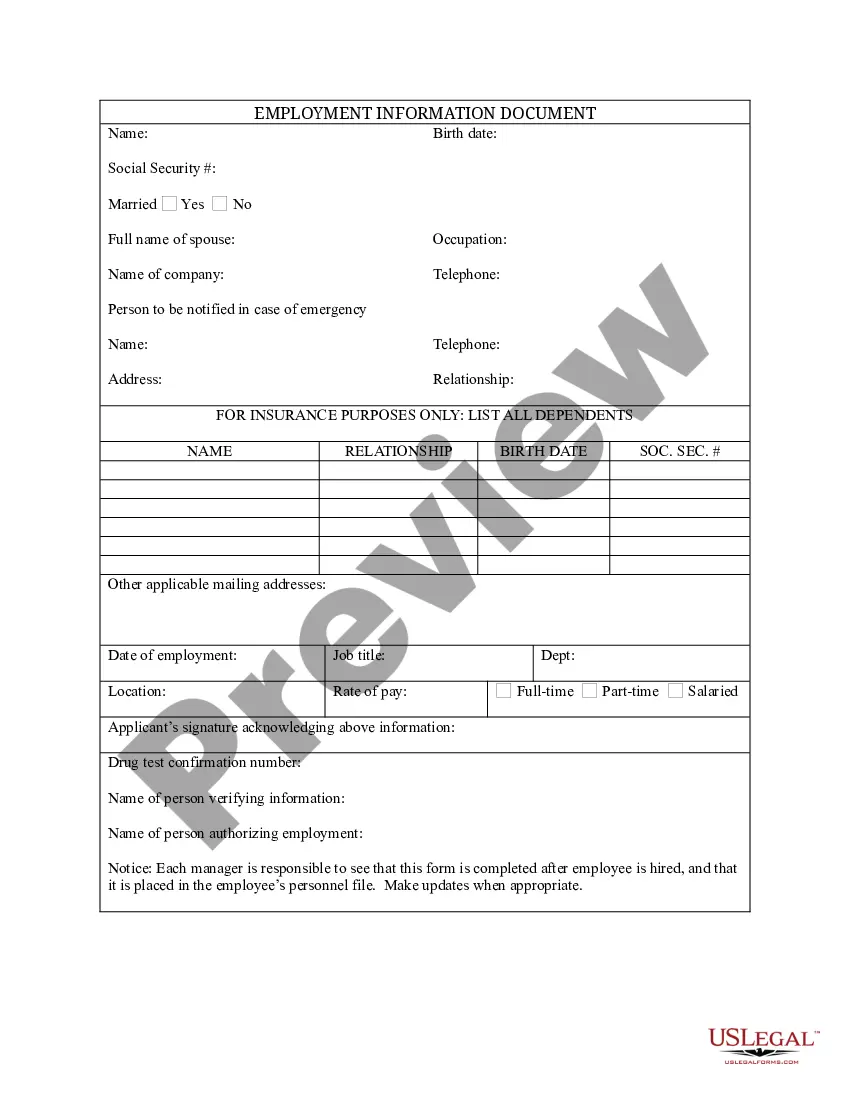
- Employment Form
- Vacation Request Form




Situations where these forms applies
This form package is useful when you need to establish or reinforce personnel records in your Ohio workplace. Use these forms if:
- You are hiring new employees and need to document their employment information.
- You want to keep track of employee performance with review reports.
- You need to implement direct deposit for payroll processing.
- You are managing employee absences or accidents in the workplace.
- You want to ensure compliance with wage withholding and payroll deductions.
Who this form package is for
- Small business owners and human resources professionals in Ohio.
- Employers looking to streamline personnel record keeping and ensure compliance.
- Managers responsible for overseeing employee performance and payroll processes.
- Any organization that wants to maintain thorough documentation for employee management.
Instructions for completing these forms
- Review the included forms carefully to understand their requirements.
- Locate the appropriate form for each specific personnel action you need to document.
- Enter the necessary information, such as employee details and dates.
- Ensure all required signatures are collected from both the employer and employees where applicable.
- Keep copies of completed forms for your records to support compliance and future HR decisions.
Notarization details for included forms
Forms in this package usually don’t need notarization, but certain jurisdictions or signing circumstances may require it. US Legal Forms provides a secure online notarization option powered by Notarize, accessible 24/7 from anywhere.
Get your form ready online
Our built-in tools help you complete, sign, share, and store your documents in one place.
Make edits, fill in missing information, and update formatting in US Legal Forms—just like you would in MS Word.
Download a copy, print it, send it by email, or mail it via USPS—whatever works best for your next step.
Sign and collect signatures with our SignNow integration. Send to multiple recipients, set reminders, and more. Go Premium to unlock E-Sign.
If this form requires notarization, complete it online through a secure video call—no need to meet a notary in person or wait for an appointment.
We protect your documents and personal data by following strict security and privacy standards.

Make edits, fill in missing information, and update formatting in US Legal Forms—just like you would in MS Word.

Download a copy, print it, send it by email, or mail it via USPS—whatever works best for your next step.

Sign and collect signatures with our SignNow integration. Send to multiple recipients, set reminders, and more. Go Premium to unlock E-Sign.

If this form requires notarization, complete it online through a secure video call—no need to meet a notary in person or wait for an appointment.

We protect your documents and personal data by following strict security and privacy standards.
Common mistakes
- Failing to collect all necessary signatures on forms, which can result in disputes.
- Not maintaining a copy of signed forms for record-keeping purposes.
- Inaccurately completing fields, which can lead to compliance issues.
- Neglecting to familiarize yourself with Ohio-specific employment laws related to personnel records.
Why complete this package online
- Convenient access to all necessary forms in one package, eliminating the need to search multiple sources.
- Editable forms allow for customization to fit your specific employment needs.
- Reliability in legal compliance, as forms are drafted by licensed attorneys familiar with Ohio laws.
- Immediate downloadable access, enabling you to start documenting employee information right away.
Legal use & context
- Used forms are essential for maintaining legal personnel records that can protect against future disputes.
- Compliance with federal and state employment laws mitigates the risk of legal challenges.
- Properly completed forms can serve as evidence in case of employment-related disputes.
Key takeaways
- The Ohio Employment Employee Personnel File Package is crucial for maintaining accurate employee records.
- Utilizing these forms can help ensure compliance and reduce potential legal liabilities.
- Online access and editable formats provide convenience for employers in Ohio.
Looking for another form?







Form popularity
FAQ
Take an inventory. First, you will need to take an inventory of what you already have for each employee. Figure out what you are missing and from whom. Hold a meeting. Give each employee a personal list of documents you need from them. Follow up and secure files within one week.
Employers should keep all job-related documentation such as hiring records, performance reviews, disciplinary actions and job descriptions in an employee's general personnel file. Consider whether the document would be relevant to a supervisor who may review this file when making employment decisions.
You will receive further information by mail or e-mail. Your claim will be assigned to a Processing Center, based on the last four digits of the your Social Security number.
To file weekly claims, you will need your Social Security number and PIN. You can file online 24 hours a day, 7 days a week, at unemployment.ohio.gov. If you do not have access to the internet, you may visit your local library or OhioMeansJobs center, where computers are available for public use.
You will receive further information by mail or e-mail. Your claim will be assigned to a Processing Center, based on the last four digits of the your Social Security number.
Unemployed Ohioans can file an application online 24 hours a day, seven days a week at unemployment.ohio.gov. Those without internet access or who need assistance may file by phone at (877) OHIO-JOB (1-877-644-6562) or TTY at (888) 642-8203.
Unemployed Ohioans can file an application online 24 hours a day, seven days a week at unemployment.ohio.gov. Those without internet access or who need assistance may file by phone at (877) OHIO-JOB (1-877-644-6562) or TTY at (888) 642-8203.
The formula for your weekly benefit amount is half your average weekly wage during your base period up to maximum amounts based on the number of qualifying dependents you have. Here's how to find your average weekly wage. In Ohio, the minimum weekly benefit amount is $135.
To apply online, go to unemployment.ohio.gov. Click here for a step-by-step guide to applying online. If you don't have access to a computer, you can apply by phone by calling 877-644-6562.