Purchase Order for Software Development
What this document covers
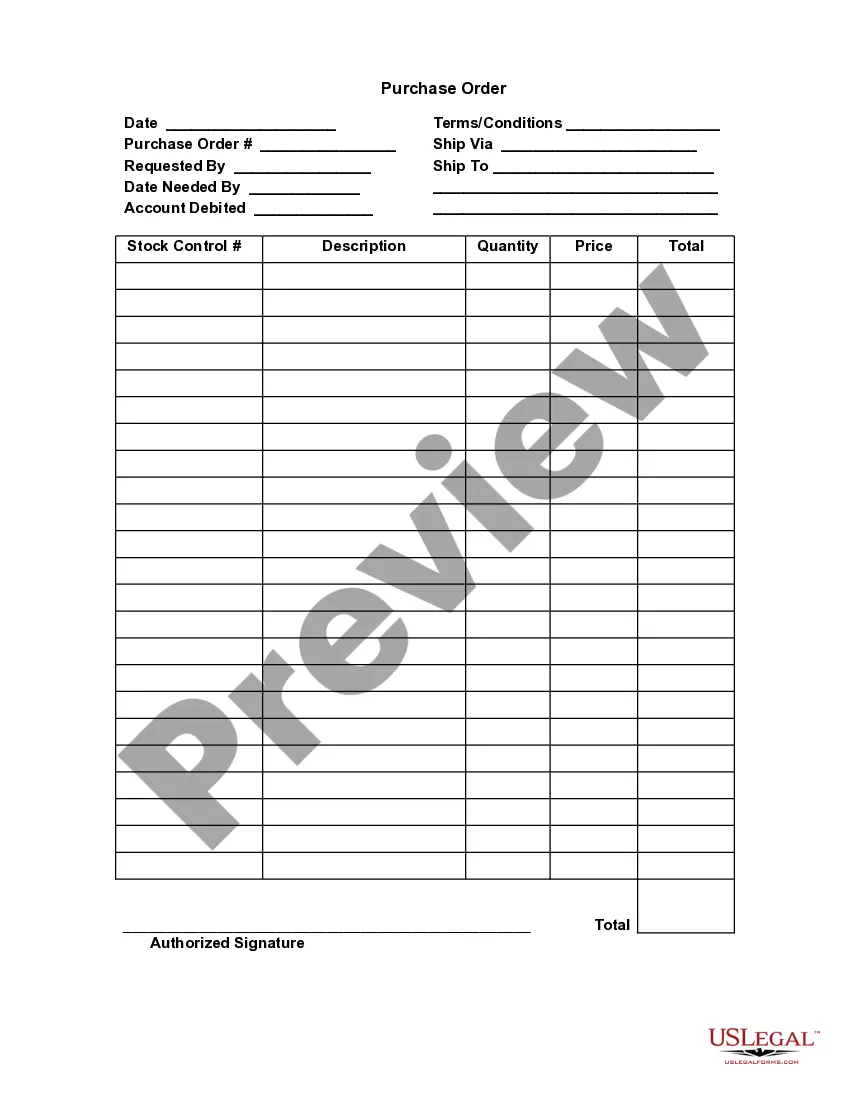
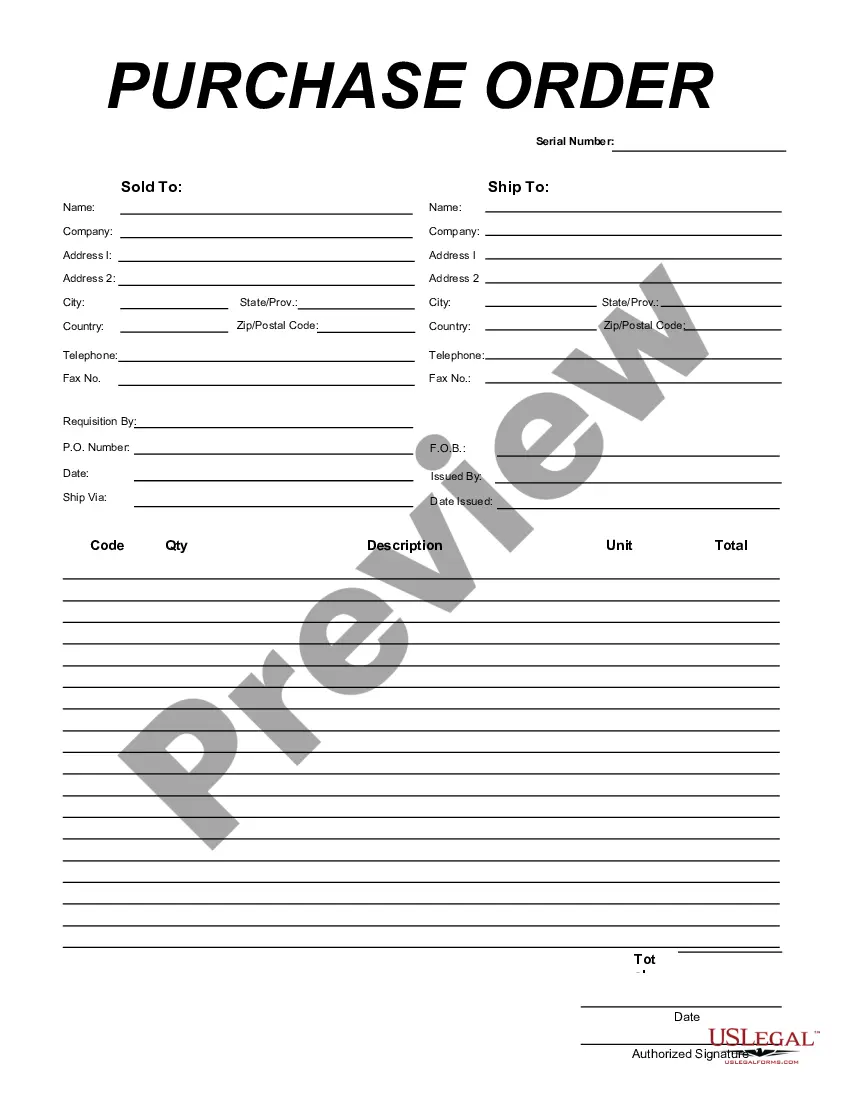
The Purchase Order for Software Development is a formal document used by businesses to request software development services from a vendor. This form outlines the specific services to be provided, including details about deliverables and associated costs. Unlike other order forms, it is tailored specifically for software projects, ensuring clarity and legal compliance in business transactions.
Key parts of this document
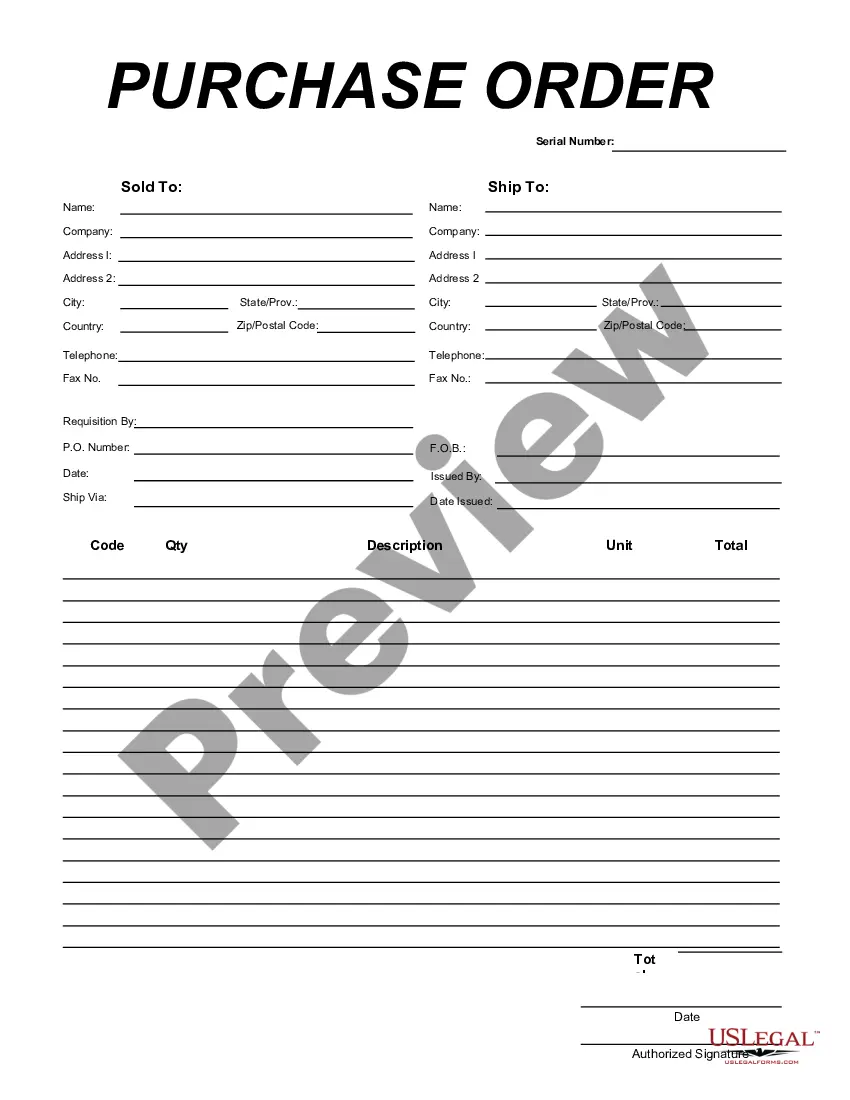
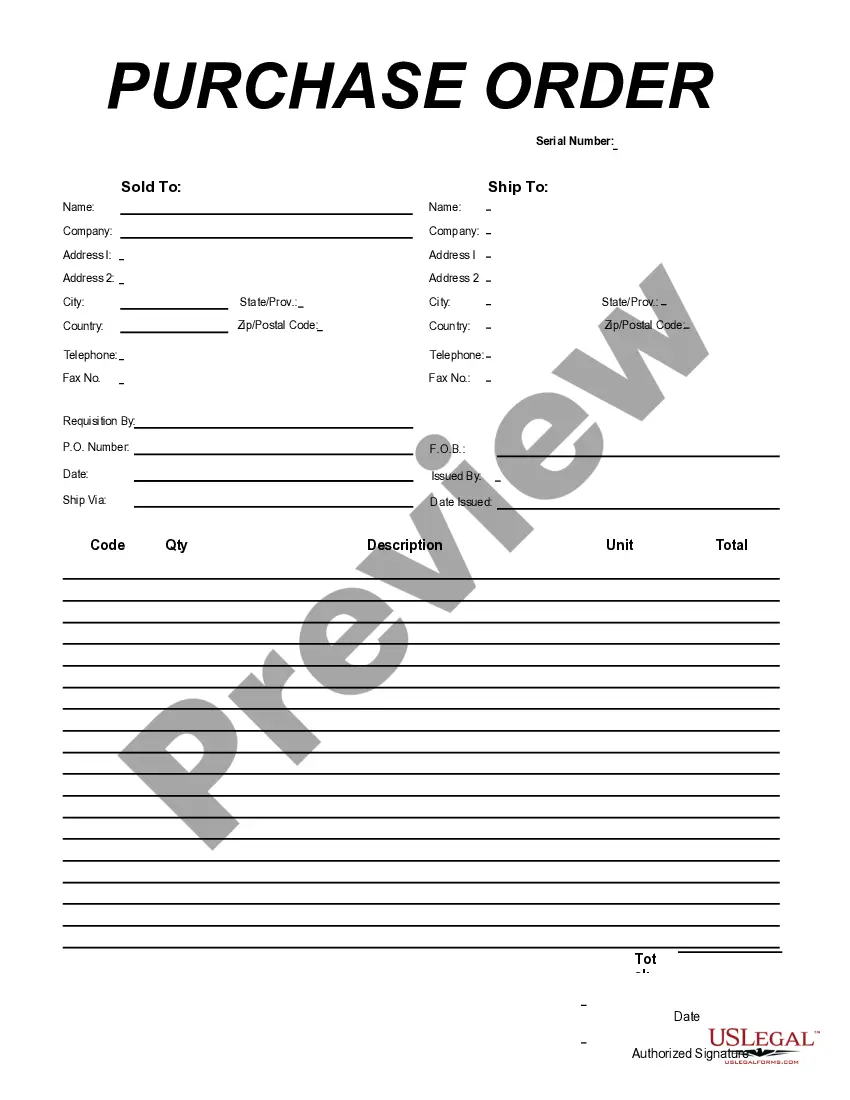
- Ship To Name and Company: Identifies the recipient of the software services.
- Address Fields: Provides detailed location information for accurate delivery.
- Telephone and Fax Numbers: Contact details for efficient communication.
- Requisition By and P.O. Number: Tracks who initiated the order and its reference number.
- Issued By: Identifies who is authorizing the purchase order.
- Quantity and Description: Specifies the amount and details of the software development services being requested.
- Unit Cost and Total: Breaks down the cost per unit and overall total for the services rendered.
- Date: Indicates when the order is being placed.
- Authorized Signature: Confirms approval from an authorized individual.


Situations where this form applies
This form should be used when a business decides to contract a vendor for software development services. It is essential when defining the scope of work, budget, and timeline, allowing for a clear understanding between both parties. Additionally, it serves as an official record of the transaction and can be used for tracking project progress and ensuring timely payment.
Who needs this form
This form is suitable for:
- Businesses seeking software development services.
- Project managers responsible for procuring software solutions.
- Procurement departments within organizations.
- Startups and entrepreneurs requiring custom software development.
Completing this form step by step
- Identify the recipient's name and company, ensuring accurate information in the Ship To section.
- Fill in the complete address fields to ensure delivery and contact information are correct.
- Enter the contact details including telephone and fax numbers for further communications.
- Specify the requisition by including the person requesting the order and the relevant P.O. number.
- Detail the quantity and description of the software development services being requested.
- Review and confirm the unit cost and total amount before signing and dating the document.
Does this document require notarization?
This form does not typically require notarization unless specified by local law.
Get your form ready online
Our built-in tools help you complete, sign, share, and store your documents in one place.
Make edits, fill in missing information, and update formatting in US Legal Forms—just like you would in MS Word.
Download a copy, print it, send it by email, or mail it via USPS—whatever works best for your next step.
Sign and collect signatures with our SignNow integration. Send to multiple recipients, set reminders, and more. Go Premium to unlock E-Sign.
If this form requires notarization, complete it online through a secure video call—no need to meet a notary in person or wait for an appointment.
We protect your documents and personal data by following strict security and privacy standards.

Make edits, fill in missing information, and update formatting in US Legal Forms—just like you would in MS Word.

Download a copy, print it, send it by email, or mail it via USPS—whatever works best for your next step.

Sign and collect signatures with our SignNow integration. Send to multiple recipients, set reminders, and more. Go Premium to unlock E-Sign.

If this form requires notarization, complete it online through a secure video call—no need to meet a notary in person or wait for an appointment.

We protect your documents and personal data by following strict security and privacy standards.
Typical mistakes to avoid
- Not providing complete address information, leading to delivery issues.
- Omitting signature or date, which may invalidate the order.
- Forgetting to double-check quantities and descriptions, which can result in misunderstandings about the scope of work.
Benefits of using this form online
- Convenience of filling out and completing the order form from any location.
- Editability allows for quick updates and changes as needed.
- Reliability of a standardized template drafted by licensed attorneys.
Legal use & context
- The Purchase Order for Software Development establishes a legally binding agreement between the buyer and seller.
- Ensures that both parties understand deliverables, costs, and responsibilities.
- Protects against disputes by providing documentation of the agreed terms.
Summary of main points
- The Purchase Order for Software Development is crucial for formalizing software services contracts.
- Use this form to ensure clear communication of project requirements and costs.
- Complete the form accurately to avoid common mistakes and ensure legal validity.
Looking for another form?

Form popularity
FAQ
QuickBooks makes it easy to schedule purchase orders for recurring purchases. Once an order is complete, QuickBooks automatically copies the items, quantities, and rates from your purchase order and turns it into a bill.
1. Approval by the manager of the person creating the purchase order. 2. An approval threshold to decide how many people in the hierarchy should approve the purchase.
Quickbooks Best purchase order software for Quickbooks users. Coupa Procurement Most flexible purchase order software. Procurify Best purchase order software for customization. Xero Best price for purchase order software. ManageEngine ServiceDesk Plus Best purchase order software for IT teams.
SAP Ariba. Emburse Certify. Coupa. Precoro. Tradeshift Pay. SAP Fieldglass. Eyvo eBuyerAssist. BuyerQuest.
A purchase order is used by a buyer to place an order and is issued before delivery. An invoice is issued by a seller using invoicing software after an order is delivered. It defines the amount the buyer owes for the purchased goods and the date by which the buyer needs to pay.
Company Name: The main title and address listed at the top of the order form is for the buyer - the company requesting the order. P.O. Vendor: The name and address of the vendor (the seller).
Create your own forms. List the steps in the process. Design workflow. Define roles and access. Implement the PO system. Obtain feedback and improve.
The purchase order process is the journey of a purchase order (PO) from creation through purchase order approval, dispatch, delivery, invoicing, and closure.A purchase order outlines the required items, the agreed-upon price, delivery expectations, and payment terms.
For example: Maria's company needs to purchase new materials from a supplier to create their products. The company then creates a purchase order to present to the supplier from which they wish to order materials.When Maria's company receives the goods and the invoice, they compare them to the purchase order.