Linking Agreement
What this document covers
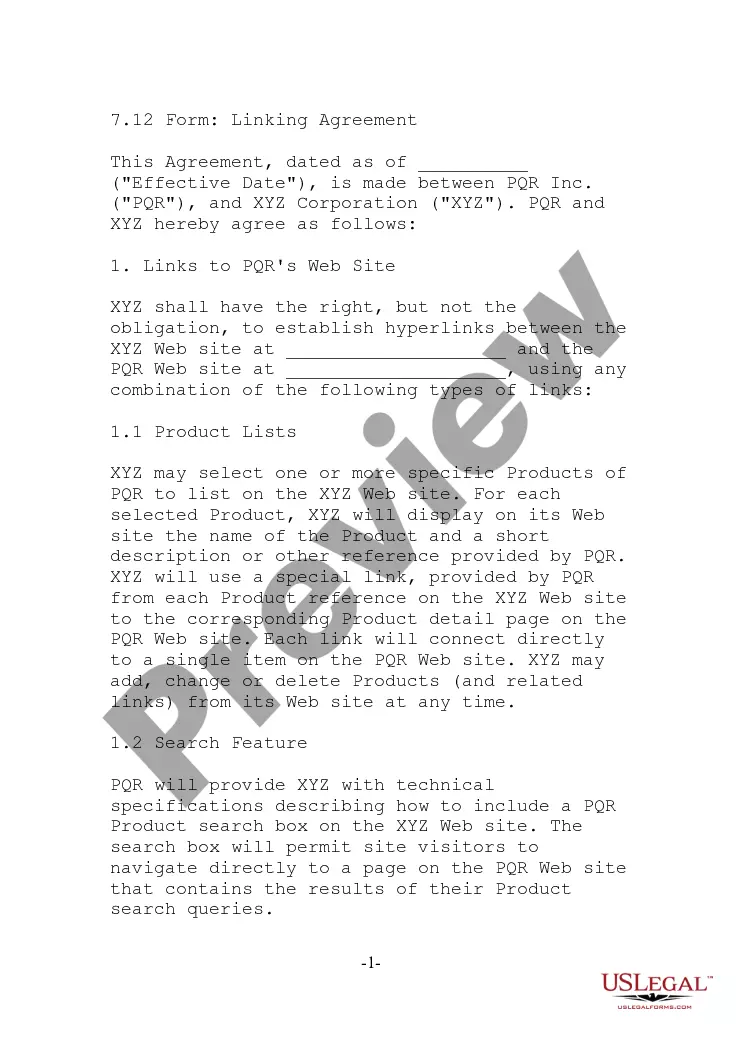
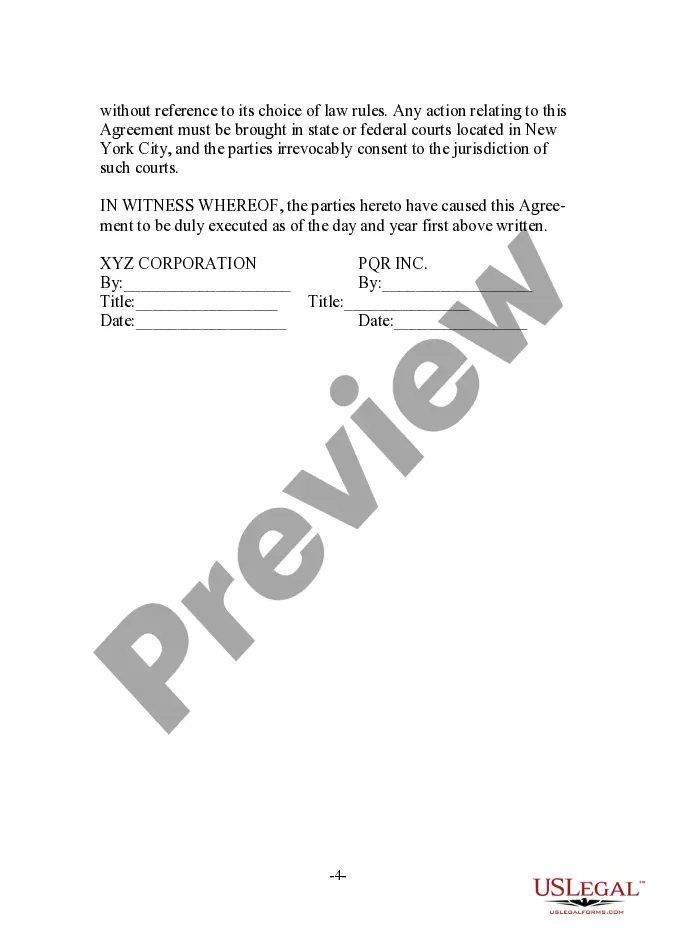
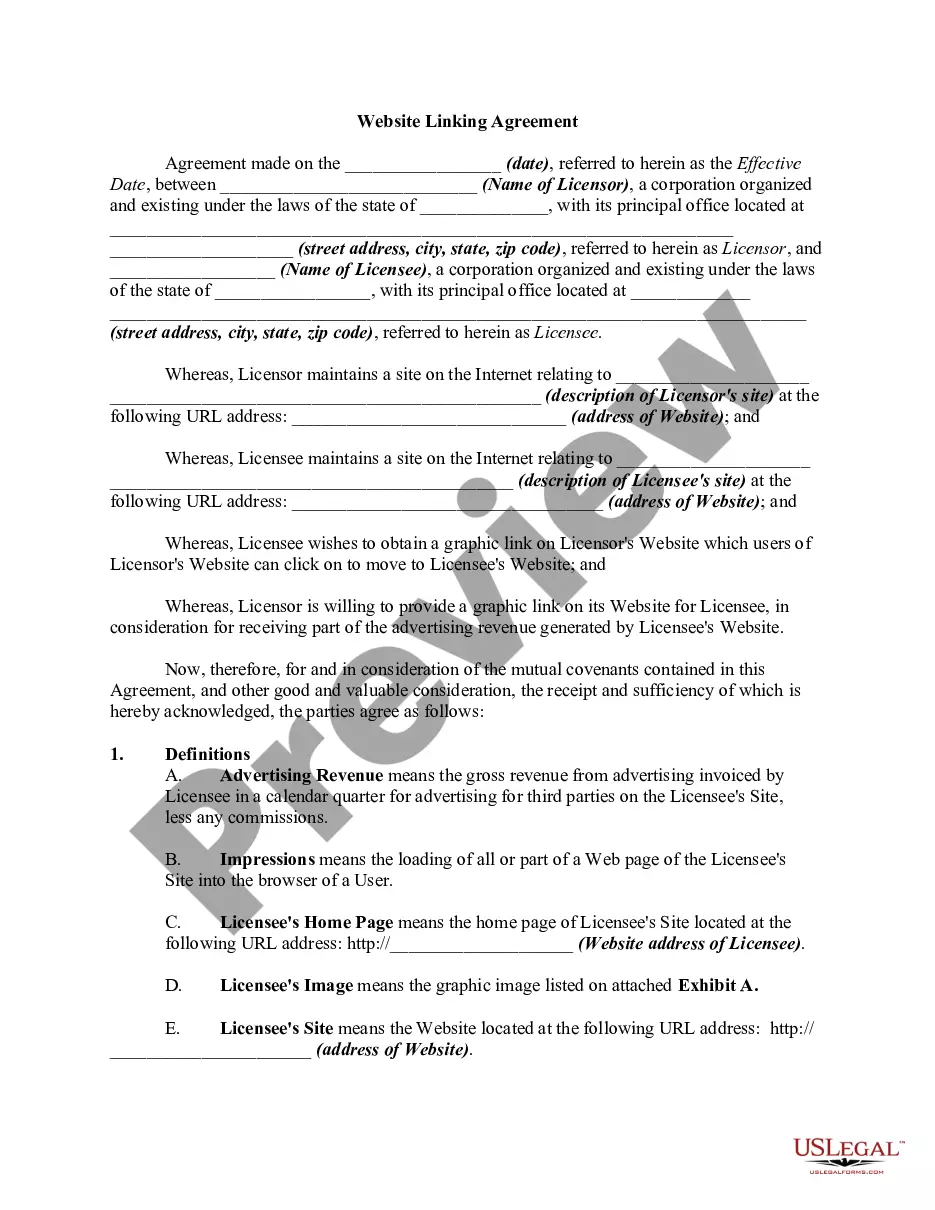
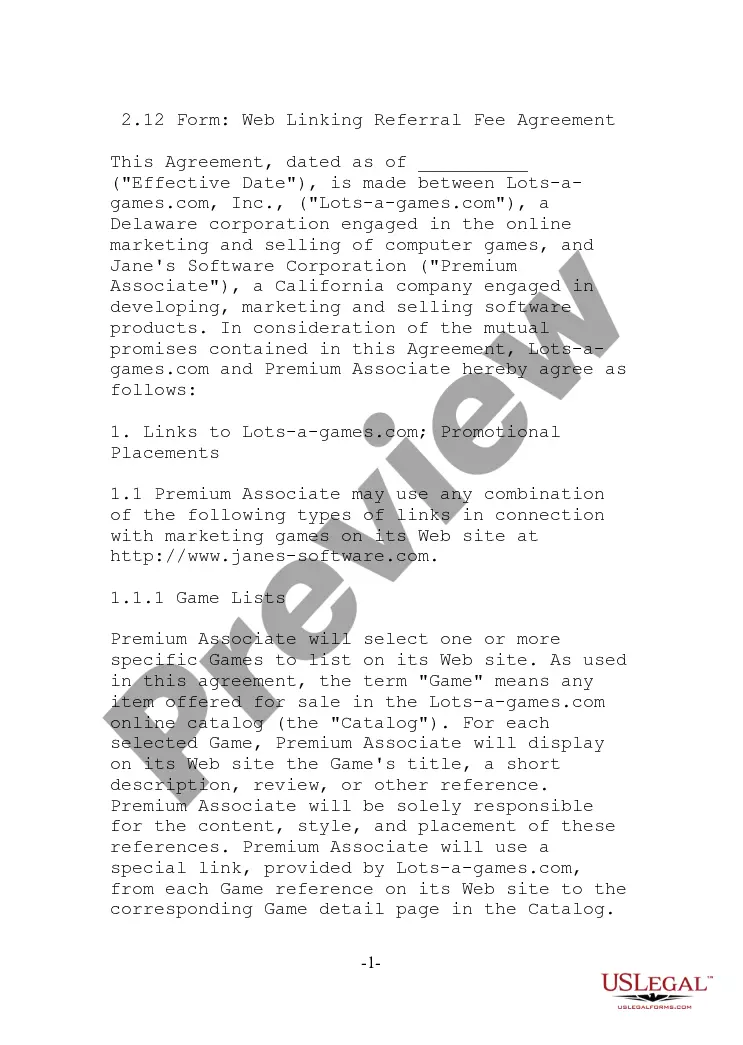
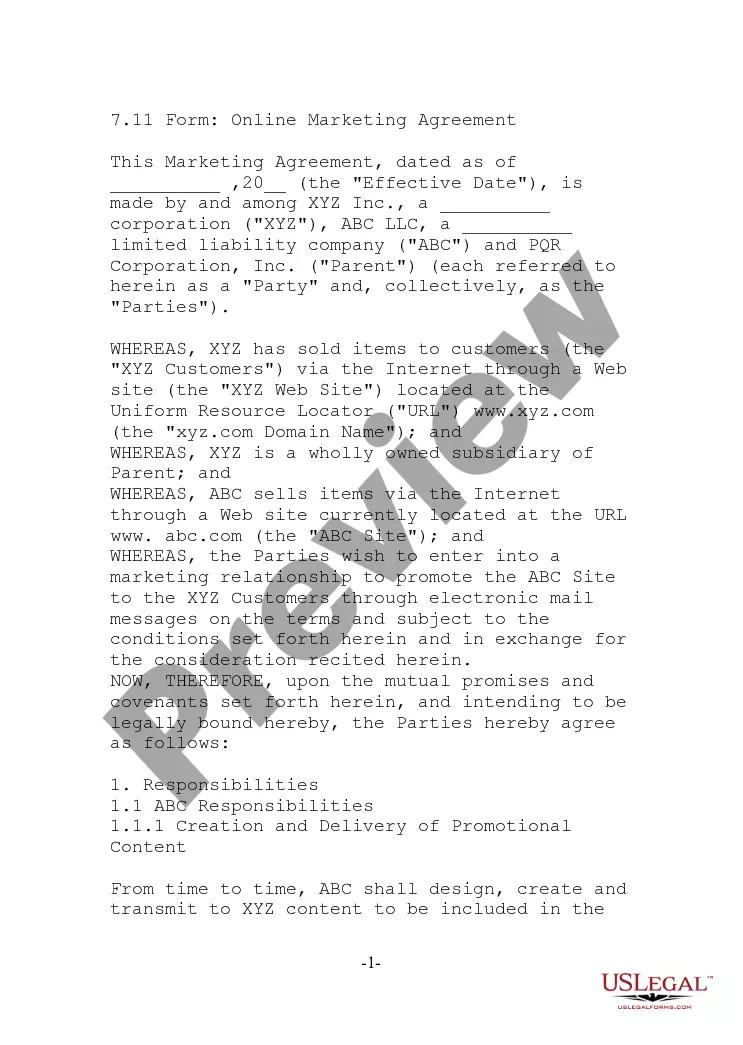
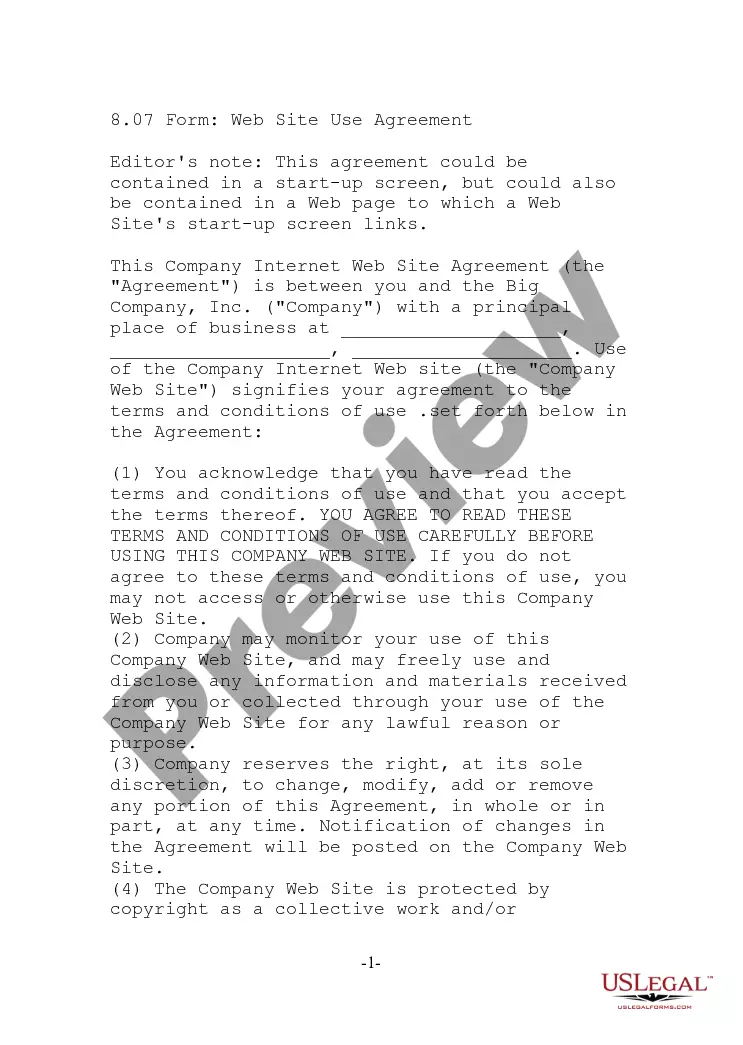
The Linking Agreement is a comprehensive legal document designed for establishing hyperlinks between two websites, specifically between PQR Inc. and XYZ Corporation. This agreement outlines the rights and responsibilities of both parties when linking to products or content, distinguishing it from other contracts that may deal only with general website use or service agreements. It is essential for businesses or independent contractors looking to formalize online link-sharing relationships.
What’s included in this form
- Effective date: Specifies when the agreement becomes active.
- Links to PQR's website: Defines the types of hyperlinks XYZ can create to PQR's site.
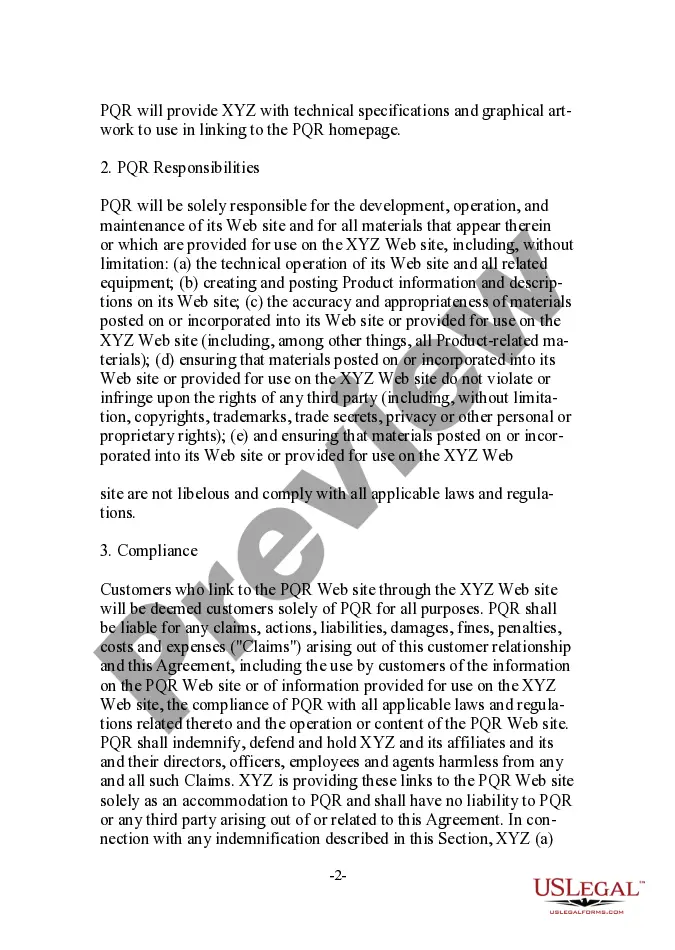
- PQR responsibilities: Outlines PQR's obligations for maintaining and providing content for their website.
- Compliance: Addresses legal liabilities and responsibilities connected to the hyperlinking process.
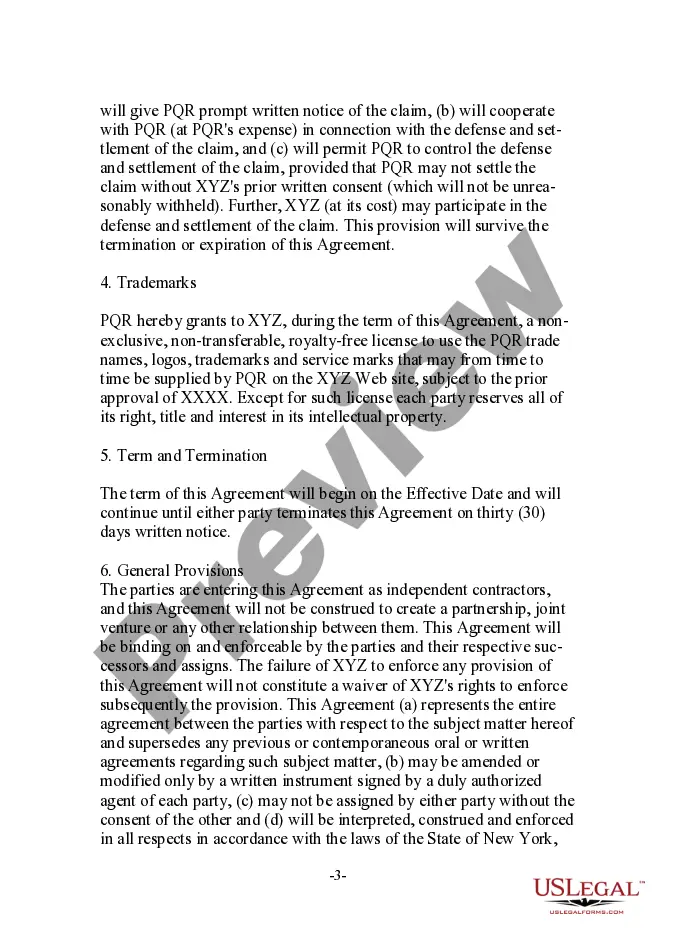
- Trademarks: Covers the use of PQR's branding on XYZâs website.
- Term and termination: Details how long the agreement lasts and the notice required to terminate it.
When this form is needed
You should use the Linking Agreement when you want to create a formal arrangement to establish hyperlinks between your website and another business or contractor's website. This form is particularly useful for e-commerce sites looking to enhance their product visibility through partnerships or affiliates.
Who needs this form
- Businesses seeking to promote their products through affiliate partnerships.
- Individual contractors who provide software or online services.
- Website owners looking to establish formal link agreements with other sites.
- Companies needing to clarify responsibilities in an online linking arrangement.
Completing this form step by step
- Identify the parties: Enter the names of the businesses involved in the agreement.
- Specify the effective date: Fill in the date when the agreement starts.
- Describe the hyperlinks: List the specific types of links and products that will be featured.
- Review the trademark usage: Ensure you have the necessary permissions for using branding elements.
- Enter termination details: Specify how either party can end the agreement.
Does this form need to be notarized?
This form does not typically require notarization unless specified by local law. However, signatories should review their state's regulations to ensure compliance with legal requirements.
Get your form ready online
Our built-in tools help you complete, sign, share, and store your documents in one place.
Make edits, fill in missing information, and update formatting in US Legal Forms—just like you would in MS Word.
Download a copy, print it, send it by email, or mail it via USPS—whatever works best for your next step.
Sign and collect signatures with our SignNow integration. Send to multiple recipients, set reminders, and more. Go Premium to unlock E-Sign.
If this form requires notarization, complete it online through a secure video call—no need to meet a notary in person or wait for an appointment.
We protect your documents and personal data by following strict security and privacy standards.

Make edits, fill in missing information, and update formatting in US Legal Forms—just like you would in MS Word.

Download a copy, print it, send it by email, or mail it via USPS—whatever works best for your next step.

Sign and collect signatures with our SignNow integration. Send to multiple recipients, set reminders, and more. Go Premium to unlock E-Sign.

If this form requires notarization, complete it online through a secure video call—no need to meet a notary in person or wait for an appointment.

We protect your documents and personal data by following strict security and privacy standards.
Typical mistakes to avoid
- Failing to define the types of links clearly.
- Not including all parties involved in the agreement.
- Overlooking trademark use permissions.
- Missing the effective date or termination clauses.
Why use this form online
- Convenience: Download the form anytime and anywhere.
- Editability: Customize the agreement to fit specific business needs easily.
- Reliability: Use templates drafted by licensed attorneys, ensuring legal compliance.
Legal use & context
- The Linking Agreement establishes clear terms for hyperlink usage, reducing potential disputes.
- It protects the rights of both parties regarding website content and use.
- This agreement is enforceable under contract law, contingent on compliance with applicable state laws.
Quick recap
- A Linking Agreement is essential for businesses hosting links to other websites.
- Clear terms regarding responsibilities protect both parties in the agreement.
- Customization is important to address specific linking arrangements and legal requirements.
Looking for another form?
Form popularity
FAQ
Link Sharing A URL is not subject to copyright so sharing one doesn't raise copyright infringement concerns. Courts have settled the copyright question about thumbnail images for non-commercial use, saying they're protected by Fair Use.
: an electronic link providing direct access from one distinctively marked place in a hypertext or hypermedia document to another in the same or a different document. Other Words from hyperlink Example Sentences Learn More about hyperlink.
Frames. When a website "frames" something, it makes the contents of another website viewable from its own site. Framing may lead to legal issues involving copyright and trademark laws because the website arguably alters the appearance of the framed website.
A link takes a user from one website to another by clicking on a link or image.Framing is the process of allowing a user to view the contents of one website while it is framed by information from another site, similar to the picture-in-picture feature offered on some televisions.
Linking. Most often, a website will connect to another in the form of a link (also known as a hypertext link), a specially coded word or image that when clicked upon, will take a user to another Web page.You do not need permission for a regular word link to another website's home page.
Linking is the process of collecting and combining various pieces of code and data into a single file that can be loaded (copied) into memory and executed.On early computer systems, linking was performed manually. On modern systems, linking is performed automatically by programs called linkers.
Most often, a website will connect to another in the form of a link (also known as a hypertext link), a specially coded word or image that when clicked upon, will take a user to another Web page.You do not need permission for a regular word link to another website's home page.
In a website, a hyperlink (or link) is an item like a word or button that points to another location. When you click on a link, the link will take you to the target of the link, which may be a webpage, document or other online content. Websites use hyperlinks as a way to navigate online content.
Fortunately, courts generally agree that linking to another website does not infringe the copyrights of that site, nor does it give rise to a likelihood of confusion necessary for a federal trademark infringement claim.