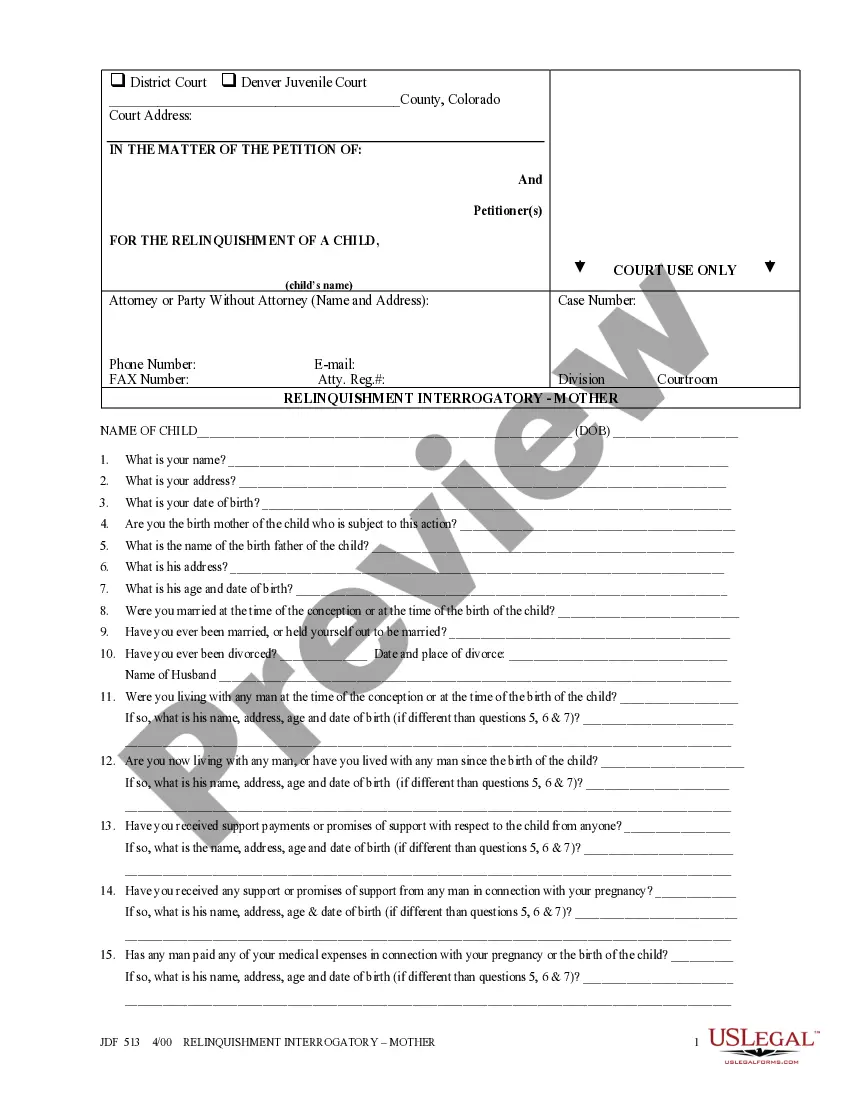
Website Linking Agreement
About this form
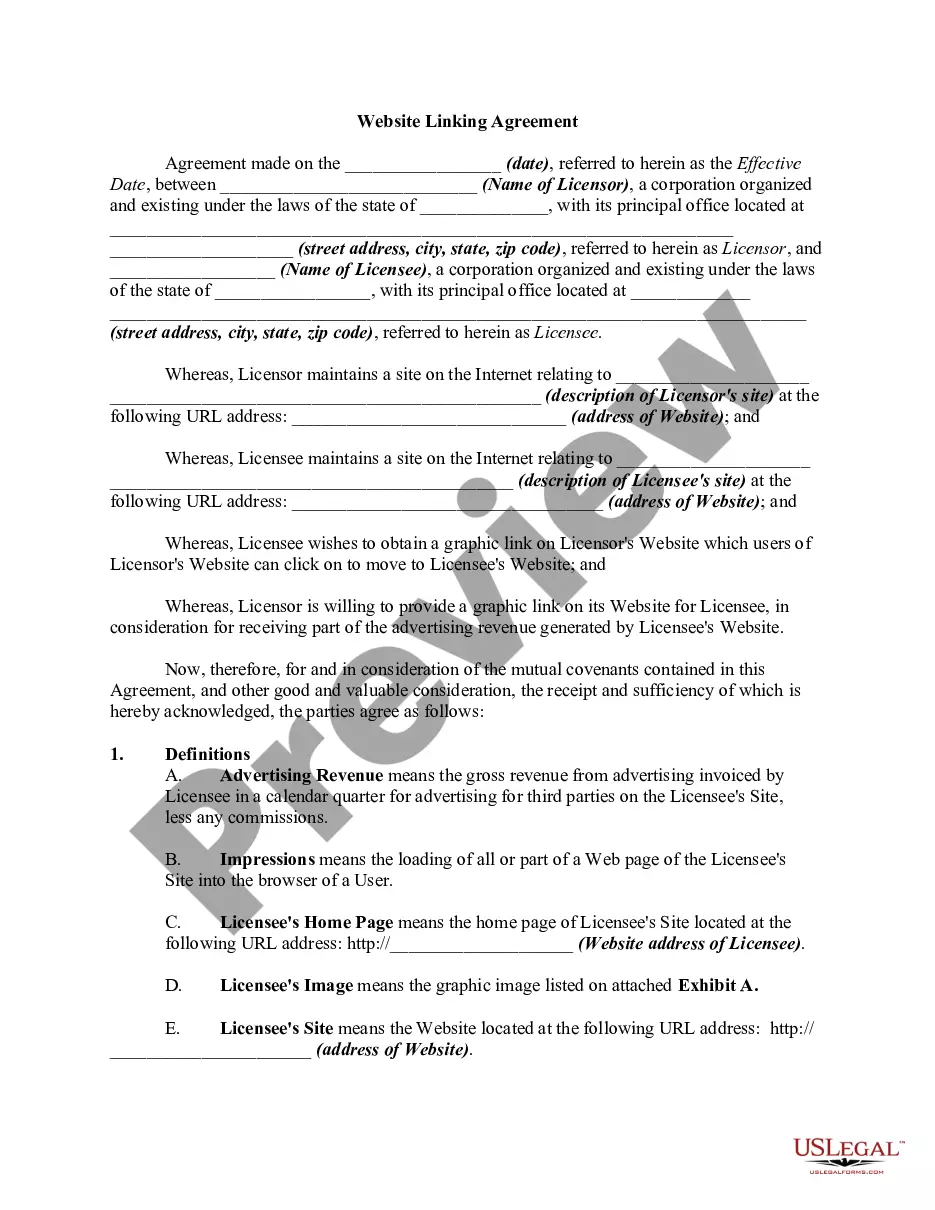
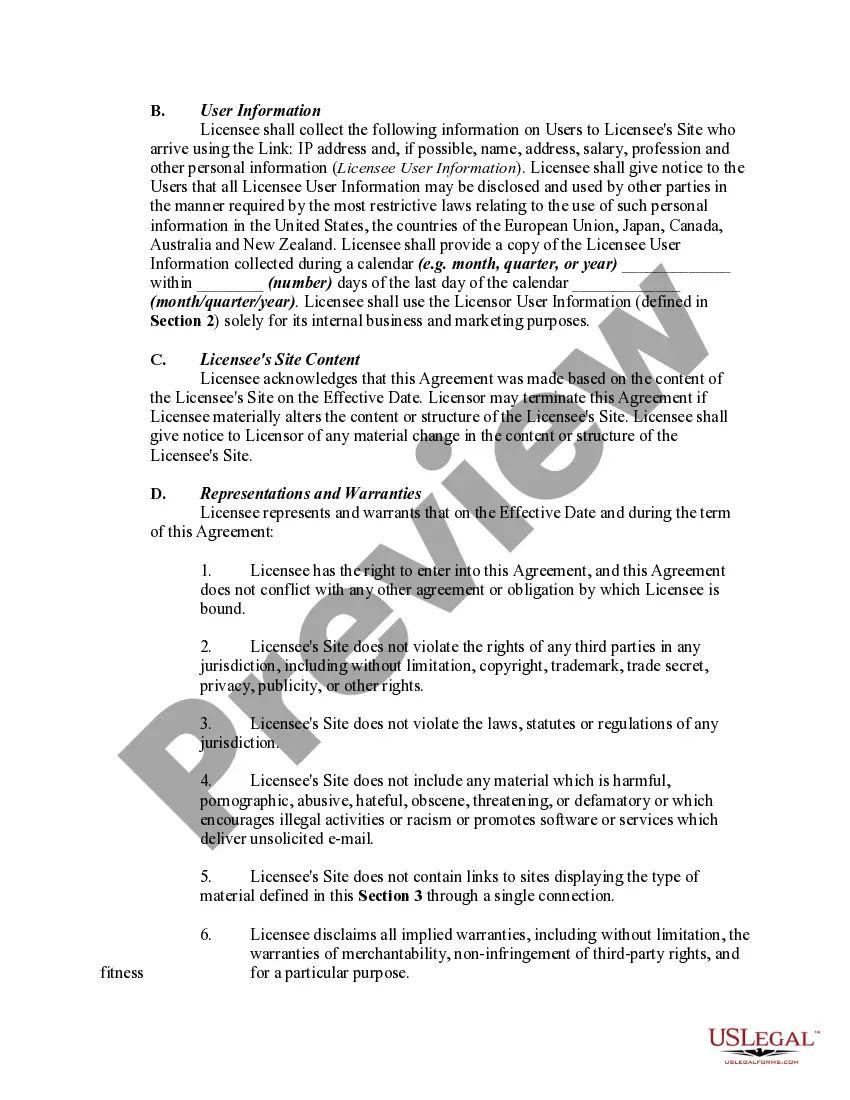
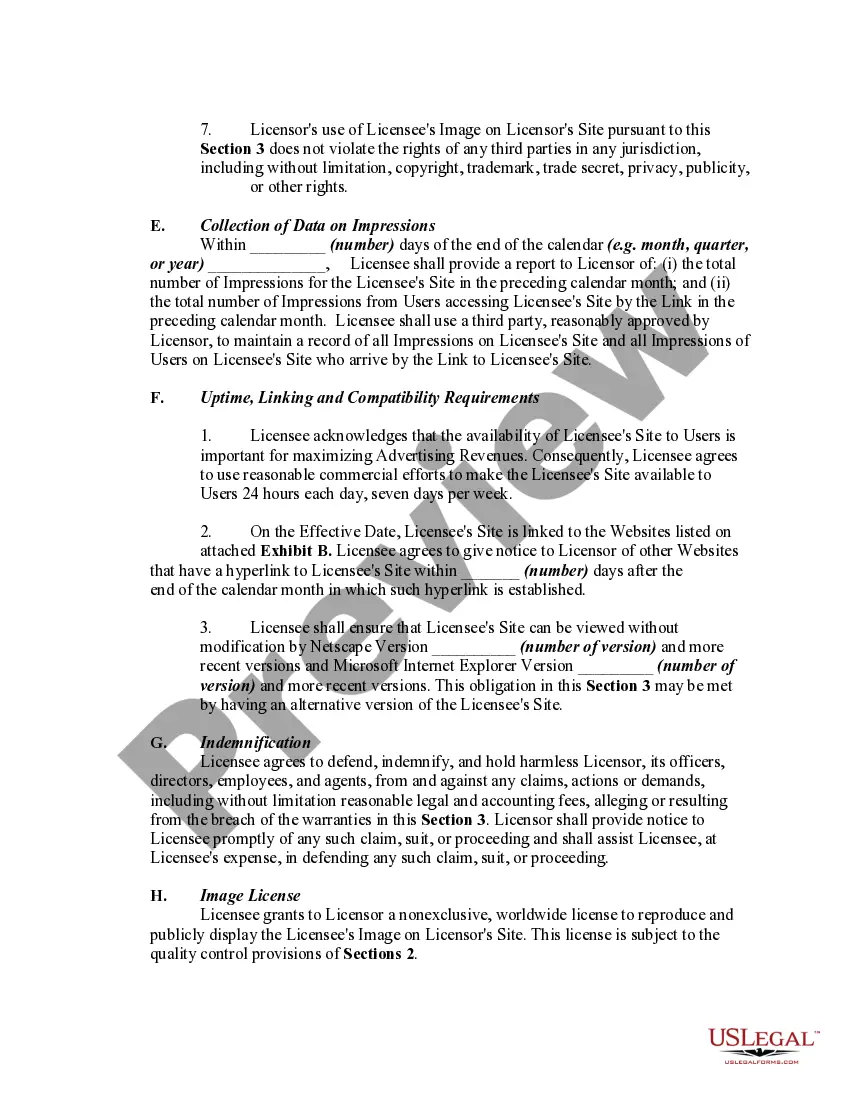
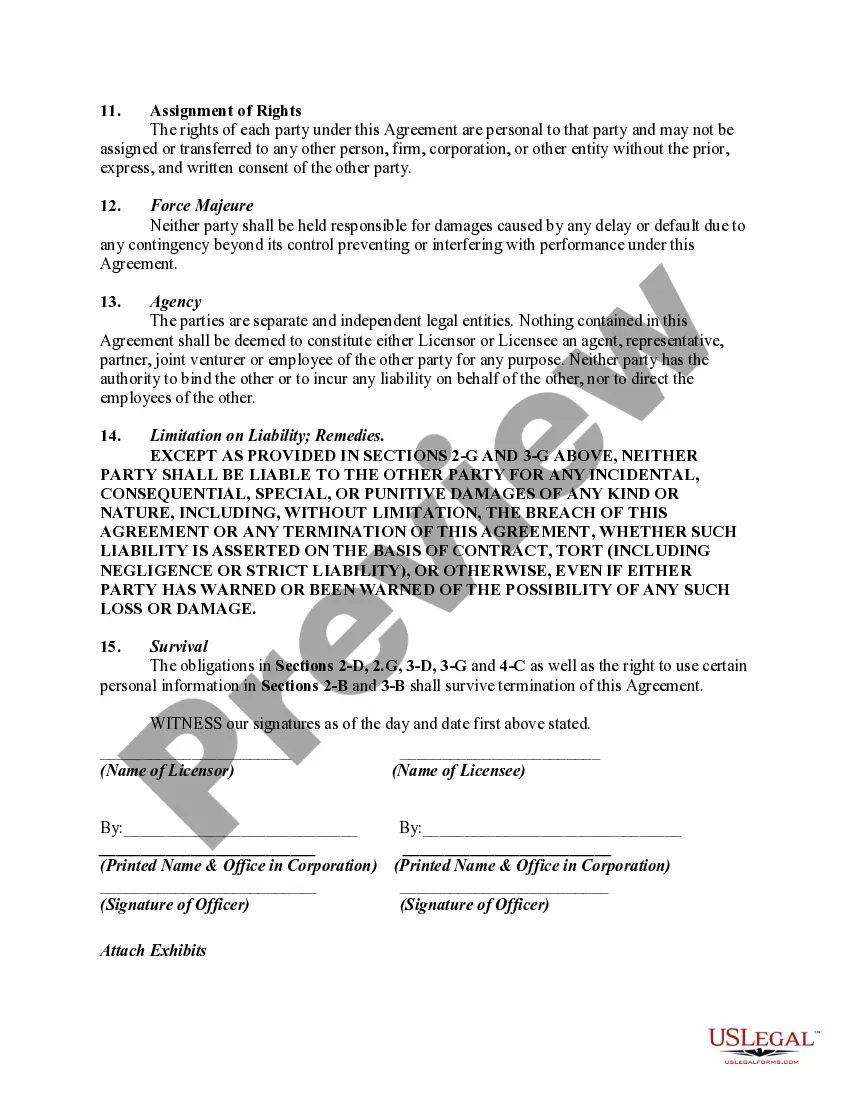
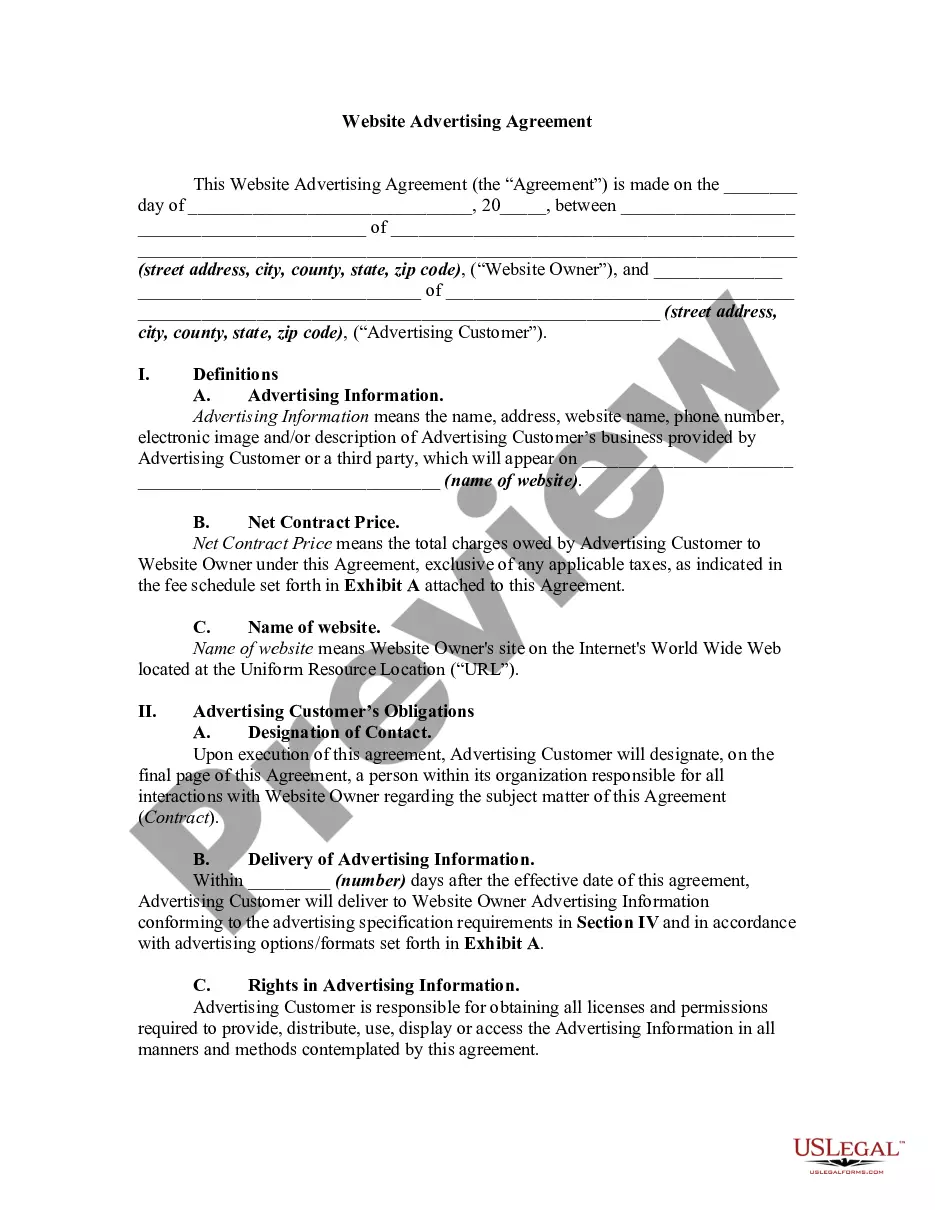
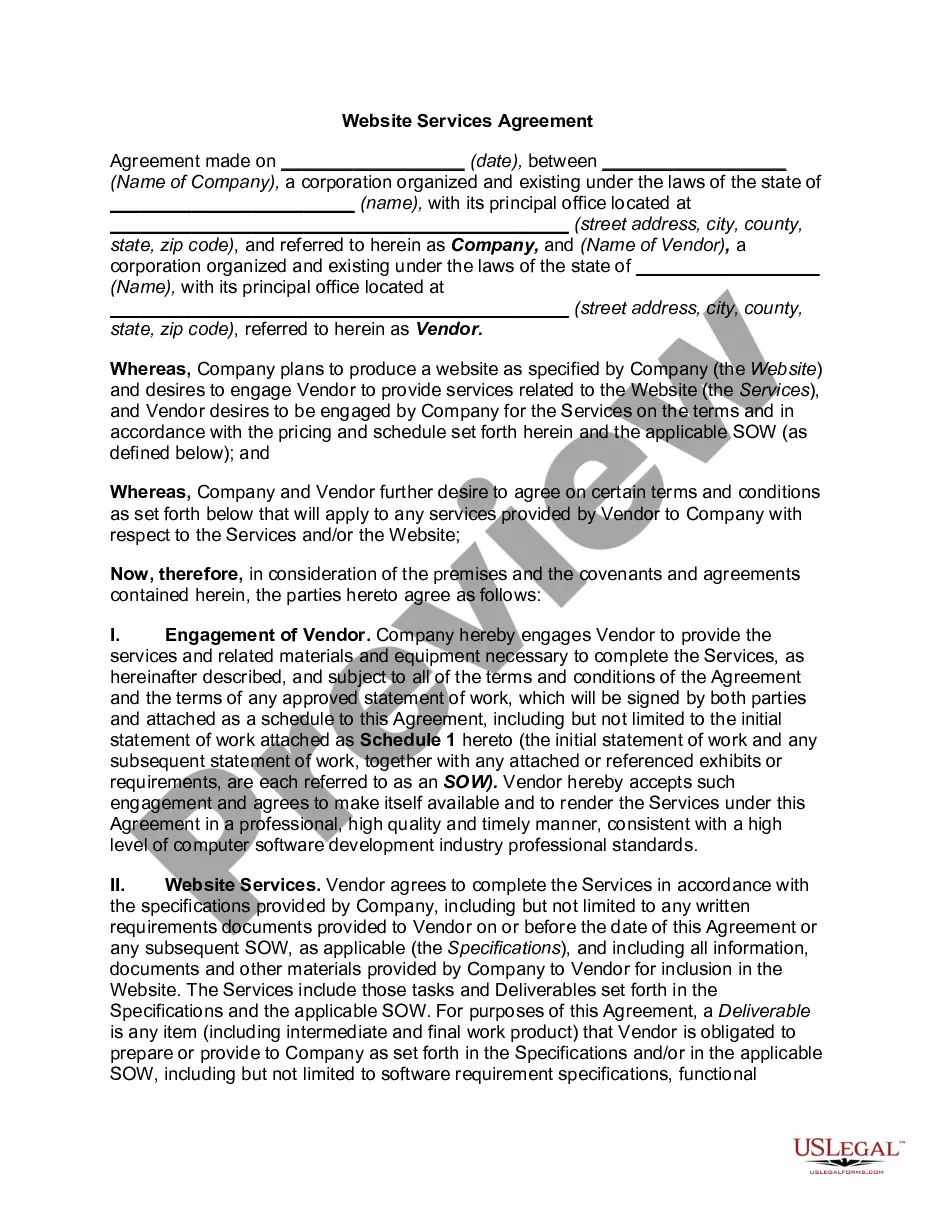
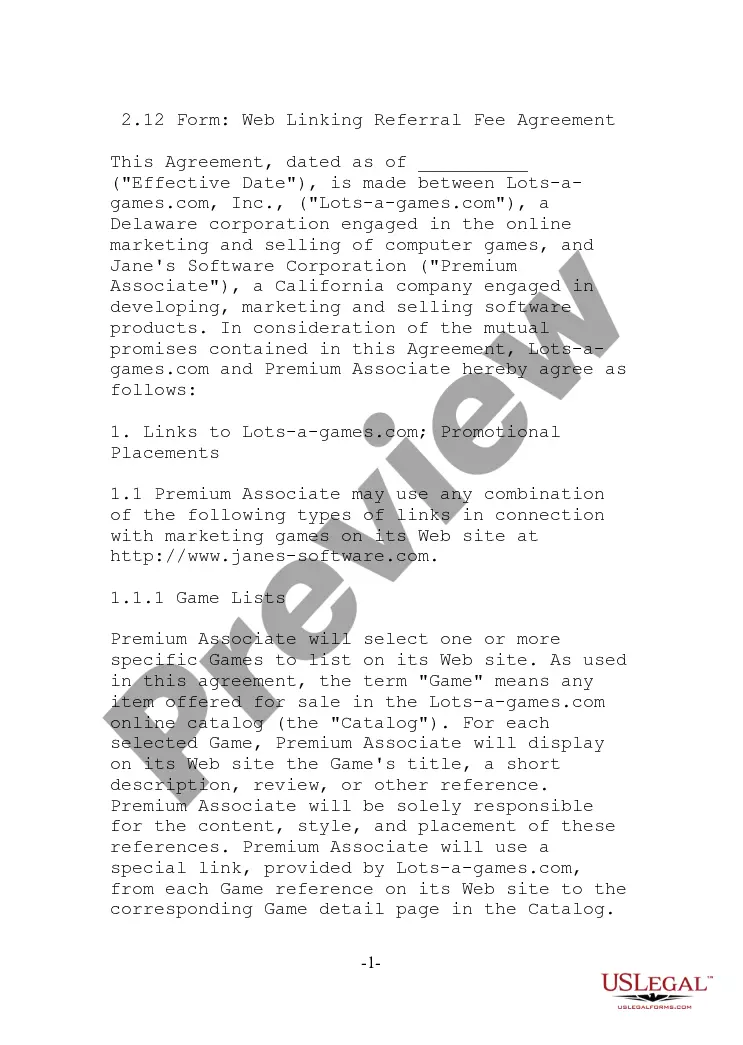
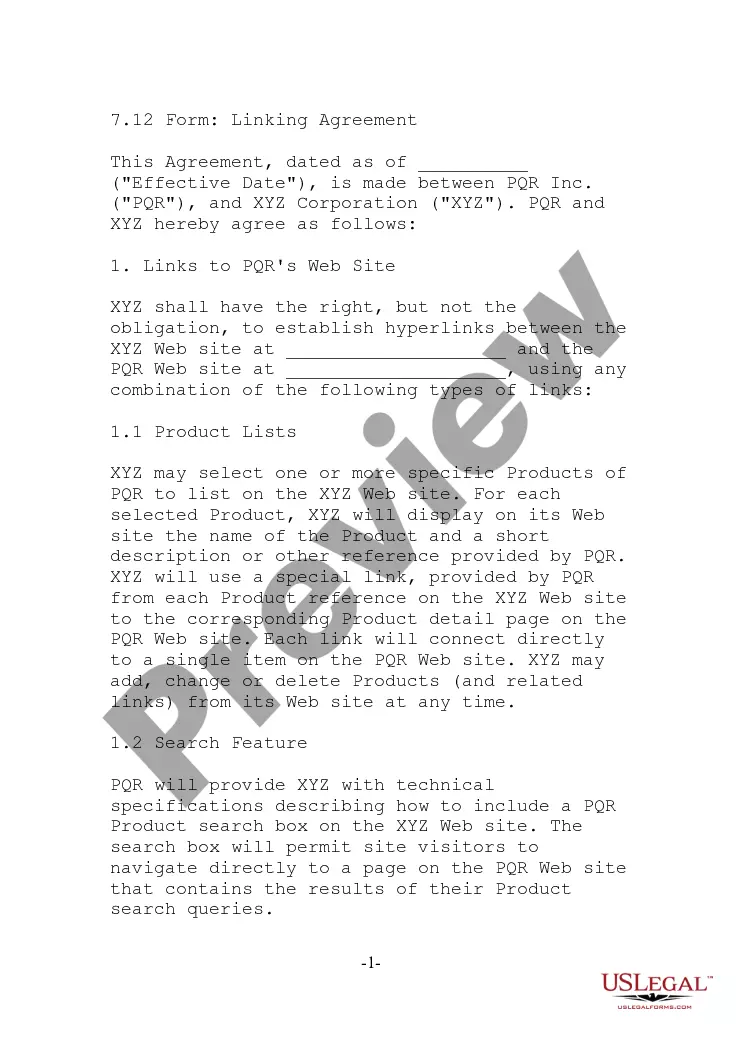
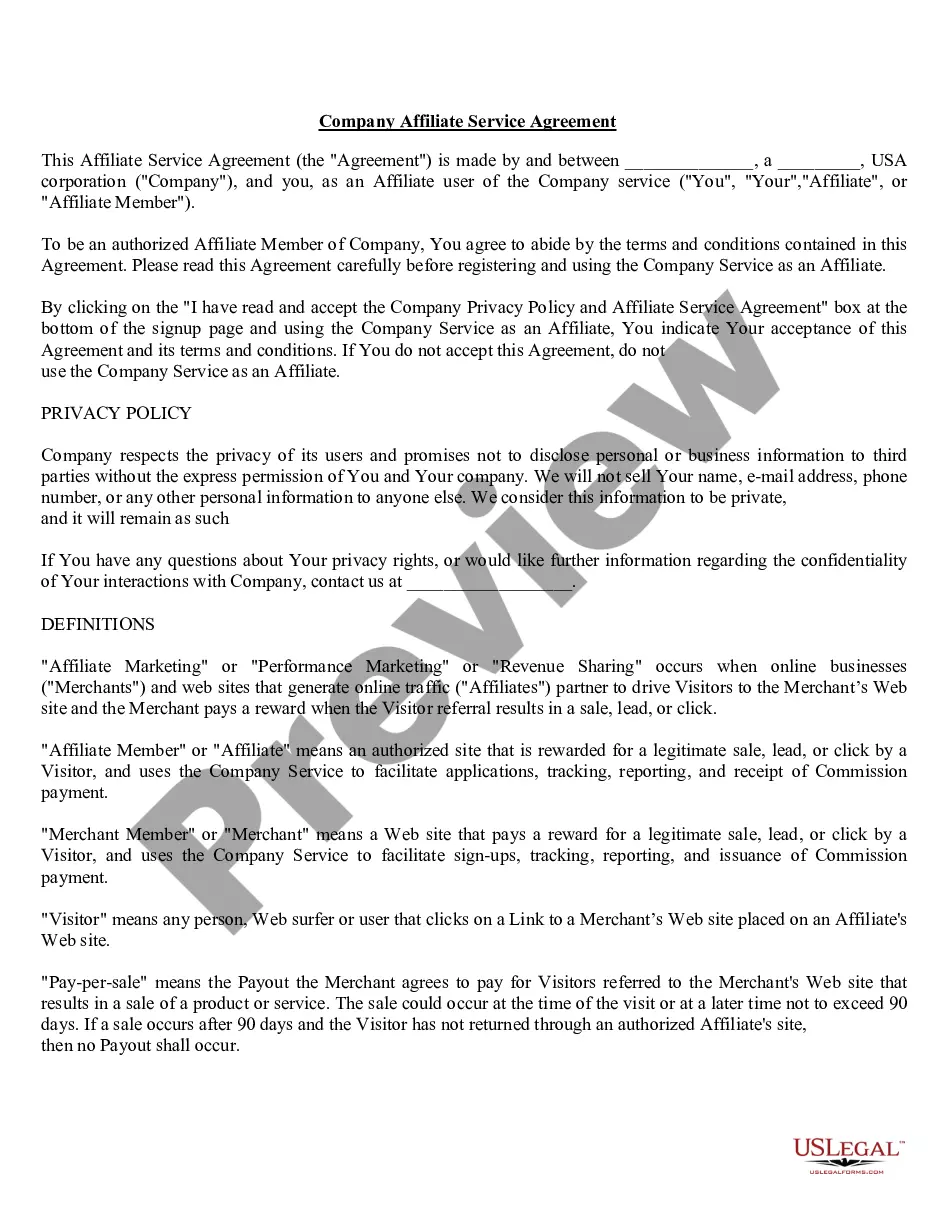
The Website Linking Agreement is a legal document that outlines the terms between two internet site owners who wish to share revenue generated from users who access either site through a hyperlink. This agreement sets the framework for each party's rights and responsibilities regarding the placement of links, the sharing of advertising revenue, and the necessary data collection, distinguishing it from other types of affiliate or partnership agreements.
What’s included in this form
- Details of the parties involved: Names, addresses, and legal statuses of the Licensor and Licensee.
- Definitions of key terms, including Advertising Revenue, Impressions, and User.
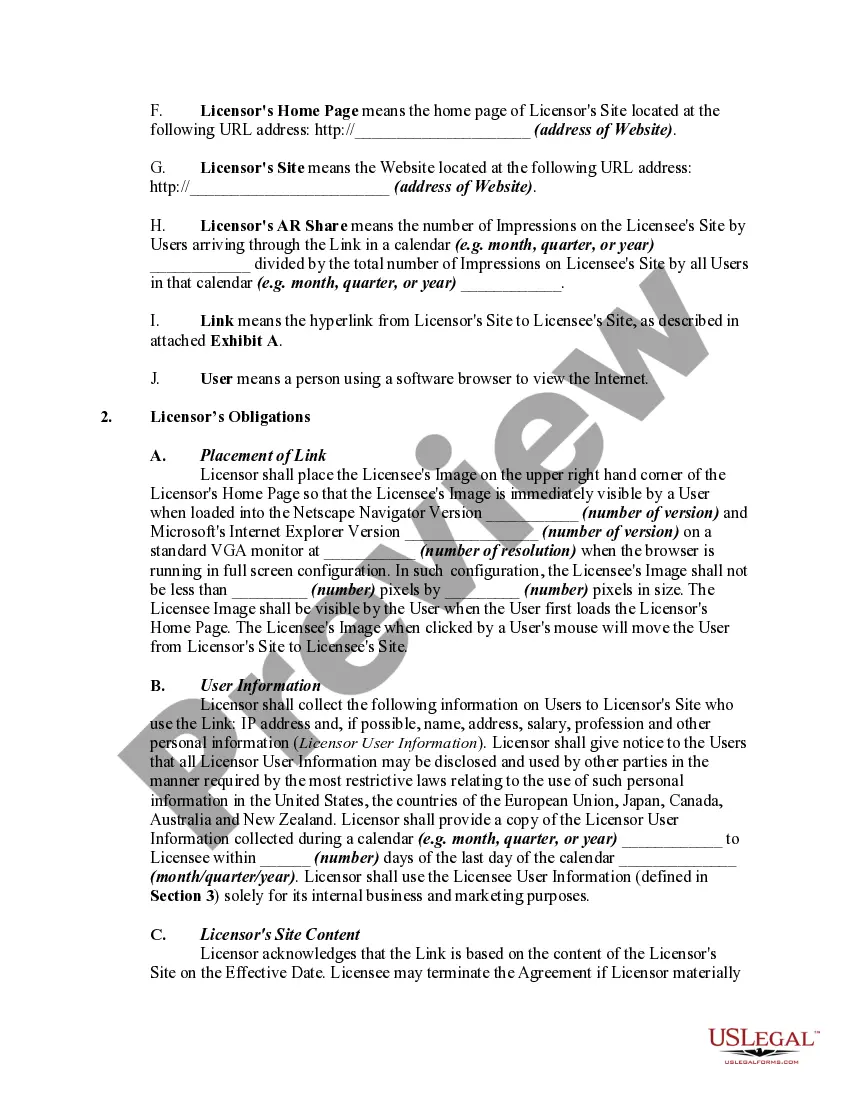
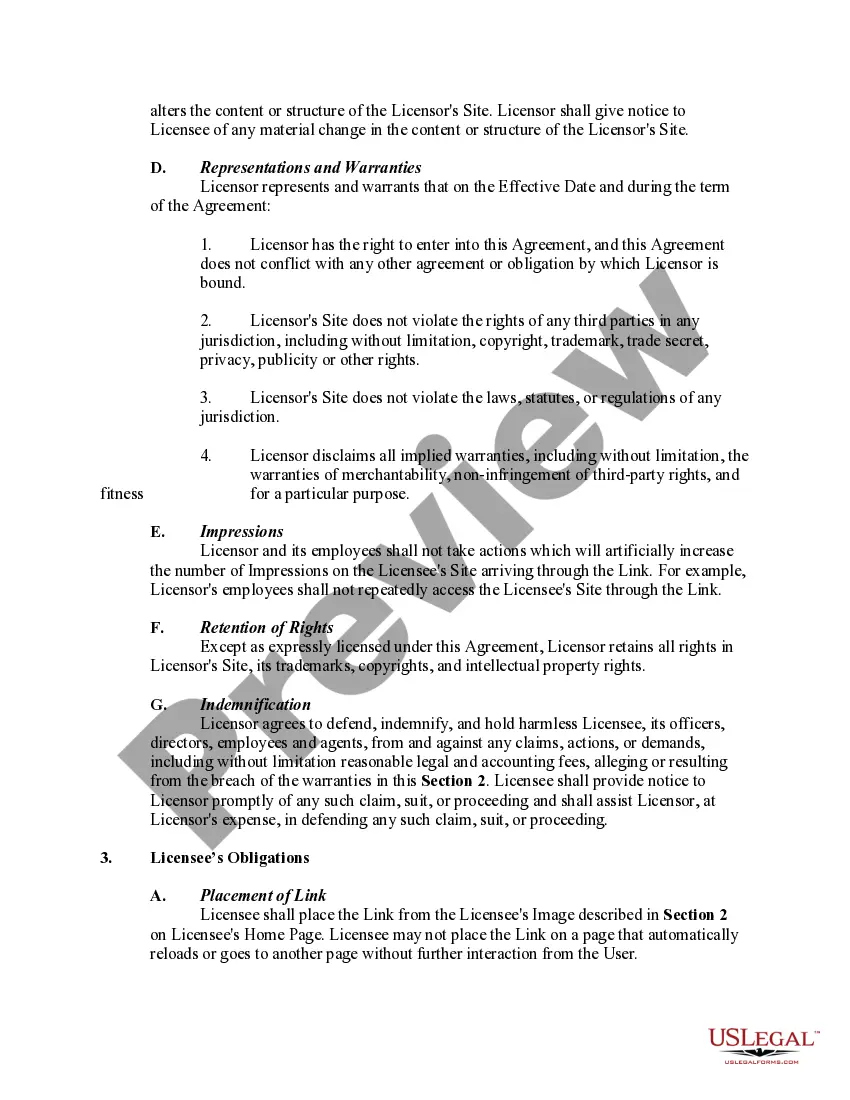
- Obligations of each party related to the placement and management of links.
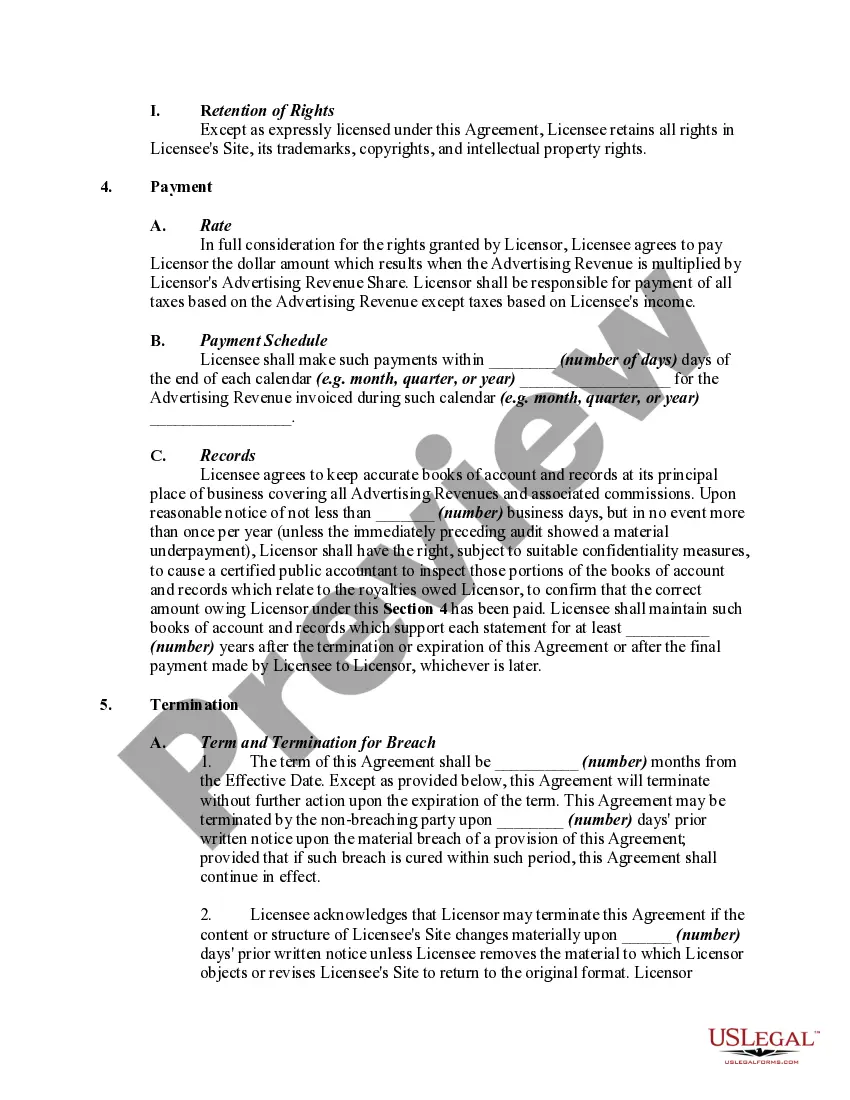
- Payment terms regarding the distribution of advertising revenue generated through the links.
- Provisions for data collection and user information management.
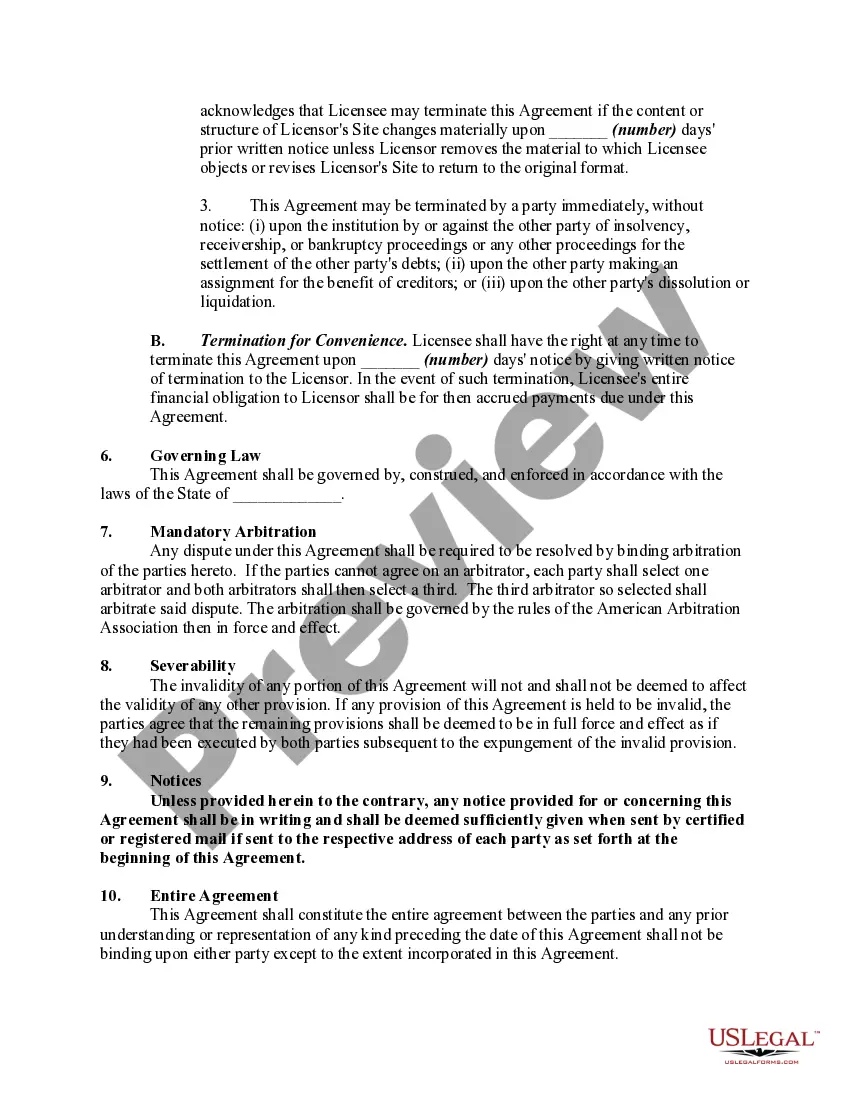
- Termination conditions for the agreement, including breach and changes to content.
Common use cases
This form should be used when two separate websites want to establish a financial agreement that allows them to link to each otherâs content, thereby enabling them to benefit from shared advertising revenue. It is useful in partnerships where either site intends to drive traffic to the other, with clear terms regarding the financial split and the responsibilities associated with user data management.
Who can use this document
- Website owners or operators looking to enter into a revenue-sharing agreement with another site.
- Businesses seeking to augment their income through affiliate marketing.
- Marketing professionals responsible for establishing or maintaining affiliate or partnership networks.
How to prepare this document
- Identify the parties involved by entering the full legal names and addresses of both the Licensor and Licensee.
- Clearly define the URLs of both websites and provide descriptions of their content.
- Specify the terms for revenue sharing and outline how advertising revenue will be calculated and reported.
- Fill in any agreed-upon rates, payment schedules, and data collection practices related to user interactions.
- Review the terms of termination and ensure all parties sign and date the agreement.
Notarization requirements for this form
This form does not typically require notarization unless specified by local law. However, it is advised to check state regulations to confirm if notarization is necessary for enforceability.
Get your form ready online
Our built-in tools help you complete, sign, share, and store your documents in one place.
Make edits, fill in missing information, and update formatting in US Legal Forms—just like you would in MS Word.
Download a copy, print it, send it by email, or mail it via USPS—whatever works best for your next step.
Sign and collect signatures with our SignNow integration. Send to multiple recipients, set reminders, and more. Go Premium to unlock E-Sign.
If this form requires notarization, complete it online through a secure video call—no need to meet a notary in person or wait for an appointment.
We protect your documents and personal data by following strict security and privacy standards.

Make edits, fill in missing information, and update formatting in US Legal Forms—just like you would in MS Word.

Download a copy, print it, send it by email, or mail it via USPS—whatever works best for your next step.

Sign and collect signatures with our SignNow integration. Send to multiple recipients, set reminders, and more. Go Premium to unlock E-Sign.

If this form requires notarization, complete it online through a secure video call—no need to meet a notary in person or wait for an appointment.

We protect your documents and personal data by following strict security and privacy standards.
Typical mistakes to avoid
- Failing to clearly define the terms of revenue sharing, which can lead to disputes later.
- Neglecting to include specific details about data collection, potentially violating privacy laws.
- Not specifying the responsibilities or obligations of each party, leading to misunderstandings in the partnership.
Why complete this form online
- Easy access: Download and complete the template at your convenience.
- Editable format: Customize the agreement to meet your specific needs.
- Professionally drafted: The template is prepared by licensed attorneys, ensuring legal soundness.
Legal use & context:
- This agreement is legally enforceable and establishes clear terms of mutual benefit for both parties.
- Details regarding user data collection must comply with applicable privacy laws.
- Disputes arising from this agreement generally require arbitration, as stipulated.
- It is essential to keep the agreement updated according to changes in the business or any legal environment.
Summary of main points
- The Website Linking Agreement is critical for establishing clear business practices between linked sites.
- Both website owners must understand their responsibilities regarding revenue sharing and data handling.
- It is advisable to keep a copy of the agreement for future reference and compliance verification.
Looking for another form?
Form popularity
FAQ
At first glance, it may seem as if it's perfectly legal to copy content from a website. But is it? The short answer to this question is "no," unless you've obtained the author's permission.
Using copied content can severely damage your search engine rankings. And that's not something you want for your online business. Google severely punishes copied content. If your content has been used somewhere else online, you can notify Google.
Under the DMCA or Digital Millennium Copyright Act, all content published online is protected under copyright law, regardless of it having the copyright symbol on the page. Any content, no matter the form it takes (whether digital, print, or media) is protected under copyright law.
Yes. Always include links in your blog posts.The best bloggers in the world link to their own posts and pages and they link to other posts and pages. It's not only something you need to do for proper attribution, but it's something you should to do benefit your blog.
Select the text or picture that you want to display as a hyperlink. Press Ctrl+K. You can also right-click the text or picture and click Link on the shortcut menu. In the Insert Hyperlink box, type or paste your link in the Address box.
The simplest way to redirect to another URL is to use an HTML <meta> tag with the http-equiv parameter set to refresh. The content attribute sets the delay before the browser redirects the user to the new web page. To redirect immediately, set this parameter to 0 seconds for the content attribute.
Framing. Besides using external links, another way to connect from your website to other websites is by framing. Framing is a lot like linking in that you code a word or image so that it will connect to another Web page when the user clicks on it.
Most often, a website will connect to another in the form of a link (also known as a hypertext link), a specially coded word or image that when clicked upon, will take a user to another Web page.You do not need permission for a regular word link to another website's home page.
Linking to other Web Pages. Linking in HTML code is done with the anchor tag, the <A> tag. The letter "A" in the tag is then followed by an attribute. For a link to another web page, the "A" is followed by "HREF".