Purchase Order for Computer
About this form
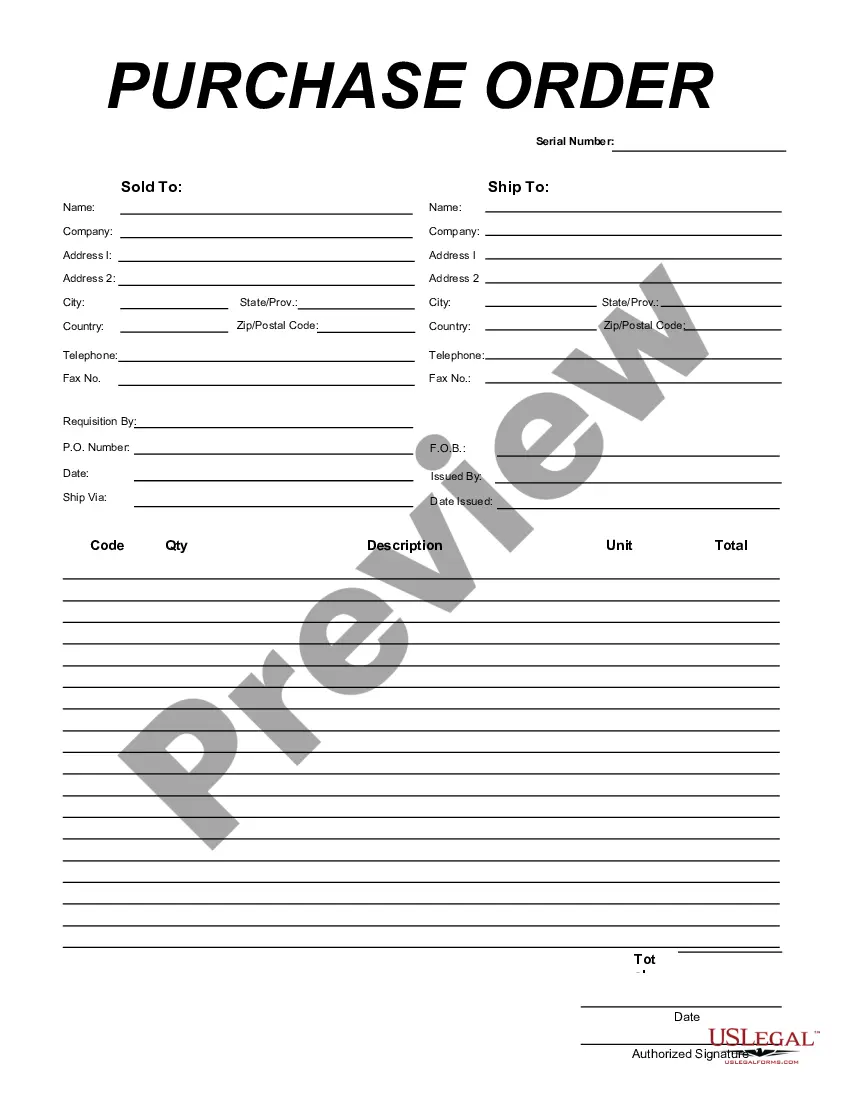
The Purchase Order for Computer is a business form that facilitates the ordering of computer equipment. This form is specifically designed to help businesses manage their procurement process effectively. Unlike other purchase order forms, it captures detailed information about the items being ordered, making it clear and organized for both buyers and suppliers.
Key components of this form
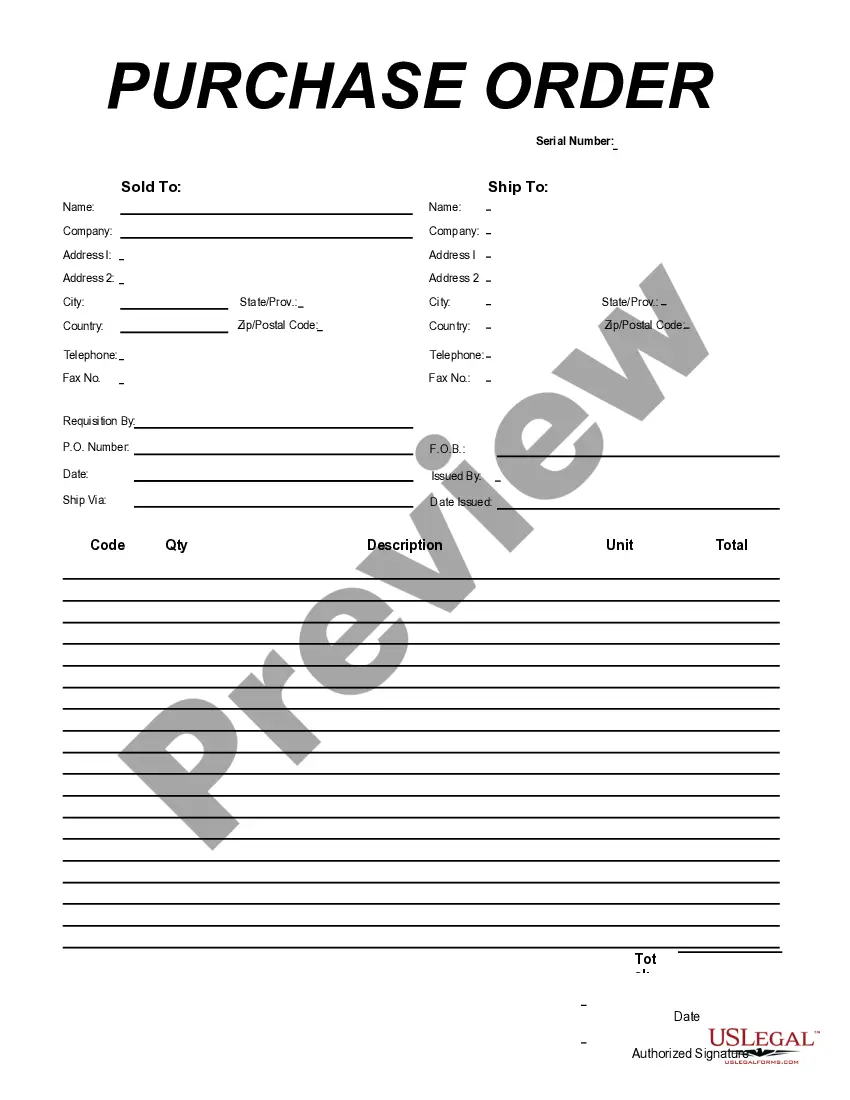
- Ship To Name: Identifies the recipient of the order.
- Company Details: Includes the ordering company's name and address.
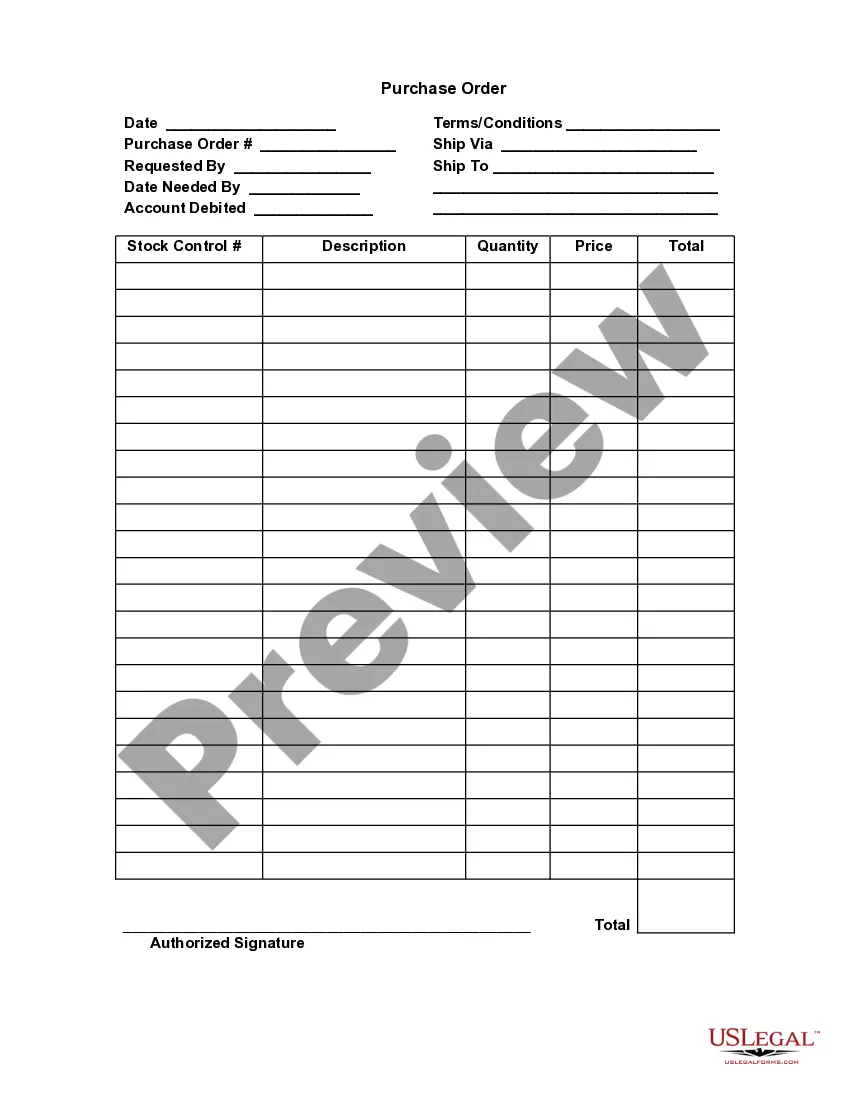
- Order Details: Records the quantity, description, and unit cost of each item.
- P.O. Number: A unique identifier assigned to the purchase order.
- Authorized Signature: Required to validate the order.



Situations where this form applies
This form should be used when a business intends to purchase computer equipment from a supplier. It is suitable for large orders that require detailed tracking and approval. Use this form whenever there is a need to formalize an order to ensure both parties understand the specific items being purchased and to assist in record-keeping.
Who this form is for
- Businesses of all sizes looking to purchase computer equipment.
- Procurement professionals managing supplier relationships.
- Office managers responsible for maintaining IT hardware inventory.
How to complete this form
- Identify the recipient by entering the Ship To Name and Company details.
- Provide complete address information including city, state, and zip code.
- Fill in the Requisition By section and assign a unique P.O. Number.
- List each item being ordered by entering the Quantity, Description, Unit Cost, and Total.
- Enter the date of the order and obtain an authorized signature for verification.
Notarization requirements for this form
This form does not typically require notarization unless specified by local law. It can be completed and submitted without the need for a notary, making the process straightforward and efficient for users.
Get your form ready online
Our built-in tools help you complete, sign, share, and store your documents in one place.
Make edits, fill in missing information, and update formatting in US Legal Forms—just like you would in MS Word.
Download a copy, print it, send it by email, or mail it via USPS—whatever works best for your next step.
Sign and collect signatures with our SignNow integration. Send to multiple recipients, set reminders, and more. Go Premium to unlock E-Sign.
If this form requires notarization, complete it online through a secure video call—no need to meet a notary in person or wait for an appointment.
We protect your documents and personal data by following strict security and privacy standards.

Make edits, fill in missing information, and update formatting in US Legal Forms—just like you would in MS Word.

Download a copy, print it, send it by email, or mail it via USPS—whatever works best for your next step.

Sign and collect signatures with our SignNow integration. Send to multiple recipients, set reminders, and more. Go Premium to unlock E-Sign.

If this form requires notarization, complete it online through a secure video call—no need to meet a notary in person or wait for an appointment.

We protect your documents and personal data by following strict security and privacy standards.
Mistakes to watch out for
- Forgetting to include all necessary item descriptions.
- Leaving out the authorized signature.
- Incorrectly entering quantities or prices, leading to billing errors.
Why use this form online
- Easy to fill out and edit using Adobe Acrobat or Word.
- Improves accuracy and reduces the risk of errors in orders.
- Streamlines the procurement process by providing a standardized format.
Looking for another form?


Form popularity
FAQ
A purchase order is a commercial source document. Whether checks are written to be that is issued by a business' purchasing department when placing an order with its vendors or suppliers. The document indicates the details on the items that are to be purchased, such as the types of goods, quantity, and price.
Purchase orders are used to initiate a transaction with a supplier when a business wants to purchase something. This allows both parties to have matching records they can use to verify what was purchased, the price of the transaction, and when the purchase took place.
For example: Maria's company needs to purchase new materials from a supplier to create their products. The company then creates a purchase order to present to the supplier from which they wish to order materials.When Maria's company receives the goods and the invoice, they compare them to the purchase order.
A purchase order system is software that manages your purchase order process, end to end. A good purchase order system will not only generate purchase orders swiftly but also track and manage all associated paperwork securely.
Quickbooks Best purchase order software for Quickbooks users. Coupa Procurement Most flexible purchase order software. Procurify Best purchase order software for customization. Xero Best price for purchase order software. ManageEngine ServiceDesk Plus Best purchase order software for IT teams.
Quantity of goods or services purchased. A description of the product or good purchased. Brand names or model numbers. Price. Delivery date. Location. Name and billing address of the buyer. Name and payment receipt address of the seller.
A purchase order, or PO, is an official document issued by a buyer committing to pay the seller for the sale of specific products or services to be delivered in the future. The advantage to the buyer is the ability to place an order without immediate payment.
A purchase order is used by a buyer to place an order and is issued before delivery. An invoice is issued by a seller using invoicing software after an order is delivered. It defines the amount the buyer owes for the purchased goods and the date by which the buyer needs to pay.
A purchase order is used by a buyer to place an order and is issued before delivery. An invoice is issued by a seller using invoicing software after an order is delivered. It defines the amount the buyer owes for the purchased goods and the date by which the buyer needs to pay.