Sample Letter for Letter Template #3
What this document covers
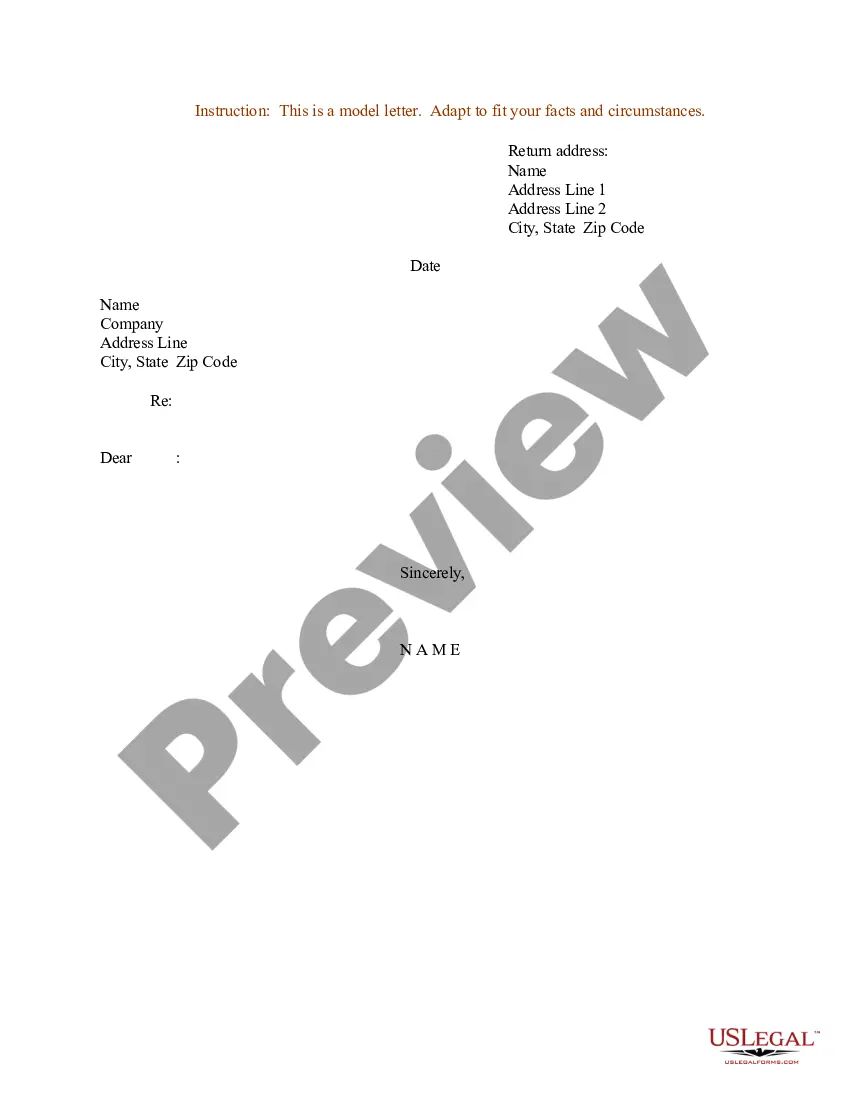
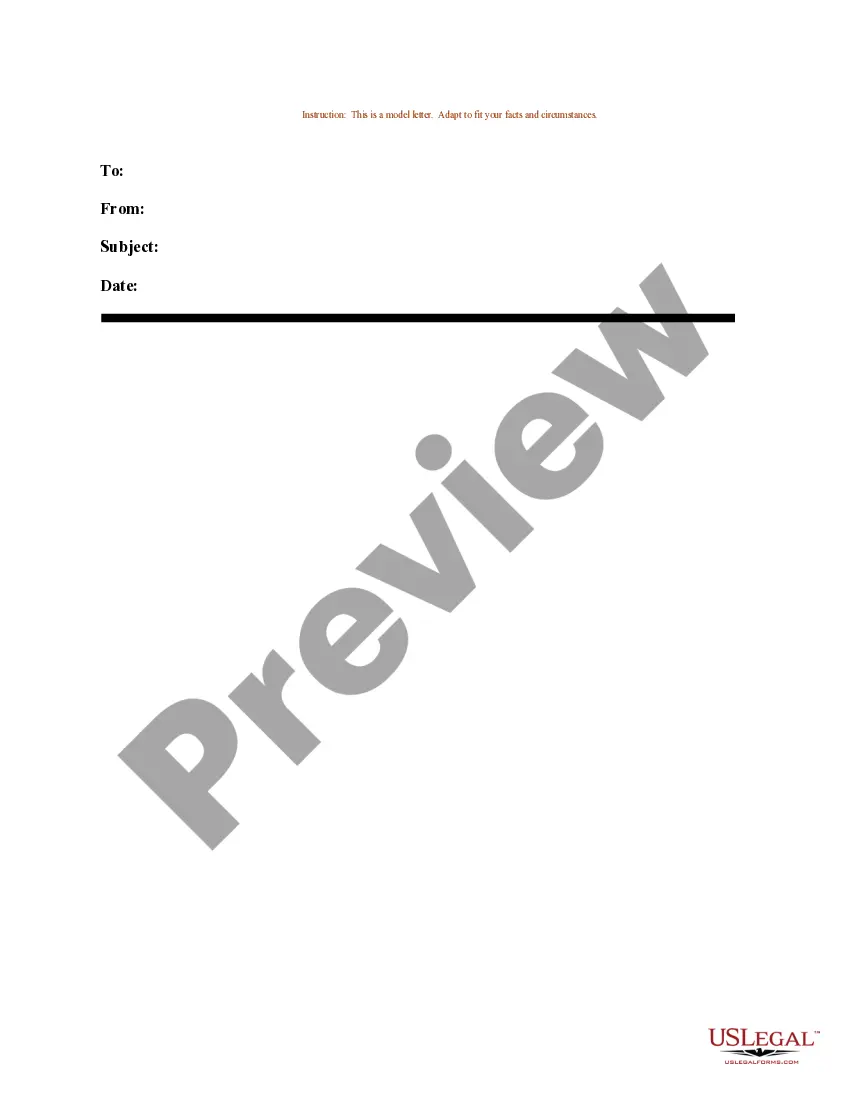
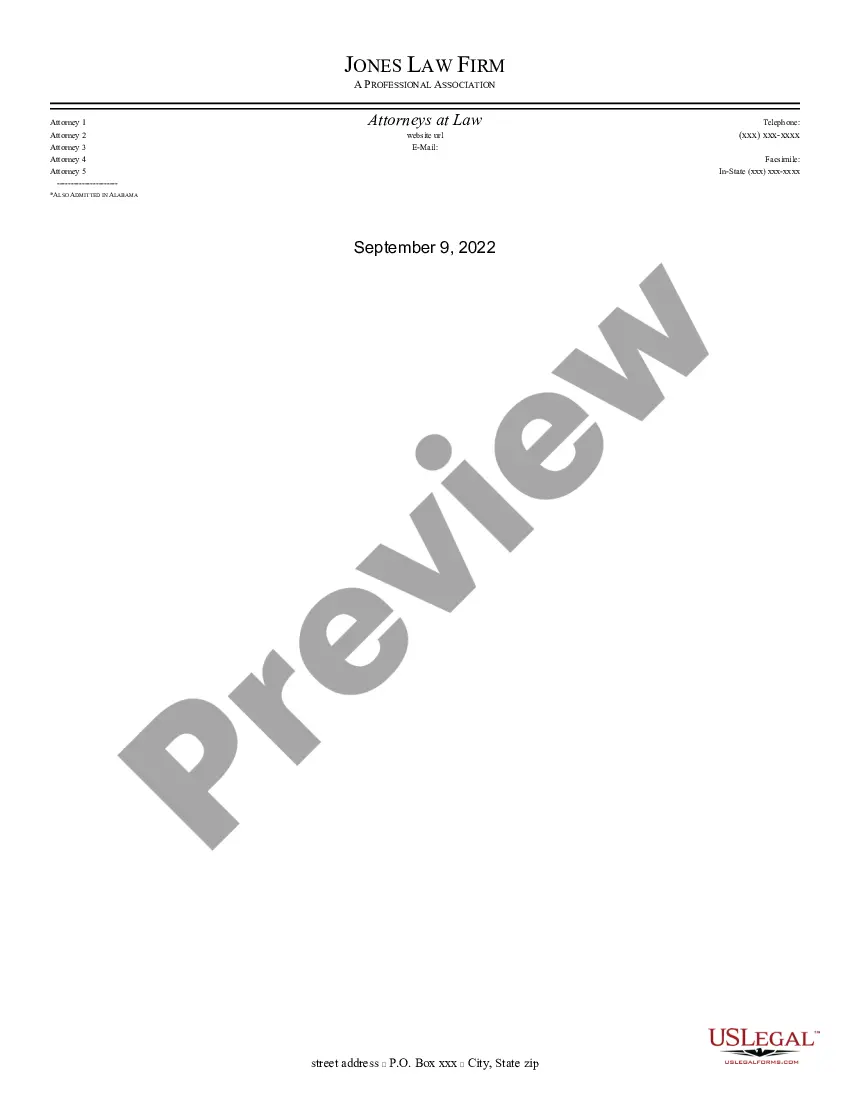
This Sample Letter for Letter Template #3 is a customizable Word document intended to provide users with a template for crafting formal letters. It serves as a clear guide on how to structure your letter, including essential details such as contact information. Unlike similar forms, this template focuses on providing a structured format for letter writing, making it user-friendly for individuals without extensive legal or writing experience.
Key components of this form
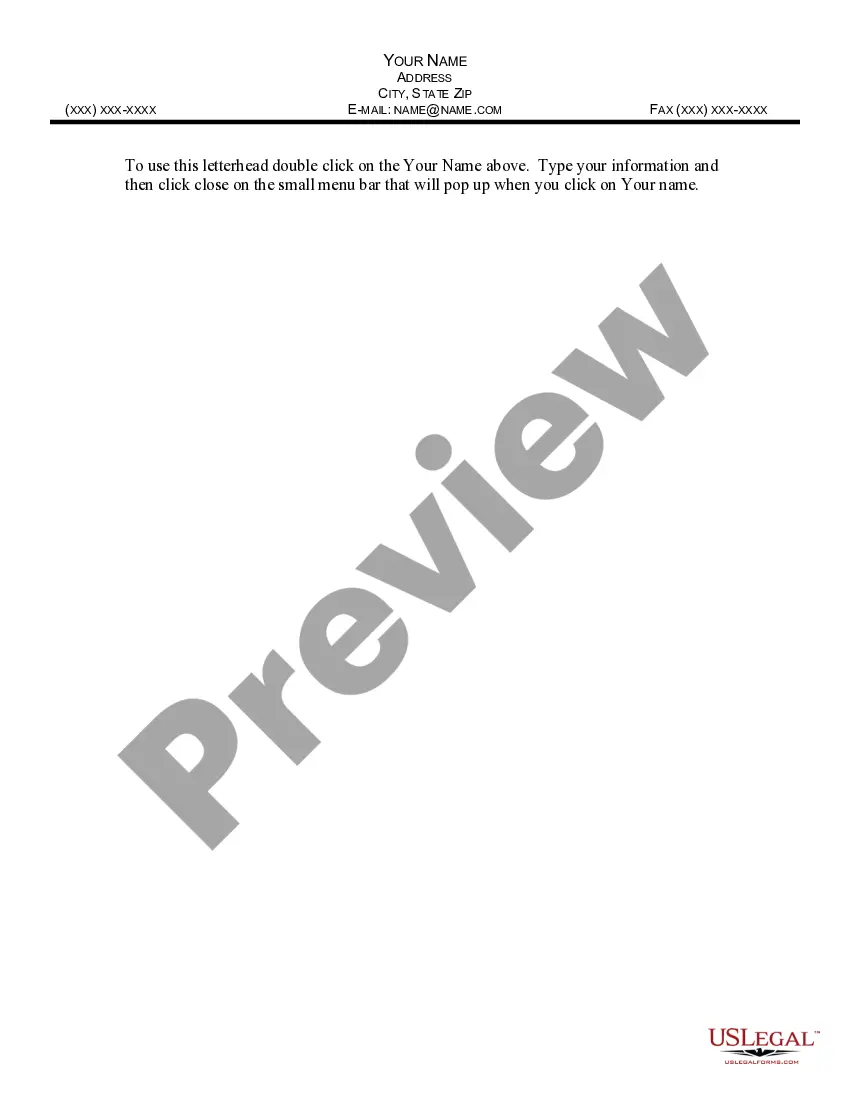
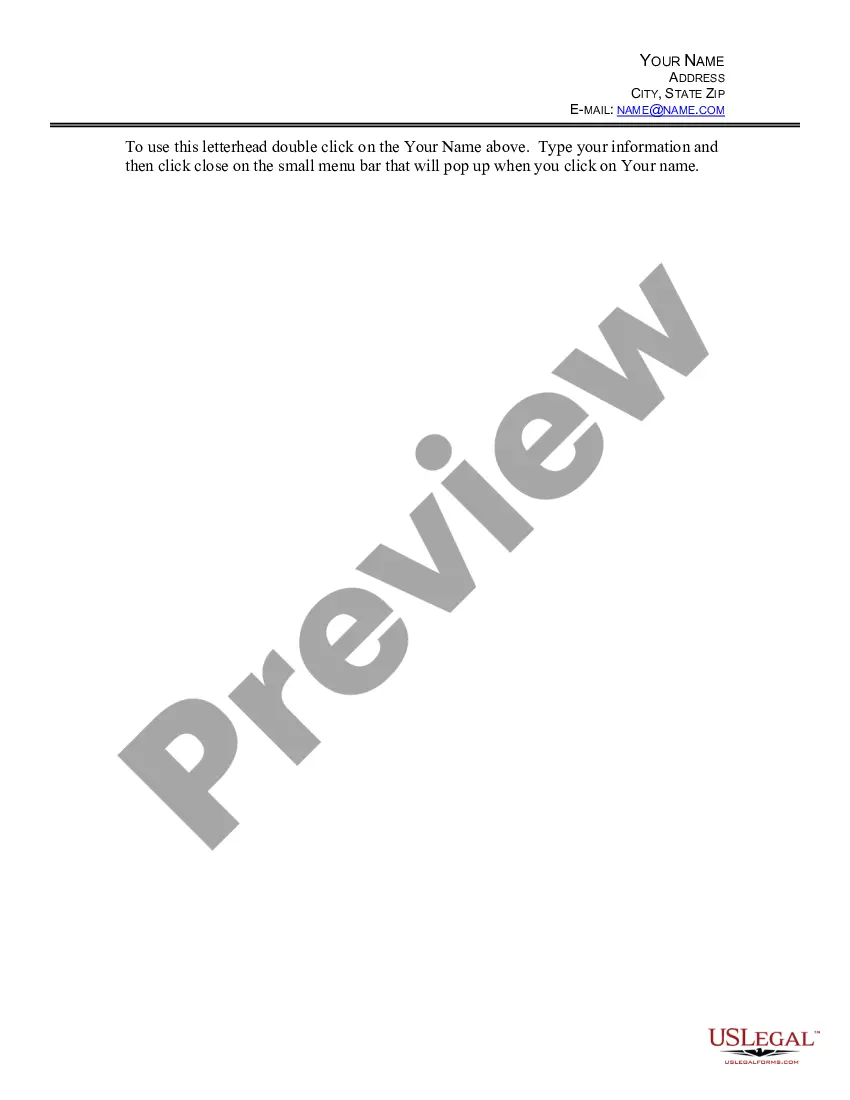
- Your Name: The senderâs name is placeholder text that users need to replace with their own.
- Contact Information: Fields for address, phone number, email, and fax number are included for clear communication.
- Format Instructions: The template includes instructions on how to modify the letterhead for personal use.
When to use this document
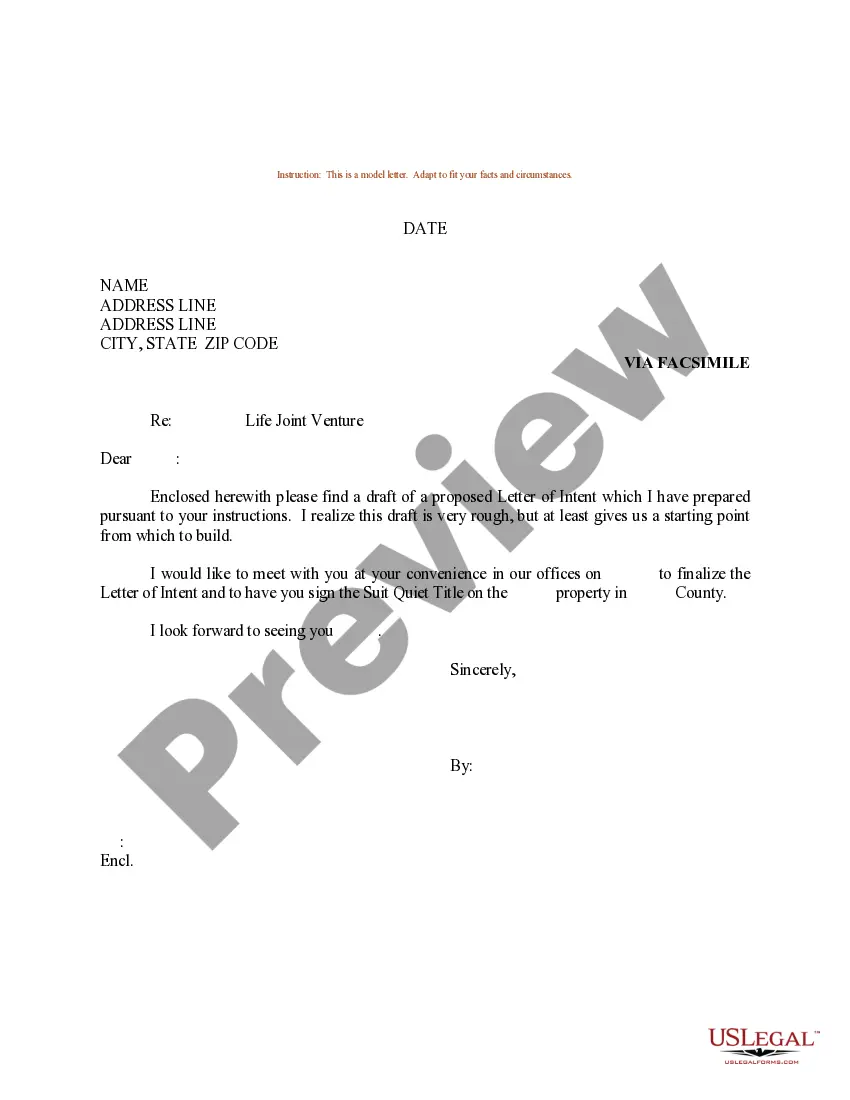
This form is useful when you need to send a formal letter for various purposes, such as making a request, providing information, or communicating with an organization or individual. It can be appropriate for both personal and professional contexts, ensuring that your letter maintains an official tone.
Who should use this form
This form is suitable for:
- Individuals looking to communicate formally in writing.
- Small business owners who need templates for correspondence.
- Students drafting letters for school-related activities.
How to complete this form
To complete this form, follow these steps:
- Open the template and double-click on the field labeled 'Your Name.'
- Replace the placeholder text with your name and contact information.
- Ensure that the address, phone number, and email are accurate and current.
- Review the letter content for any specific details you wish to include.
- Save the modified document and print or send it as needed.
Is notarization required?
This form does not typically require notarization unless specified by local law. However, being a formal letter template, it is always advisable to check local regulations for any additional requirements.
Get your form ready online
Our built-in tools help you complete, sign, share, and store your documents in one place.
Make edits, fill in missing information, and update formatting in US Legal Forms—just like you would in MS Word.
Download a copy, print it, send it by email, or mail it via USPS—whatever works best for your next step.
Sign and collect signatures with our SignNow integration. Send to multiple recipients, set reminders, and more. Go Premium to unlock E-Sign.
If this form requires notarization, complete it online through a secure video call—no need to meet a notary in person or wait for an appointment.
We protect your documents and personal data by following strict security and privacy standards.

Make edits, fill in missing information, and update formatting in US Legal Forms—just like you would in MS Word.

Download a copy, print it, send it by email, or mail it via USPS—whatever works best for your next step.

Sign and collect signatures with our SignNow integration. Send to multiple recipients, set reminders, and more. Go Premium to unlock E-Sign.

If this form requires notarization, complete it online through a secure video call—no need to meet a notary in person or wait for an appointment.

We protect your documents and personal data by following strict security and privacy standards.
Common mistakes
- Forgetting to replace placeholder text with actual information.
- Leaving out important contact details.
- Using informal language instead of a formal tone.
Why complete this form online
- Convenient: The template can be downloaded and modified at your convenience.
- Editability: Easily customize the template to meet your specific needs.
- Reliability: Created by licensed attorneys, ensuring it meets legal standards.
Key takeaways
- The Sample Letter for Letter Template #3 provides a ready-to-use format for crafting letters efficiently.
- It is versatile for personal and professional communications.
- Customization is straightforward, making it accessible for all users.
Looking for another form?
Form popularity
FAQ
The term template, when used in the context of word processing software, refers to a sample document that has already some details in place; those can (that is added/completed, removed or changed, differently from a fill-in-the-blank of the approach as in a form) either by hand or through an automated iterative process
A sample refers to a smaller, manageable version of a larger group. It is a subset containing the characteristics of a larger population. Samples are used in statistical testing when population sizes are too large for the test to include all possible members or observations.
A writing template is a guide that a writer follows while writing an article, a book, a letter, etc. A template aims to help the writer follow a specific structure and write faster. Writing templates are important because they can save you lots of time if you're a beginner.
Go into the "File" section, click the "New" button. In the "Search online templates box", enter the type of form template you intend creating; then press "ENTER". Click the suitable template for your form, and click "Create".
A template is a form, mold, or pattern used as a guide to making something. Here are some examples: A ruler is a template when used to draw a straight line. A document in which the standard opening and closing parts are already filled in is a template that you can copy and then fill in the variable parts.
Both example and sample imply a part and also act like representatives of a whole. An example, by definition, is a noun that shows and mirrors other things.On the other hand, a sample is a small part of something much bigger. Unlike an example, a sample is random and not specific.
As nouns the difference between sample and template is that sample is a part of anything taken or presented for inspection, or shown as evidence of the quality of the whole; a specimen; as, goods are often purchased by samples while template is a physical object whose shape is used as a guide to make other objects.
What's the difference between SAMPLE, PATTERN and TEMPLATE?Pattern: it's like the design of sth that you can get it through observing. For example geometic patterns in nature and architecture. Template: It is something that predisegned and you work over it.
1Click the text you want to replace. The text will appear highlighted, and a template tag will appear. Inserting text into a template.2Enter some text. It will replace the placeholder text.