Sample Letter for Letter Template #4
What this document covers
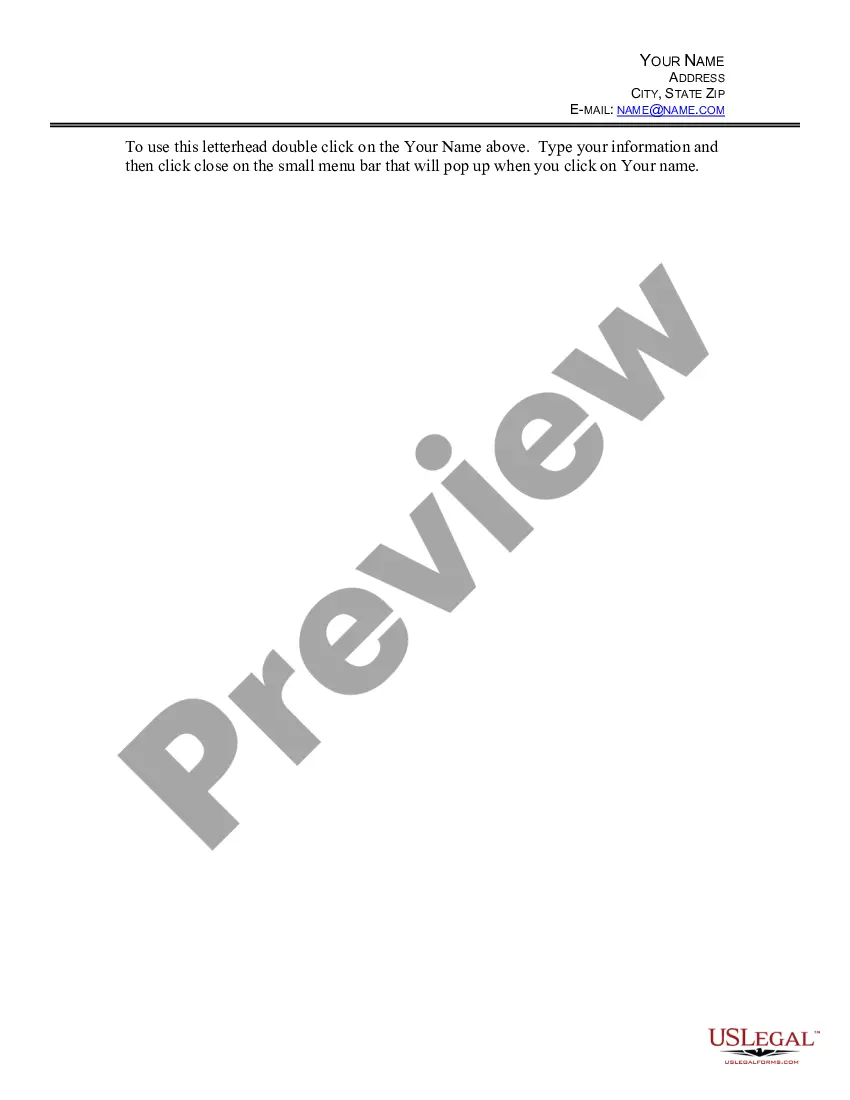
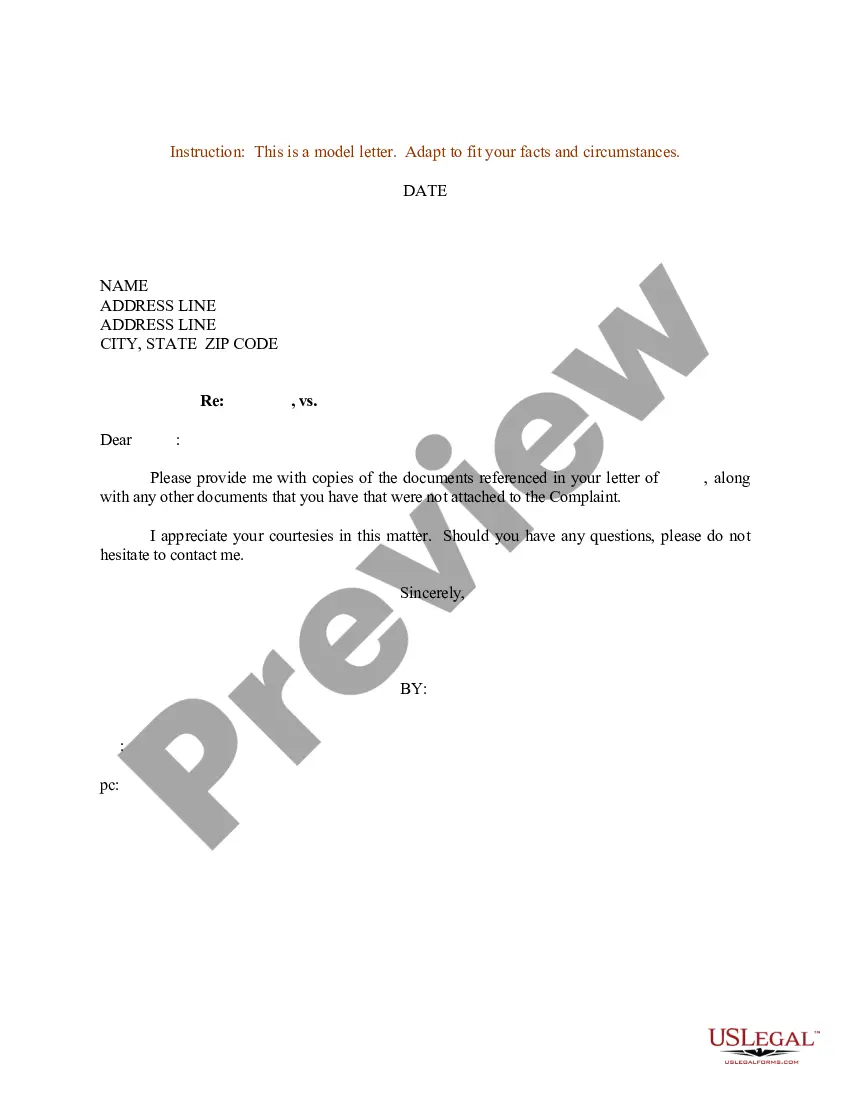
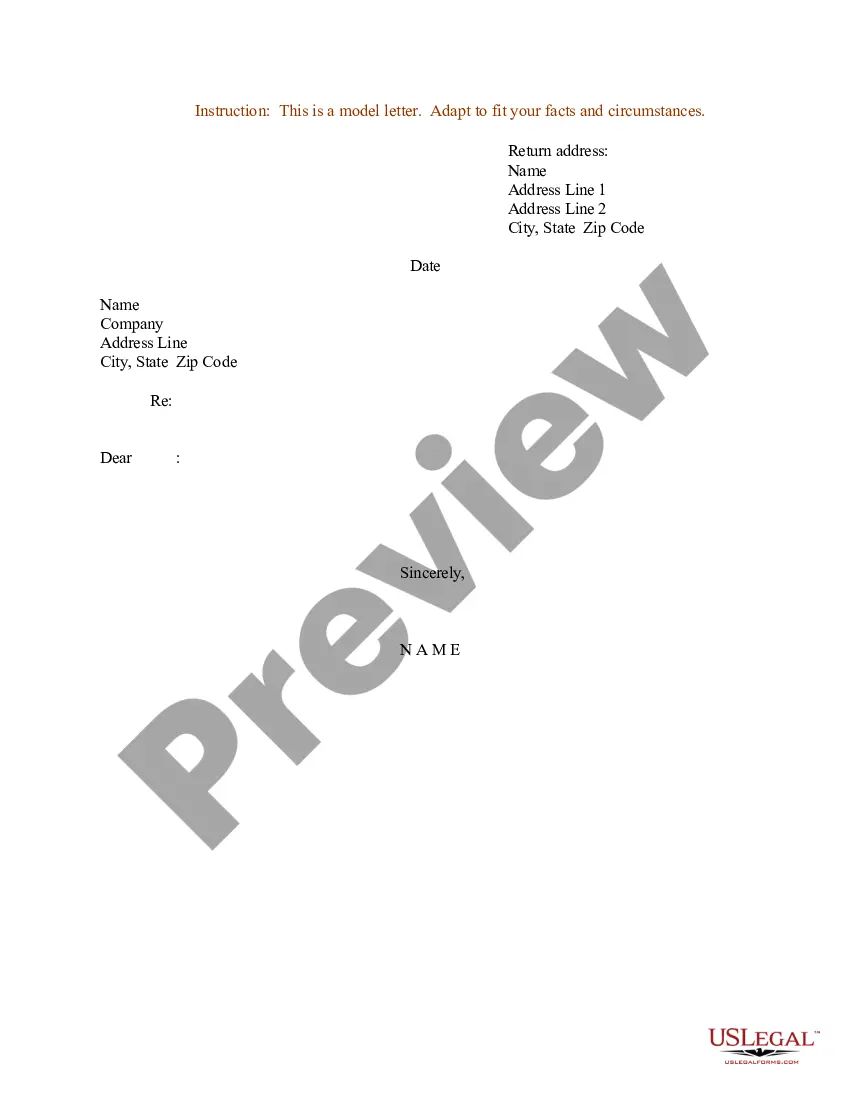
The Sample Letter for Letter Template #4 is a customizable document that serves as a template for personal correspondence. This form is designed to simplify the process of creating professional letters by providing a clear structure. Unlike other generic letter templates, this sample allows users to easily input their personal information, making it suitable for various correspondence needs.
Form components explained
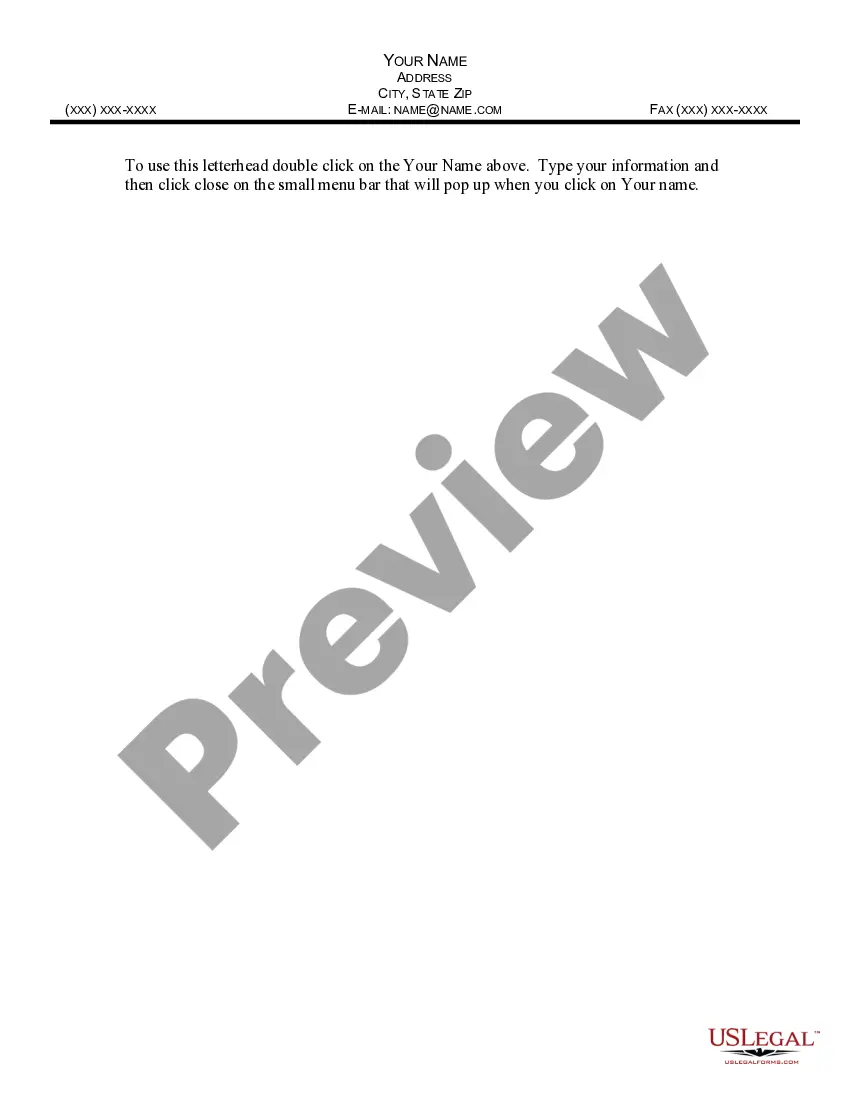
- Your Name: This is where you input your name at the top of the letter.
- Address: Your complete address, including city, state, and zip code.
- Email: A field for your email address, allowing recipients to contact you directly.
Situations where this form applies
This form is useful in scenarios where a formal letter is required, such as writing to a business, responding to inquiries, or notifying someone about an event or change. It is ideal for any situation where you need to communicate important information professionally.
Intended users of this form
This form is suitable for:
- Individuals looking to draft personal or business letters.
- Those who prefer a structured format for their correspondence.
- Anyone needing a quick and easy way to produce professionally formatted letters.
How to complete this form
- Double-click on the "Your Name" field to input your name.
- Enter your complete address, including city, state, and zip code.
- Type your email address in the designated field.
- Review the letter for any additional personal touches or content.
- Save the document for your records and send it as needed.
Notarization requirements for this form
Notarization is not commonly needed for this form. However, certain documents or local rules may make it necessary. Our notarization service, powered by Notarize, allows you to finalize it securely online anytime, day or night.
Get your form ready online
Our built-in tools help you complete, sign, share, and store your documents in one place.
Make edits, fill in missing information, and update formatting in US Legal Forms—just like you would in MS Word.
Download a copy, print it, send it by email, or mail it via USPS—whatever works best for your next step.
Sign and collect signatures with our SignNow integration. Send to multiple recipients, set reminders, and more. Go Premium to unlock E-Sign.
If this form requires notarization, complete it online through a secure video call—no need to meet a notary in person or wait for an appointment.
We protect your documents and personal data by following strict security and privacy standards.

Make edits, fill in missing information, and update formatting in US Legal Forms—just like you would in MS Word.

Download a copy, print it, send it by email, or mail it via USPS—whatever works best for your next step.

Sign and collect signatures with our SignNow integration. Send to multiple recipients, set reminders, and more. Go Premium to unlock E-Sign.

If this form requires notarization, complete it online through a secure video call—no need to meet a notary in person or wait for an appointment.

We protect your documents and personal data by following strict security and privacy standards.
Common mistakes
- Forgetting to personalize the letter with your name and address.
- Not checking the spelling and grammar before sending.
- Using an informal tone when a formal tone is required.
Benefits of using this form online
- Convenience of downloading and customizing the template instantly.
- Editability allows for quick adjustments without starting from scratch.
- Reliability, knowing the format is professionally structured.
Summary of main points
- The Sample Letter for Letter Template #4 provides a professional format for formal letters.
- It can be used in various communication scenarios, particularly in business settings.
- The template is user-friendly and designed for customization according to your needs.
Looking for another form?
Form popularity
FAQ
There are three main styles of business letter: block, modified block, and semi-block styles. Each is written in much the same way, including the same information, but the layout varies slightly for each one.
Choose a simple font like Times New Roman, Arial, or Calibri. A 12 point font size is easy to read. Single space your letter, leave a space between each paragraph and before and after the contact information and closing. Left justify your letter.
List your address. If you're using paper with a professional letterhead, you can skip this step. Provide the date. Identify the recipient's name and address. Choose a professional greeting. Write the body. Include an appropriate closing. Proofread your work.
Sender's address. Date. Name / Designation of Addressee. Address of the Addressee. Salutation. Subject. Body Introduction, Content, Conclusion. Complimentary Close.
Set up your font and margins. Create your heading. Write your salutation. Use your body paragraphs to state your reasons for writing. Add your closing body paragraph and signature. Mention and add your enclosures. Proofread and send your letter.
Professional letters usually use a block format, meaning the contents are left justified and the copy is single-spaced. You then separate paragraphs with a double space. Choose the right font. Times New Roman is always a safe font to use, but there are other options, such as Arial or Calibri, that are also acceptable.
Most formal letters will start with 'Dear' before the name of the person that you are writing to: 'Dear Ms Brown,' or 'Dear Brian Smith,' You can choose to use first name and surname, or title and surname. 'Dear Sir/Madam,' Remember to add the comma.
The general greetings used in formal letters are Sir or Madam. If you know the name of the person the salutation may also be Mr. XYZ or Ms. ABC.
The most common layout of a business letter is known as block format. Using this format, the entire letter is left justified and single spaced except for a double space between paragraphs. Modified Block. Another widely utilized format is known as modified block format.