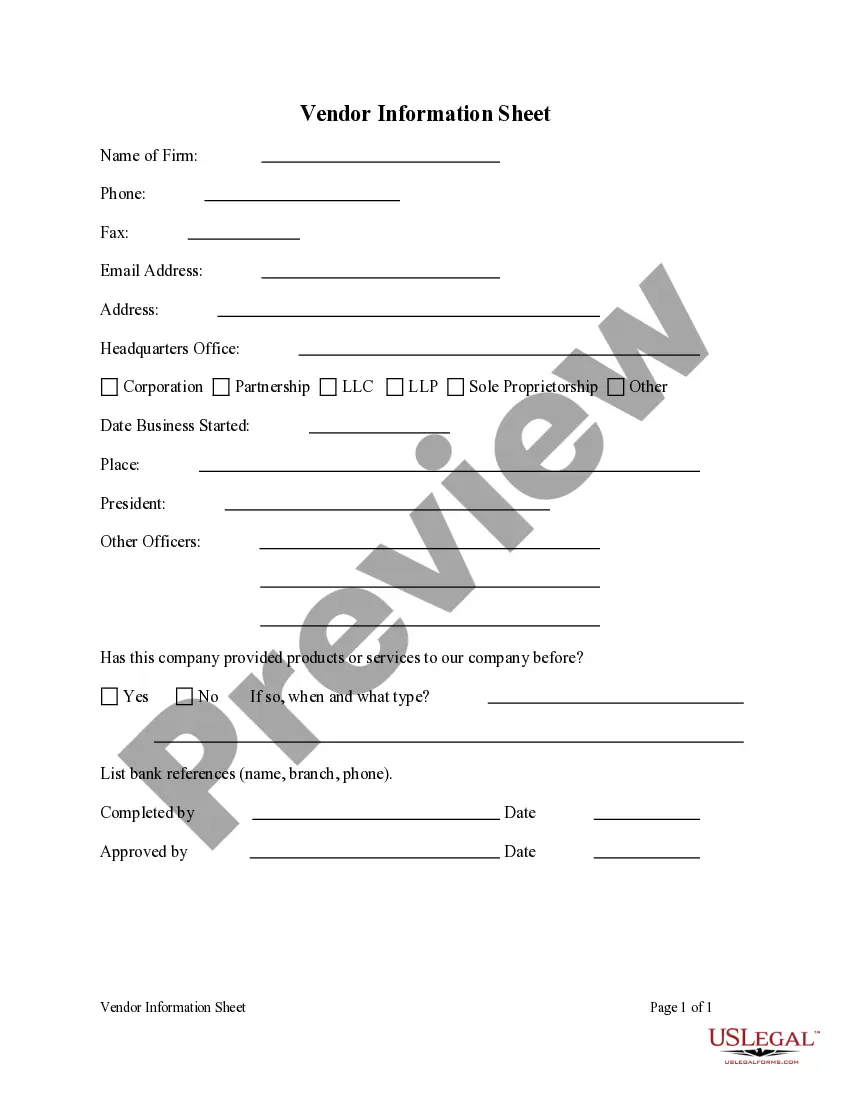
Vendor Information Sheet
Understanding this form
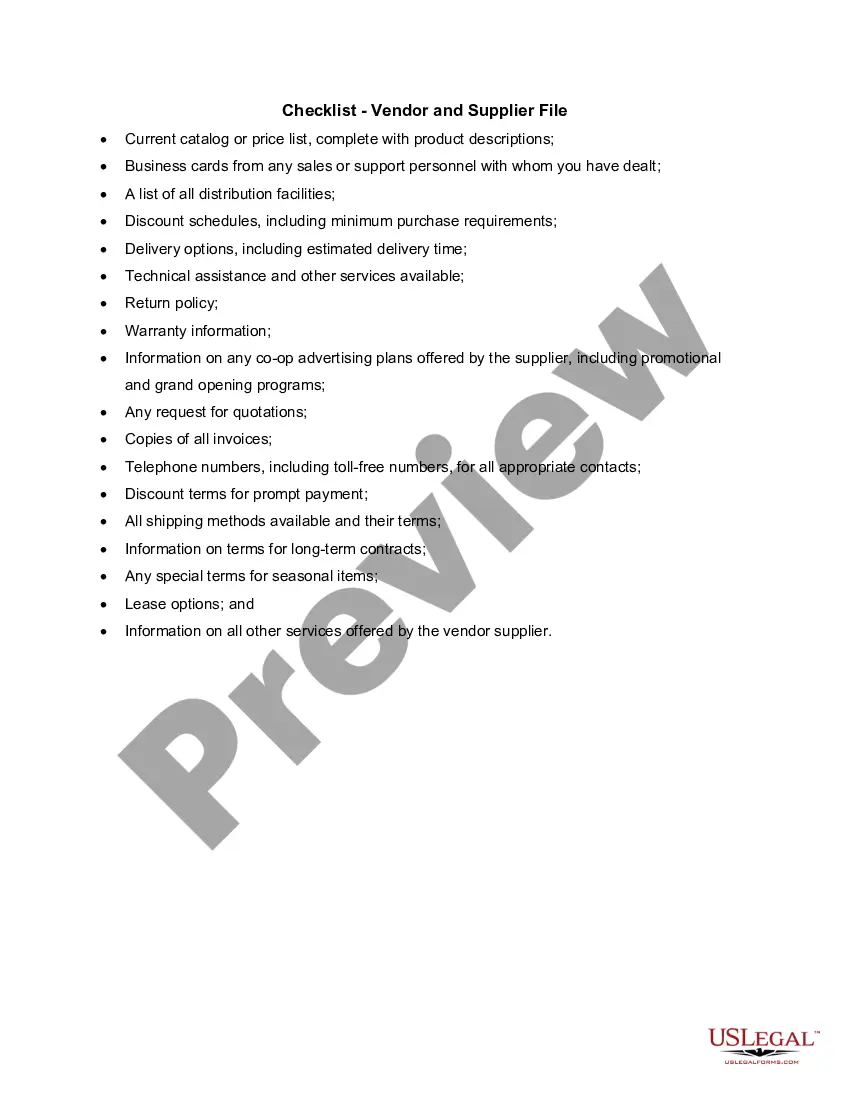
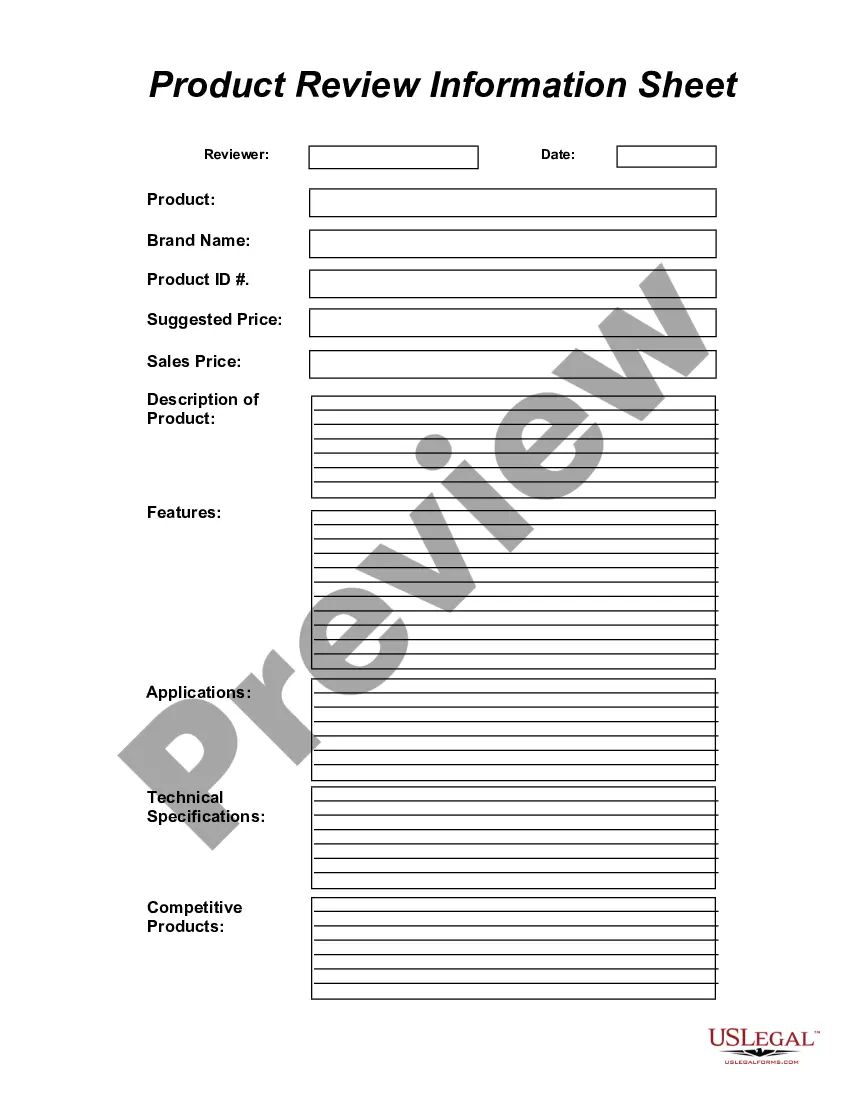
The Vendor Information Sheet is a legal form used to collect essential details about a vendor. This document serves as a comprehensive overview of the vendorâs information, such as name, contact details, and business identification. Unlike other vendor agreements, it focuses primarily on gathering information rather than establishing contractual obligations.
What’s included in this form
- Vendor's full name and business name.
- Contact information including phone number and email address.
- Tax identification number or Social Security number.
- Physical and mailing addresses of the vendor.
- Description of the goods or services provided by the vendor.
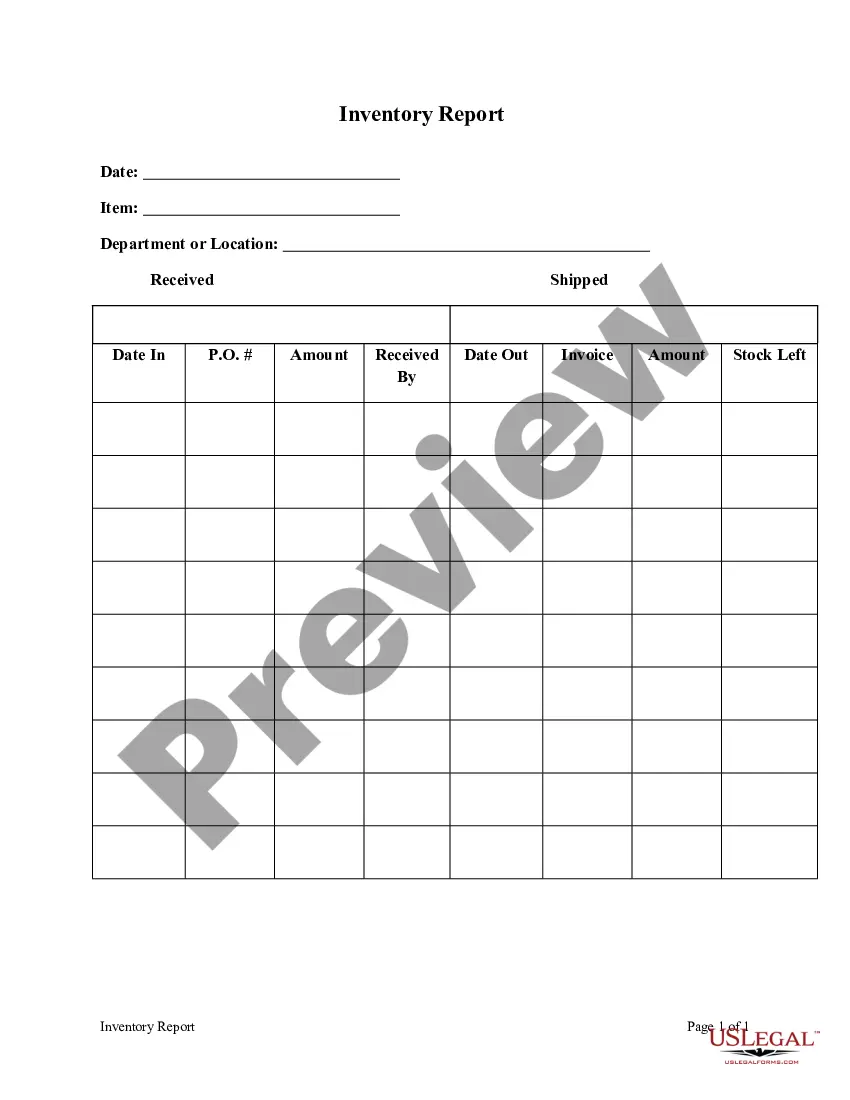
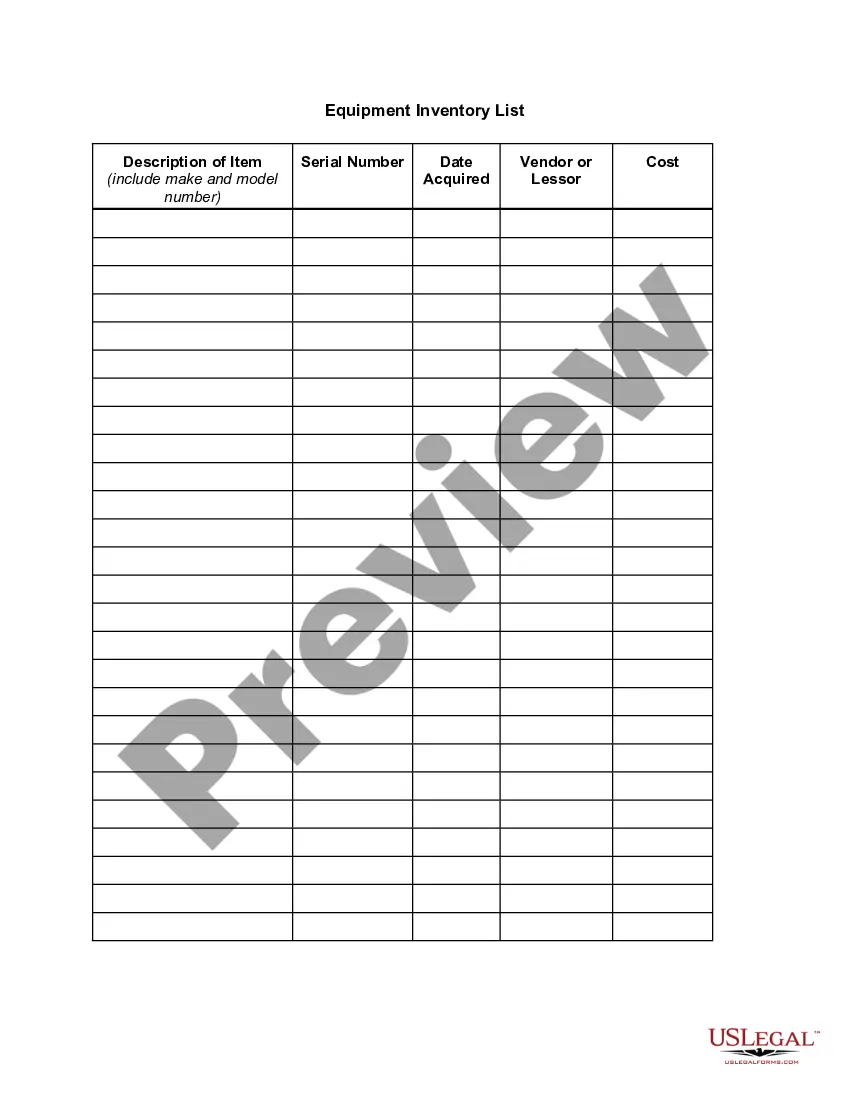
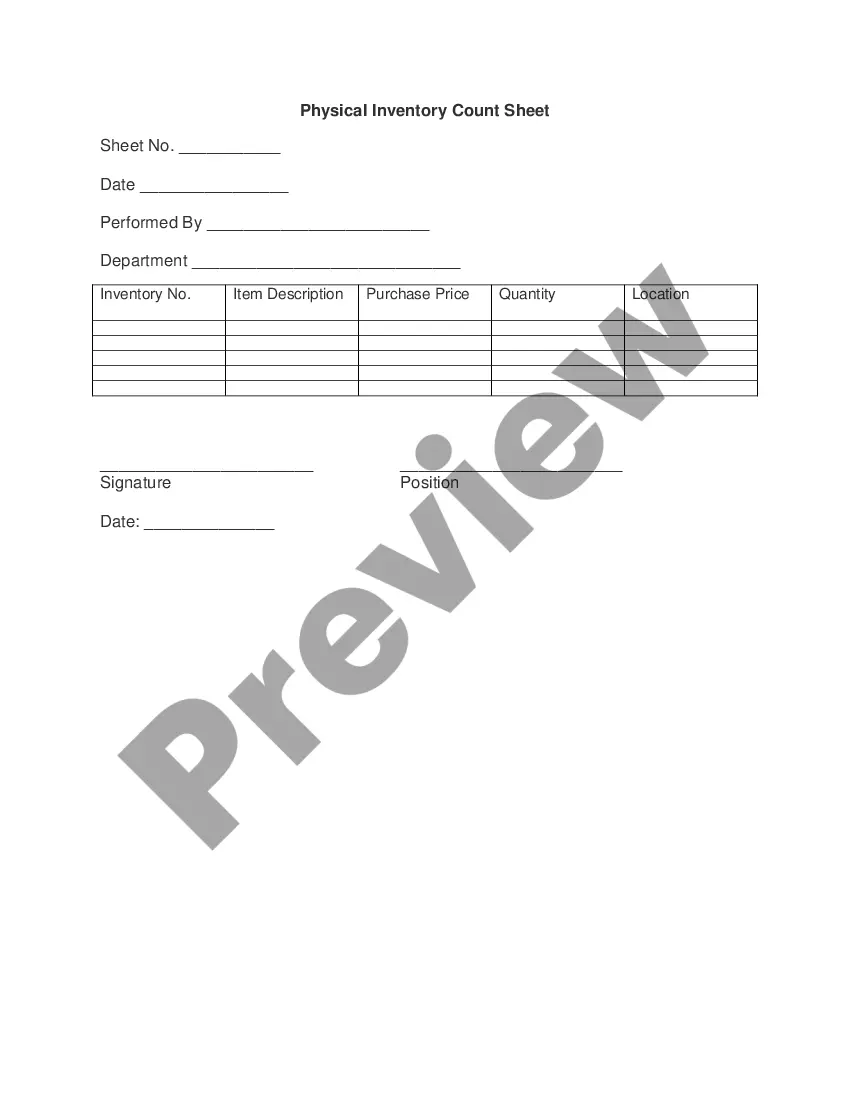
When to use this document
This form is useful when onboarding a new vendor, ensuring that all necessary information is collected for record-keeping and payment processing. Businesses should utilize this form in scenarios such as entering into a new supplier relationship, preparing for events requiring vendor services, or conducting vendor risk assessments.
Who needs this form
- Businesses seeking to establish relationships with vendors.
- Finance or accounting departments needing vendor information for payment.
- Project managers coordinating with service providers or suppliers.
- Contract administrators overseeing vendor agreements.
Instructions for completing this form
- Identify the vendor's legal name and business name.
- Enter the contact details, including phone number and email address.
- Provide the vendor's tax identification number.
- Specify the physical and mailing addresses.
- Write a brief description of the goods or services offered by the vendor.
Notarization guidance
This form does not typically require notarization unless specified by local law.
Get your form ready online
Our built-in tools help you complete, sign, share, and store your documents in one place.
Make edits, fill in missing information, and update formatting in US Legal Forms—just like you would in MS Word.
Download a copy, print it, send it by email, or mail it via USPS—whatever works best for your next step.
Sign and collect signatures with our SignNow integration. Send to multiple recipients, set reminders, and more. Go Premium to unlock E-Sign.
If this form requires notarization, complete it online through a secure video call—no need to meet a notary in person or wait for an appointment.
We protect your documents and personal data by following strict security and privacy standards.

Make edits, fill in missing information, and update formatting in US Legal Forms—just like you would in MS Word.

Download a copy, print it, send it by email, or mail it via USPS—whatever works best for your next step.

Sign and collect signatures with our SignNow integration. Send to multiple recipients, set reminders, and more. Go Premium to unlock E-Sign.

If this form requires notarization, complete it online through a secure video call—no need to meet a notary in person or wait for an appointment.

We protect your documents and personal data by following strict security and privacy standards.
Common mistakes
- Not verifying the accuracy of the vendor's tax identification information.
- Failing to provide complete contact details.
- Omitting the description of services or goods.
- Using outdated or incorrect addresses.
Why use this form online
- Convenience of accessing and downloading the form at any time.
- Editability allows for easy modifications and updates.
- Reliable templates drafted by licensed attorneys ensure legal compliance.
- Quick and efficient way to gather necessary vendor information.
Legal use & context
- Establishing vendor relationships requires accurate information for legal accountability.
- Proper completion ensures compliance with tax regulations and contracts.
Key takeaways
- The Vendor Information Sheet is essential for managing vendor relationships.
- Accurate completion prevents common errors and ensures legal compliance.
- This form is convenient to use online, making the vendor onboarding process more efficient.
Looking for another form?
Form popularity
FAQ
Download our vendor list template as an Excel spreadsheet or in Google Sheets. Keep track of your vendors by assigning each a unique ID number. Enter the vendor's ID in the first column. Add the name of the company in the Vendor Name column.
Vendor Setup Form Instructions This form is used to add a new vendor to the vendor database, or to change information to an existing vendor. Purchase orders and payments can only be issued for vendors that are in the database.
Purchasers often define the type of documents that vendors must supply as part of the supply contract. The Vendor Document Requirements (or VDR) is the list of those document types. Each line typically includes a document code, description, and delivery timeline (e.g. 10 days after order).
This form is used to obtain information required for new vendor set-up or updates to existing vendors. This form and the IRS Form W- 9 are required prior to vendor set-up.
The Vendor Form serves the same purpose as the standard funds transfer form which captures all information required to facilitate payments.
A vendor list is a group of people or companies that a business uses to purchase items and services from. Unlike the customer list, this list will show all of the vendors that the company pays money to on a regular basis in order to receive the items and services that they need to maintain their business.
Examples of Vendors A manufacturer that turns raw material into a finished good is a vendor to wholesalers and retailers that sell the product to a consumer. In turn, retailers are a vendor for the end customer. For example, Target is a vendor for a person looking for home appliances or other products.
A Vendor Information Form is a document used to gather fundamental data about the vendor or the supplier. This form is important because this will make the transaction secure and legitimate from both parties involved.
This template gives you a place to consolidate all your vendor information, including escalation chains, issues logs, transition in/out considerations, and TCO. Use this template to: Consolidate vendor information. Track additional products and services offered by your vendor.