Inventory Report
Understanding this form
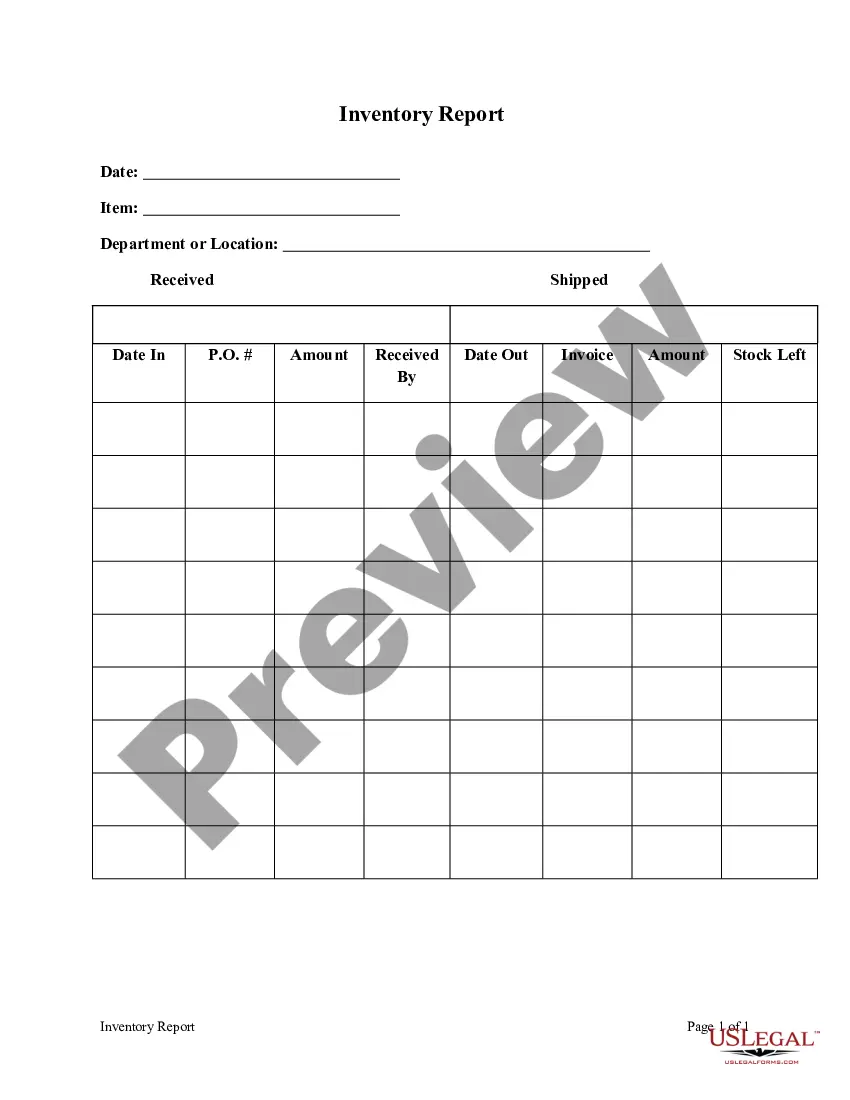
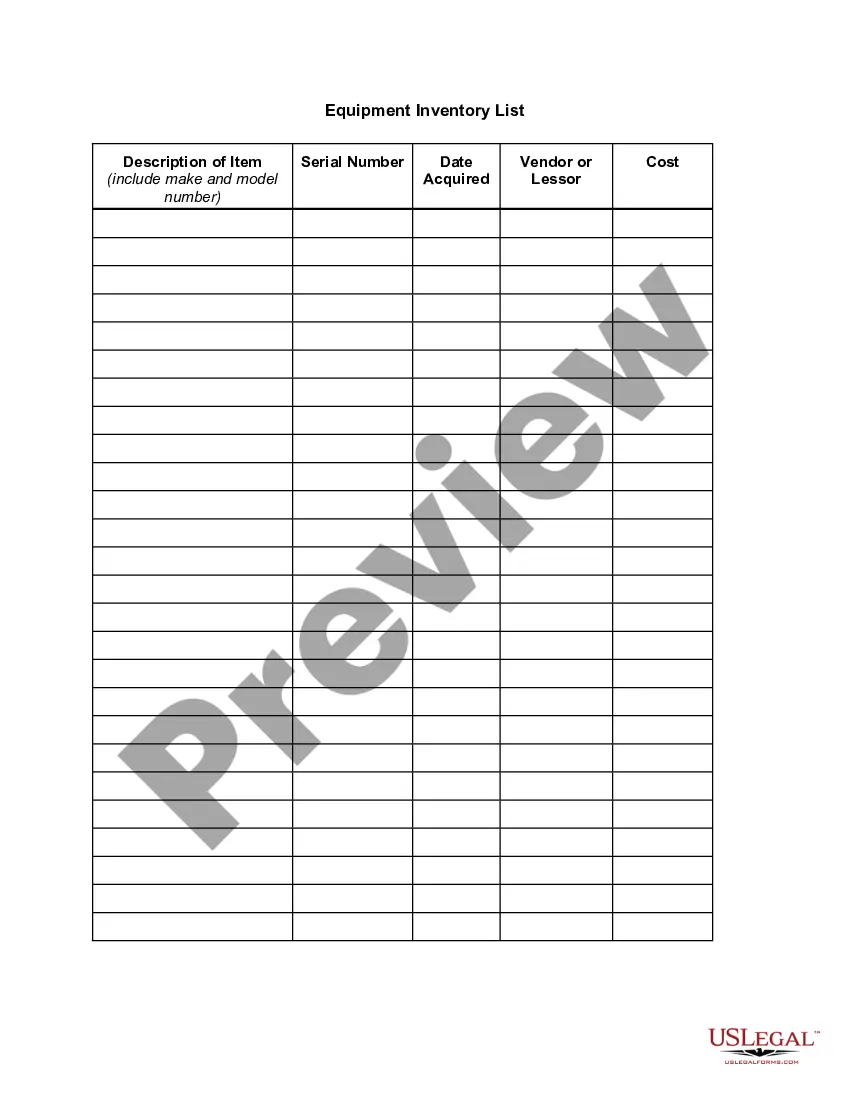
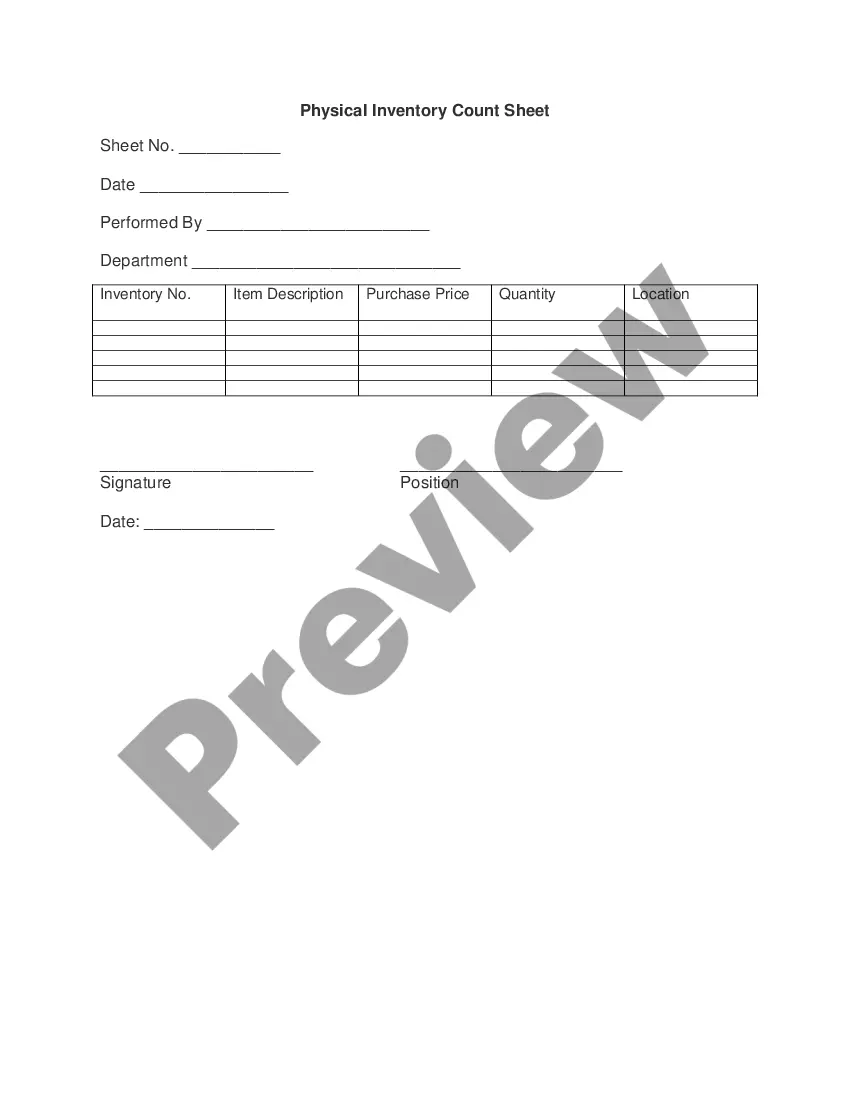
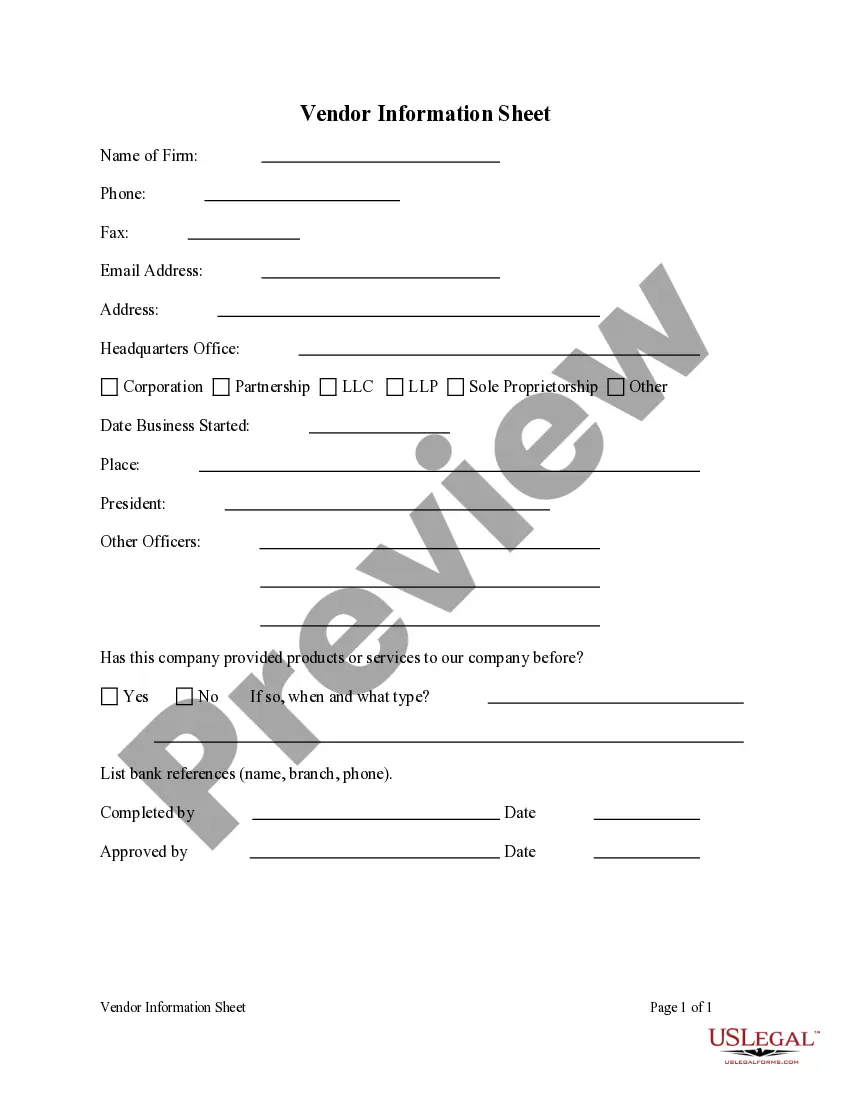
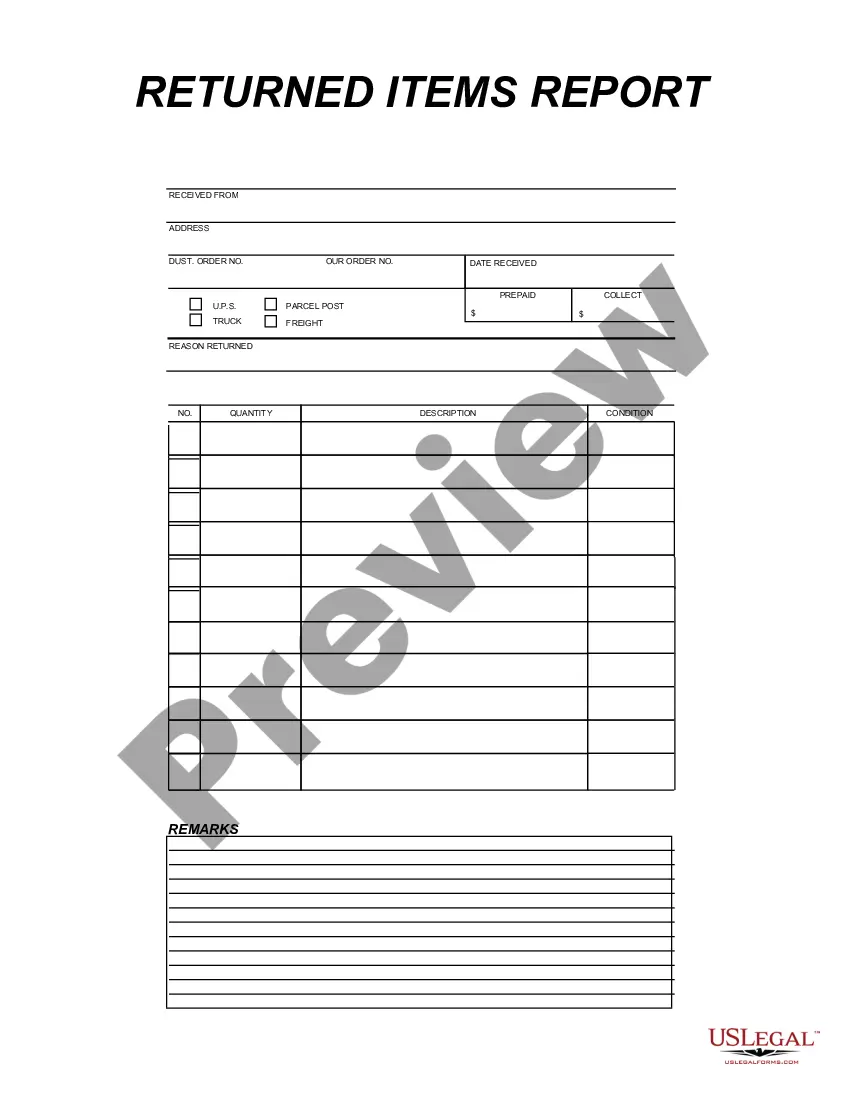
The Inventory Report form is a structured document used to list and assess the personal property owned by an individual or entity. This form serves to provide a detailed account of items and their values, distinguishing it from simpler documentation formats. It is essential for various legal and financial purposes, including estate planning, asset management, and insurance claims.
Key components of this form
- Title section to identify the report as an Inventory Report.
- Sections for listing items, including descriptions and estimated values.
- Space for noting the condition and location of each item.
- Signature section for claiming accuracy of the report.
- Date of preparation for recordkeeping.
When to use this form
You should use the Inventory Report form in situations where you need to document assets for legal purposes. This may include preparing for estate settlement, applying for insurance, or conducting a thorough assessment for financial planning. If you're managing an estate or need to declare assets to creditors, this form is particularly useful.
Who this form is for
- Individuals managing personal estates.
- Executors of wills or administrators of estates.
- Businesses needing to maintain an inventory of assets.
- Anyone applying for insurance coverage on personal property.
- Legal or financial advisors assisting clients in asset management.
Instructions for completing this form
- Gather all items that need to be included in the report.
- Clearly describe each item, including its condition and location.
- Assign an estimated value to each item based on market standards.
- Fill in the report title and date accurately.
- Sign and date the report to confirm its accuracy and completeness.
Notarization requirements for this form
Notarization is generally not required for this form. However, certain states or situations might demand it. You can complete notarization online through US Legal Forms, powered by Notarize, using a verified video call available anytime.
Get your form ready online
Our built-in tools help you complete, sign, share, and store your documents in one place.
Make edits, fill in missing information, and update formatting in US Legal Forms—just like you would in MS Word.
Download a copy, print it, send it by email, or mail it via USPS—whatever works best for your next step.
Sign and collect signatures with our SignNow integration. Send to multiple recipients, set reminders, and more. Go Premium to unlock E-Sign.
If this form requires notarization, complete it online through a secure video call—no need to meet a notary in person or wait for an appointment.
We protect your documents and personal data by following strict security and privacy standards.

Make edits, fill in missing information, and update formatting in US Legal Forms—just like you would in MS Word.

Download a copy, print it, send it by email, or mail it via USPS—whatever works best for your next step.

Sign and collect signatures with our SignNow integration. Send to multiple recipients, set reminders, and more. Go Premium to unlock E-Sign.

If this form requires notarization, complete it online through a secure video call—no need to meet a notary in person or wait for an appointment.

We protect your documents and personal data by following strict security and privacy standards.
Mistakes to watch out for
- Including vague descriptions of items instead of detailed ones.
- Omitting items that should be reported.
- Not verifying the estimated values with current market data.
- Failing to date the report, which may complicate legal matters.
- Not signing the report, which is crucial for its validity.
Benefits of using this form online
- Immediate access to the form for quick completion.
- Easy to edit and update as needed, accommodating changing circumstances.
- Downloadable format allows for secure storage and easy sharing.
- Confidence in using an attorney-drafted template tailored to legal standards.
Quick recap
- The Inventory Report documents assets in detail.
- It is crucial for estate planning and asset management.
- Ensure compliance with state laws when completing this form.
Looking for another form?

Form popularity
FAQ
Inventory refers to all the items, goods, merchandise, and materials held by a business for selling in the market to earn a profit. Example: If a newspaper vendor uses a vehicle to deliver newspapers to the customers, only the newspaper will be considered inventory. The vehicle will be treated as an asset.
Create a column for inventory items. Similar to an inventory sheet template, create a list of items in your inventory using a vertical column. Create a column for descriptions. Assign a price to each item. Create a column for remaining stock. Select a time frame.
Stockpile by Canvus. Online download Price: Free. Veeqo. Demo available for desktop, iOS, and Android Price: Plans start at $160 to $260. Ordoro. Delivrd. Sortly. On Shelf. Inventory Now. Cin7 Inventory and POS.
Days sales of inventory (DSI) is a popular method of evaluating the average time it takes for a company to transform its inventory into revenues. DSI is calculated by taking the average annual inventory, dividing it by the cost of goods sold (COGS) for the same period, and multiplying the result by 365.
Type inventory list into the search bar at the top of the page, then press 21b5 Enter . This will bring up a list of templates for inventory management. Select a template. Click on the inventory list template that best suits your needs.
An inventory report is a summary of the amount of inventory a business has on hand at a given time. The inventory report is a physical or electronic document with numbers representing product you're able to sell now, inventory you are ordering, or inventory you need for internal business use.
Gateway of Tally > Display > Statement of Inventory > Sales Order Outstandings > choose the report to view.
There are four main types of inventory: raw materials/components, WIP, finished goods and MRO.
From the left Dashboard, select Reports > Select Standard on Reports page > Type Inventory on the search field. They currently have the following two standard inventory reports: Inventory Valuation Detail. Inventory Valuation Summary.