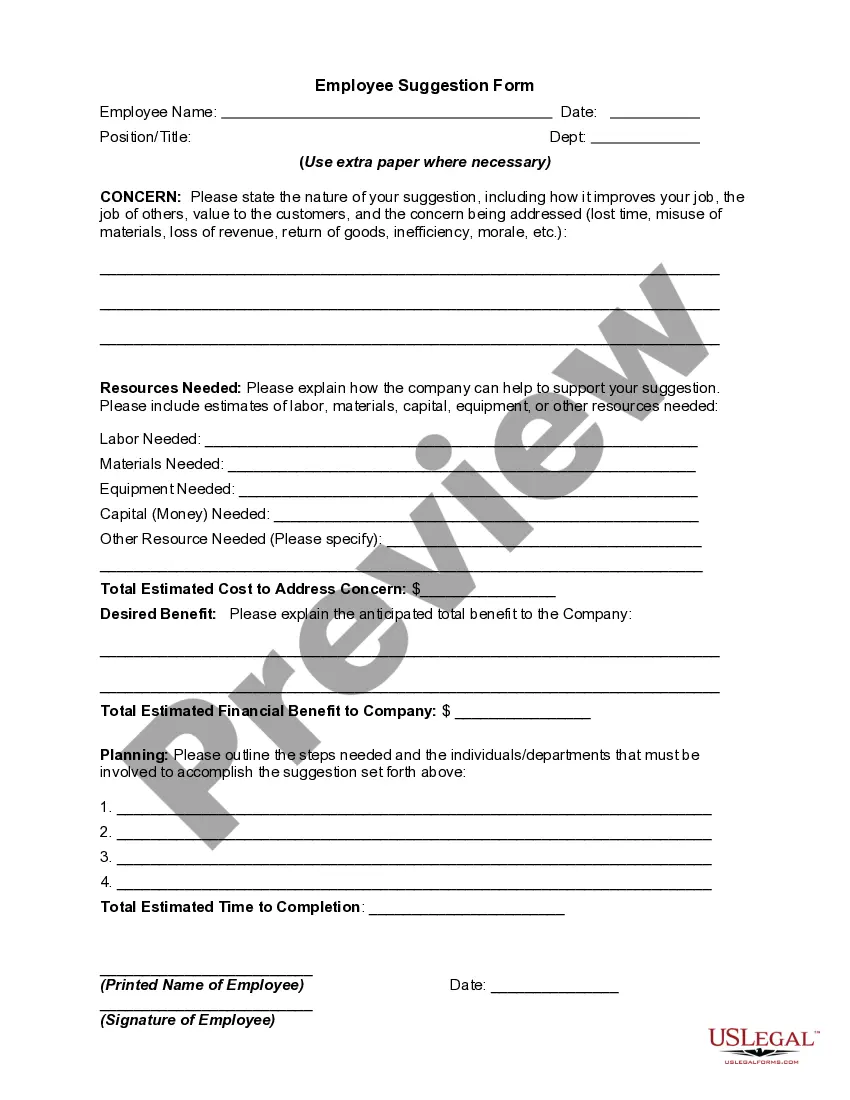
Employee Suggestion Form
Overview of this form
The Employee Suggestion Form is a structured tool that employees can use to submit ideas or recommendations for improving workplace processes, efficiency, or morale. It serves as a formal method for employees to communicate suggestions that could benefit the company and fellow employees, differentiating it from informal suggestion practices. By utilizing this form, companies can systematically gather and assess employee input, leading to better decision-making and potential cost savings.
Key components of this form
- Employee Information: Sections to enter the employee's name, date, position/title, and department.
- Concern: Space to outline the nature of the suggestion and specific concerns it addresses.
- Resources Needed: Areas to specify labor, materials, equipment, and capital required to implement the suggestion.
- Desired Benefit: Section to describe the expected benefits to the company from the suggestion.
- Planning: Steps and individuals needed to carry out the suggestion effectively.

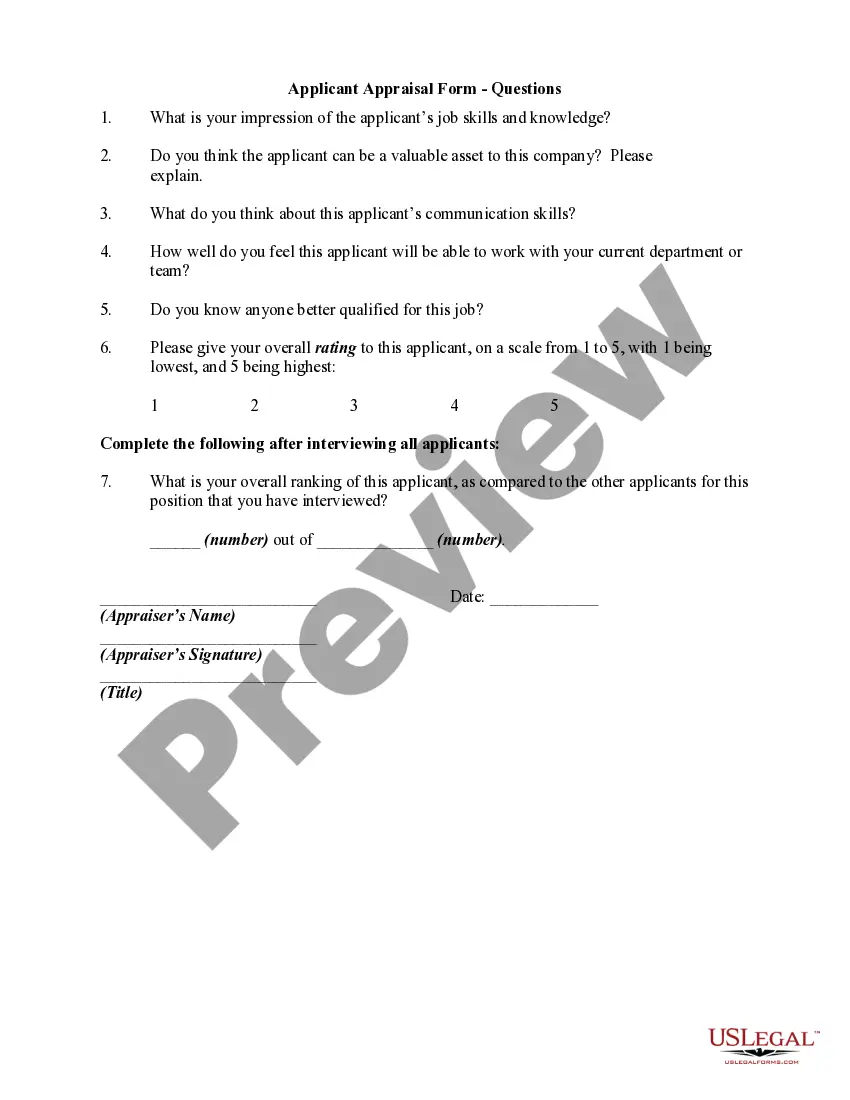
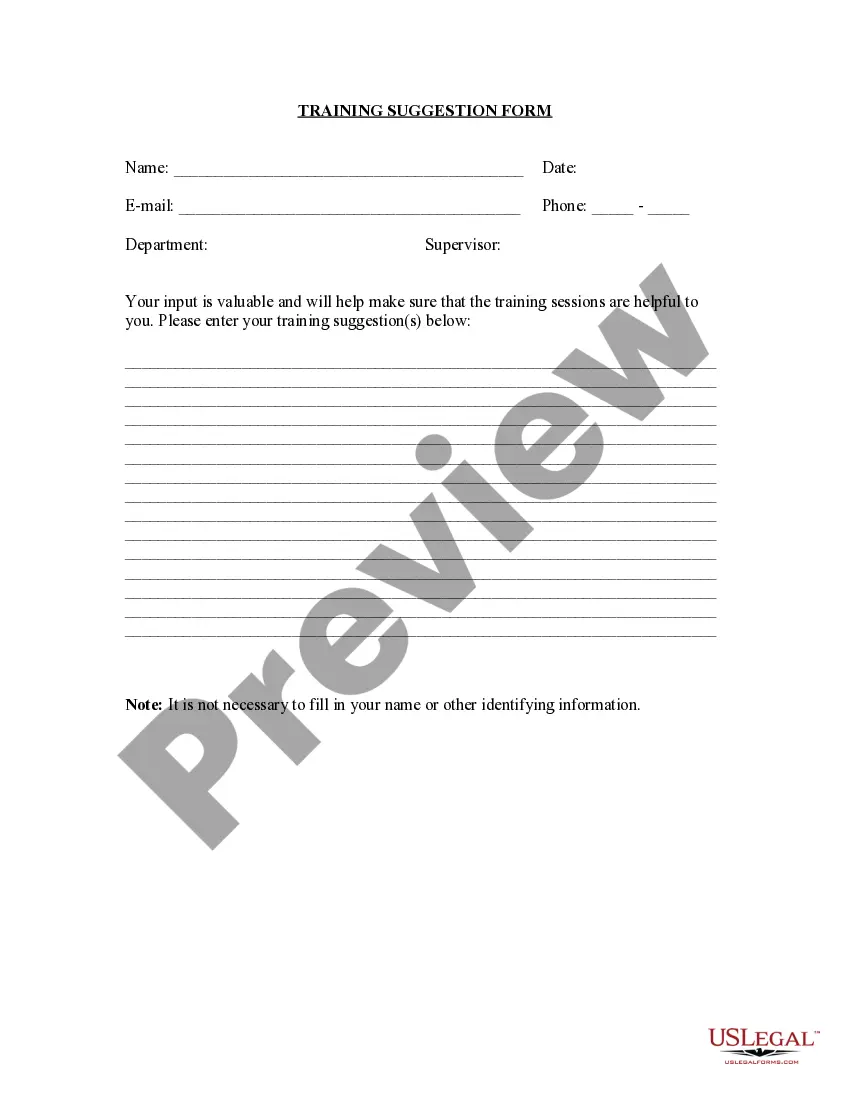
When to use this document
This form should be used whenever an employee identifies a potential improvement in the workplace, whether it relates to operational efficiency, enhance employee morale, or customer satisfaction. Examples include suggesting new procedures to minimize wasted resources, ideas for improving service to customers, or proposing technology upgrades to streamline tasks.
Who should use this form
This form is intended for:
- Employees at all levels within a company who have suggestions for improvements.
- Managers seeking to encourage employee participation in decision-making processes.
- HR departments looking to implement structured systems for collecting employee feedback.
How to complete this form
- Fill out your personal information, including name, date, position/title, and department.
- Clearly describe the suggestion and the specific issues it addresses in the 'Concern' section.
- List the resources needed to implement the suggestion, such as labor, materials, and estimated costs.
- Explain the desired benefits and any anticipated financial advantages to the company.
- Outline the steps necessary to implement the suggestion and identify relevant individuals or departments.
- Print and sign the completed form before submission.
Does this form need to be notarized?
This form does not typically require notarization unless specified by local law.
Get your form ready online
Our built-in tools help you complete, sign, share, and store your documents in one place.
Make edits, fill in missing information, and update formatting in US Legal Forms—just like you would in MS Word.
Download a copy, print it, send it by email, or mail it via USPS—whatever works best for your next step.
Sign and collect signatures with our SignNow integration. Send to multiple recipients, set reminders, and more. Go Premium to unlock E-Sign.
If this form requires notarization, complete it online through a secure video call—no need to meet a notary in person or wait for an appointment.
We protect your documents and personal data by following strict security and privacy standards.

Make edits, fill in missing information, and update formatting in US Legal Forms—just like you would in MS Word.

Download a copy, print it, send it by email, or mail it via USPS—whatever works best for your next step.

Sign and collect signatures with our SignNow integration. Send to multiple recipients, set reminders, and more. Go Premium to unlock E-Sign.

If this form requires notarization, complete it online through a secure video call—no need to meet a notary in person or wait for an appointment.

We protect your documents and personal data by following strict security and privacy standards.
Avoid these common issues
- Not providing enough detail about the suggestion and its benefits.
- Failing to estimate resource requirements accurately.
- Leaving out signatures or dates, which can delay processing.
- Using vague language that does not clearly communicate the suggestion.
Why use this form online
- Easy to access and fill out from anywhere at any time.
- Reduced paperwork and physical storage needs.
- Easily editable to refine suggestions before submission.
- Streamlines the process of collecting and managing suggestions.
Key takeaways
- The Employee Suggestion Form facilitates employee participation in improving workplace conditions.
- Clear guidelines and structure aid in comprehensive suggestions, addressing specific concerns and solutions.
- Effective use of this form can lead to enhanced efficiency and morale within the company.
Looking for another form?
Form popularity
FAQ
Turn your suggestion into a question. You might sound like a know-it-all if you make direct suggestions before knowing all the facts. Use tentative language. Use past tenses. Use the word we whenever possible. 3 Words You May Not Realize Have a Negative Connotation.
A means by which employees are encouraged and enabled to offer ideas relating to the business.An Employee suggestion scheme can be described as a formalised mechanism, which encourages employees to contribute constructive ideas for improving the organisation in which they work.
Be a Salesman. Great ideas don't stand alone. Give it Time. Use Channels. Be Humble. Don't Mistake Disagreement for Personal Rejection. Expect (and Invite) Resistance. Respect the Past, But Don't Get Stuck There. Stay Positive.
Allow for Employee Autonomy. Make Use of Employee Feedback. Assist Your Team Members in Reaching Goals. Encourage Relationships Among Coworkers. Organize Team Building Exercises. Hold Walking Meetings. Be Flexible. Personalize the Work Environment.
Suggestion boxes are a common, but ineffective, way to engage employees in continuous improvement. They're usually implemented with the best of intentions by managers who genuinely want to hear their employees' improvement ideas, but the boxes fail to produce the desired engagement.
Employee suggestion boxes give employees opportunities to participate in decision making at work.An employee suggestion box is a device for obtaining employee input comments and suggestions in hopes of improving internal processes and/or products.
Request your employees and customers to provide suggestions that can be created with good ideas. Tell them that you need suggestions. Use words that will make the task sound easy. Tell them how they can send the ideas and suggestions. Repeat the possible benefits and rewards they can get when they send suggestions.
The suggestion box is used for collecting slips of paper with input from customers and patrons of a particular organization. Suggestion boxes may also exist internally, within an organization, such as means for garnering employee opinion.
Sell the idea to management. Make a plan. Create guidelines for handling suggestions. Write the suggestion form. Set up the box.