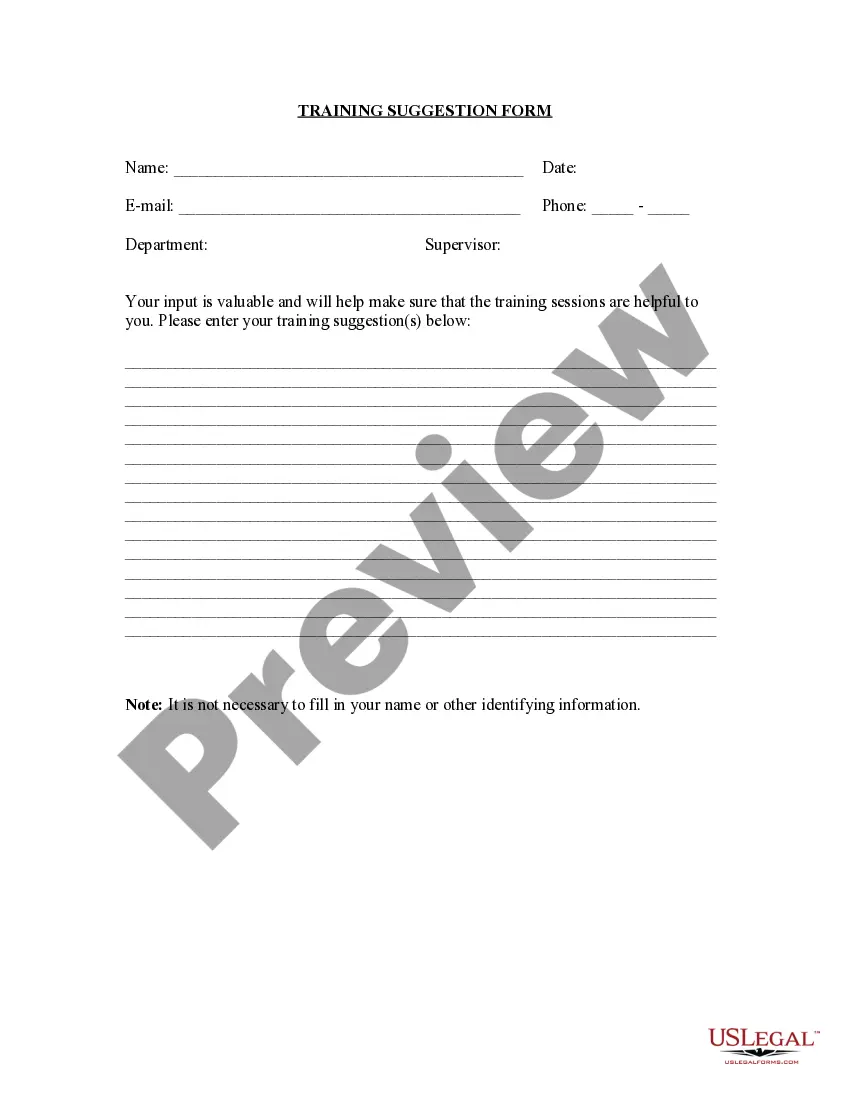
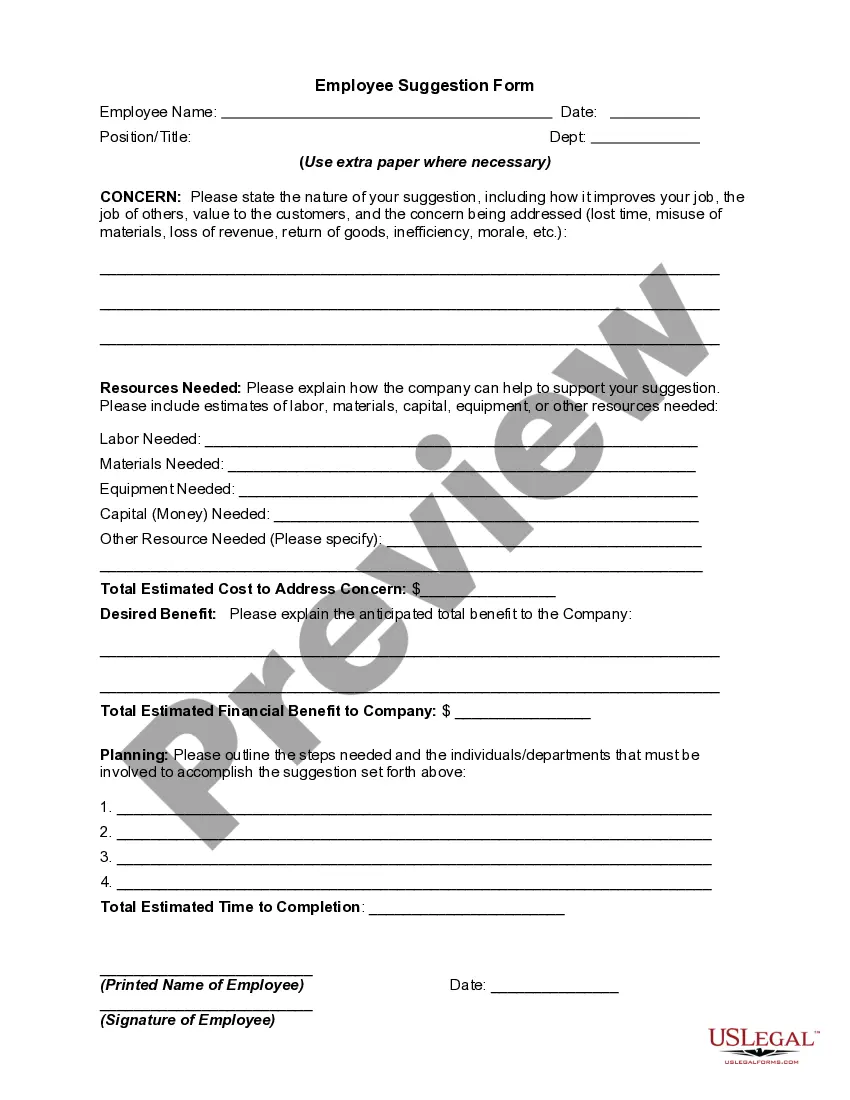
Training Suggestion Form
Overview of this form
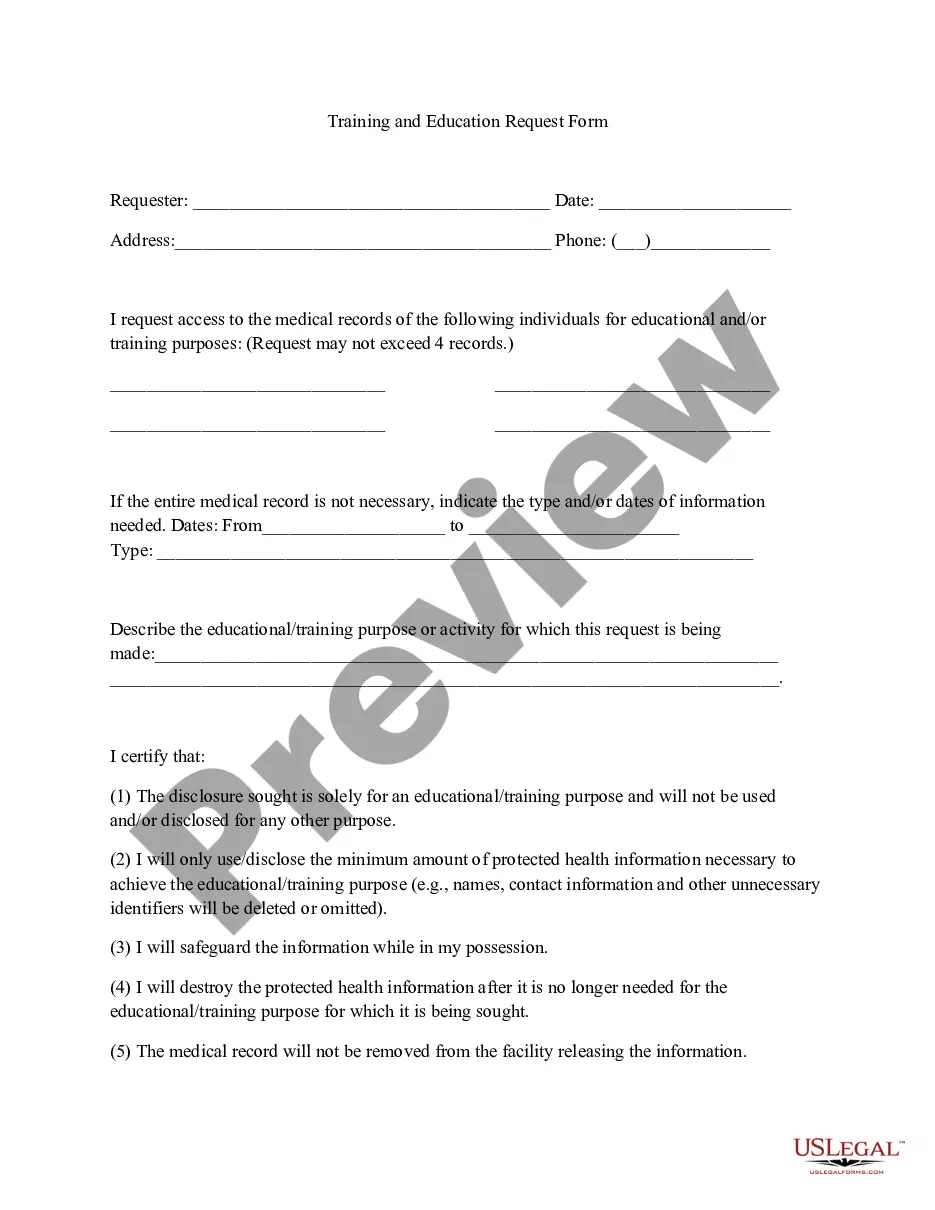
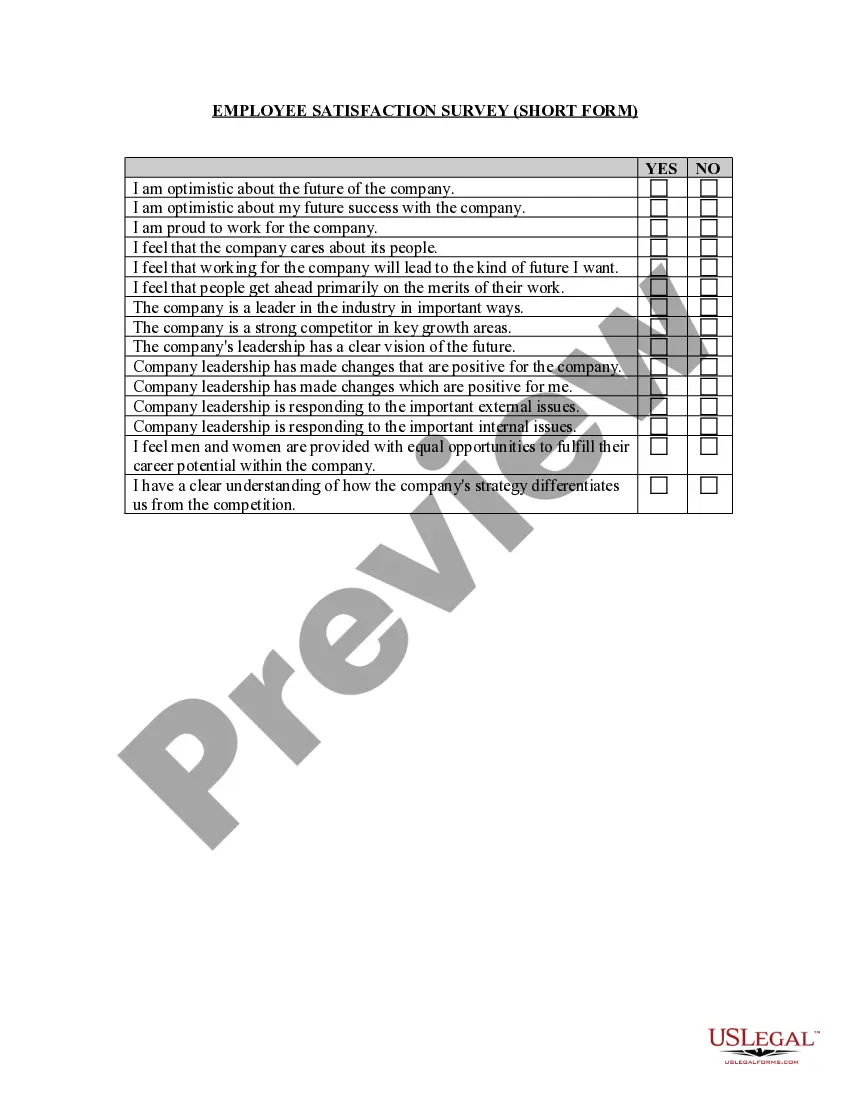
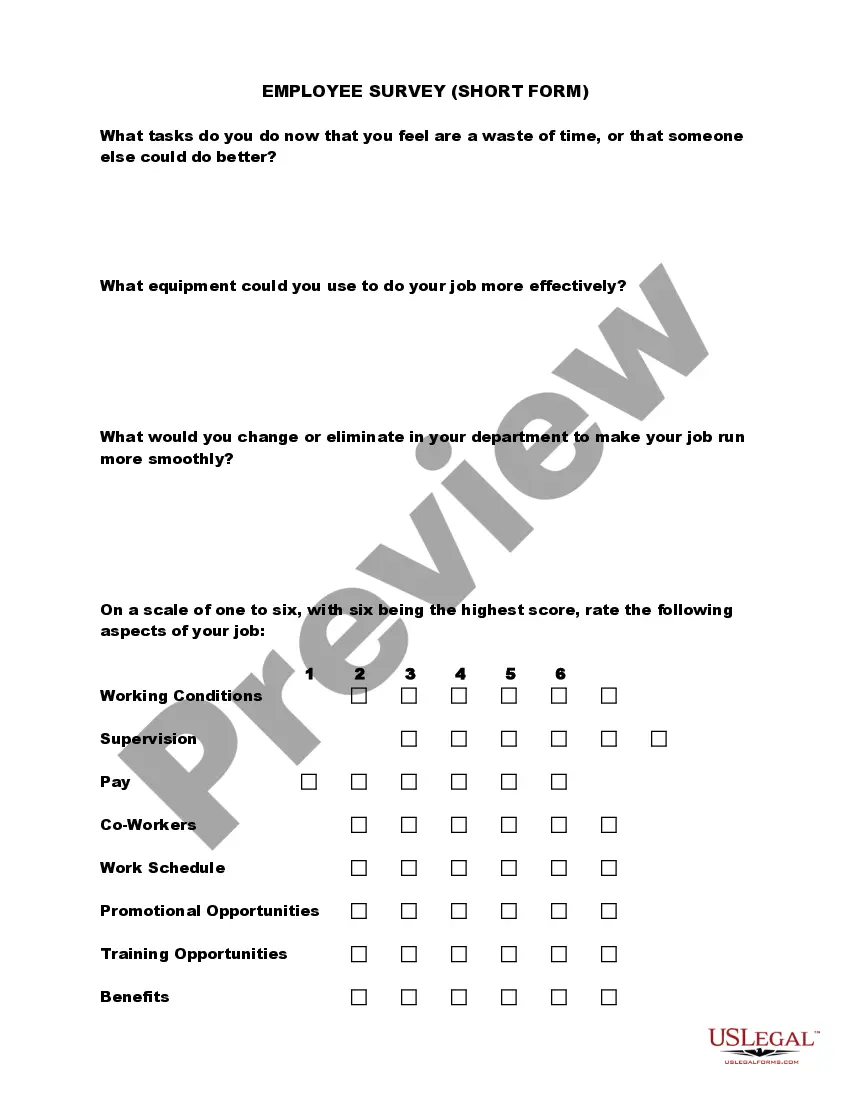
The Training Suggestion Form is a legal document designed for employers to solicit feedback and ideas for employee training programs. This form helps enhance workforce skills and improve productivity. Unlike standard employee feedback forms, it focuses specifically on training needs and suggestions, making it a crucial tool for human resources departments across various industries.
What’s included in this form
- Employer identification: Information about the company requesting training suggestions.
- Employee input: Sections for employees to articulate their training needs and preferences.
- Training topics: Options for employees to specify areas or subjects they feel require more training.
- Suggested formats: Choices for how training could be conducted, such as workshops, online courses, or one-on-one coaching.
- Feedback section: Space for additional comments or recommendations related to employee development.

When this form is needed
This form is beneficial when employers wish to gather input on training programs. Use it during annual reviews, after employee feedback sessions, or when introducing new skills required in the workplace. It also serves as a proactive approach to identifying potential training needs before implementing new strategies or technologies.
Who needs this form
- Human resources professionals seeking to enhance employee skill sets.
- Managers wanting to gather specific training suggestions from team members.
- Business owners looking to improve employee performance through targeted training initiatives.
- Training coordinators responsible for planning and implementing development programs.
Completing this form step by step
- Identify your company name and department within the header.
- Provide a brief overview of your role within the company in the designated section.
- List your training suggestions, specifying the type and format you believe would be beneficial.
- Include any additional comments or ideas in the feedback section.
- Submit the completed form to your HR department or manager as instructed.
Is notarization required?
In most cases, this form does not require notarization. However, some jurisdictions or signing circumstances might. US Legal Forms offers online notarization powered by Notarize, accessible 24/7 for a quick, remote process.
Get your form ready online
Our built-in tools help you complete, sign, share, and store your documents in one place.
Make edits, fill in missing information, and update formatting in US Legal Forms—just like you would in MS Word.
Download a copy, print it, send it by email, or mail it via USPS—whatever works best for your next step.
Sign and collect signatures with our SignNow integration. Send to multiple recipients, set reminders, and more. Go Premium to unlock E-Sign.
If this form requires notarization, complete it online through a secure video call—no need to meet a notary in person or wait for an appointment.
We protect your documents and personal data by following strict security and privacy standards.

Make edits, fill in missing information, and update formatting in US Legal Forms—just like you would in MS Word.

Download a copy, print it, send it by email, or mail it via USPS—whatever works best for your next step.

Sign and collect signatures with our SignNow integration. Send to multiple recipients, set reminders, and more. Go Premium to unlock E-Sign.

If this form requires notarization, complete it online through a secure video call—no need to meet a notary in person or wait for an appointment.

We protect your documents and personal data by following strict security and privacy standards.
Typical mistakes to avoid
- Failing to provide specific training topics, leading to unclear or general suggestions.
- Leaving the feedback section blank, which may limit the usefulness of the form.
- Not reviewing the form for completeness before submission.
- Submitting the form without considering the current training programs in place.
Advantages of online completion
- Convenience: Easily accessible for employees to provide suggestions at any time.
- Editability: Allows for updates and changes before final submission.
- Reliability: Ensures that employees' suggestions are securely collected and documented.
Legal use & context
- Helps ensure that employee development aligns with organizational goals.
- Serves as documentation for compliance during audits of training procedures.
- Supports best practices in employee engagement and development.
Looking for another form?


Form popularity
FAQ
Explain to the trainees what made you or your team create such a report. Determine what are the objectives and aim. Include information about your sample training report. Explain some results from the training report summary.
Thanks so much for your very valuable training. I really enjoyed it, and appreciated that you made it fun! I feel much better prepared to deal with uncomfortable issues. Thank you for your wisdom, experience and personable presentation.
"Thank you for a great course. Great presentation style with lots of opportunities to ask questions and talk about real life examples which all made for a really enjoyable and informative course." "This has more than met my expectations." "A wonderfully practical course - both personally and professionally.
Conduct an evaluation on the program objectives, course content, facilitator and training facility. Add detailed notes or comments. Provide your final thoughts on the overall training experience. Add notes or comments where necessary. Sign off with digital signature from evaluator.
"Thank you for a great course. Great presentation style with lots of opportunities to ask questions and talk about real life examples which all made for a really enjoyable and informative course." "This has more than met my expectations." "A wonderfully practical course - both personally and professionally.
"Thank you for a great course. Great presentation style with lots of opportunities to ask questions and talk about real life examples which all made for a really enjoyable and informative course." "This has more than met my expectations." "A wonderfully practical course - both personally and professionally.
Some examples of positive feedback are contractions in child birth and the ripening of fruit; negative feedback examples include the regulation of blood glucose levels and osmoregulation.
Self-assessment questionnaires. Informal feedback from peers and managers. Focus groups. On-the-job observation. Actual job performance key performance indicators (KPIs)
Thanks so much for your very valuable training. I really enjoyed it, and appreciated that you made it fun! I feel much better prepared to deal with uncomfortable issues. Thank you for your wisdom, experience and personable presentation.