Employee Satisfaction Survey - Short Form
What is this form?
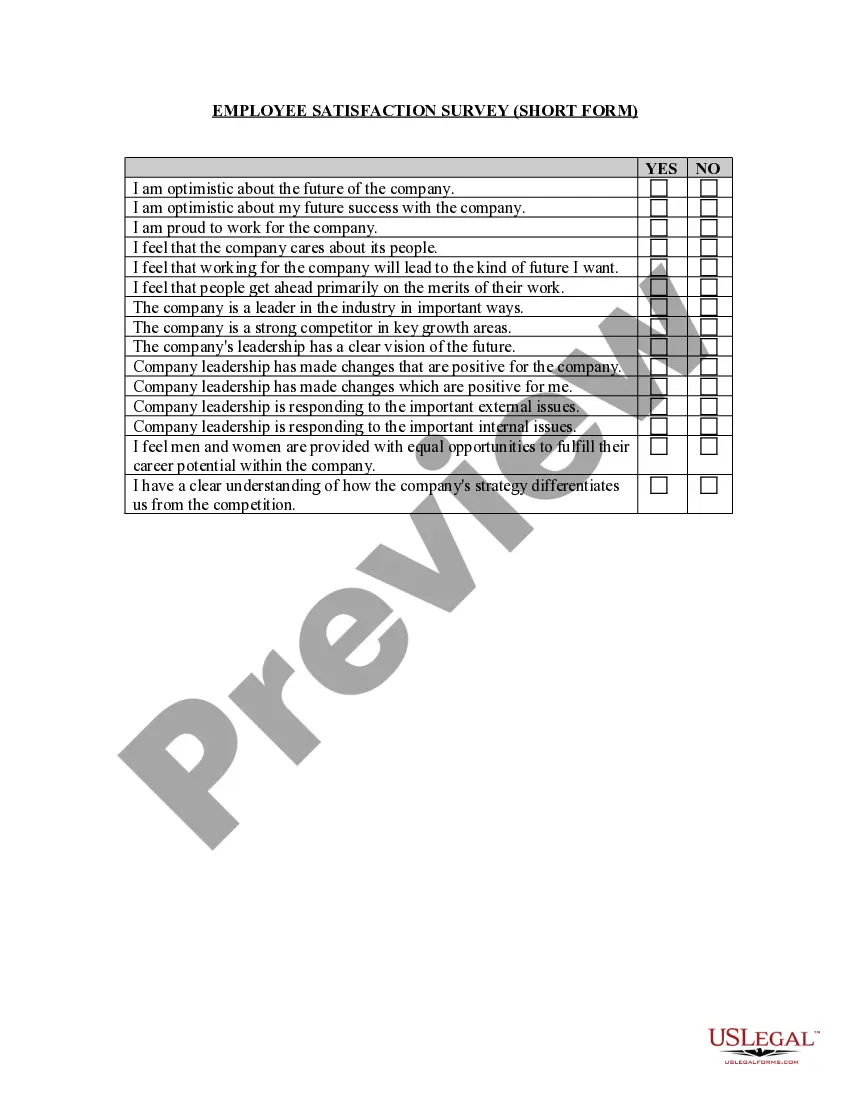
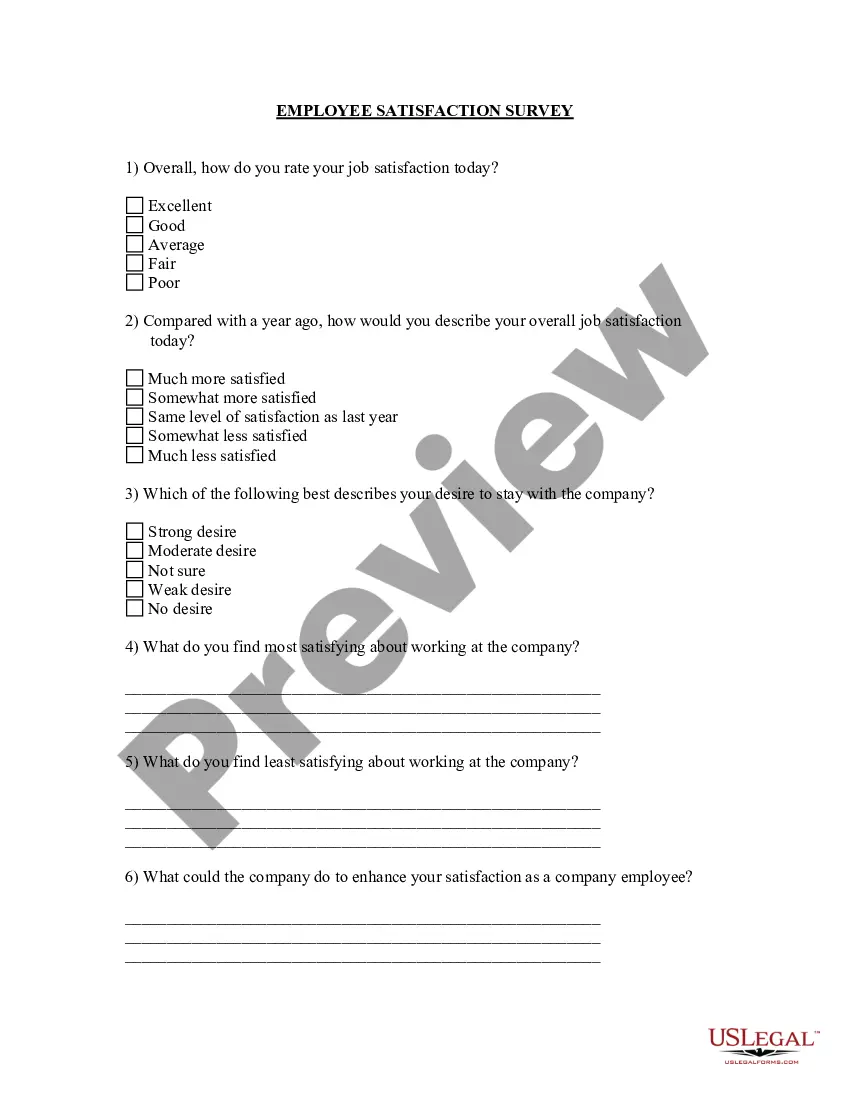
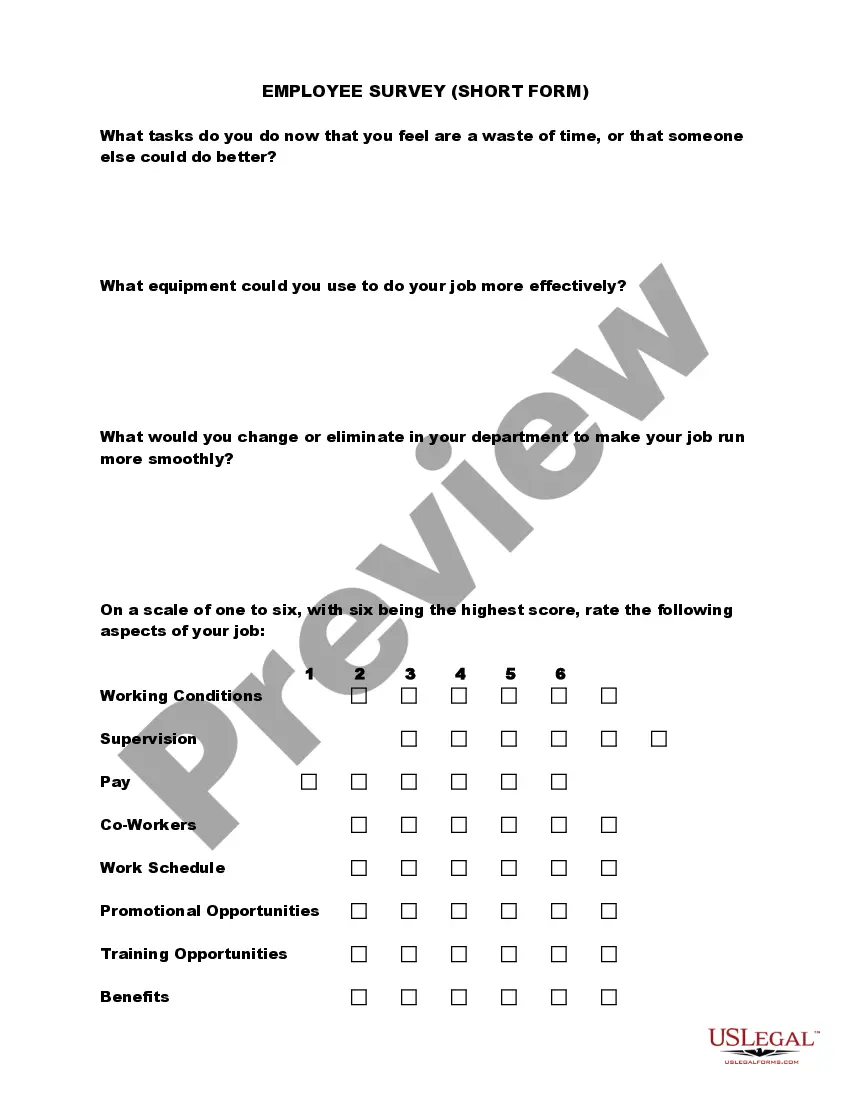
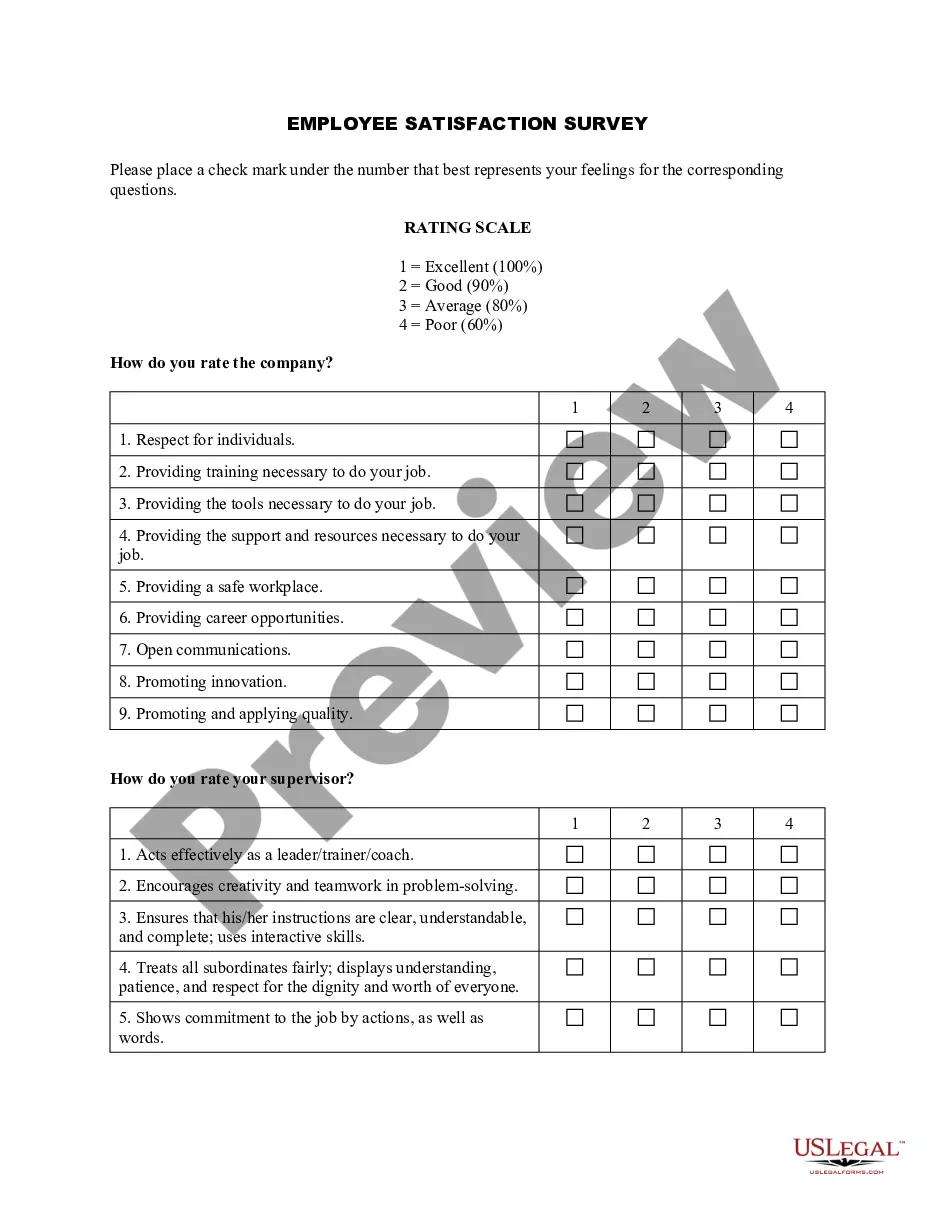
The Employee Satisfaction Survey - Short Form is a tool designed for employers to gather feedback from employees regarding their job satisfaction and the overall workplace environment. This survey focuses on key aspects such as optimism about the company's future, equality in career opportunities, and perceptions of leadership. It differs from other employee surveys by offering a concise format that allows for quick insights while still capturing essential employee sentiments.
Key parts of this document
- Questions assessing employee optimism about the company and personal success.
- Statements regarding perceived care for employees and leadership effectiveness.
- Assessment of equal opportunities for career advancement.
- Feedback on the company's competitive position and industry leadership.
- General perceptions about changes made by company leadership.
Common use cases
This form is ideal for employers looking to gauge employee morale and satisfaction at work. Use it when implementing performance reviews, developing workplace culture initiatives, or simply looking to improve employee retention rates. It can also be used during company restructuring or after significant changes within the organization to measure employee sentiment.
Who needs this form
- Human resource professionals seeking employee feedback.
- Managers wanting to understand team satisfaction.
- Organizational leaders aiming to improve workplace culture.
- Employers of all sizes looking for insights into employee perspectives.
Instructions for completing this form
- Begin by distributing the survey to your employees.
- Instruct employees to answer each statement with a simple yes or no.
- Ensure they understand the questions regarding their optimism and satisfaction.
- Collect the completed surveys for analysis.
- Review the results to identify trends and areas for improvement.
Is notarization required?
This form usually doesn’t need to be notarized. However, local laws or specific transactions may require it. Our online notarization service, powered by Notarize, lets you complete it remotely through a secure video session, available 24/7.
Get your form ready online
Our built-in tools help you complete, sign, share, and store your documents in one place.
Make edits, fill in missing information, and update formatting in US Legal Forms—just like you would in MS Word.
Download a copy, print it, send it by email, or mail it via USPS—whatever works best for your next step.
Sign and collect signatures with our SignNow integration. Send to multiple recipients, set reminders, and more. Go Premium to unlock E-Sign.
If this form requires notarization, complete it online through a secure video call—no need to meet a notary in person or wait for an appointment.
We protect your documents and personal data by following strict security and privacy standards.

Make edits, fill in missing information, and update formatting in US Legal Forms—just like you would in MS Word.

Download a copy, print it, send it by email, or mail it via USPS—whatever works best for your next step.

Sign and collect signatures with our SignNow integration. Send to multiple recipients, set reminders, and more. Go Premium to unlock E-Sign.

If this form requires notarization, complete it online through a secure video call—no need to meet a notary in person or wait for an appointment.

We protect your documents and personal data by following strict security and privacy standards.
Mistakes to watch out for
- Failing to explain the purpose of the survey to employees.
- Not allowing anonymous responses, which may affect honesty.
- Skipping the analysis of survey results after collection.
Benefits of using this form online
- Convenient access for employees to complete the survey at their own pace.
- Easy to distribute and collect results through online platforms.
- Reliable data collection through standardized questions.
Legal use & context
- This form is designed to comply with general employment regulations.
- Ensure to follow applicable state and federal employment laws when implementing the survey.
Summary of main points
- The Employee Satisfaction Survey helps employers assess employee feelings and morale.
- Using this form can lead to actionable insights for improving workplace culture.
- It is designed to be straightforward and easy for employees to complete.
Looking for another form?

Form popularity
FAQ
Thank employees for participating. Provide an initial overview of results. Analyze results with leadership. Announce detailed results. Discuss team-level results within teams.
Communicate clearly. Communication is a crucial part of launching a successful engagement survey. Review your survey results. Share key survey findings with employees. Make a plan. Act on the plan. Communicate those actions regularly. Get ready to survey again.
Share a web link. The first option is to share your survey results from the analyze section of the survey. Send your respondents instant results. Want to let your respondents see how their responses to compare to those of other respondents? Manually export data.
Use Clear Language. Avoid corporate language that not everyone is able to understand. Guarantee Confidentiality. You want your team to be honest. Choose a Leader. It is usually best to put one senior HR representative in charge of employee satisfaction surveys. Use Technology.
Review Results. When employee engagement survey results become available, the first step is to share them with your executive team. Reflect. Align & Set Intentions. Provide Transparent Communication. Conduct Listening Sessions. Target Areas for Improvement & Establish Specific Plans. Execute. Evaluate Progress.
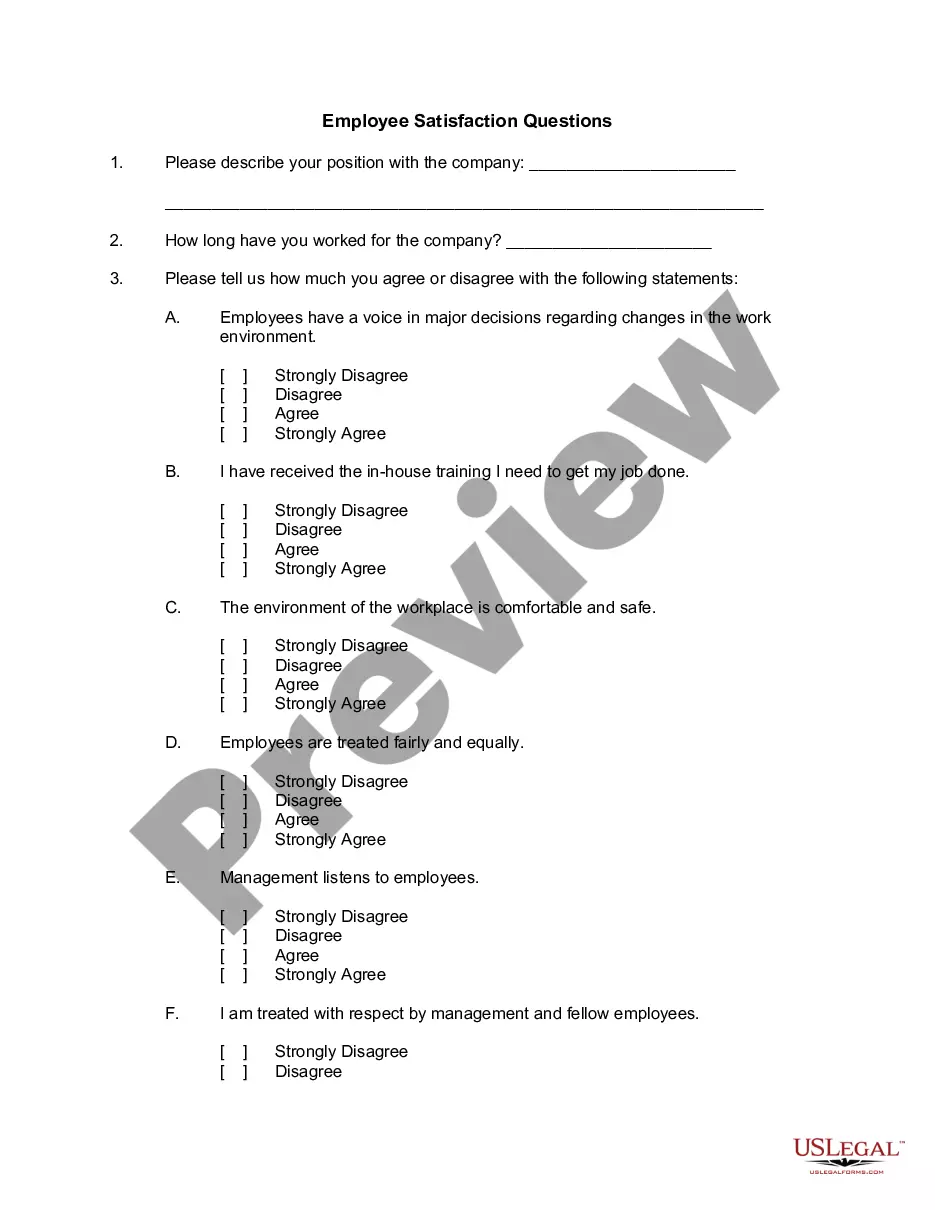
Do you enjoy our company's culture? Do you feel connected to your coworkers? Do your managers value your feedback? Do you feel valued for your contributions? Do you find your work meaningful?
Create a Presentation. Create a Report. Add a Chart or Graph. Visualize Text With Icons. Use Pictographs. Create an Interactive Map. Incorporate Creative Graphics. Use Multiple Data Widgets.
Be transparent. Engagement issues often stem from a lack of communication. Dig deeper on survey results. Review results with managers. Host small group discussions. Organize an engagement task force.