Employee Survey (Short Form)
Overview of this form
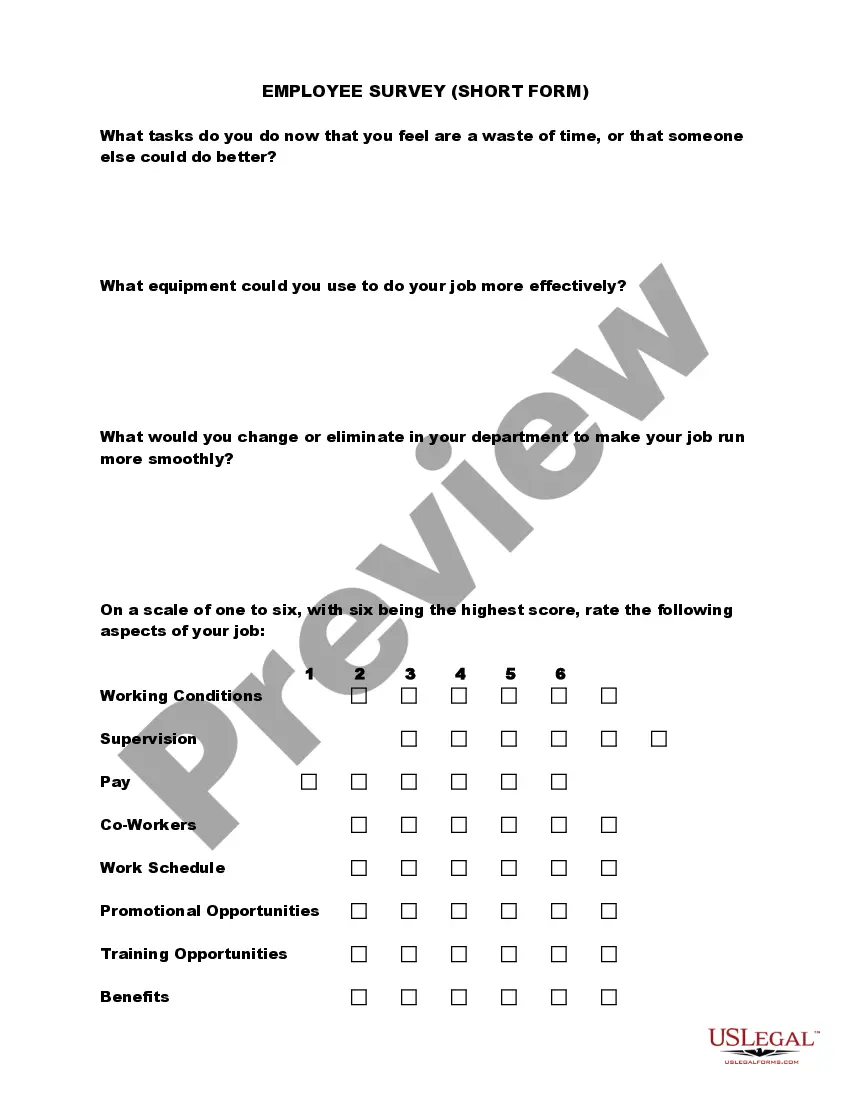
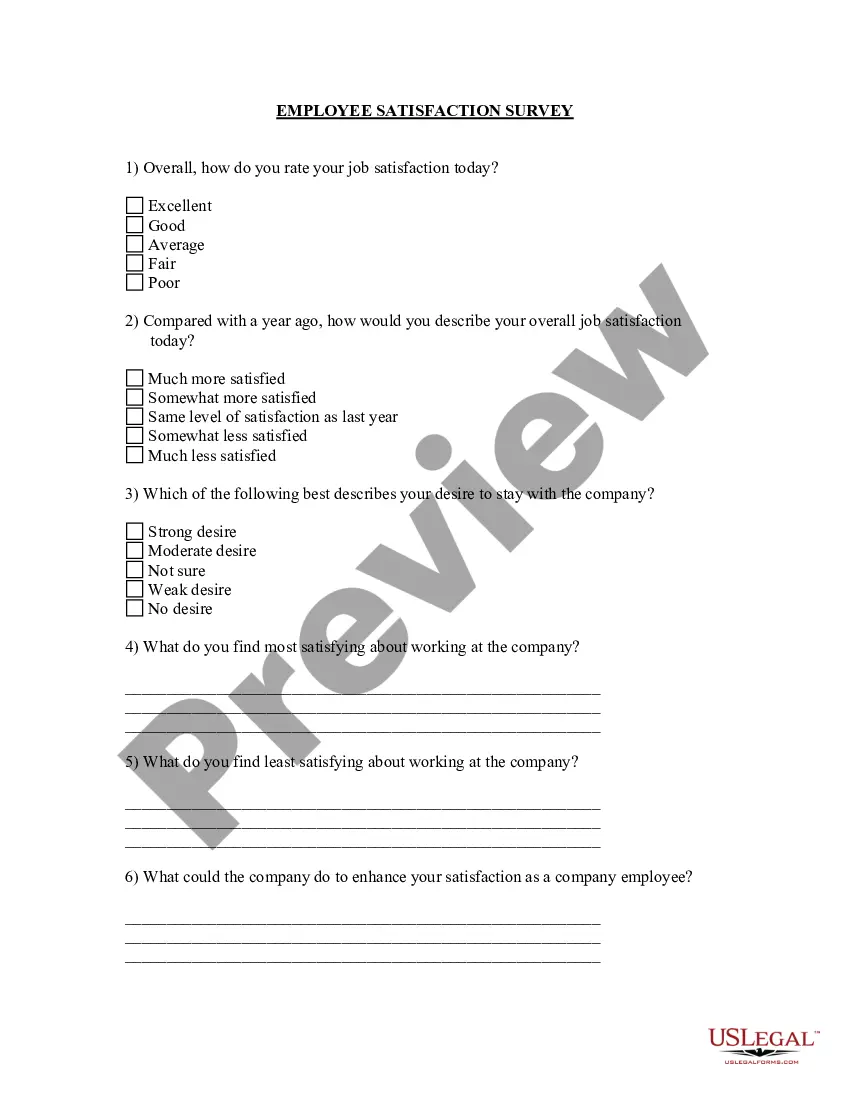
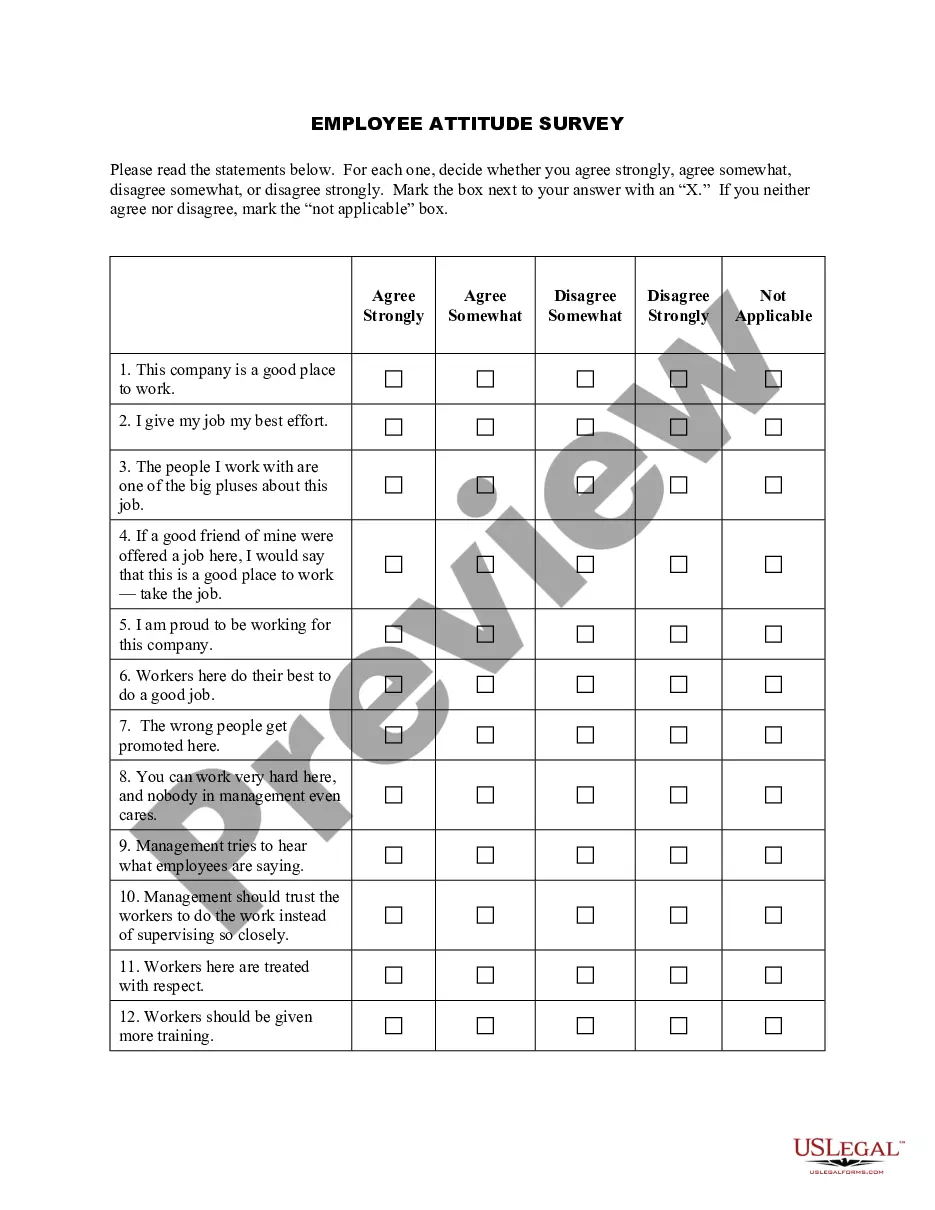
The Employee Survey (Short Form) is a concise tool for employees to express their views regarding workplace conditions, company practices, and areas for improvement. This survey enables valuable feedback that can help organizations enhance employee satisfaction and operational efficiency. Unlike longer surveys, this short form focuses on essential questions to streamline employee participation and gather actionable insights quickly.
Key parts of this document
- Questions about tasks perceived as unproductive or that could be delegated.
- Inquiry into equipment needs to enhance job performance.
- Suggestions for changes or eliminations to improve departmental efficiency.
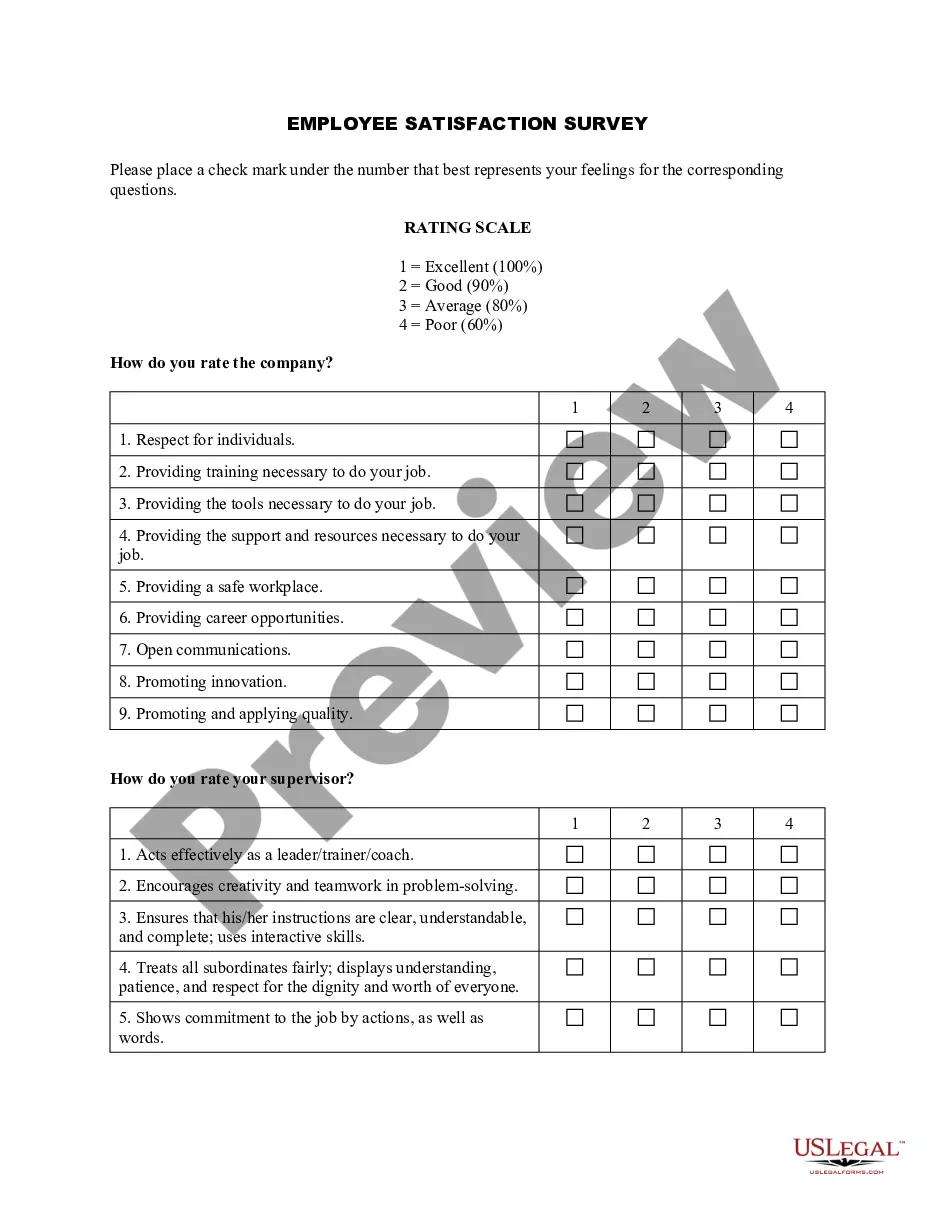
- A rating scale for key aspects such as working conditions, supervision, and pay.
- Open-ended feedback for additional comments to management.
When this form is needed
The Employee Survey (Short Form) should be used when an organization seeks to understand the employees' perspectives on various operational aspects. It is particularly useful during performance reviews, strategic planning sessions, or when launching new initiatives to improve workplace culture. This form can be employed as part of regular employee engagement efforts to ensure that employees feel heard and valued.
Who can use this document
- Human resources professionals seeking employee feedback.
- Managers wanting to understand team dynamics and identify areas for improvement.
- Organizations aiming to increase overall employee satisfaction and retention.
- Teams conducting regular evaluations of workplace practices.
How to complete this form
- Provide your name and department for context, if required by the organization.
- Reflect on your current tasks and identify any that seem redundant.
- Consider the equipment or tools that could improve your work efficiency.
- Rate the working conditions, supervision, and pay using the scale provided.
- Offer constructive feedback or suggestions in the comments section.
Does this document require notarization?
In most cases, this form does not require notarization. However, some jurisdictions or signing circumstances might. US Legal Forms offers online notarization powered by Notarize, accessible 24/7 for a quick, remote process.
Get your form ready online
Our built-in tools help you complete, sign, share, and store your documents in one place.
Make edits, fill in missing information, and update formatting in US Legal Forms—just like you would in MS Word.
Download a copy, print it, send it by email, or mail it via USPS—whatever works best for your next step.
Sign and collect signatures with our SignNow integration. Send to multiple recipients, set reminders, and more. Go Premium to unlock E-Sign.
If this form requires notarization, complete it online through a secure video call—no need to meet a notary in person or wait for an appointment.
We protect your documents and personal data by following strict security and privacy standards.

Make edits, fill in missing information, and update formatting in US Legal Forms—just like you would in MS Word.

Download a copy, print it, send it by email, or mail it via USPS—whatever works best for your next step.

Sign and collect signatures with our SignNow integration. Send to multiple recipients, set reminders, and more. Go Premium to unlock E-Sign.

If this form requires notarization, complete it online through a secure video call—no need to meet a notary in person or wait for an appointment.

We protect your documents and personal data by following strict security and privacy standards.
Common mistakes
- Skipping questions that require thoughtful responses.
- Providing vague or non-specific feedback.
- Not considering all aspects of the job before submitting.
- Failing to respect confidentiality, if applicable.
Benefits of using this form online
- Easy access for employees to provide feedback promptly.
- Time-efficient, allowing completion within a few minutes.
- Encourages candid responses with an anonymous option.
- Facilitates data collection and analysis for employers.
Quick recap
- The Employee Survey (Short Form) is essential for fostering open communication in the workplace.
- Collecting feedback through this form can drive improvements in employee satisfaction.
- Completion is straightforward and can be integrated into HR processes seamlessly.
Looking for another form?


Form popularity
FAQ
W-4 form (or W-9 for contractors) I-9 Employment Eligibility Verification form. State Tax Withholding form. Direct Deposit form. E-Verify system: This is not a form, but a way to verify employee eligibility in the U.S.
Full name. Contact information including email and phone. Address. Date of birth. Job title. Department and supervisor. Office contact information. Start date and salary.
Employer Identification Number (EIN) State/Local Tax ID Number. State Unemployment ID Number. Employee Addresses and SSNs. I-9. W-4. State Withholding Allowance Certificate. Department of Labor (DOL) Records.
An employee information form contains key information on employees that is used to keep a record of who worked for the company, their duration of employment, and in what role. It can also be used as an emergency contact information form in the event of any serious workplace injury.