Annual Expense Report
What this document covers
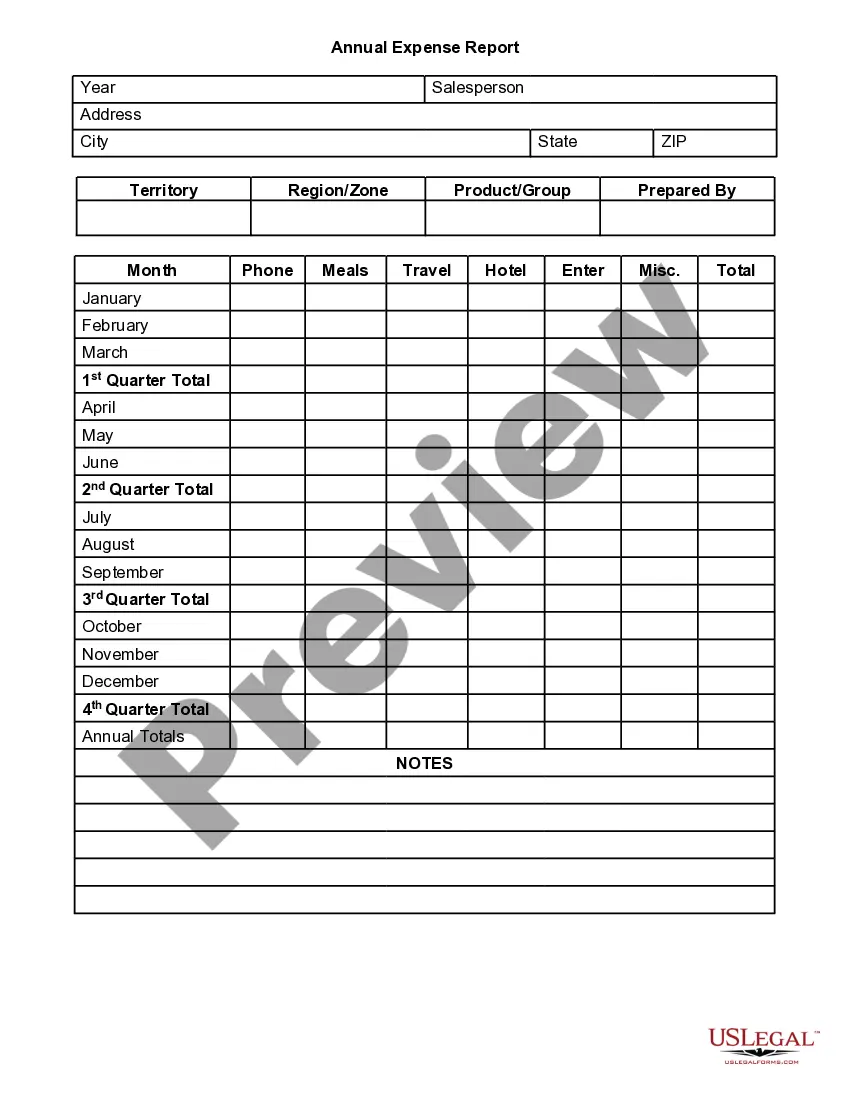
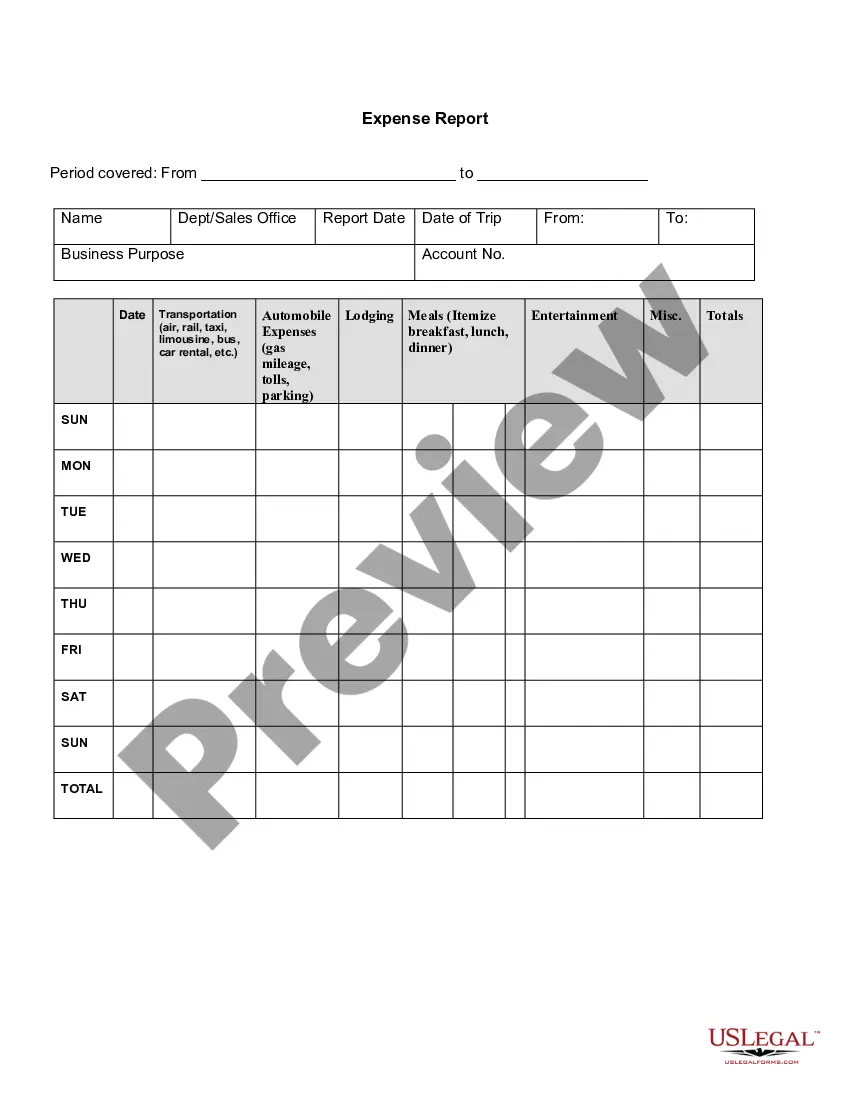
The Annual Expense Report is a detailed document designed to summarize and track the annual sales expenses for a specific sales territory or product group. This form helps businesses maintain accurate financial records by categorizing expenses such as meals, travel, and lodging throughout the year, making it distinct from other financial forms that may not focus specifically on sales-related expenditures.
Form components explained
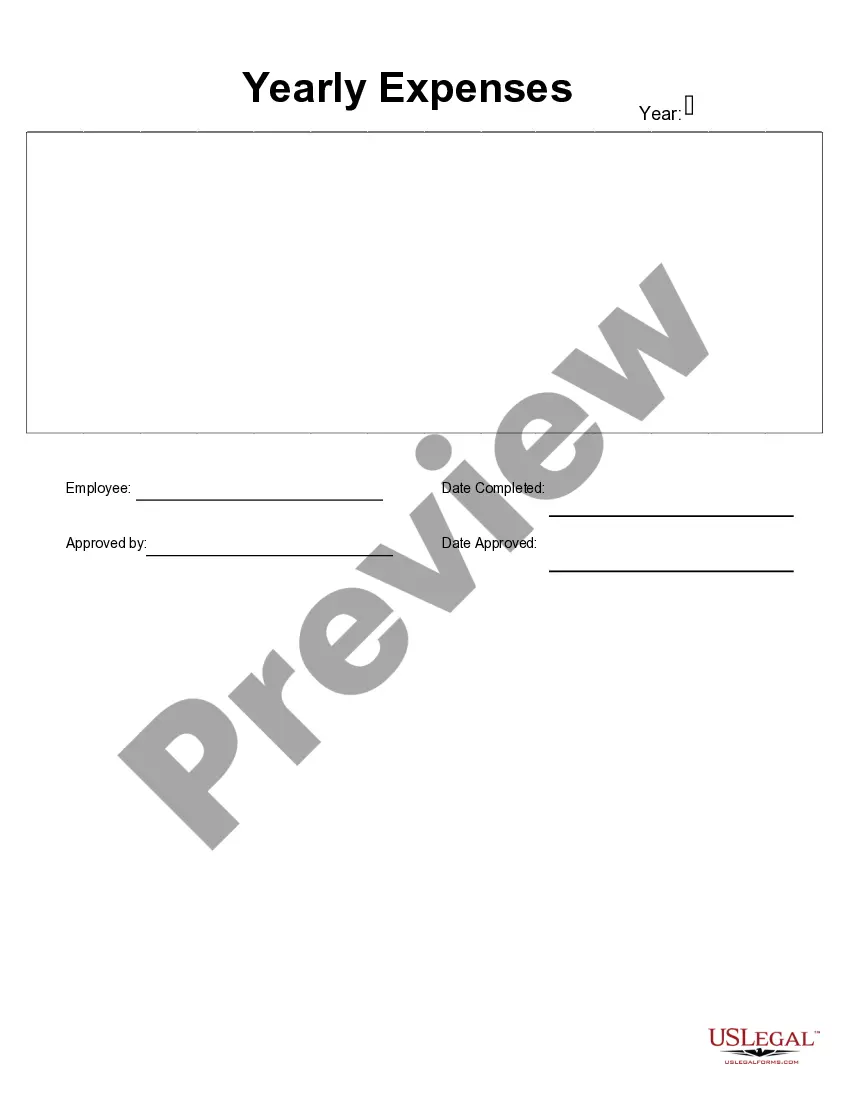
- Year: The year for which the expenses are reported.
- Salesperson: The name of the individual responsible for the sales activities.
- Address and Contact Information: Essential details for the salesperson including phone number.
- Expense Categories: Sections to record meals, travel, hotel, and other miscellaneous expenses.
- Monthly Breakdown: Allows for tracking expenses by each month of the year.
- Total Calculation: Summarizes expenses across different quarters and the total for the year.
- Notes Section: Space for any additional comments or observations regarding expenses.


When to use this document
This form should be used at the end of the fiscal year or after completing major sales initiatives. It is particularly useful for sales managers who need to review the expenses related to their sales territory or product group, enabling them to analyze spending trends, prepare budgets, or submit reimbursement requests.
Intended users of this form
- Sales personnel responsible for managing and reporting their own expenses.
- Finance teams needing to compile and analyze sales expenses for budgeting purposes.
- Sales managers who oversee multiple team members and require comprehensive reports on overall spending.
- Businesses looking to maintain transparency and accountability in their sales operations.
Steps to complete this form
- Specify the year for which you are reporting expenses.
- Fill in the salesperson's name, address, and contact information.
- Record monthly expenses in the appropriate categories: meals, travel, hotel, and miscellaneous.
- Calculate total expenses for each quarter and provide the annual total.
- Use the notes section for any relevant information or explanations related to the expenses incurred.
Does this document require notarization?
This form usually doesn’t need to be notarized. However, local laws or specific transactions may require it. Our online notarization service, powered by Notarize, lets you complete it remotely through a secure video session, available 24/7.
Get your form ready online
Our built-in tools help you complete, sign, share, and store your documents in one place.
Make edits, fill in missing information, and update formatting in US Legal Forms—just like you would in MS Word.
Download a copy, print it, send it by email, or mail it via USPS—whatever works best for your next step.
Sign and collect signatures with our SignNow integration. Send to multiple recipients, set reminders, and more. Go Premium to unlock E-Sign.
If this form requires notarization, complete it online through a secure video call—no need to meet a notary in person or wait for an appointment.
We protect your documents and personal data by following strict security and privacy standards.

Make edits, fill in missing information, and update formatting in US Legal Forms—just like you would in MS Word.

Download a copy, print it, send it by email, or mail it via USPS—whatever works best for your next step.

Sign and collect signatures with our SignNow integration. Send to multiple recipients, set reminders, and more. Go Premium to unlock E-Sign.

If this form requires notarization, complete it online through a secure video call—no need to meet a notary in person or wait for an appointment.

We protect your documents and personal data by following strict security and privacy standards.
Typical mistakes to avoid
- Failing to categorize expenses correctly, leading to inaccurate totals.
- Omitting contact information for easy follow-up or clarification.
- Not reviewing each month's entries for accuracy before submission.
- Not including notes that provide context for the expenses incurred.
Why use this form online
- Convenience: Easily accessible and can be filled out anytime, anywhere.
- Editability: Update figures as needed without formatting issues.
- Reliability: Provides a structured format ensuring all necessary information is captured.
Main things to remember
- The Annual Expense Report tracks and summarizes sales-related expenses.
- This form is essential for accurate financial reporting and budget analysis.
- Completing the form with attention to detail helps avoid common mistakes.
Looking for another form?
Form popularity
FAQ
Choose a template or expense-tracking software. Edit the columns and categories (such as rent or mileage) as needed. Add itemized expenses with costs. Add up the total. Attach or save your corresponding receipts. Print or email the report.
Add personal information. Enter purchase details. Sign the form. Attach receipts. Submit to the management or accounting department.
An expense report is a form that itemizes expenses necessary to the functioning of a business. A small business may ask its employees to submit expense reports to reimburse them for business-related purchases such as gas or meals.
For each expense, enter the date and description. Use the dropdown menus to select payment type and category for each expense. For each expense, enter the total cost. Attach all necessary receipts to the document. Submit for review and approval!
Information identifying the person submitting the report (department, position, contact info, SSN, etc.) A date and dollar amount for each expense, matching the date and dollar amount on the receipt provided for that expense. A brief description of each expense.
Choose a template or expense-tracking software. Edit the columns and categories (such as rent or mileage) as needed. Add itemized expenses with costs. Add up the total. Attach or save your corresponding receipts. Print or email the report.
Review the first receipt to make sure it is legitimate and not questionable. All expenses claimed for reimbursement should have supportive and valid receipts with attached bills. Review all the receipts to make sure that all expense claims abide by the company's policy guidelines.
Choose a Template (or Software) To make an expense report, you should use either a template or expense-tracking software. Edit the Columns. Add Itemized Expenses. Add up the Total. Attach Receipts, If Necessary. Print or Send the Report.
Information identifying the person submitting the report (department, position, contact info, SSN, etc.) A date and dollar amount for each expense, matching the date and dollar amount on the receipt provided for that expense. A brief description of each expense.