CD Software License
What is this form?
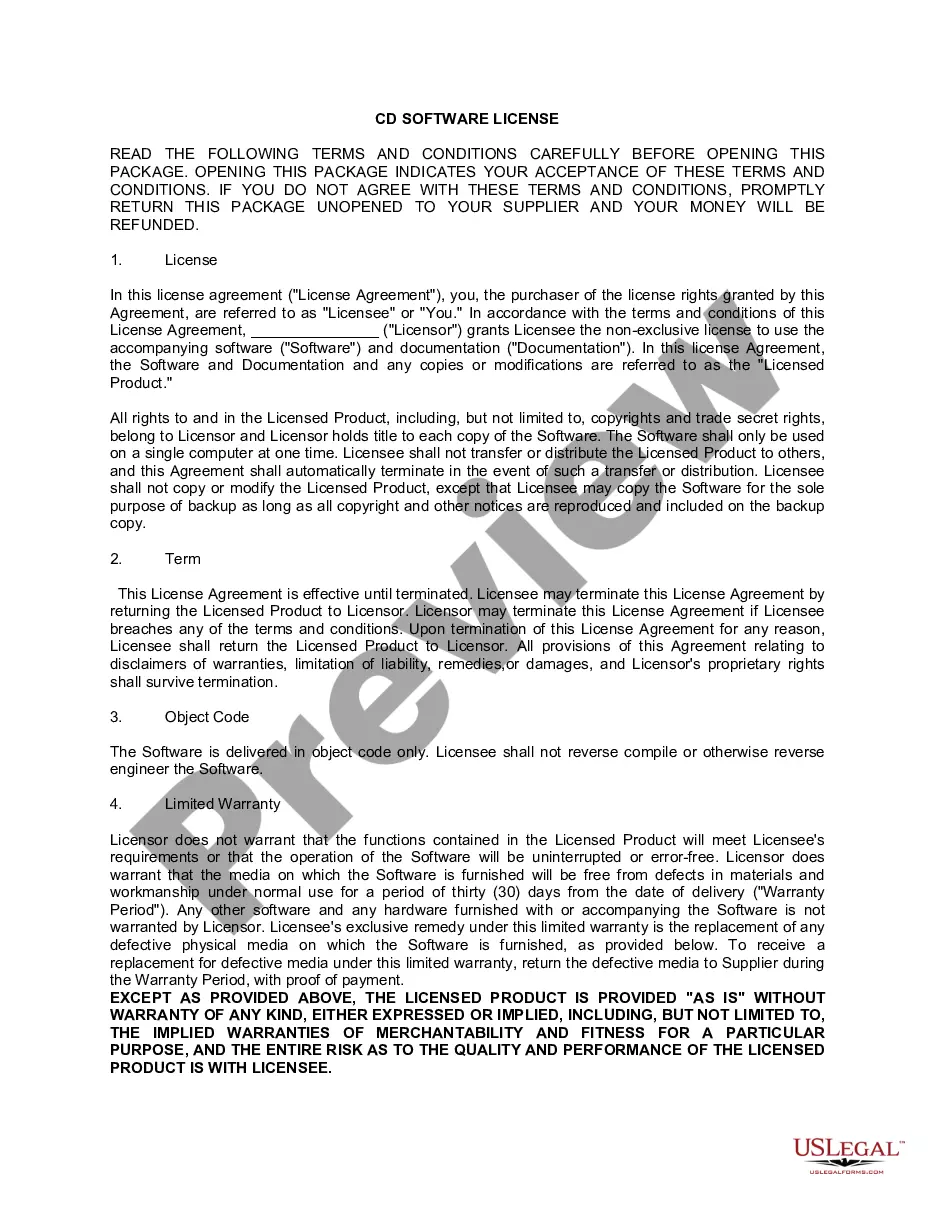
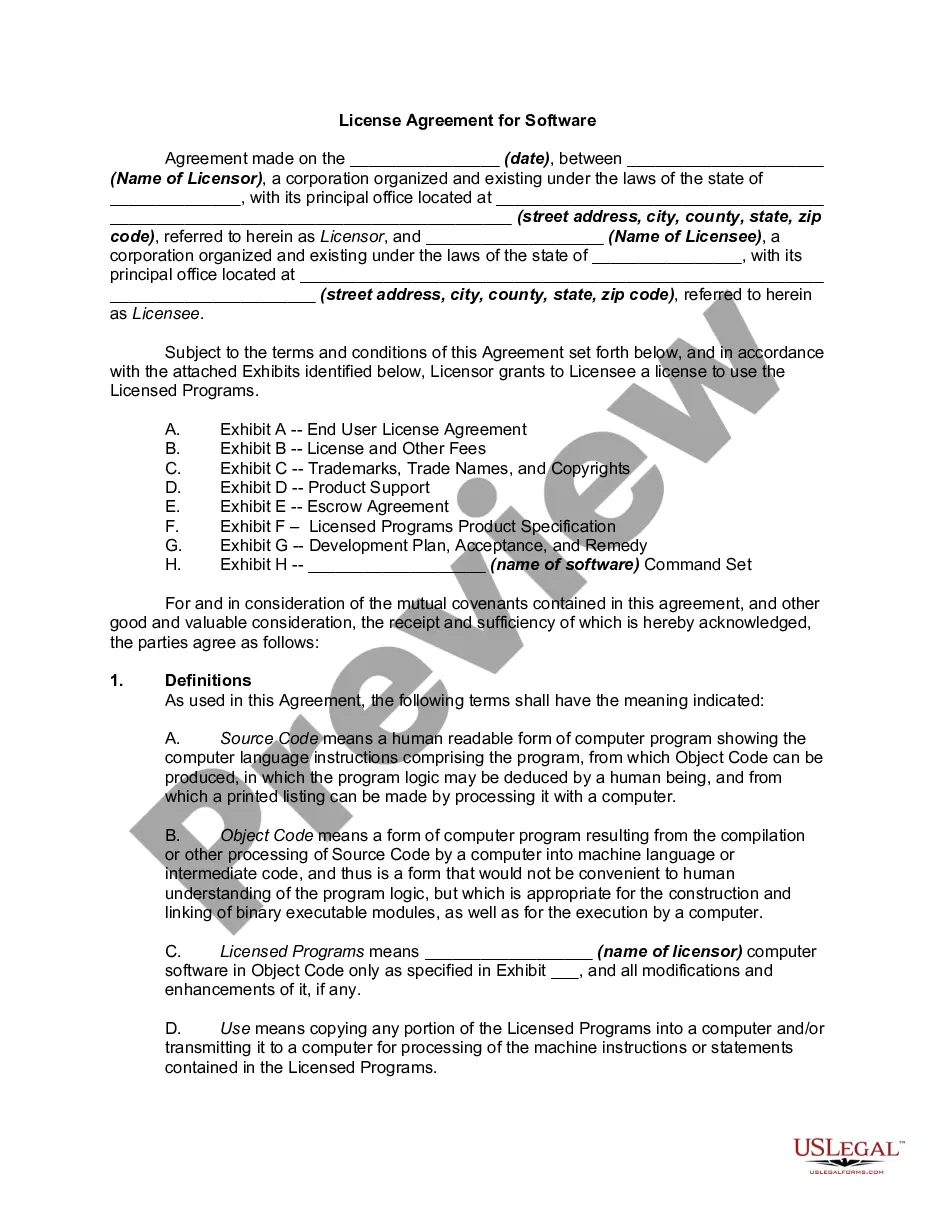
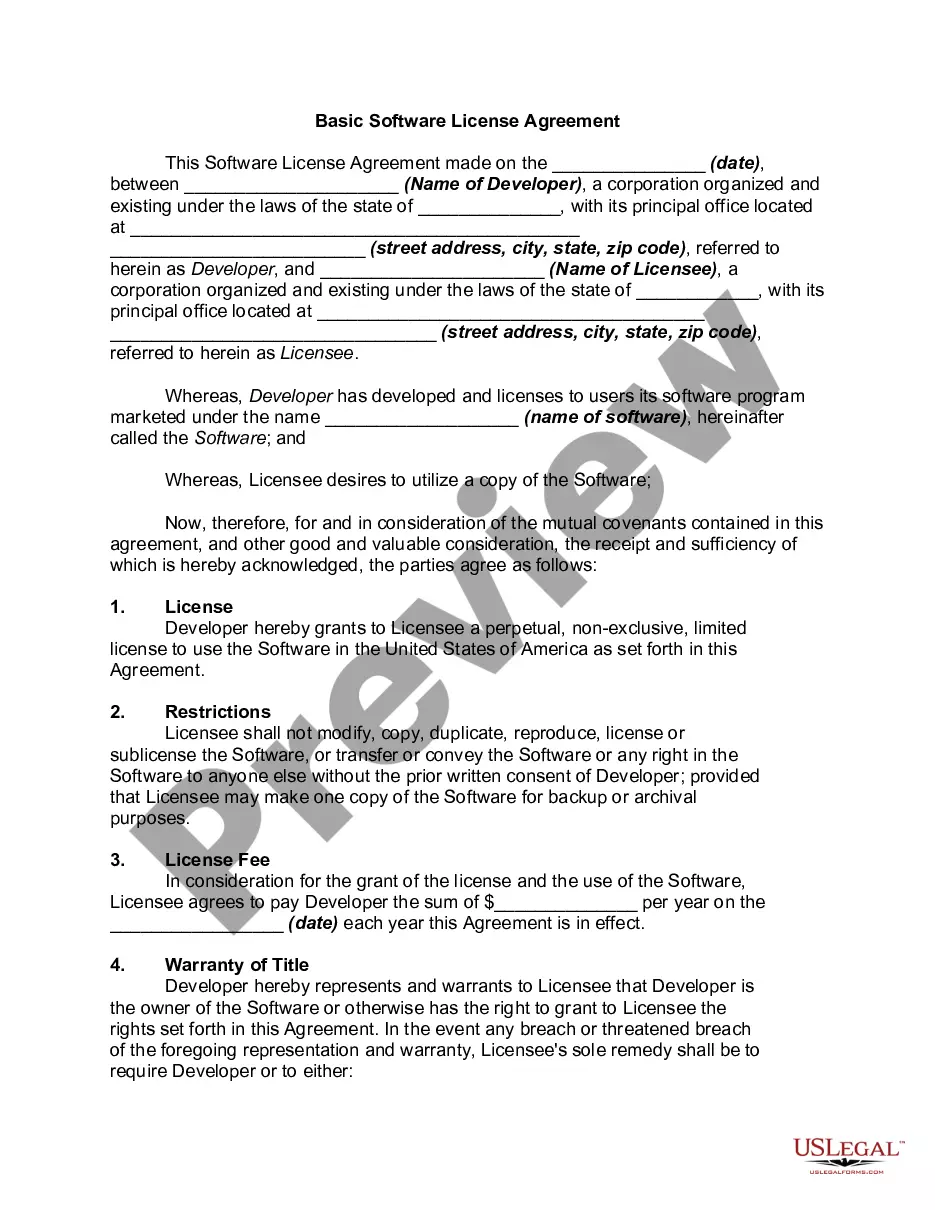
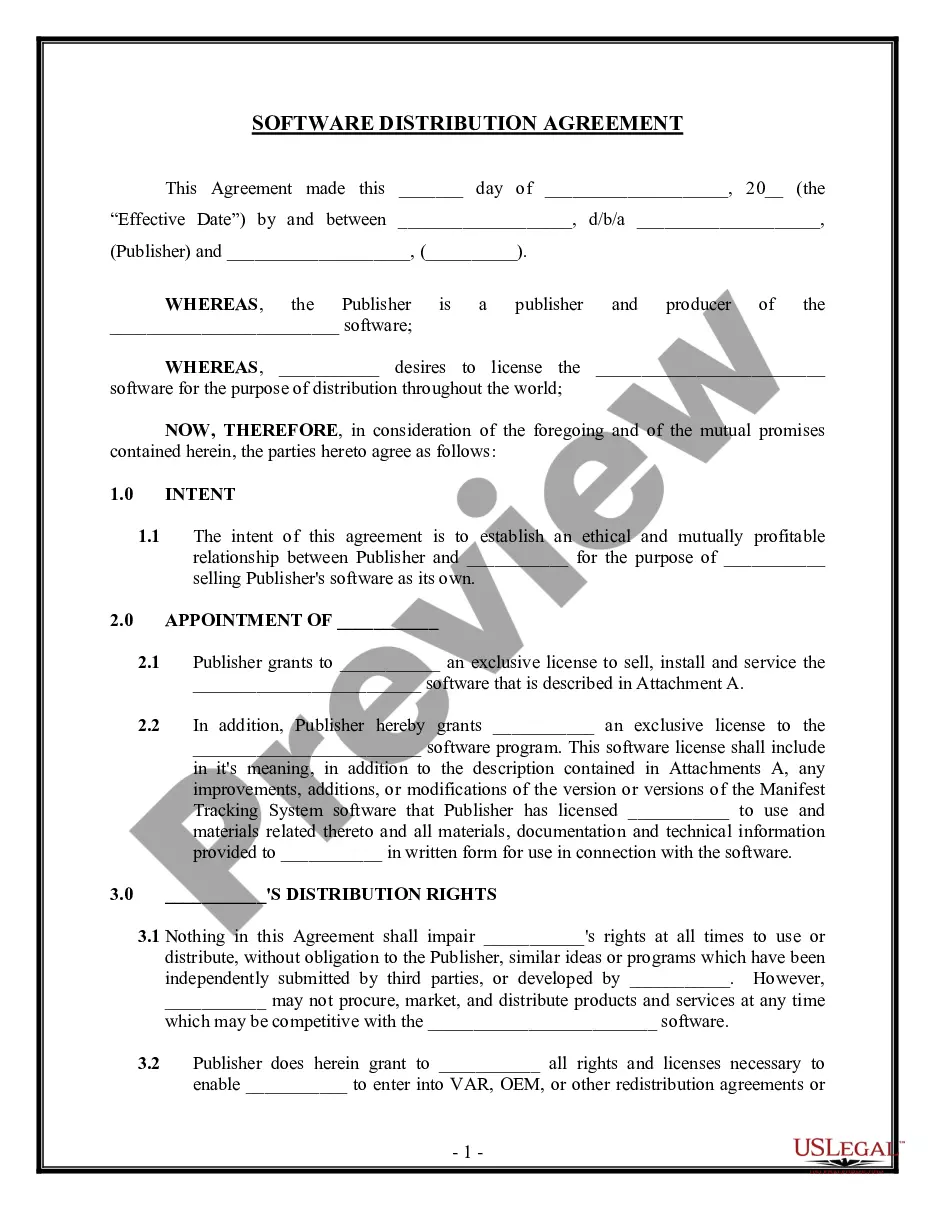
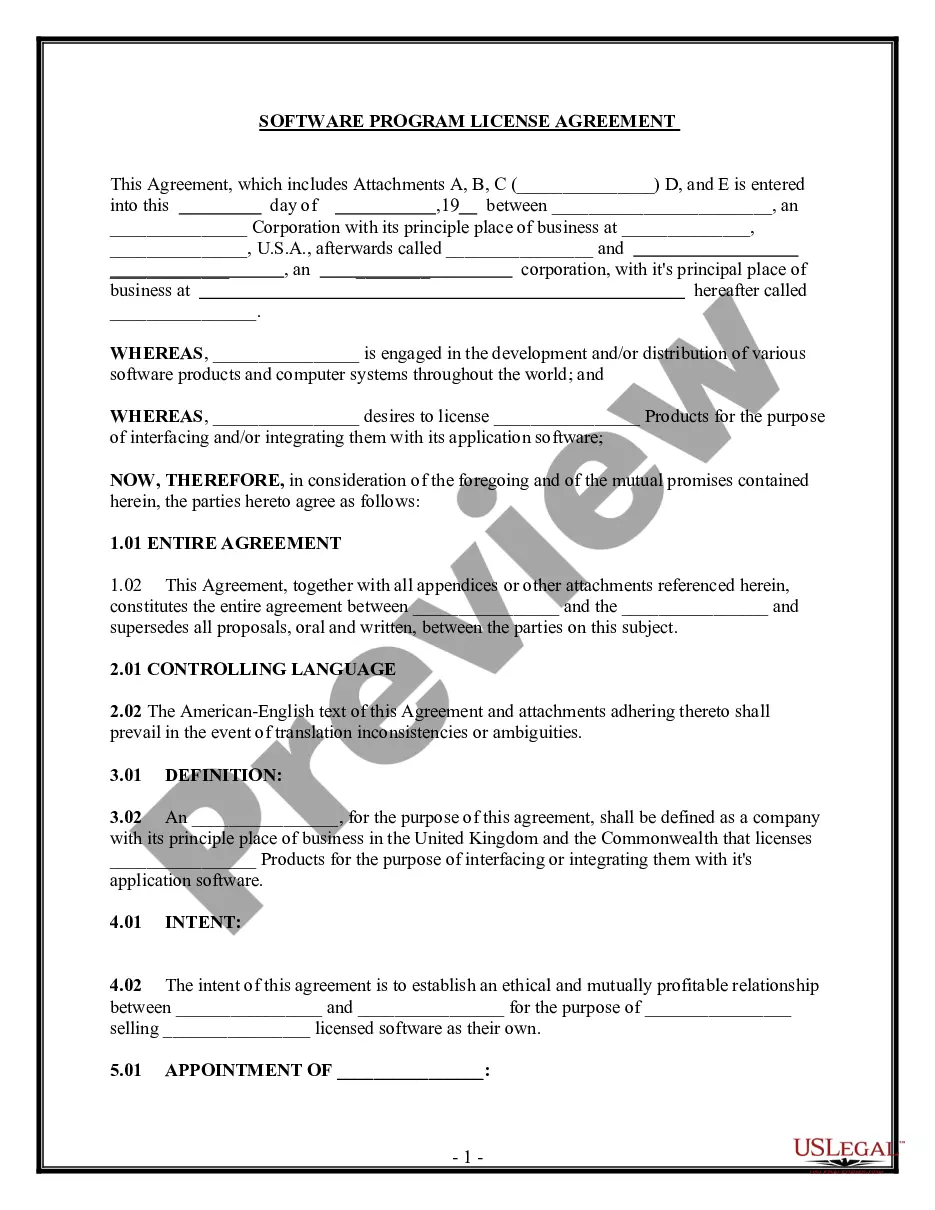
The CD Software License is a legal agreement between a software provider and the end user, allowing the user to install and use the software on a single computer. This form differs from other software agreements as it explicitly outlines the terms of non-exclusive usage, restrictions on the distribution and modification of the software, and procedures for termination of the license. It is crucial for both parties to understand these terms to ensure compliance with copyright laws and protect intellectual property rights.
What’s included in this form
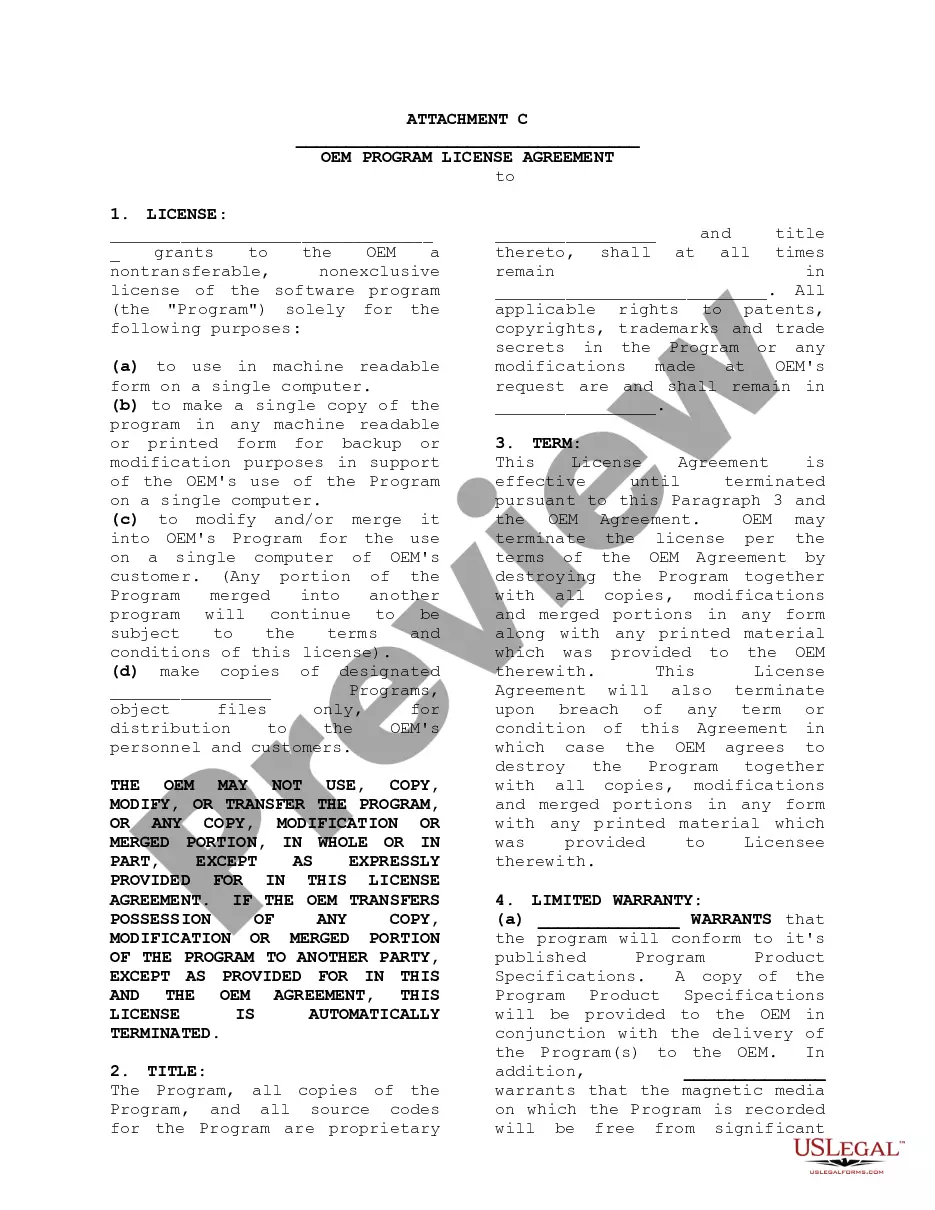
- License grant: Details the non-exclusive rights to use the software and documentation.
- Usage restrictions: Outlines the limitations on copying, transferring, or modifying the software.
- Termination conditions: Explains how the agreement can be terminated by either party.
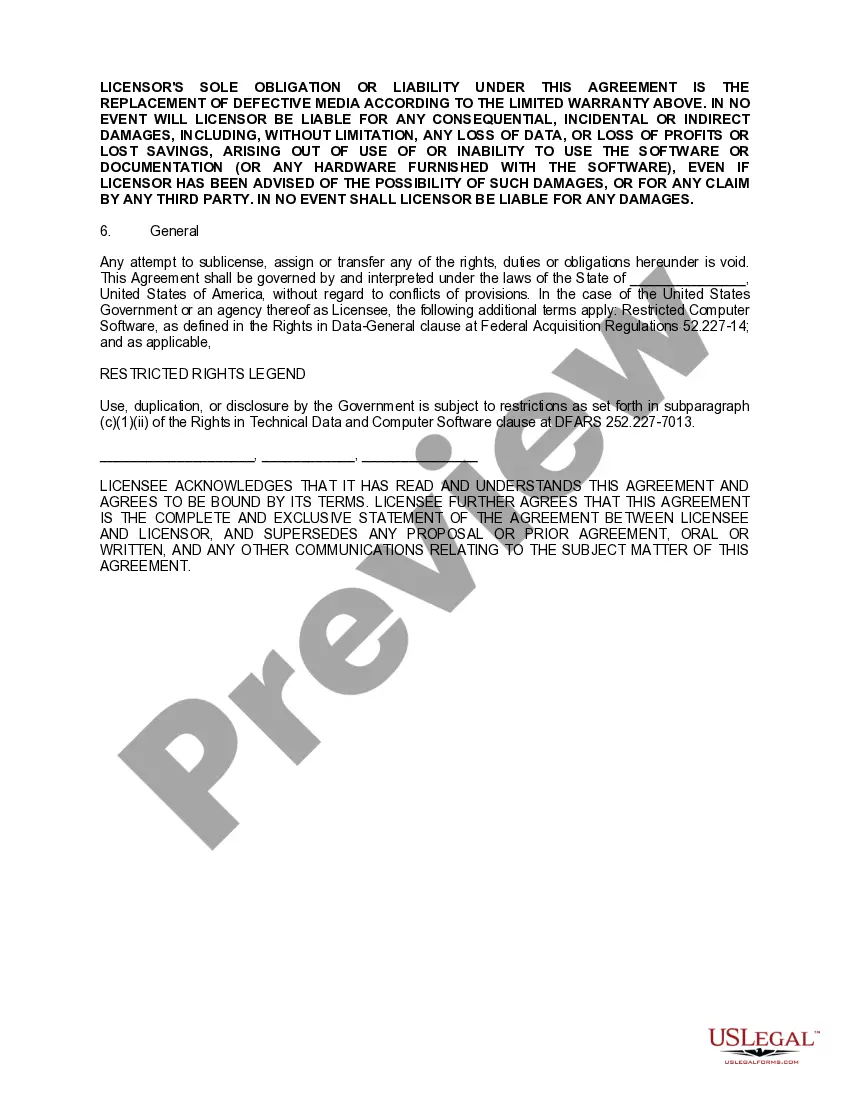
- Limited warranty: States the warranty period and limitations on liability for defects in media.
- Governing law: Specifies the jurisdiction under which the agreement is interpreted.
When to use this form
This form is used whenever an individual or business purchases software on a CD and needs to formalize the terms of use with the software provider. It is especially important for situations where the software requires strict compliance with licensing terms to avoid legal issues related to copyright infringement. Use this form when you're ready to install software that is not open-source or free of charge.
Who needs this form
- Businesses and individuals who purchase software on a CD.
- Software developers who are licensing their software to users.
- IT departments managing software purchases for organizations.
- Anyone looking to formalize the use terms to protect their rights as a licensee or licensor.
Instructions for completing this form
- Identify the parties: Fill in the names of the licensor and licensee.
- Specify the licensed product: Clearly indicate the software title and any accompanying documentation.
- Include the warranty start date: Mention the date of purchase to align with warranty terms.
- Review the terms: Ensure both parties acknowledge understanding of the license terms.
- Sign and date: Both the licensor and licensee should sign and date the agreement to make it legally binding.
Notarization requirements for this form
This form does not typically require notarization to be legally valid. However, some jurisdictions or document types may still require it. US Legal Forms provides secure online notarization powered by Notarize, available 24/7 for added convenience.
Get your form ready online
Our built-in tools help you complete, sign, share, and store your documents in one place.
Make edits, fill in missing information, and update formatting in US Legal Forms—just like you would in MS Word.
Download a copy, print it, send it by email, or mail it via USPS—whatever works best for your next step.
Sign and collect signatures with our SignNow integration. Send to multiple recipients, set reminders, and more. Go Premium to unlock E-Sign.
If this form requires notarization, complete it online through a secure video call—no need to meet a notary in person or wait for an appointment.
We protect your documents and personal data by following strict security and privacy standards.

Make edits, fill in missing information, and update formatting in US Legal Forms—just like you would in MS Word.

Download a copy, print it, send it by email, or mail it via USPS—whatever works best for your next step.

Sign and collect signatures with our SignNow integration. Send to multiple recipients, set reminders, and more. Go Premium to unlock E-Sign.

If this form requires notarization, complete it online through a secure video call—no need to meet a notary in person or wait for an appointment.

We protect your documents and personal data by following strict security and privacy standards.
Mistakes to watch out for
- Failing to read and understand the terms before opening the software package.
- Not specifying the software and documentation in detail.
- Changing usage restrictions without agreement from both parties.
- Neglecting to maintain records of purchase for warranty claims.
Why use this form online
- Convenience: Easily access and fill out the form from anywhere.
- Editability: Make necessary changes to the form before finalizing it.
- Reliability: Ensure the document complies with legal standards formulated by licensed attorneys.
Legal use & context
- The licensing agreement protects the intellectual property of the software.
- It defines the scope of permissible use to prevent misuse or unauthorized distribution.
- Compliance with the terms set forth in the agreement is essential for legal enforcement.
Looking for another form?
Form popularity
FAQ
What is meant by a digital audio workstation (DAW)? A digital audio workstation (DAW) is essentially the glue that sticks all of your creative sounds and ideas together. Apple GarageBand. Apple Logic Pro X. FL Studio. Reaper. Ableton Live. You may also like: The Best Music Streaming Sites to Promote Your Tracks. Cubase.
Audacity. Audacity is the original free DAW. Garageband. Ableton Live Lite. Tracktion Waveform Free. Pro Tools First. Ohm Studio. Cubase LE. Soundbridge.
A digital audio workstation, or DAW, is an electronic device or piece of software that allows for recording, manipulating, and creating audio. Within the music realm, popular software DAWs include Ableton, Pro Tools, and Logic, which is what Oak Felder uses.
Roland Zenbeats. GarageBand. Reaper. Reason Intro. FL Studio.
Roland Zenbeats. GarageBand. Reaper. Reason Intro. FL Studio.
Apple Garageband. FL Studio. Ableton Live. Logic Pro.
Audacity. Audacity is the original free DAW. Garageband. Ableton Live Lite. Tracktion Waveform Free. Pro Tools First. Ohm Studio. Cubase LE. Soundbridge.
Ableton Live. FL Studio. Logic Pro. Pro Tools. Reason. Garageband. Acid. Cubase.
Ableton Live. FL Studio. Logic Pro. Pro Tools. Reason. Garageband. Acid. Cubase.