Worksheet - Industry & Competitive Forces Analysis
About this form
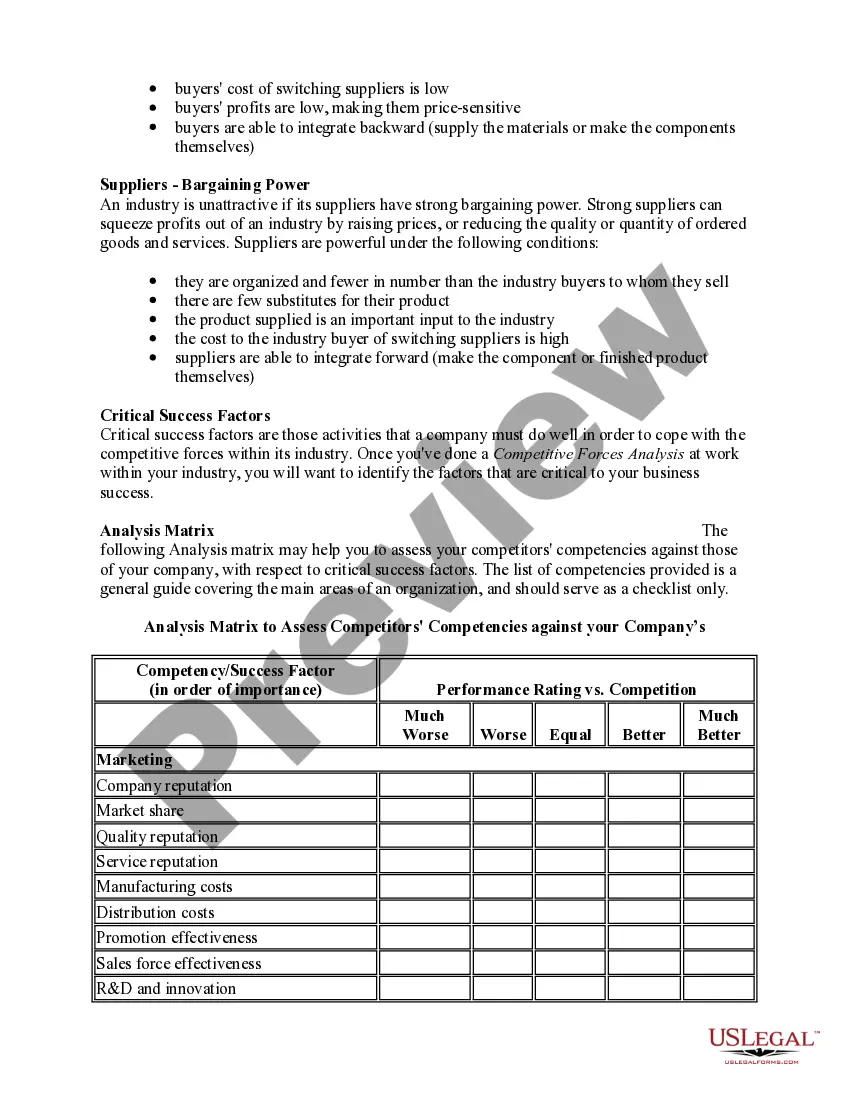
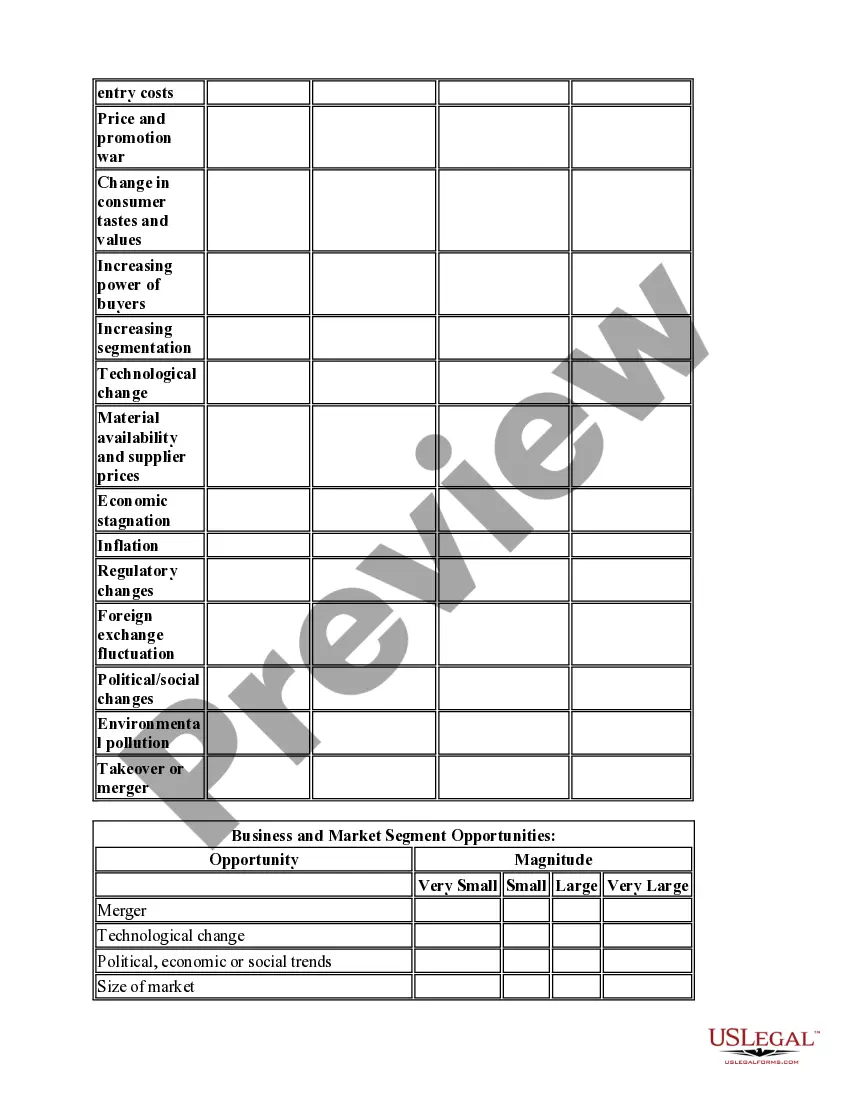
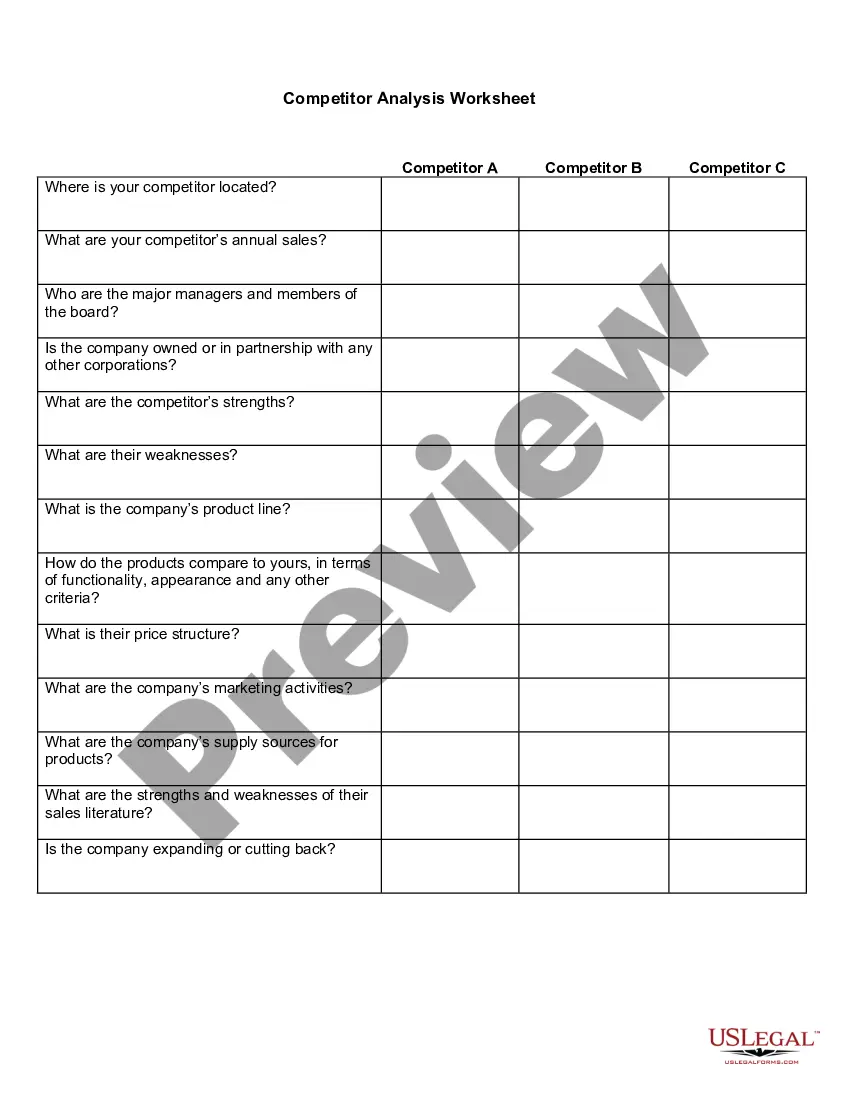
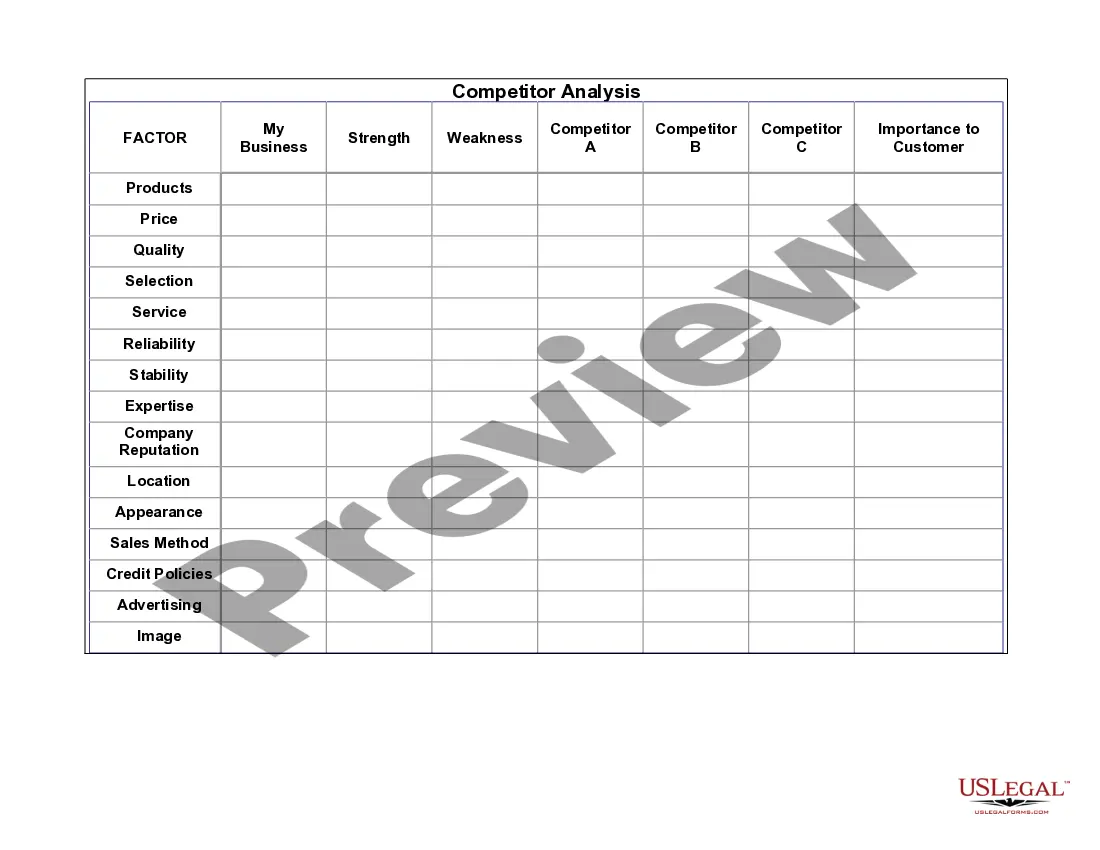
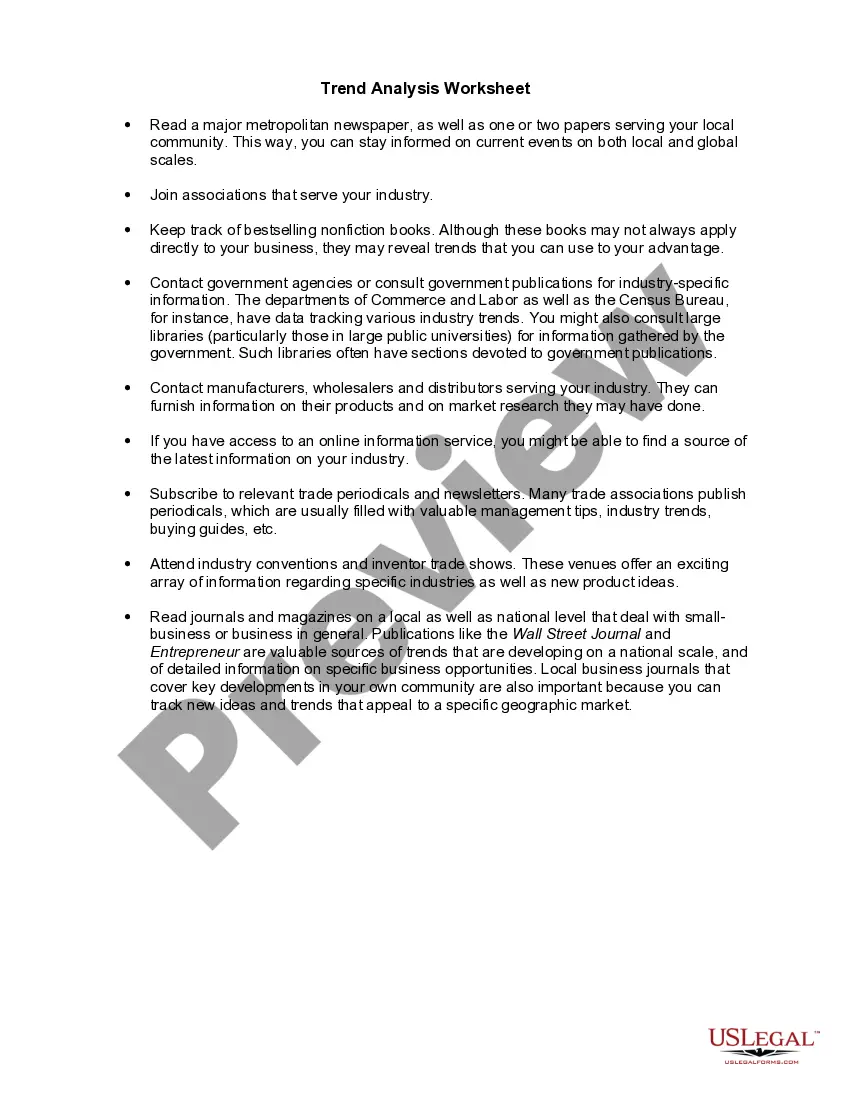
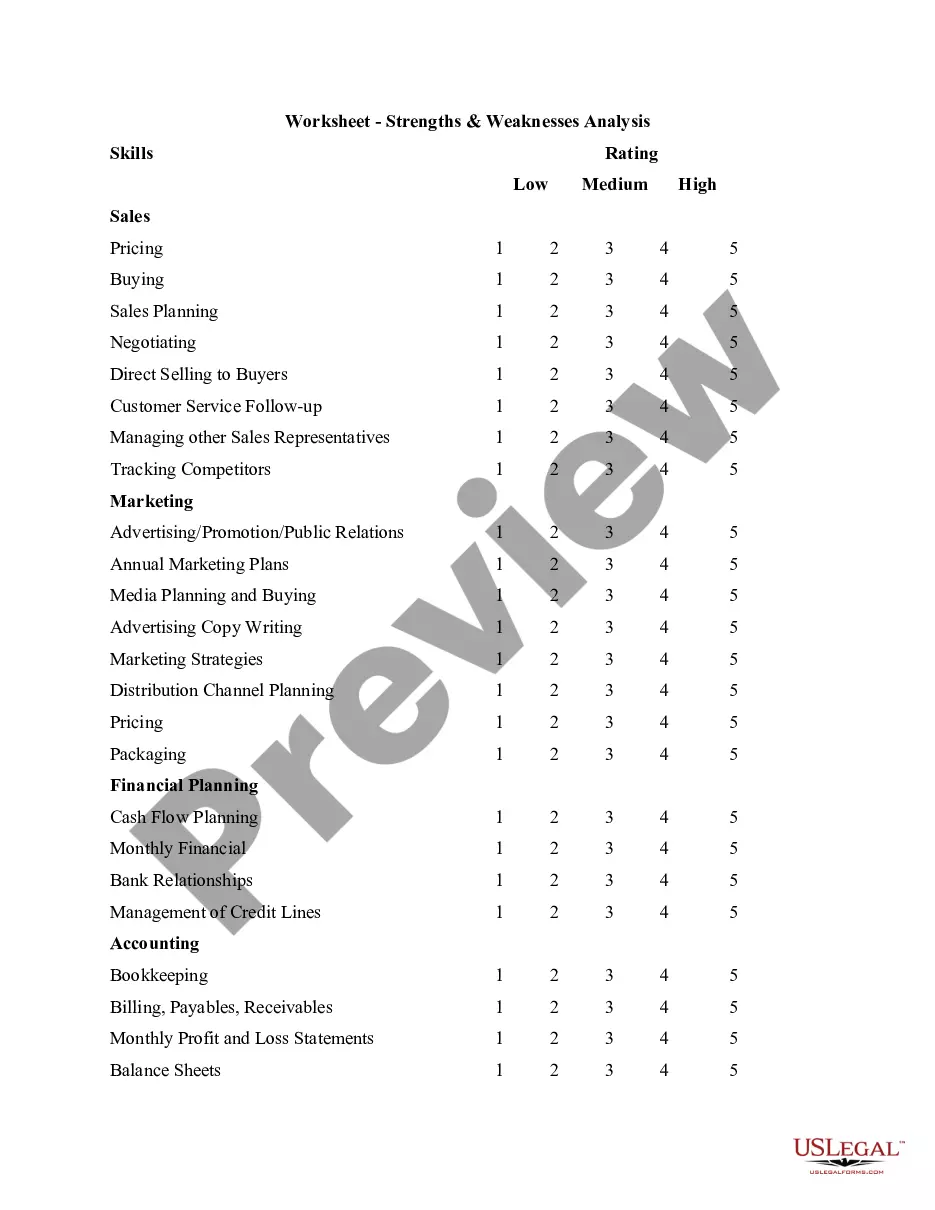
The Worksheet for Industry & Competitive Forces Analysis helps businesses evaluate the competitive landscape of their industry. This form differs from other business assessments by specifically focusing on the five competitive forces that influence an industry's attractiveness and profitability. Using this worksheet can provide valuable insights for making informed marketing and strategic planning decisions.
Key components of this form
- Industry Competitors: Assessment of rivalry within the industry.
- Potential Entrants: Evaluation of the threat posed by new competitors.
- Substitutes: Analysis of potential substitute products or services.
- Buyers: Examination of buyer bargaining power in the market.
- Suppliers: Review of supplier bargaining power and its impact.
- Critical Success Factors: Identification of key activities for success in the industry.
- Opportunities and Threats Analysis: Assessment of external factors affecting the market.




When to use this document
This form is particularly useful when launching a new product, entering a new market, or conducting an industry analysis. Entrepreneurs and business owners can utilize this worksheet to identify competitive challenges and opportunities, evaluate their current market position, and develop strategies to improve profitability.
Who needs this form
- Business owners looking to understand market dynamics.
- Entrepreneurs considering entering a new industry.
- Marketing professionals who need to analyze competition.
- Consultants advising clients on market entry strategies.
- Investors assessing the viability of a business venture.
How to prepare this document
- Identify the industry you are analyzing and specify the main competitors.
- Evaluate the intensity of rivalry and potential threats from new entrants.
- Analyze the availability of substitutes and their impact on your industry.
- Assess buyer and supplier bargaining power to understand market dynamics.
- Identify critical success factors that your business must excel in.
- Complete the opportunities and threats analysis to assess external market factors.
Is notarization required?
This form usually doesn’t need to be notarized. However, local laws or specific transactions may require it. Our online notarization service, powered by Notarize, lets you complete it remotely through a secure video session, available 24/7.
Get your form ready online
Our built-in tools help you complete, sign, share, and store your documents in one place.
Make edits, fill in missing information, and update formatting in US Legal Forms—just like you would in MS Word.
Download a copy, print it, send it by email, or mail it via USPS—whatever works best for your next step.
Sign and collect signatures with our SignNow integration. Send to multiple recipients, set reminders, and more. Go Premium to unlock E-Sign.
If this form requires notarization, complete it online through a secure video call—no need to meet a notary in person or wait for an appointment.
We protect your documents and personal data by following strict security and privacy standards.

Make edits, fill in missing information, and update formatting in US Legal Forms—just like you would in MS Word.

Download a copy, print it, send it by email, or mail it via USPS—whatever works best for your next step.

Sign and collect signatures with our SignNow integration. Send to multiple recipients, set reminders, and more. Go Premium to unlock E-Sign.

If this form requires notarization, complete it online through a secure video call—no need to meet a notary in person or wait for an appointment.

We protect your documents and personal data by following strict security and privacy standards.
Avoid these common issues
- Failing to fully assess all five competitive forces.
- Underestimating the impact of substitutes on pricing strategies.
- Not considering buyer power when evaluating pricing models.
- Omitting critical success factors that could strengthen the business position.
- Ignoring external threats that could undermine market entry strategies.
Advantages of online completion
- Convenient access to a structured analysis framework.
- Editability allows for adjustments as market conditions change.
- Reliable insights provided by legal professionals and market analysts.
Legal use & context
- The information provided in this form is intended to help evaluate market conditions but is not legally binding.
- Use the worksheet to complement your business plans and market strategies.
- Consider consulting a legal professional if you need specific legal advice regarding market entry.
Summary of main points
- The Worksheet for Industry & Competitive Forces Analysis equips businesses with critical insights.
- Understanding competitive forces is essential for strategic planning and marketing.
- This analysis helps identify risks and opportunities in the marketplace.
Looking for another form?







Form popularity
FAQ
By placing a ?0? on line 5, you are indicating that you want the most amount of tax taken out of your pay each pay period. If you wish to claim 1 for yourself instead, then less tax is taken out of your pay each pay period.
You should claim 1 allowance if you are married and filing jointly. If you are filing as the head of the household, then you would also claim 1 allowance. You will likely be getting a refund back come tax time.
If you have more than one job and are single, you can either split your allowances (claim 1 at Job A and 1 at Job B), or you can claim them all at one job (claim 2 at Job A and 0 at Job B). If you're single and have one job, claiming two allowances is also an option.
If there are only two jobs held at the same time in your household, you may check the box in Step 2 on the forms for both jobs. The standard deduction and tax brackets will be divided equally between the two jobs. You will not need to furnish a new Form W-4 to account for pay changes at either job.
When you have a second job or an additional source of income, you should claim extra withholding on your W-4 to account for the additional income. Two jobs often push you into a higher income bracket, so you must withhold more of your income using line 4(c).
If you have two jobs, you fill out two W-4 forms, one for each gig. To figure out your total income and total withheld taxes, you add the numbers on the two W-2 forms together. It's the same process as if you were adding your spouse's and your own W-2s together for a joint tax return.
By placing a ?0? on line 5, you are indicating that you want the most amount of tax taken out of your pay each pay period. If you wish to claim 1 for yourself instead, then less tax is taken out of your pay each pay period.
Here's a step-by-step look at how to complete the form. Step 1: Provide Your Information. Provide your name, address, filing status, and Social Security number.Step 2: Indicate Multiple Jobs or a Working Spouse.Step 3: Add Dependents.Step 4: Add Other Adjustments.Step 5: Sign and Date Form W-4.