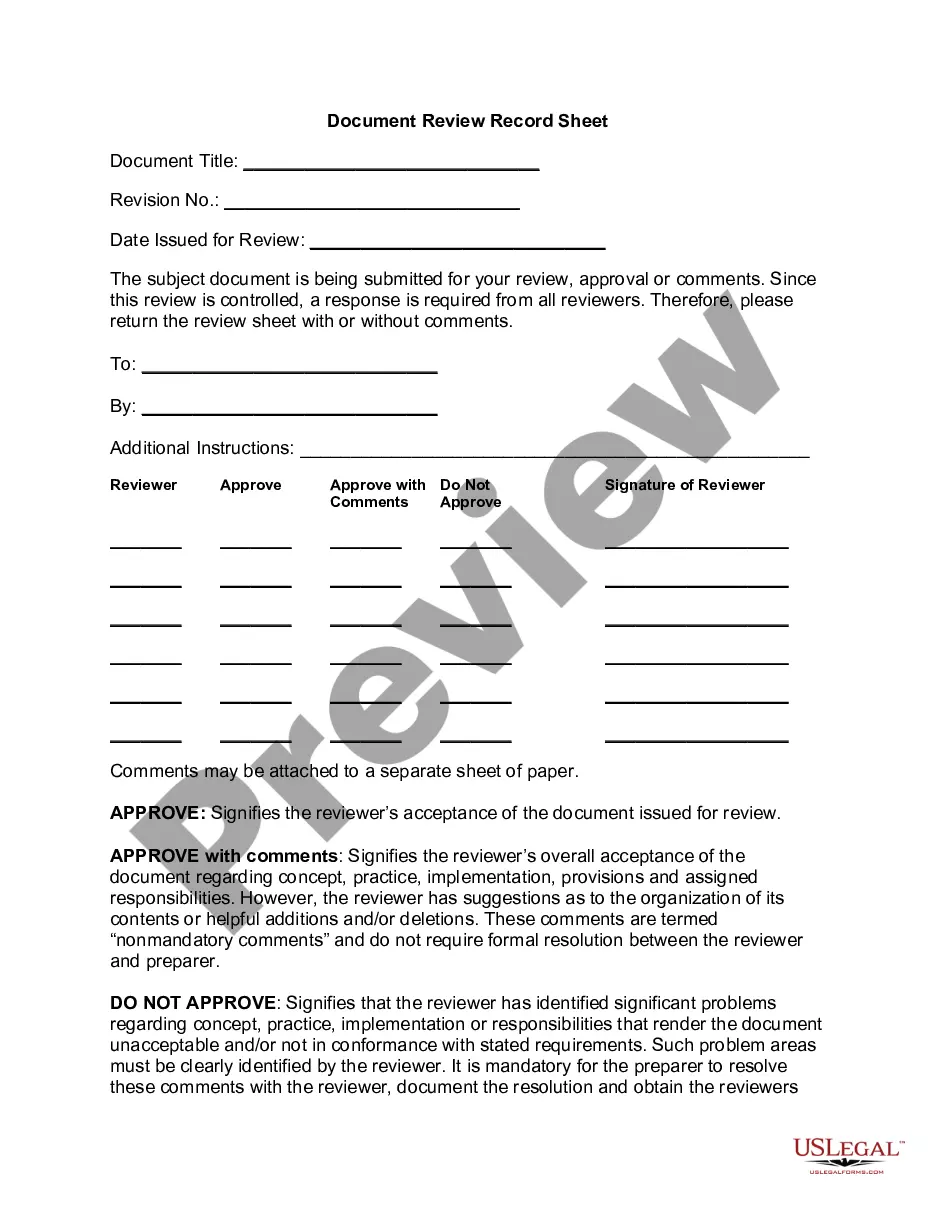
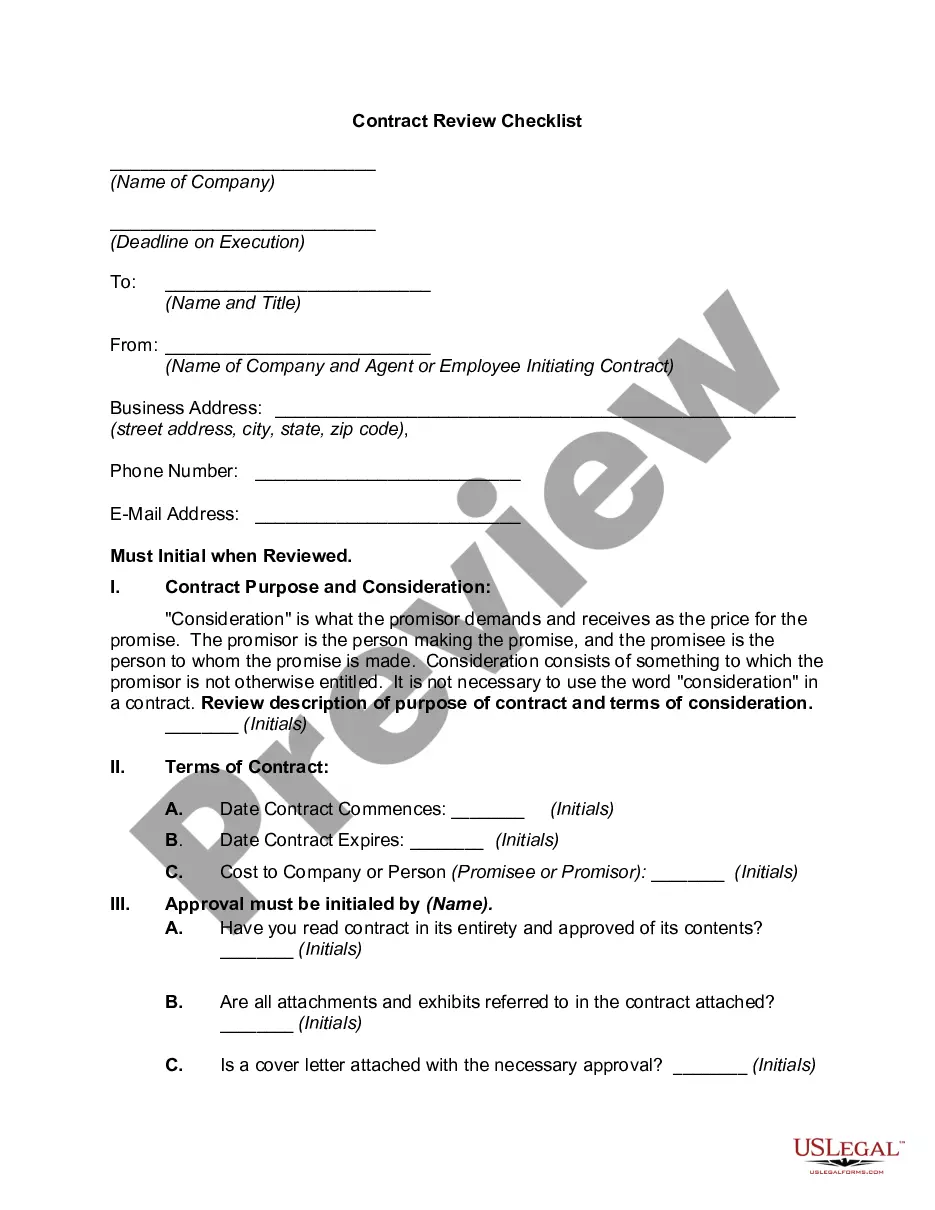
Document Review Record Sheet
Understanding this form
The Document Review Record Sheet is a standardized tool designed to facilitate the review process for documents requiring feedback from multiple reviewers. It helps organize comments and approvals, distinguishing it from other document templates by its structured approach to managing input from various stakeholders. This form ensures that all reviewers provide a response, whether they approve the document as is, with comments, or do not approve it at all.
Key components of this form
- Document Title: space to enter the title of the document being reviewed.
- Revision Number: field for noting the document's revision for tracking changes.
- Date Issued for Review: the date the document is sent out for review.
- Reviewer Approval Options: sections for each reviewer to indicate their approval status, either approving, approving with comments, or not approving.
- Signature of Reviewer: space for reviewers to sign, confirming their review and decision.
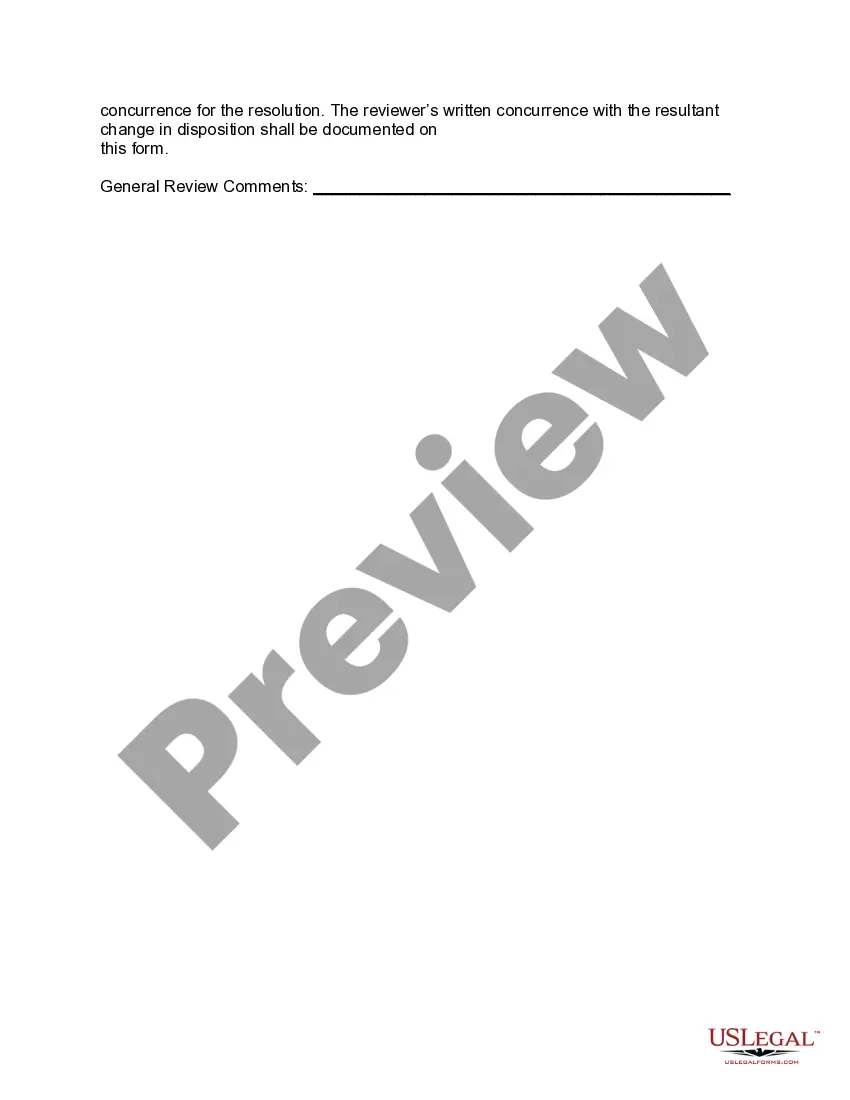
- General Review Comments: area for additional feedback or a separate sheet attachment if needed.
When to use this document
This form is essential in scenarios where a document requires input or approval from multiple parties, such as policies, procedures, or project documents in a corporate or organizational environment. It is particularly useful during the drafting phase of important documents to ensure all potential issues are addressed before finalization.
Who can use this document
This Document Review Record Sheet is intended for:
- Project managers overseeing document reviews.
- Team leaders needing formal feedback on drafts.
- Administrative professionals managing collaborative documentation.
- Organizations ensuring compliance and thorough review processes.
Steps to complete this form
- Identify the document title and enter it at the top of the form.
- Fill in the revision number to track changes and versions.
- Enter the date issued for review to document when feedback was requested.
- Provide additional instructions for reviewers if necessary.
- Distribute the form to the relevant reviewers for their approval or comments.
- Collect signed forms and any additional comments for final documentation.
Notarization requirements for this form
Notarization is not commonly needed for this form. However, certain documents or local rules may make it necessary. Our notarization service, powered by Notarize, allows you to finalize it securely online anytime, day or night.
Get your form ready online
Our built-in tools help you complete, sign, share, and store your documents in one place.
Make edits, fill in missing information, and update formatting in US Legal Forms—just like you would in MS Word.
Download a copy, print it, send it by email, or mail it via USPS—whatever works best for your next step.
Sign and collect signatures with our SignNow integration. Send to multiple recipients, set reminders, and more. Go Premium to unlock E-Sign.
If this form requires notarization, complete it online through a secure video call—no need to meet a notary in person or wait for an appointment.
We protect your documents and personal data by following strict security and privacy standards.

Make edits, fill in missing information, and update formatting in US Legal Forms—just like you would in MS Word.

Download a copy, print it, send it by email, or mail it via USPS—whatever works best for your next step.

Sign and collect signatures with our SignNow integration. Send to multiple recipients, set reminders, and more. Go Premium to unlock E-Sign.

If this form requires notarization, complete it online through a secure video call—no need to meet a notary in person or wait for an appointment.

We protect your documents and personal data by following strict security and privacy standards.
Mistakes to watch out for
- Failing to include all necessary reviewers on the form.
- Not providing clear instructions, leading to confusion among reviewers.
- Leaving the date issued for review blank, complicating version tracking.
- Neglecting to collect comments or responses from all reviewers.
- Overlooking the importance of signatures, which validate the review process.
Benefits of completing this form online
- Easily editable fields to customize the document as needed.
- Immediate access to a legally vetted template created by licensed attorneys.
- Convenient downloading for quick distribution among team members.
- Structured format reduces errors and enhances the clarity of feedback.
- Standardized template simplifies documentation and compliance tracking.
Legal use & context
- The Document Review Record Sheet is commonly used in professional environments for managing document approval processes.
- Proper completion of this form helps ensure that feedback is accurately documented and that decisions about the document are clear and tracked.
Main things to remember
- The Document Review Record Sheet is crucial for organizing document feedback effectively.
- It clarifies the approval process for multiple reviewers, ensuring accountability.
- Completing the form accurately promotes thoroughness in document assessment.
- This form is versatile and suitable for various organizational settings.
Looking for another form?


Form popularity
FAQ
Use Color: Color is one of the greatest ways to add visual appeal to any document. Again, don't use too many colors or it will look unprofessional. Often just adding one or two colors (besides black) can dramatically spice up your document.
Get a Document Management System instead of using e-mail attachments. Think before you add people to your list of reviewers. Use the comments field to direct your reviewers. Set meaningful deadlines.
Get a Document Management System instead of using e-mail attachments. Think before you add people to your list of reviewers. Use the comments field to direct your reviewers. Set meaningful deadlines.
You may need a law degree or an associate's degree to become a document reviewer, depending on the employer. Extensive knowledge of legal documents is a requisite for this role. However, most employers prefer hands-on experience since document review isn't taught in law school. Most training occurs on the job.
Also known as simply review, document review is the stage of the EDRM in which organizations examine documents connected to a litigation matter to determine if they are relevant, responsive, or privileged.The purpose of document review, then, is to identify what information falls within the scope of discovery.
Also known as simply review, document review is the stage of the EDRM in which organizations examine documents connected to a litigation matter to determine if they are relevant, responsive, or privileged.The purpose of document review, then, is to identify what information falls within the scope of discovery.
Document review is a systematic collection, documentation, analysis and interpretation, and organization of data as a data collection method in research.Document review results in information and insight into the research question and to the practice of teaching.
Definition: The Documentation Review Checklist helps you conduct a meaningful review of your documentation pieces, whether you hold technical review meetings and/or send the checklist to individual reviewers. You can customize each line item in the checklist to fit your specific document and review needs.
Step 1: Put Space between Paragraphs. Don't double-space the document, but DO double-space between your paragraphs, like this: Step 2: Get Rid of those Nasty Indents. Step 3: Use Two Contrasting Fonts (other than the defaults) and Sizes. Step 4: Shrink Your Line Length. Step 5: Add Some Space between the Lines.