Expense Report
Understanding this form
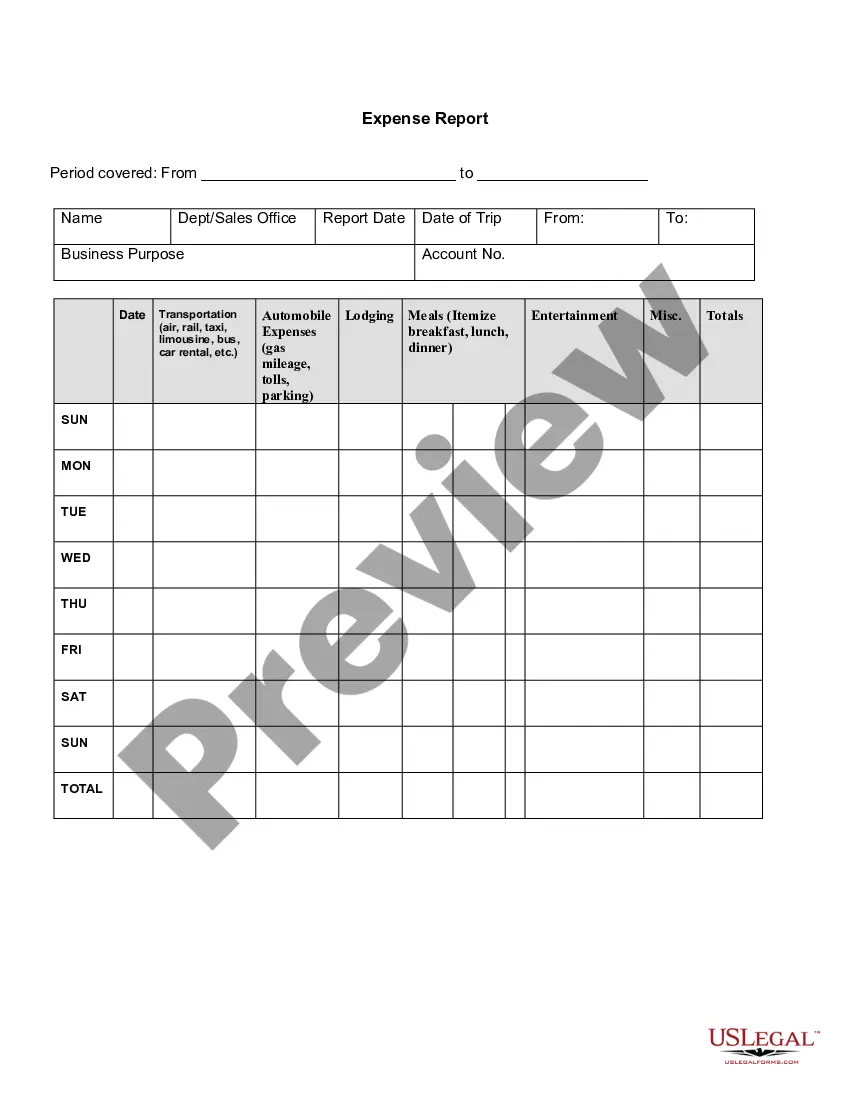
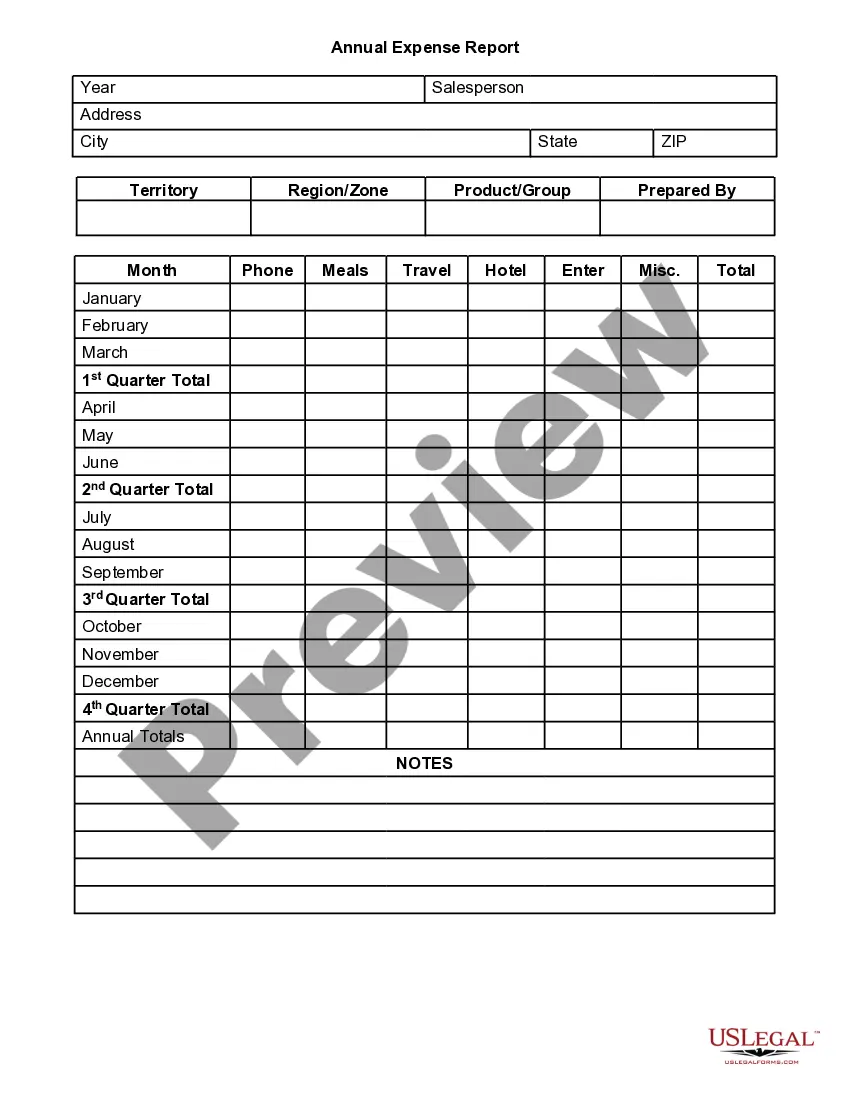
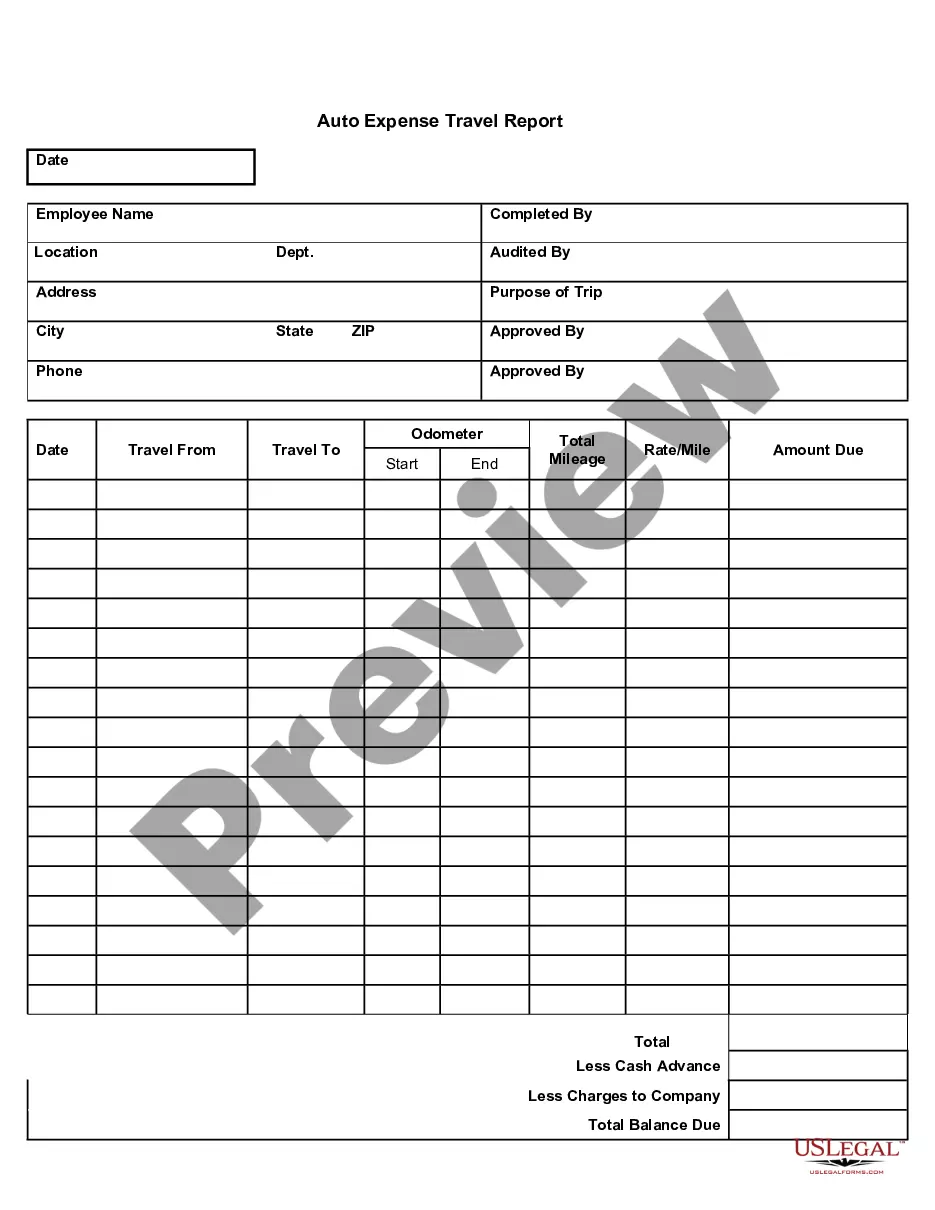
The Expense Report is a document used by employees to itemize and report expenses incurred while conducting business-related activities. This form allows employers to track and manage employee expenses efficiently, ensuring accurate reimbursement and financial accountability. Unlike other reimbursement forms, the Expense Report is specifically designed to document various types of expenses, such as transportation, lodging, meals, and entertainment, within a clear timeframe.
Key components of this form
- Period covered: The date range for which expenses are reported.
- Name and department: Identification of the employee submitting the report.
- Report date: The date the expense report is completed.
- Business purpose: A brief description of the reason for the trip or expenses.
- Expense categories: Sections for transportation, lodging, meals, entertainment, and miscellaneous expenses.
- Daily totals: A record for each day of the week to summarize expenses easily.
When this form is needed
This form should be used whenever an employee incurs costs related to business activities, such as travel, attending conferences, or meeting clients. It is essential for tracking and claiming reimbursements for expenses like airfare, lodging, meals, and other business-related costs.
Who should use this form
- Employees who need to report business-related expenses for reimbursement.
- Employers or HR departments managing employee expenses and reimbursements.
- Accountants or finance personnel overseeing financial records related to employee expenses.
How to prepare this document
- Enter the dates of the period covered by the report at the top of the form.
- Fill in your name and department details to identify the submitter.
- Specify the business purpose of your trip or the expenses incurred.
- List all expenses under the relevant categories, providing detailed itemization for each.
- Sum the total expenses for each day and ensure that the overall total is accurate.
Notarization requirements for this form
This form does not typically require notarization unless specified by local law.
Get your form ready online
Our built-in tools help you complete, sign, share, and store your documents in one place.
Make edits, fill in missing information, and update formatting in US Legal Forms—just like you would in MS Word.
Download a copy, print it, send it by email, or mail it via USPS—whatever works best for your next step.
Sign and collect signatures with our SignNow integration. Send to multiple recipients, set reminders, and more. Go Premium to unlock E-Sign.
If this form requires notarization, complete it online through a secure video call—no need to meet a notary in person or wait for an appointment.
We protect your documents and personal data by following strict security and privacy standards.

Make edits, fill in missing information, and update formatting in US Legal Forms—just like you would in MS Word.

Download a copy, print it, send it by email, or mail it via USPS—whatever works best for your next step.

Sign and collect signatures with our SignNow integration. Send to multiple recipients, set reminders, and more. Go Premium to unlock E-Sign.

If this form requires notarization, complete it online through a secure video call—no need to meet a notary in person or wait for an appointment.

We protect your documents and personal data by following strict security and privacy standards.
Mistakes to watch out for
- Forgetting to include receipts or supporting documentation.
- Failing to specify the business purpose for each expense.
- Not itemizing meals or entertainment expenses properly.
- Submitting the report after the required deadline.
- Omitting totals or arithmetic errors in calculations.
Advantages of online completion
- Convenient access to the form from any device, eliminating the need for physical copies.
- Editable fields make it easy to customize the report for specific expenses.
- Reliable format ensuring compliance with standard reporting requirements.
- Quick submission process which aids in faster reimbursement for employees.
Legal use & context
- Provides a clear record of employee spending tied to business activities.
- Helps employers maintain compliance with reporting and tax requirements.
- Ensures consistency across expense reporting within the organization.
Summary of main points
- The Expense Report is essential for claiming business-related expenses.
- Careful itemization and accurate calculations are crucial for streamlined reimbursement.
- Using the form online simplifies the process and ensures accuracy.
Looking for another form?
Form popularity
FAQ
For each expense, enter the date and description. Use the dropdown menus to select payment type and category for each expense. For each expense, enter the total cost. Attach all necessary receipts to the document. Submit for review and approval!
Add personal information. Enter purchase details. Sign the form. Attach receipts. Submit to the management or accounting department.
Information identifying the person submitting the report (department, position, contact info, SSN, etc.) A date and dollar amount for each expense, matching the date and dollar amount on the receipt provided for that expense. A brief description of each expense.
Choose a template or expense-tracking software. Edit the columns and categories (such as rent or mileage) as needed. Add itemized expenses with costs. Add up the total. Attach or save your corresponding receipts. Print or email the report.
The Income & Expense report type is used to analyze the cash that flows in and out of your accounts based on the categories assigned to your transactions. It is the easiest way to track trends in specific categories, and to see if you are earning more than you spend in a given period of time.
An expense report is a form that itemizes expenses necessary to the functioning of a business. A small business may ask its employees to submit expense reports to reimburse them for business-related purchases such as gas or meals.
An Expense Form allows you to identify and record business expenses for approval. Expense Forms are used by most organizations, as they help managers to control expenditure against their budget. An Expense form will be completed by a team member, to request expenditure on a particular item.