Tennessee Organizing your Personal Assets Package
What is this form package?
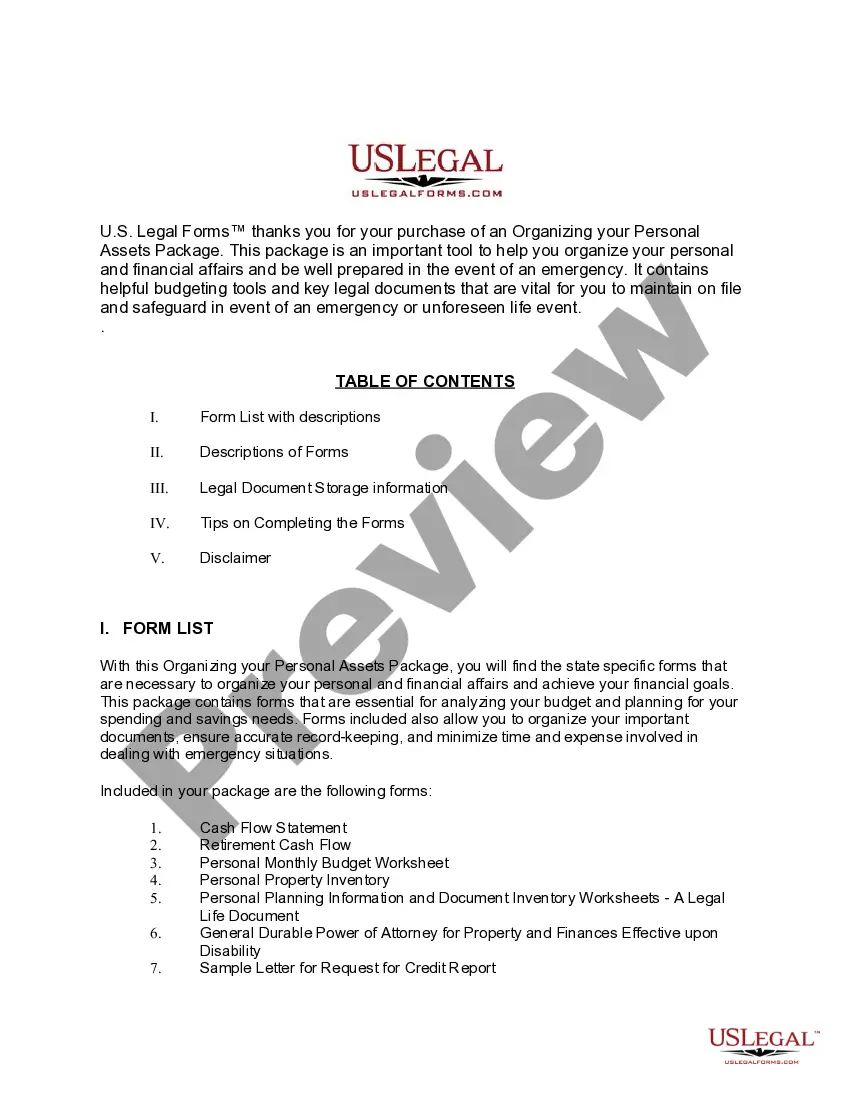
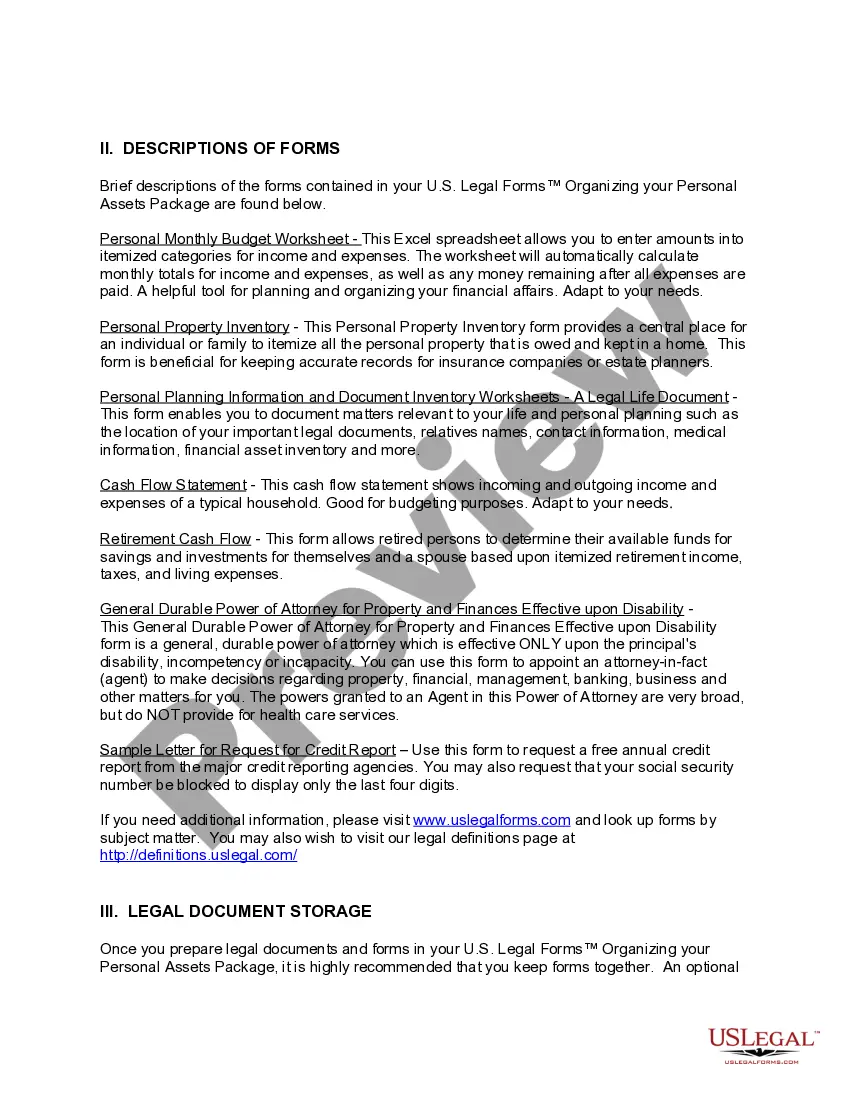
The Tennessee Organizing Your Personal Assets Package provides essential legal forms specifically designed to help individuals and families organize their personal and financial affairs in Tennessee. This comprehensive package includes state-specific forms to analyze budgets, manage spending and savings needs, and ensure proper record-keeping. Unlike other generic packages, this one is tailored for Tennessee residents, making it easier to comply with local regulations and requirements.
Forms included in this package
- General Durable Power of Attorney for Property and Finances or Financial Effective upon Disability
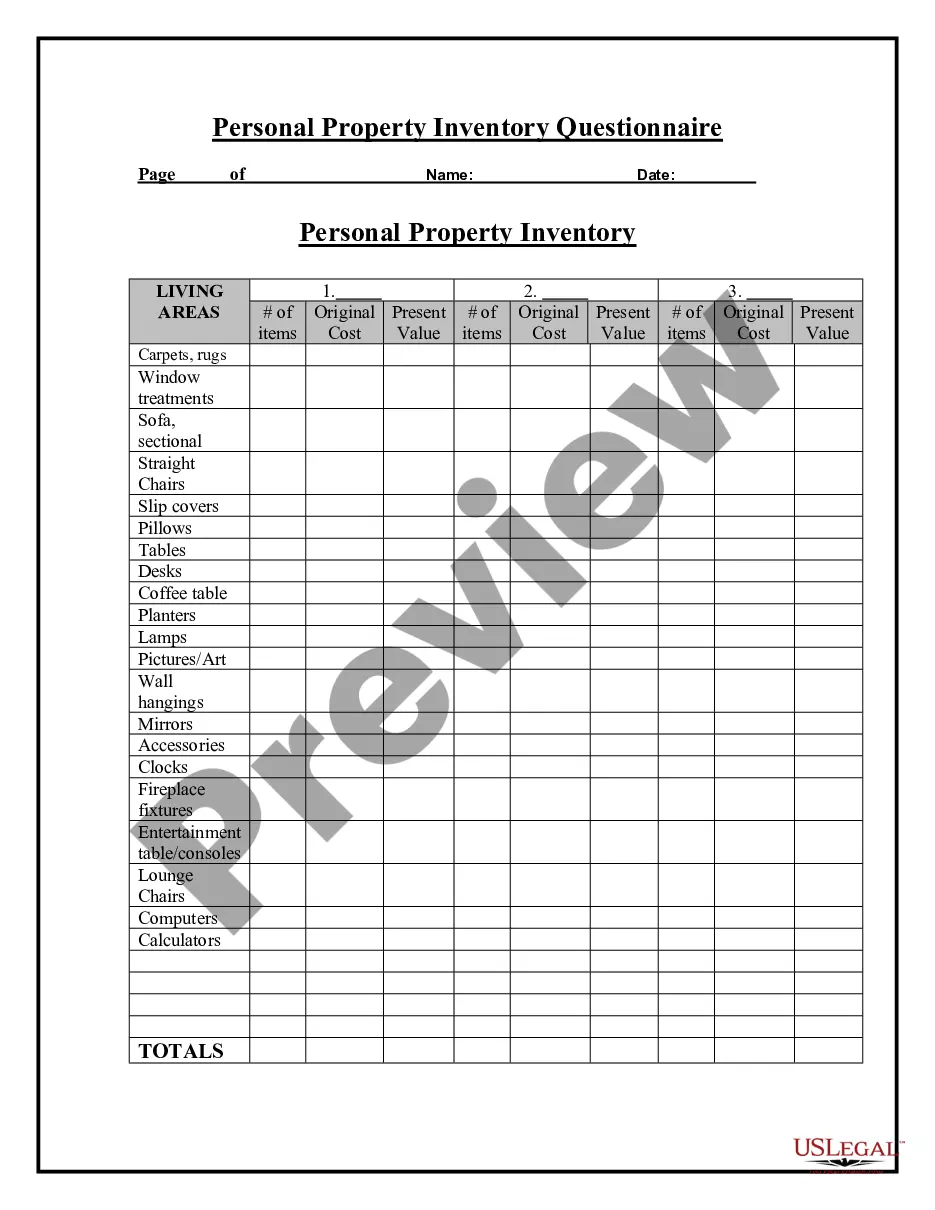
- Personal Property Inventory
- Sample Letter for Request for Free Credit Report Allowed by Federal Law
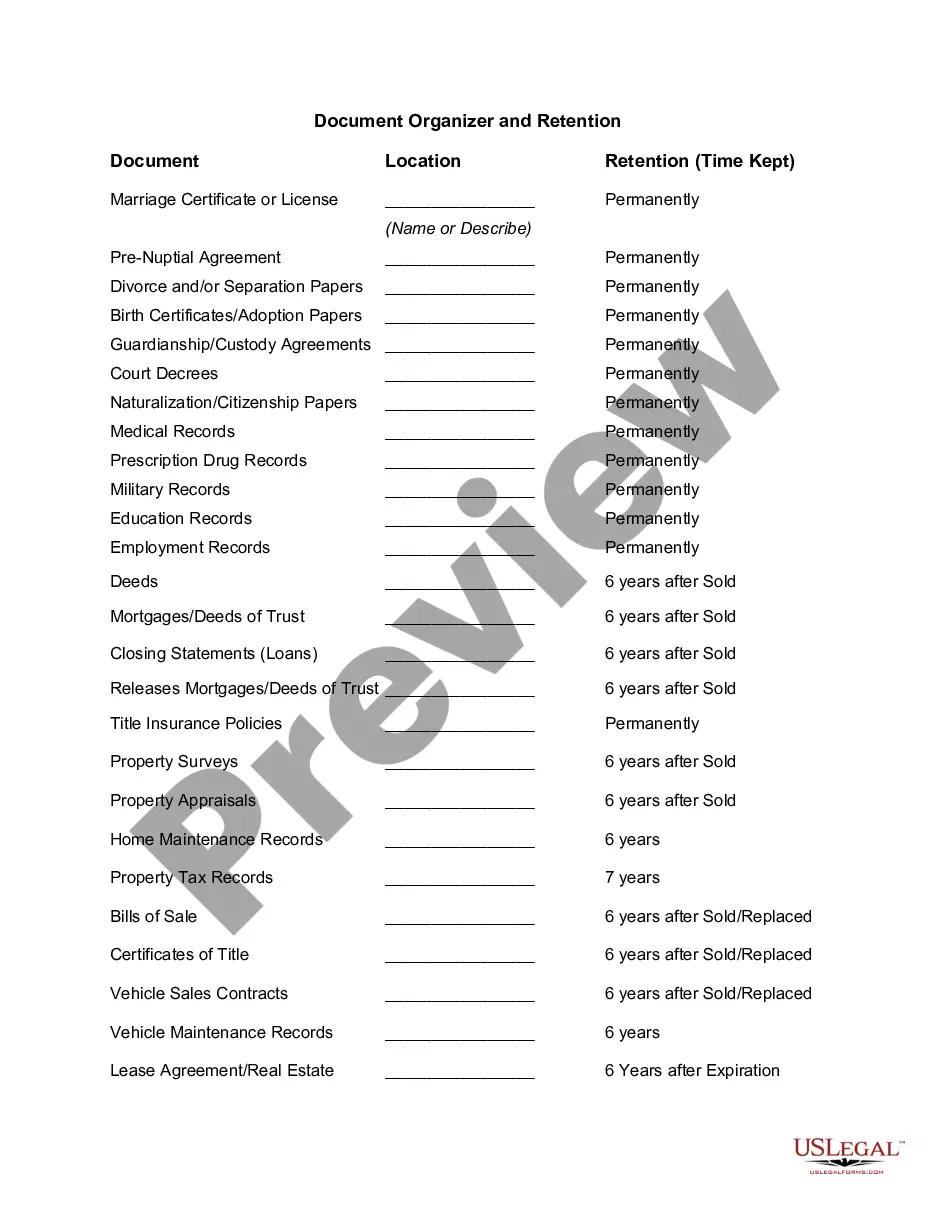
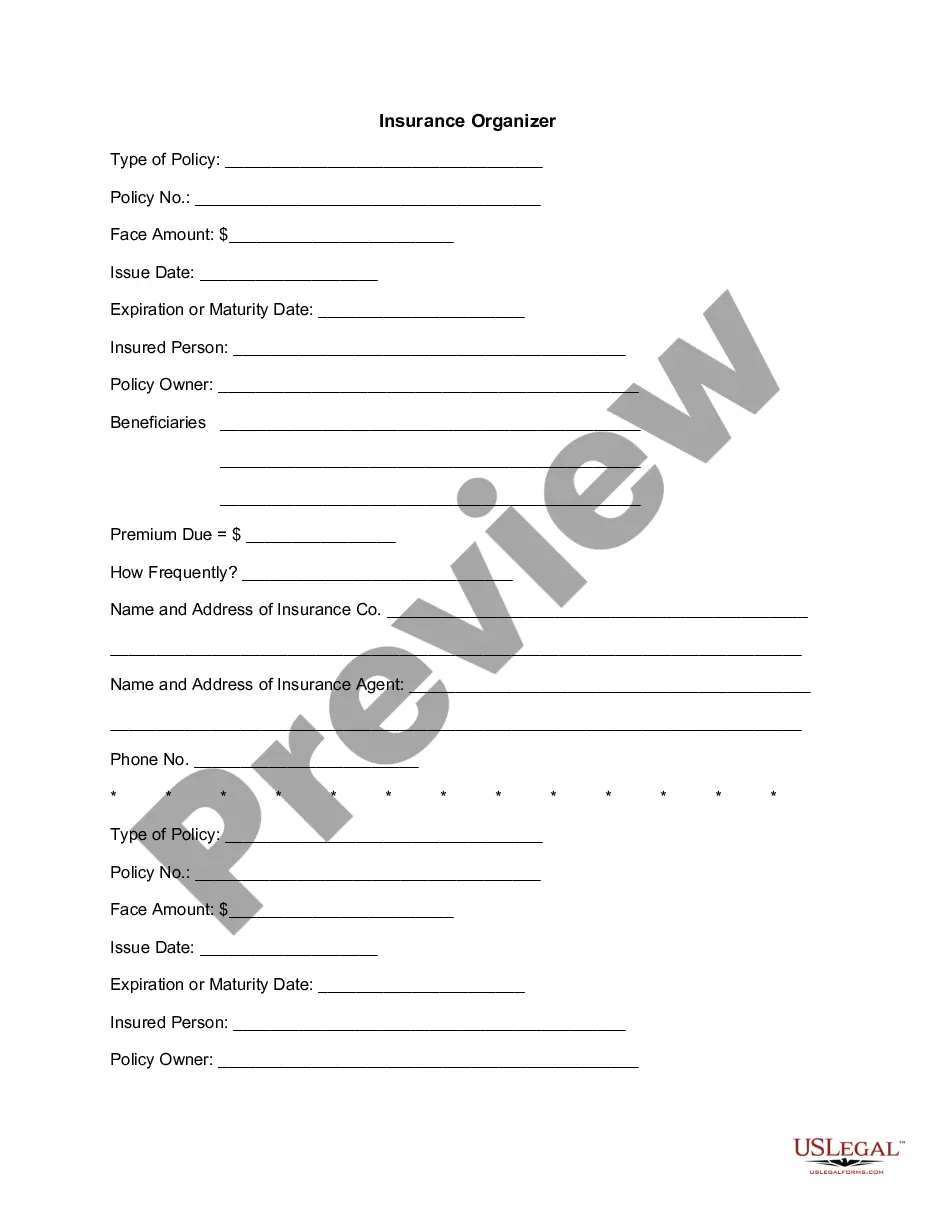
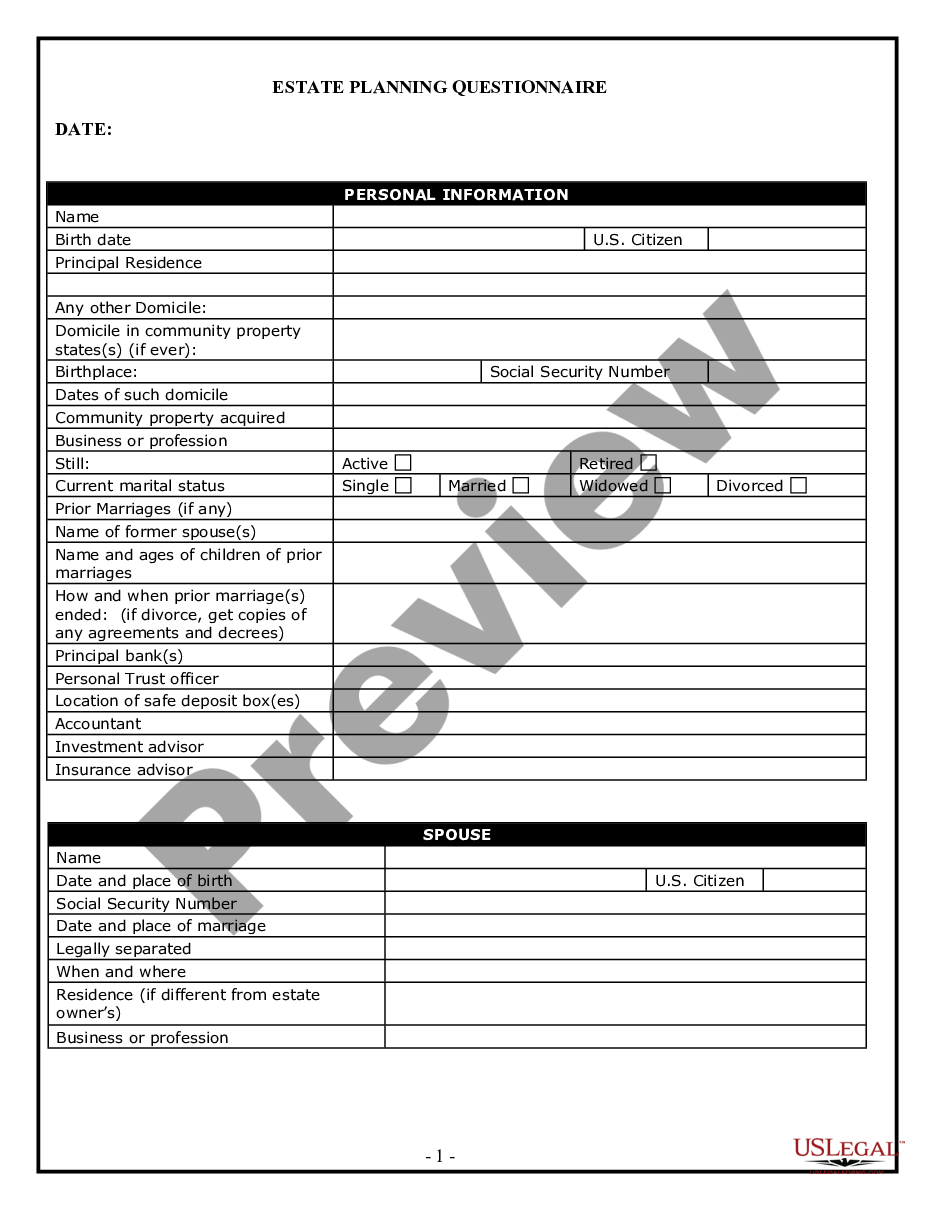
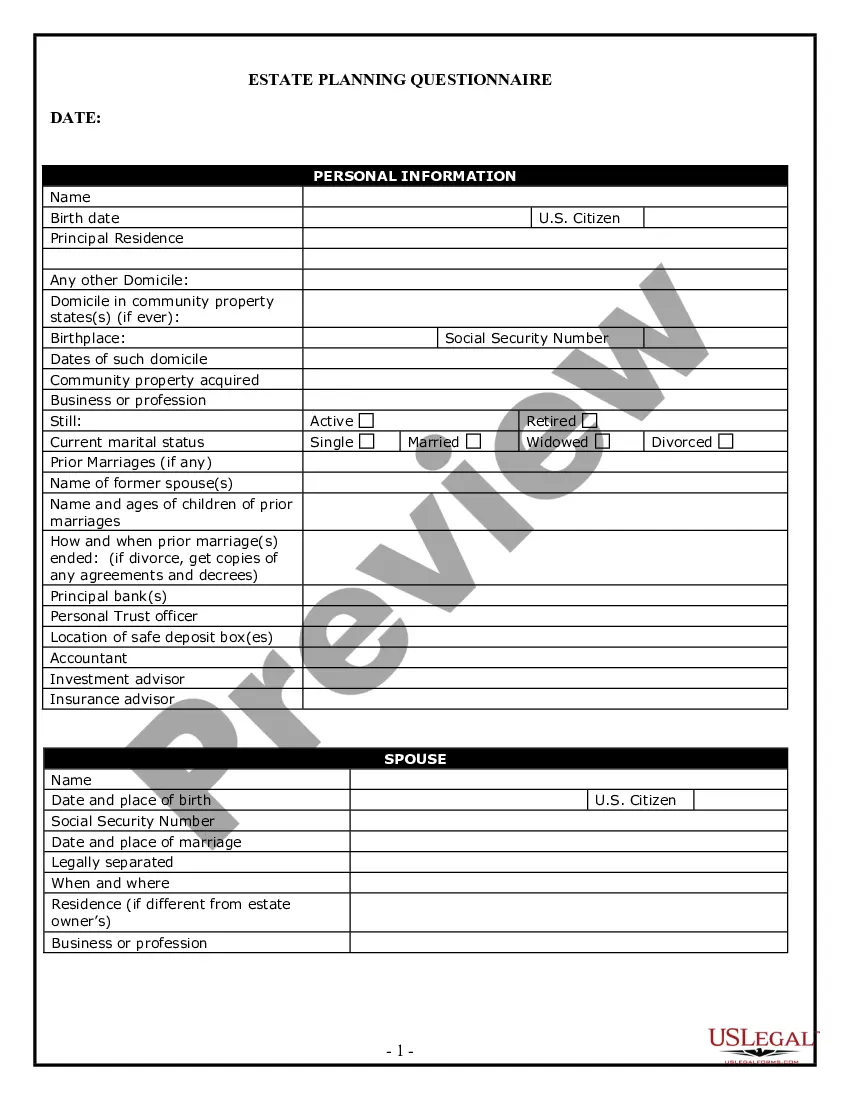
- Personal Planning Information and Document Inventory Worksheets - A Legal Life Document
- Cash Flow Statement
- Retirement Cash Flow
- Personal Monthly Budget Worksheet

When to use this form package
This package is useful in various scenarios, including:
- If you want to assess and adjust your household budget.
- When preparing for retirement and determining your savings potential.
- To organize important personal documents and assets for emergencies or estate planning.
- If you need to authorize someone to manage your financial affairs in the event of disability.
- When requesting a credit report for personal finance management.
Who can use this document
- Tennessee residents looking to manage personal and financial affairs.
- Individuals planning for retirement.
- Families aiming to organize important documents and financial information.
- Anyone interested in establishing a durable power of attorney for financial matters.
- Individuals wanting to request their credit report for monitoring financial health.
How to complete these forms
- Review all included forms carefully to understand their purpose.
- Complete the Personal Property Inventory to itemize your belongings.
- Fill out the Cash Flow Statement to track your income and expenses.
- Utilize the Monthly Budget Worksheet for personal budgeting.
- Assign an agent in the General Durable Power of Attorney, if needed, to manage your affairs.
- Request your credit report using the provided Sample Letter.
Do forms in this package need to be notarized?
Some forms in this package need notarization to be legally binding. Our online notarization service, powered by Notarize, lets you verify and sign documents remotely through an encrypted video session, available 24/7.
Get your form ready online
Our built-in tools help you complete, sign, share, and store your documents in one place.
Make edits, fill in missing information, and update formatting in US Legal Forms—just like you would in MS Word.
Download a copy, print it, send it by email, or mail it via USPS—whatever works best for your next step.
Sign and collect signatures with our SignNow integration. Send to multiple recipients, set reminders, and more. Go Premium to unlock E-Sign.
If this form requires notarization, complete it online through a secure video call—no need to meet a notary in person or wait for an appointment.
We protect your documents and personal data by following strict security and privacy standards.

Make edits, fill in missing information, and update formatting in US Legal Forms—just like you would in MS Word.

Download a copy, print it, send it by email, or mail it via USPS—whatever works best for your next step.

Sign and collect signatures with our SignNow integration. Send to multiple recipients, set reminders, and more. Go Premium to unlock E-Sign.

If this form requires notarization, complete it online through a secure video call—no need to meet a notary in person or wait for an appointment.

We protect your documents and personal data by following strict security and privacy standards.
Avoid these common issues
- Failing to update the Personal Property Inventory when acquiring new items.
- Not thoroughly reviewing the Cash Flow Statement for accuracy.
- Overlooking to appoint an agent in the Power of Attorney document.
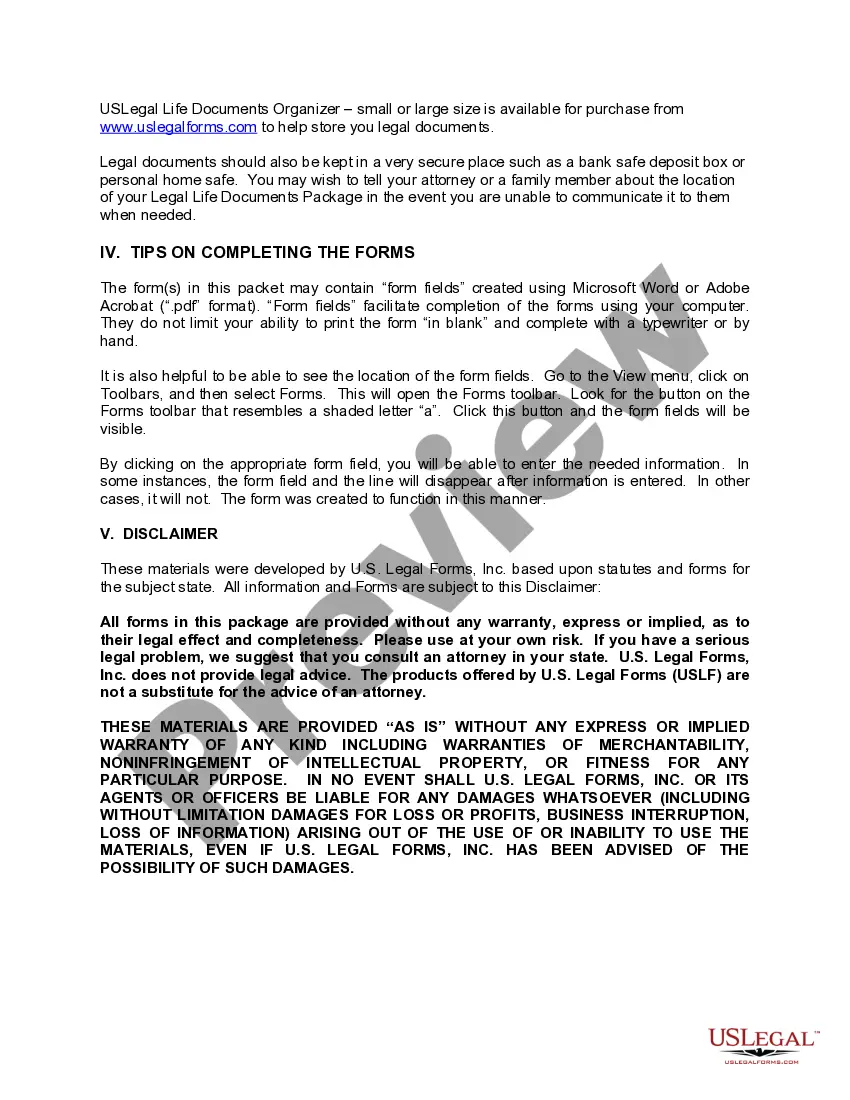
- Neglecting to keep copies of completed forms in a secure location.
Why use this package online
- Convenience of downloadable forms that can be completed at your own pace.
- Editability of forms allows for easy adjustments as your circumstances change.
- Access to reliable legal documents designed by licensed attorneys.
- Cost-effective solution, saving you time and money compared to hiring a lawyer.
Looking for another form?



Form popularity
FAQ
Do the Articles of Organization need to be notarized? Some states require that you have your Articles of Organization documents notarized. For your state's notarization requirements, choose your state from the drop-down list above.
STEP 1: NAME YOUR SERIES LLC. Series LLC naming rules vary from state to state. STEP 2: CHOOSE A REGISTERED AGENT. A registered agent is a person or business that sends and receives legal papers on your behalf. STEP 3: DOCUMENT YOUR SERIES LLC. STEP 4: CREATE A SERIES LLC OPERATING AGREEMENT.
Visit Tennessee's Secretary of State website. Select Corporations from the drop-down menu of the Business Services tab.
Choose a Name for Your Series LLC. Get a Domain Name. Designate a Registered Agent. Prepare and File the Articles of Organization. Acquire an EIN. Create a Series LLC Operating Agreement. Create a Financial Infrastructure. Obtain Licenses and Permits.
How much does it cost to form an LLC in Tennessee? The Tennessee Secretary of State charges $50 per LLC member included in the filing, with a minimum total fee of $300. The filing fee cannot exceed $3,000 for the Articles of Organization.
Option 1: Access the Tennessee Secretary of State's online services. Option 2: Download and mail in the Articles of Organization PDF to the Tennessee Secretary of State or submit it in-person. State Filing Cost: $50 per member, with a minimum of $300 and a maximum of $3000.
Step 1: Choose a Business Idea. Step 2: Write a Business Plan. Step 3: Select a Business Entity. Step 4: Register a Business Name. Step 5: Get an EIN. Step 6: Open a Business Bank Account. Step 7: Apply for Business Licenses & Permits. Step 8: Find Financing.
The name of the LLC. The names of the members and managers of the LLC. The address of the LLC's principal place of business.
How much does it cost to form an LLC in Tennessee? The Tennessee Secretary of State charges $50 per LLC member included in the filing, with a minimum total fee of $300. The filing fee cannot exceed $3,000 for the Articles of Organization. A convenience fee will also be charged when paying online by credit card.