Hawaii Sample Transmittal Letter to Secretary of State's Office to File Articles of Incorporation
What is this form?
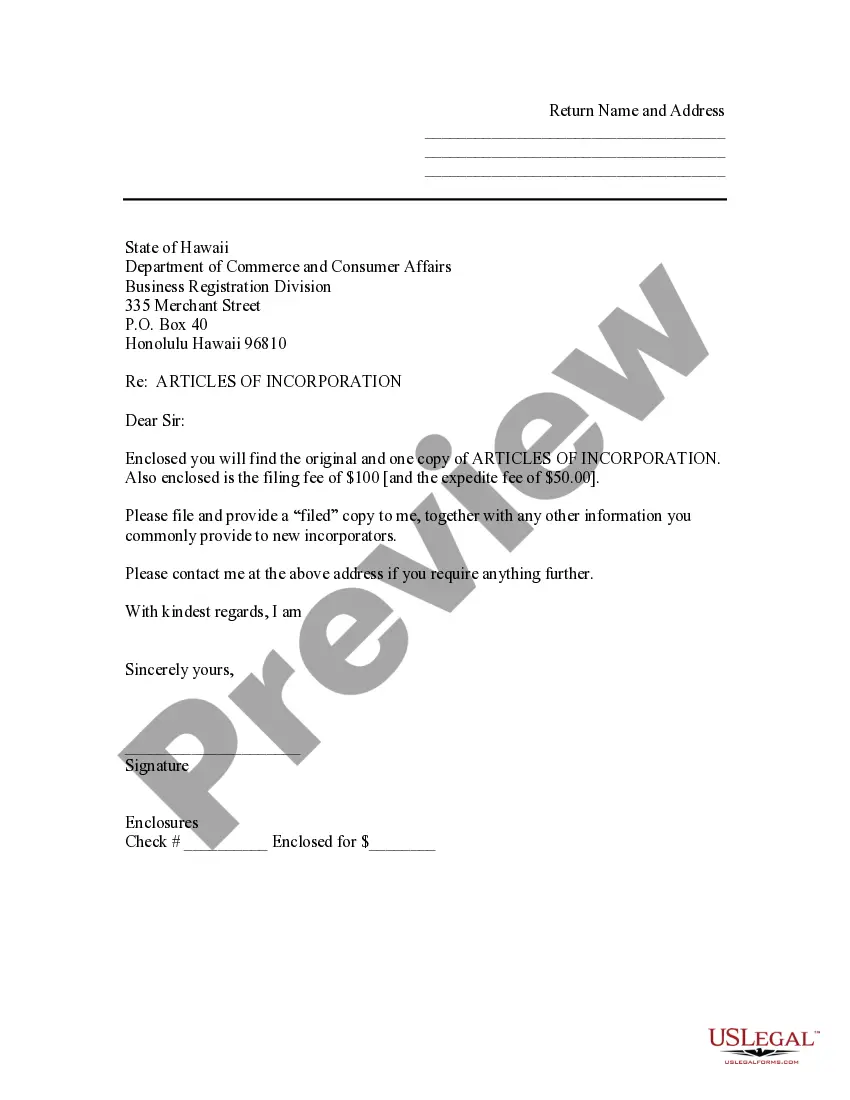
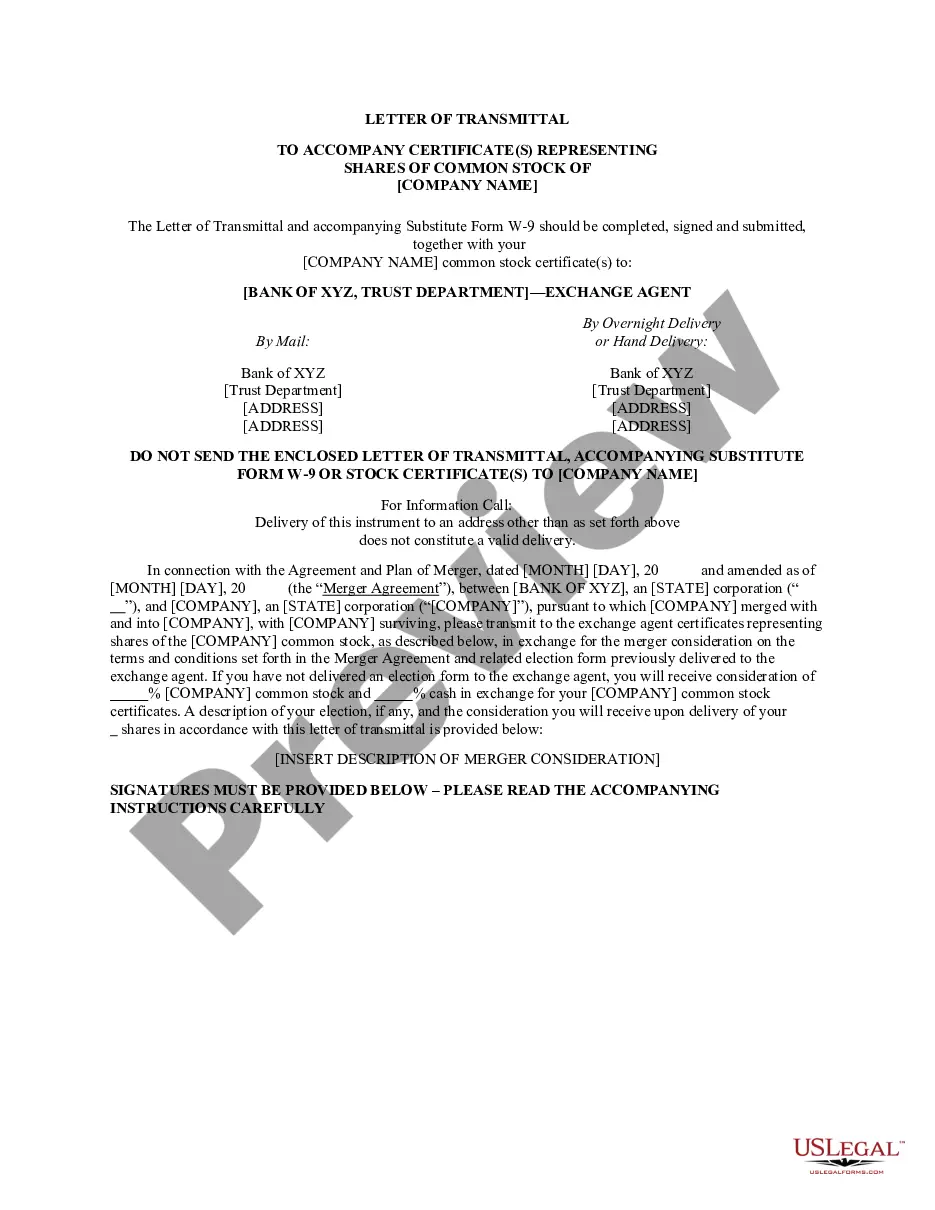
This Sample Transmittal Letter to Secretary of State's Office is a cover letter used to submit Articles of Incorporation for filing. It differs from similar forms by providing a clear communication to the Secretary of State's Office, ensuring all necessary documents are included with the filing request.
Form components explained
- Recipient address: Specifies the Secretary of State's Office where the letter is sent.
- Subject line: Clearly states the purpose of the letter regarding the Articles of Incorporation.
- Enclosures section: Lists the documents included, such as the Articles of Incorporation and any fees.
- Contact information: Provides the sender's address for any follow-up communication.
- Signature line: Space for the sender's signature to authenticate the letter.
When to use this form
This form is used when an individual or organization intends to officially incorporate a business and needs to file Articles of Incorporation with the Secretary of State's Office. It is crucial for ensuring that all required documents are submitted correctly in order to receive legal recognition for the business entity.
Who needs this form
This form is intended for:
- Business owners looking to establish a corporation.
- Lawyers assisting clients with corporate formation.
- Accountants or consultants guiding businesses through the incorporation process.
How to prepare this document
- Fill in the recipient address with the Secretary of State's Office details.
- Clearly indicate the subject as "Articles of Incorporation".
- List all enclosed documents, including the original Articles of Incorporation and any required fees.
- Add your contact information for any further inquiries.
- Sign the letter before sending it to ensure validity.
Notarization guidance
This form does not typically require notarization to be legally valid. However, some jurisdictions or document types may still require it. US Legal Forms provides secure online notarization powered by Notarize, available 24/7 for added convenience.
Get your form ready online
Our built-in tools help you complete, sign, share, and store your documents in one place.
Make edits, fill in missing information, and update formatting in US Legal Forms—just like you would in MS Word.
Download a copy, print it, send it by email, or mail it via USPS—whatever works best for your next step.
Sign and collect signatures with our SignNow integration. Send to multiple recipients, set reminders, and more. Go Premium to unlock E-Sign.
If this form requires notarization, complete it online through a secure video call—no need to meet a notary in person or wait for an appointment.
We protect your documents and personal data by following strict security and privacy standards.
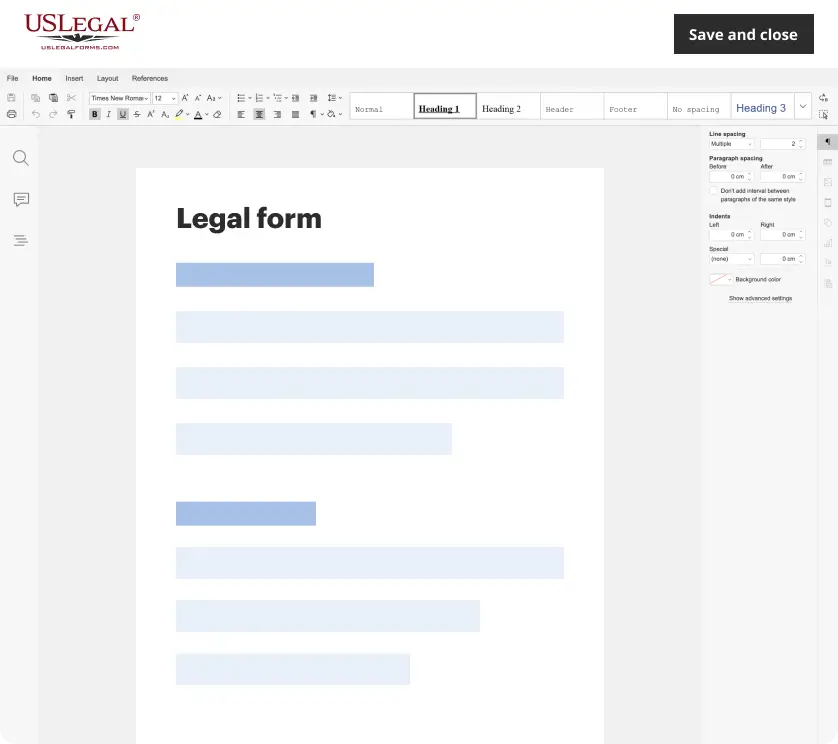
Make edits, fill in missing information, and update formatting in US Legal Forms—just like you would in MS Word.
Download a copy, print it, send it by email, or mail it via USPS—whatever works best for your next step.
Sign and collect signatures with our SignNow integration. Send to multiple recipients, set reminders, and more. Go Premium to unlock E-Sign.

If this form requires notarization, complete it online through a secure video call—no need to meet a notary in person or wait for an appointment.

We protect your documents and personal data by following strict security and privacy standards.
Typical mistakes to avoid
- Failing to include the required fees with the submission.
- Not providing both the original Articles of Incorporation and a copy.
- Neglecting to sign the transmittal letter.
- Omitting the subject line or not stating it clearly.
- Incorrectly addressing the letter to the Secretary of State's Office.
Why complete this form online
- Instant access to a professionally drafted template tailored for Hawaii.
- Edit and customize the form to meet specific needs easily.
- Avoids the hassle of formatting and legal jargon, ensuring correctness.
- Provides peace of mind with legally compliant documentation.