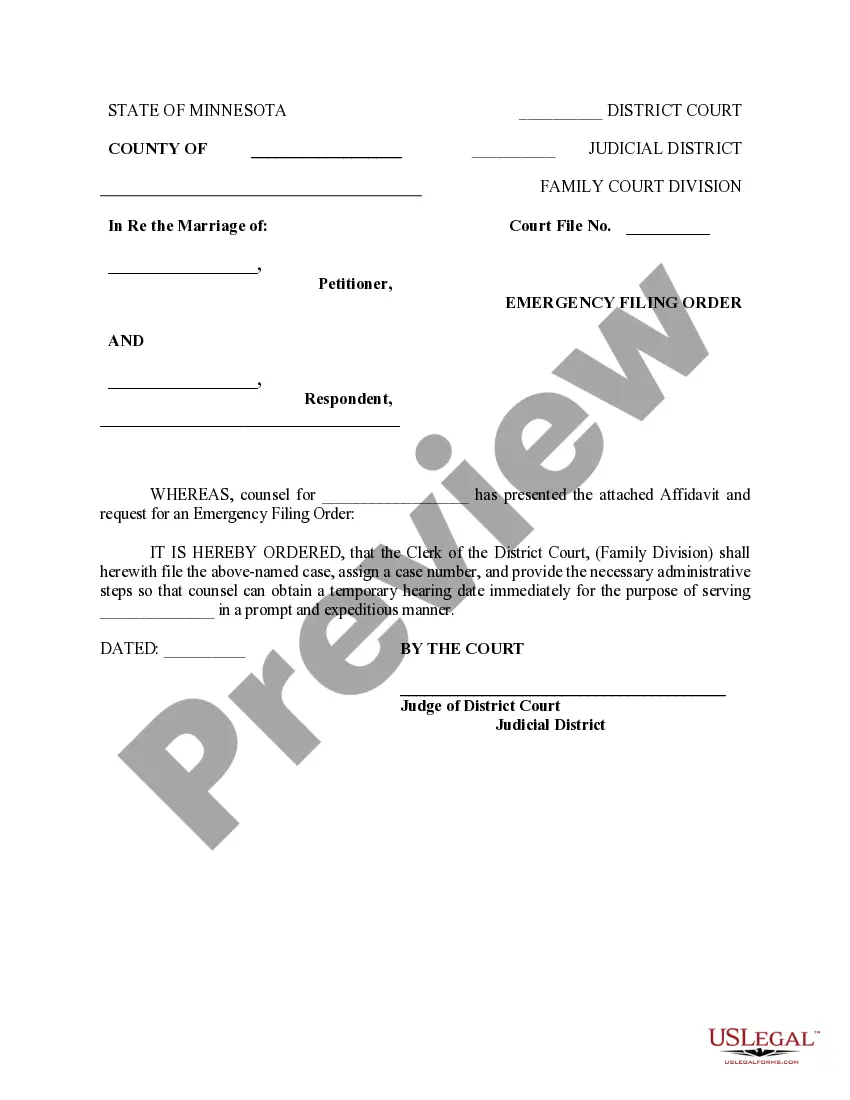
Self-Identification Form
What is this form?
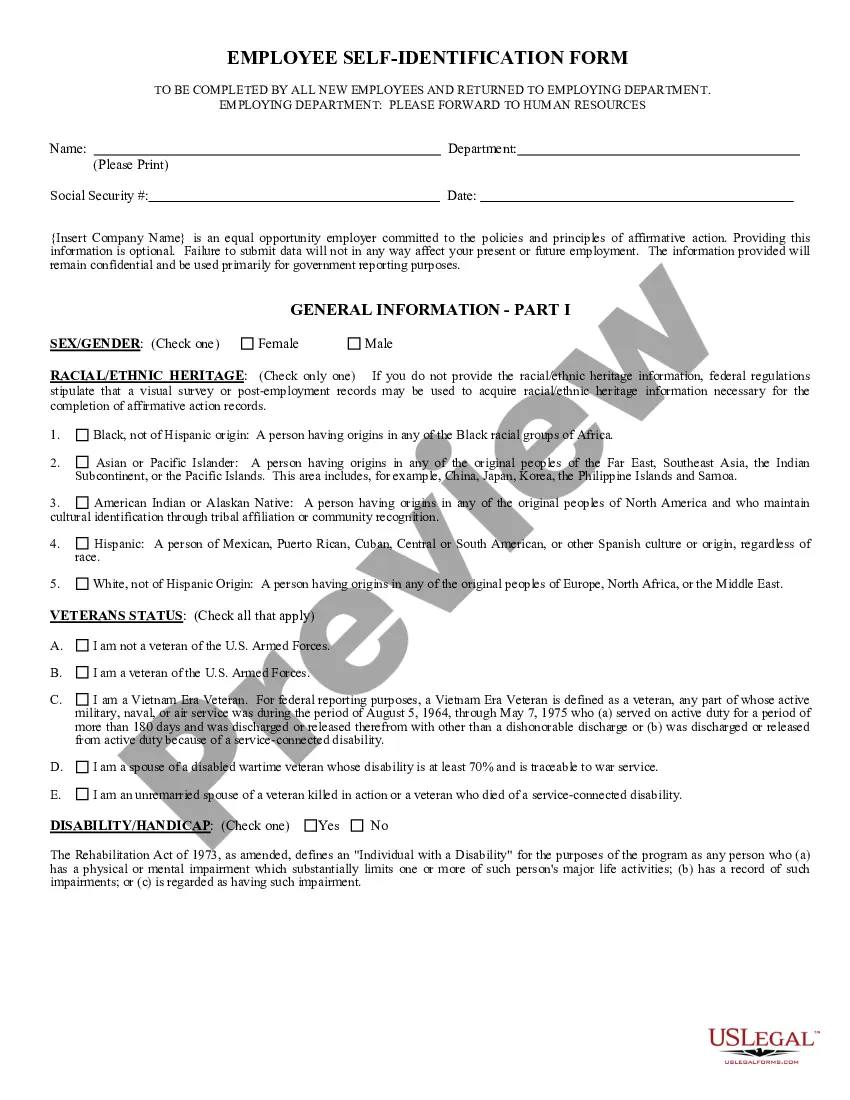
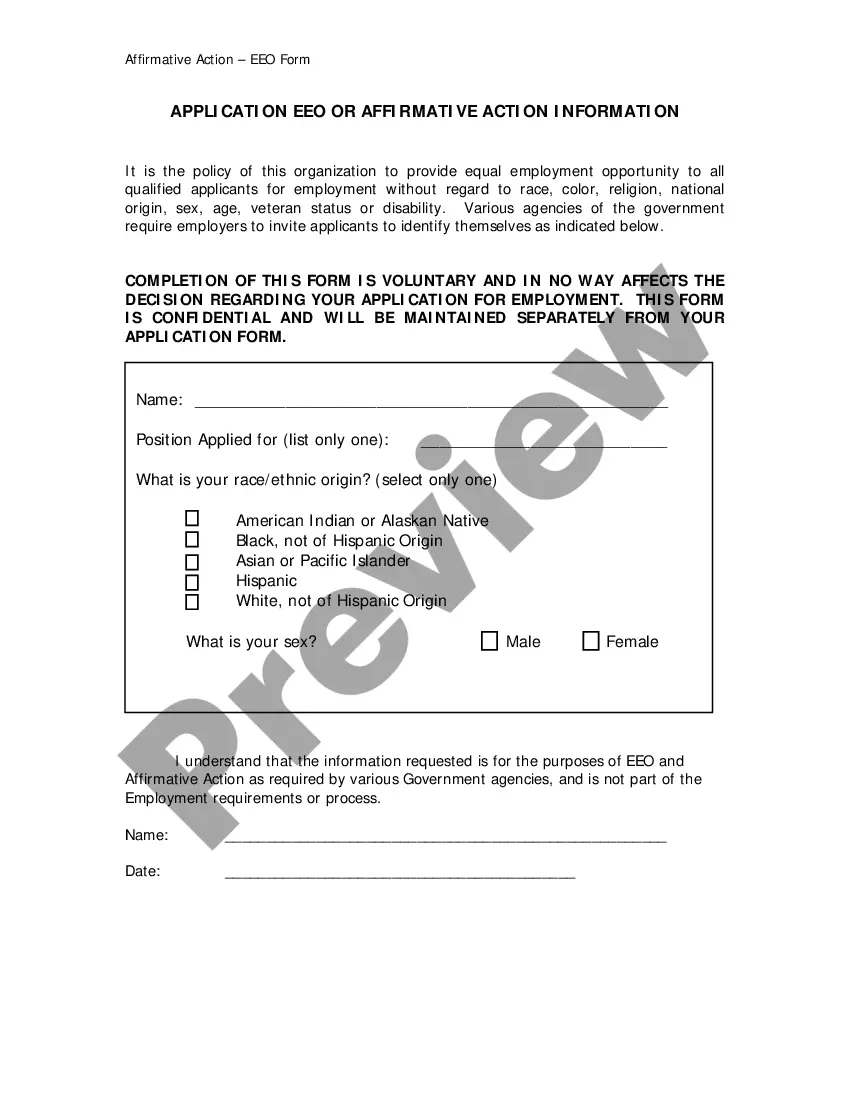
The Self-Identification Form is a document that invites applicants to voluntarily provide information regarding their status as individuals with disabilities or veterans. This form is crucial for companies that participate in affirmative action programs, as it helps ensure inclusive hiring practices. Unlike other employment forms, this one specifically focuses on collecting data to improve workplace diversity and accommodate individuals' needs within the company.
Main sections of this form
- Invitation for voluntary self-identification as an individual with a disability.
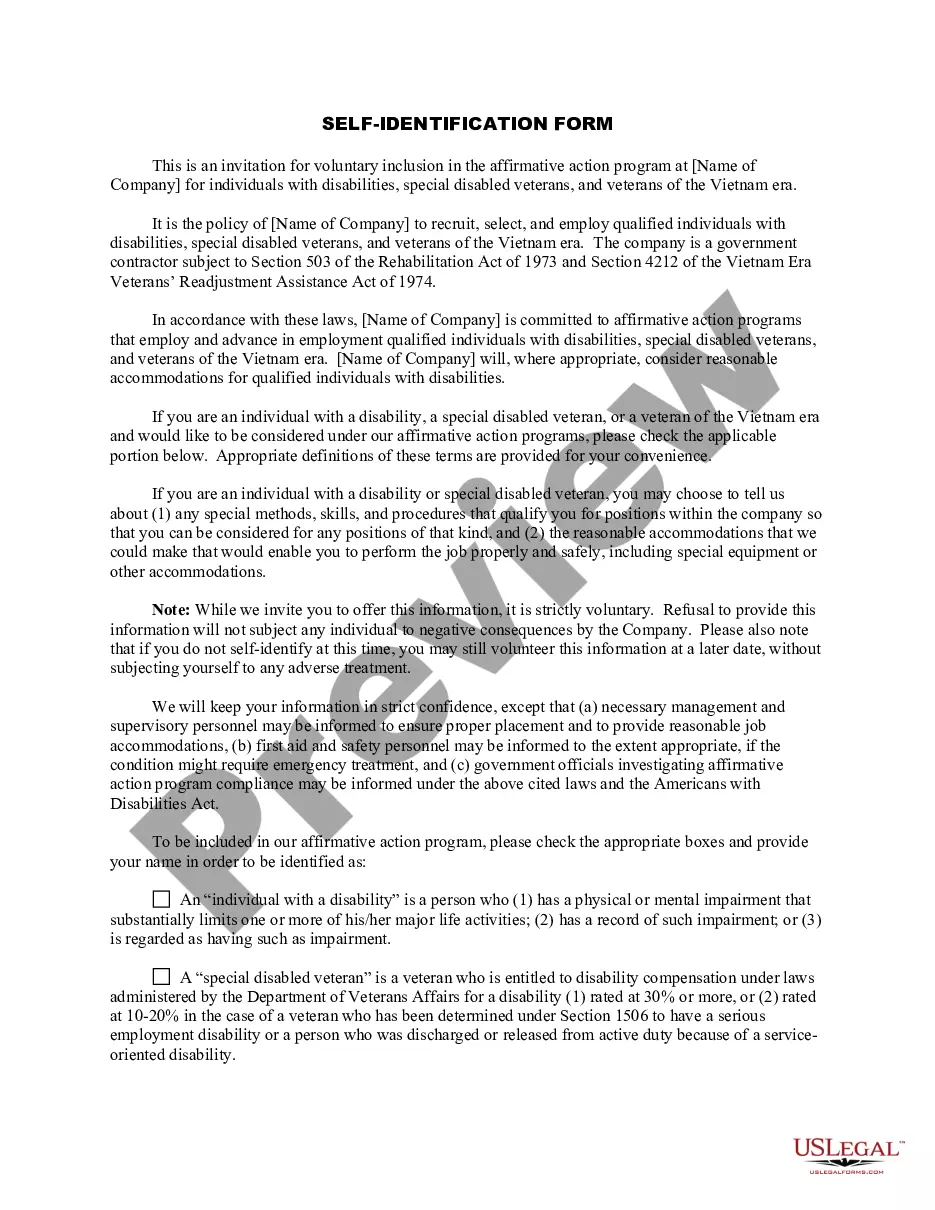
- Section for identifying as a special disabled veteran or a veteran of the Vietnam era.
- Request for information regarding accommodations that may be needed for employment.
- Clear definitions of key terms related to disabilities and veteran status.
- Confidentiality assurance regarding provided information.


When to use this document
This form should be used when applying for a position in a company committed to affirmative action. Candidates who identify as individuals with disabilities, special disabled veterans, or veterans of the Vietnam era are encouraged to complete this form to enhance their job opportunities and receive appropriate accommodations if required.
Who needs this form
- Job applicants identifying as individuals with disabilities.
- Special disabled veterans seeking employment.
- Veterans of the Vietnam era applying for jobs.
- Anyone wanting to voluntarily include their status in the company's affirmative action program.
How to complete this form
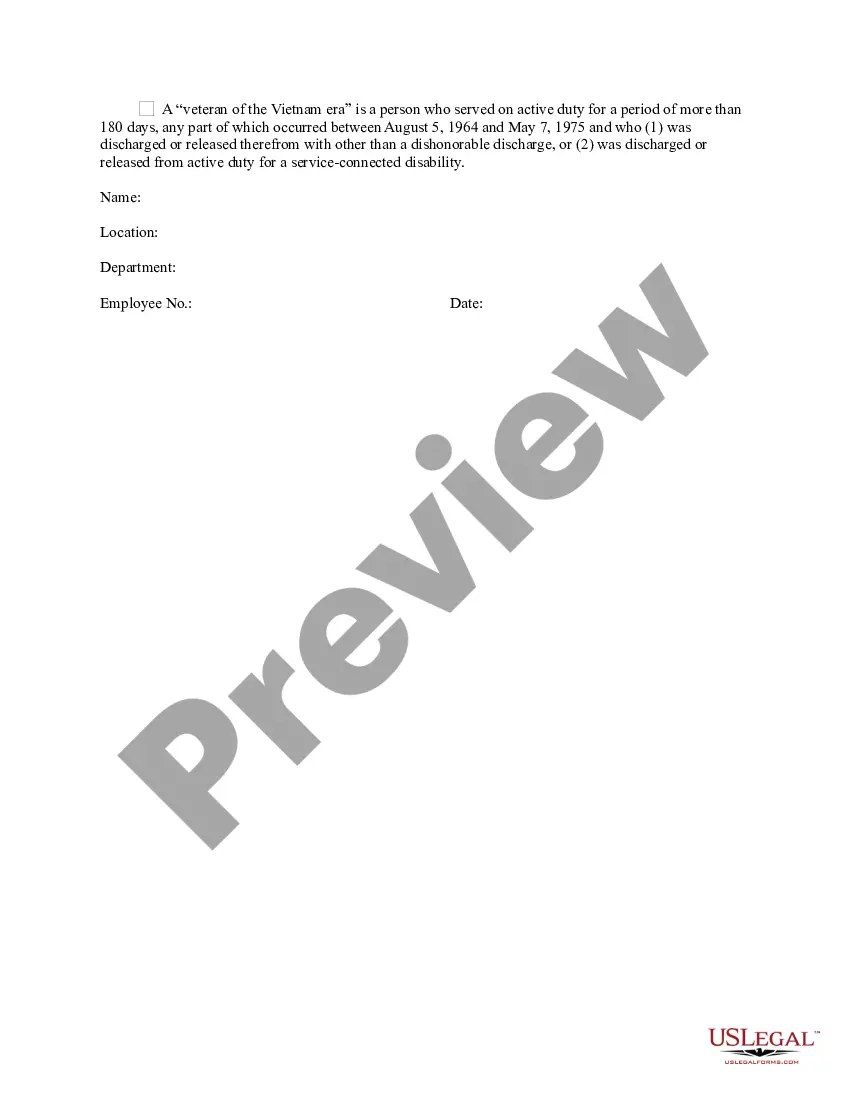
- Begin by filling in your name and contact information at the top of the form.
- Indicate your status as an individual with a disability by checking the appropriate box.
- If applicable, check the box for special disabled veteran or veteran of the Vietnam era.
- Provide information about any reasonable accommodations you may need for effective job performance.
- Sign and date the form at the bottom to confirm your voluntary self-identification.
Notarization requirements for this form
This form does not typically require notarization unless specified by local law. However, it is advisable to ensure that all provided information is accurate before submission to prevent potential issues during the hiring process.
Get your form ready online
Our built-in tools help you complete, sign, share, and store your documents in one place.
Make edits, fill in missing information, and update formatting in US Legal Forms—just like you would in MS Word.
Download a copy, print it, send it by email, or mail it via USPS—whatever works best for your next step.
Sign and collect signatures with our SignNow integration. Send to multiple recipients, set reminders, and more. Go Premium to unlock E-Sign.
If this form requires notarization, complete it online through a secure video call—no need to meet a notary in person or wait for an appointment.
We protect your documents and personal data by following strict security and privacy standards.

Make edits, fill in missing information, and update formatting in US Legal Forms—just like you would in MS Word.

Download a copy, print it, send it by email, or mail it via USPS—whatever works best for your next step.

Sign and collect signatures with our SignNow integration. Send to multiple recipients, set reminders, and more. Go Premium to unlock E-Sign.

If this form requires notarization, complete it online through a secure video call—no need to meet a notary in person or wait for an appointment.

We protect your documents and personal data by following strict security and privacy standards.
Common mistakes to avoid
- Failing to read the definitions of disability and veteran status provided in the form.
- Ignoring the confidentiality clause, leading to concerns about privacy.
- Not providing specific accommodation needs, which can affect job placement.
- Completing the form with incomplete personal information.
- Missing the signature or date at the end of the form.
Advantages of online completion
- Convenience of completing the form from anywhere at any time.
- Editable fields make it easy to correct any mistakes before submission.
- Secure submission ensures that your information remains confidential.
- Instant access to guidelines for completing the form.
- The Self-Identification Form must comply with federal regulations concerning equal opportunity employment.
- Information collected is stored confidentially and used only for affirmative action purposes.
- No adverse action can be taken against individuals for choosing not to disclose their status.
Quick recap
- This form supports equal employment opportunities for individuals with disabilities and veterans.
- Participation is voluntary, and refusal to fill the form does not affect employment chances negatively.
- Organizations must handle the information confidentially and use it to facilitate reasonable accommodations.
Looking for another form?

Form popularity
FAQ
On Friday Office of Federal Contractor Compliance Programs (OFCCP) released an updated Voluntary Self-Identification of Disability Form (CC-305).Covered federal contractors are required to invite all applicants and new hires to self-identify as an individual with a disability using this form.
The self-identification of disability form is a voluntary form, so each individual may choose to disclose his or her disability status, or not.The form also includes a statement that invites individuals to request accommodation to apply for a job or perform job duties.
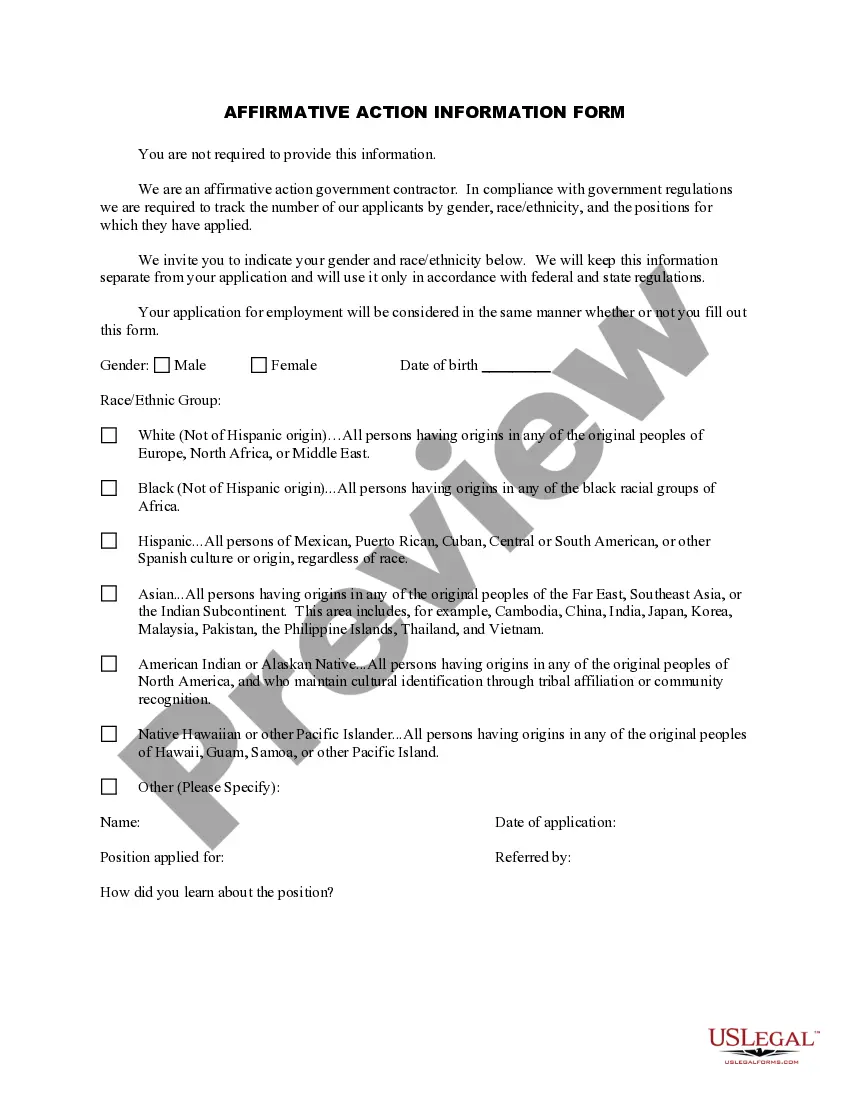
If an employee declines to self-identify his or her race and/or ethnicity, the reporting employer may use employment records, personal knowledge, or visual identification.
English Language Learners Definition of self-identification : the feeling that you share and understand the problems or experiences of someone else. : the act of identifying yourself as a particular kind of person.
Self-Identification Form is to comply with federal government record-keeping and reporting. requirements. Periodic reports are made to the government on the following information.The. data you provide on this form will be kept confidential and used solely for analytical and reporting requirement purposes.
The self-identification of disability form is a voluntary form, so each individual may choose to disclose his or her disability status, or not.The form also includes a statement that invites individuals to request accommodation to apply for a job or perform job duties.
Self-identification is when an employee discloses their diversity identity to their employer, including race/ethnicity, LGBTQ, veteran status, or disability status.