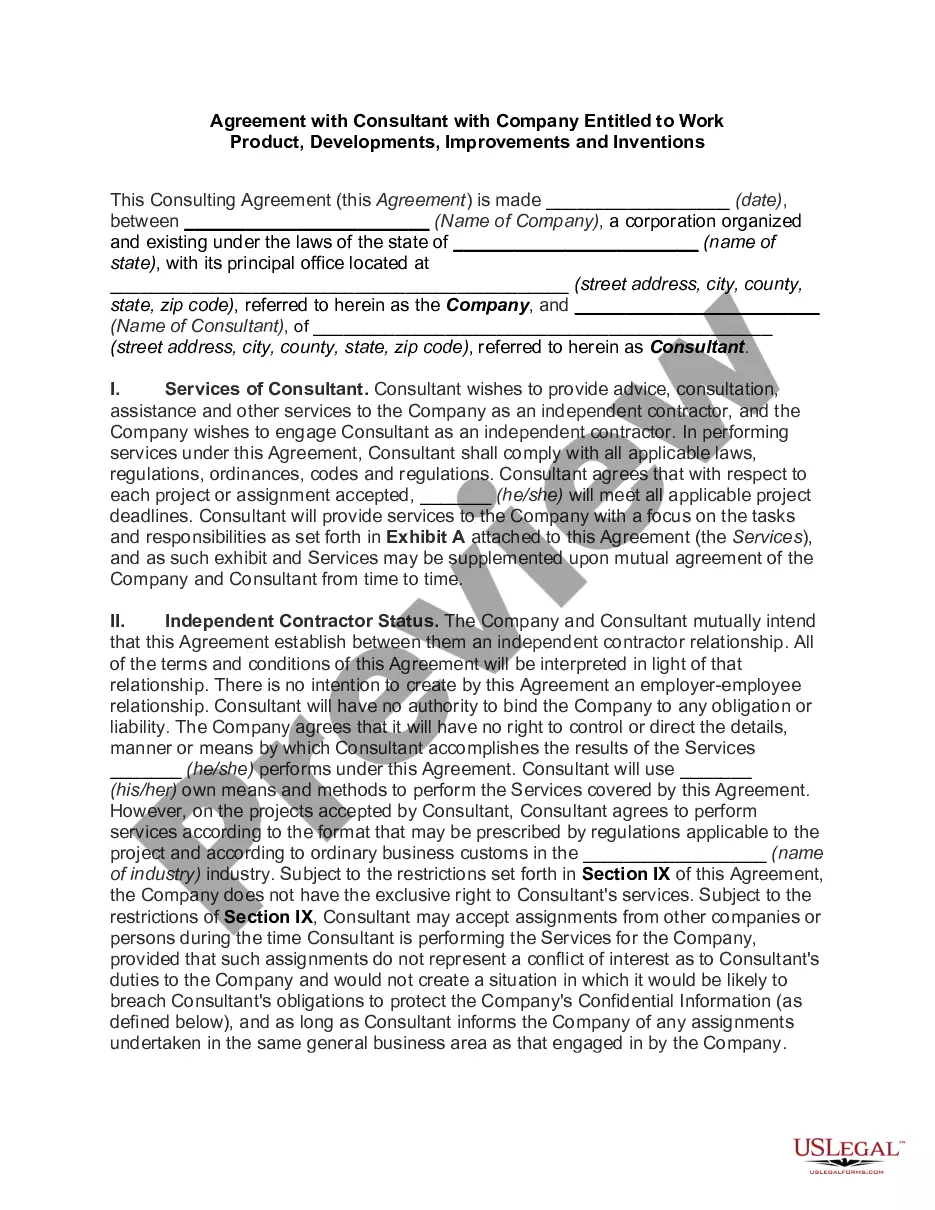
Texas Citation
Description
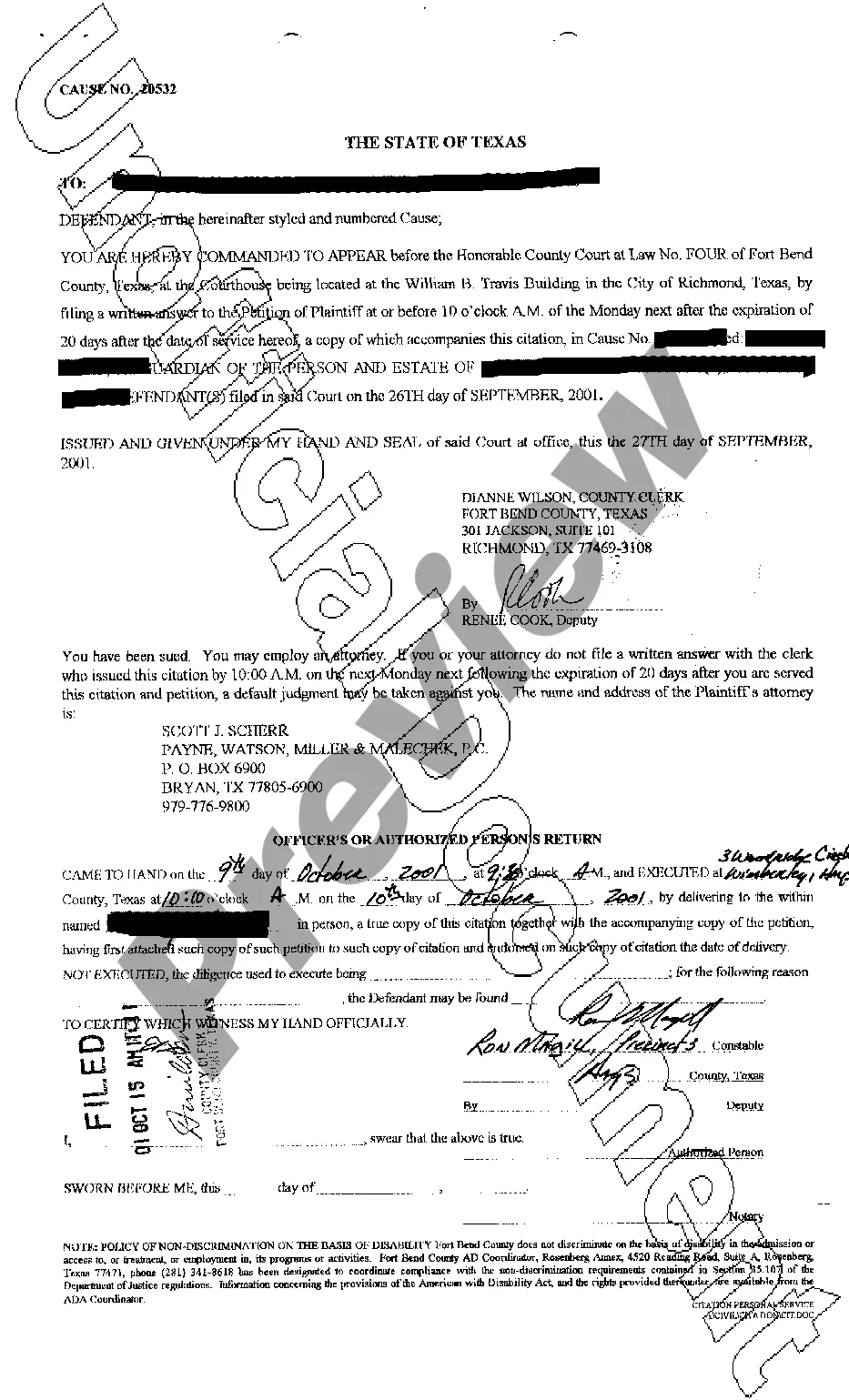
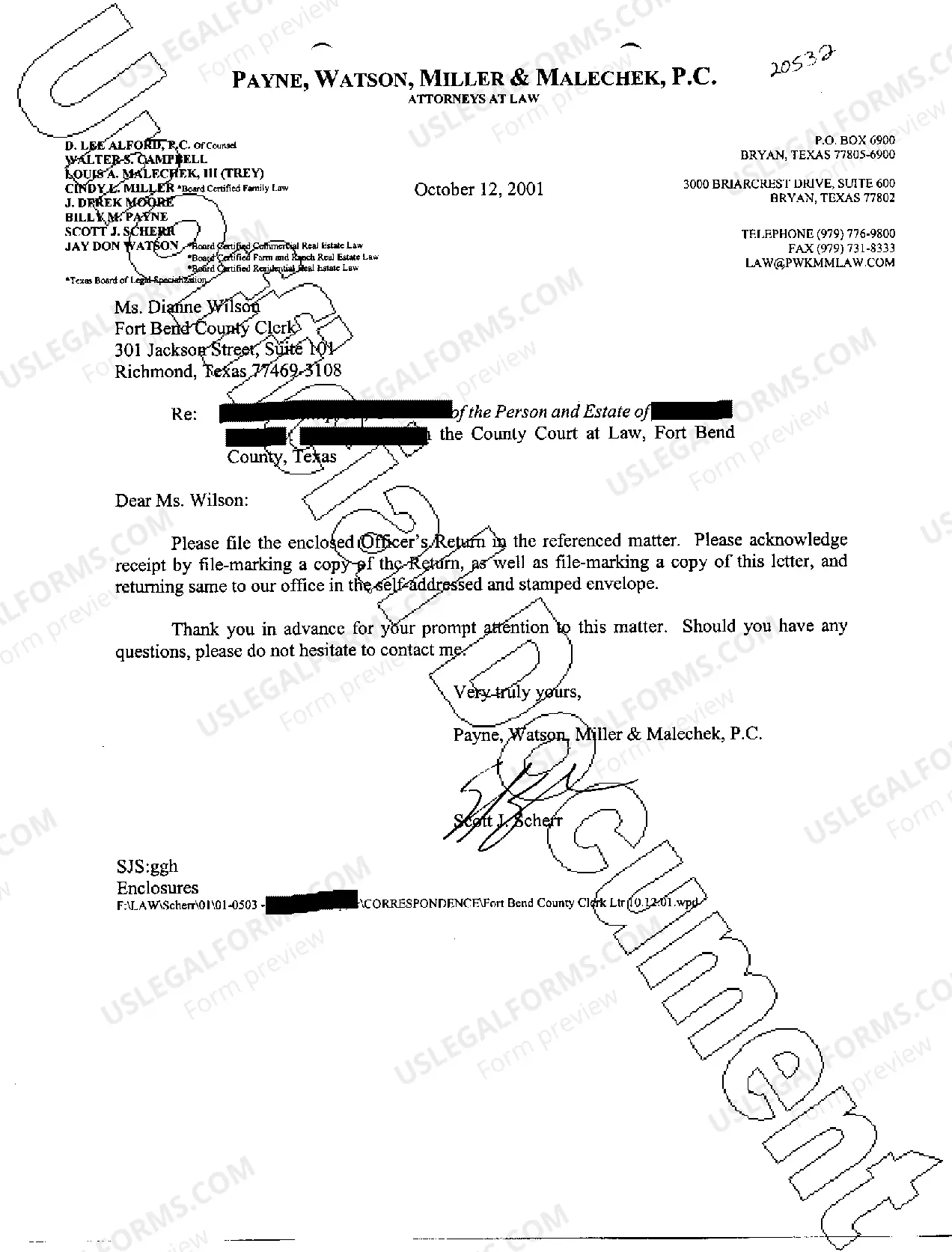
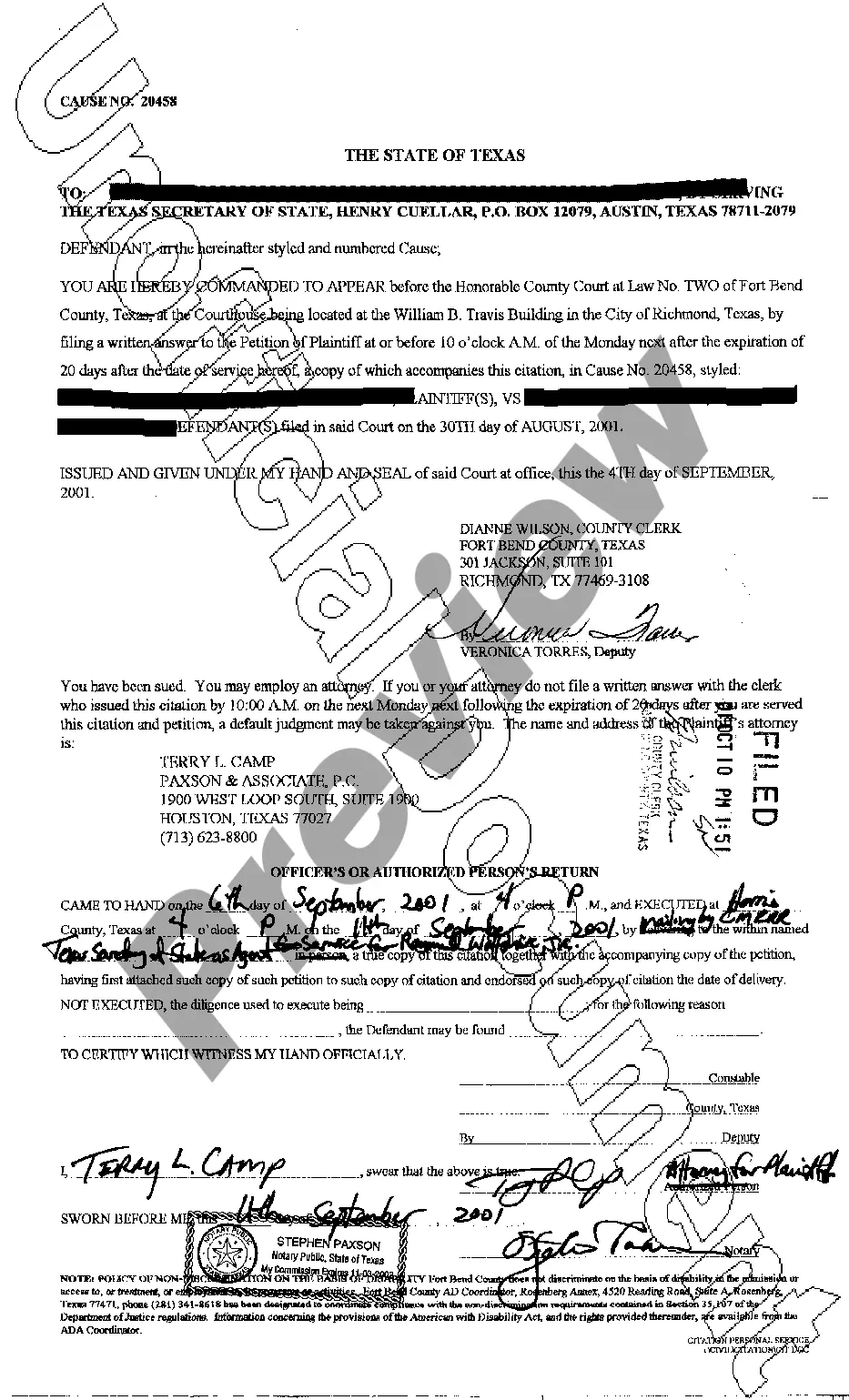


How to fill out Texas Citation?
Get access to quality Texas Citation templates online with US Legal Forms. Steer clear of days of lost time searching the internet and lost money on forms that aren’t up-to-date. US Legal Forms gives you a solution to just that. Get above 85,000 state-specific legal and tax forms that you can save and complete in clicks in the Forms library.
To receive the example, log in to your account and click Download. The file will be saved in two places: on the device and in the My Forms folder.
For people who don’t have a subscription yet, have a look at our how-guide listed below to make getting started simpler:
- Verify that the Texas Citation you’re looking at is appropriate for your state.
- Look at the form making use of the Preview option and read its description.
- Visit the subscription page by clicking on Buy Now button.
- Select the subscription plan to go on to register.
- Pay out by card or PayPal to finish creating an account.
- Choose a preferred file format to save the file (.pdf or .docx).
You can now open the Texas Citation sample and fill it out online or print it out and do it yourself. Consider mailing the document to your legal counsel to ensure everything is filled in correctly. If you make a error, print out and fill application once again (once you’ve created an account every document you download is reusable). Create your US Legal Forms account now and get more samples.
Form popularity
FAQ
The two are the same thing: a citation or a ticket is a document explaining that you committed some traffic offense type, like speeding. A citation is more serious than a ticket in some places. However, a citation requires you to appear in a court of law while a ticket can be paid.
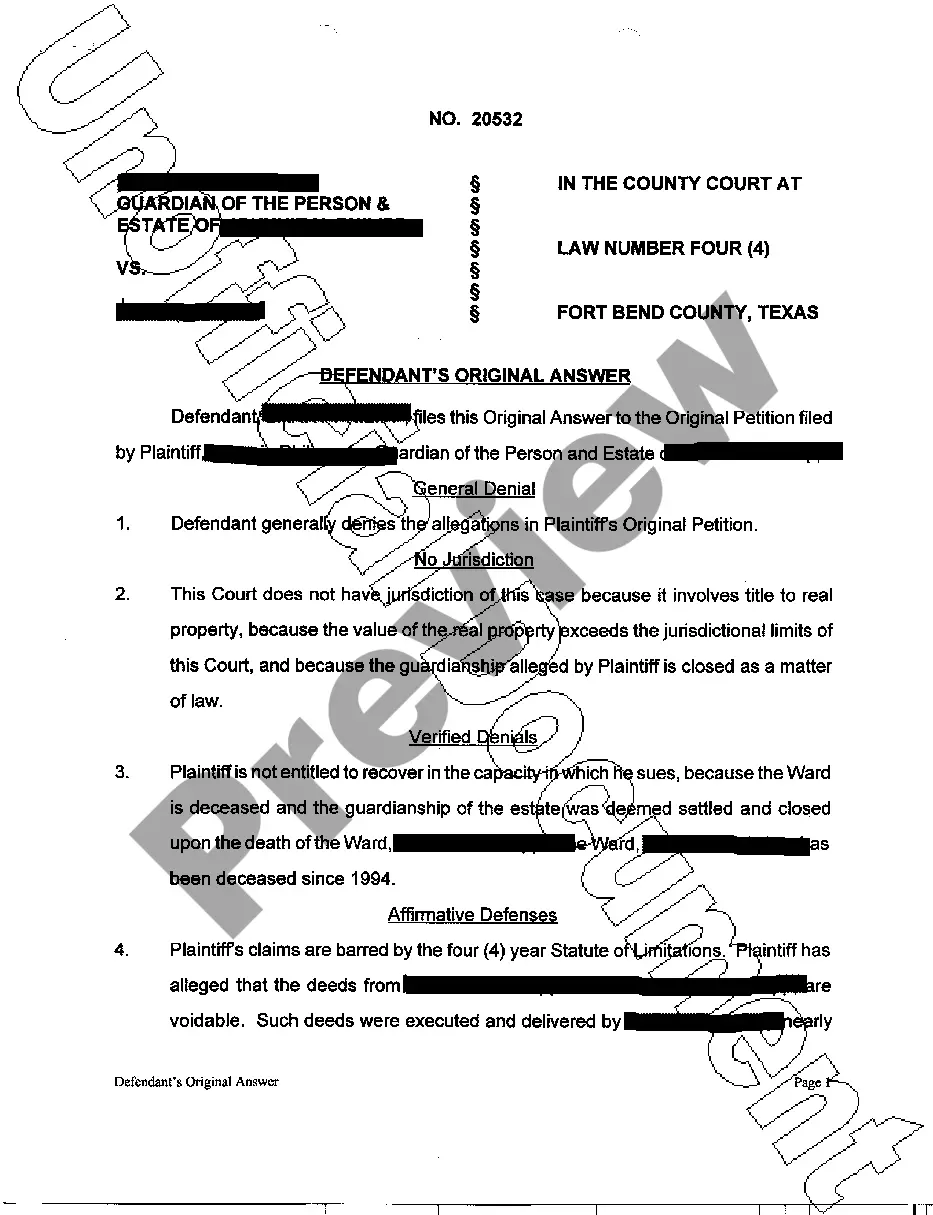
Talk to a lawyer if you have questions or need help. File (turn in) your completed answer form with the court. To file online, go to E-File Texas and follow the instructions. To file in person, take your answer (and copies) to the district clerk's office in the county where the plaintiff filed the case.
Your CitationYou must appear in Court on your scheduled court date if you do not pay the scheduled fine, enter a plea, or have your case continued beforehand. Your signature on the citation is not a guilty plea. You have a right to contest the charges against you. You have a right to see the evidence against you.
You must arrange for a constable, sheriff, or private process server to serve the initial court papers. You may need to ask the district clerk to issue the citation so that you can give it to a constable, sheriff, or private process server.