Financial Package
What is this form package?
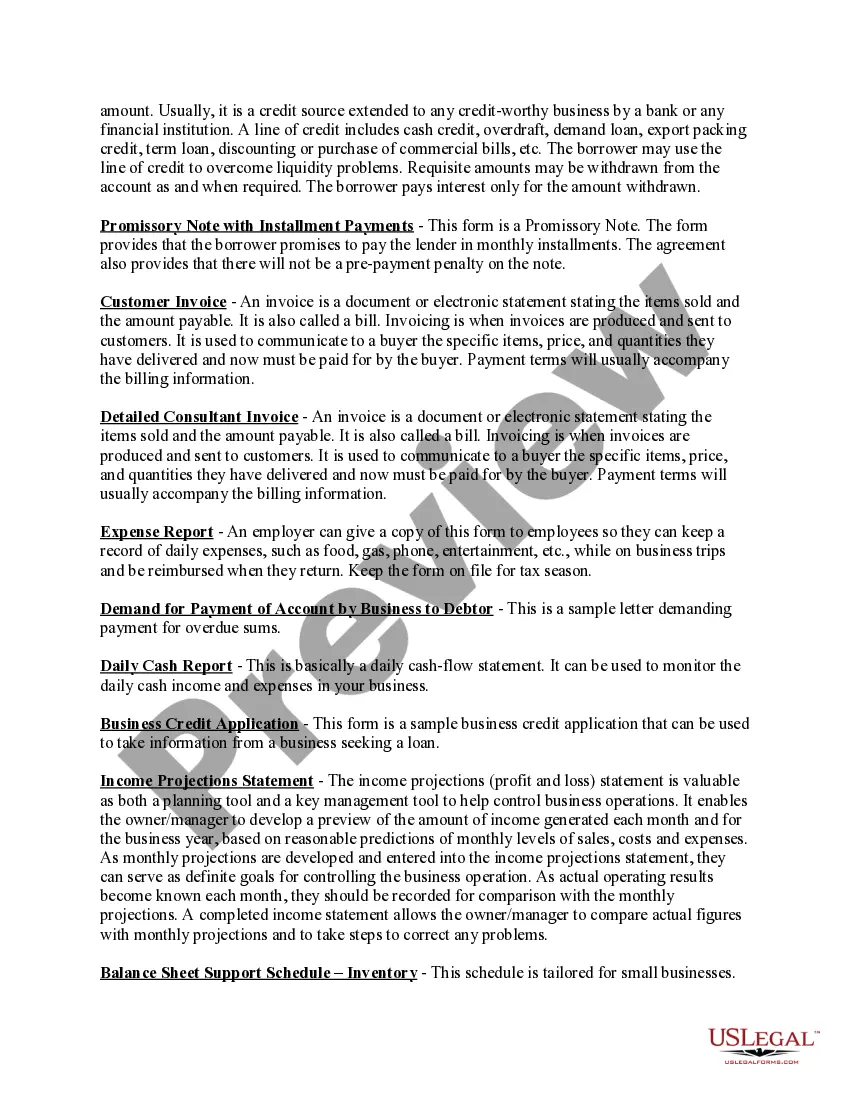
The Financial Package is a comprehensive collection of financial and accounting forms designed for easy customization in Microsoft Word format. This package includes essential tools such as promissory notes, invoices, expense reports, and more. Unlike other form packages, the Financial Package specifically targets the documentation needed for various financial transactions and accounting practices, making it a valuable resource for businesses and individuals alike.
What’s included in this form package
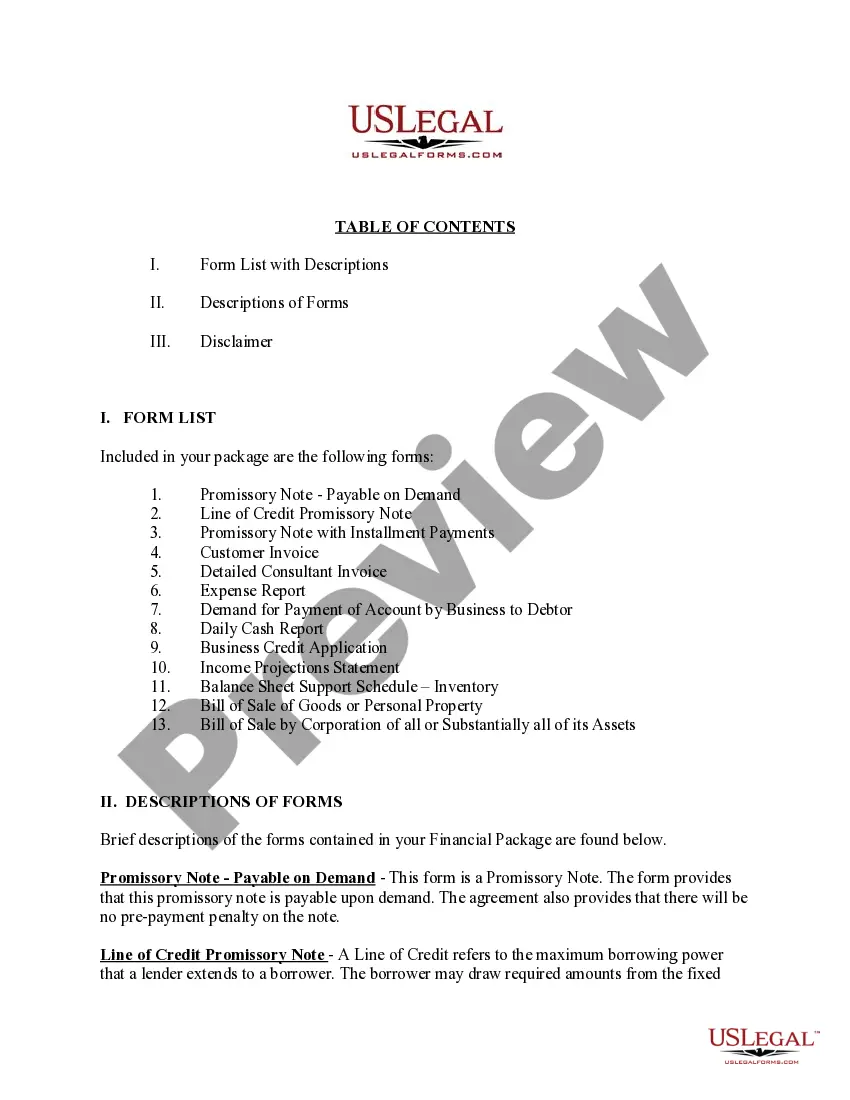
- Promissory Note with Installment Payments
- Promissory Note - Payable on Demand
- Detailed Consultant Invoice
- Bill of Sale of Goods or Personal Property
- Bill of Sale by Corporation of all or Substantially all of its Assets
- Daily Cash Report
- Expense Report
- Income Projections Statement
- Customer Invoice
- Balance Sheet Support Schedule - Inventory
- Demand for Payment of Account by Business to Debtor




Common use cases
This Financial Package is ideal for situations such as:
- Creating and managing loans between parties with promissory notes.
- Issuing invoices to customers for goods or services provided.
- Tracking and reporting daily business expenses and cash flow.
- Documenting the sale of personal property or business assets.
- Establishing lines of credit and business credit applications.
Intended users of this form package
- Businesses needing standardized financial documentation.
- Individuals seeking to manage loans or personal property transactions.
- Consultants requiring detailed invoicing for services rendered.
- Accounts and financial managers responsible for tracking expenses.
- Startups looking to establish credit and manage finances effectively.
How to complete these forms
- Review the included forms to determine which ones you need for your situation.
- Fill in the required information, such as names, dates, and financial details.
- Ensure all necessary sections are completed, including amounts and payment terms.
- Have all parties review and sign where applicable.
- Store completed forms securely for your records and future reference.
Notarization details for included forms
Forms in this package usually don’t need notarization, but certain jurisdictions or signing circumstances may require it. US Legal Forms provides a secure online notarization option powered by Notarize, accessible 24/7 from anywhere.
Get your form ready online
Our built-in tools help you complete, sign, share, and store your documents in one place.
Make edits, fill in missing information, and update formatting in US Legal Forms—just like you would in MS Word.
Download a copy, print it, send it by email, or mail it via USPS—whatever works best for your next step.
Sign and collect signatures with our SignNow integration. Send to multiple recipients, set reminders, and more. Go Premium to unlock E-Sign.
If this form requires notarization, complete it online through a secure video call—no need to meet a notary in person or wait for an appointment.
We protect your documents and personal data by following strict security and privacy standards.

Make edits, fill in missing information, and update formatting in US Legal Forms—just like you would in MS Word.

Download a copy, print it, send it by email, or mail it via USPS—whatever works best for your next step.

Sign and collect signatures with our SignNow integration. Send to multiple recipients, set reminders, and more. Go Premium to unlock E-Sign.

If this form requires notarization, complete it online through a secure video call—no need to meet a notary in person or wait for an appointment.

We protect your documents and personal data by following strict security and privacy standards.
Common mistakes to avoid
- Failing to include all parties' names and signatures.
- Not specifying payment terms clearly in promissory notes and invoices.
- Leaving forms unsigned or improperly dated.
- Using outdated forms that do not comply with current legal standards.
Why use this package online
- Convenience of immediate access to essential financial forms.
- Easy customization of forms to meet your specific needs.
- Reliability of professionally drafted legal documents.
- Ability to download and print forms at your convenience.
Legal use & context
- All forms included are designed for various business scenarios to ensure enforceability.
- Properly completed forms help protect rights and clarify obligations in financial transactions.
- It is important to comply with local laws to enhance enforceability of agreements.
Main things to remember
- The Financial Package offers essential tools for managing business finances effectively.
- Ideal for small businesses, freelancers, and individuals needing structured financial documentation.
- Forms are user-friendly and customizable in Microsoft Word format.
- Ensure accuracy and compliance with jurisdictional requirements for validity.
Looking for another form?
Form popularity
FAQ
Step One - Student Information. Step Two - Student Financial Information. Step Three - Student Status (Determines Whether You Will Need Parental Information) Step Four - Parent Information. Step Five - Student Household Information. Step Six & Seven - Send, Sign and Date.
A financial aid package is the total amount of financial aid (federal and nonfederal) a student is offered by a college or career school. The school's financial aid staff combines various forms of aid into a "package" to help meet a student's education costs.
If you're starting for the first time on the myStudentAid mobile app, you will select START HERE on the FAFSA tile, select your role, and then enter your FSA ID. You cannot fill out the FAFSA form on the mobile app without an FSA ID.
Step One - Student Information. Step Two - Student Financial Information. Step Three - Student Status (Determines Whether You Will Need Parental Information) Step Four - Parent Information. Step Five - Student Household Information. Step Six & Seven - Send, Sign and Date.
Your FAFSA status can be found on the My FAFSA page, which displays immediately after you log in if you have already started or completed a FAFSA form. To check on the status of financial aid being disbursed to you or your account, check with the financial aid office at your college or career school.
Select the Log In button and enter your account username and password (FSA ID). Only you, the student, should know or use your FSA ID. Select View or Print your Student Aid Report (SAR) from the "My FAFSA" page.
The average aid package is $29,916 for a school where tuition and room and board totals $40,580. The average need-based grant is $28,448. Of the total undergraduate aid awarded, the breakdown of Wofford's scholarships/grants versus loans/work study is 86 percent to 14 percent, which is great.
Your Social Security Number. Your Alien Registration Number (if you are not a U.S. citizen) Your federal income tax returns, W-2s, and other records of money earned. Bank statements and records of investments (if applicable) Records of untaxed income (if applicable) An FSA ID to sign electronically.
The FAFSA is free to apply, but not all the aid you receive is free. Grants, scholarships and work-study do not need to be repaid, but federal student loans do. The CSS Profile costs $25 to submit for one school. You'll pay an additional $16 per school if you're applying for aid elsewhere.