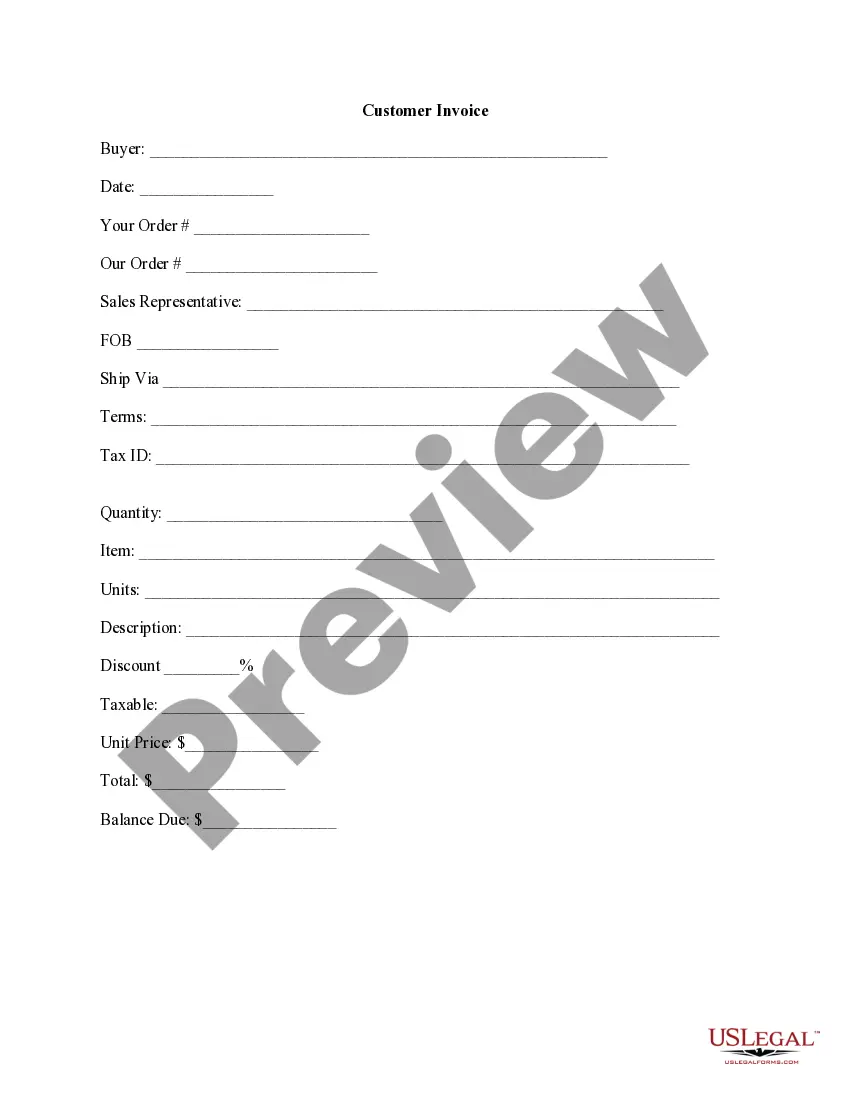
Customer Invoice
About this form
The customer invoice is a formal document that outlines the specific goods or services provided to a buyer, detailing the amount payable. Often referred to as a bill, this form serves as a clear communication tool between a seller and a buyer, specifying items sold, their quantities, and respective prices. It includes payment terms and is crucial for maintaining orderly financial transactions in business activities.
What’s included in this form
- Buyer information, including name and address
- Invoice date and order details
- Sales representative contact information
- Shipping information (FOB and ship via)
- Terms of payment and tax identification
- Detailed item descriptions, including quantity, unit price, discount, and total
- Balance due at the bottom
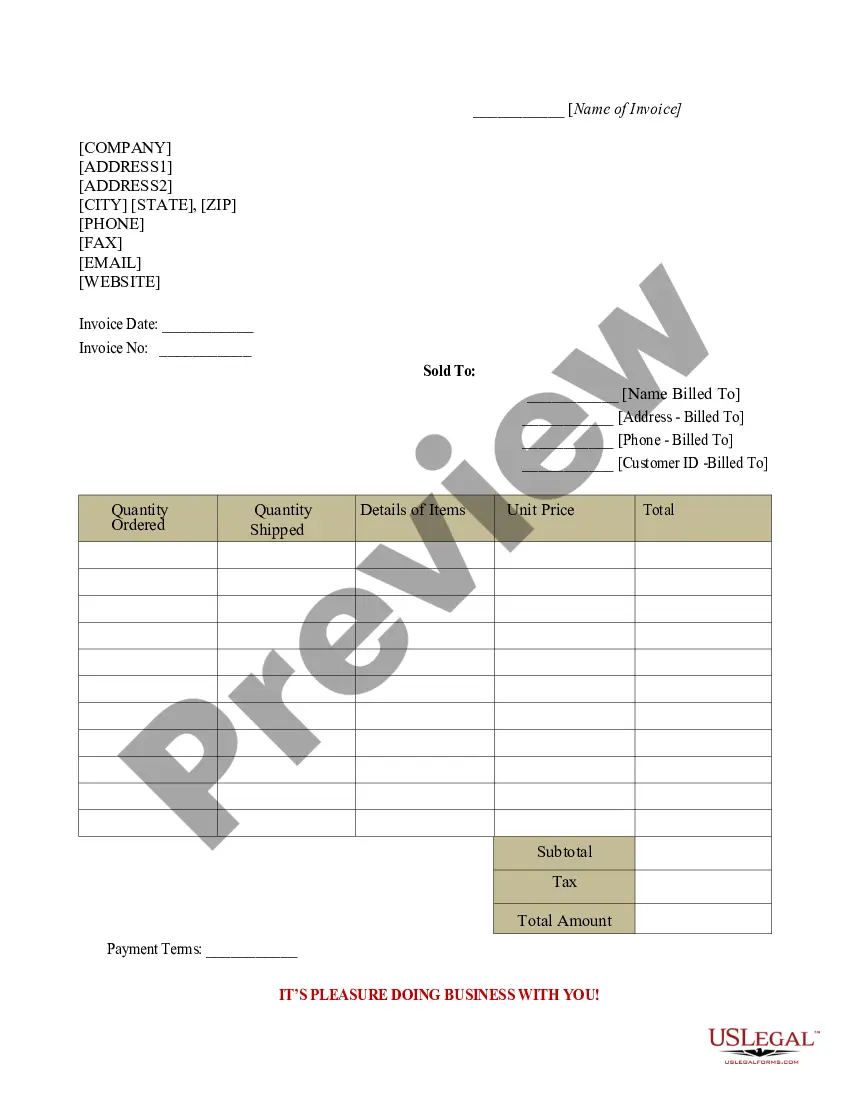
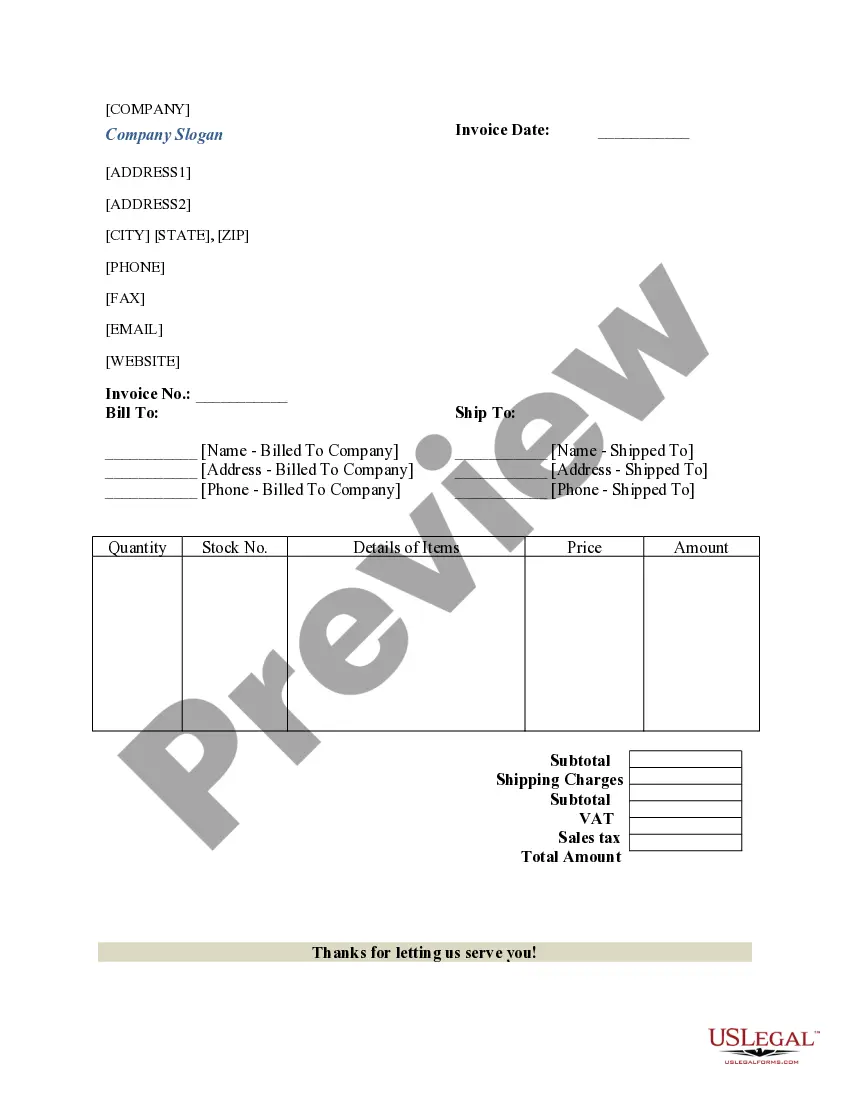



When this form is needed
This invoice form should be used whenever goods or services are sold to a customer and payment is required. It is particularly beneficial for businesses and freelancers that need to document sales transactions for record-keeping, accounting, and tax purposes. Use this form when delivering a product or service to ensure clear communication regarding payment details.
Who should use this form
The customer invoice is suitable for:
- Small business owners providing goods or services
- Freelancers billing clients for work completed
- Corporations needing to document sales transactions
- Any entity that requires formal invoicing for financial records
Instructions for completing this form
- Enter the buyer's name and contact details at the top of the invoice.
- Specify the date of the invoice and any relevant order numbers.
- Fill in the shipping details, including shipping terms and method.
- List each item sold, entering quantities, unit prices, and descriptions clearly.
- Calculate and enter any discounts, taxes, and the total amount due.
- Clearly indicate the balance due at the bottom of the invoice.
Is notarization required?
This form does not typically require notarization unless specified by local law. Be sure to check any specific state regulations that may apply to your transaction.
Get your form ready online
Our built-in tools help you complete, sign, share, and store your documents in one place.
Make edits, fill in missing information, and update formatting in US Legal Forms—just like you would in MS Word.
Download a copy, print it, send it by email, or mail it via USPS—whatever works best for your next step.
Sign and collect signatures with our SignNow integration. Send to multiple recipients, set reminders, and more. Go Premium to unlock E-Sign.
If this form requires notarization, complete it online through a secure video call—no need to meet a notary in person or wait for an appointment.
We protect your documents and personal data by following strict security and privacy standards.

Make edits, fill in missing information, and update formatting in US Legal Forms—just like you would in MS Word.

Download a copy, print it, send it by email, or mail it via USPS—whatever works best for your next step.

Sign and collect signatures with our SignNow integration. Send to multiple recipients, set reminders, and more. Go Premium to unlock E-Sign.

If this form requires notarization, complete it online through a secure video call—no need to meet a notary in person or wait for an appointment.

We protect your documents and personal data by following strict security and privacy standards.
Mistakes to watch out for
- Forgetting to include buyer information or invoice date
- Miscalculating totals, discounts, or tax amounts
- Using vague or unclear descriptions for items sold
- Not specifying payment terms, leading to confusion
Why use this form online
- Convenient access to downloadable templates from anywhere
- Easy to customize with your specific business information
- Streamlines the invoicing process, saving time and reducing errors
- Ensures that you include all necessary legal and financial details
Legal use & context
- The customer invoice serves as a legal record of a transaction between parties.
- It can be used in legal disputes to demonstrate the sale of goods or services.
- Proper completion is essential for enforceability in a court of law.
Key takeaways
- A customer invoice is essential for documenting sales transactions.
- Clarity and accuracy are crucial in filling out an invoice.
- This form is beneficial for businesses of all sizes seeking to maintain financial records.
Looking for another form?
Form popularity
FAQ
Your Australian business number (ABN) the date you issued the invoice. a brief list of the items sold, including quantity and price. the goods and services tax (GST) amount payable (if any).
Establish clear expectations in the contract. Ask for a deposit. Include contact information and project specifics on the invoice. Include late payment terms on the invoice. Deliver the invoice promptly. Move clients to a retainer contract with recurring billing.
A unique identification number. your company name, address and contact information. the company name and address of the customer you're invoicing. a clear description of what you're charging for. the date the goods or service were provided (supply date) the date of the invoice.
Personalize and make your invoice professional. To begin, choose a color that best represents your brand and upload your brand's logo. Fill-out the appropriate contact information on your invoice. Select a due date on your invoice. Fill in the projects/ tasks you are invoicing the client for. Add payment information.
Basic blank invoice example Your business's name and contact information. Your customer's billing information. A description of the goods or services rendered. A due date (so you get paid on time)
An invoice is an invaluable tool for accounting. It helps both the seller and the buyer to keep track of their payments and amounts owed.
Make your invoice look professional. The first step is to put your invoice together. Clearly mark your invoice. Add company name and information. Write a description of the goods or services you're charging for. Don't forget the dates. Add up the money owed. Mention payment terms.
An invoice typically contains contact information for the seller or service provider in case there is an error relating to the billing. Payment terms may be outlined on the invoice, as well as the information relating to any discounts, early payment details or finance charges assessed for late payments.
What is a receipt? While an invoice is a request for payment, a receipt is the proof of payment. It is a document confirming that a customer received the goods or services they paid a business for or, conversely, that the business was appropriately compensated for the goods or services they sold to a customer.